ToolMage
Sign in

Best 6 Chatbot Builder AI tools for Ai

Popular Chatbot Builder AI tools in Ai include Fliplet, MindMeld, Imagica, HelpLook, IgnitionStack, and 2four7, helping you work more efficiently.

IgnitionStack
Paid

IgnitionStack

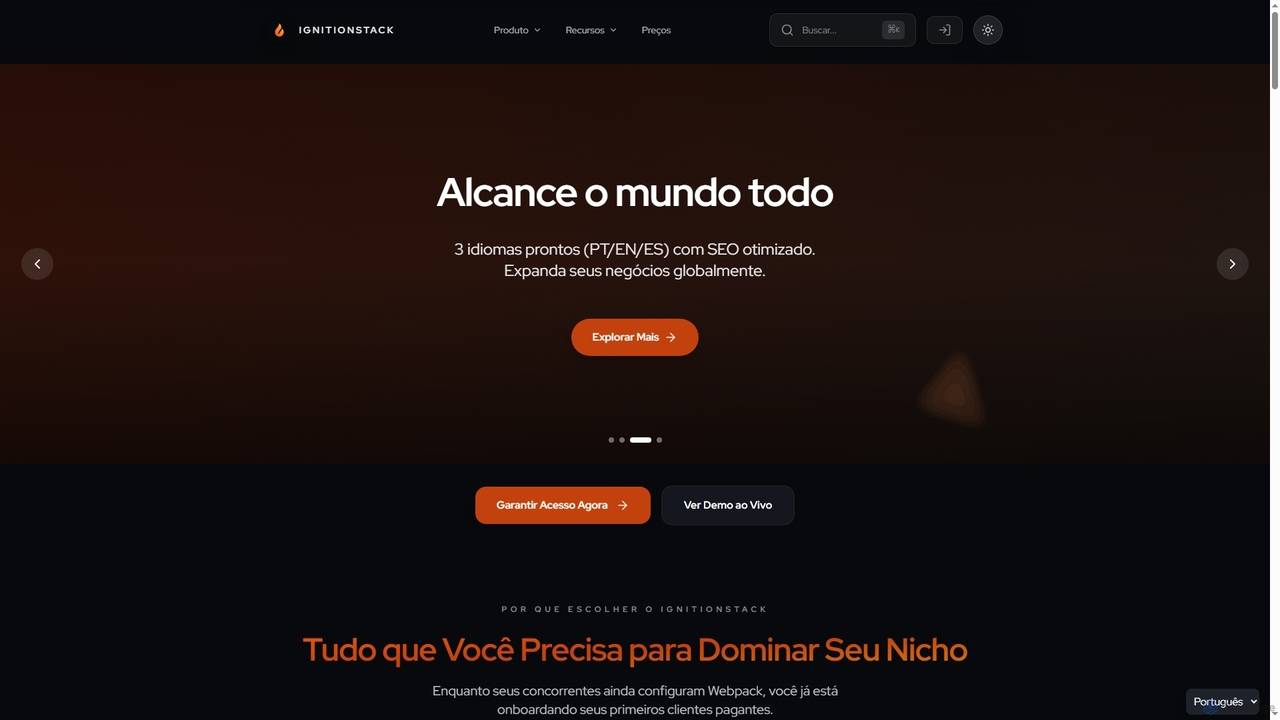
IgnitionStack is a production-ready SaaS boilerplate built with Next.js 15, Supabase, and Stripe, designed to help developers and entrepreneurs launch their SaaS products in days, not months. It saves over 200 hours of development time with pre-configured authentication, payments, internationalization, and a robust architecture.

Chatbot Builder
Visits 4KFavorites 30Likes 20
MindMeld
Free

MindMeld

A powerful, open-source conversational AI platform from Cisco, designed for developers. It provides a comprehensive Python-based framework for building deep-domain voice interfaces and chatbots with advanced Natural Language Processing (NLP) capabilities, offering full control and on-premise deployment.

Chatbot Builder
Visits 5.1KFavorites 120Likes 112
HelpLook
Freemium

HelpLook

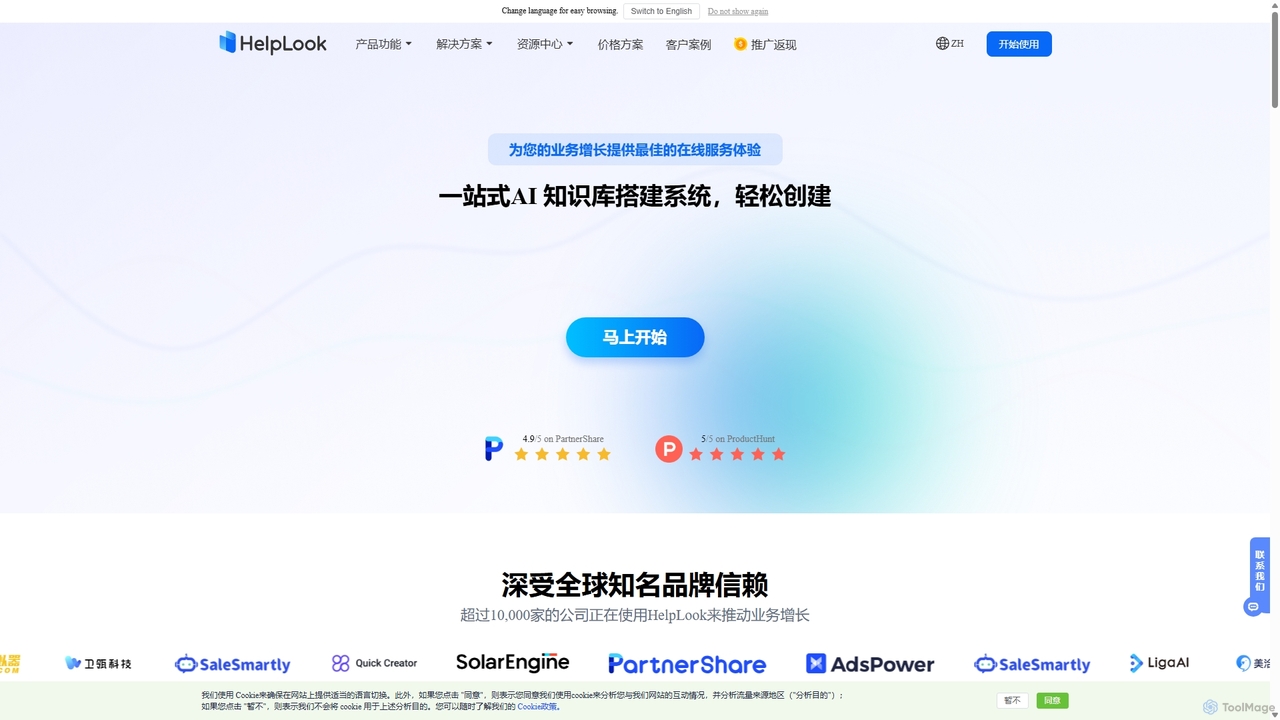
HelpLook is an all-in-one, no-code AI platform for building intelligent knowledge bases, help centers, and product documentation. It integrates a powerful AI chatbot to automate customer support, reduce service costs, and enhance user self-service experiences, trusted by over 10,000 companies worldwide.

Chatbot Builder
Visits 4KFavorites 106Likes 109
2four7
Paid

2four7

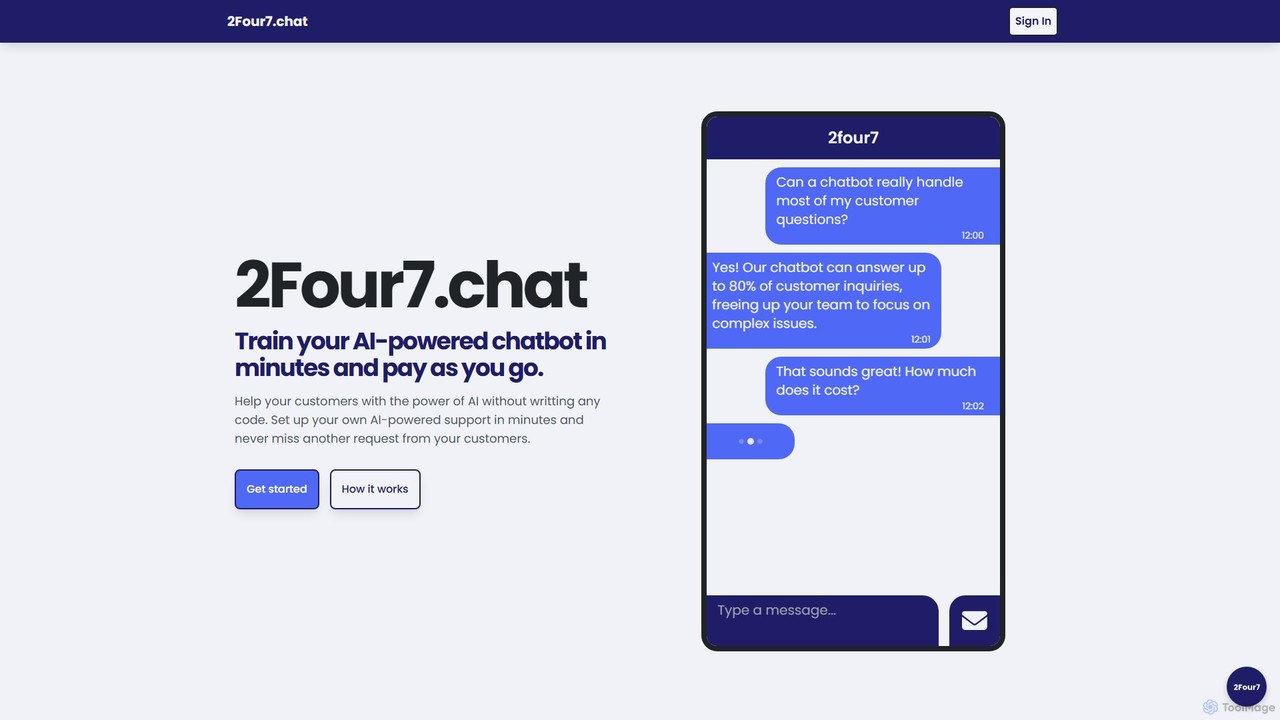
A no-code platform to build and train custom AI-powered chatbots in minutes. Train the bot with your own data (like PDFs) and deploy it on your website to provide 24/7 customer support. Features a flexible pay-as-you-go pricing model.

Chatbot Builder
Visits 3.9KFavorites 118Likes 117
Fliplet
Freemium

Fliplet

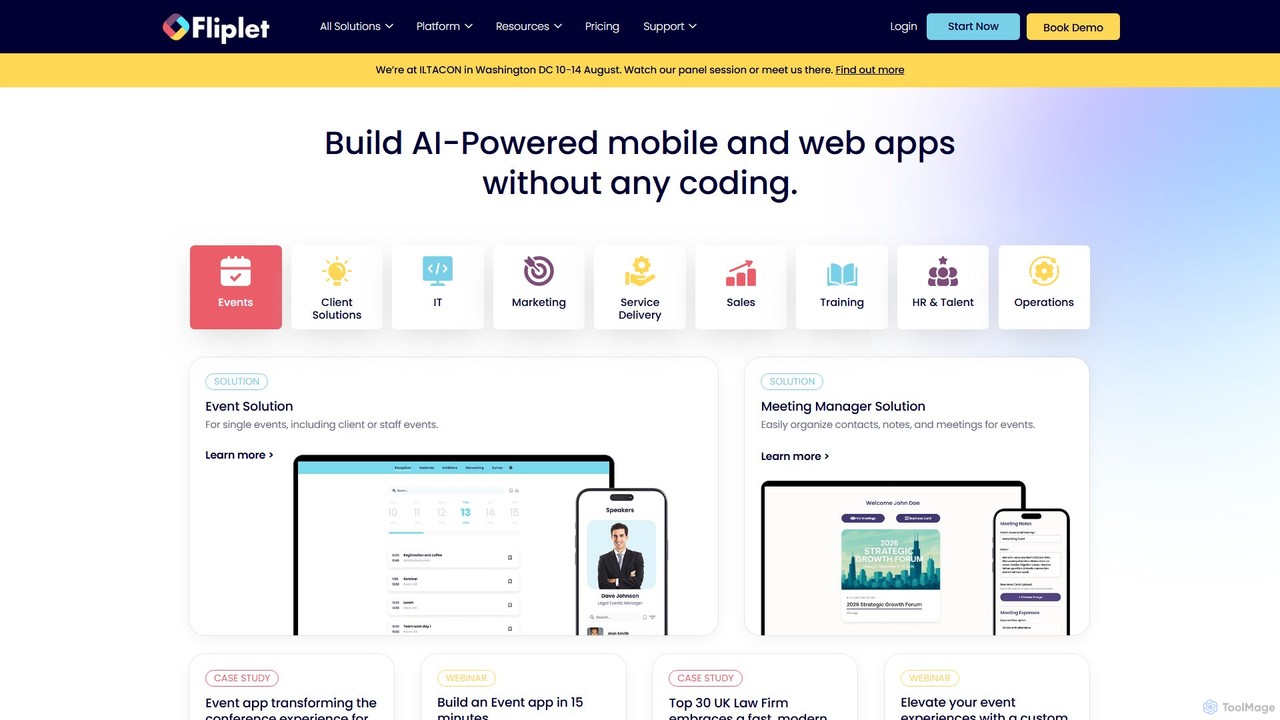
Fliplet is an AI-powered no-code and low-code platform that enables organizations to build custom mobile and web applications. It simplifies app creation with a drag-and-drop interface while offering full code control for advanced customization. Fliplet focuses on enterprise-grade security, seamless integrations, and powerful AI features to enhance user experience and productivity.

Chatbot Builder
Visits 58KFavorites 112Likes 123
Imagica
Freemium

Imagica

Imagica is a powerful no-code platform that allows users to build, deploy, and monetize custom AI applications in minutes. Simply describe your idea in plain language to create functional apps with features like chat interfaces, real-time data integration, multimodal capabilities (text, image, audio, video), and built-in monetization. It's designed for creators, entrepreneurs, and businesses to turn ideas into products at the speed of thought.

Chatbot Builder
Visits 4.1KFavorites 126Likes 117

About Chatbot Builder

Chatbot Builders are AI-powered tools designed to create, deploy, and manage conversational AI agents without extensive coding. These platforms leverage natural language processing (NLP) and machine learning to understand user intent, automate responses, and facilitate interactive dialogues across various digital channels. They empower businesses to enhance customer service, streamline operations, and improve user engagement by providing instant, personalized interactions.

Core Features

  • Visual Flow Designer: Drag-and-drop interfaces for designing conversational paths and logic without coding.
  • Natural Language Understanding (NLU): AI capabilities to interpret user input, identify intent, and extract entities from free-form text.
  • Multi-channel Deployment: Ability to deploy chatbots across websites, messaging apps (e.g., WhatsApp, Messenger), and social media platforms.
  • Integration Capabilities: Seamless connection with CRM systems, helpdesks, databases, and other business applications.
  • Analytics & Reporting: Tools to monitor chatbot performance, user interactions, and identify areas for improvement.

Use Cases

Chatbot Builders are widely adopted in customer support for automating FAQs and ticket routing, in sales for lead qualification and product recommendations, and in marketing for interactive campaigns. They also serve internal HR departments for employee queries and IT support for common technical issues, significantly reducing manual workload and improving response times.

How to Choose

When selecting a Chatbot Builder, consider its ease of use, especially the visual builder's intuitiveness, and the robustness of its NLU capabilities for accurate intent recognition. Evaluate its integration options with your existing tech stack, scalability to handle growing user volumes, and the range of deployment channels it supports. Finally, assess the pricing model and the availability of analytics tools to track performance.

Featured tool rankings

Chatbot Builder use cases

1

Automating Customer Support FAQs

Customer service teams can utilize Chatbot Builders to create an AI assistant that handles frequently asked questions (FAQs) instantly. By training the chatbot on common queries about products, services, or policies, businesses can provide 24/7 support, reduce the volume of incoming tickets for human agents, and improve customer satisfaction through immediate responses. This frees up human agents to focus on more complex issues.

2

Generating and Qualifying Sales Leads

Marketing and sales teams can deploy chatbots on their websites to engage visitors, answer initial questions, and qualify leads. The chatbot can ask a series of predefined questions to gather contact information and assess a lead's interest and budget, then seamlessly hand off high-quality leads to sales representatives. This automates the top-of-funnel process and ensures sales teams focus on promising prospects.

3

Providing Internal Employee Support

HR departments can build internal chatbots to assist employees with common queries regarding company policies, benefits, payroll, or IT support. Employees can get instant answers to their questions without needing to contact HR or IT staff directly, improving efficiency and reducing the administrative burden on support teams. This ensures quick access to information and a better employee experience.

4

Enhancing E-commerce Product Discovery

Online retailers can use Chatbot Builders to create interactive shopping assistants. These chatbots can guide customers through product catalogs, recommend items based on preferences or past purchases, answer product-specific questions, and even assist with order tracking. This personalized shopping experience helps customers find what they need faster, potentially increasing conversion rates and average order value.

5

Delivering Personalized Marketing Campaigns

Marketers can leverage chatbots for interactive and personalized campaign delivery. Instead of static emails, a chatbot can engage users in a conversation, gather preferences, offer tailored content, or guide them through a promotional offer. This dynamic interaction can lead to higher engagement rates, better data collection for segmentation, and more effective campaign outcomes compared to traditional methods.

6

Collecting User Feedback and Surveys

Businesses can design chatbots to conduct interactive surveys and collect user feedback. Unlike traditional forms, a conversational survey can adapt questions based on previous answers, making the process more engaging and less tedious for users. This method can lead to higher completion rates and richer, more nuanced feedback, providing valuable insights for product development or service improvement.

Chatbot Builder FAQ

What are Chatbot Builders?

Chatbot Builders are software platforms that enable users to design, develop, and deploy conversational AI agents, commonly known as chatbots, without requiring extensive programming knowledge. They typically provide visual interfaces, pre-built templates, and AI capabilities like Natural Language Processing (NLP) to help automate interactions. Their primary purpose is to facilitate automated communication across various digital channels, enhancing customer service, sales, and internal operations.

How do Chatbot Builders differ from traditional programming for chatbots?

Chatbot Builders significantly simplify the development process compared to traditional programming. While traditional methods require coding skills to build every aspect of a chatbot from scratch, builders offer intuitive drag-and-drop interfaces, pre-configured AI models, and ready-to-use integrations. This allows non-developers or business users to create sophisticated chatbots much faster and with fewer resources, focusing on conversational design rather than technical implementation.

What key features should I look for in a Chatbot Builder?

When evaluating Chatbot Builders, prioritize platforms with a robust visual flow designer for easy conversation mapping. Strong Natural Language Understanding (NLU) is crucial for accurate intent recognition. Look for extensive integration capabilities with your existing CRM, helpdesk, or e-commerce platforms. Multi-channel deployment options (web, WhatsApp, Messenger) are important for reaching users where they are. Finally, consider analytics and reporting tools to monitor performance and optimize your chatbot.

Who can benefit most from using Chatbot Builders?

A wide range of users and organizations can benefit from Chatbot Builders. Small to large businesses can automate customer support, lead generation, and internal HR queries. Marketing teams can create interactive campaigns, while sales teams can qualify leads more efficiently. Individuals or content creators might use them for personal branding or automating audience engagement. Essentially, anyone looking to streamline communication and provide instant, scalable interactions can benefit.

Can Chatbot Builders integrate with existing business systems?

Yes, most modern Chatbot Builders offer extensive integration capabilities. They typically provide APIs (Application Programming Interfaces) or direct connectors to popular business systems such as CRM (e.g., Salesforce, HubSpot), helpdesk software (e.g., Zendesk, Freshdesk), e-commerce platforms (e.g., Shopify, WooCommerce), and marketing automation tools. These integrations allow chatbots to retrieve and update information, personalize interactions, and trigger actions in other systems, creating a seamless workflow.