

Screenity Overview
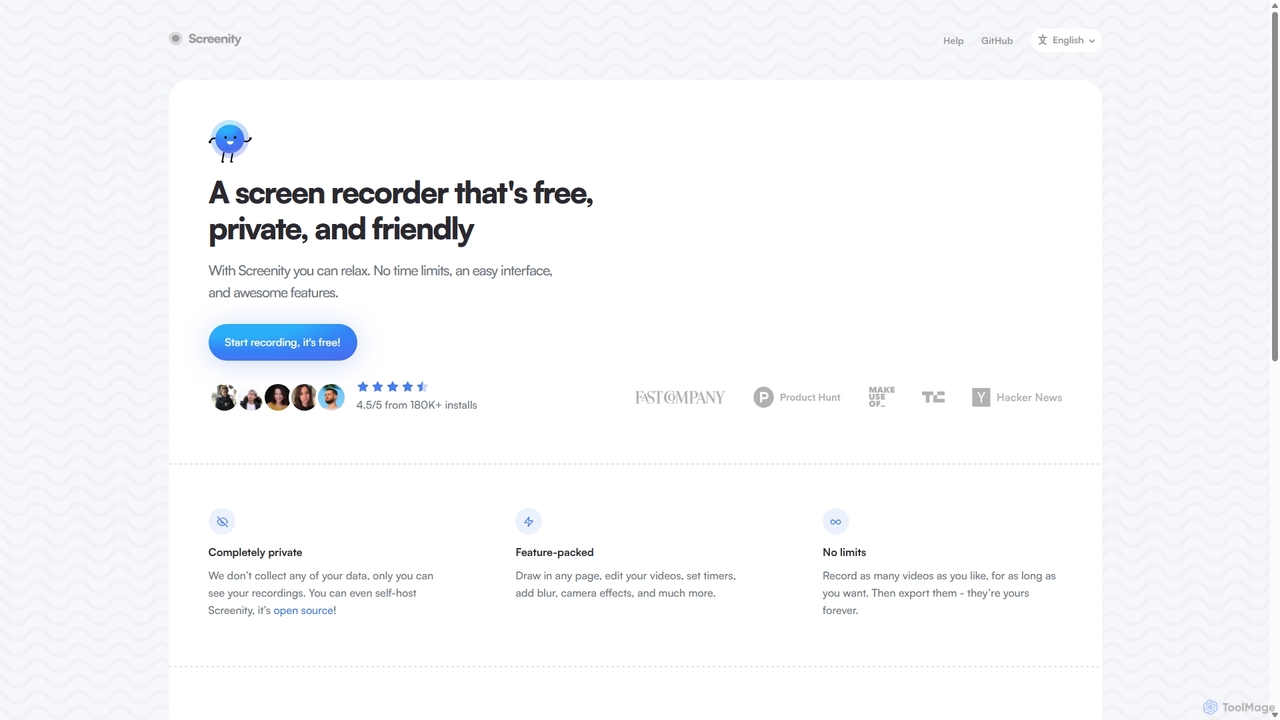
Screenity is a feature-rich screen recorder and annotation tool that operates as a browser extension for Chrome and other Chromium-based browsers. It is designed with a strong emphasis on user privacy, being completely free, open-source, and collecting no personal data. This makes it a trustworthy choice for individuals and professionals who need to create high-quality video content directly from their browser without worrying about time limits, watermarks, or hidden fees.
With Screenity, users can capture their entire screen, a specific application window, or just a single browser tab. It also supports simultaneous camera recording, allowing for picture-in-picture style videos, which are perfect for tutorials, presentations, and personal messages. The tool is packed with features that are often found only in premium software, making it an incredibly versatile and powerful free utility.
How to use Screenity
Using Screenity is a straightforward process designed for efficiency and ease of use:
- Installation: Add the Screenity extension to your Chrome or Chromium-based browser from the Chrome Web Store.
- Initiate Recording: Click the Screenity icon in your browser's toolbar. A menu will appear with options to record your tab, your entire desktop, or just your camera.
- Configure Settings: Before starting, you can choose to enable your microphone and camera, set a countdown timer, and select your preferred video quality.
- Record and Annotate: Once you start recording, a toolbar with annotation tools will appear. You can draw on the screen, add text, create arrows, and even blur sensitive information in real-time.
- Stop and Edit: After you finish, the recording opens in a new tab where you can perform basic edits, such as trimming the start or end of the video.
- Export and Share: You can download your video in various formats like MP4, WebM, or as an animated GIF. There is also an option to save the recording directly to your Google Drive for easy cloud storage and sharing.
Core Features of Screenity
- Unlimited Recordings: Record as many videos as you want, for as long as you want, with no time limits or restrictions.
- Annotation Tools: Enhance your recordings by drawing anywhere on the screen, adding text, and using arrows to highlight important points.
- Privacy-Focused: Screenity is completely private. It does not collect, share, or sell any of your data. All recordings are processed and stored locally on your device.
- Open Source: As an open-source project, its code is transparent and can be audited by anyone. You can even self-host it for complete control.
- Camera and Microphone Recording: Include a personal touch by recording your camera and microphone alongside your screen capture. You can move and resize your camera overlay.
- Video Editing: Perform quick edits like trimming your videos to remove unwanted parts before exporting.
- Blur and Obfuscation: Easily blur out sensitive information on your screen during a recording to protect privacy.
- Multiple Export Formats: Save your final video as an MP4, animated GIF, or WebM file.
- Google Drive Integration: Directly upload your recordings to Google Drive to generate a shareable link.
Use Cases for Screenity
Screenity is a versatile tool suitable for a wide range of applications:
- Education: Teachers can create detailed tutorials and lecture recordings for students. Students can record presentations or explain complex topics.
- Software Development & QA: Developers can record bug reports with clear visual steps. QA testers can document issues and demonstrate replication steps.
- Marketing and Sales: Create engaging product demos, feature showcases, and personalized video messages for potential clients.
- Customer Support: Provide clear, visual instructions to help customers solve problems, reducing back-and-forth communication.
- Product Management & Design: Record user flows, provide feedback on prototypes, and share design ideas with the team.
Advantages of Screenity
Screenity stands out from other screen recorders due to several key advantages:
- Completely Free: All features are available for free, with no premium tiers or hidden costs.
- No Watermarks: Exported videos are clean and professional, without any branding or watermarks.
- Privacy Guarantee: With no data collection, users can record with the confidence that their information is secure.
- Rich Feature Set: Offers advanced features like real-time annotation and blurring that are typically reserved for paid software.
- Ease of Use: The intuitive interface makes it easy for anyone to start recording professional-quality videos in minutes.
Pricing and Plans
Screenity is completely free to use. There are no subscription plans, one-time fees, or paid features. The project is supported by the community and through voluntary contributions via GitHub Sponsors.
Traffic
Latest traffic
Status
Monthly traffic trend
- 2025-9: 45.9K
- 2026-1: 31.2K
- 2026-2: 34.2K
- 2026-3: 47.0K
- 2026-4: 44.5K
- 2026-5: 43.8K
Geography
Top 5 countries / regions
- 🇺🇸United States46.1%
- 🇮🇳India21.3%
- 🇫🇷France12.8%
- 🇧🇷Brazil10.0%
- 🇻🇳Vietnam9.7%
Traffic sources
| Source type | Percentage |
|---|---|
Direct | 81.8% |
Referral | 18.2% |
Top keywords
| Keyword | Cost per click |
|---|---|
| record browser with censored parts | $0.00 |
| screemity | $0.00 |
| screenity | $1.68 |
| screen recorder-chrome | $0.00 |
| screensity github | $0.00 |
Screenity Alternatives
Vmaker
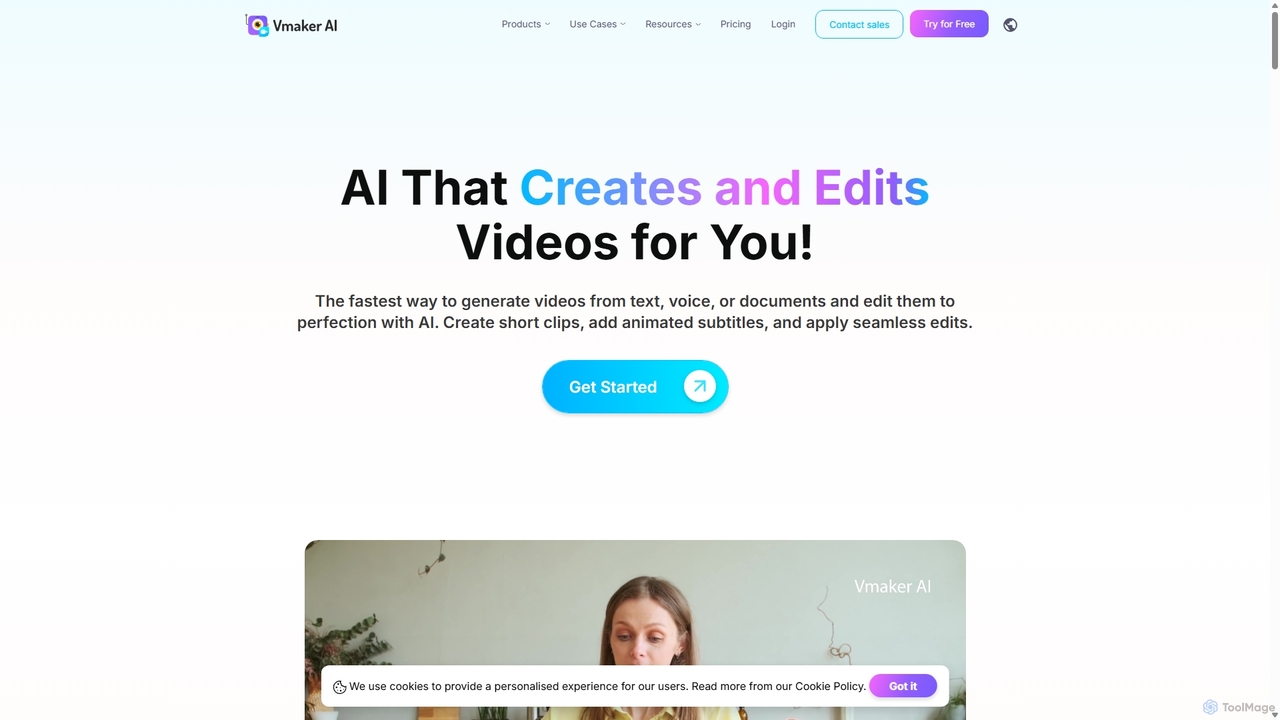
Vmaker is an all-in-one AI video creation and editing suite. It enables users to generate videos from text, audio, or documents using AI avatars, record screens in 4K, and edit footage with a powerful AI editor. Key features include auto-subtitles, background removal, and content repurposing tools, designed for marketers, content creators, and L&D teams.
Training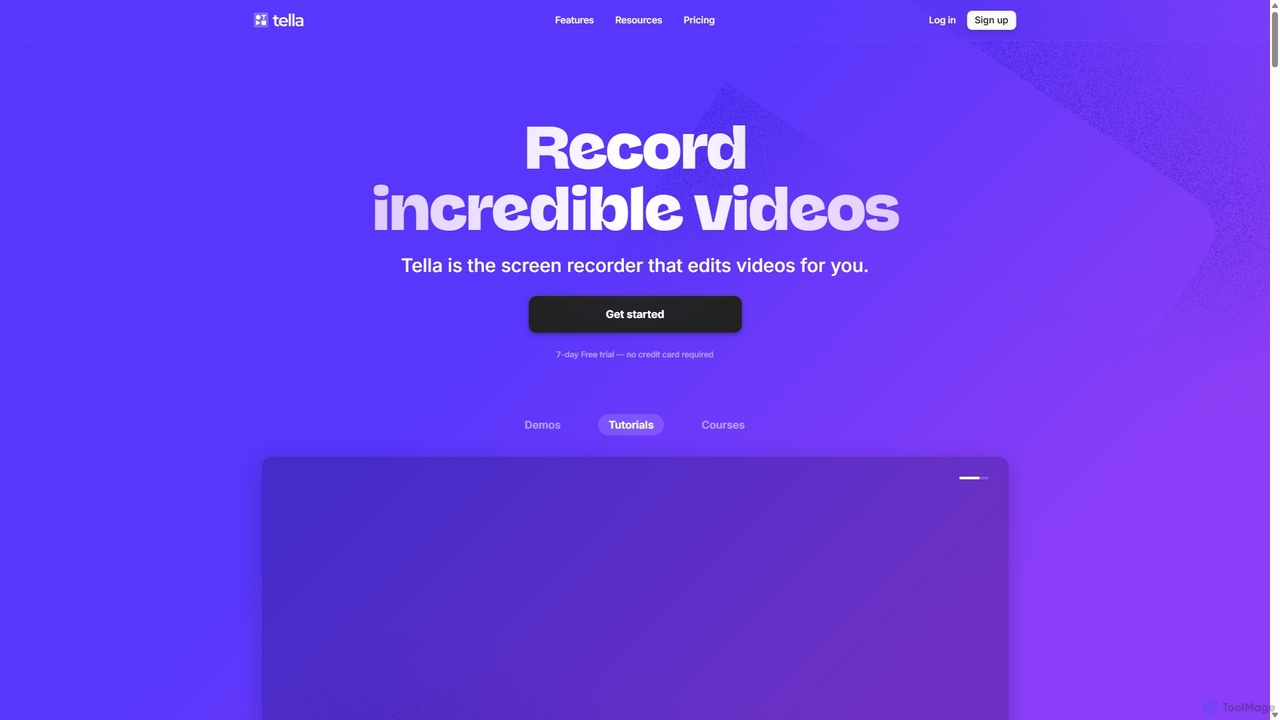
Tella
Tella is an AI-powered screen recorder and video editor for Mac & Windows that simplifies video creation. It automatically removes silences and filler words, offers transcript-based editing, and provides professional customization options like backgrounds, layouts, and zooms. Ideal for creating tutorials, product demos, and online courses in minutes, not hours.
E Learning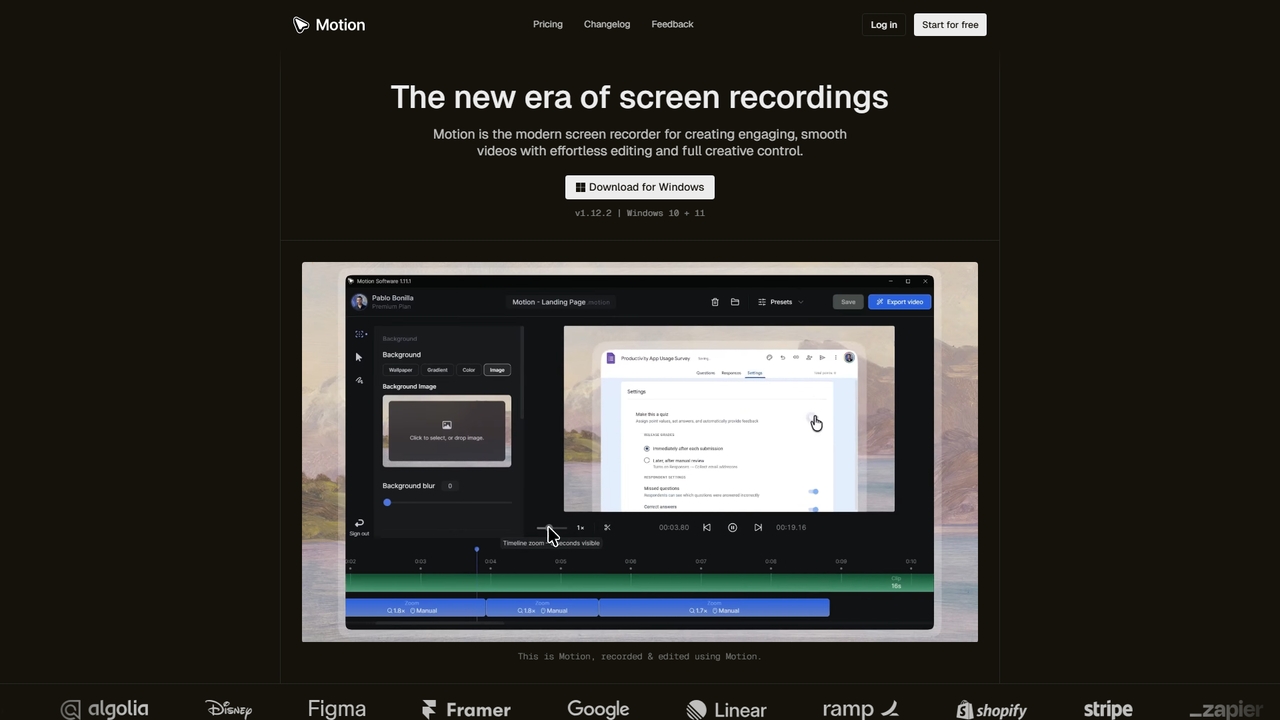
Motion
Motion is a modern screen recorder and video editor designed specifically for Windows. It enables users to create smooth, professional-looking screen recordings effortlessly, with built-in smart editing tools that automatically handle animations like cursor movements and zooms. Perfect for creating tutorials, demos, marketing content, and more, Motion offers a powerful yet intuitive workspace for both beginners and professionals.
Presentations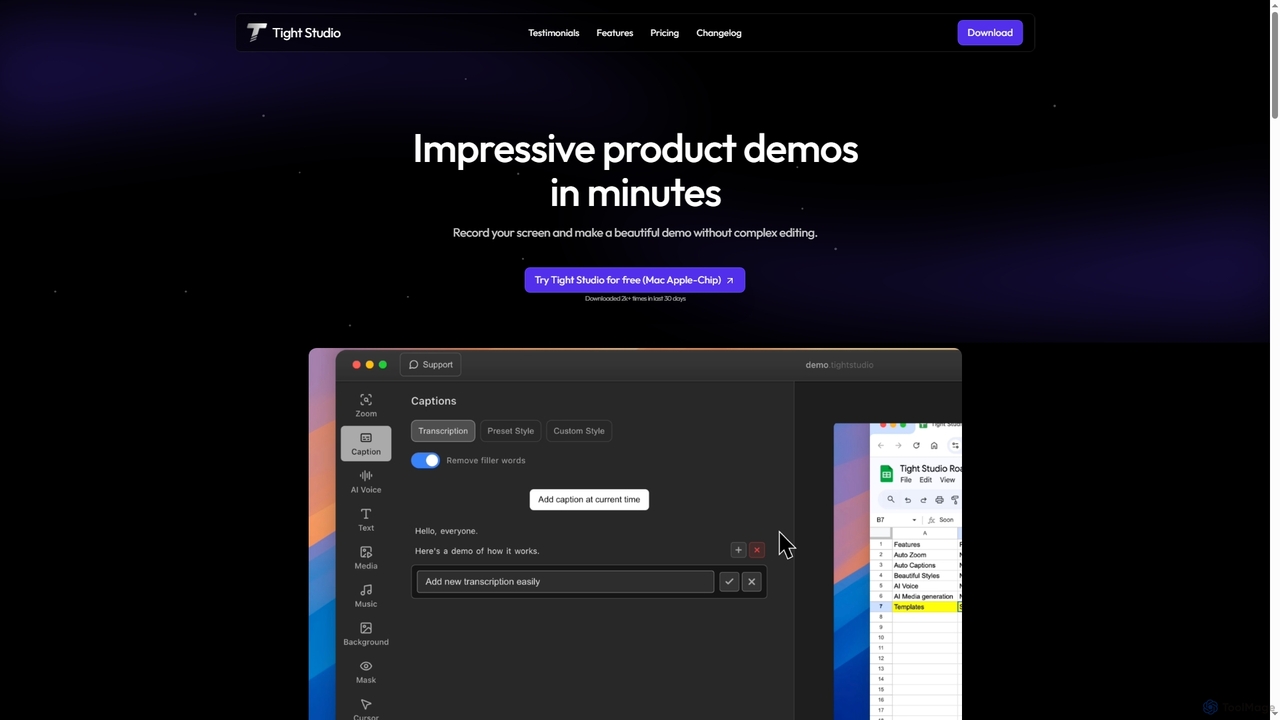
Tight Studio
Tight Studio is an AI-powered screen recording and video editing application for Mac, designed to create professional product demos and tutorials in minutes. It features smart zoom, automatic captions, AI narration, and an intuitive editor, enabling users without editing skills to produce high-quality, engaging videos effortlessly.
Tutorials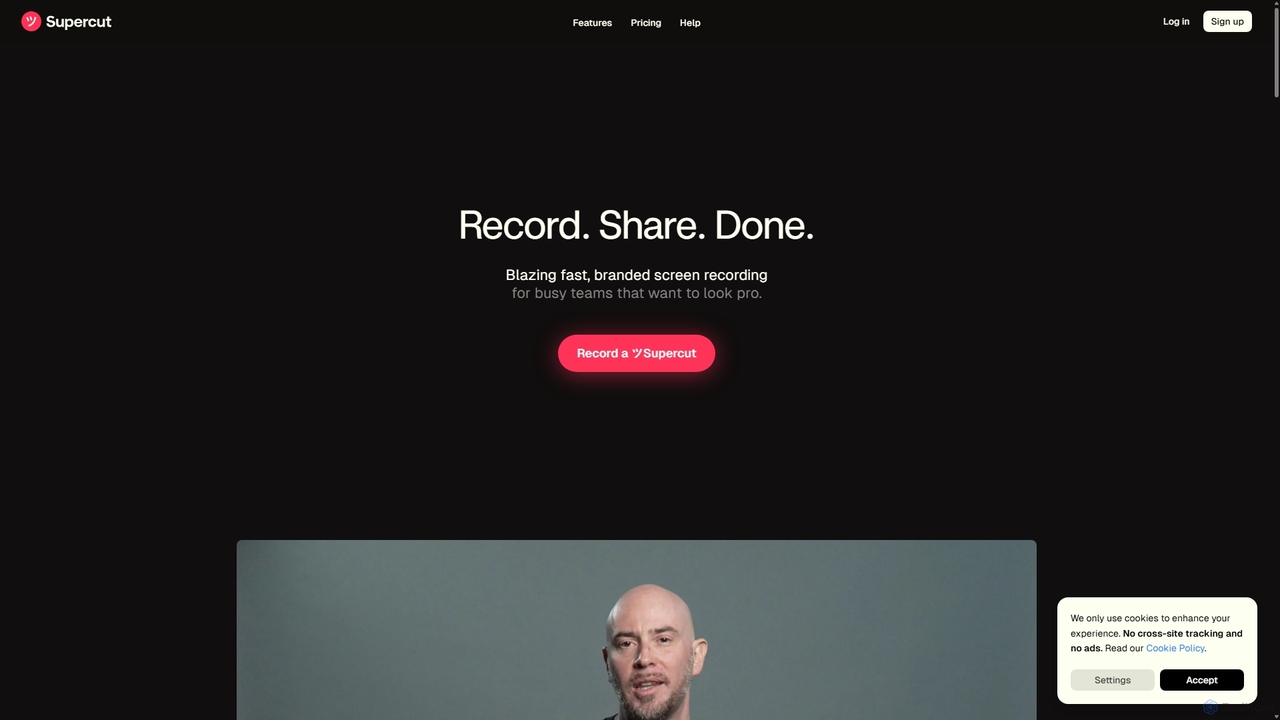
Supercut
Supercut is an AI-powered screen recording tool designed for teams to create professional, branded videos with blazing speed. It automates tedious tasks like chapter creation and editing, enabling users to record, share, and get results instantly. Ideal for sales, customer support, and team collaboration.
HelpdeskScreenity Categories
Screenity Jobs
Screenity Embed Widget
Copy this embed code to place the badge on your blog, article, or product site and send readers directly to this ToolMage detail page.

Related AI tools
Tella
Tella is an AI-powered screen recorder and video editor for Mac & Windows that simplifies video creation. It automatically removes silences and filler words, offers transcript-based editing, and provides professional customization options like backgrounds, layouts, and zooms. Ideal for creating tutorials, product demos, and online courses in minutes, not hours.
E LearningTight Studio
Tight Studio is an AI-powered screen recording and video editing application for Mac, designed to create professional product demos and tutorials in minutes. It features smart zoom, automatic captions, AI narration, and an intuitive editor, enabling users without editing skills to produce high-quality, engaging videos effortlessly.
TutorialsSupercut
Supercut is an AI-powered screen recording tool designed for teams to create professional, branded videos with blazing speed. It automates tedious tasks like chapter creation and editing, enabling users to record, share, and get results instantly. Ideal for sales, customer support, and team collaboration.
Helpdesk
Jyek
Jyek is an AI agent platform that understands objectives, creates execution plans, uses tools, and delivers verifiable results for complex, multi-step tasks.
Automation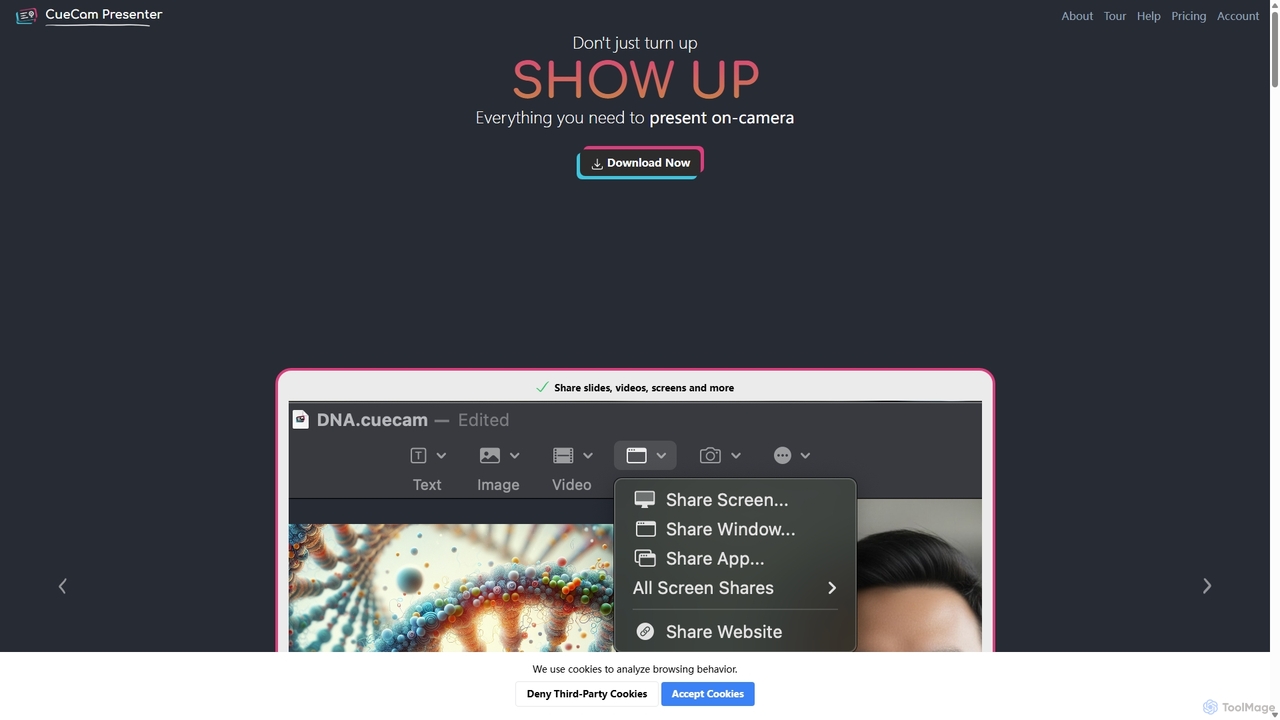
CueCam Presenter
A powerful Mac application that transforms your webcam into a professional presentation studio. It integrates a teleprompter, smart cue cards, screen sharing, and live annotation via iPad. Ideal for remote calls, video recording, and live streaming, it simplifies complex production workflows into a single "next" button.
Live Streaming
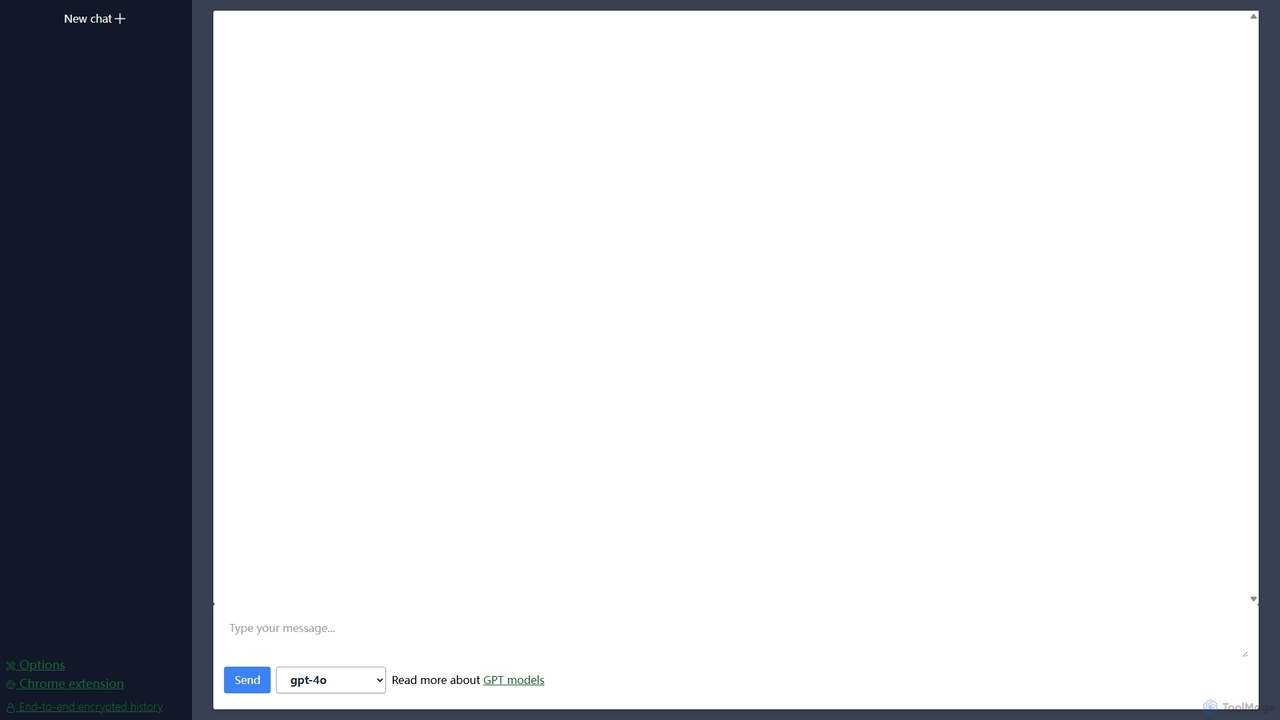
Lit.Codes Chat
A privacy-focused AI chat interface offering access to a wide range of advanced GPT models, including GPT-4o. It features end-to-end encrypted chat history and a convenient Chrome extension, making it a secure and versatile tool for developers, writers, and professionals seeking powerful AI assistance without compromising on data security.
Coding Assistant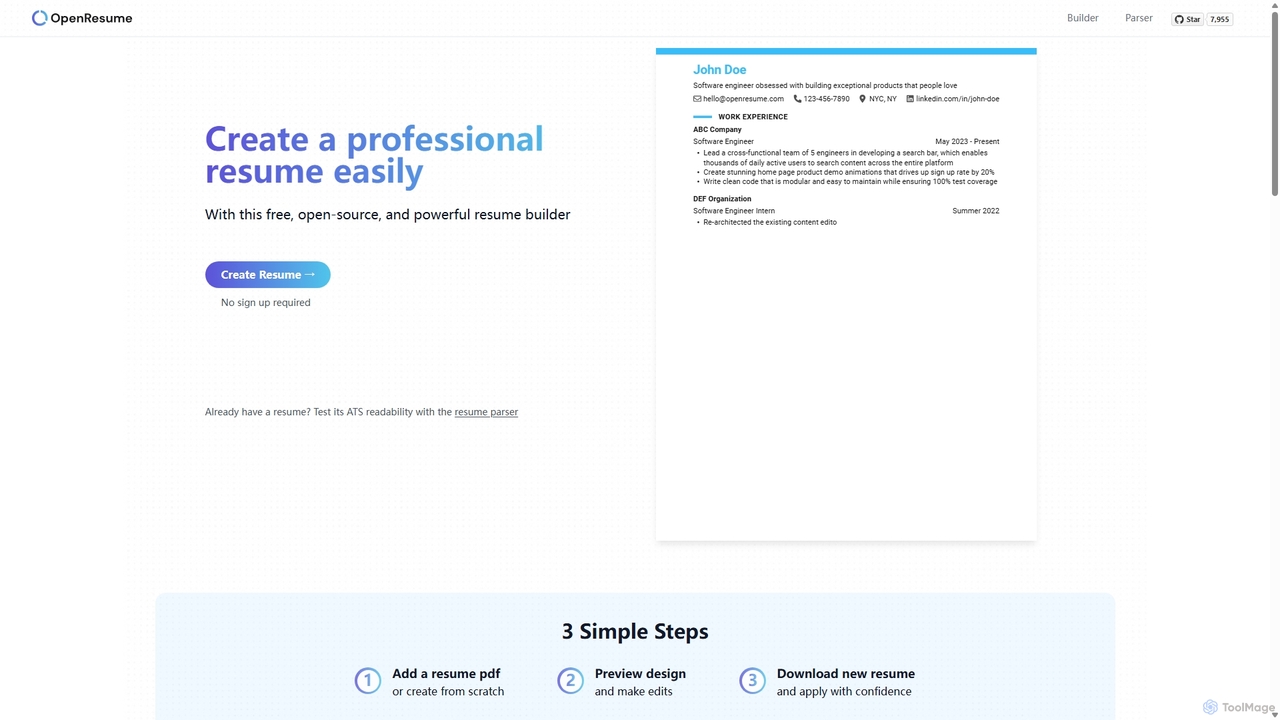
OpenResume
OpenResume is a free, open-source resume builder and ATS parser designed to help you create professional resumes with ease. It prioritizes user privacy with no sign-ups and local data storage, and is optimized for U.S. job market standards and Applicant Tracking Systems (ATS) to increase your chances of getting an interview.
Career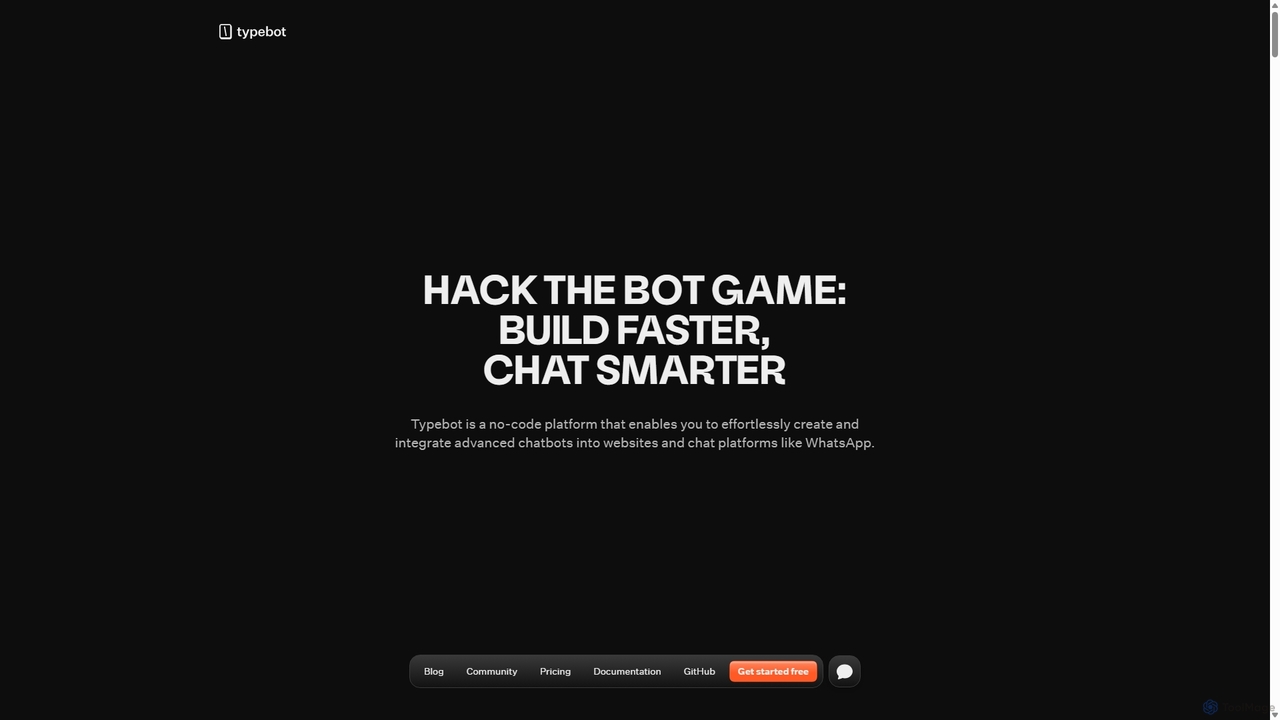
Typebot
Typebot is an open-source, no-code platform for building advanced conversational apps and chatbots. It allows users to create engaging, interactive experiences for marketing, sales, and support, deploying them across websites, WhatsApp, and other platforms to boost conversions and automate communication.
Chatbots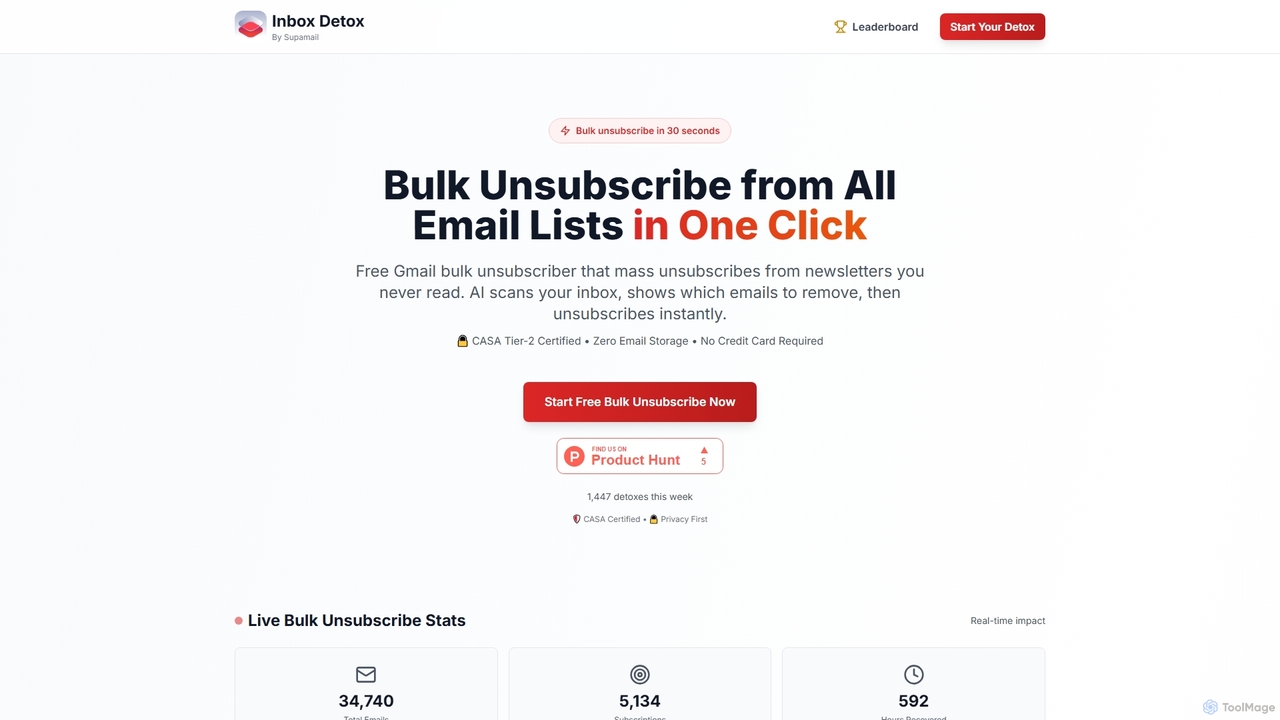
Inboxdetox
Inboxdetox is a free, AI-powered tool for Gmail that helps you bulk unsubscribe from unwanted newsletters and promotional emails in one click. It prioritizes user privacy and security, offering a fast way to declutter your inbox without storing your emails or selling your data.
Email Management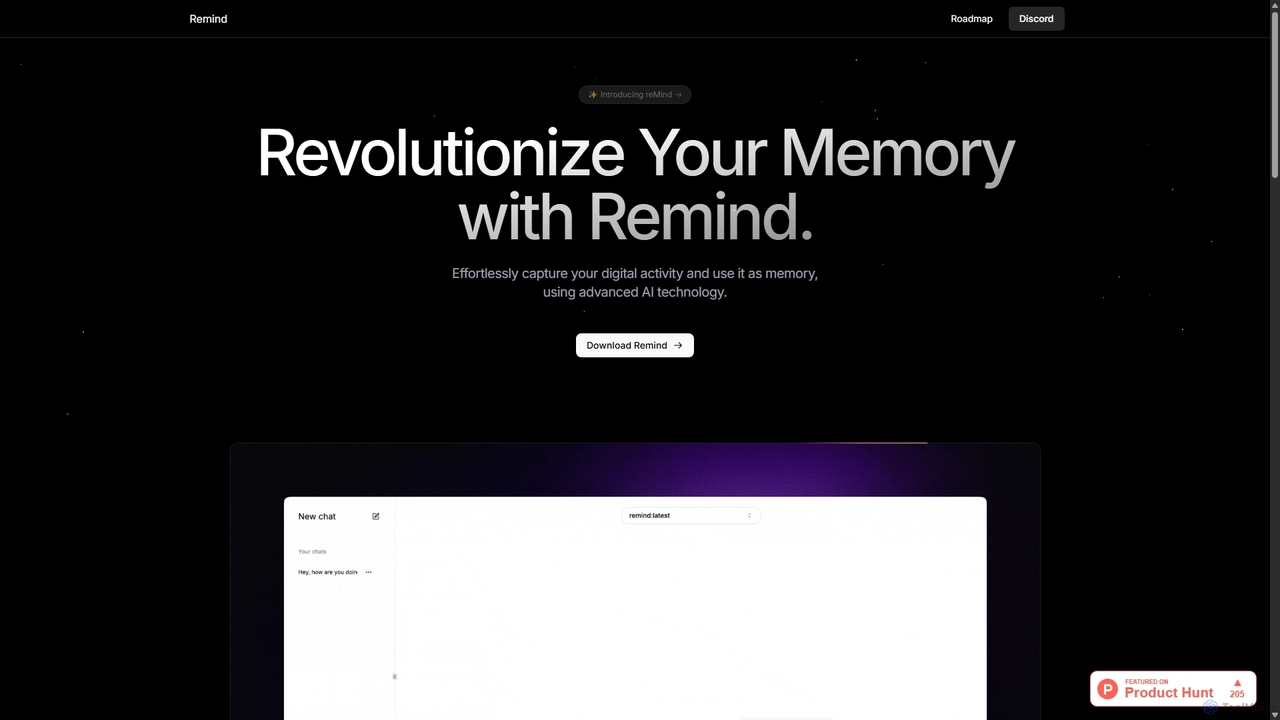
ReMind
reMind is an open-source, privacy-first AI tool that acts as your personal memory. It captures your digital activity locally, allowing you to search and recall anything you've seen or done on your computer using natural language. It runs entirely on your machine for maximum security.
Utilities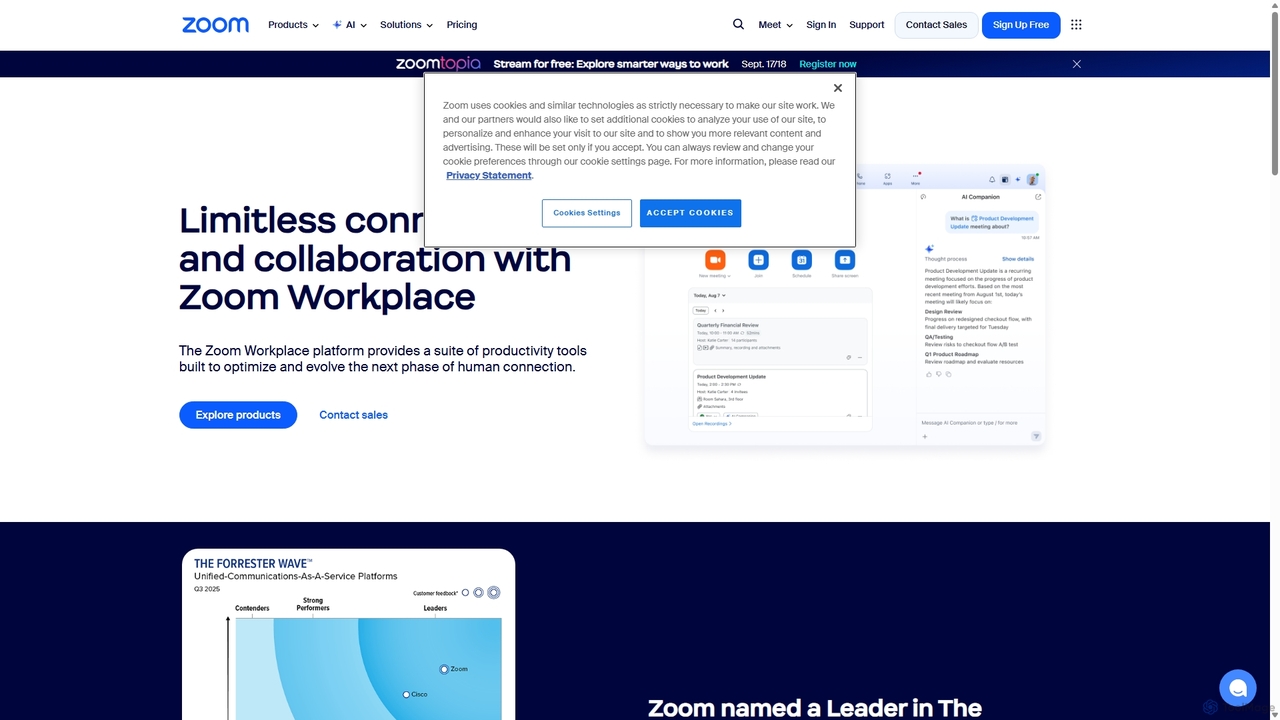
Zoom
Zoom is an AI-first, unified collaboration platform that connects people through video meetings, phone calls, team chat, webinars, and more. Featuring the AI Companion, it streamlines workflows, summarizes meetings, and enhances productivity for remote and hybrid teams across all industries.
Meeting Management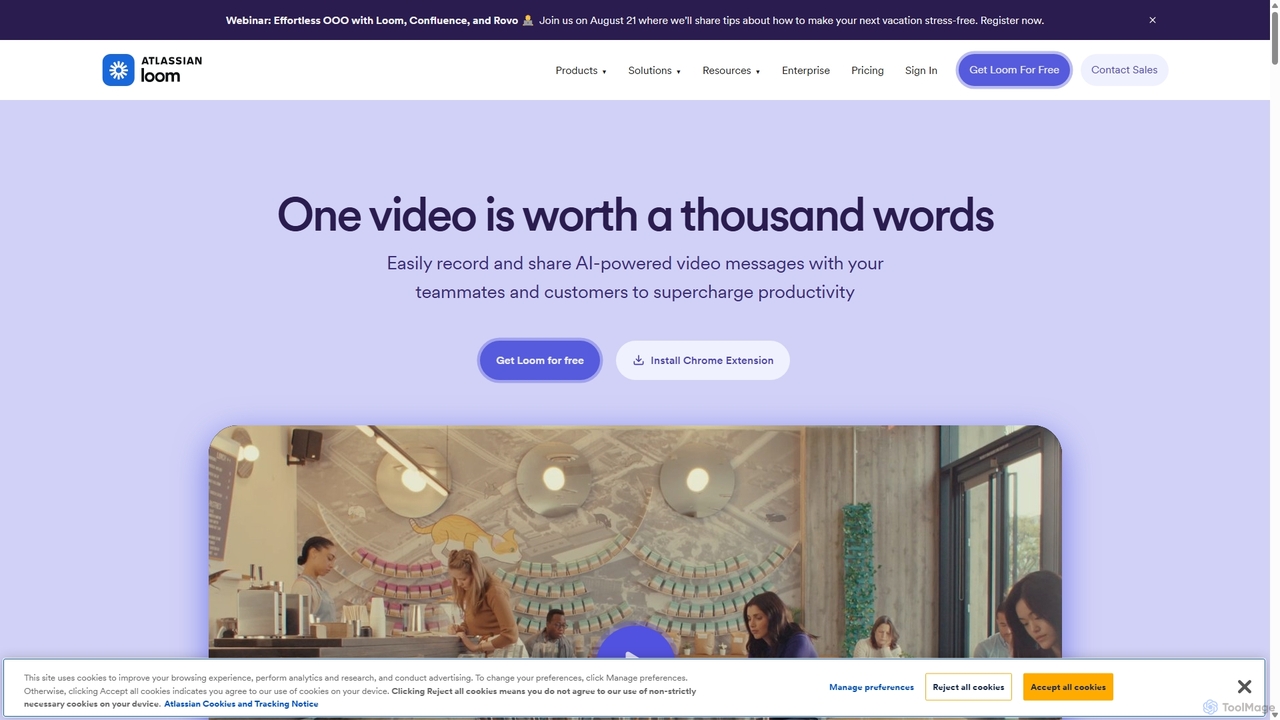
Loom
Loom is an AI-powered video messaging platform for work that allows users to instantly record and share their screen, camera, and audio. It streamlines communication, reduces meetings, and enhances team collaboration with features like AI-powered summaries, transcriptions, and editing tools.
Team ManagementVmaker
Vmaker is an all-in-one AI video creation and editing suite. It enables users to generate videos from text, audio, or documents using AI avatars, record screens in 4K, and edit footage with a powerful AI editor. Key features include auto-subtitles, background removal, and content repurposing tools, designed for marketers, content creators, and L&D teams.
Training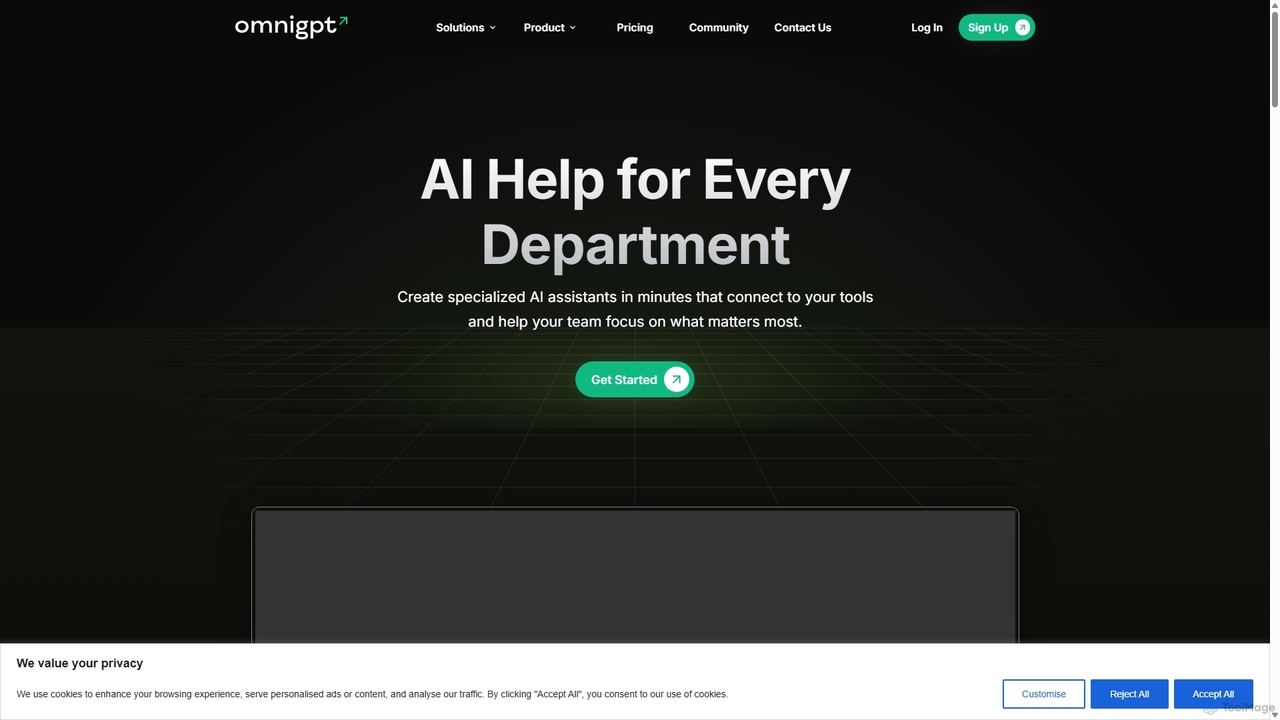
OmniGPT
OmniGPT is an all-in-one AI productivity platform that provides access to multiple leading AI models like GPT-4, Claude 3.5, and Llama 3 through a single subscription. Designed for individuals and teams, it enhances workflows with features such as document analysis, image generation, team collaboration, and seamless integrations with everyday tools like WhatsApp and Slack, offering a cost-effective alternative to multiple AI service subscriptions.
Code Assistant
Screenity Comments (0)
Sign in to comment.
Sign inNo comments yet.