ToolMage
Sign in

Best 2 Video Creation AI tools for Marketing

Popular Video Creation AI tools in Marketing include Screenity and Sora2 AI, helping you work more efficiently.

Sora2 AI
Paid

Sora2 AI

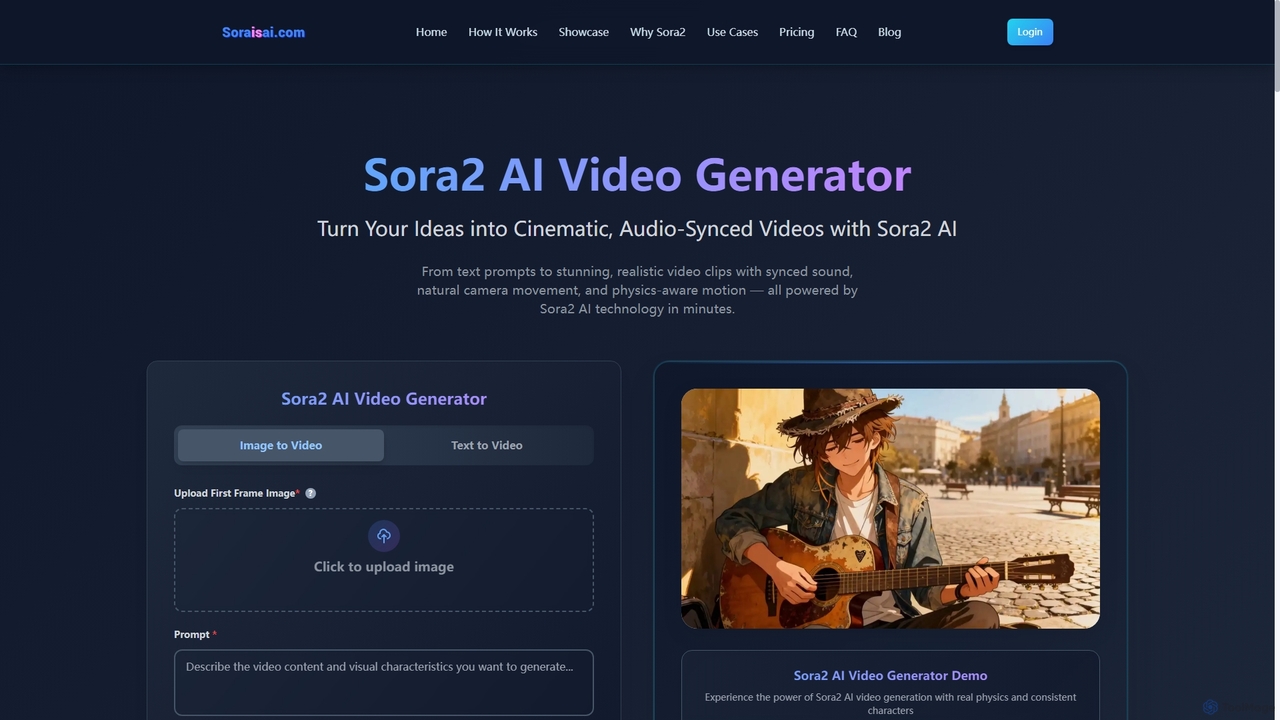
Sora2 AI is a next-generation AI video generator that transforms text prompts and images into cinematic, realistic video clips with synchronized audio, natural camera movement, and physics-aware motion. It offers rapid video production for diverse applications, from marketing to social media content.

Animation
Visits 7.8KFavorites 136Likes 116
Screenity
Free

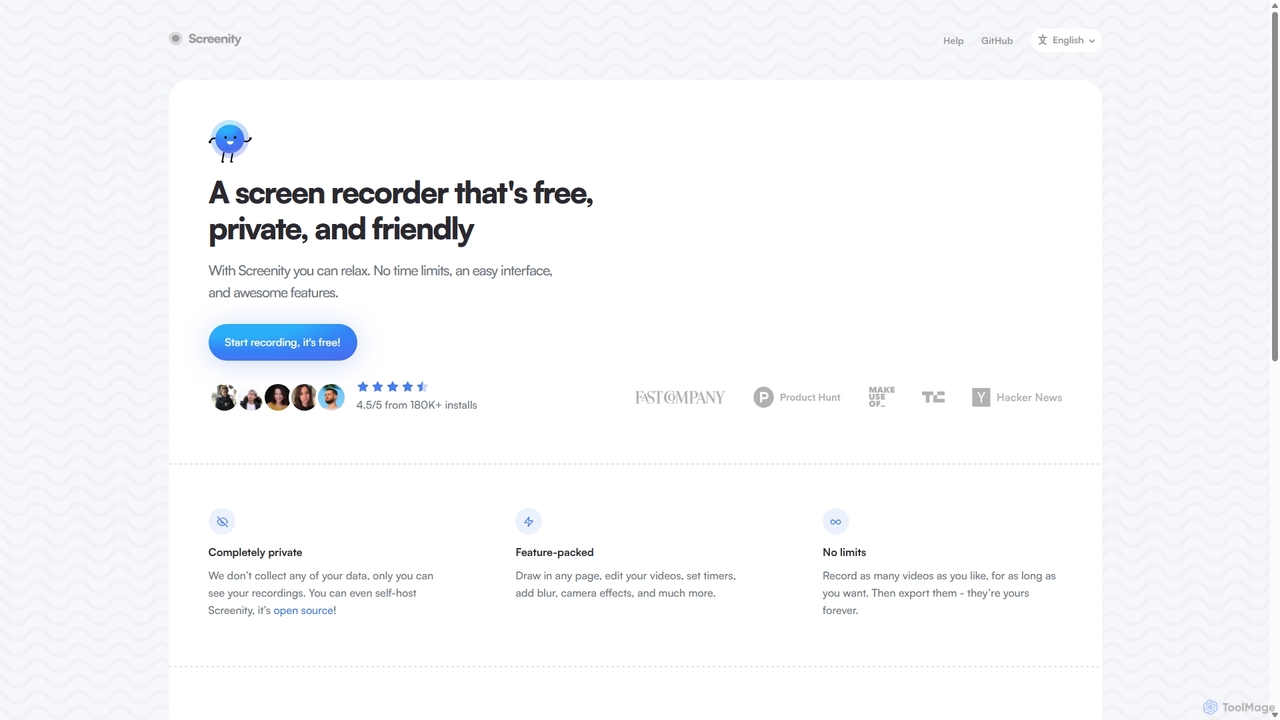
Screenity

Screenity is a powerful, free, and privacy-focused screen and camera recorder for Chrome. It offers unlimited recording, annotation tools, and basic video editing without collecting any user data. Ideal for creating tutorials, demos, and presentations.

Bug Reporting
Visits 49.6KFavorites 136Likes 132

About Video Creation

AI Video Creation tools are a class of software that automates the process of producing videos from various inputs like text, images, or existing footage. These tools leverage generative AI, text-to-speech, and automated editing to transform simple prompts into polished video content. They are particularly valuable within marketing for rapidly creating social media ads, product demos, and explainer videos without extensive production resources. Unlike traditional video editors, AI video creation platforms significantly reduce production time and technical barriers, making video content accessible to non-professionals.

Core Features

  • Text-to-Video Generation: Creates video scenes, animations, or sequences directly from written descriptions or prompts.
  • AI Avatars & Voiceovers: Generates realistic digital presenters with synchronized, high-quality voiceovers from a script.
  • Automated Editing & Templating: Assembles clips, adds transitions, and applies branded templates automatically to ensure consistency.
  • Script-to-Video Conversion: Transforms articles, blog posts, or scripts into a complete video with relevant visuals and narration.
  • Intelligent Media Sourcing: Automatically finds and inserts relevant stock photos and video clips based on the script's content.

Use Cases

These tools are widely used by marketing and advertising departments for creating promotional content at scale. Content creators and social media managers utilize them to repurpose articles into engaging video posts. Additionally, corporate training and HR departments employ them to develop consistent and easily updatable instructional videos.

How to Choose

When selecting an AI Video Creation tool, consider the input types it supports (text, URL, audio). Evaluate the realism and variety of its AI avatars and voice options. Check for customization capabilities, such as adding custom logos, fonts, and brand colors. Finally, assess its integration options and the available export resolutions and formats to ensure they meet your workflow needs.

Video Creation use cases

1

Create Social Media Video Ads at Scale

A social media marketer needs to produce dozens of variations of a video ad for A/B testing across different platforms like Instagram and TikTok. Instead of manually editing each version, they use an AI video creation tool. By inputting a base script, product images, and brand guidelines, the AI generates multiple video versions with different music, pacing, calls-to-action, and visual styles. This process reduces ad creation time from days to hours, enabling more effective campaign testing and optimization to identify the highest-performing creatives.

2

Convert Blog Posts into Engaging Videos

A content marketer wants to repurpose high-performing blog articles into video format for YouTube and social media to expand reach. They use a script-to-video AI tool by simply pasting the blog post's URL. The AI analyzes the text, summarizes key points into scenes, finds relevant stock footage or images, and generates a synchronized voiceover. The marketer can then quickly review, make minor edits, and export a professional-looking video. This strategy efficiently repurposes existing content, increasing audience engagement and driving traffic from video-first platforms.

3

Produce Corporate Training & Onboarding Videos

An HR manager needs to create consistent and professional training modules for new employees. Instead of scheduling costly and time-consuming live-action video shoots, they use an AI video tool with digital avatars. They write the training script and select an AI avatar to act as the presenter. The tool generates a video with the avatar delivering the content clearly and consistently. When a policy or procedure changes, they can simply edit the script, and the AI re-renders the video in minutes, ensuring all training materials are always up-to-date without reshooting.

4

Generate Personalized Sales Outreach Videos

A sales development representative (SDR) wants to increase email response rates by sending personalized video messages to key prospects. Using an AI video tool, they create a template featuring an AI avatar. Through API integration or a simple form, the tool dynamically inserts the prospect's name, company, and a relevant pain point into the script. It then generates a unique, personalized video for each prospect in seconds. This hyper-personalization at scale helps the SDR's message stand out in a crowded inbox, boosting engagement and reply rates compared to standard text-based emails.

5

Create Product Explainer & Demo Videos

A product marketer needs to quickly create a clear and concise video explaining a new software feature for an upcoming launch. They write a simple script outlining the feature's benefits and steps. Using an AI video creation tool, they can combine screen recordings with scenes generated by an AI avatar who explains the context. The tool automatically adds professional voiceover, background music, and branded overlays. This allows the marketer to produce a high-quality explainer video in a fraction of the time and cost of traditional production, ensuring customers and support teams are well-informed at launch.

6

Automate Real Estate Video Listings

A real estate agent needs to create a professional video tour for every new property listing quickly to attract buyers online. Instead of hiring a videographer for each property, they use an AI video tool. They upload property photos, a written description, and key details like price and square footage. The AI tool automatically creates a dynamic video slideshow with smooth transitions, applies background music appropriate for a home tour, and uses text-to-speech to generate a voiceover highlighting the property's key features. This standardizes their marketing and allows them to create compelling video listings within minutes of receiving photos.

Video Creation FAQ

What is AI Video Creation?

AI Video Creation refers to using artificial intelligence to automate and simplify the video production process. These tools can transform inputs like text scripts, blog post URLs, or simple prompts into complete videos by automatically generating or sourcing visuals, creating voiceovers, adding music, and editing the final product. Key features often include text-to-video generation, AI avatars, and automated scene selection. They are designed to make video production faster and more accessible, especially for users without professional editing skills.

How to choose the right AI Video Creation tool?

To choose the right tool, consider these key factors:

  • Video Style & Quality: Does the tool's output match your brand's aesthetic? Evaluate the quality of generated scenes, avatars, and templates.
  • Customization Options: Can you upload your own brand assets like logos, fonts, and colors? How much control do you have over the final edit?
  • Input Flexibility: Does it support the inputs you use most, such as text-to-video, article-to-video, or generating video from audio?
  • Ease of Use: Is the interface intuitive for your team's skill level? A simpler tool may be better for quick marketing tasks.
  • Pricing Model: Compare subscription plans versus pay-per-video models to find what best fits your budget and production volume.
What's the difference between AI Video Creation and traditional video editors?

The main difference lies in automation versus manual control. AI Video Creation tools are built for speed and efficiency, automating tasks like scene selection, editing, and voiceover generation from simple inputs. They are ideal for users who need to produce content quickly without deep technical skills. Traditional video editors (like Adobe Premiere Pro or Final Cut Pro) provide granular, frame-by-frame control over every aspect of the video. They require significant skill and time but offer unlimited creative freedom, making them suitable for high-end, custom productions.

Who can benefit from using AI Video Creation tools?

A wide range of users can benefit from these tools. This includes:

  • Marketing Teams: For rapidly creating social media ads, promotional videos, and content for campaigns without large production budgets.
  • Content Creators & Bloggers: To easily repurpose written content like articles and tutorials into engaging videos for platforms like YouTube and TikTok.
  • Small Businesses: To produce professional-looking product demos, testimonials, and brand videos affordably.
  • Corporate Trainers & HR: For developing scalable and easily updatable training materials and internal communications.
Can AI create videos that look realistic?

The realism of AI-generated videos varies significantly depending on the tool and the specific feature. AI is highly effective at creating professional-looking videos by assembling stock footage, screen recordings, and animated graphics, which results in a polished final product. For features like text-to-video scene generation and AI avatars, the technology is advancing rapidly. While some outputs can be indistinguishable from reality, others may still have a slightly artificial look. For most marketing and corporate communication purposes, the quality is more than sufficient and provides a powerful, cost-effective alternative to live-action shoots.