

Motion Overview
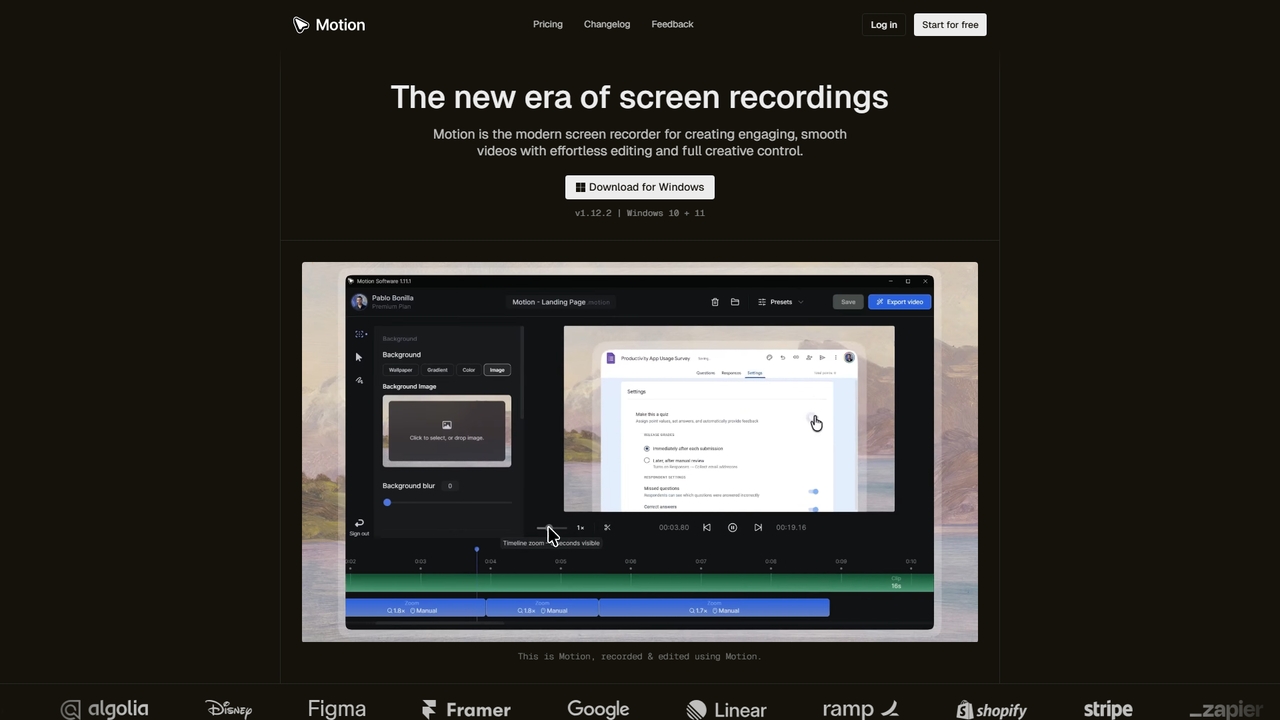
Motion is a comprehensive screen recording and video editing application built for the Windows operating system (Windows 10 and 11). It streamlines the process of creating high-quality screen capture videos by combining a robust recording engine with a powerful, custom-built editor. Motion automates complex video enhancements like cursor animations and smart zooms, allowing users to focus on their content rather than intricate editing steps. The tool is designed to transform ordinary screen recordings into engaging videos suitable for a wide range of professional and creative purposes.
How to use Motion
Using Motion involves a straightforward three-step workflow. First, download and install the application for Windows. Second, use the integrated desktop menu to initiate a recording of your screen, webcam, microphone, or system audio, either for the full display or a selected area. After recording, the video automatically opens in Motion's editor. Here, you can trim clips, adjust background settings, customize cursor animations, add smart zooms, and apply other enhancements using the timeline and side panel tools. Finally, configure your export settings (resolution, frame rate, quality) and export the final video as an MP4 file, ready for sharing.
Core Features of Motion
- Comprehensive Recording: Record screen, webcam, microphone, and system audio simultaneously or individually.
- Custom-Built Editor: A timeline-based editor designed for speed and precision, featuring tools for trimming, splitting, and merging clips.
- Smart Visual Enhancements: Automatic and customizable cursor animations (clicks, movement smoothing), spring-based zoom animations, and smart zoom generation.
- Background & Visual Customization: Apply wallpapers, gradients, solid colors, images, blur effects, rounded corners (squircles), padding, and shadows to your video background.
- Cloud Workspace & Sharing: Online account for syncing projects, cloud storage for video files, and the ability to generate shareable links.
- Presets & Templates: Save, reuse, and share custom video configuration presets (.motionpresets) for consistent styling.
- Export Engine: Lightning-fast exports to MP4 format with customizable FPS (e.g., 24, 30), resolution, quality levels, and smart compression to reduce file size.
Use Cases for Motion
Motion is versatile and serves numerous content creation needs. It is ideal for producing software tutorials, product demos, and walkthroughs for teams or clients. Educators and course creators can use it to develop online courses and educational explainer videos. Marketers can create promotional videos, social media clips, YouTube content, and ad creatives. Professionals can enhance internal communications with team training videos, project updates, pitch decks, and investor demos. It's also useful for UX/UI reviews, code walkthroughs, bug reports, customer support guides, gameplay highlights, and live commentary.
Advantages of Motion
Motion's primary advantage is its ability to automate professional-grade video effects that typically require advanced editing skills, such as smooth cursor trails and dynamic zoom animations, saving significant time and effort. The application is optimized for performance on Windows, offering fast exports and a responsive editing experience. Its unified workspace connects recording, editing, cloud storage, and sharing seamlessly. The interface is designed to be user-friendly, lowering the barrier to creating high-impact visual content. Regular updates ensure the tool remains stable and incorporates user-requested features.
Pricing and Plans
Motion operates on a freemium model. The Free plan is available at $0 per month, allowing users to record, edit, and export videos with core features, though exports include a watermark and some advanced features are limited. The Premium plan is priced at $6 per month when billed yearly. It removes the watermark, provides access to all features (including cloud syncing, presets, priority support), and is licensed for both personal and commercial use. Both plans include unlimited software updates.
Motion FAQ
Traffic
Latest traffic
Status
Monthly traffic trend
- 2026-1: 2.6K
- 2026-2: 2.1K
- 2026-3: 4.3K
- 2026-4: 3.2K
- 2026-5: 2.3K
Geography
Top 5 countries / regions
- 🇮🇳India58.3%
- 🇺🇸United States41.7%
Top keywords
| Keyword | Cost per click |
|---|---|
| motion | $0.50 |
| motion download | $0.00 |
| motion login | $0.09 |
| motion pricing | $1.63 |
| motion software free download | $0.00 |
Motion Alternatives
Vmaker
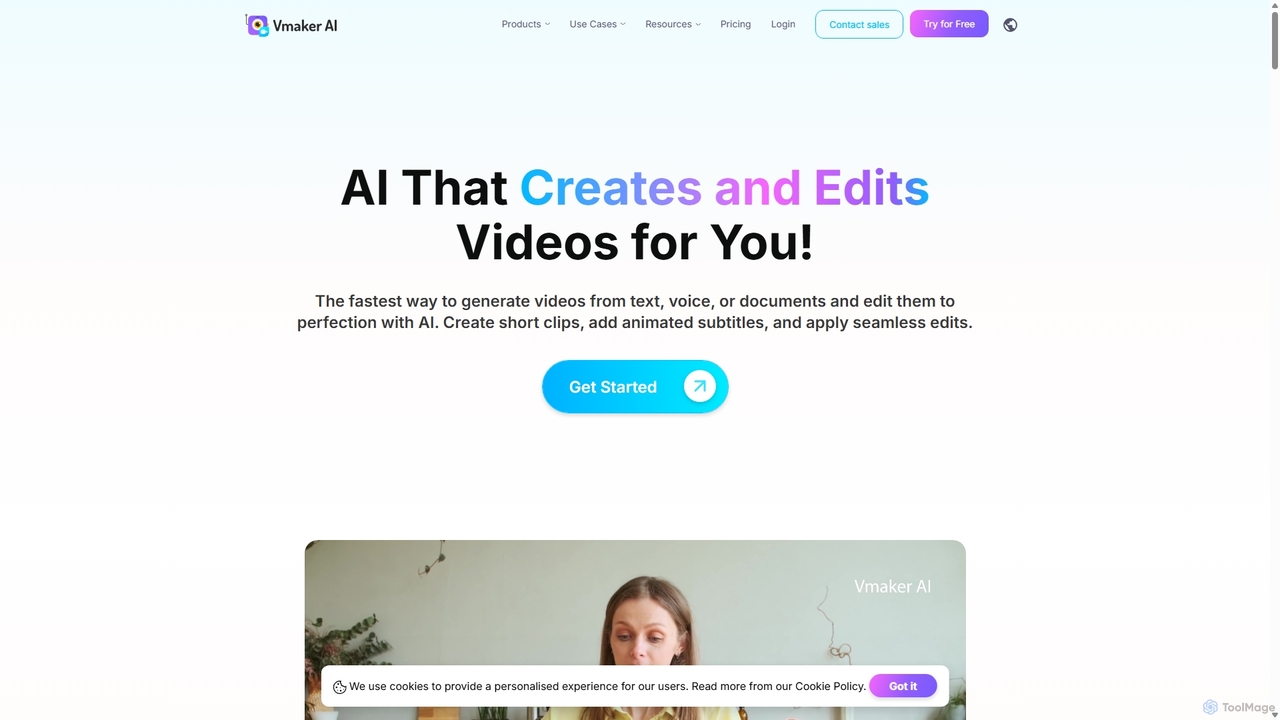
Vmaker is an all-in-one AI video creation and editing suite. It enables users to generate videos from text, audio, or documents using AI avatars, record screens in 4K, and edit footage with a powerful AI editor. Key features include auto-subtitles, background removal, and content repurposing tools, designed for marketers, content creators, and L&D teams.
Training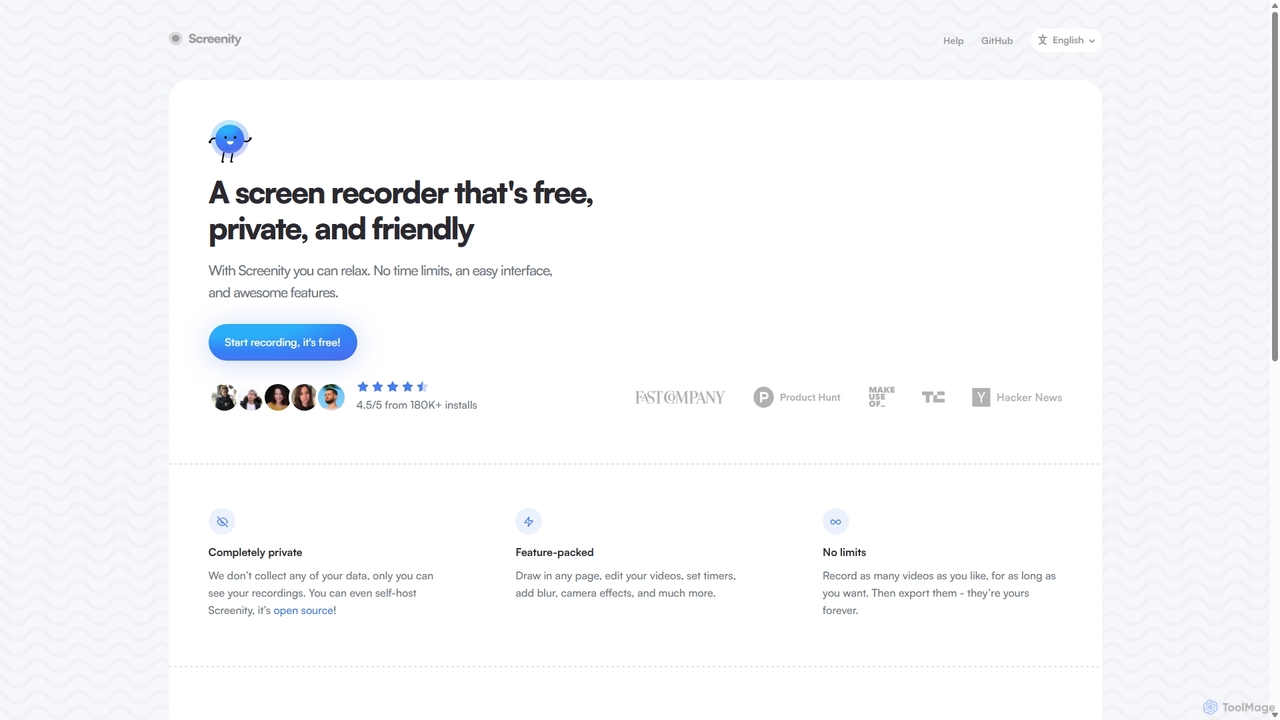
Screenity
Screenity is a powerful, free, and privacy-focused screen and camera recorder for Chrome. It offers unlimited recording, annotation tools, and basic video editing without collecting any user data. Ideal for creating tutorials, demos, and presentations.
Bug Reporting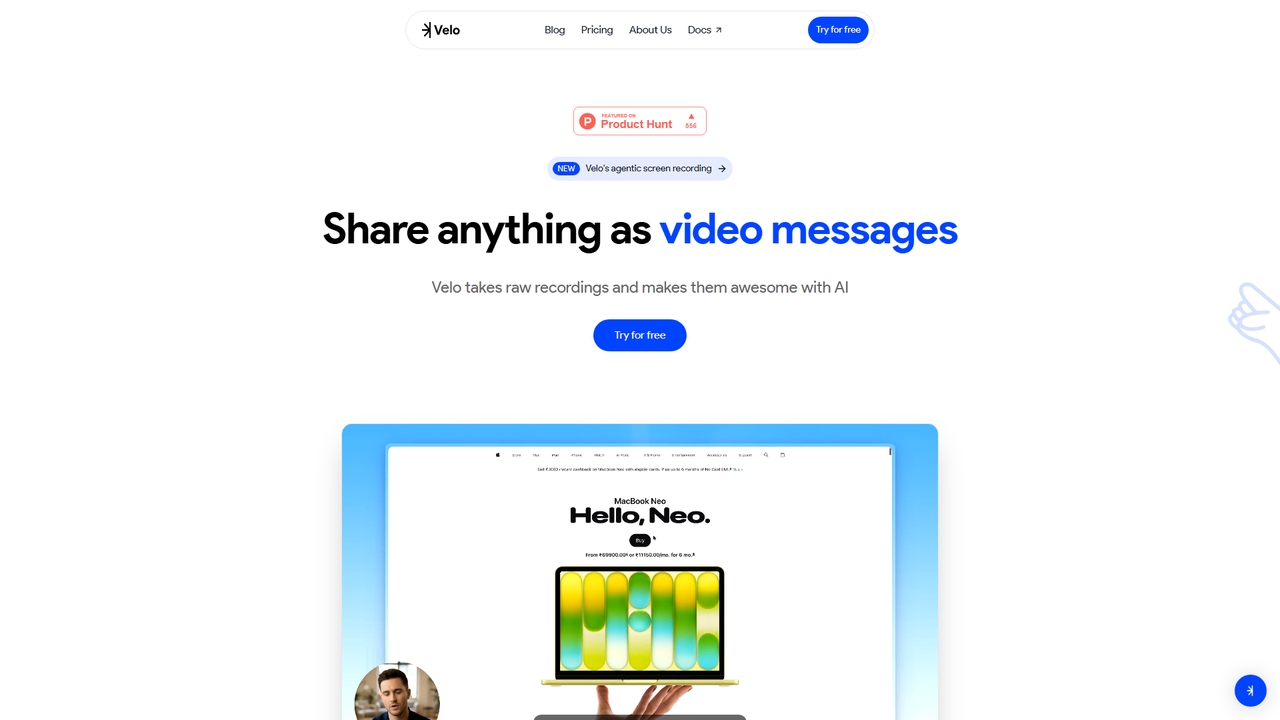
Velo
Velo is an AI-powered video messaging platform that transforms raw screen recordings into professional, share-ready videos. It utilizes agentic screen recording and creates hyper-realistic AI Avatars to help sales, product, support, marketing, education, and creator teams communicate complex ideas effortlessly.
Training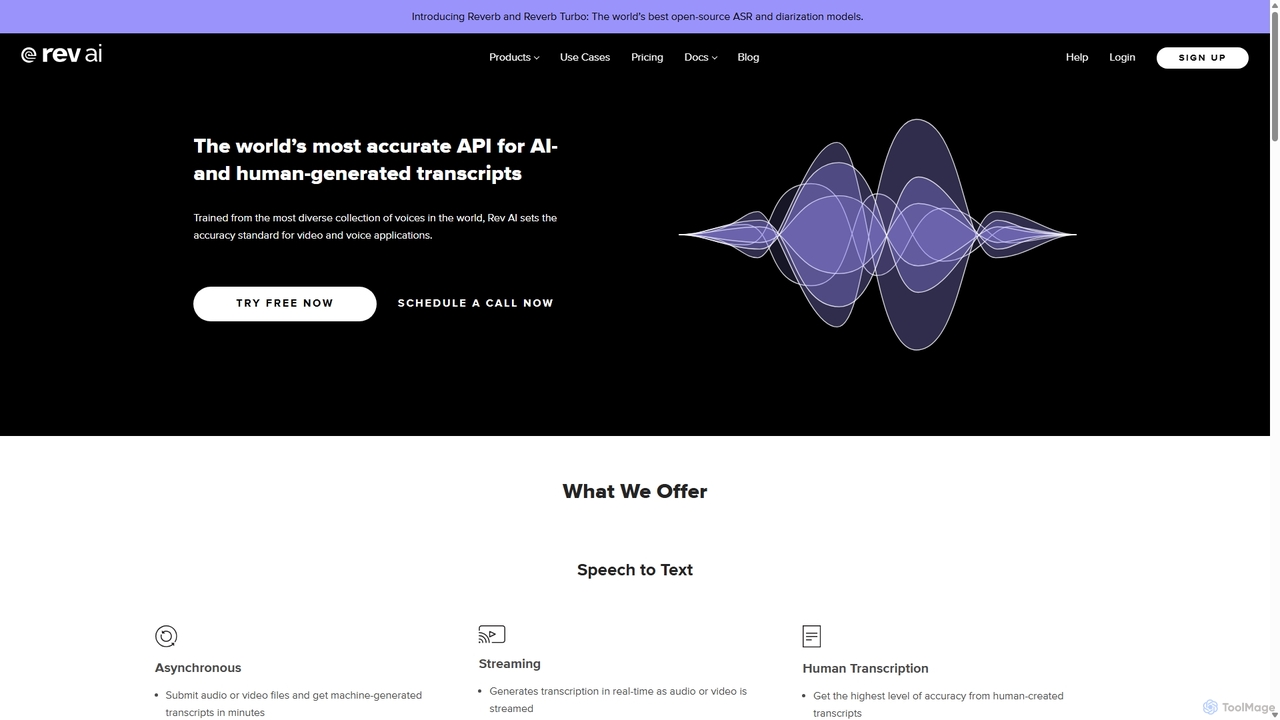
Rev AI
Rev AI offers a world-class Speech-to-Text API, providing highly accurate AI- and human-generated transcriptions. It supports over 58 languages for asynchronous transcription and real-time streaming. Beyond transcription, it provides a suite of NLP insights including summarization, topic extraction, sentiment analysis, and translation. Designed for developers, it ensures easy integration, high security, and flexible deployment options for various industries like media, education, and call centers.
Transcription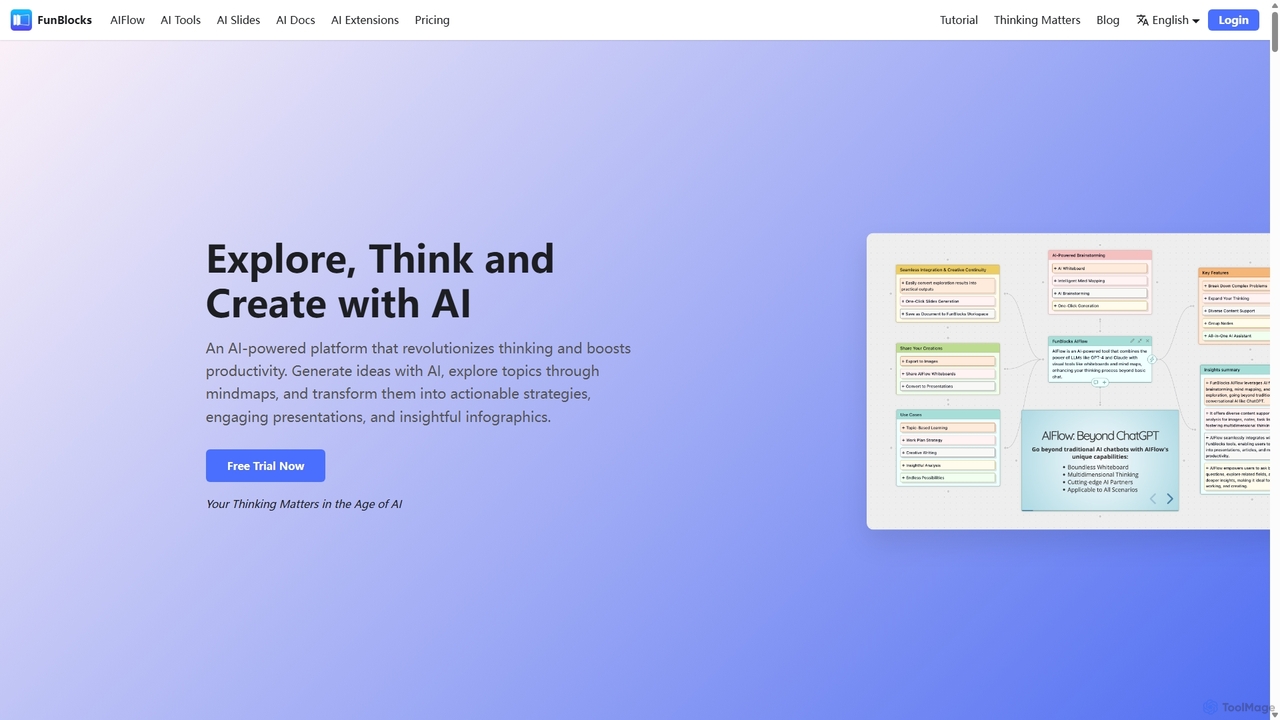
FunBlocks
FunBlocks is an all-in-one AI workspace designed to revolutionize thinking and boost productivity. It seamlessly integrates AI-powered tools for mind mapping (AIFlow), document creation (AI Docs), slide generation (AI Slides), and web research (Browser Extension). From brainstorming complex ideas visually to producing polished documents and presentations with a single click, FunBlocks supports the entire knowledge workflow, enhancing creativity and critical thinking for students, professionals, and teams.
PresentationsMotion Categories
Motion Jobs
Motion Embed Widget
Copy this embed code to place the badge on your blog, article, or product site and send readers directly to this ToolMage detail page.

Related AI tools
Vmaker
Vmaker is an all-in-one AI video creation and editing suite. It enables users to generate videos from text, audio, or documents using AI avatars, record screens in 4K, and edit footage with a powerful AI editor. Key features include auto-subtitles, background removal, and content repurposing tools, designed for marketers, content creators, and L&D teams.
TrainingVelo
Velo is an AI-powered video messaging platform that transforms raw screen recordings into professional, share-ready videos. It utilizes agentic screen recording and creates hyper-realistic AI Avatars to help sales, product, support, marketing, education, and creator teams communicate complex ideas effortlessly.
Training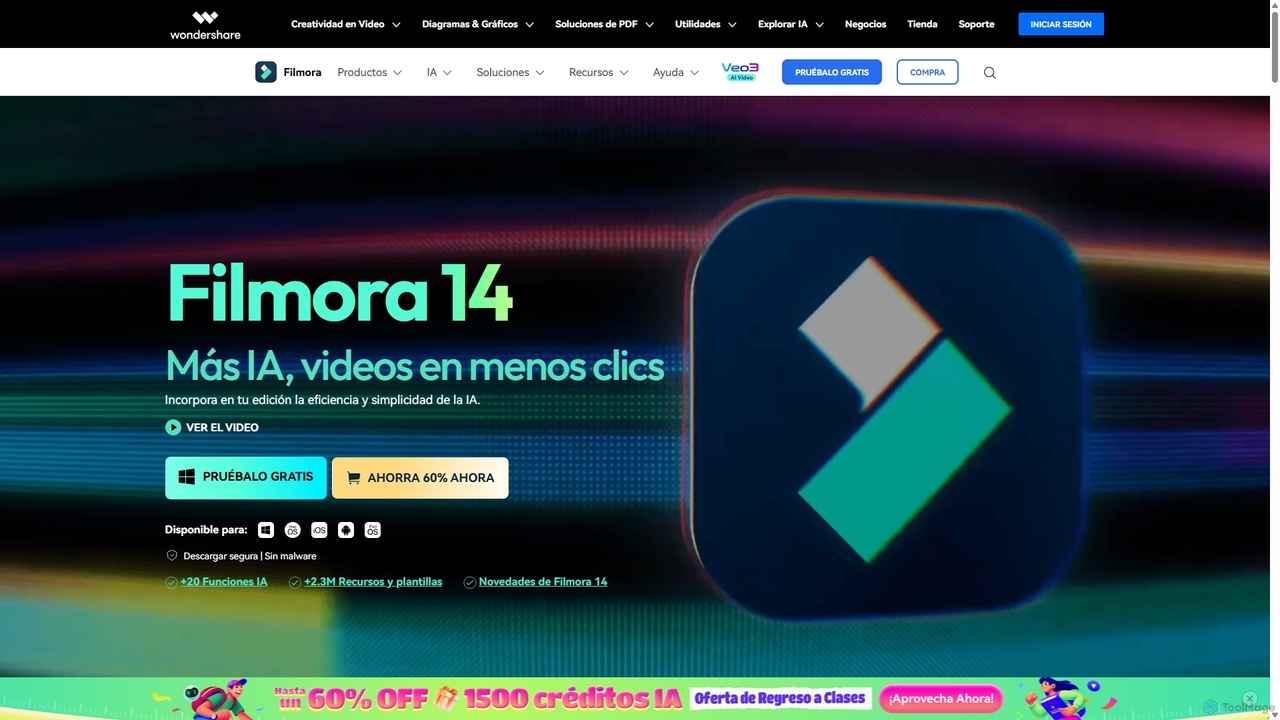
Filmora
Filmora is an AI-powered video editor that simplifies the creation process for both beginners and professionals. It offers a vast suite of AI tools, including smart clip generation, text-to-video, and advanced audio enhancement, combined with a user-friendly interface and a massive library of effects and resources to make video editing faster and more creative.
Social Media
Filmora
Filmora is a powerful yet user-friendly AI video editor designed for creators of all levels. It integrates advanced AI tools like text-to-video, smart cutout, and an AI music generator to streamline the editing process. It offers a rich library of effects, templates, and stock media, making it easy to create professional-quality videos for social media, marketing, or personal projects on Windows and macOS.
Video Generation
Jyek
Jyek is an AI agent platform that understands objectives, creates execution plans, uses tools, and delivers verifiable results for complex, multi-step tasks.
Automation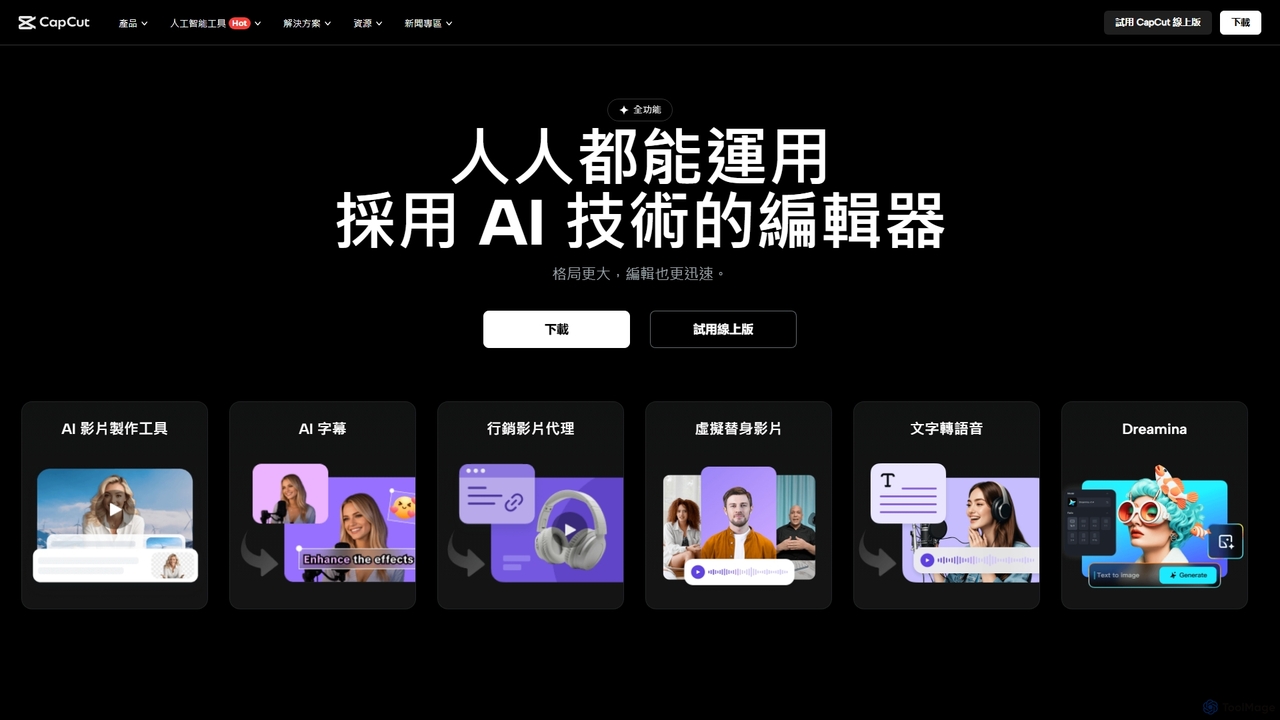
CapCut
CapCut is a powerful, all-in-one AI video editor and creative suite. It simplifies content creation with intuitive tools for video editing, graphic design, and team collaboration. It offers a wide range of AI features like auto-captions, script-to-video, background removal, and video upscaling, making professional-quality content accessible to everyone, from beginners to pros, across web, desktop, and mobile platforms.
Graphics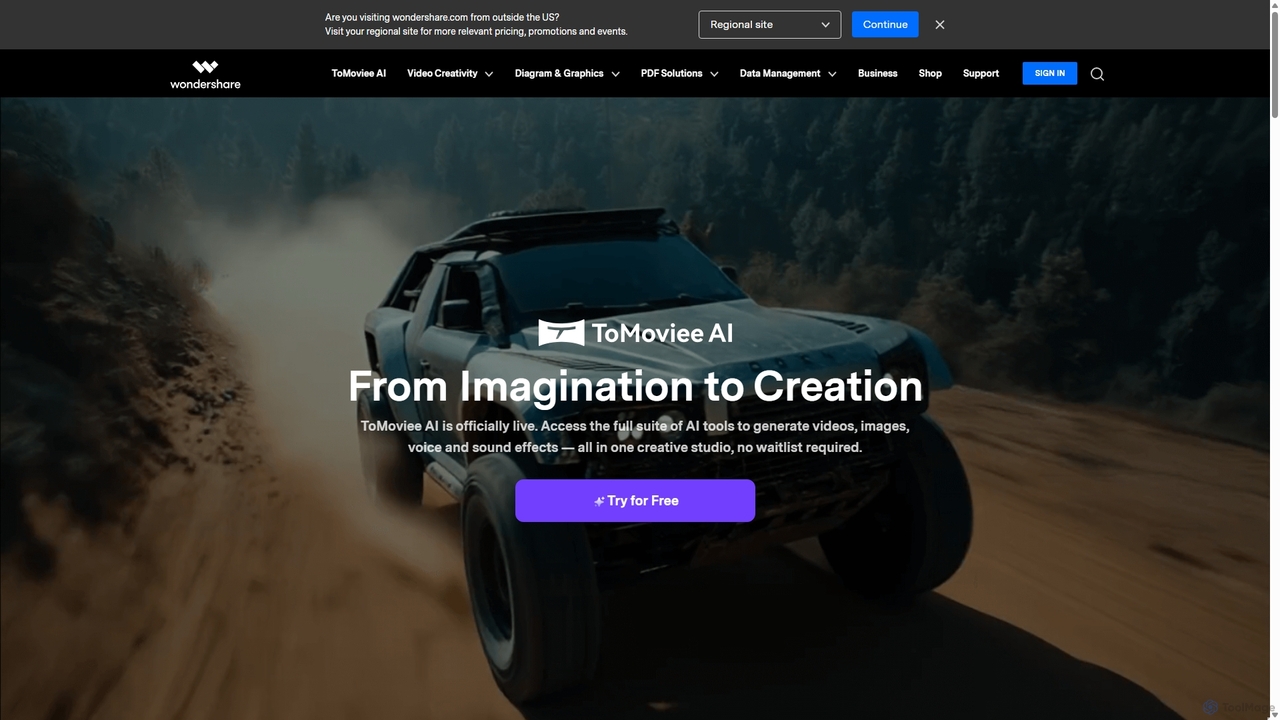
Wondershare
Wondershare offers a comprehensive suite of AI-powered software for creativity, productivity, and utility. From the advanced video editor Filmora and AI content generator ToMoviee to the powerful PDFelement and data recovery tools, Wondershare simplifies digital experiences for millions of users worldwide. It provides intuitive, powerful solutions for content creators, businesses, and individuals to create, manage, and secure their digital assets with ease.
Diagramming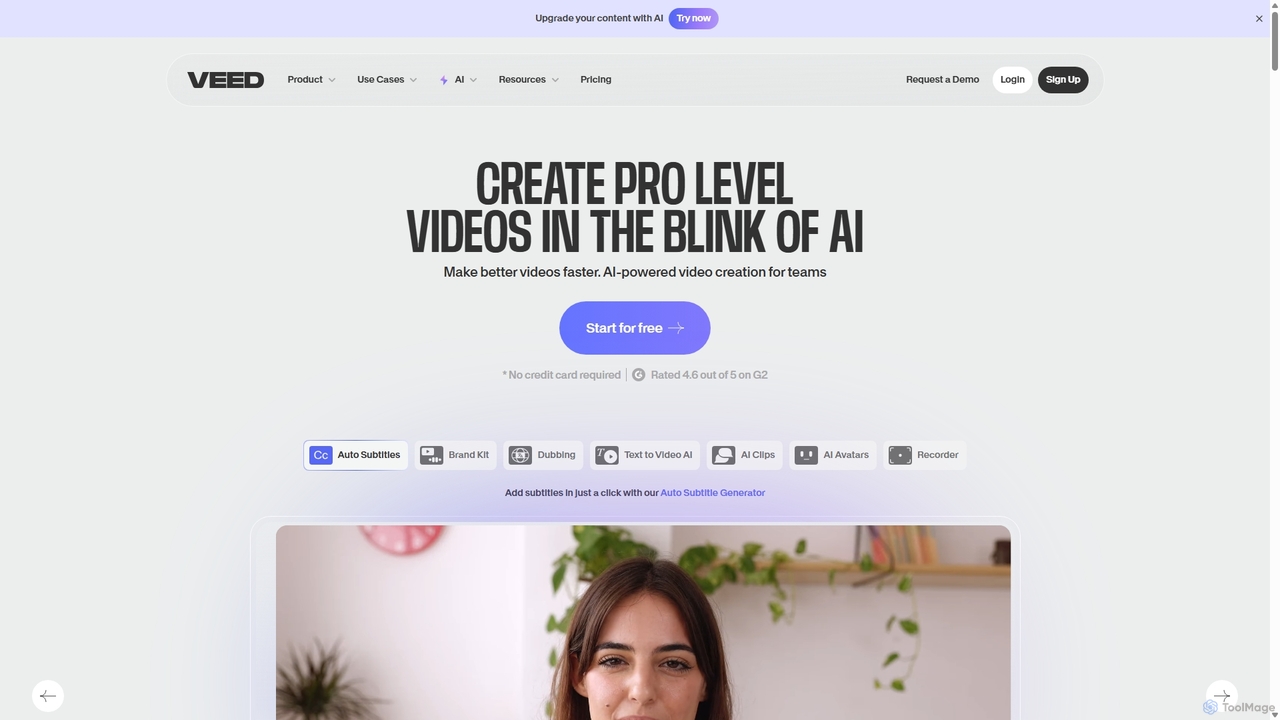
VEED.IO
VEED.IO is a powerful, AI-driven online video editor designed for teams and creators. It simplifies professional video creation with a suite of intuitive tools, including auto-subtitling, text-to-video, AI avatars, and collaborative workspaces. Create, edit, and share high-quality videos directly from your browser, no complex software required.
Social Media
Adobe Express
Adobe Express is an all-in-one AI-powered content creation app for designing stunning social media posts, videos, flyers, logos, and more. Powered by Adobe Firefly, it integrates generative AI features like Text to Image and Generative Fill, making professional design accessible to everyone, from beginners to experts.
Graphic Design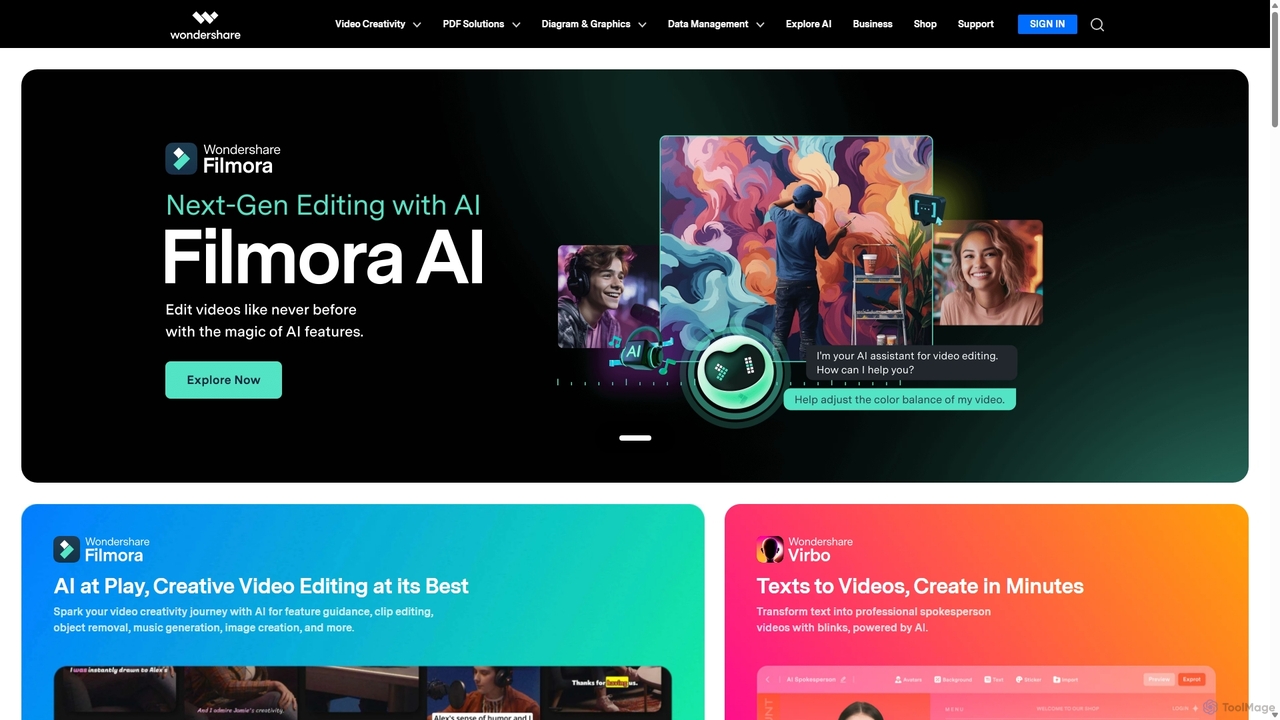
Wondershare
Wondershare offers a comprehensive suite of AI-powered software designed to enhance creativity, productivity, and utility. From advanced video editing and PDF management to data recovery and diagramming, Wondershare provides intuitive, powerful tools for individuals, businesses, and educators to simplify their digital life and creative workflows.
Graphic Design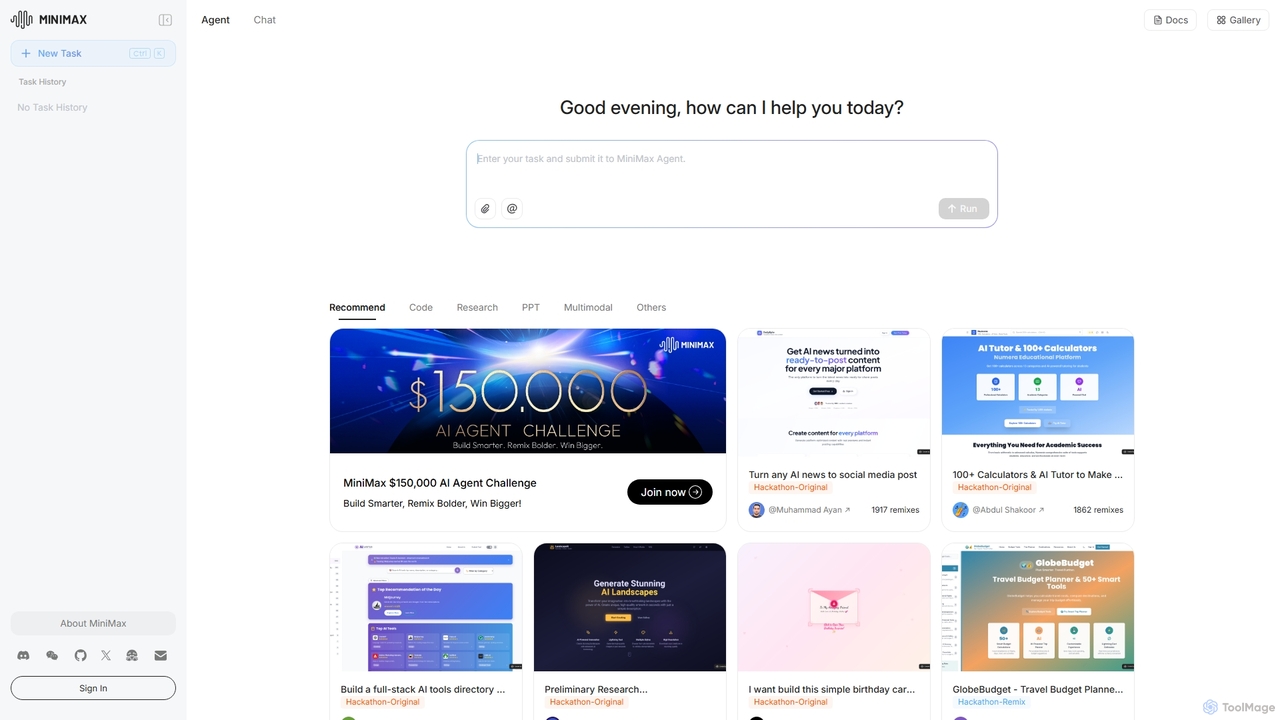
MiniMax Agent
MiniMax Agent is a powerful AI agent platform designed to automate complex tasks, from building full-stack websites and generating presentations to conducting in-depth research. By leveraging natural language prompts, users can minimize effort and maximize intelligence, creating sophisticated digital products and content with unprecedented speed and efficiency. The platform features a collaborative gallery for sharing and remixing projects.
Low Code No Code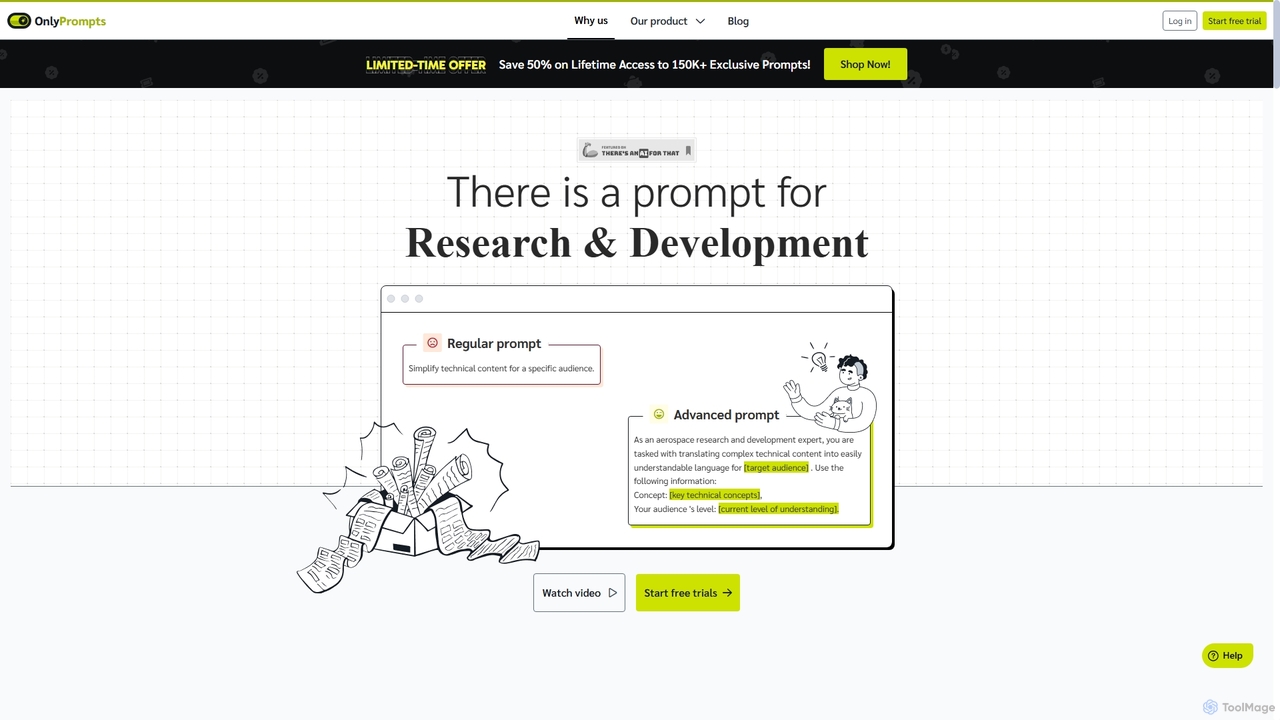
OnlyPrompts
OnlyPrompts is the ultimate AI prompt library, offering over 150,000 expertly crafted prompts for 37,000+ tasks. It features an integrated AI assistant compatible with GPT-4 and Claude 3, side-by-side prompt testing, and customizable templates. Designed for professionals in marketing, HR, finance, and more, it streamlines workflows, enhances productivity, and elevates the quality of AI-generated content.
Operations
Screenity
Screenity is a powerful, free, and privacy-focused screen and camera recorder for Chrome. It offers unlimited recording, annotation tools, and basic video editing without collecting any user data. Ideal for creating tutorials, demos, and presentations.
Bug Reporting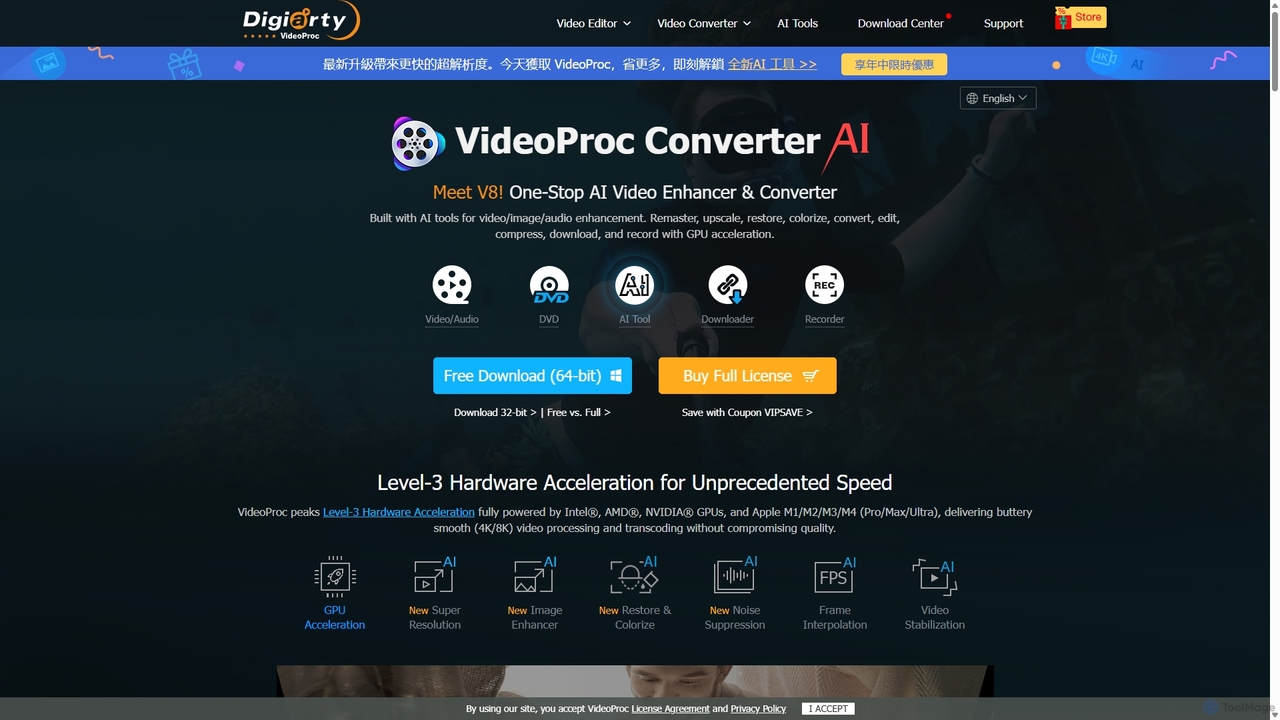
VideoProc
VideoProc is a one-stop, AI-powered media processing suite. It enhances, converts, edits, compresses, downloads, and records 4K/8K videos with full GPU acceleration. Its AI tools upscale video/images, stabilize shaky footage, interpolate frames for smooth motion, and remove background noise from audio.
Audio Editing
Motion Comments (0)
Sign in to comment.
Sign inNo comments yet.