Business Best in category 6 results Presentations AI Tool

Popular AI tools in the Presentations field of Business include Felo、ibiling、Textie.ai、FunBlocks、Motion、DeckFlow, etc., helping you quickly improve efficiency.

Motion

Motion

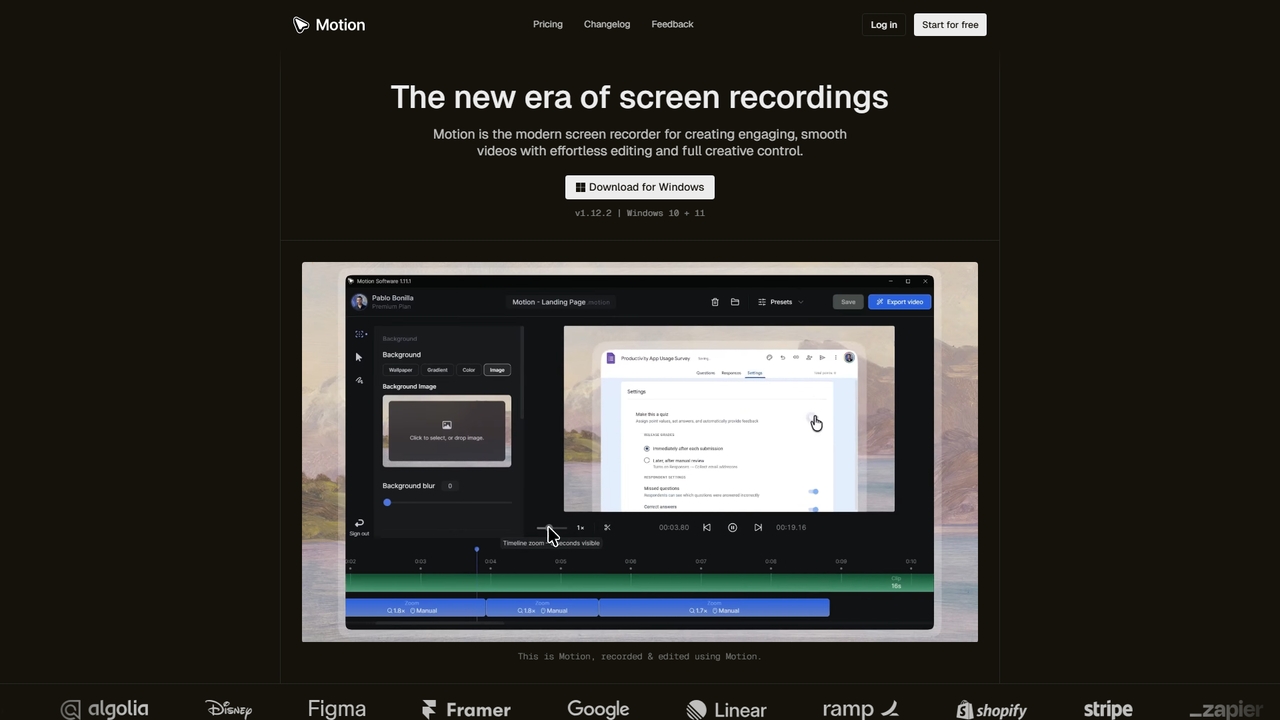
Motion is a modern screen recorder and video editor designed specifically for Windows. It enables users to create …

5.0K
Felo

Felo

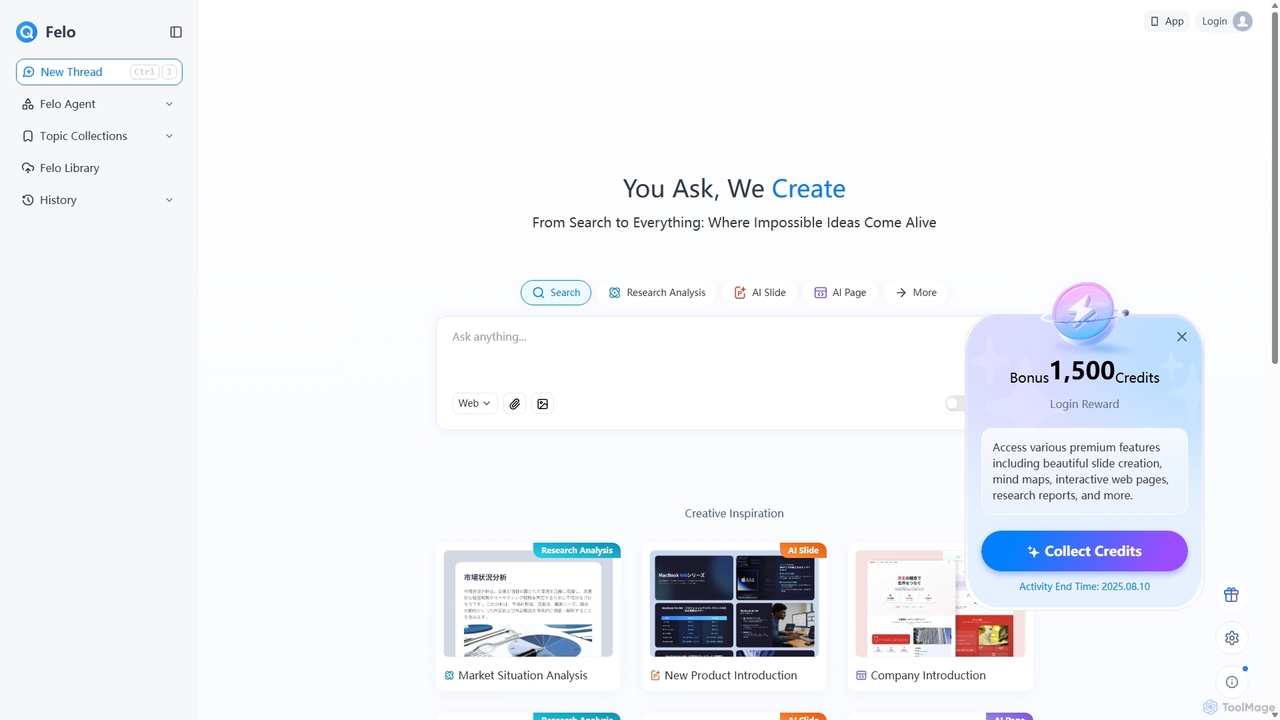
Felo is an all-in-one AI platform that transforms search into a comprehensive creation and analysis engine. It utilizes …

1.2M
FunBlocks

FunBlocks

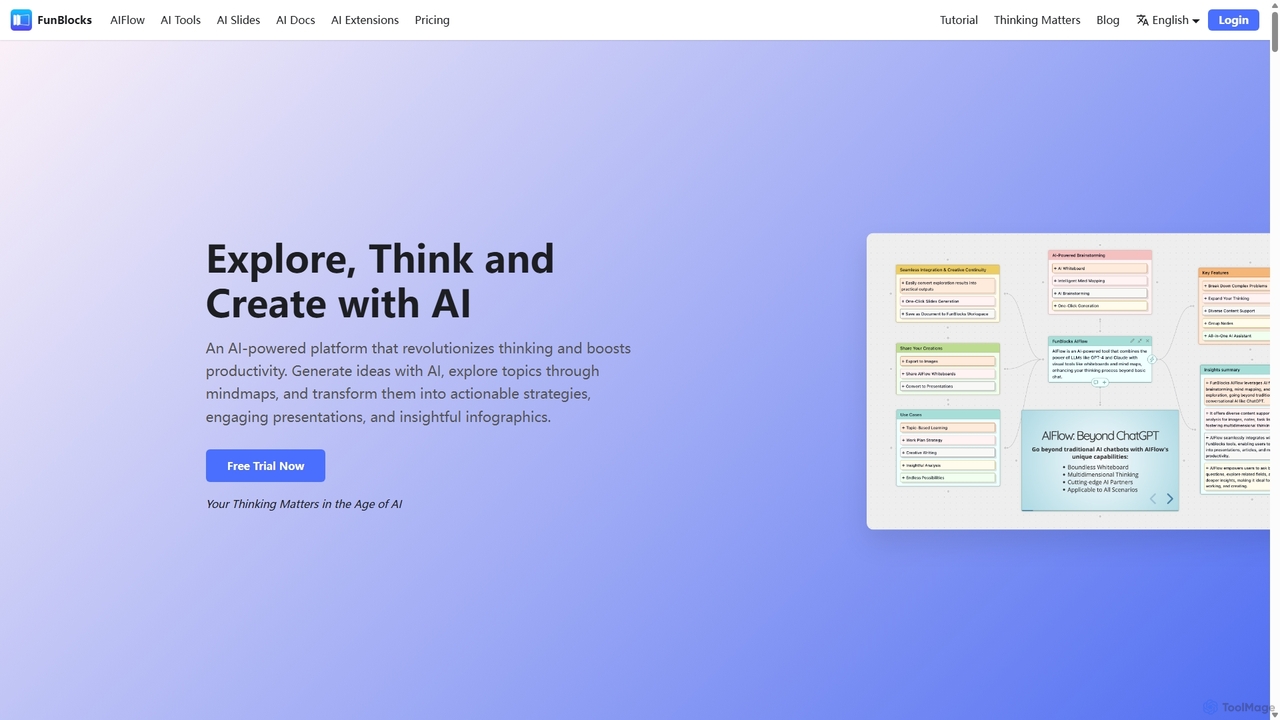
FunBlocks is an all-in-one AI workspace designed to revolutionize thinking and boost productivity. It seamlessly integrates AI-powered tools …

47.6K
DeckFlow

DeckFlow

DeckFlow is an AI-powered document translator specializing in PowerPoint (PPTX) and PDF files. It delivers high-accuracy translations in …

4.3K
ibiling

ibiling

ibiling is a comprehensive AI writing assistant designed for professionals, students, and content creators. It offers over 200 …

129.1K
Textie.ai

Textie.ai

Textie.ai is an all-in-one AI platform designed to boost productivity by integrating multiple tools into a single ecosystem. …

53.4K

About Presentations

AI Presentation tools are applications that use artificial intelligence to automate the creation, design, and refinement of slideshows. These tools typically leverage large language models (LLMs) and generative AI to convert text prompts, documents, or outlines into structured, visually appealing slides. They streamline the entire presentation-building process, from content generation and summarization to layout design and branding. This allows users to produce professional-quality presentations in a fraction of the time required with traditional software.

Core Features

  • Text-to-Presentation Generation: Automatically creates a full slide deck from a simple text prompt, document, or URL.
  • Automated Slide Design: Intelligently suggests layouts, color schemes, fonts, and images that match the content's tone and topic.
  • Content Summarization & Restructuring: Condenses long documents or articles into key bullet points and organizes them logically across slides.
  • AI-Powered Visuals: Generates relevant images, icons, and charts to enhance the visual narrative of the presentation.
  • Brand Consistency: Applies predefined brand kits (logos, colors, fonts) across all slides to ensure a uniform look.

Use Cases

These tools are widely used in business and academic settings. Sales and marketing teams use them to quickly generate client pitches and webinar content. Consultants and analysts create data-driven reports and strategic plans, while educators and students prepare lectures and project presentations efficiently.

How to Choose

When selecting an AI Presentation tool, consider the input formats it accepts (text, file upload, URL). Evaluate the level of design customization and control it offers. Check for integration capabilities with other platforms like Google Drive or Microsoft Office, and assess its collaboration features for team-based projects.

PresentationsUse Cases

1

Rapid Sales Pitch Deck Creation

A sales manager needs to create a customized pitch deck for a new client on short notice. Instead of spending hours designing slides in PowerPoint, they input the client's industry, pain points, and key product features into an AI presentation tool. The AI instantly generates a 15-slide presentation with a professional design, relevant industry imagery, and compelling copy. The manager makes minor edits and has a client-ready deck in under 20 minutes, significantly accelerating the sales cycle.

2

Converting Research Papers into Academic Lectures

An academic professor needs to prepare a lecture based on a dense, 30-page research paper. They upload the PDF document to an AI presentation tool. The AI analyzes the text, identifies key concepts, data, and conclusions, and structures them into a logical slide sequence. It generates slides for the introduction, methodology, findings, and conclusion, complete with charts summarized from the paper's data tables. This transforms a multi-day task into a one-hour review and refinement process, freeing up valuable research time.

3

Generating Marketing Webinar Content from a Blog Post

A content marketer has written a detailed blog post and wants to repurpose it as a webinar. They paste the URL of the blog post into an AI presentation generator. The tool automatically extracts the main headings, key arguments, and statistics, creating a well-structured presentation. It also suggests relevant stock images and icons for each slide. The marketer can then focus on adding speaker notes and interactive elements, saving over 80% of the time typically spent on manual slide creation.

4

Creating Internal Business Reports

A project manager needs to present a weekly progress report to stakeholders. They provide the AI tool with a list of key performance indicators (KPIs), project updates in bullet points, and identified risks. The AI organizes this information into a clear, concise report presentation. It automatically generates charts to visualize the KPIs, creates a timeline slide for progress, and uses distinct formatting for risks and action items. This ensures a consistent and easy-to-understand report format each week with minimal manual effort.

5

Drafting a Startup Investor Pitch Deck

An entrepreneur with a great idea but limited design skills needs to create a compelling pitch deck for investors. They use an AI presentation tool and follow a guided template for investor pitches. They input text for each section: Problem, Solution, Market Size, Business Model, Team, and Financial Projections. The AI then designs a visually cohesive deck, suggests powerful imagery, and ensures the layout is clean and professional. This allows the founder to focus on refining their narrative and data, rather than struggling with slide design.

6

Brainstorming and Outlining a Conference Keynote

A keynote speaker is preparing for a major conference. They start by providing the AI presentation tool with the conference theme and their core message. The AI generates several potential outlines and narrative arcs for the speech. The speaker selects the most compelling structure, and the AI expands it into a draft presentation with placeholder slides for key stories, data points, and audience interaction moments. This serves as a powerful brainstorming partner, helping to structure thoughts and visualize the flow of the talk from the very beginning.

PresentationsFrequently Asked Questions