

Retina Overview
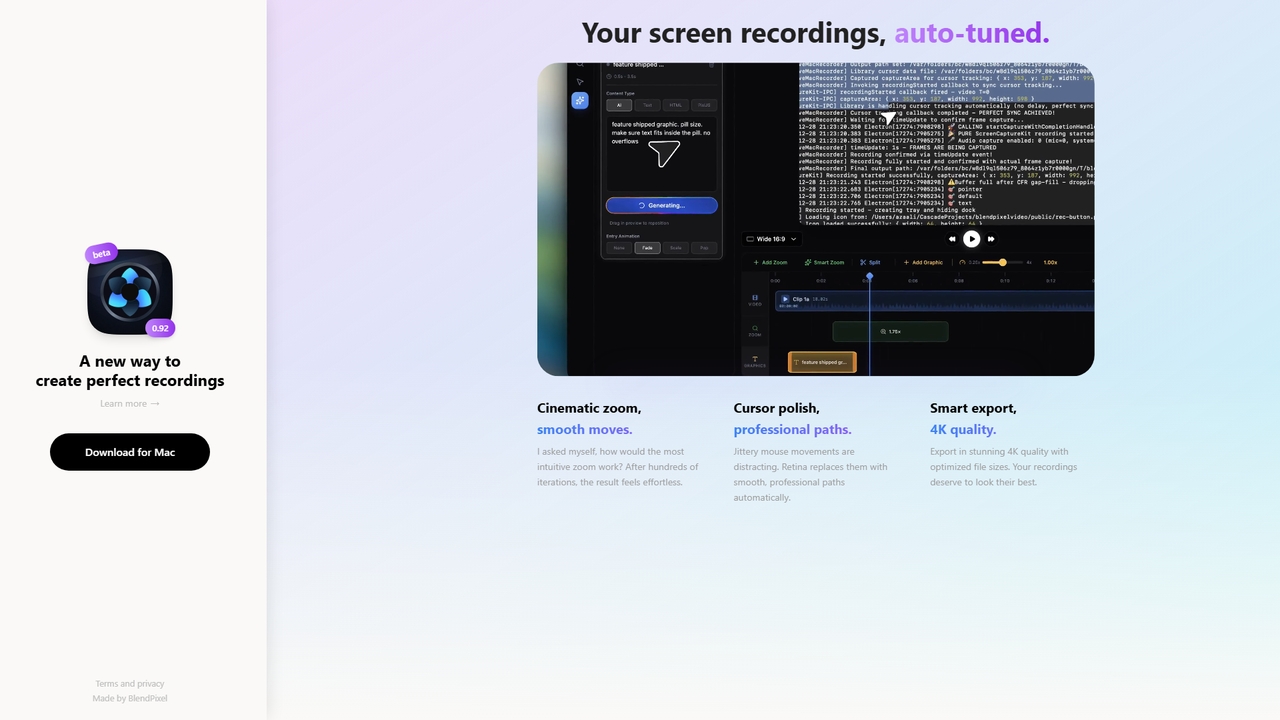
Retina is a new type of screen recording tool developed by BlendPixel, an independent software studio. Its core philosophy is "the details you don't see still matter." Designed to make screen recordings effortless and beautiful, Retina focuses on automatic post-processing to enhance your captures.
How to use Retina
To use Retina, download the free public beta version for your Mac (Apple Silicon or Intel). The tool is designed to work automatically once recording is complete, applying its core enhancements to your footage without requiring complex manual editing.
Core Features of Retina
- Cinematic Zoom & Smooth Moves: Automatically adds intuitive zoom and pan effects to screen recordings.
- Cursor Polish & Professional Paths: Transforms jittery mouse movements into smooth, professional cursor paths.
- Smart Export with 4K Quality: Exports recordings in stunning 4K quality while optimizing file sizes.
Use Cases for Retina
Retina is ideal for creating professional-looking tutorials, software demos, presentation recordings, and any screen-based content where polished visuals and smooth cursor movement are important for clarity and presentation quality.
Advantages of Retina
Retina's main advantage is its automated focus on enhancing the subtle details of a recording, such as cursor motion and zoom, which often go overlooked. It aims to deliver professional results effortlessly, allowing creators to focus on their content rather than post-production editing. The current public beta offers full access for free, allowing users to help shape the tool's development.
Retina FAQ
Retina Alternatives
Screenity
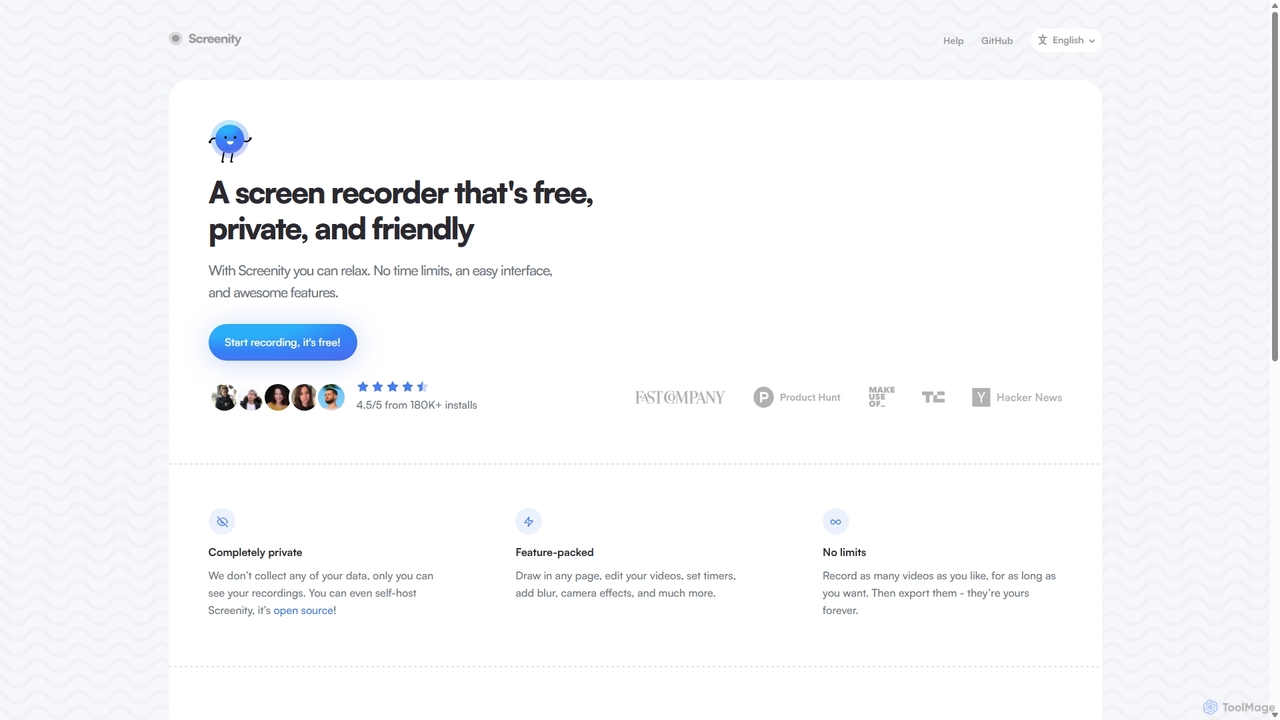
Screenity is a powerful, free, and privacy-focused screen and camera recorder for Chrome. It offers unlimited recording, annotation tools, and basic video editing without collecting any user data. Ideal for creating tutorials, demos, and presentations.
Bug Reporting
Podcastle
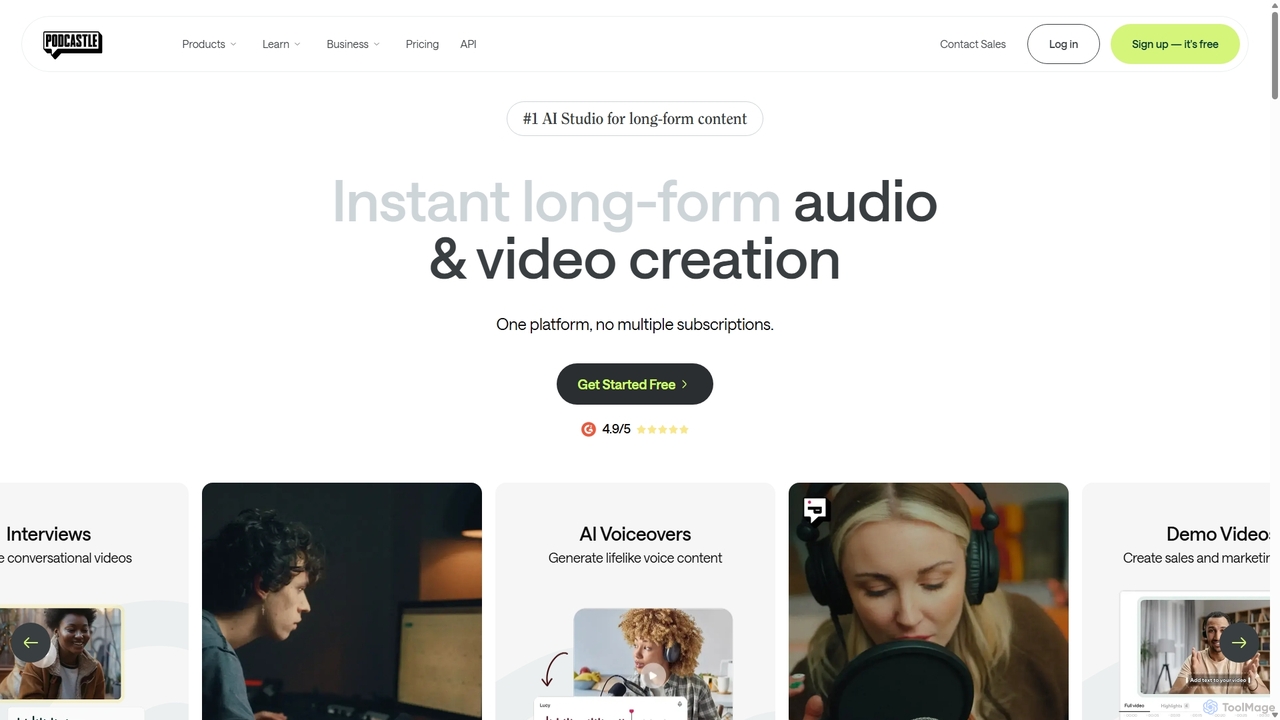
Podcastle is an all-in-one, AI-powered platform for audio and video creation. It simplifies the entire workflow from high-quality recording and text-based editing to AI-enhanced post-production and podcast hosting. Features include studio-quality recording, AI noise removal, voice cloning, and seamless video editing, making it ideal for podcasters, content creators, and marketers.
3D
Lore
Lore is a premier media and intelligence platform for the AI era, delivering a weekly newsletter (Lore Brief) and podcast (The Next Wave) to over 40,000 professionals. It offers curated AI tool rankings, company profiles, and in-depth guides to help builders and innovators stay ahead.
3D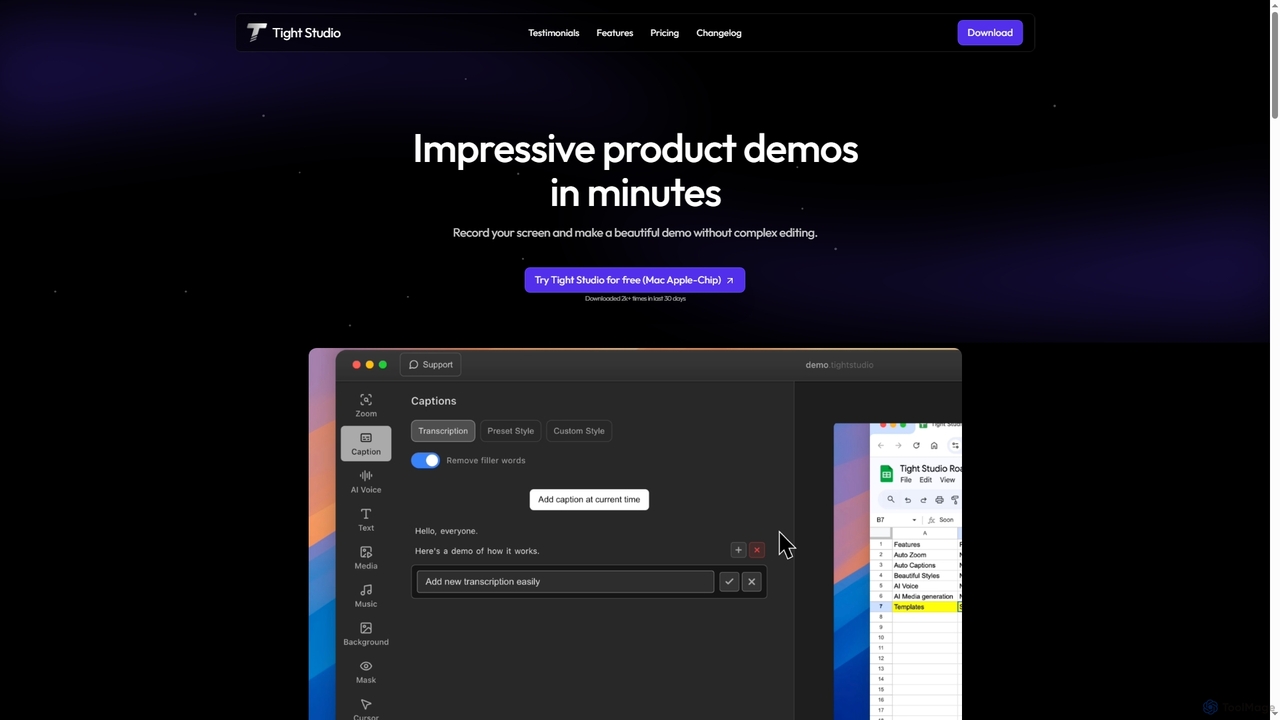
Tight Studio
Tight Studio is an AI-powered screen recording and video editing application for Mac, designed to create professional product demos and tutorials in minutes. It features smart zoom, automatic captions, AI narration, and an intuitive editor, enabling users without editing skills to produce high-quality, engaging videos effortlessly.
TutorialsRetina Categories
Retina Jobs
Retina Embed Widget
Copy this embed code to place the badge on your blog, article, or product site and send readers directly to this ToolMage detail page.

Related AI tools
Screenity
Screenity is a powerful, free, and privacy-focused screen and camera recorder for Chrome. It offers unlimited recording, annotation tools, and basic video editing without collecting any user data. Ideal for creating tutorials, demos, and presentations.
Bug ReportingTight Studio
Tight Studio is an AI-powered screen recording and video editing application for Mac, designed to create professional product demos and tutorials in minutes. It features smart zoom, automatic captions, AI narration, and an intuitive editor, enabling users without editing skills to produce high-quality, engaging videos effortlessly.
Tutorials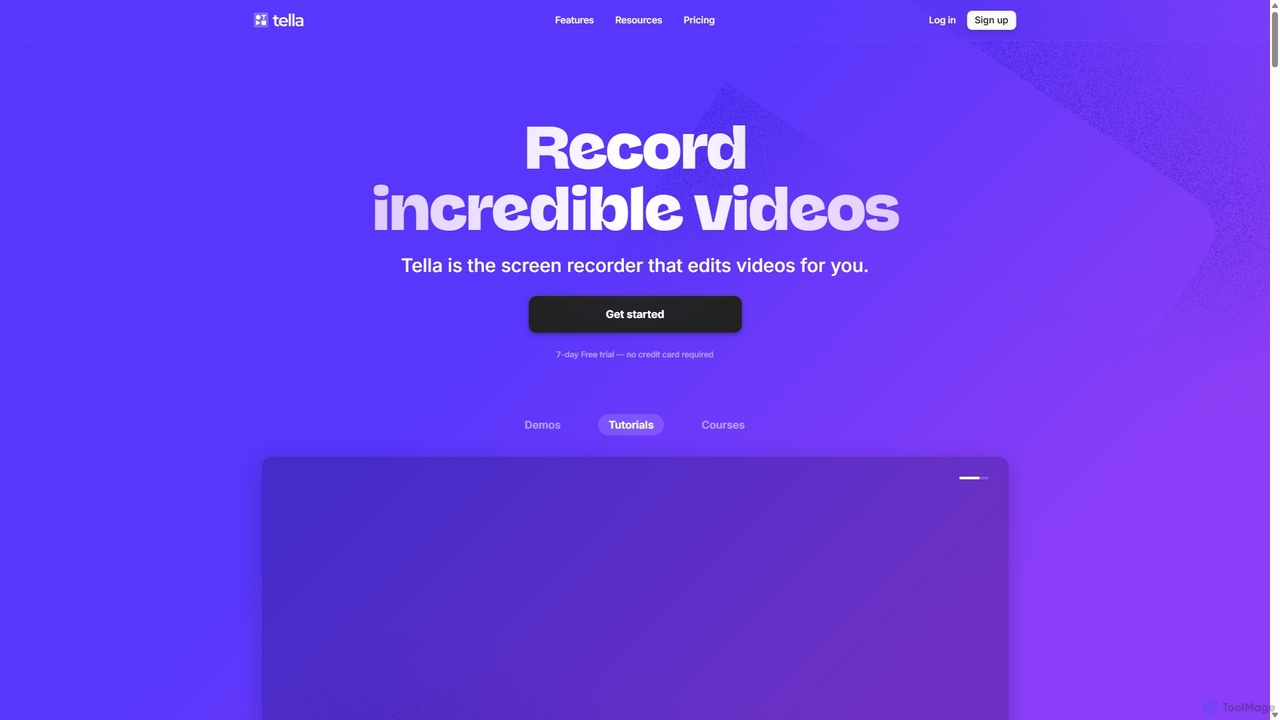
Tella
Tella is an AI-powered screen recorder and video editor for Mac & Windows that simplifies video creation. It automatically removes silences and filler words, offers transcript-based editing, and provides professional customization options like backgrounds, layouts, and zooms. Ideal for creating tutorials, product demos, and online courses in minutes, not hours.
E Learning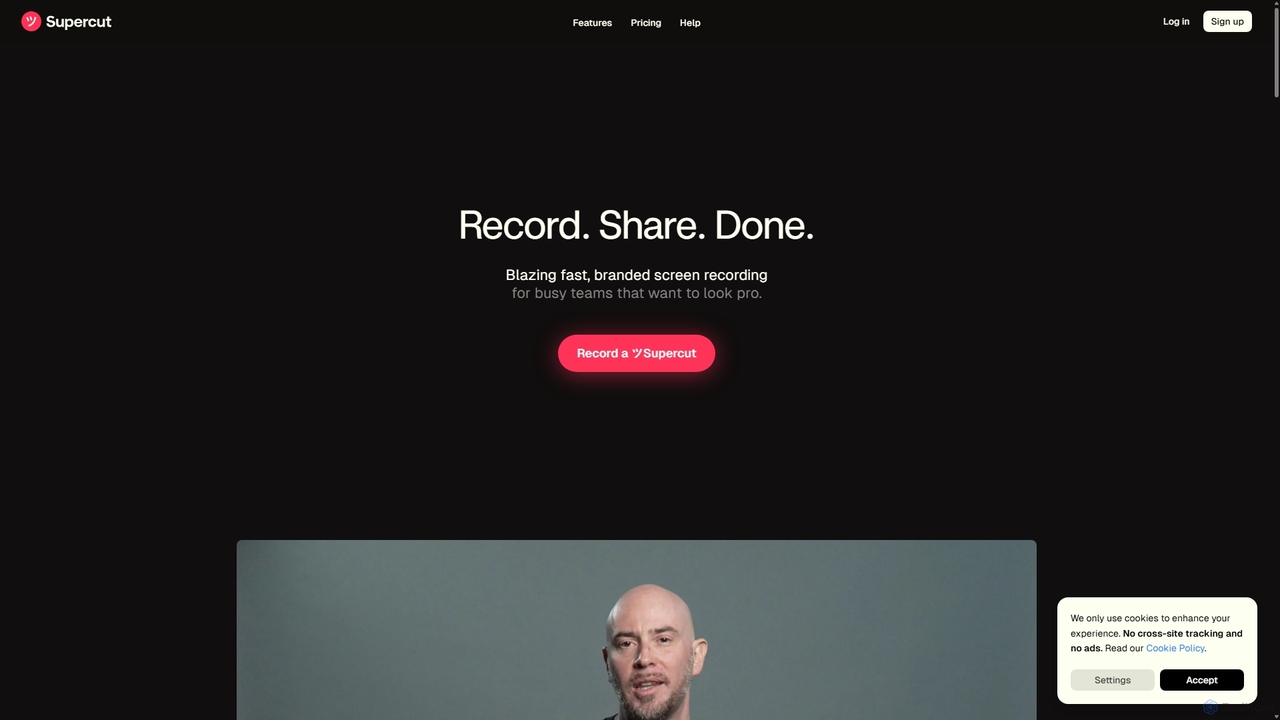
Supercut
Supercut is an AI-powered screen recording tool designed for teams to create professional, branded videos with blazing speed. It automates tedious tasks like chapter creation and editing, enabling users to record, share, and get results instantly. Ideal for sales, customer support, and team collaboration.
Helpdesk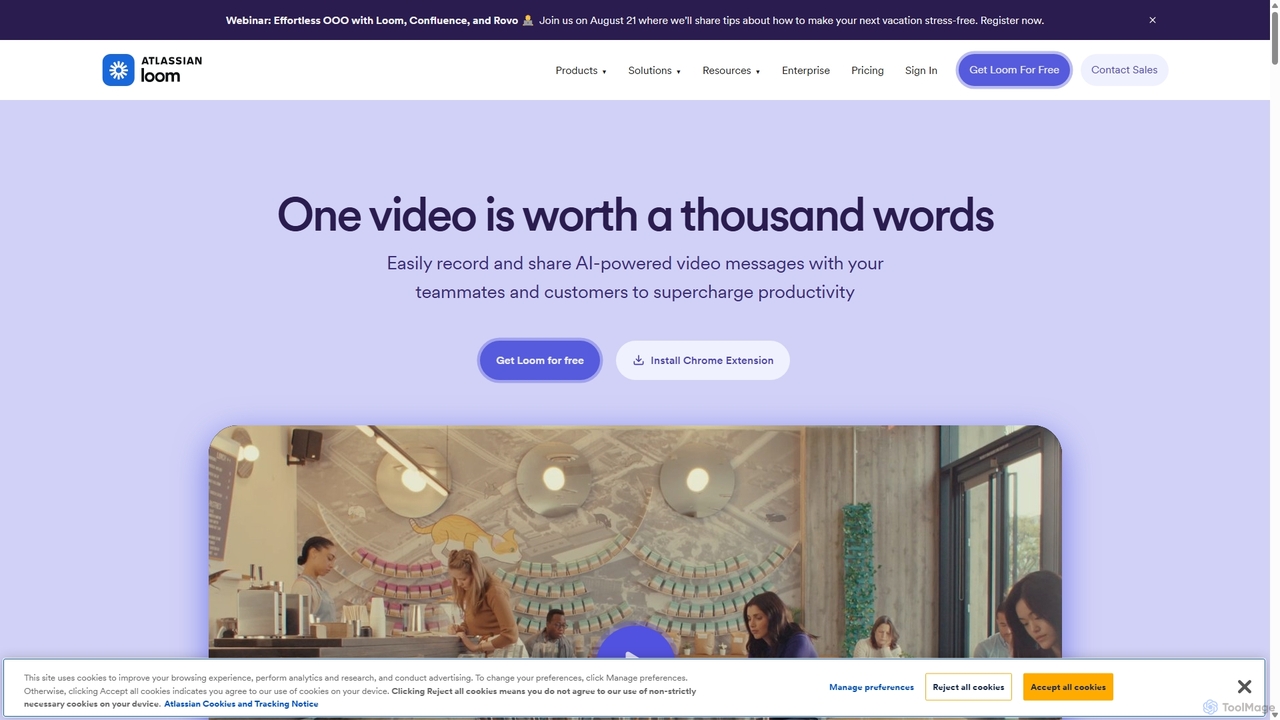
Loom
Loom is an AI-powered video messaging platform for work that allows users to instantly record and share their screen, camera, and audio. It streamlines communication, reduces meetings, and enhances team collaboration with features like AI-powered summaries, transcriptions, and editing tools.
Team Management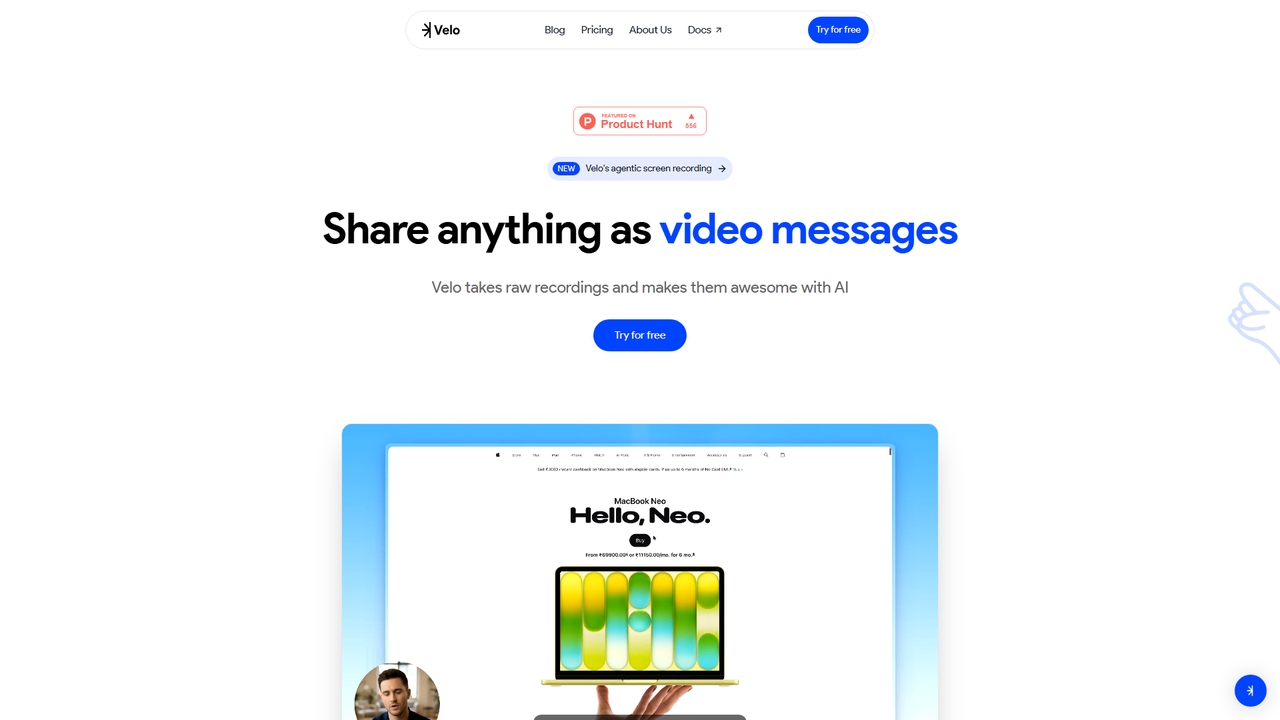
Velo
Velo is an AI-powered video messaging platform that transforms raw screen recordings into professional, share-ready videos. It utilizes agentic screen recording and creates hyper-realistic AI Avatars to help sales, product, support, marketing, education, and creator teams communicate complex ideas effortlessly.
Training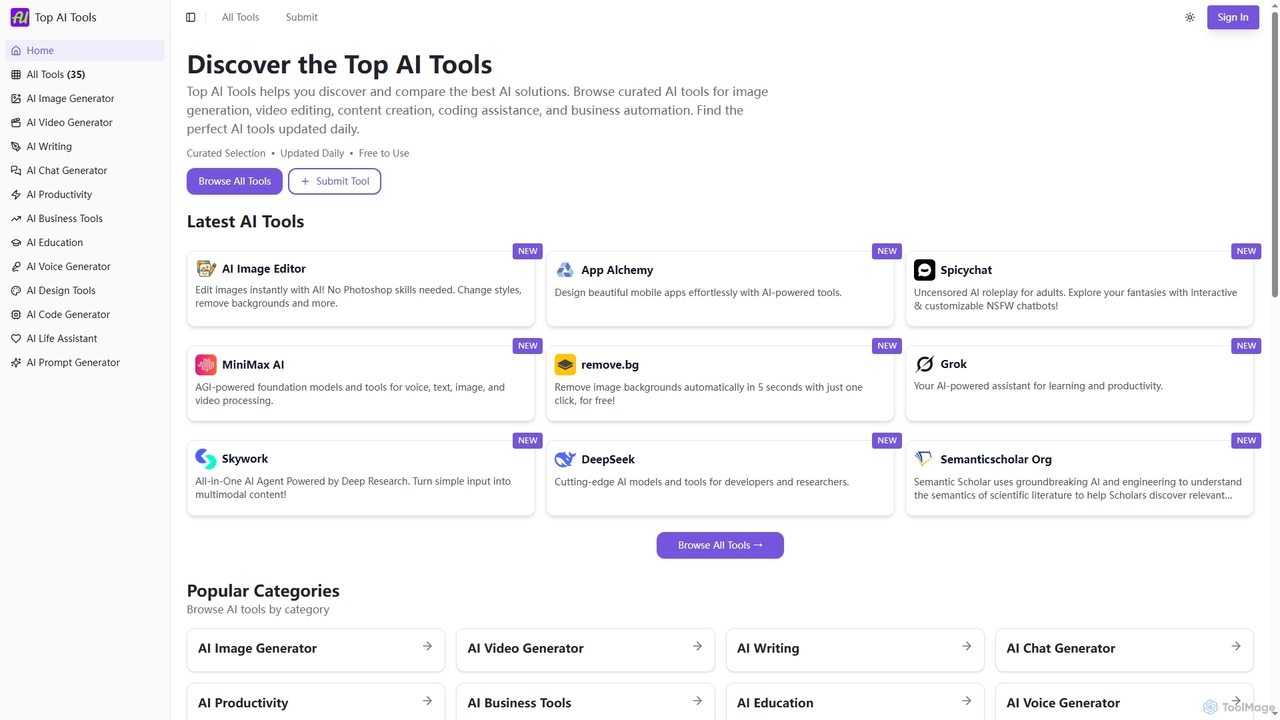
Top AI Tools
Top AI Tools is a comprehensive, free-to-use directory that helps users discover, compare, and explore the best AI-powered software solutions across various categories. It provides curated listings, detailed information on features and pricing, and daily updates to simplify the search for the perfect AI tool for any need.
Discovery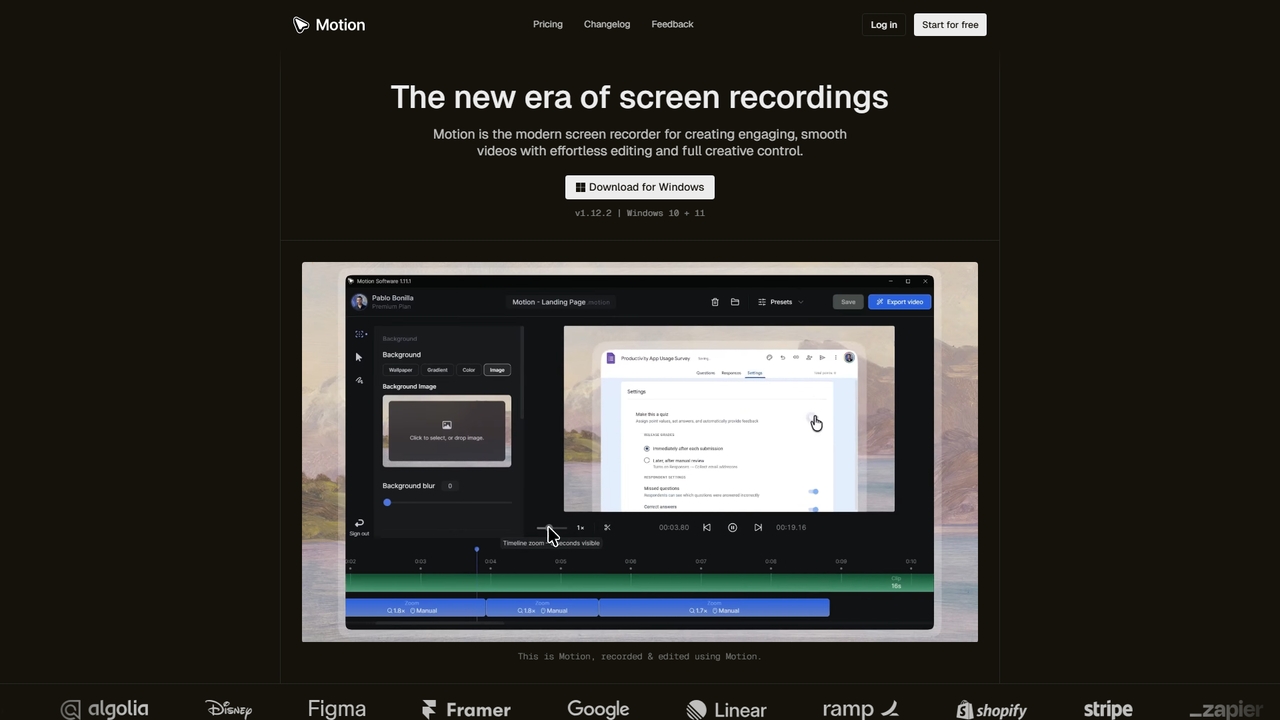
Motion
Motion is a modern screen recorder and video editor designed specifically for Windows. It enables users to create smooth, professional-looking screen recordings effortlessly, with built-in smart editing tools that automatically handle animations like cursor movements and zooms. Perfect for creating tutorials, demos, marketing content, and more, Motion offers a powerful yet intuitive workspace for both beginners and professionals.
Presentations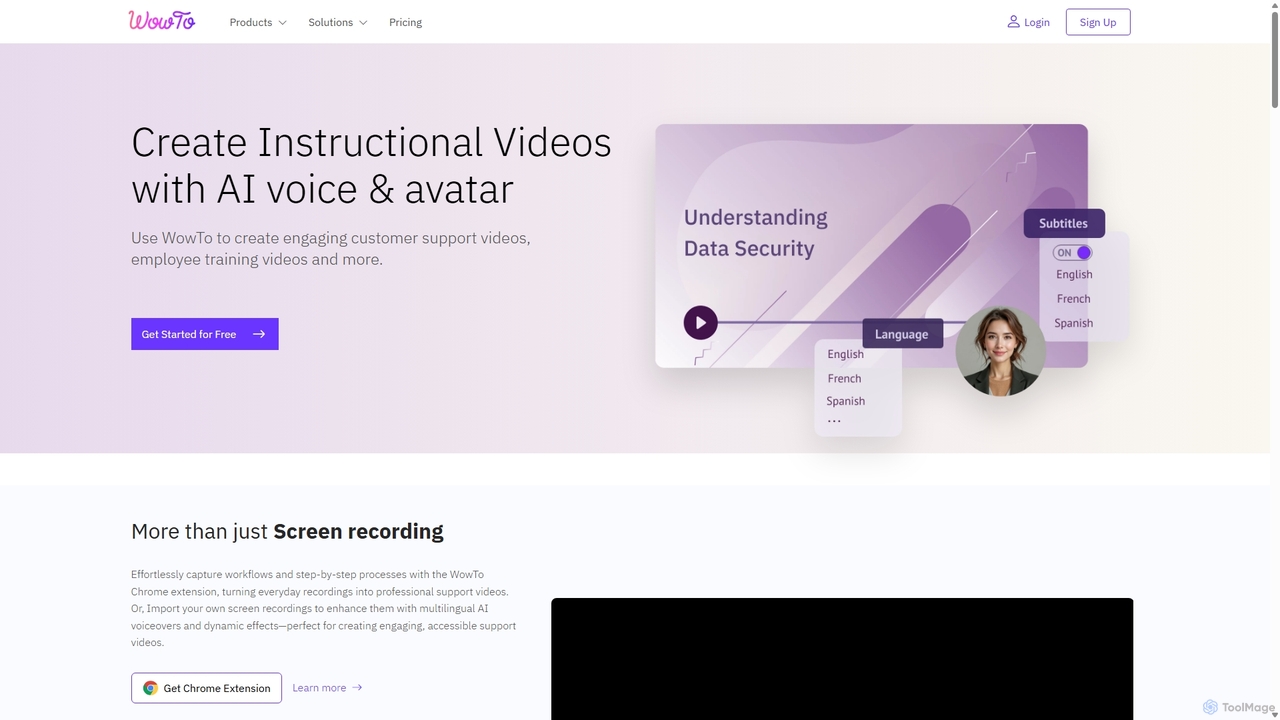
WowTo
WowTo is an AI-powered platform designed to create professional how-to, support, and training videos in minutes. It transforms screen recordings, text, or existing presentations into engaging, multilingual videos with AI voiceovers, helping businesses reduce support tickets and improve user onboarding.
Help Desk
Reka
Reka provides a suite of powerful, multimodal AI models and solutions designed for real-world impact. From the ultra-compact Spark to the frontier-level Core model, Reka's technology understands and processes text, images, audio, and video. It powers applications like Reka Vision for intelligent video analysis and Reka for Creators for automated social media clip generation, serving developers, enterprises, and content creators.
Transcription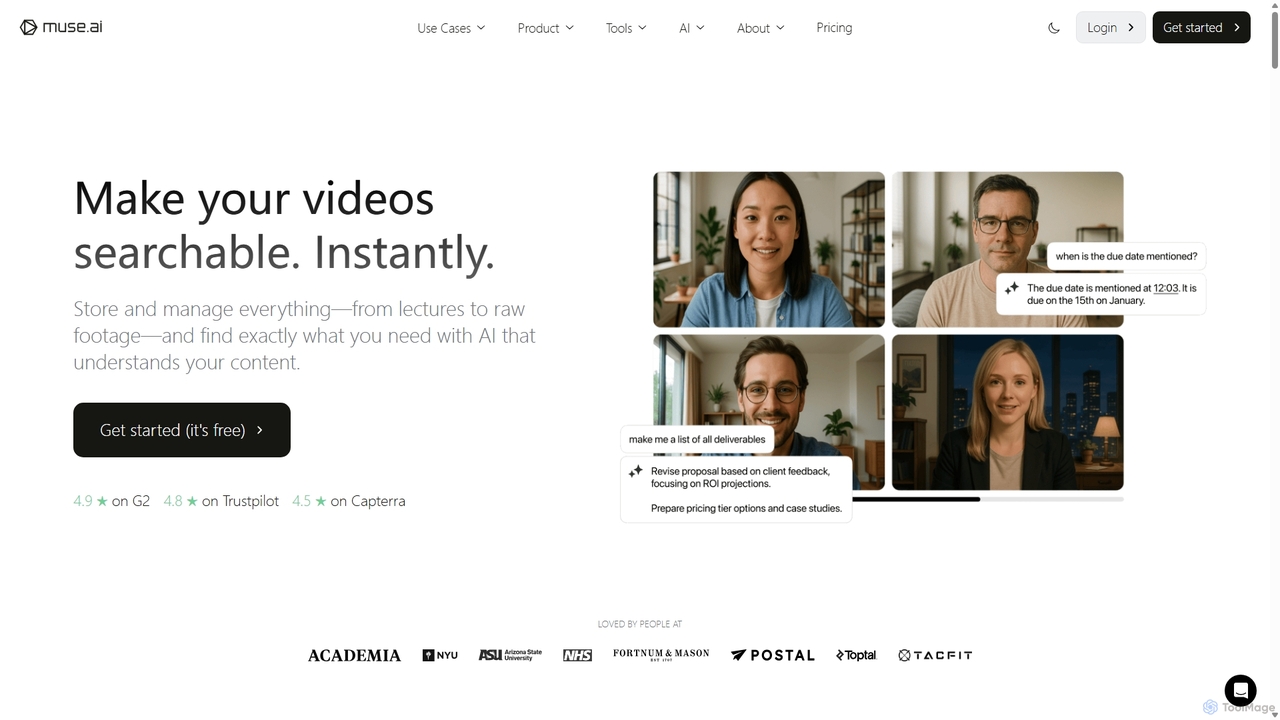
Muse.ai
Muse.ai is an intelligent AI-powered video platform that simplifies video hosting, management, and monetization. It offers a unique in-video search capability, allowing users to find specific moments by searching for speech, text, people, objects, and actions. With automatic transcription, a customizable player, and powerful analytics, it's designed for educators, creators, teams, and marketers to unlock the full potential of their video content.
E Learning
Zenvideo
Zenvideo is an intelligent video creation platform by Tencent, leveraging AI to simplify and automate the entire video production workflow. It enables users to effortlessly generate professional-quality videos from text, create content with digital human avatars, and utilize smart editing tools, making it ideal for marketing, education, and content creation.
Social Media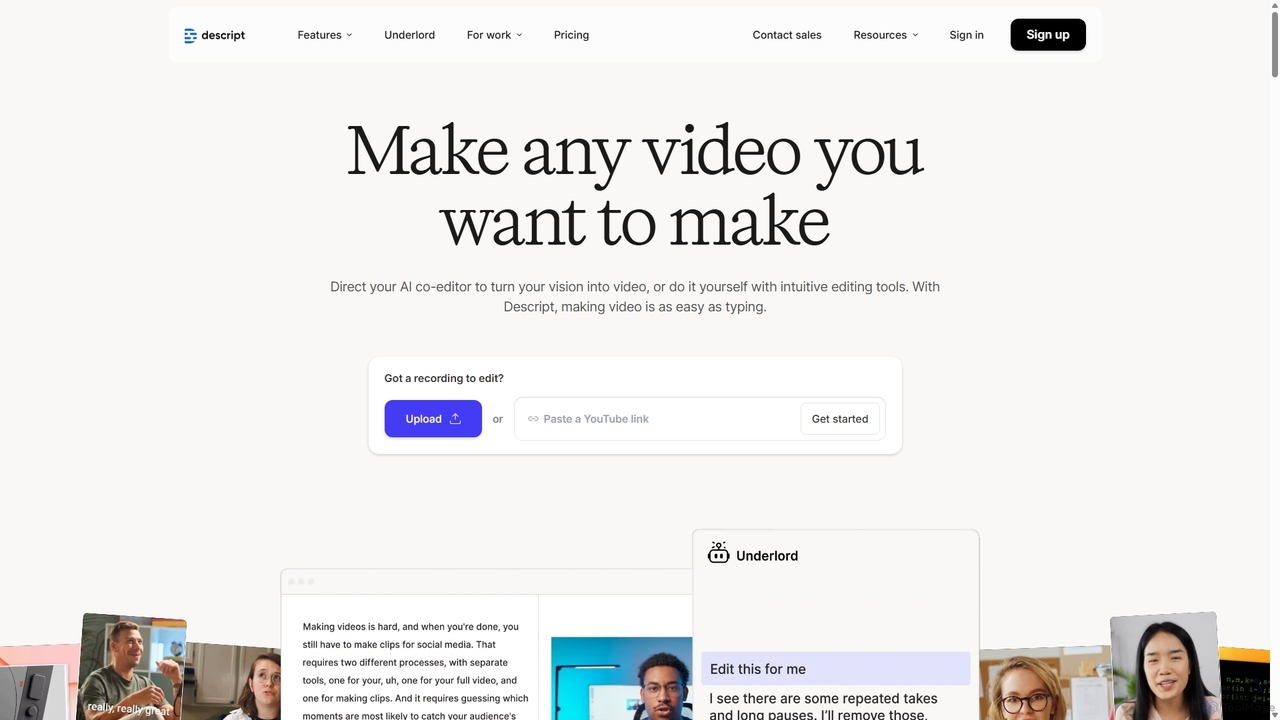
Descript
Descript is an all-in-one AI-powered video and podcast editor that lets you edit media as easily as editing a text document. It features automatic transcription, screen recording, AI voice cloning, filler word removal, and powerful AI effects like Studio Sound and Green Screen to streamline content creation for creators, marketers, and businesses.
Social Media
ChatronAI
ChatronAI is an all-in-one AI workspace designed to streamline creative and technical workflows. It integrates tools for long-form content creation, SEO optimization, AI image generation, simple video editing with auto-captions, and code assistance. This unified platform empowers creators, marketers, and developers to produce high-quality work more efficiently by consolidating multiple functionalities into a single, intuitive interface.
Development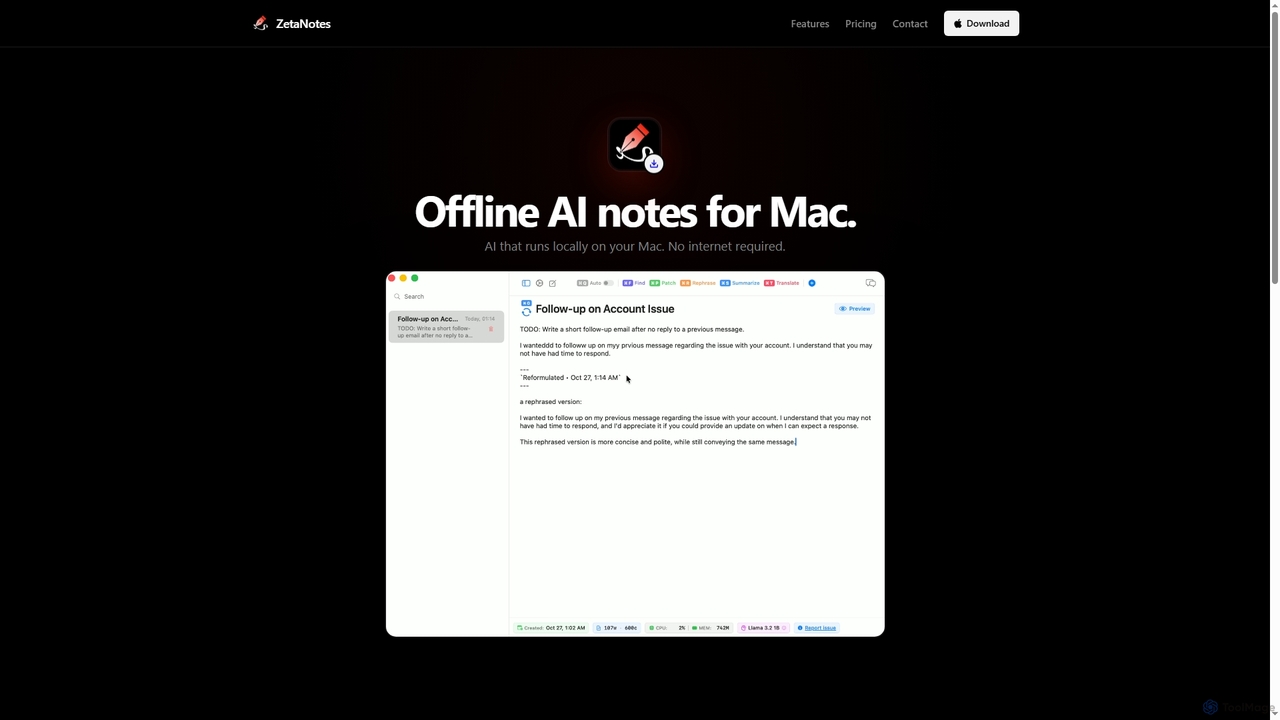
Zetanotes
Zetanotes is a privacy-focused, offline AI note-taking application for Mac. It runs AI models locally on your device, requiring no internet connection for core features, ensuring your data remains private. Optimized for Apple Silicon with Metal GPU acceleration.
Mac
Retina Comments (0)
Sign in to comment.
Sign inNo comments yet.