

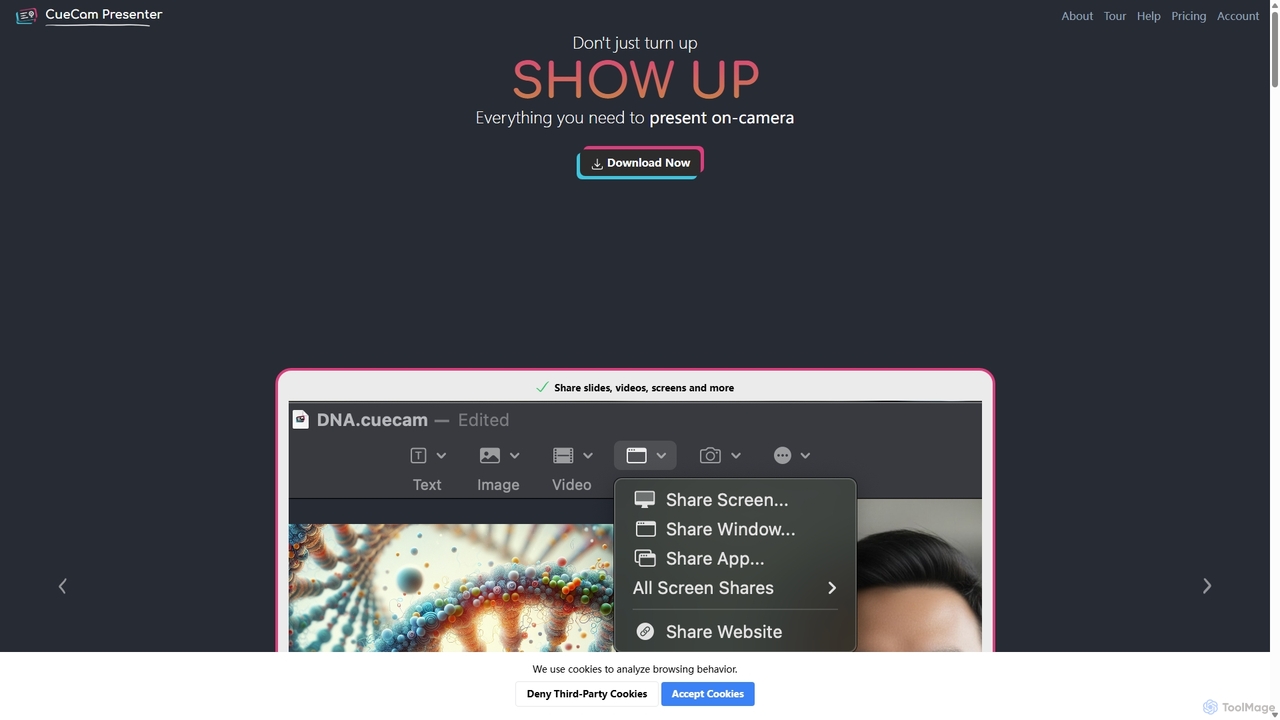
CueCam Presenter Overview
CueCam Presenter is an all-in-one presentation and live production studio designed exclusively for Mac users. It elevates on-camera communication by transforming your standard webcam feed into a dynamic, professional, and engaging experience. The tool is built to eliminate the friction and complexity typically associated with live presentations, video recording, and remote meetings. Instead of juggling multiple apps for screen sharing, slides, and a teleprompter, CueCam consolidates everything into a seamless, intuitive workflow driven by a simple "next" button.
At its core, CueCam operates on a "smart script" system using cue cards. Users can build their entire presentation, from teleprompter text to visual aids, within these cards. This unique approach keeps the presenter focused and on-message, while CueCam handles the technical execution of displaying slides, playing videos, sharing screens, or switching camera angles. It integrates deeply with the Apple ecosystem, leveraging companion apps like Video Pencil for iPad to enable real-time drawing and annotation on any content, and Shoot Pro Webcam to turn an iPhone into a high-quality, remote-controlled camera and teleprompter.
How to use CueCam Presenter
Using CueCam Presenter is designed to be straightforward. First, you install the application on your Mac, which includes setting up its virtual camera and virtual microphone extensions. This allows CueCam to be selected as a camera and audio source in any video conferencing or streaming software (like Zoom, Teams, OBS). The workflow is as follows:
- Build Your Script: Create a new presentation and start adding "smart cue cards." Each card holds your teleprompter text.
- Add Visuals & Actions: Enhance your cards by embedding content directly. You can add titles, bullet points, images (drag-and-drop or generate with AI), full-screen videos, or set up screen shares of specific apps or windows.
- Integrate Devices: Connect your iPad with the Video Pencil app to prepare for live annotation. Use your iPhone with the Shoot app as a superior webcam or a second camera angle.
- Present with Confidence: Start your presentation. CueCam displays your script in a built-in teleprompter. As you click "next," it automatically transitions through your visual cues—showing slides, playing videos, and more.
- Go Live or Record: Select "CueCam" as your camera in Zoom, Google Meet, or OBS to present live. Alternatively, use the built-in recording function to capture a polished video without needing any post-production editing.
Core Features of CueCam Presenter
- Integrated Teleprompter: Write your script directly in cue cards. The text is displayed clearly, helping you maintain eye contact and deliver a smooth presentation. It even works on your iPhone screen via the Shoot app.
- Smart Cue Card System: A card-based workflow that combines your script with visual elements and triggers. Simply press "next" to advance both your teleprompter and on-screen visuals simultaneously.
- Live Annotation with Video Pencil: Connect your iPad and use the Apple Pencil to draw, highlight, and annotate on your slides, shared screen, or even live video feeds.
- iPhone as Pro Webcam with Shoot: Use your iPhone's superior camera as your main webcam. The Shoot app provides remote control over zoom, focus, and exposure, and doubles as a mobile teleprompter.
- Multi-Source Sharing: Seamlessly share slides, images, pre-recorded videos, your desktop screen, specific application windows, or a second camera feed.
- Professional Audio Controls: Features accurate LUFS metering to ensure perfect audio levels, an Audio Delay Calculator to sync audio with video, and built-in headphone monitoring.
- AI-Powered Content Creation: Leverage integrations with ChatGPT to generate presentation scripts and Dall-E to create custom images directly within the app.
- Broad Compatibility: Works as a virtual camera in virtually any Mac application, including Zoom, Google Meet, Microsoft Teams, OBS, Ecamm Live, and more.
Use Cases for CueCam Presenter
CueCam Presenter is versatile and valuable for a wide range of professionals:
- Online Educators & Coaches: Deliver engaging lessons by drawing on slides, highlighting code, or breaking down complex diagrams in real-time.
- Sales & Marketing Professionals: Create compelling software demos and sales pitches that are polished and interactive, winning over clients on remote calls.
- Content Creators & YouTubers: Record scripted videos in a single take, complete with graphics and screen shares, eliminating the need for lengthy post-production.
- Corporate Professionals: Lead more effective and professional remote meetings and webinars on platforms like Zoom and Teams.
- Live Streamers: Drive complex shows on OBS or Ecamm Live using CueCam as a powerful, easy-to-control content and camera source.
Advantages of CueCam Presenter
Compared to traditional presentation methods, CueCam offers significant advantages. It replaces a clumsy setup of multiple tools with a single, unified interface, saving time and reducing the risk of technical glitches during a live session. The tight integration with iPad and iPhone turns devices you already own into powerful production tools. The script-driven workflow ensures presentations are structured and impactful, while features like LUFS metering and audio delay correction provide a level of professionalism typically reserved for broadcast studios. Ultimately, CueCam empowers individuals to show up with confidence and deliver flawless on-camera presentations.
Pricing and Plans
CueCam Presenter operates on a flexible pricing model, including a "Rent-To-Own" option that makes lifetime access more attainable for everyone. While there is a free version or beta to get started, full functionality requires a paid plan. The pricing structure is designed to be accessible for independent creators and professionals. For the most current and detailed pricing information, please visit the official CueCam Presenter website.
Traffic
Latest traffic
Status
Monthly traffic trend
- 2025-9: 9.1K
- 2026-1: 1.2K
- 2026-2: 1.0K
- 2026-3: 1.8K
- 2026-4: 1.9K
- 2026-5: 1.2K
Geography
Top 5 countries / regions
- 🇧🇷Brazil56.5%
- 🇮🇳India25.7%
- 🇹🇷Türkiye11.9%
- 🇲🇽Mexico5.8%
Top keywords
| Keyword | Cost per click |
|---|---|
| create a source format for youtube videos | $0.00 |
| cuecam | $0.00 |
| cuecam presenter | $0.00 |
| cuecam profile on streamdeck | $0.00 |
| rewind.cam | $0.00 |
CueCam Presenter Alternatives
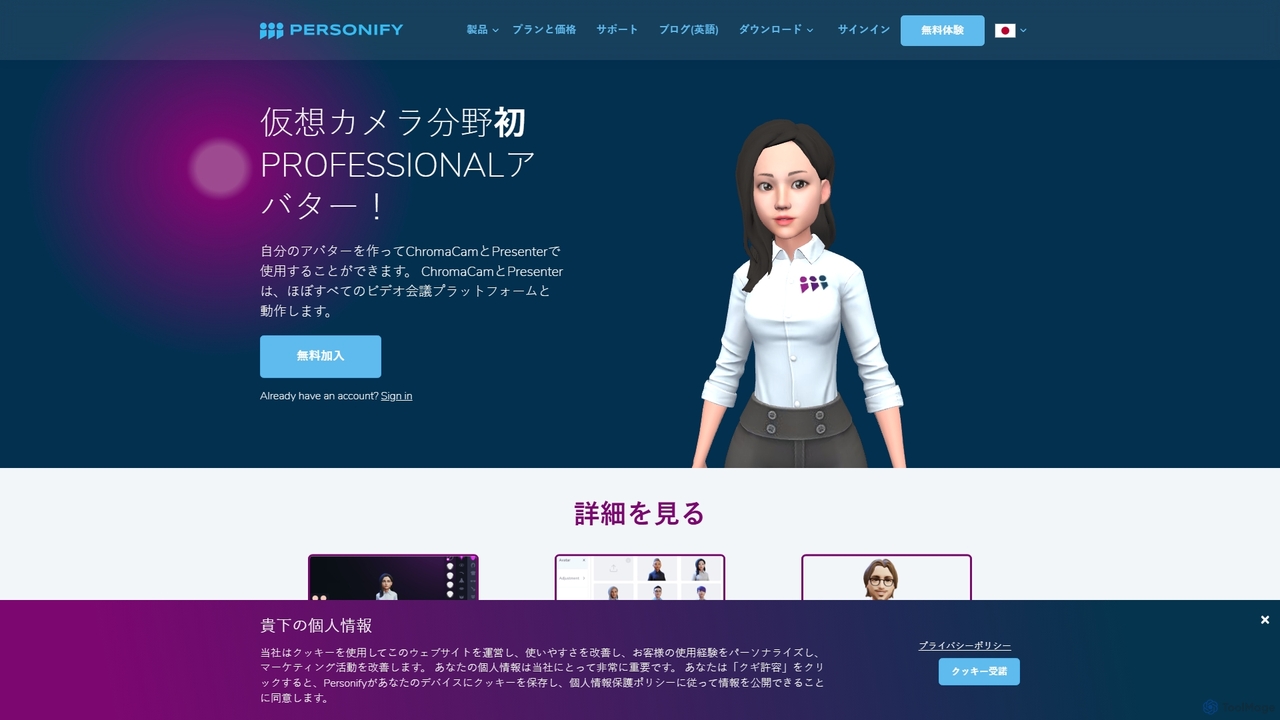
Personify
Personify is an AI-powered suite of virtual camera tools, including Presenter and ChromaCam, designed to create immersive and engaging video presentations. It allows users to overlay their video on content, use custom 3D avatars, and replace backgrounds in any video conferencing app.
Virtual Identity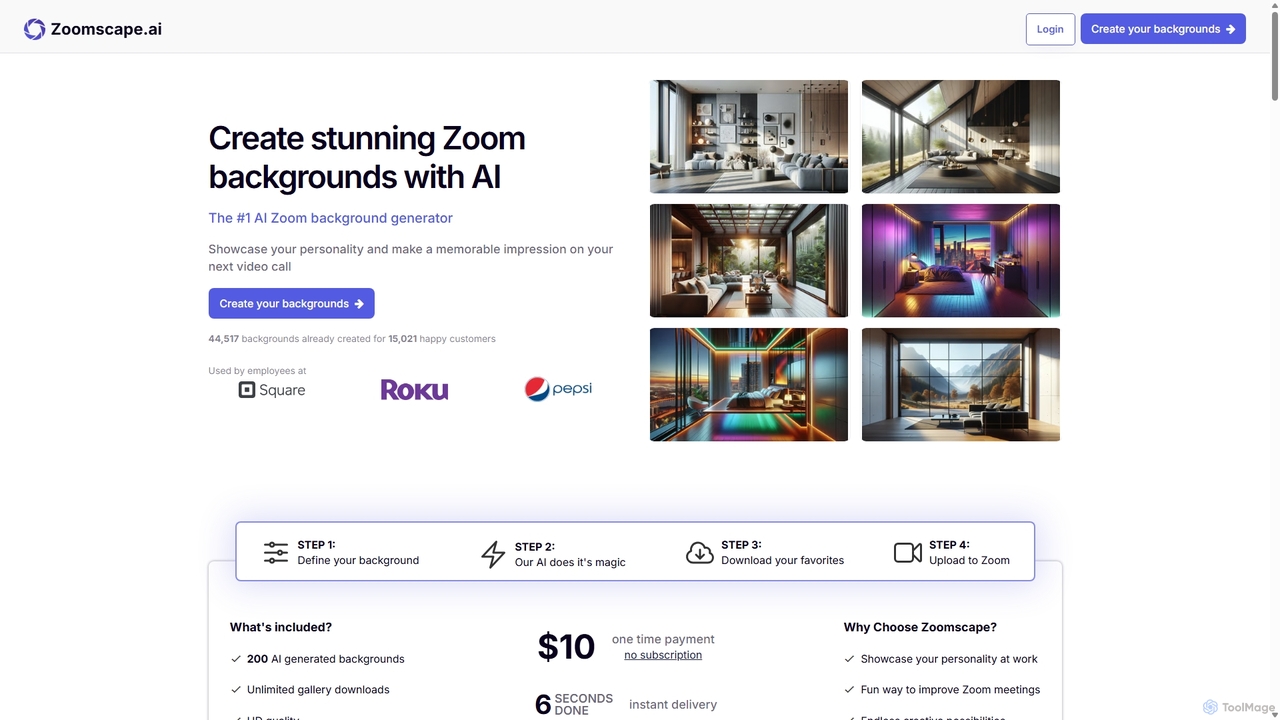
ZoomScape.ai
ZoomScape.ai is an AI-powered generator that creates hundreds of unique, stunning, and high-definition virtual backgrounds for Zoom and other video conferencing platforms. In seconds, you can generate personalized backdrops that showcase your personality, enhance your professional brand, and make your meetings more engaging.
Miscellaneous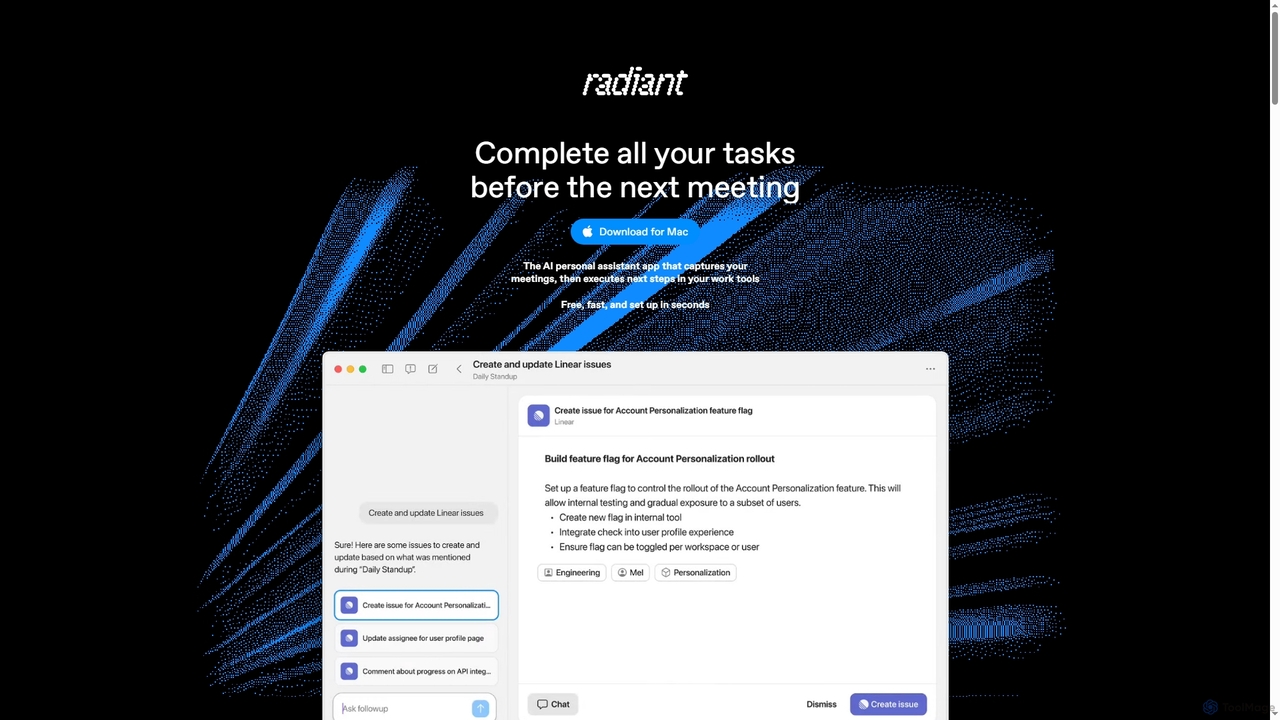
Radiant
Radiant is an AI personal assistant app for Mac that captures meetings and automatically executes next steps. It goes beyond note-taking by suggesting and drafting actions like emails, documents, and tickets directly in your work tools, streamlining your workflow without needing a bot.
Collaboration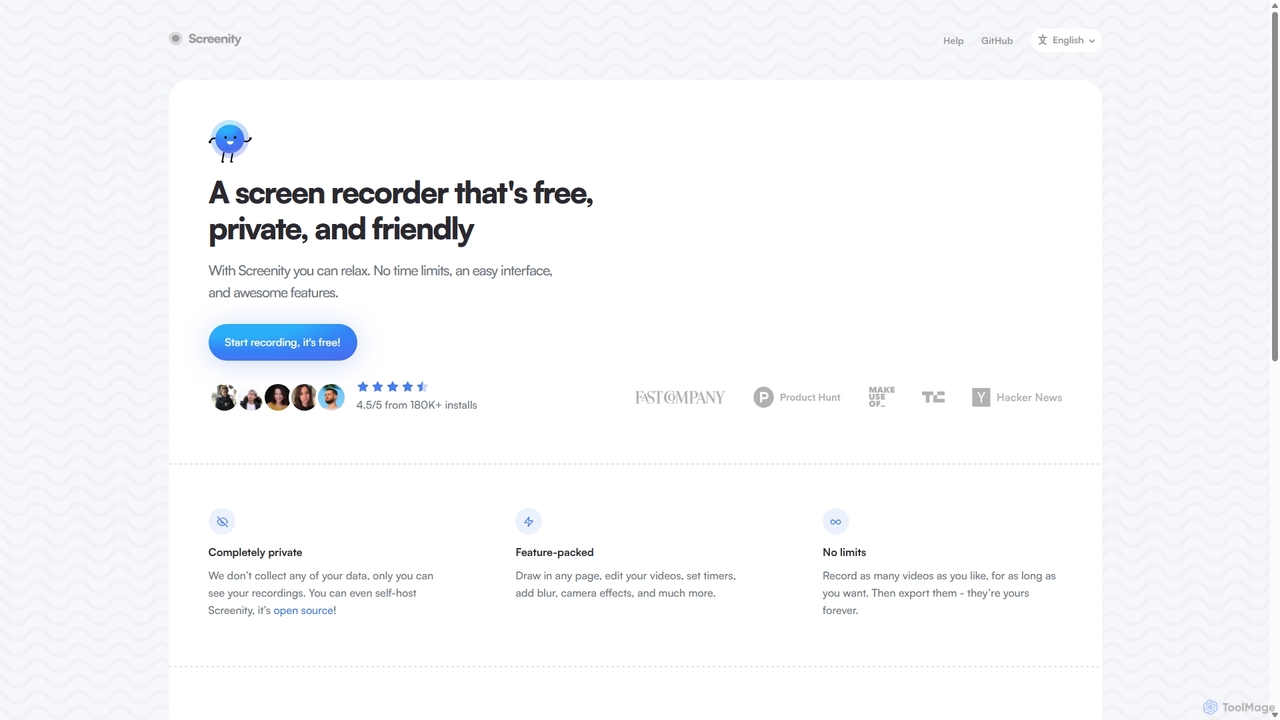
Screenity
Screenity is a powerful, free, and privacy-focused screen and camera recorder for Chrome. It offers unlimited recording, annotation tools, and basic video editing without collecting any user data. Ideal for creating tutorials, demos, and presentations.
Bug Reporting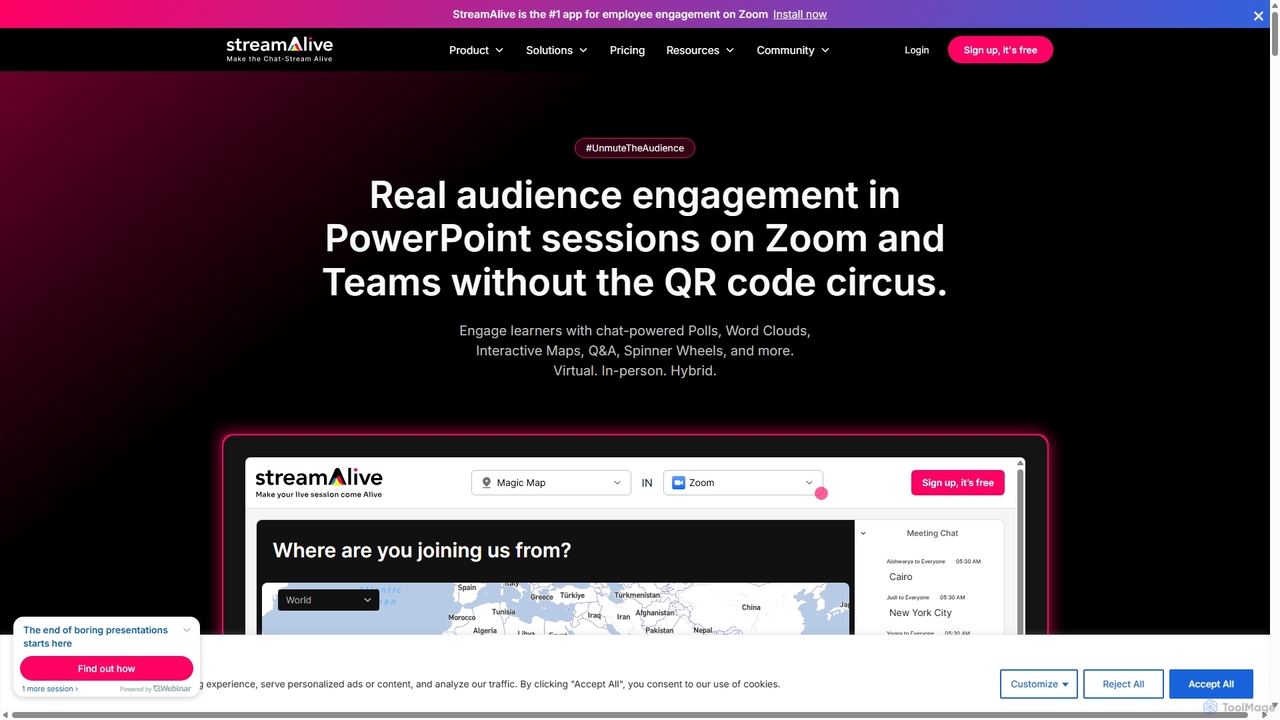
StreamAlive
StreamAlive is an AI-powered audience engagement tool for live sessions on platforms like Zoom, Teams, and YouTube. It transforms passive presentations into interactive experiences using chat-powered features like polls, word clouds, interactive maps, and Q&A. Its AI can automatically generate engagement questions from your presentation material, making it easy for trainers, educators, and presenters to keep their audience captivated without complex setups or QR codes.
TrainingCueCam Presenter Categories
CueCam Presenter Jobs
CueCam Presenter Embed Widget
Copy this embed code to place the badge on your blog, article, or product site and send readers directly to this ToolMage detail page.

Related AI tools
Screenity
Screenity is a powerful, free, and privacy-focused screen and camera recorder for Chrome. It offers unlimited recording, annotation tools, and basic video editing without collecting any user data. Ideal for creating tutorials, demos, and presentations.
Bug ReportingPersonify
Personify is an AI-powered suite of virtual camera tools, including Presenter and ChromaCam, designed to create immersive and engaging video presentations. It allows users to overlay their video on content, use custom 3D avatars, and replace backgrounds in any video conferencing app.
Virtual Identity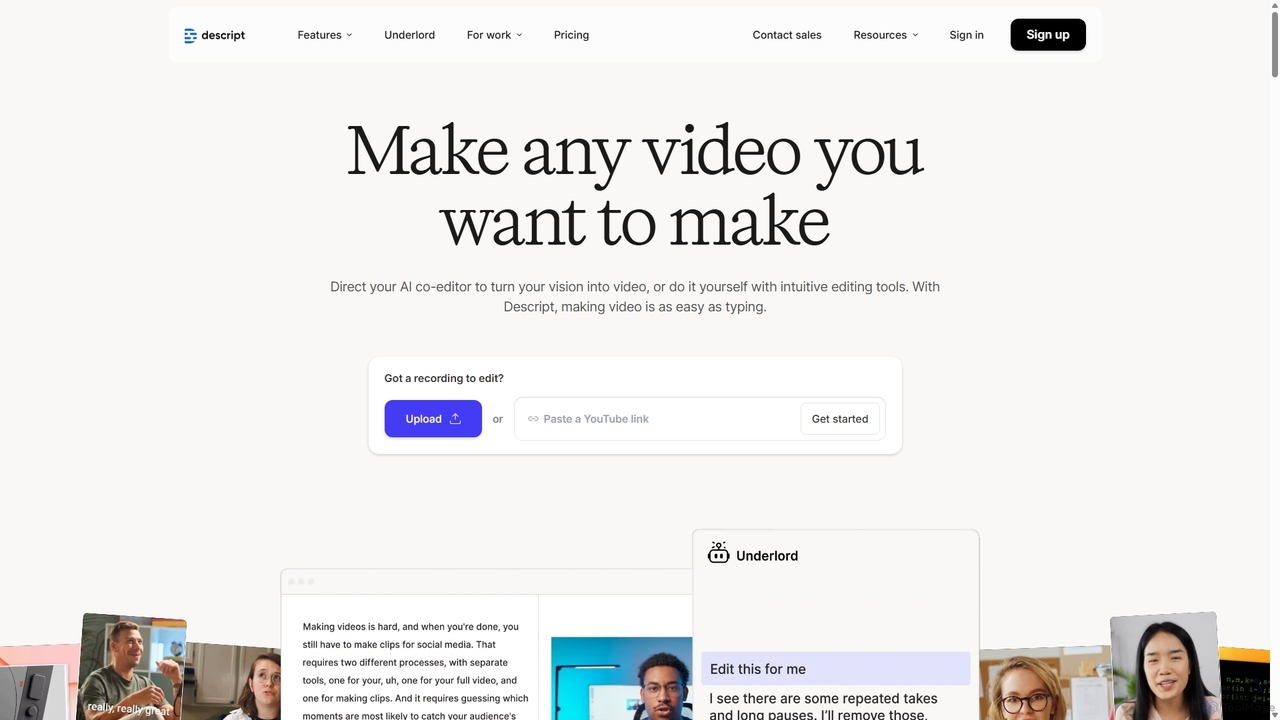
Descript
Descript is an all-in-one AI-powered video and podcast editor that lets you edit media as easily as editing a text document. It features automatic transcription, screen recording, AI voice cloning, filler word removal, and powerful AI effects like Studio Sound and Green Screen to streamline content creation for creators, marketers, and businesses.
Social Media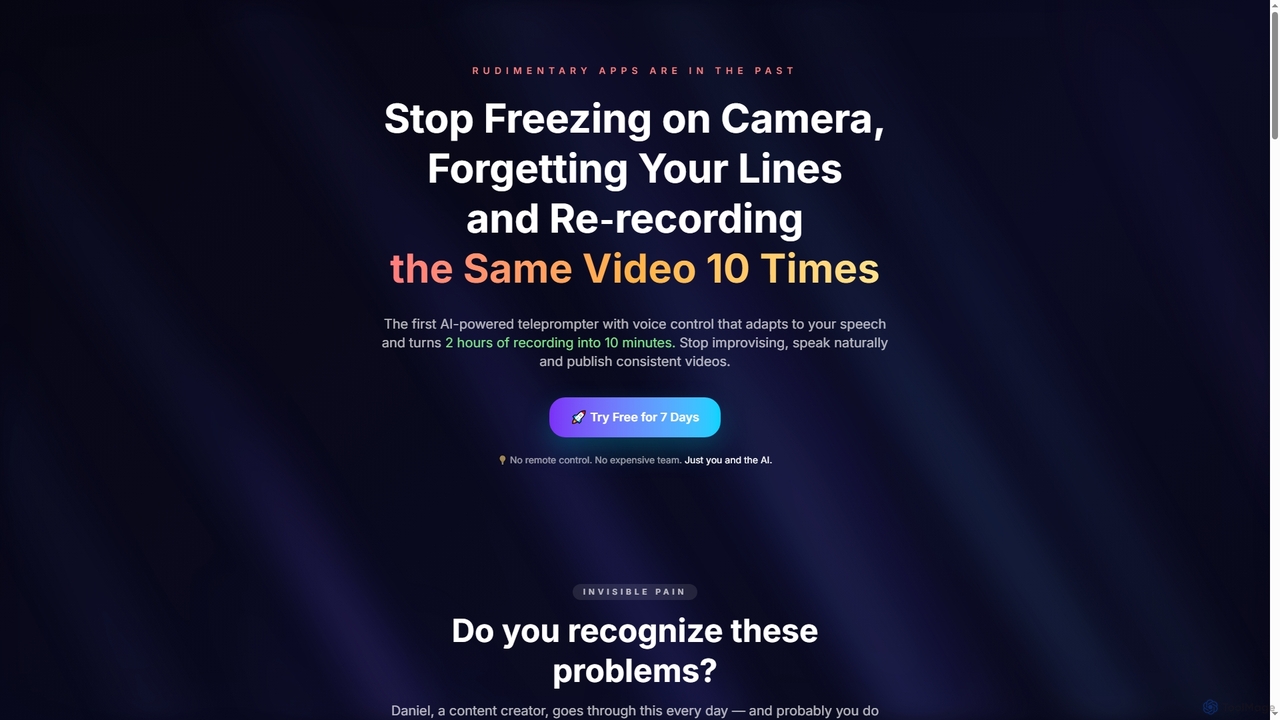
Tpflow
Tpflow is an AI-powered teleprompter that automatically adapts to your speaking pace. It features voice control and multi-device sync, designed to help content creators record videos naturally and efficiently, drastically reducing recording and editing time.
Speech Recognition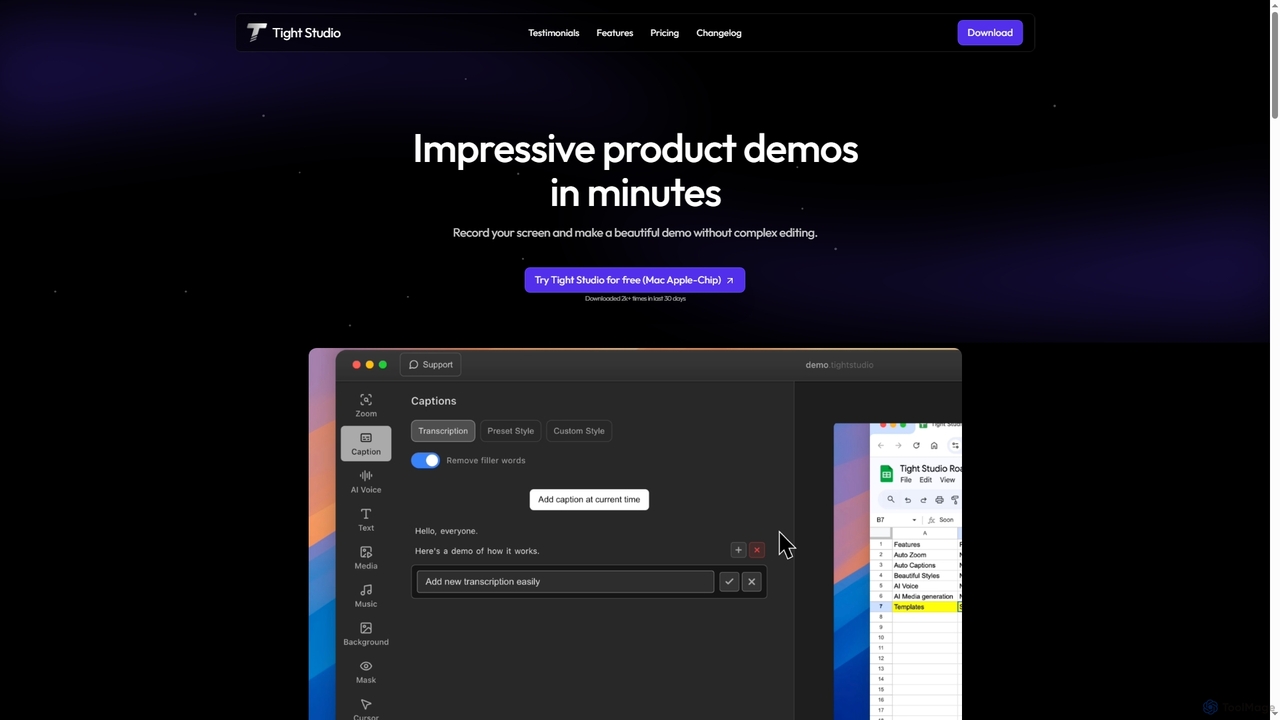
Tight Studio
Tight Studio is an AI-powered screen recording and video editing application for Mac, designed to create professional product demos and tutorials in minutes. It features smart zoom, automatic captions, AI narration, and an intuitive editor, enabling users without editing skills to produce high-quality, engaging videos effortlessly.
Tutorials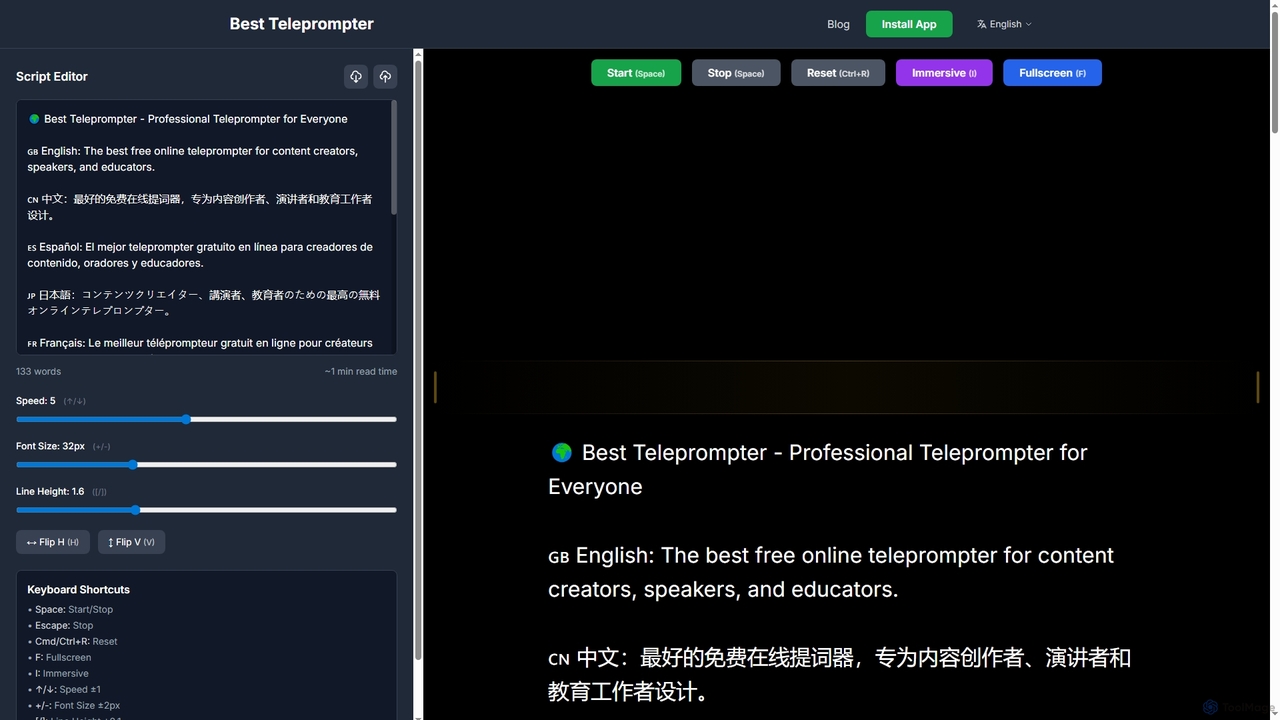
Best Teleprompter
Best Teleprompter is a free, professional online teleprompter designed for content creators, speakers, and educators. It offers smooth scrolling, customizable settings, and advanced features like drag scrolling, mirror controls, and keyboard shortcuts, making it ideal for videos, speeches, and live streams. Your scripts remain private and are auto-saved locally.
3D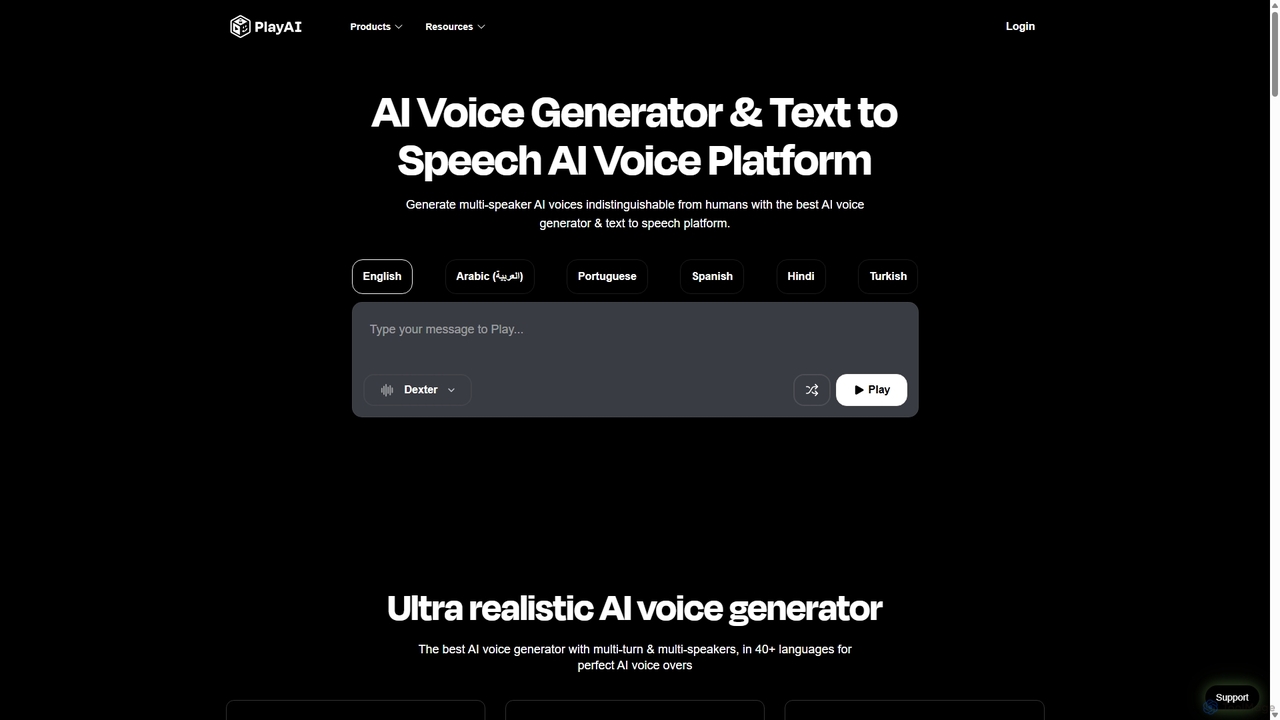
Play.ht
Play.ht is a leading AI voice generator and text-to-speech platform that creates ultra-realistic, human-like voices. With a library of over 800 AI voices in more than 40 languages, it's perfect for creating professional voiceovers, audiobooks, podcasts, and e-learning content. The platform supports advanced features like voice cloning, multi-speaker dialogues, and detailed emotional tuning.
Text To Speech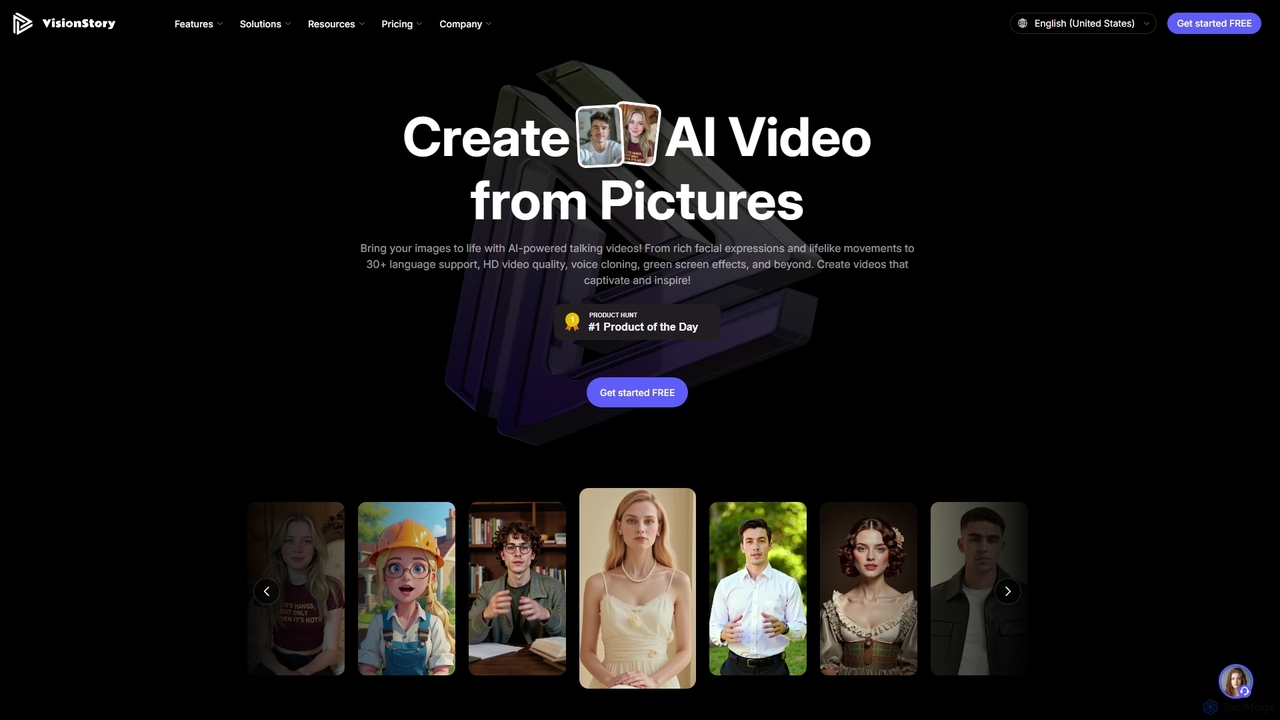
VisionStory
VisionStory is a powerful AI video creation platform that transforms static images into dynamic talking videos. Generate lifelike avatars with rich facial expressions, customizable emotions, and lip-synced audio in over 30 languages. Ideal for marketers, creators, and educators, it also offers features like AI presentations, video podcasts, and voice cloning to create captivating content effortlessly.
Video Marketing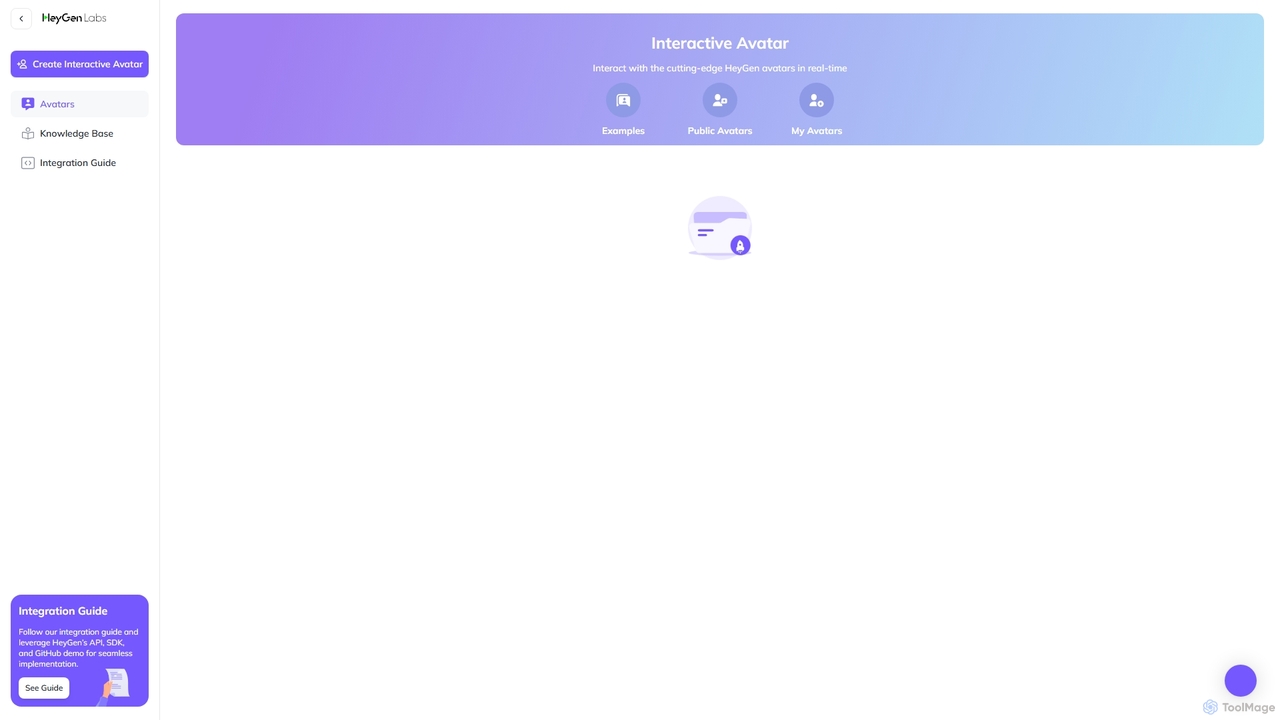
HeyGen Labs
HeyGen Labs showcases advanced AI video generation features, including real-time interactive avatars. It's an all-in-one platform for creating professional spokesperson videos with customizable avatars, voice cloning, and multi-language support. Ideal for marketing, sales, training, and customer support, it simplifies video production, making it scalable and cost-effective.
Virtual Assistant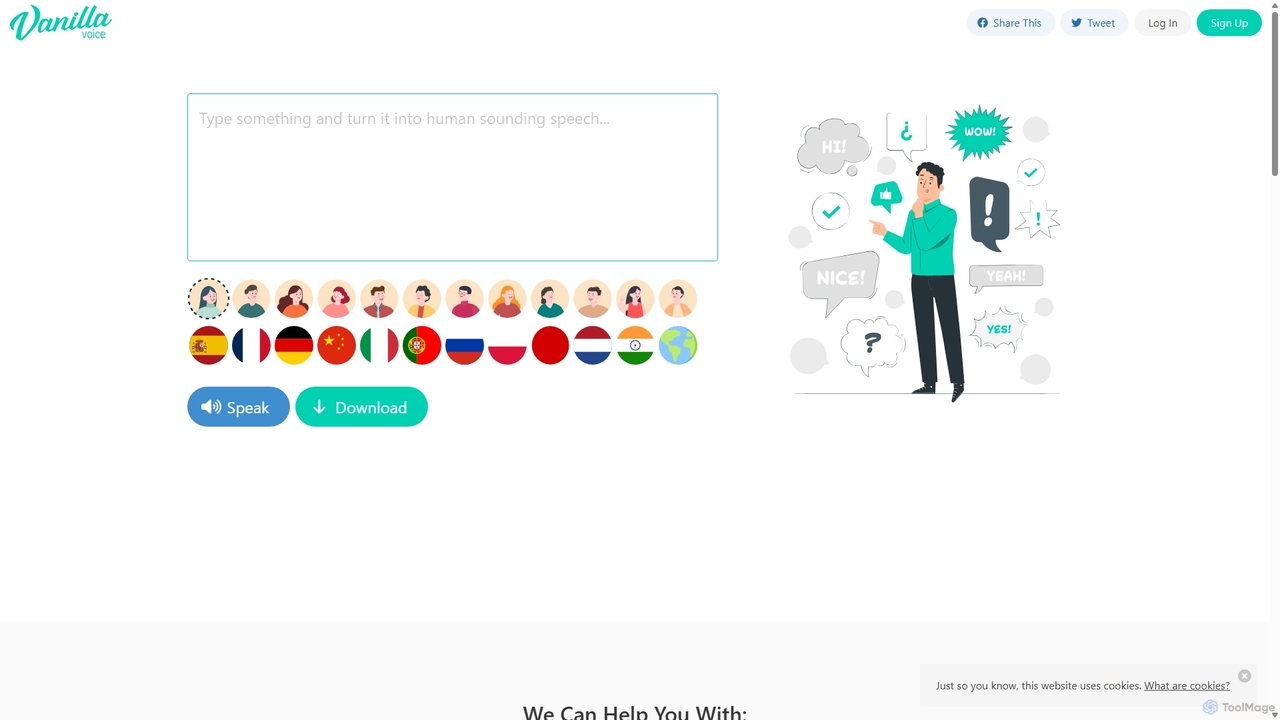
VanillaVoice
VanillaVoice is an AI-powered text-to-speech generator that converts written text into incredibly natural, human-sounding audio. It supports a wide range of languages and accents, making it ideal for creating professional voiceovers for videos, presentations, e-learning courses, and more, without the need for expensive recording equipment or voice actors.
Text To SpeechRadiant
Radiant is an AI personal assistant app for Mac that captures meetings and automatically executes next steps. It goes beyond note-taking by suggesting and drafting actions like emails, documents, and tickets directly in your work tools, streamlining your workflow without needing a bot.
Collaboration
Aimindcrafter
Aimindcrafter is an ultimate all-in-one AI platform designed to streamline content creation. It integrates a powerful article and content generator with over 70 templates, an AI image creator using DALL-E 3 and Stable Diffusion, a text-to-speech engine with 540+ voices, speech-to-text transcription, an AI code assistant, and trainable AI chatbots. It's a comprehensive solution for marketers, creators, and developers to enhance productivity and creativity.
Image Generation
ShareSpeak
ShareSpeak is an AI-powered invisible teleprompter app for Mac designed to help users deliver flawless presentations and record professional videos. It seamlessly integrates with screen sharing and recording, ensuring smooth, confident communication without fumbling words.
Public SpeakingZoomScape.ai
ZoomScape.ai is an AI-powered generator that creates hundreds of unique, stunning, and high-definition virtual backgrounds for Zoom and other video conferencing platforms. In seconds, you can generate personalized backdrops that showcase your personality, enhance your professional brand, and make your meetings more engaging.
Miscellaneous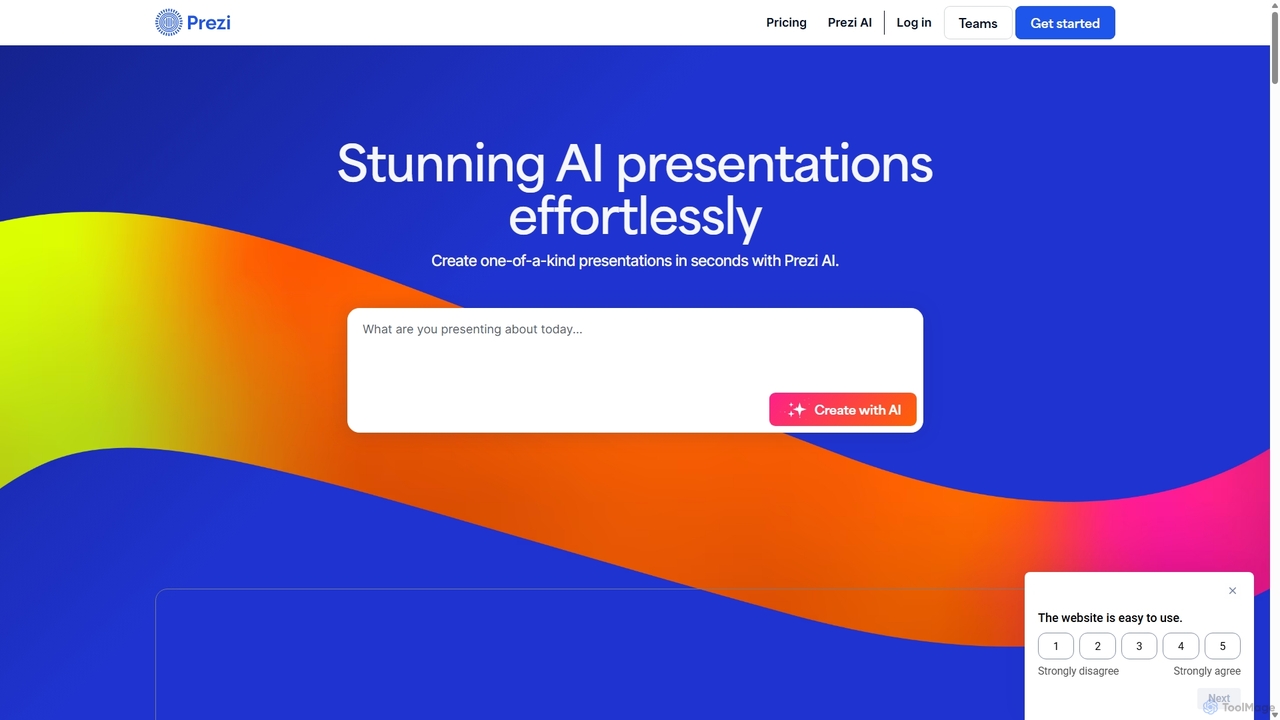
Prezi
Prezi is an AI-powered presentation software that transforms ideas into stunning, dynamic, and non-linear presentations. Go beyond traditional slides with a zooming canvas that captivates audiences. Its AI generator creates unique designs, content, and images in seconds, making it ideal for business, education, and personal storytelling.
Teaching
CueCam Presenter Comments (0)
Sign in to comment.
Sign inNo comments yet.