


pinokio Overview
Pinokio is a revolutionary desktop application designed to act as a browser for AI, enabling users to install, run, and automate any server or terminal-based application on their local machine with unparalleled ease. It effectively eliminates the technical barriers associated with setting up complex open-source AI models, such as those for image generation, text-to-speech, or large language models. By transforming intricate command-line processes into simple, one-click script executions, Pinokio makes cutting-edge AI technology accessible to everyone, from hobbyists to professional developers.
The platform operates on a script-based system. The community and developers create simple scripts (in JSON or JavaScript) that contain all the necessary instructions to download source code, set up isolated environments (like Python venv or Conda), install dependencies, and download model weights. When a user clicks 'install' on a script from the Pinokio interface, the application handles all these steps automatically in the background, providing a seamless and user-friendly experience.
How to use pinokio
Using Pinokio is designed to be straightforward, even for those without a technical background:
- Download and Install: Visit the official Pinokio website and download the application for your operating system (Windows, macOS, or Linux). Follow the simple installation instructions.
- Discover Scripts: Open the Pinokio application. You will be presented with a discover page or directory of available scripts for a wide range of AI tools like ComfyUI, Stable Diffusion WebUI, FaceFusion, OpenVoice, and many more.
- One-Click Installation: Browse the list and find the tool you want to use. Click the 'Install' button. Pinokio will automatically handle the entire setup process, including cloning the repository, creating a virtual environment, and installing all required packages.
- Run the Application: Once installed, the application will appear on your Pinokio home page. Simply click 'Start' or 'Launch' to run it. Pinokio will manage the server process, and for web-based UIs, it will often provide a direct link to open the interface in your browser.
- Manage and Automate: Use the Pinokio interface to start, stop, and manage your installed applications. Advanced users can create their own scripts to automate complex workflows, chaining multiple AI tools together for sophisticated tasks.
Core Features of pinokio
- One-Click Installation: Simplifies the setup of complex AI applications into a single click.
- Automated Environment Management: Automatically creates and manages isolated Python (venv) and Conda environments to prevent conflicts.
- Cross-Platform Support: Fully functional on Windows, macOS (Apple Silicon & Intel), and Linux.
- Extensive Script Library: Access to a vast and growing library of community-created scripts for hundreds of popular AI models and tools.
- Local First & Privacy Focused: All applications and data run and are stored on your local machine, giving you complete control and privacy.
- Virtual Drive System: An intelligent `fs.link` feature allows sharing of large files (like AI models and libraries) across different applications, significantly saving disk space.
- Powerful Scripting API: Developers can write custom scripts using JSON or JavaScript to automate any command-line task, create custom UIs, and orchestrate complex workflows.
- Self-Contained: Pinokio manages its own dependencies (like Python, Git, etc.), ensuring it works out-of-the-box without interfering with your system's configuration.
Use Cases for pinokio
Pinokio is versatile and caters to a wide audience:
- AI Enthusiasts & Hobbyists: Experiment with the latest open-source AI models for art generation, voice cloning, or video creation without needing to be a command-line expert.
- Content Creators: Leverage a suite of powerful, locally-run AI tools for tasks like face swapping (FaceFusion), image stylization, background removal, and generating royalty-free music.
- Developers & Researchers: Quickly spin up and manage different AI environments for development, testing, and prototyping. Create and share reproducible setups for projects with ease.
- Privacy-Conscious Users: Utilize powerful AI capabilities without sending personal data to third-party cloud services.
Advantages of pinokio
The primary advantage of Pinokio is its radical simplification of a complex process. It democratizes access to the open-source AI ecosystem. Key benefits include enhanced productivity by automating tedious setup tasks, significant disk space savings through its virtual drive system, and the security of running everything locally. Its community-driven nature ensures a constantly expanding library of tools and continuous improvement.
Pricing and Plans
Pinokio is a free and open-source tool. It is supported by its community of users and developers who contribute scripts and improve the platform. There are no subscription fees or hidden costs to use the application and its core features.
Traffic
Latest traffic
Status
Monthly traffic trend
- 2025-9: 516.0K
- 2026-1: 754.9K
- 2026-2: 729.6K
- 2026-3: 704.2K
- 2026-4: 719.3K
- 2026-5: 856.1K
Geography
Top 5 countries / regions
- 🇺🇸United States48.2%
- 🇮🇳India23.6%
- 🇫🇷France10.4%
- 🇷🇺Russia10.3%
- 🇪🇸Spain7.4%
Traffic sources
| Source type | Percentage |
|---|---|
Direct | 79.7% |
Referral | 18.0% |
Email | 2.4% |
Top keywords
| Keyword | Cost per click |
|---|---|
| pinocchio ai | $4.21 |
| pinokio | $1.29 |
| pinokio ai | $1.29 |
| pinokio.co | $0.00 |
| pinokio download | $2.99 |
pinokio Videos on YouTube


David V. Clarke



Alchemy with Xerophayze

Creative Generalist

Skillcraft AI

Creative Generalist
pinokio Alternatives
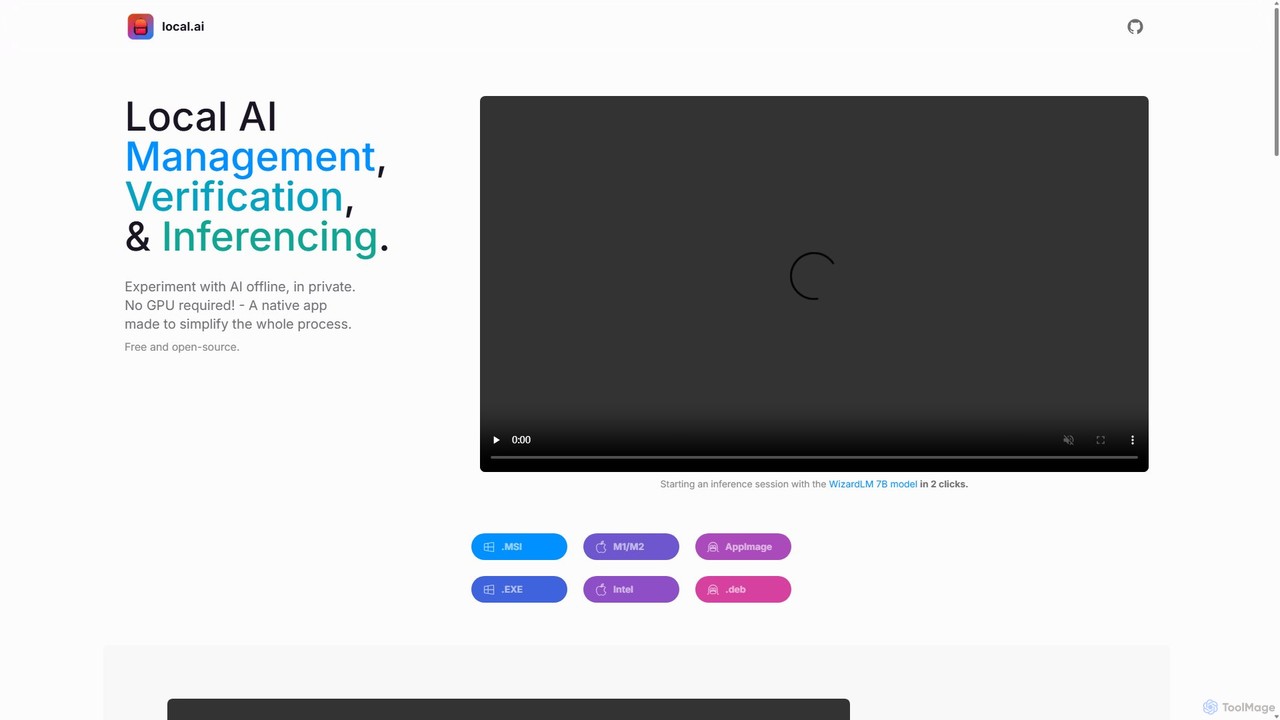
LocalAI
LocalAI is a free, open-source desktop application that allows you to run AI models privately and offline on your computer. It simplifies AI experimentation without needing a GPU, offering features like model management, integrity verification, and a local inference server.
Model Deployment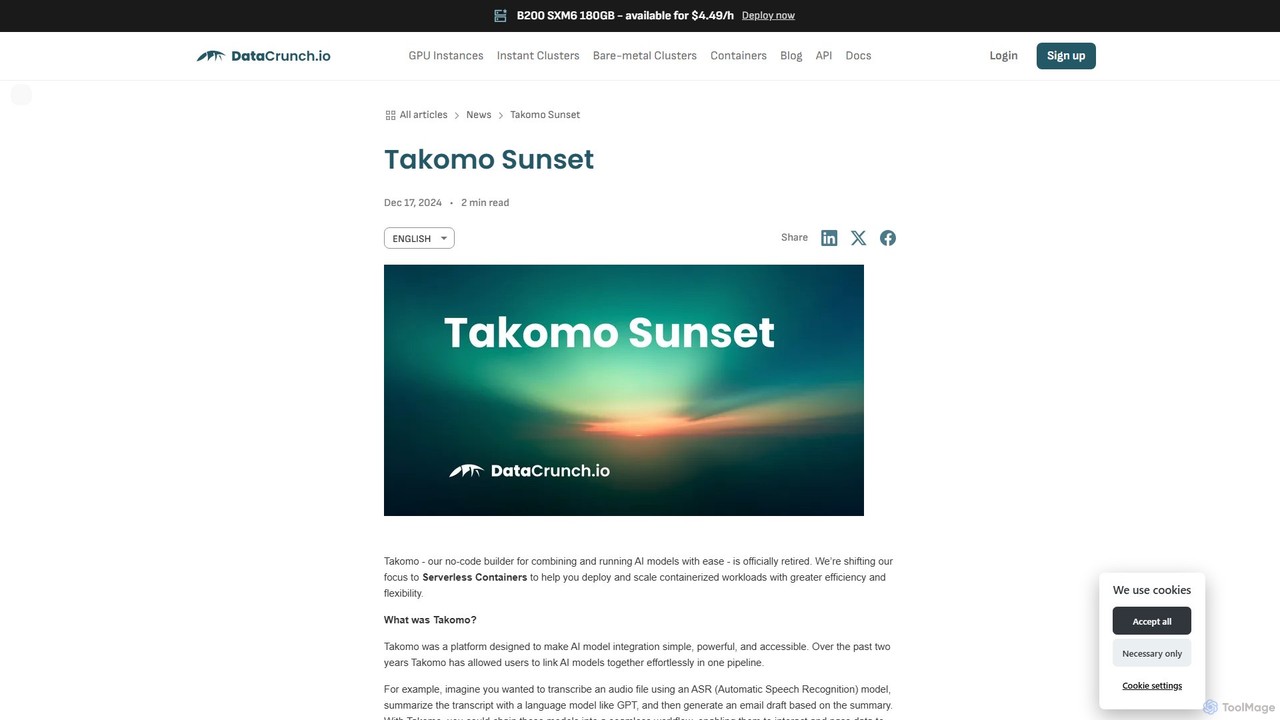
Takomo
Takomo was a no-code platform by DataCrunch for building and running AI model pipelines. It allowed users to visually connect different AI models, such as ASR and GPT, to create complex automated workflows. The service has been officially retired and is no longer available, with the company now focusing on its Serverless Containers service.
Model Deployment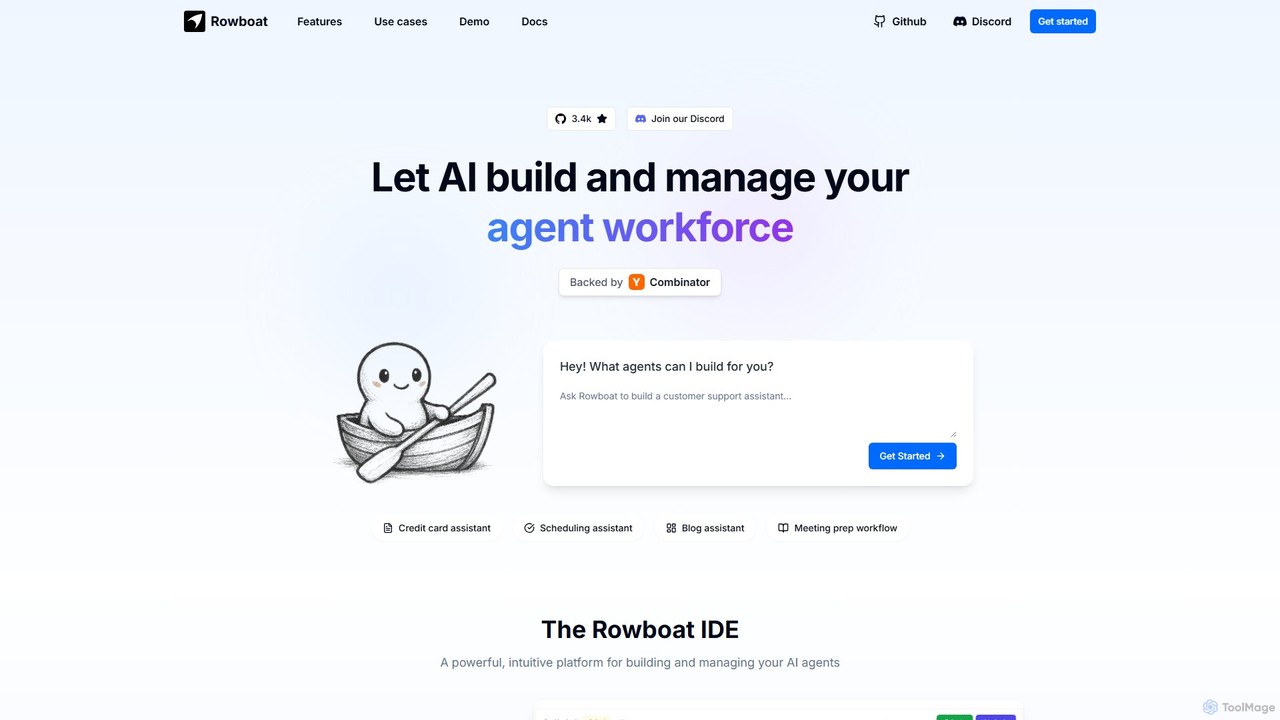
Rowboat
Rowboat is a powerful, AI-powered IDE for building, managing, and deploying complex multi-agent systems. Backed by Y Combinator, it allows users to describe workflows in plain English, and its AI copilot automatically generates the entire agent graph, including roles, prompts, and tool integrations. It's designed to simplify the creation of robust, real-world AI agents for productivity, e-commerce, support, and more, with features like open-source flexibility and support for over 100 LLMs.
Agent Builder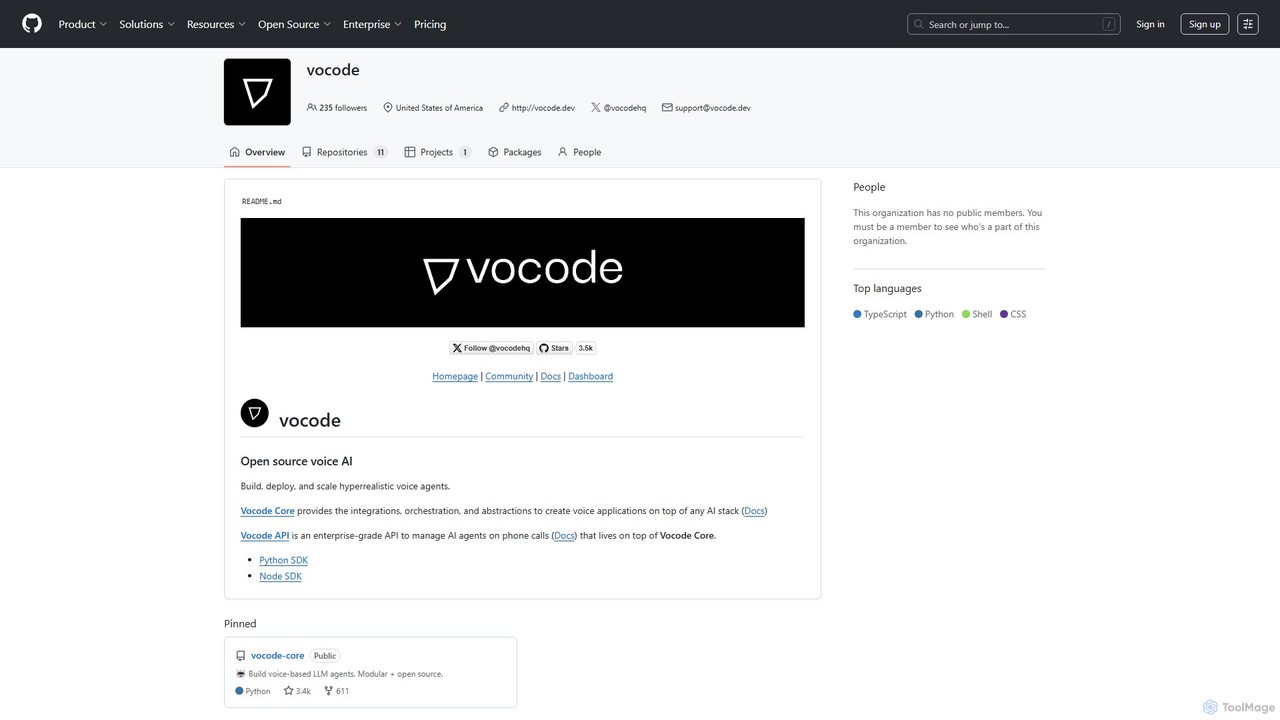
vocode
Vocode is an open-source platform for building, deploying, and scaling hyperrealistic voice AI agents. It provides developers with a core framework and an enterprise-grade API to create sophisticated voice-based LLM applications for tasks like automated customer service, sales calls, and interactive voice response (IVR) systems.
Voicebot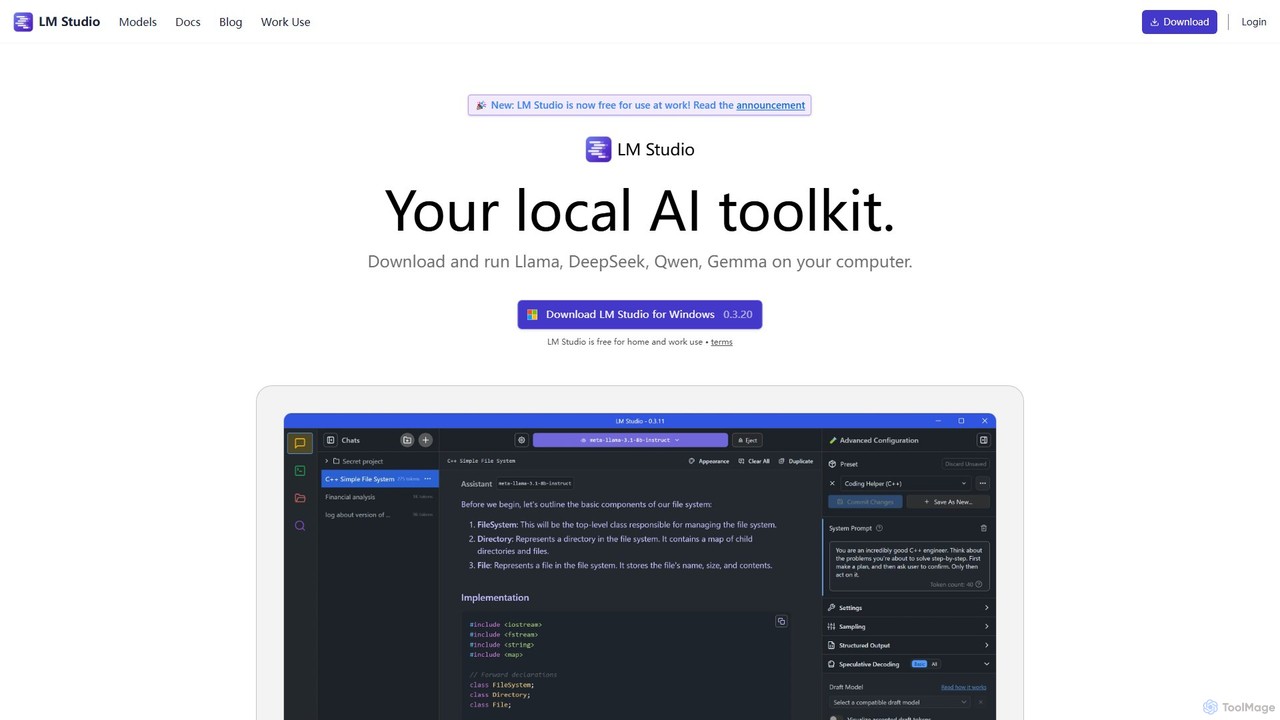
LM Studio
LM Studio is a desktop application for Windows, macOS, and Linux that allows you to discover, download, and run open-source Large Language Models (LLMs) entirely on your local machine. It offers a user-friendly interface, an OpenAI-compatible local server, and robust privacy features, making it ideal for developers, researchers, and anyone seeking a private AI experience.
Model Deploymentpinokio Categories
pinokio Embed Widget
Copy this embed code to place the badge on your blog, article, or product site and send readers directly to this ToolMage detail page.

Related AI tools
Rowboat
Rowboat is a powerful, AI-powered IDE for building, managing, and deploying complex multi-agent systems. Backed by Y Combinator, it allows users to describe workflows in plain English, and its AI copilot automatically generates the entire agent graph, including roles, prompts, and tool integrations. It's designed to simplify the creation of robust, real-world AI agents for productivity, e-commerce, support, and more, with features like open-source flexibility and support for over 100 LLMs.
Agent BuilderLocalAI
LocalAI is a free, open-source desktop application that allows you to run AI models privately and offline on your computer. It simplifies AI experimentation without needing a GPU, offering features like model management, integrity verification, and a local inference server.
Model Deploymentvocode
Vocode is an open-source platform for building, deploying, and scaling hyperrealistic voice AI agents. It provides developers with a core framework and an enterprise-grade API to create sophisticated voice-based LLM applications for tasks like automated customer service, sales calls, and interactive voice response (IVR) systems.
Voicebot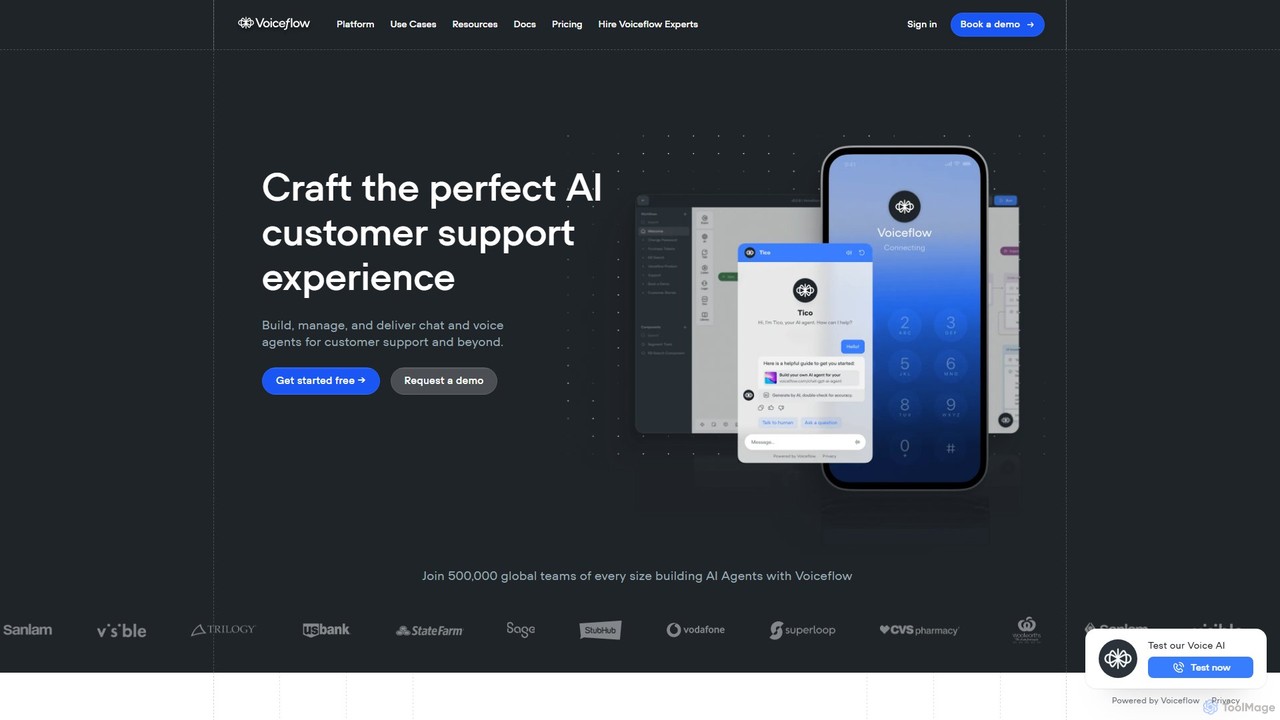
Voiceflow
Voiceflow is a collaborative platform for product teams to design, build, and deploy advanced AI agents. Create human-like voice and chat experiences for customer support and beyond, with full control, scalability, and integration capabilities, independent of any single LLM vendor.
Chatbot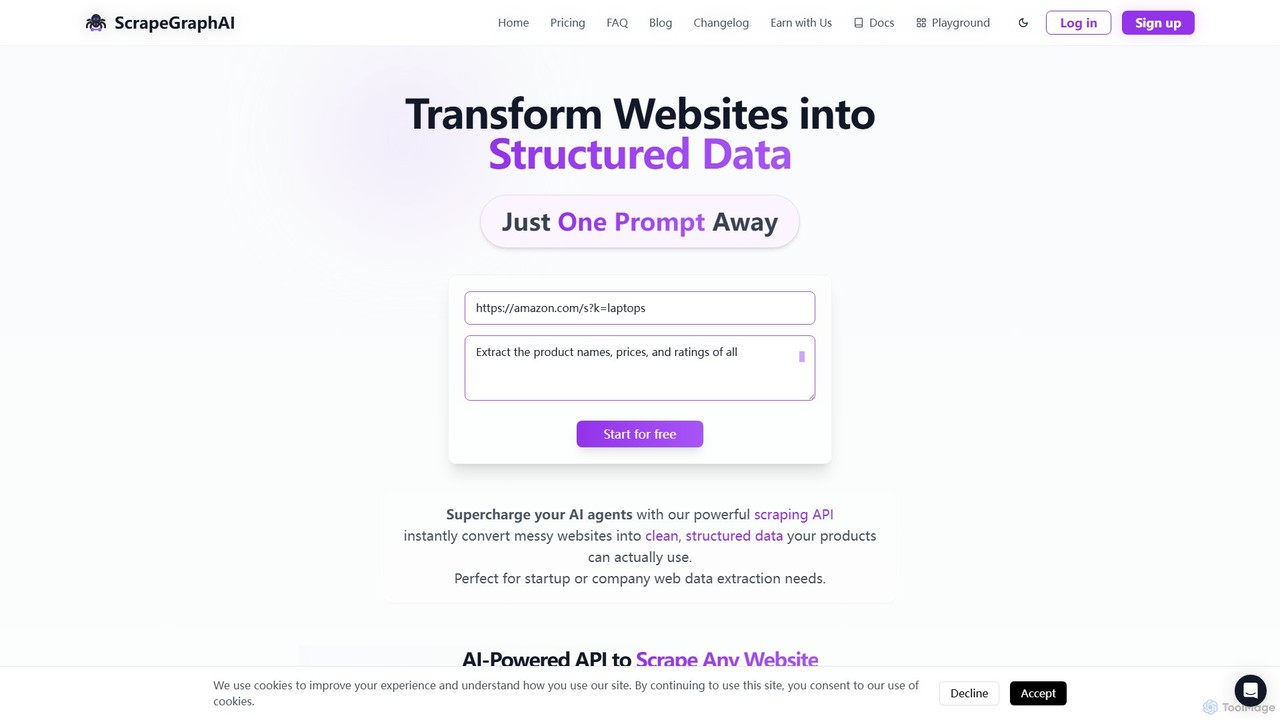
ScrapeGraphAI
ScrapeGraphAI is an AI-powered web scraping API that transforms unstructured websites into clean, structured JSON data using simple natural language prompts. Designed for developers, AI agents, and automated workflows, it simplifies data extraction without complex code.
Analytics
Latitude
Latitude is an open-source development platform designed for building, evaluating, and deploying applications powered by Large Language Models (LLMs), with a special focus on creating autonomous AI agents. It provides a comprehensive suite of tools for developers to experiment, refine, and scale their AI solutions.
Mlops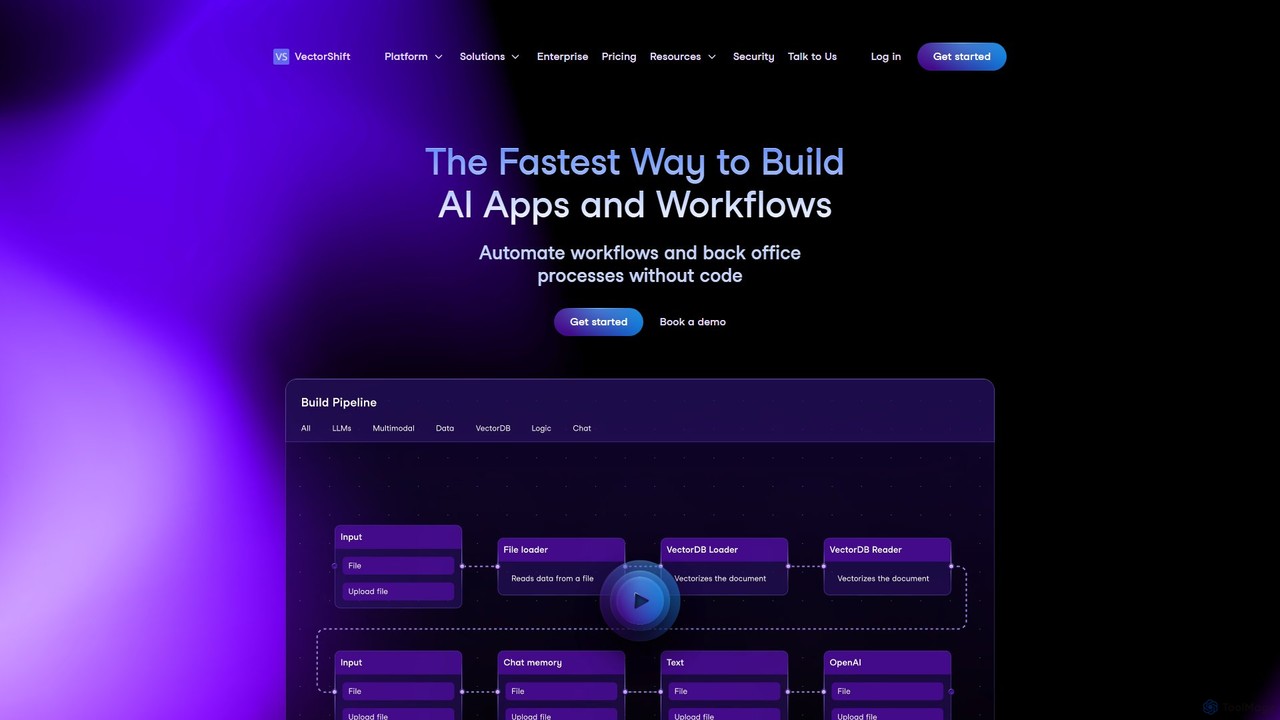
VectorShift
VectorShift is an end-to-end AI automation platform that enables users to build, deploy, and manage AI applications and workflows without code. It offers a drag-and-drop builder, a code SDK, and pre-built templates to automate processes, create chatbots, analyze data, and integrate with various business tools.
Customer Support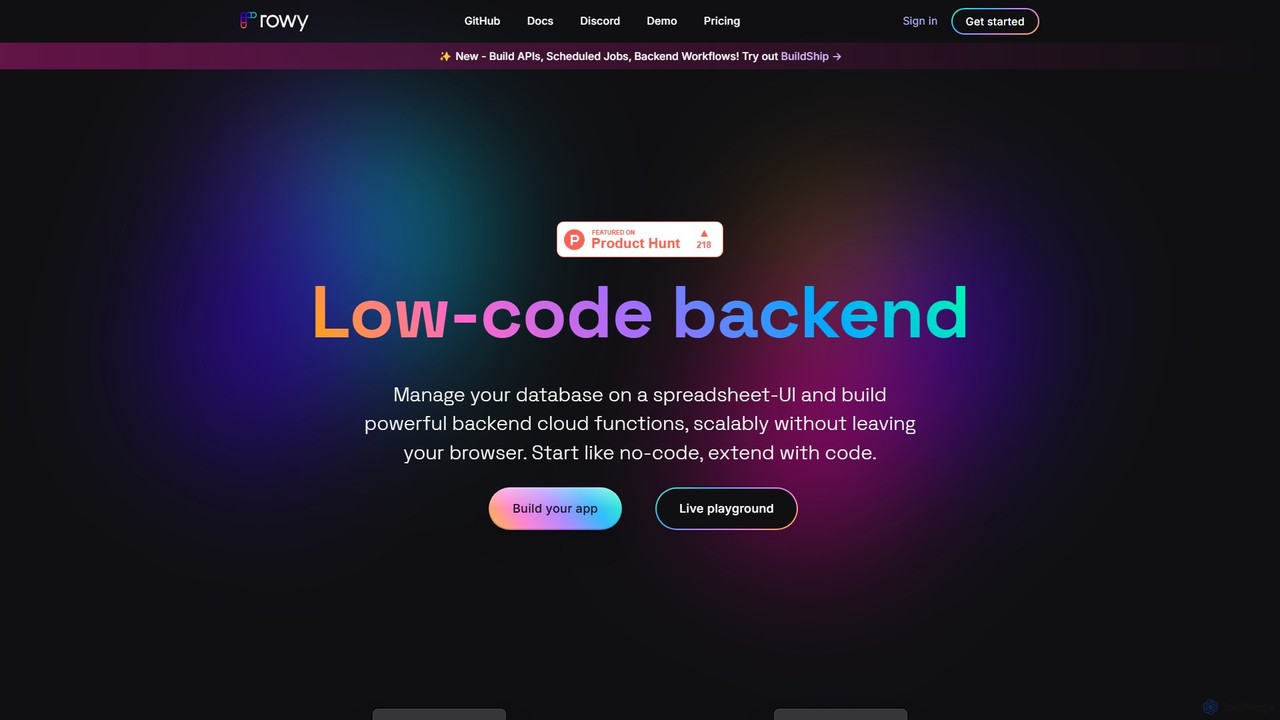
Rowy
Rowy is an open-source, low-code platform that provides an Airtable-like UI for Firebase and Google Cloud. It empowers users to manage databases, build cloud functions, and automate workflows with the simplicity of a spreadsheet, combined with the power of custom code.
Backend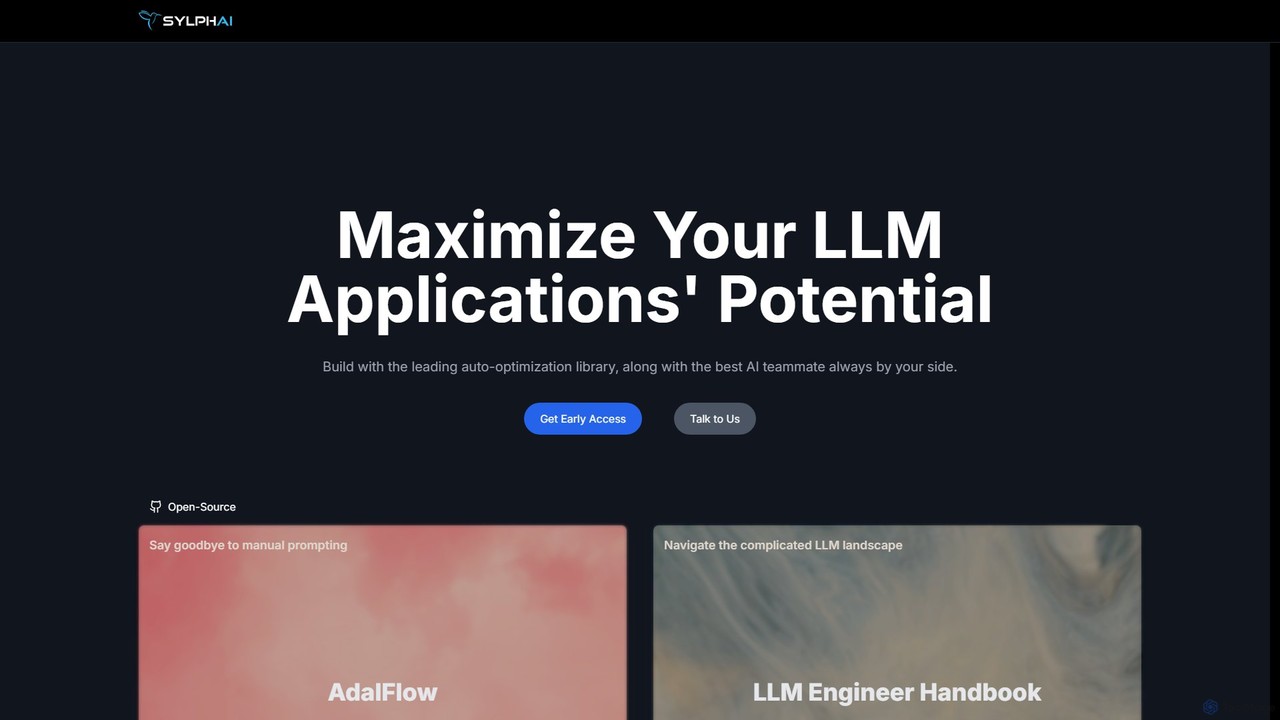
Sylph AI
Sylph AI is a development platform designed to maximize the potential of LLM applications. It features AdalFlow, a leading open-source library for building and auto-optimizing LLM task pipelines, and an AI Teammate that provides expert guidance throughout the entire development workflow, from ideation to production.
Libraries
smolagents
smolagents is a minimalist, open-source AI agent framework developed by Hugging Face. It empowers developers to build and deploy powerful, code-first AI agents with minimal Python code. By focusing on simplicity and efficiency, it enables Large Language Models (LLMs) to interact with tools and the real world seamlessly, supporting a wide range of models and secure execution environments.
Development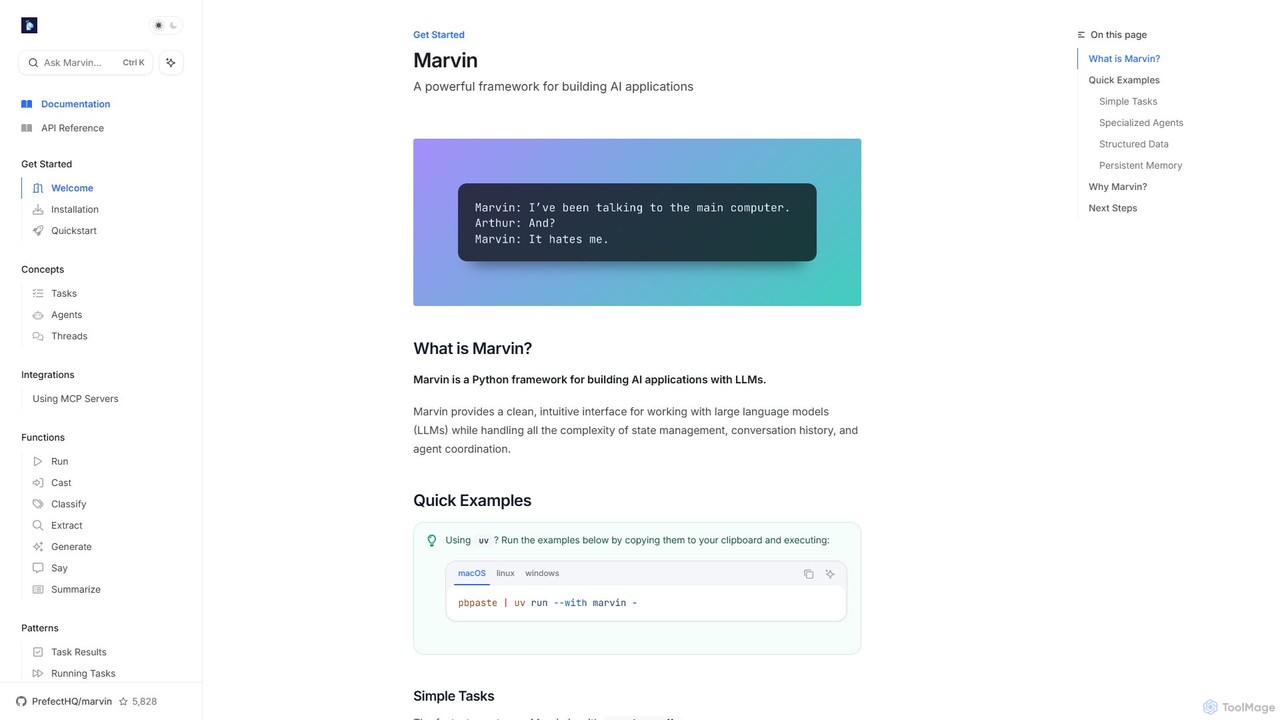
askmarvin
askmarvin is a powerful open-source Python framework for building AI applications. It simplifies interaction with LLMs, enabling developers to create specialized agents, manage conversation history, enforce structured data outputs, and integrate external tools with minimal code. Ideal for rapidly prototyping and scaling complex AI-powered workflows.
Code Assistant
Sanctum
Sanctum is a privacy-first AI assistant that allows you to run powerful open-source Large Language Models (LLMs) directly on your local machine. It ensures your data is encrypted, secure, and never leaves your device. Interact with models, chat with your documents, and transcribe audio, all offline and with complete privacy.
Local Development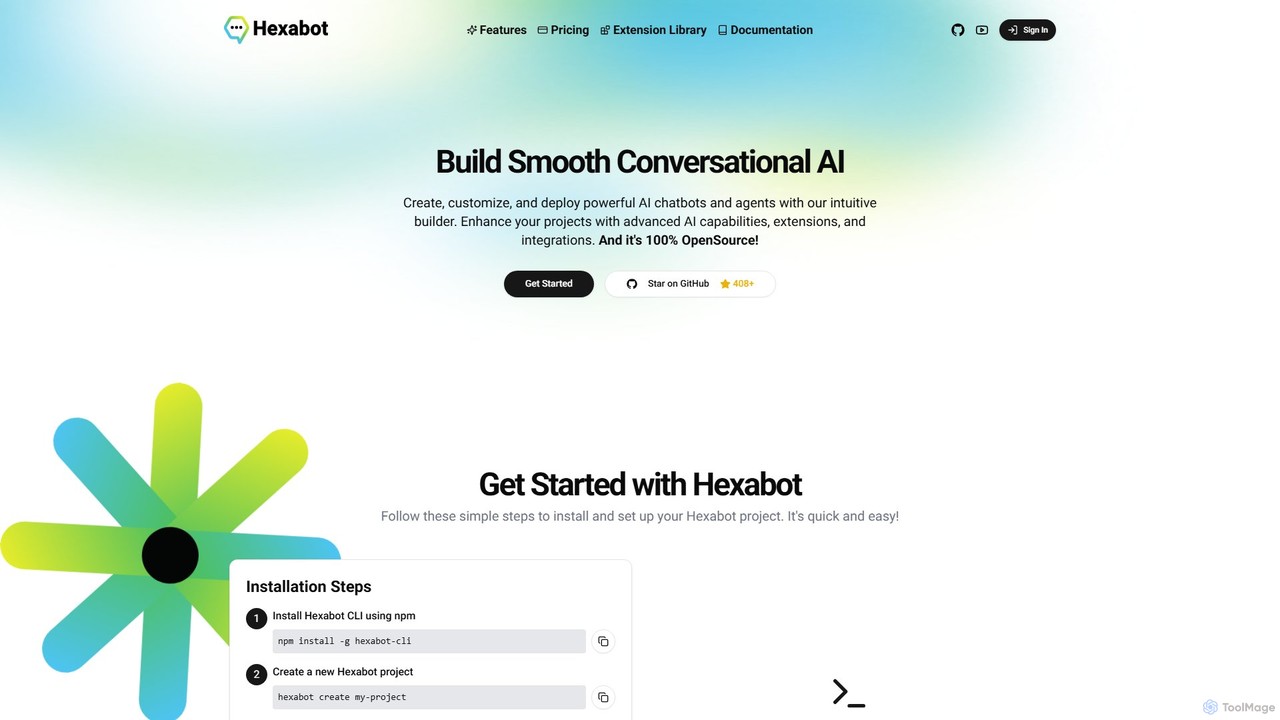
Hexabot
Hexabot is an open-source platform for building, customizing, and deploying powerful AI chatbots and agents. It offers a developer-friendly environment with a low-code visual editor, extensive extension library, and multi-channel integration, allowing for on-premise hosting to ensure full data privacy and control.
Chatbot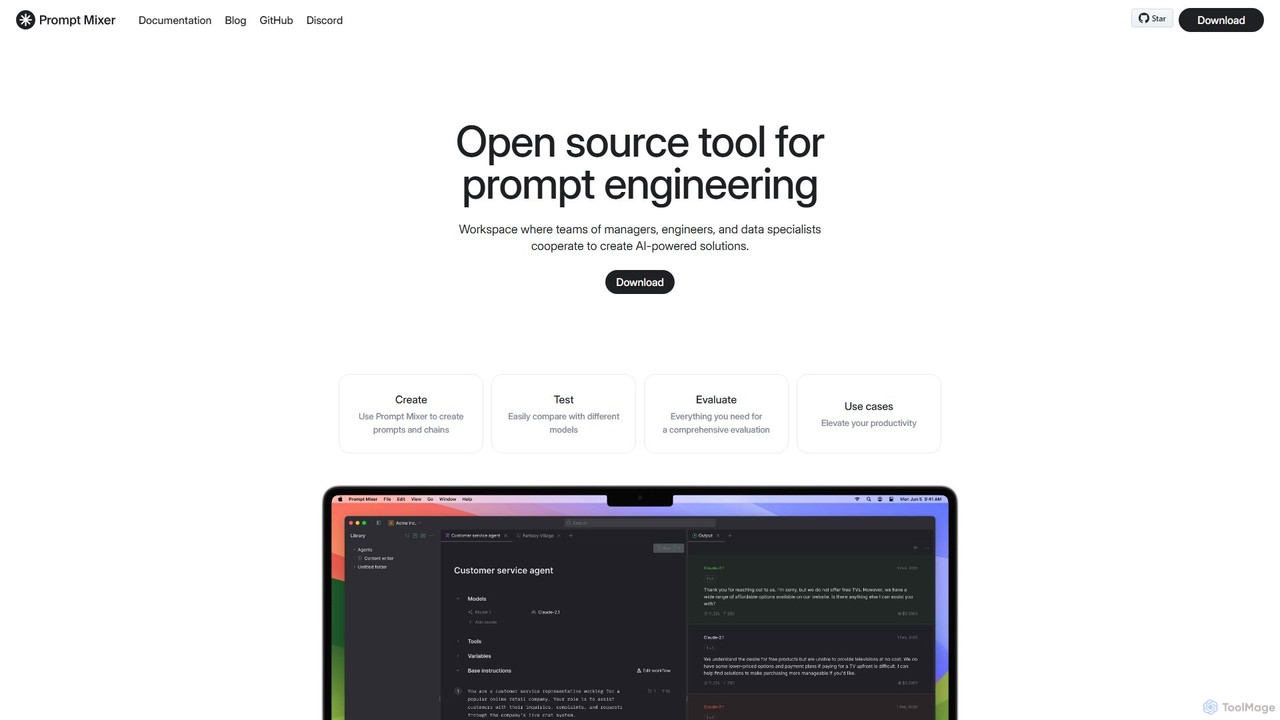
Prompt Mixer
Prompt Mixer is a powerful open-source tool for prompt engineering, providing a collaborative workspace for teams. It enables users to create, test, evaluate, and deploy AI-powered solutions by managing prompt chains, comparing different LLMs, and utilizing advanced evaluation metrics.
Prompt Engineering
getconduit
getconduit is an AI integration and workflow automation platform that simplifies connecting to various large language models (LLMs) and AI services. It provides a unified API and a no-code builder to create, manage, and scale AI-powered applications and workflows, reducing development complexity and costs.
Integration Platform
pinokio Comments (0)
Sign in to comment.
Sign inNo comments yet.