
LocalAI Overview
LocalAI is a powerful, free, and open-source desktop application designed to bring the power of AI directly to your personal computer, with a strong emphasis on privacy and offline functionality. It serves as a comprehensive AI playground, enabling users to manage, verify, and run inference on various AI models without an internet connection. Built with a highly efficient Rust backend, LocalAI is remarkably lightweight and resource-friendly, requiring less than 10MB of space and running smoothly on standard CPUs without the need for an expensive GPU.
The core philosophy behind LocalAI is to democratize access to AI by removing barriers such as hardware requirements, privacy concerns, and technical complexity. It provides a native, user-friendly interface for Windows, macOS (M1/M2 and Intel), and Linux, making the entire process of experimenting with AI models as simple as a few clicks. Whether you're a developer, a researcher, or an AI enthusiast, LocalAI offers a secure and controlled environment to explore the capabilities of large language models (LLMs) and other AI systems.
How to use LocalAI
Getting started with LocalAI is designed to be straightforward and intuitive. Follow these simple steps to begin your offline AI journey:
- Download and Install: Visit the official LocalAI website and download the appropriate installer for your operating system (MSI/EXE for Windows, universal binary for macOS, or AppImage/.deb for Linux).
- Model Management: Launch the application and navigate to the Model Management section. Here, you can browse and download AI models. The app features a resumable, concurrent downloader to efficiently fetch model files. You can point the app to any directory on your computer to store and manage your models.
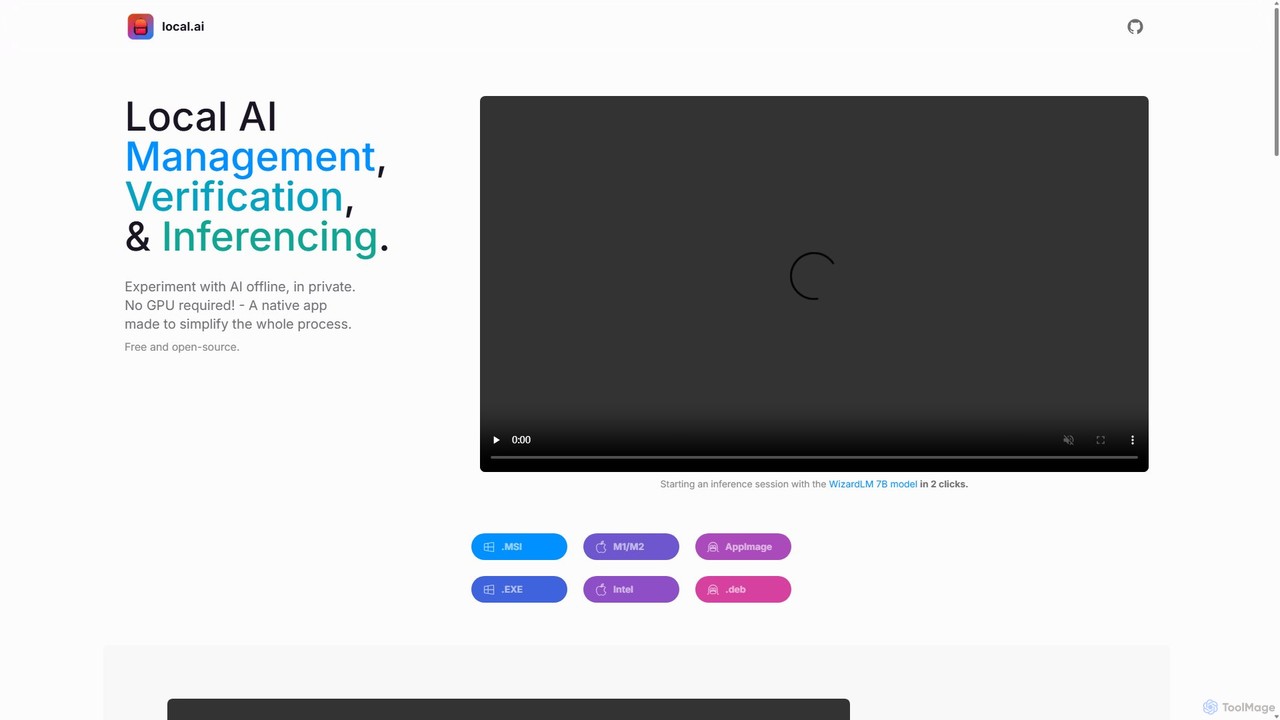
- Run Inference: Once a model is downloaded (e.g., WizardLM 7B), you can start an inference session with just two clicks. The interface allows you to interact with the model, adjust inference parameters, and see the results in real-time.
- Start a Local Server: For more advanced use cases, you can start a local streaming server. Simply load a model and click the 'start server' button. This creates a local API endpoint that other applications on your computer can connect to, allowing you to power your own projects with AI, completely offline.
Core Features of LocalAI
- Offline & Private AI Inferencing: Run AI models entirely on your local machine. No data ever leaves your computer, ensuring 100% privacy and confidentiality.
- CPU-Optimized Performance: Engineered to run efficiently on standard CPUs by adapting to available threads. This eliminates the need for a dedicated or high-end GPU.
- Comprehensive Model Management: A centralized hub to keep track of all your AI models. It supports resumable and concurrent downloads, usage-based sorting, and is directory-agnostic.
- Robust Model Integrity Verification: Ensures the security and integrity of downloaded models using a robust digest compute feature with BLAKE3 and SHA256 hashing algorithms.
- Built-in Local Inference Server: Easily launch a local streaming server for AI inferencing, complete with a quick UI for testing and support for remote vocabulary.
- Cross-Platform Native Application: A single, powerful native app available for Windows, macOS (M1/M2 & Intel), and Linux, ensuring a consistent experience across platforms.
- Lightweight and Efficient: With a Rust backend, the application is extremely memory-efficient and has a small footprint (under 10MB), ensuring minimal impact on system performance.
Use Cases for LocalAI
LocalAI is a versatile tool suitable for a wide range of users and applications:
- Developers: Integrate LLM capabilities into applications without relying on third-party APIs, reducing latency and costs. Ideal for building privacy-first or offline-capable software.
- Researchers and Academics: Conduct experiments and analyze model behavior in a controlled, reproducible, and private environment without incurring API usage fees.
- Privacy-Conscious Individuals: Explore the world of generative AI, ask questions, and generate text without worrying about your data being collected or used by external companies.
- Content Creators & Writers: Use AI as a writing assistant for brainstorming, drafting, and editing, even when offline or on the go.
- Hobbyists and Learners: A perfect, no-cost entry point to learn about and experiment with different open-source AI models on standard computer hardware.
Advantages of LocalAI
The key advantages of using LocalAI include:
- Complete Privacy: Your data and interactions with AI models remain on your device.
- Zero Cost: The software is free, open-source, and running models locally eliminates API fees.
- Accessibility: No powerful GPU is required, making advanced AI accessible to a broader audience.
- Simplicity: A user-friendly interface abstracts away the complexity of setting up and running local models.
- Full Control: You have complete control over which models you use and how you use them.
- Offline Capability: Uninterrupted access to AI tools, regardless of internet connectivity.
Pricing and Plans
LocalAI is completely free and open-source. There are no subscription fees, hidden costs, or usage limits. Users can download, use, and modify the application freely. The project is sustained by its community of users and contributors.
Traffic
Latest traffic
Status
Monthly traffic trend
- 2025-9: 5.6K
- 2026-1: 6.8K
- 2026-2: 7.0K
- 2026-3: 6.7K
- 2026-4: 8.0K
- 2026-5: 2.9K
Geography
Top 5 countries / regions
- 🇺🇸United States74.3%
- 🇵🇱Poland15.4%
- 🇮🇹Italy7.1%
- 🇬🇧United Kingdom1.8%
- 🇨🇦Canada1.3%
Top keywords
| Keyword | Cost per click |
|---|---|
| local ai | $2.66 |
| localai | $3.50 |
| localai appimage | $0.00 |
| local ai download | $0.00 |
| localforge ai download | $0.00 |
LocalAI Alternatives
LM Studio
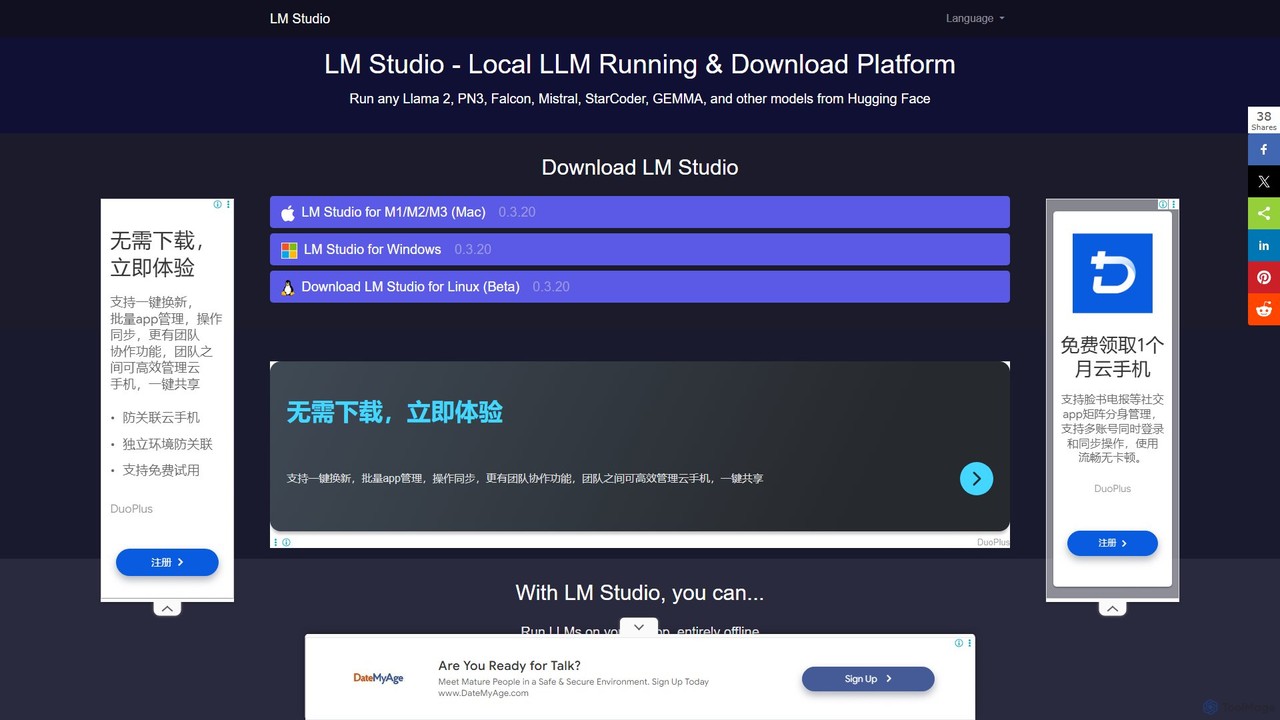
LM Studio is a user-friendly desktop application for discovering, downloading, and running open-source Large Language Models (LLMs) locally on your computer. It offers a simple chat interface and a local inference server, ensuring privacy and offline access.
Chat
pinokio
Pinokio is a desktop browser that allows you to install, run, and control AI applications and terminal-based apps on your computer with a single click. It simplifies the complex setup of open-source AI models by automating environment creation, dependency management, and execution. This empowers users of all skill levels to experiment with powerful AI tools locally, ensuring privacy and full control over their data.
Model Deployment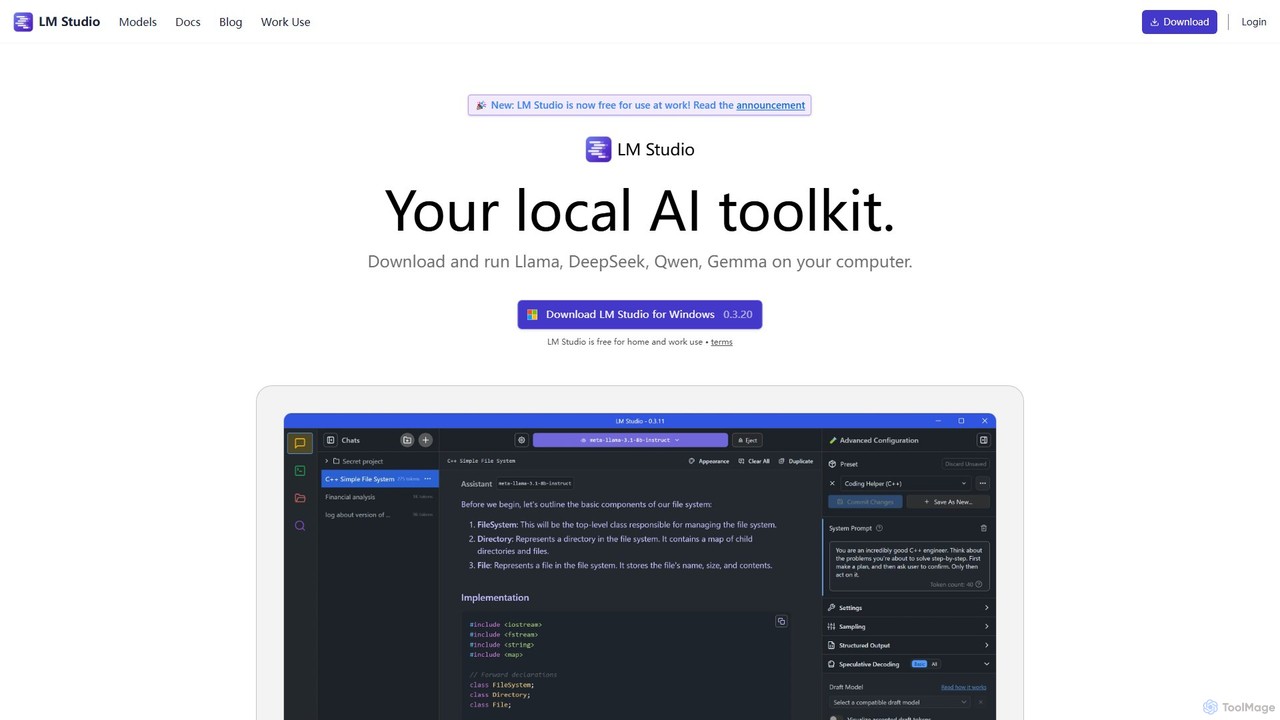
LM Studio
LM Studio is a desktop application for Windows, macOS, and Linux that allows you to discover, download, and run open-source Large Language Models (LLMs) entirely on your local machine. It offers a user-friendly interface, an OpenAI-compatible local server, and robust privacy features, making it ideal for developers, researchers, and anyone seeking a private AI experience.
Model Deployment
Sanctum
Sanctum is a privacy-first AI assistant that allows you to run powerful open-source Large Language Models (LLMs) directly on your local machine. It ensures your data is encrypted, secure, and never leaves your device. Interact with models, chat with your documents, and transcribe audio, all offline and with complete privacy.
Local Development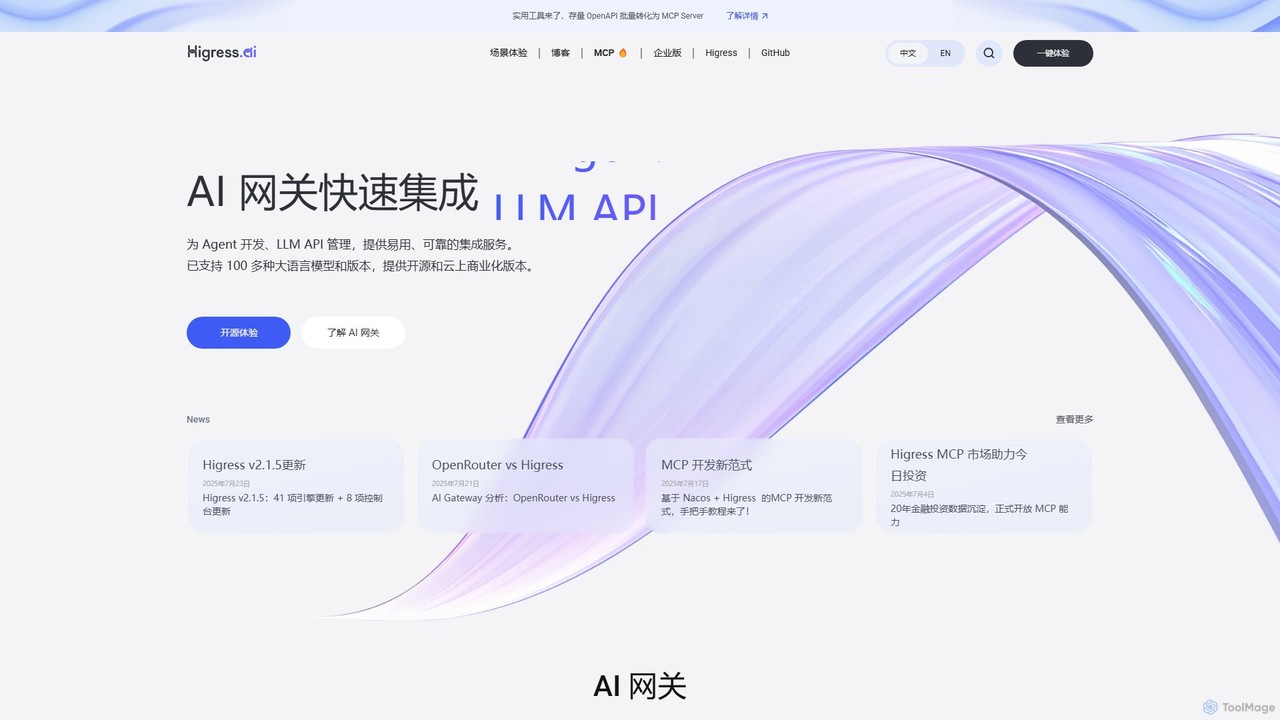
Higress.AI
Higress.AI is an advanced, open-source AI Gateway designed for developers and enterprises. It simplifies the integration and management of Large Language Models (LLMs) and AI Agents by providing a unified API proxy for over 100 models. Key features include REST to MCP conversion, semantic caching, token-based rate limiting, and a robust plugin system, enabling secure, scalable, and observable AI application infrastructure.
Model DeploymentLocalAI Categories
LocalAI Embed Widget
Copy this embed code to place the badge on your blog, article, or product site and send readers directly to this ToolMage detail page.

Related AI tools
LM Studio
LM Studio is a user-friendly desktop application for discovering, downloading, and running open-source Large Language Models (LLMs) locally on your computer. It offers a simple chat interface and a local inference server, ensuring privacy and offline access.
ChatSanctum
Sanctum is a privacy-first AI assistant that allows you to run powerful open-source Large Language Models (LLMs) directly on your local machine. It ensures your data is encrypted, secure, and never leaves your device. Interact with models, chat with your documents, and transcribe audio, all offline and with complete privacy.
Local Development
hypermink
HyperMink provides Inferenceable, a free, open-source, and self-hostable AI inference server. Built on Node.js and llama.cpp, it allows developers and businesses to run large language models locally, ensuring complete data privacy, control, and cost-effectiveness. Your AI, Your Rules.
Local Llm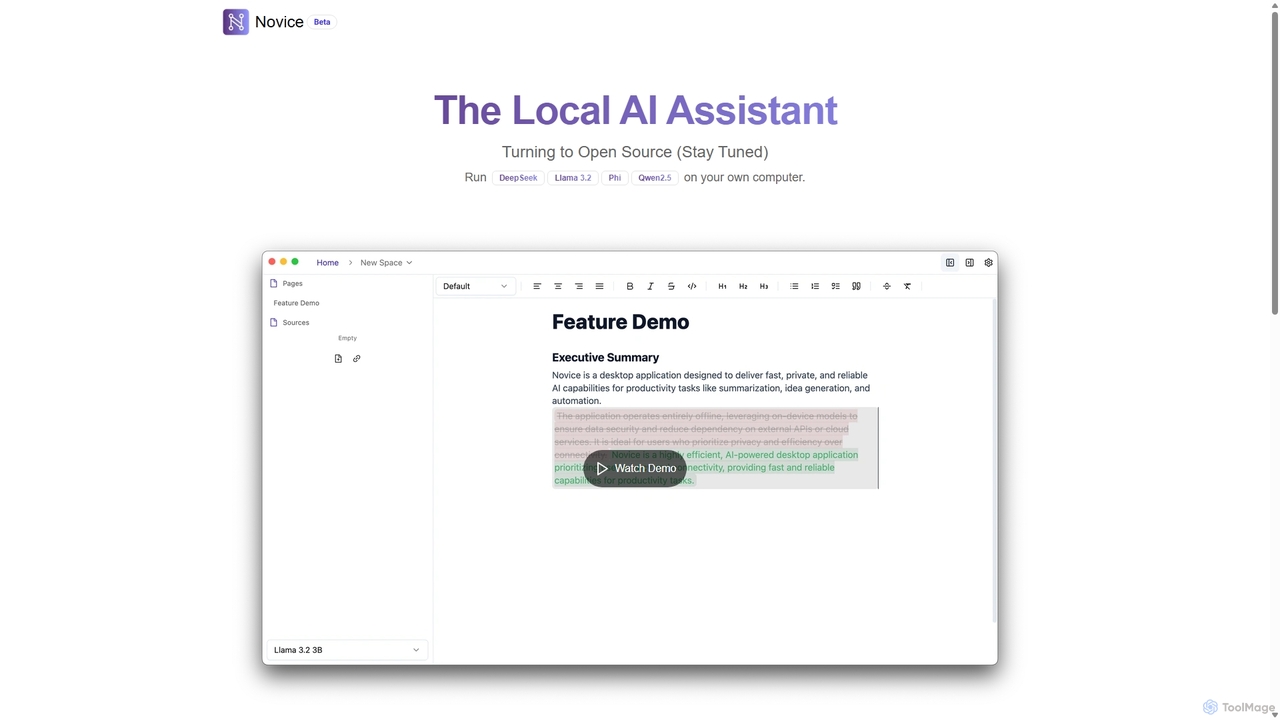
Novice
Novice is a local-first AI assistant that runs powerful language models like Llama 3.2 and Phi directly on your computer. It transforms your documents into a private, offline knowledge base, allowing you to analyze, summarize, and query information with complete data privacy. Every answer is backed by clear citations from your sources, ensuring accuracy and trust.
Local Aipinokio
Pinokio is a desktop browser that allows you to install, run, and control AI applications and terminal-based apps on your computer with a single click. It simplifies the complex setup of open-source AI models by automating environment creation, dependency management, and execution. This empowers users of all skill levels to experiment with powerful AI tools locally, ensuring privacy and full control over their data.
Model Deployment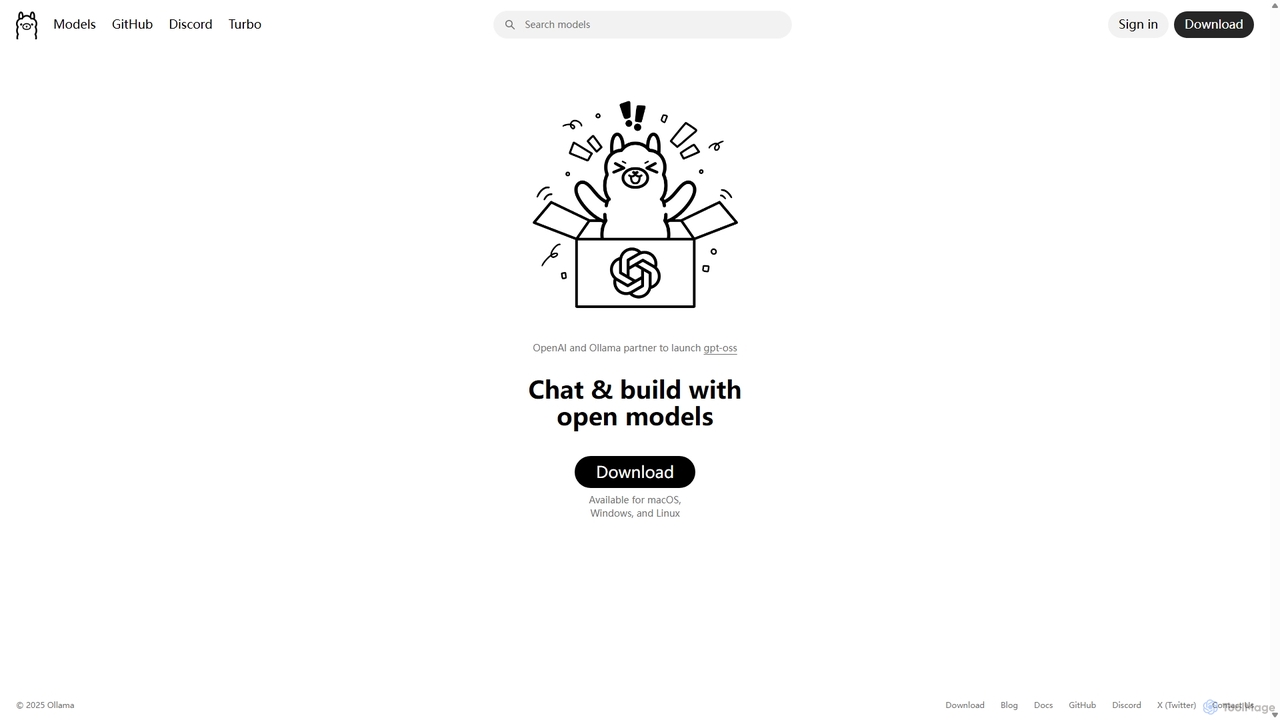
Ollama
Ollama is a powerful open-source framework for running large language models (LLMs) like Llama 3, Mistral, and Gemma locally on your own hardware. Available for macOS, Windows, and Linux, it simplifies the setup and management of open-source models, enabling private, offline, and cost-effective AI development and usage.
Machine Learning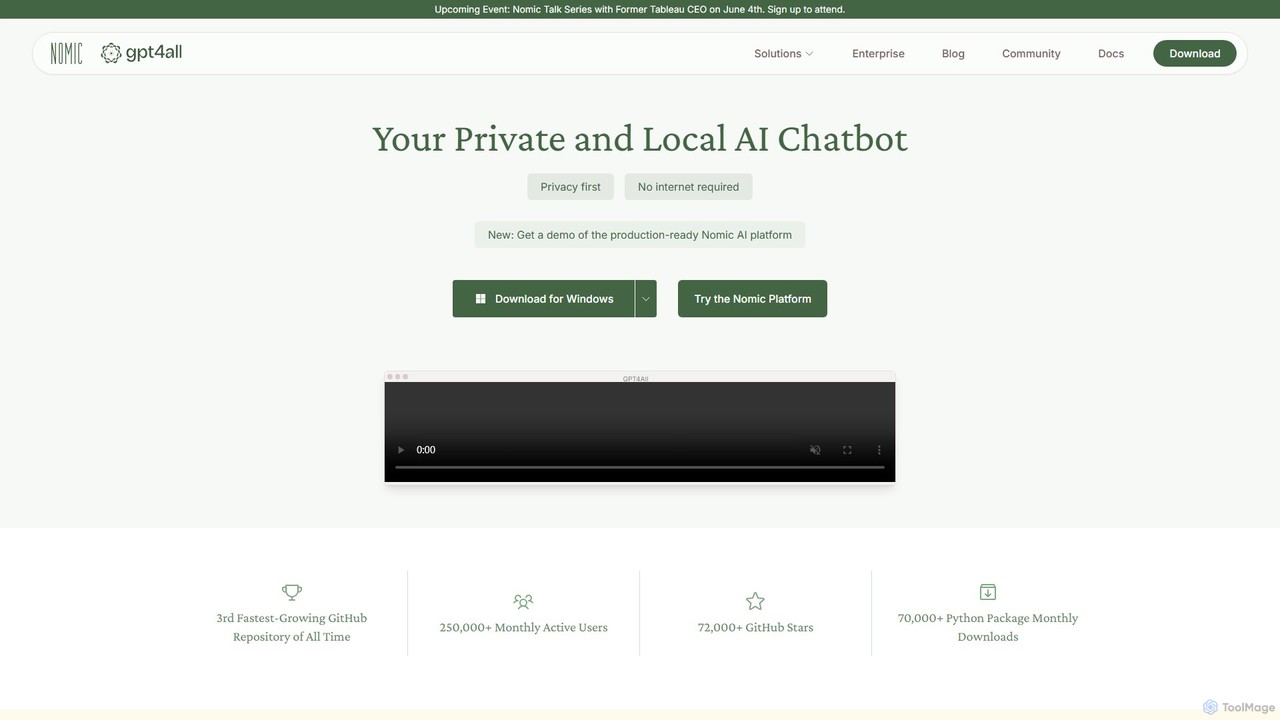
GPT4All
GPT4All is a free, open-source, and privacy-focused desktop application that allows you to run powerful large language models (LLMs) locally on your own computer. It works completely offline, ensuring your data never leaves your device. Chat with your private documents, choose from thousands of open-source models, and integrate local AI into your projects with its Python SDK.
Llm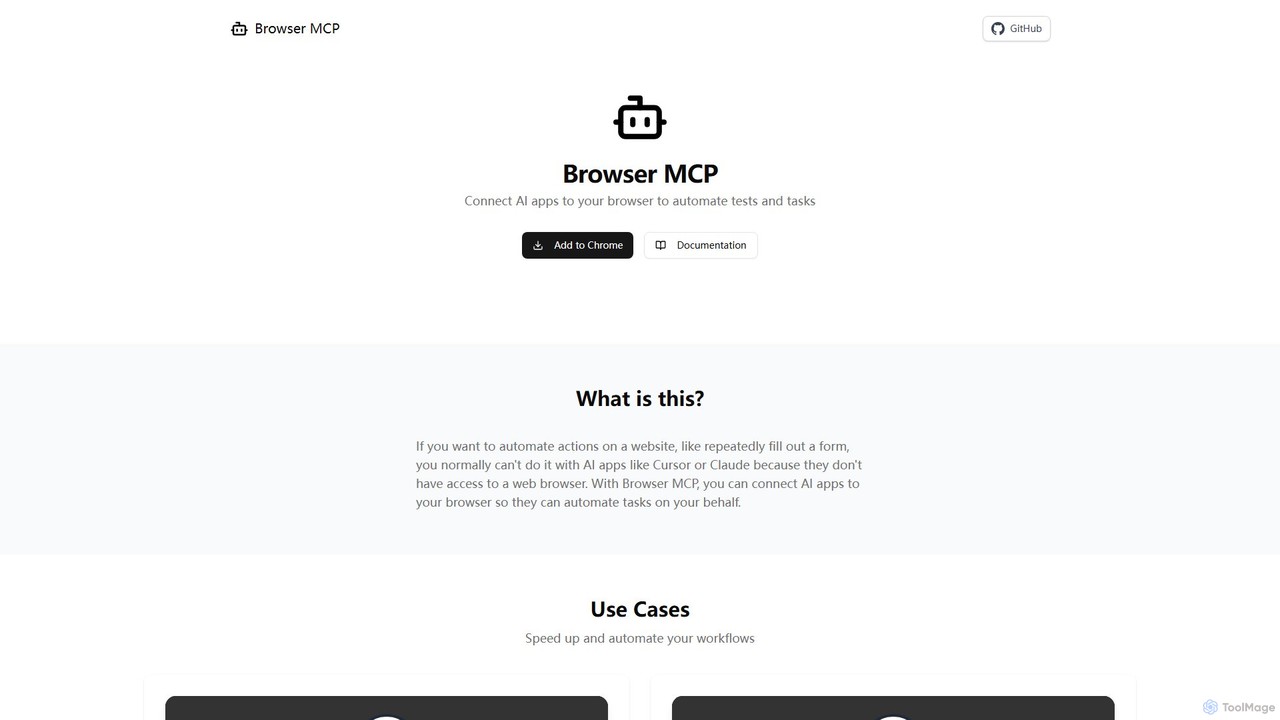
Browser MCP
Browser MCP connects AI applications like Claude or Cursor directly to your web browser. This enables you to automate repetitive tasks, conduct end-to-end software testing, and scrape web data using AI commands. It operates locally for maximum speed and privacy, leveraging your existing browser sessions to bypass logins and avoid bot detection.
Web Scraping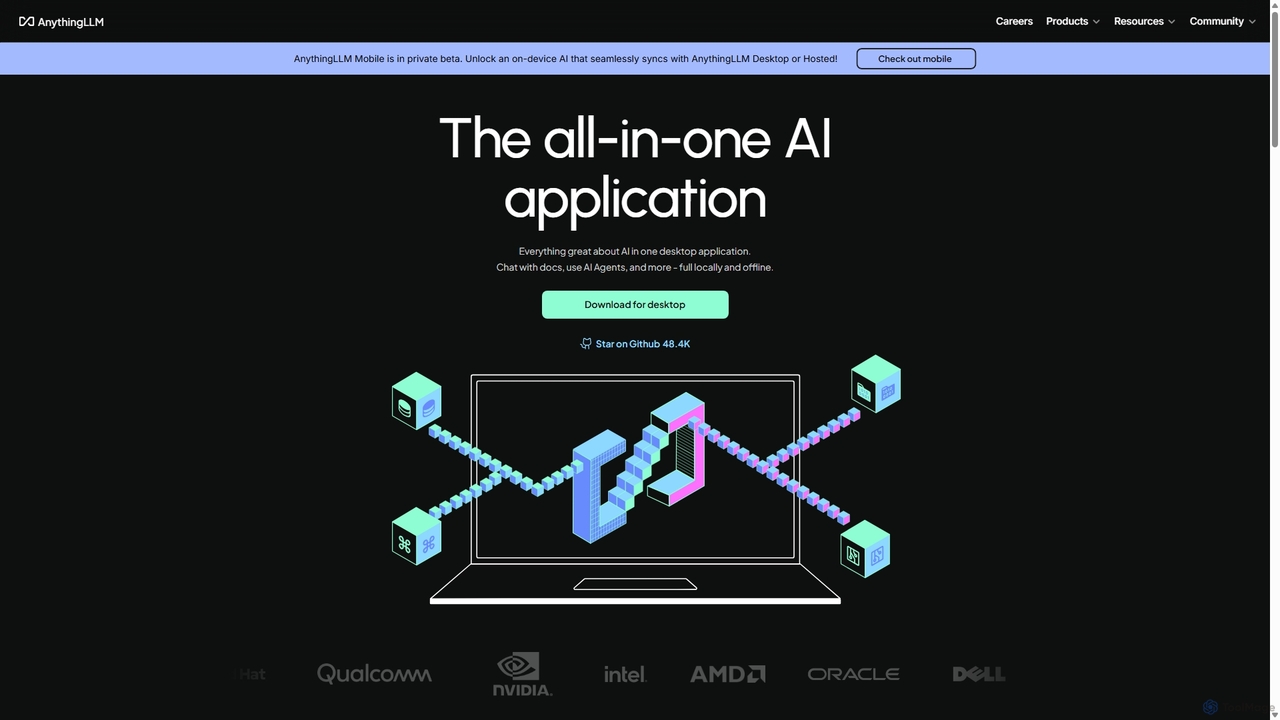
AnythingLLM
AnythingLLM is an open-source, all-in-one AI application that runs locally on your desktop or can be self-hosted. It allows you to create a private knowledge base from any document, chat with your data, and utilize powerful AI agents while ensuring complete data privacy and control.
Document Management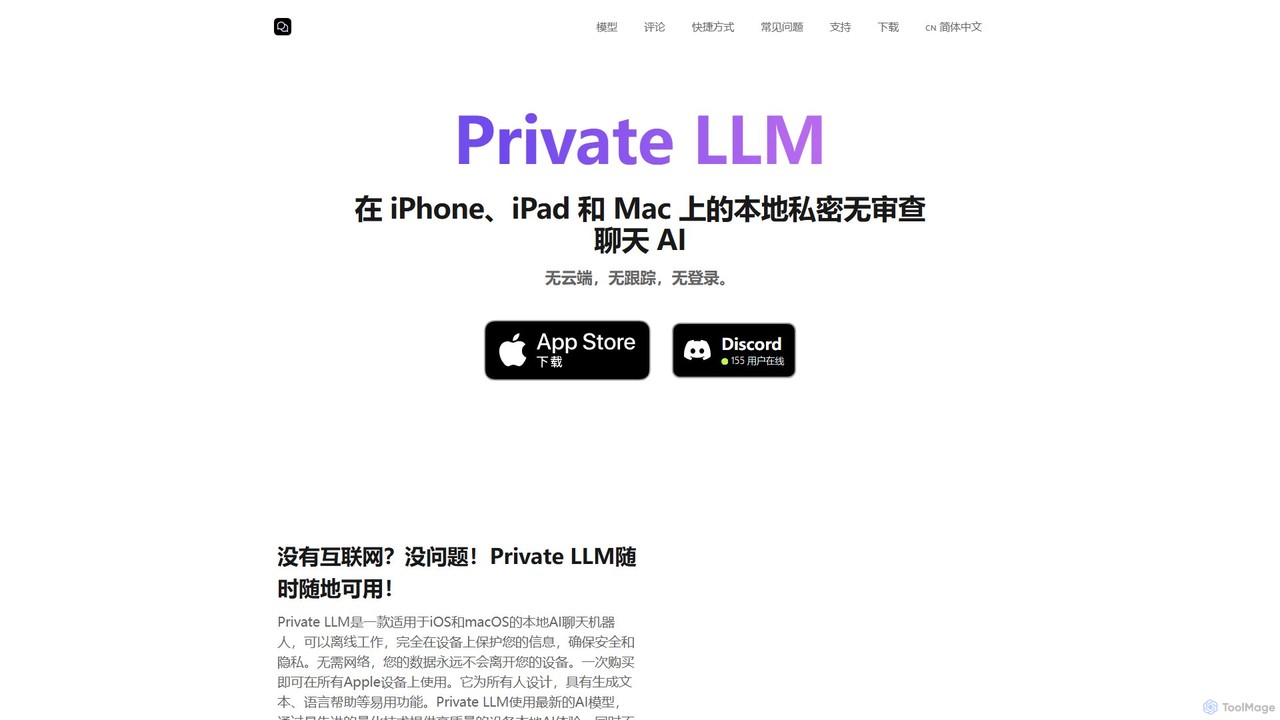
Private LLM
Private LLM is a secure, offline AI chatbot for iPhone, iPad, and Mac. It runs powerful open-source LLMs locally on your device, ensuring 100% privacy with no data tracking or cloud servers. It features a one-time purchase model, deep integration with the Apple ecosystem via Siri and Shortcuts, and offers superior performance through advanced model quantization.
Coding Assistant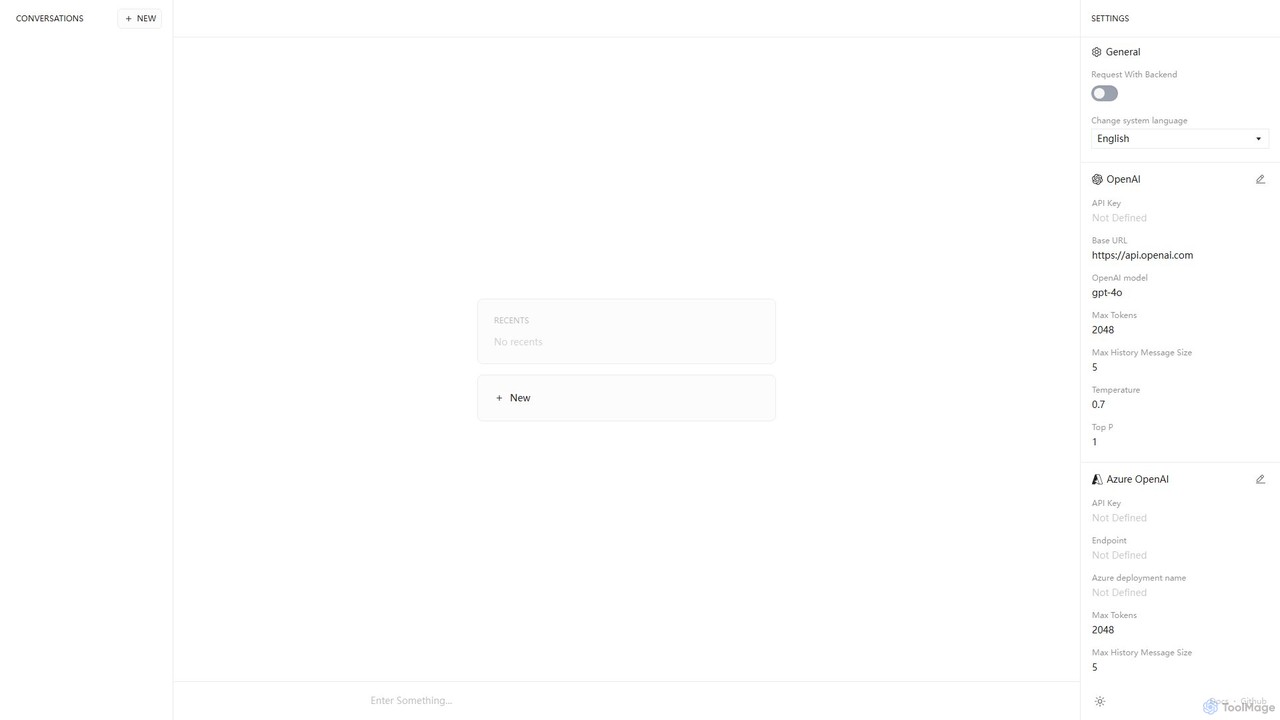
Anse
Anse is a free, open-source, and privacy-focused desktop AI client. It provides a unified interface to interact with various large language models from providers like OpenAI, Google, and Azure. By using your own API keys, you maintain full control over your data and costs, while enjoying advanced features and model customization in a sleek, minimalist application.
Ai Client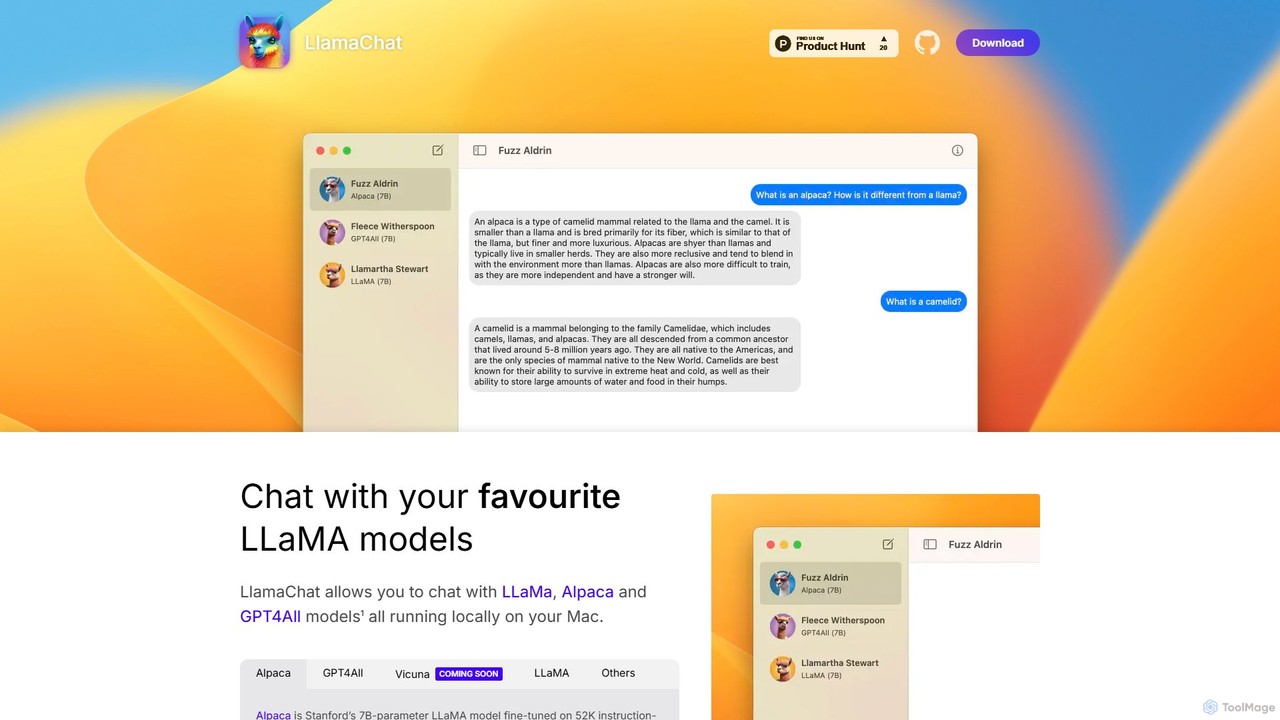
LlamaChat
LlamaChat is a free, open-source macOS application that allows you to run and chat with powerful large language models like LLaMA, Alpaca, and GPT4All directly on your Mac. It prioritizes privacy by keeping all data local and offers a seamless, native experience for offline AI interaction.
Local Models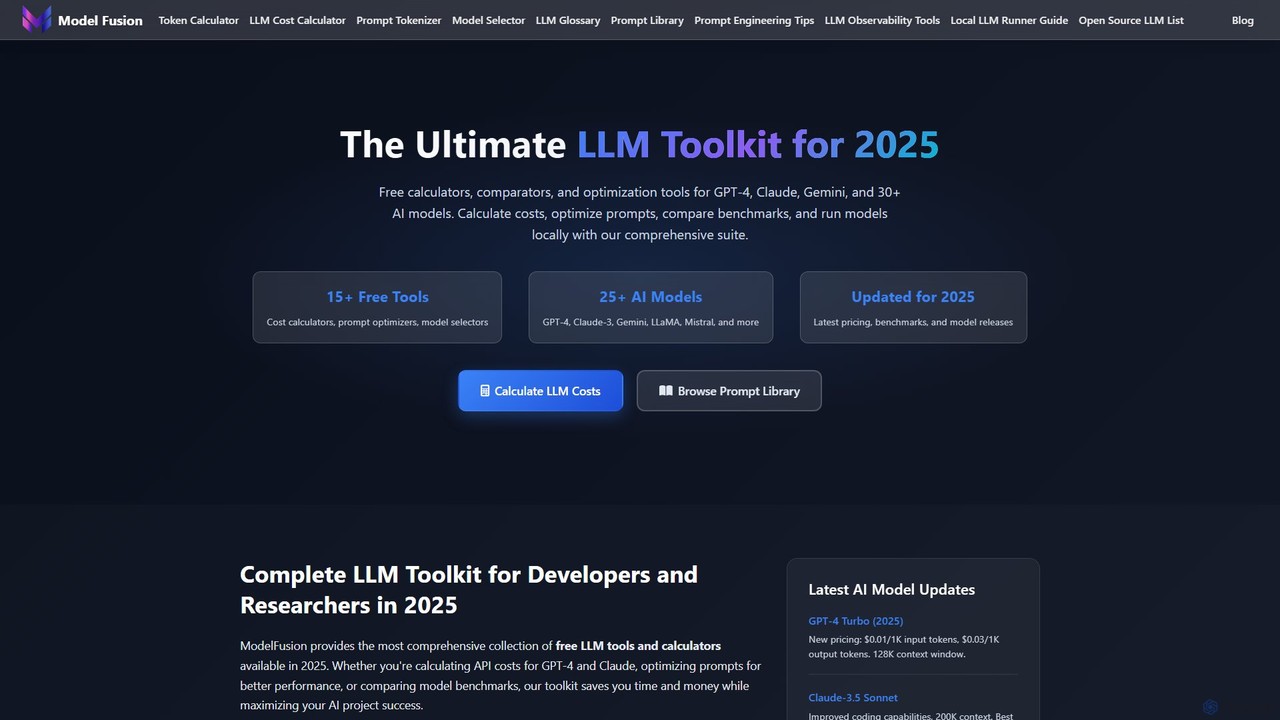
ModelFusion
ModelFusion is an all-in-one LLM toolkit for developers and researchers. It offers a suite of free tools, including a cost calculator, prompt library, and model comparator for over 30 AI models like GPT-4, Claude, and Gemini. It also provides a unified API and local model running guides to streamline AI development and optimize costs.
Api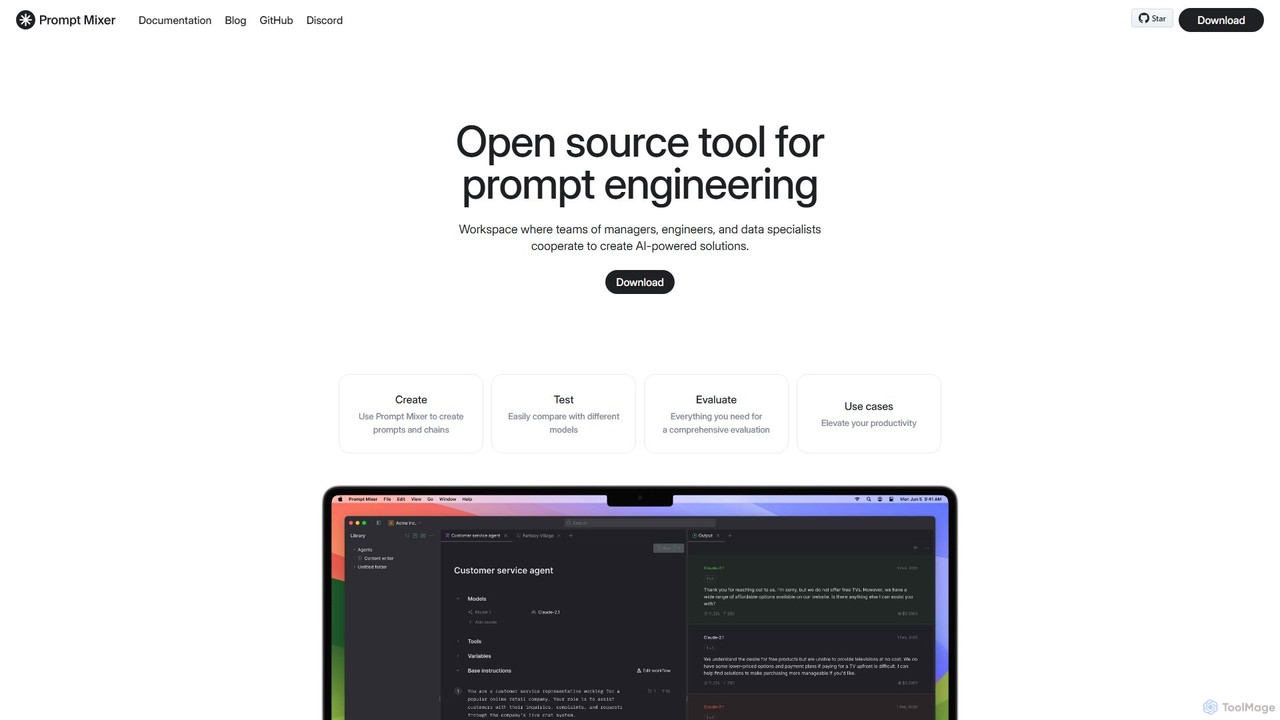
Prompt Mixer
Prompt Mixer is a powerful open-source tool for prompt engineering, providing a collaborative workspace for teams. It enables users to create, test, evaluate, and deploy AI-powered solutions by managing prompt chains, comparing different LLMs, and utilizing advanced evaluation metrics.
Prompt Engineering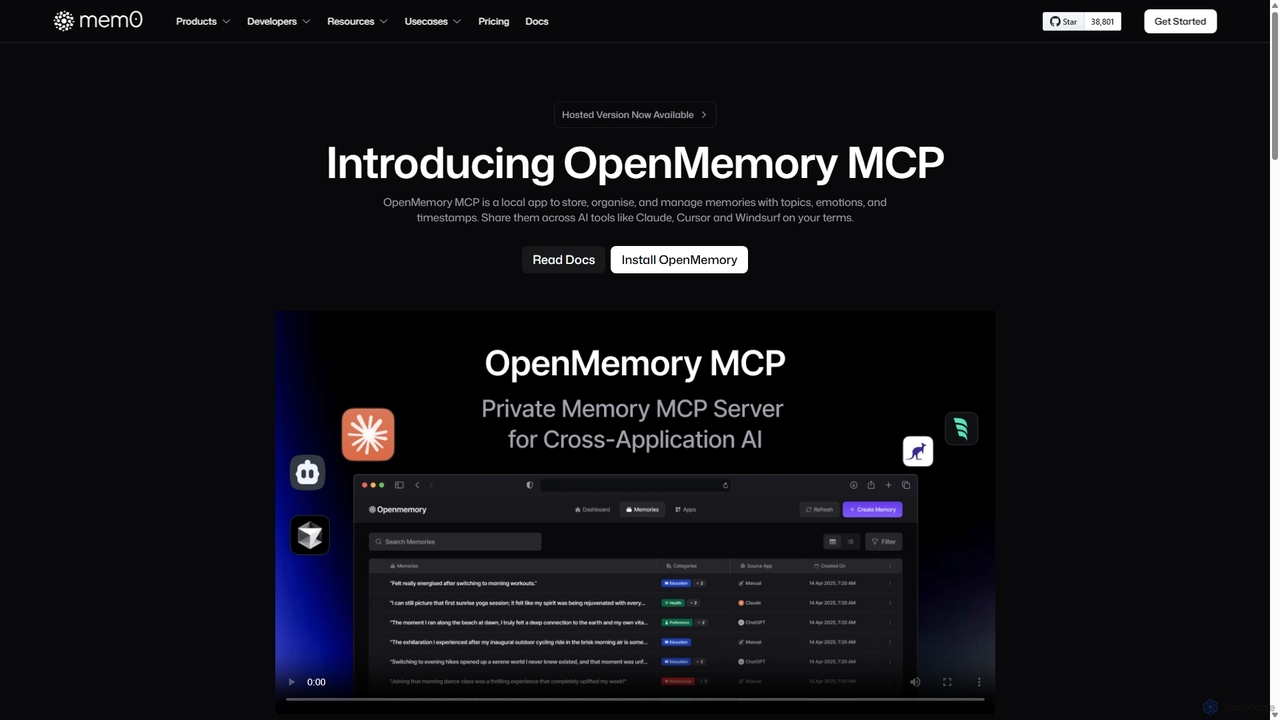
OpenMemory MCP
OpenMemory MCP is a local-first application designed to give your AI tools a persistent, private memory. It allows you to store, organize, and manage context like project details, code snippets, and personal preferences, sharing them securely across different AI applications like Claude and Cursor to enhance personalization and workflow continuity.
Personalization
LocalAI Comments (0)
Sign in to comment.
Sign inNo comments yet.