

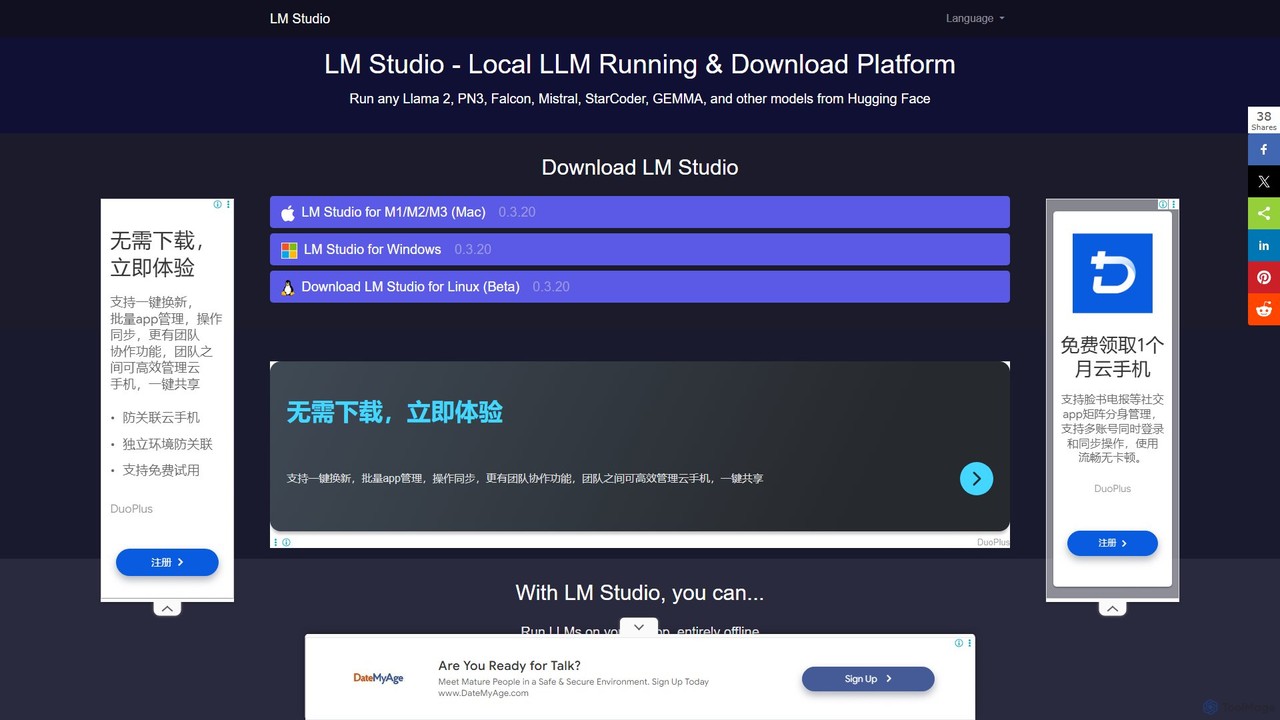
LM Studio Overview
LM Studio is a powerful and intuitive desktop application designed to make open-source Large Language Models (LLMs) accessible to everyone, from developers and researchers to hobbyists and privacy-conscious users. It provides a seamless environment to discover, download, and run a wide variety of models like Llama, Mistral, Gemma, and Phi directly on your personal computer (Windows, Mac, or Linux). This local execution ensures that all your data remains private and secure, and allows you to use powerful AI capabilities completely offline.
The application features an integrated model browser that connects to Hugging Face, allowing users to easily search for and download compatible models (in GGUF format). Once a model is downloaded, you can interact with it through a clean, built-in chat interface or run multiple models simultaneously. For developers, LM Studio's standout feature is its ability to start a local inference server that is compatible with the OpenAI API. This allows you to test and build AI-powered applications locally without incurring API costs or dealing with rate limits, using your local LLM as a drop-in replacement.
How to use LM Studio
Using LM Studio is straightforward, even for those without technical expertise:
- Download and Install: Get the appropriate version of LM Studio for your operating system (Windows, macOS, or Linux) from the official website and install it.
- Discover Models: Open the application and use the search bar on the home screen to find models from Hugging Face. You can filter by popularity, recent additions, or specific names.
- Download a Model: Once you find a model you like, you'll see a list of available files (usually in GGUF format). Choose a version that suits your computer's RAM and VRAM capacity and click 'Download'.
- Chat with the Model: Navigate to the 'Chat' tab (the speech bubble icon on the left). Select your downloaded model from the dropdown menu at the top. You can now start a conversation with the AI. You can also tweak parameters like temperature and context length on the right-hand panel.
- Start a Local Server (for Developers): Go to the 'Local Server' tab (the '' icon). Select a model to load, configure server settings if needed, and click 'Start Server'. LM Studio will provide you with a local API endpoint that you can use in your code.
Core Features of LM Studio
- Model Discovery and Download: In-app browser to search and download thousands of open-source LLMs from Hugging Face.
- Local Execution: All models run entirely on your local machine, ensuring 100% privacy and offline functionality.
- Intuitive Chat Interface: A simple, clean UI for interacting with your chosen LLMs.
- OpenAI-Compatible Local Server: Host a local inference server that mimics the OpenAI API, perfect for local development and prototyping.
- Hardware Acceleration: Automatically utilizes your computer's GPU (Nvidia/AMD) or Apple Metal for M-series Macs to speed up inference.
- Resource Management: Provides insights into your system's RAM and VRAM usage to help you choose and run models efficiently.
- Multi-Model Support: Download and switch between multiple models, or even load several at once if your hardware allows.
- Cross-Platform Compatibility: Available for Windows, macOS (Intel & Apple Silicon), and Linux.
Use Cases for LM Studio
LM Studio is versatile and can be used for a wide range of applications:
- Private AI Assistant: Use it for writing emails, summarizing documents, brainstorming ideas, and answering questions without your data leaving your device.
- Local Application Development: Developers can build and test LLM-powered applications without relying on cloud APIs, saving costs and improving iteration speed.
- AI Research and Experimentation: Researchers and students can easily experiment with and compare the performance of different open-source models for their projects.
- Offline Content Creation: Writers and creators can generate drafts, scripts, and creative text even without an internet connection.
- Learning and Exploration: A safe and free way for AI enthusiasts to explore the capabilities of the latest LLMs.
Advantages of LM Studio
The primary advantages of using LM Studio include:
- Complete Privacy: Your conversations and data are never sent to any third-party server.
- Zero Cost: The software is free to use, and running models locally eliminates API subscription fees.
- Offline Access: Once models are downloaded, you can use them anywhere, anytime, without an internet connection.
- Accessibility: Its user-friendly interface removes the technical barriers to entry, making local LLMs accessible to non-programmers.
- Flexibility and Control: You have full control over which models you use and how you configure them.
Pricing and Plans
LM Studio is completely free to download and use. There are no subscription fees, usage-based charges, or hidden costs associated with the software itself. Users are only responsible for their own hardware costs.
Traffic
Latest traffic
Status
Monthly traffic trend
- 2025-9: 5.8K
- 2026-1: 13.5K
- 2026-2: 13.7K
- 2026-3: 38.7K
- 2026-4: 17.1K
- 2026-5: 10.8K
Geography
Top 5 countries / regions
- 🇨🇳China96.9%
- 🇷🇺Russia3.1%
Traffic sources
| Source type | Percentage |
|---|---|
Referral | 56.3% |
Direct | 43.7% |
Top keywords
| Keyword | Cost per click |
|---|---|
| llm studio | $2.87 |
| lm studio | $1.86 |
| lmstudio | $1.91 |
| lm studio официальный сайт | $0.00 |
| lm studio скачать на русском | $0.00 |
LM Studio Alternatives
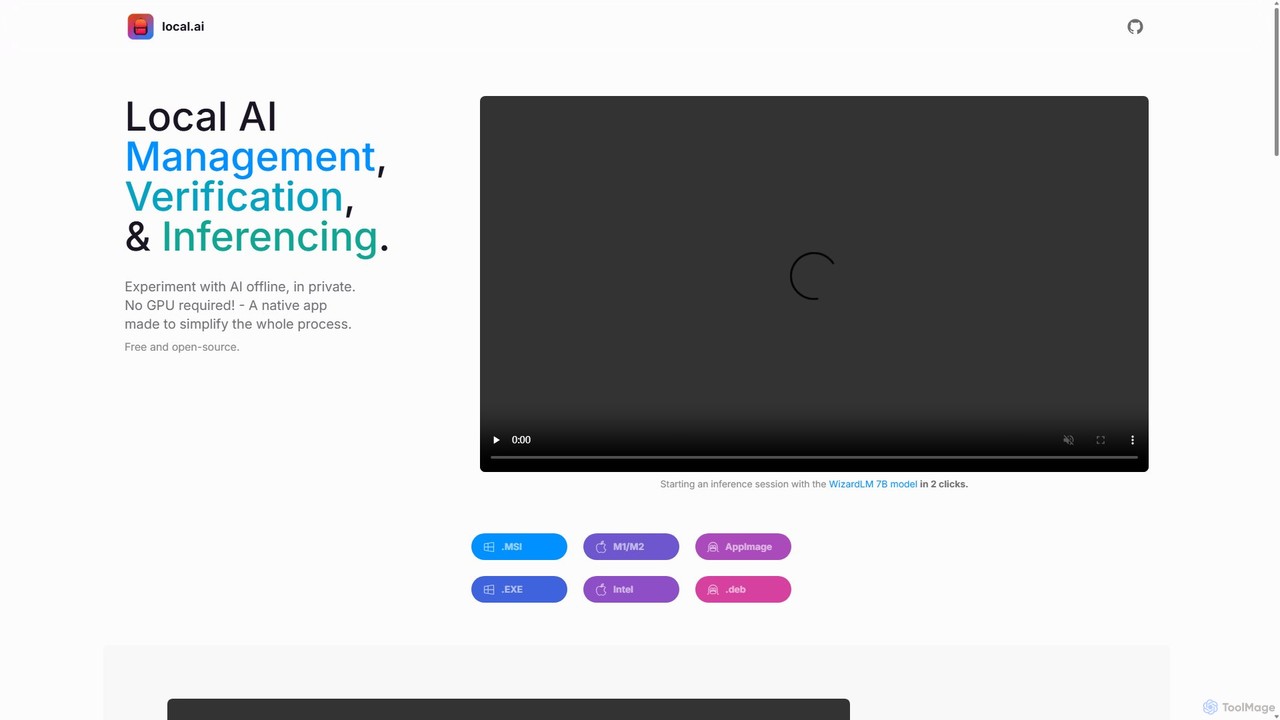
LocalAI
LocalAI is a free, open-source desktop application that allows you to run AI models privately and offline on your computer. It simplifies AI experimentation without needing a GPU, offering features like model management, integrity verification, and a local inference server.
Model Deployment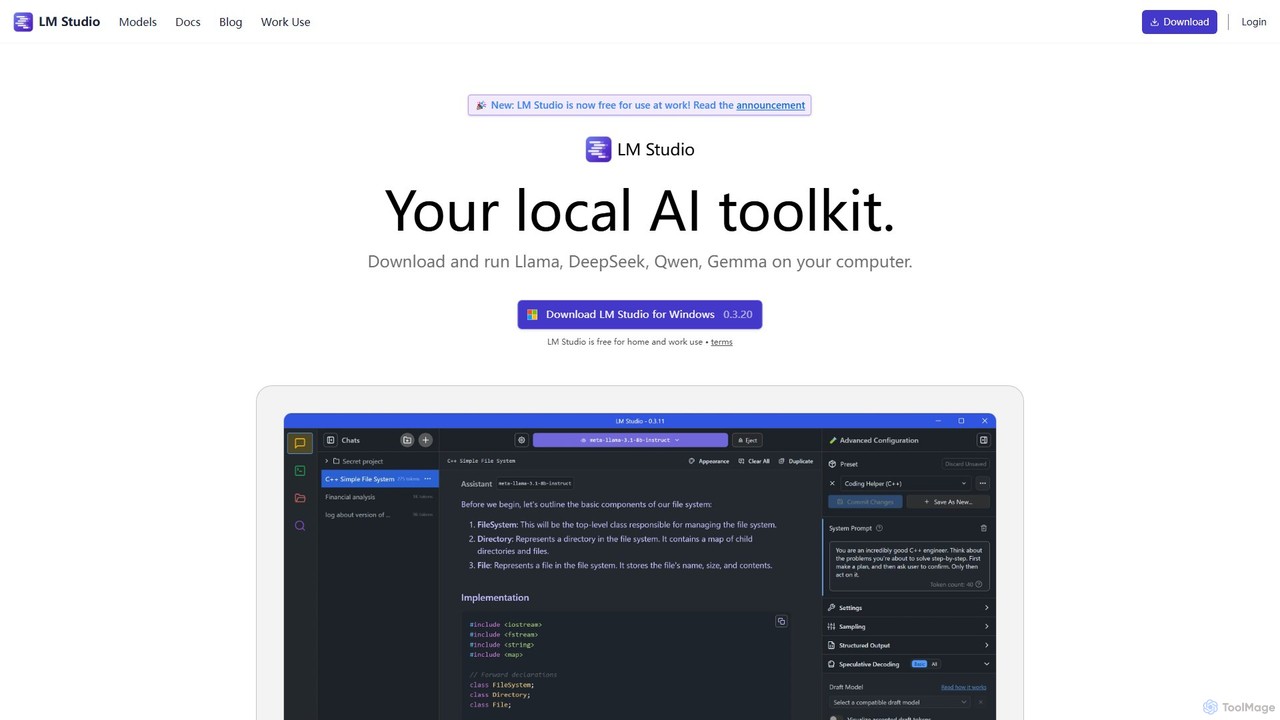
LM Studio
LM Studio is a desktop application for Windows, macOS, and Linux that allows you to discover, download, and run open-source Large Language Models (LLMs) entirely on your local machine. It offers a user-friendly interface, an OpenAI-compatible local server, and robust privacy features, making it ideal for developers, researchers, and anyone seeking a private AI experience.
Model Deployment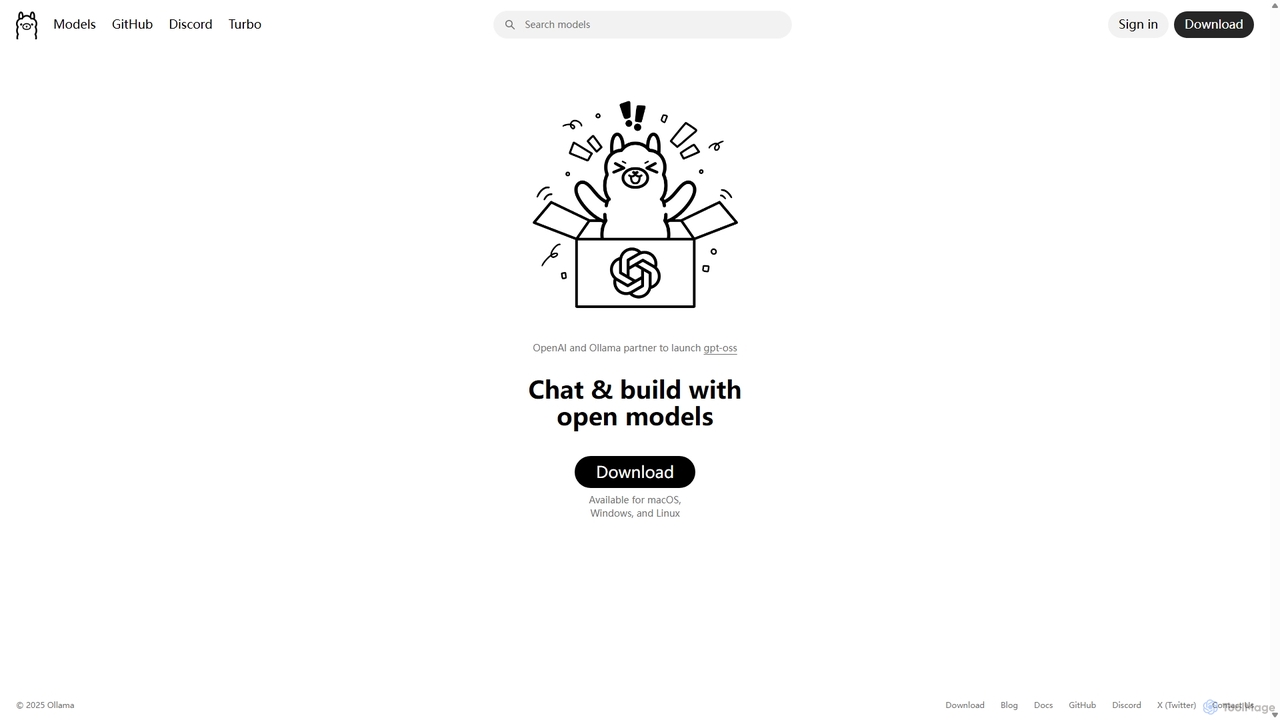
Ollama
Ollama is a powerful open-source framework for running large language models (LLMs) like Llama 3, Mistral, and Gemma locally on your own hardware. Available for macOS, Windows, and Linux, it simplifies the setup and management of open-source models, enabling private, offline, and cost-effective AI development and usage.
Machine Learning
Sanctum
Sanctum is a privacy-first AI assistant that allows you to run powerful open-source Large Language Models (LLMs) directly on your local machine. It ensures your data is encrypted, secure, and never leaves your device. Interact with models, chat with your documents, and transcribe audio, all offline and with complete privacy.
Local Development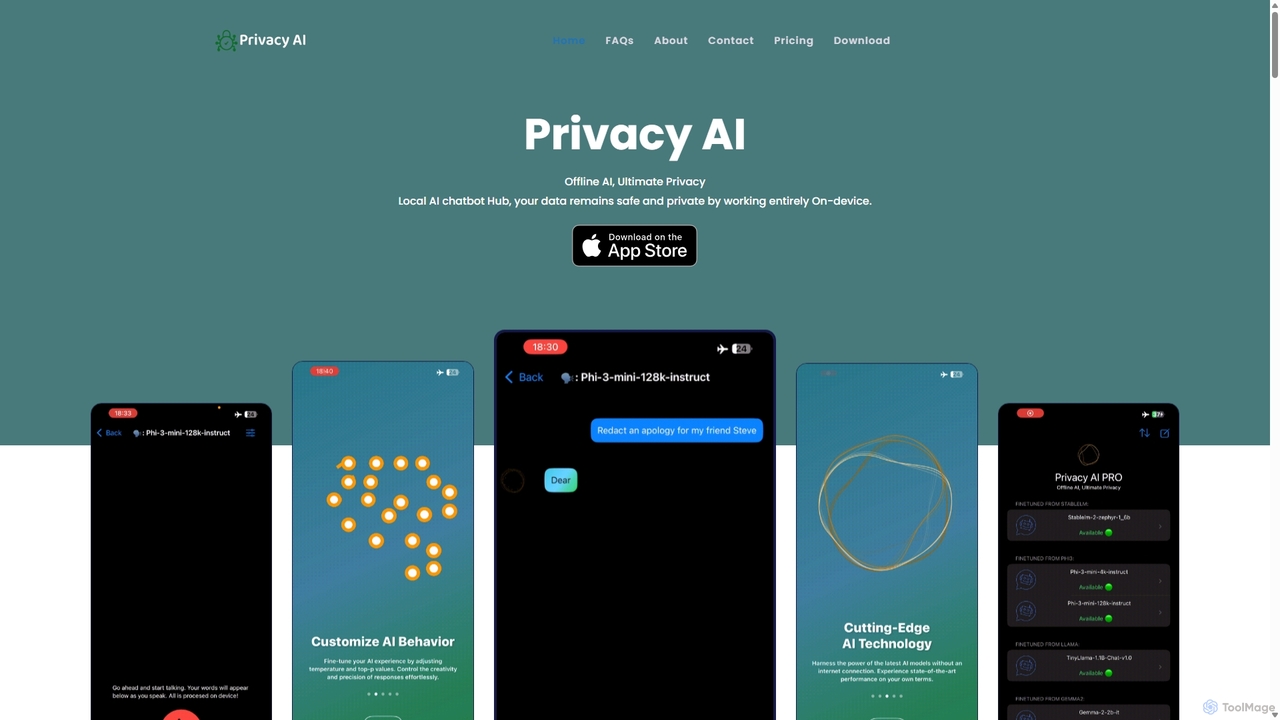
Privacy AI
Privacy AI is a native application for iPhone, iPad, and Mac that allows you to run powerful open-source large language models (LLMs) entirely offline. It ensures absolute privacy by processing all data on your device, with no data collection or internet connection required. Access models like LLaMA, Mistral, and Phi3 securely, with advanced customization options for a tailored AI experience.
Local DevelopmentLM Studio Categories
LM Studio Embed Widget
Copy this embed code to place the badge on your blog, article, or product site and send readers directly to this ToolMage detail page.

Related AI tools
Ollama
Ollama is a powerful open-source framework for running large language models (LLMs) like Llama 3, Mistral, and Gemma locally on your own hardware. Available for macOS, Windows, and Linux, it simplifies the setup and management of open-source models, enabling private, offline, and cost-effective AI development and usage.
Machine LearningLM Studio
LM Studio is a desktop application for Windows, macOS, and Linux that allows you to discover, download, and run open-source Large Language Models (LLMs) entirely on your local machine. It offers a user-friendly interface, an OpenAI-compatible local server, and robust privacy features, making it ideal for developers, researchers, and anyone seeking a private AI experience.
Model Deployment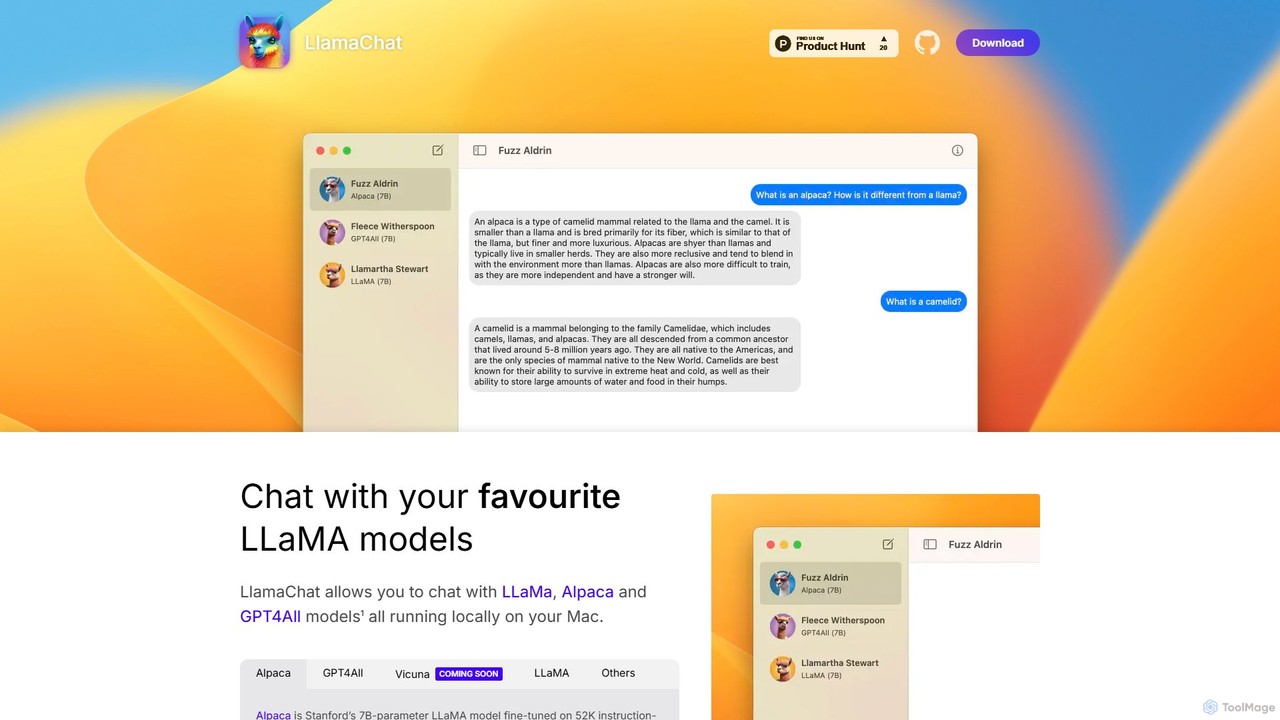
LlamaChat
LlamaChat is a free, open-source macOS application that allows you to run and chat with powerful large language models like LLaMA, Alpaca, and GPT4All directly on your Mac. It prioritizes privacy by keeping all data local and offers a seamless, native experience for offline AI interaction.
Local ModelsLocalAI
LocalAI is a free, open-source desktop application that allows you to run AI models privately and offline on your computer. It simplifies AI experimentation without needing a GPU, offering features like model management, integrity verification, and a local inference server.
Model Deployment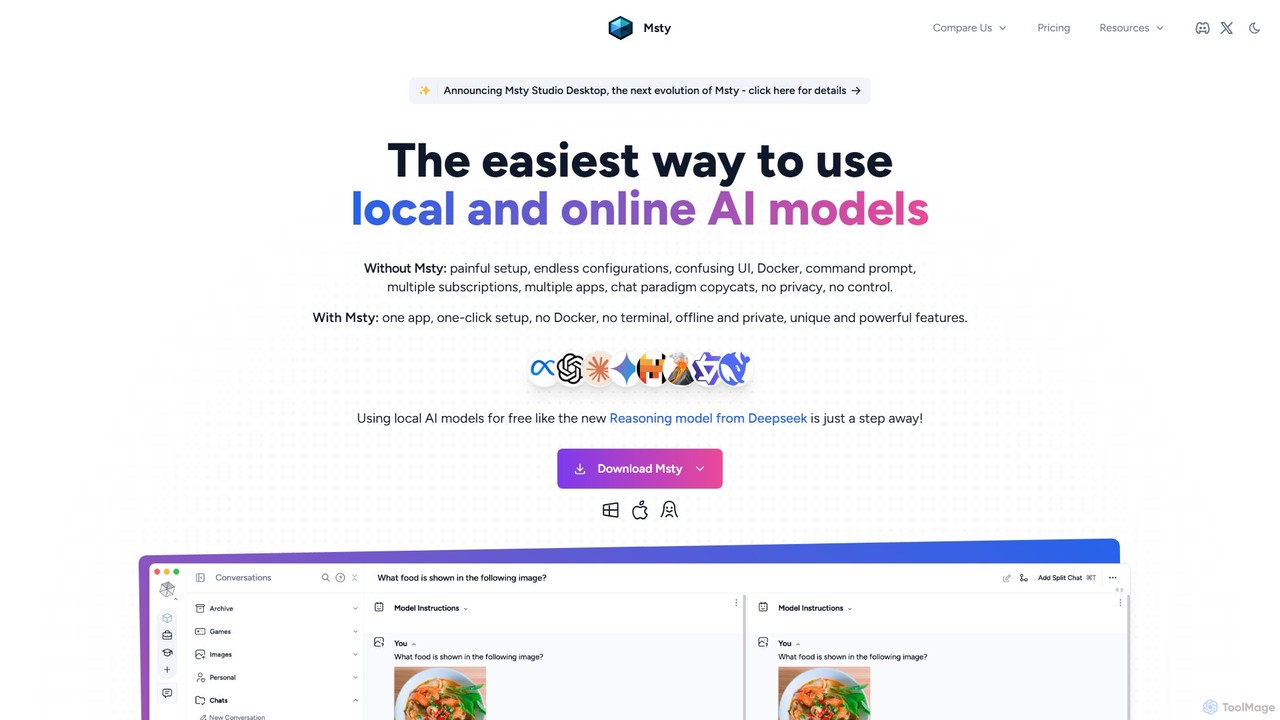
Msty
Msty is a user-friendly desktop application that simplifies running both local and online AI models. It offers a one-click setup, an offline-first approach for ultimate privacy, and powerful features like split-screen model comparison, advanced RAG via Knowledge Stacks, and full conversation control without needing technical expertise.
ChatbotSanctum
Sanctum is a privacy-first AI assistant that allows you to run powerful open-source Large Language Models (LLMs) directly on your local machine. It ensures your data is encrypted, secure, and never leaves your device. Interact with models, chat with your documents, and transcribe audio, all offline and with complete privacy.
Local DevelopmentPrivacy AI
Privacy AI is a native application for iPhone, iPad, and Mac that allows you to run powerful open-source large language models (LLMs) entirely offline. It ensures absolute privacy by processing all data on your device, with no data collection or internet connection required. Access models like LLaMA, Mistral, and Phi3 securely, with advanced customization options for a tailored AI experience.
Local Development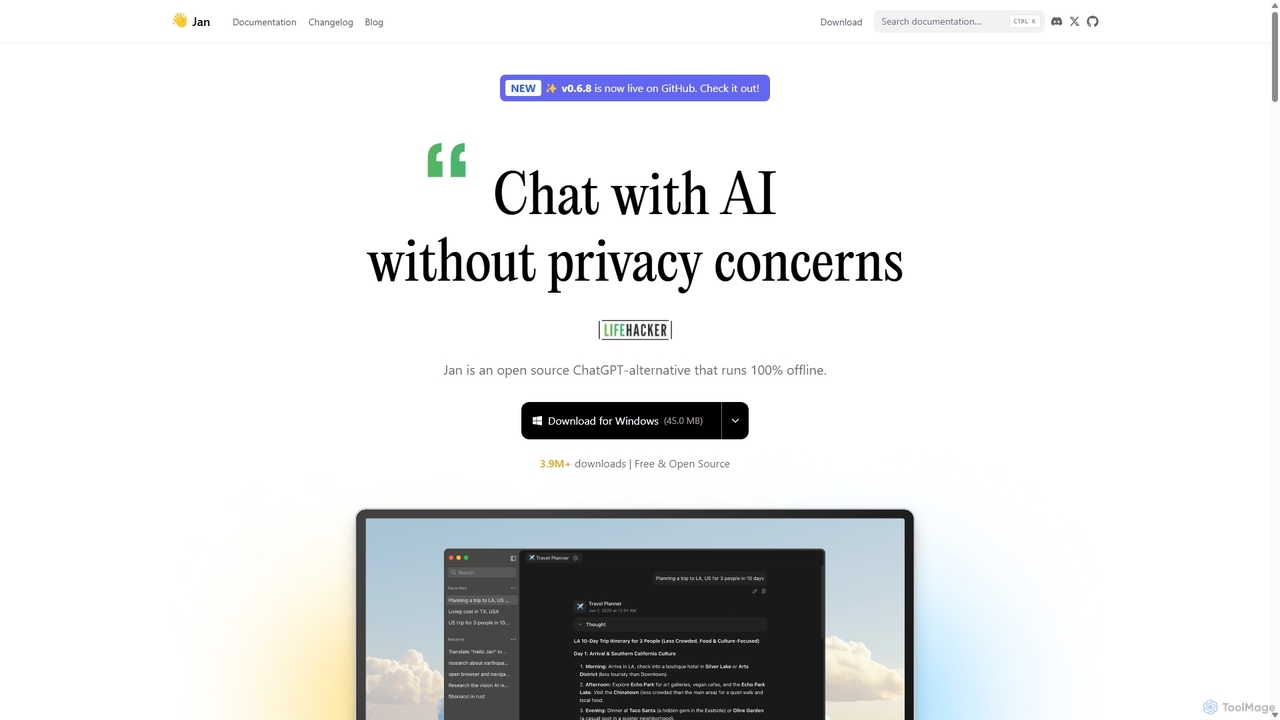
Jan
Jan is an open-source, offline-first AI chat application that functions as a powerful alternative to ChatGPT. It allows you to run large language models (LLMs) like Llama 3 and Mistral directly on your computer, ensuring 100% privacy and data control. Jan also offers the flexibility to connect to cloud-based AI services and provides a local API server for developers.
Api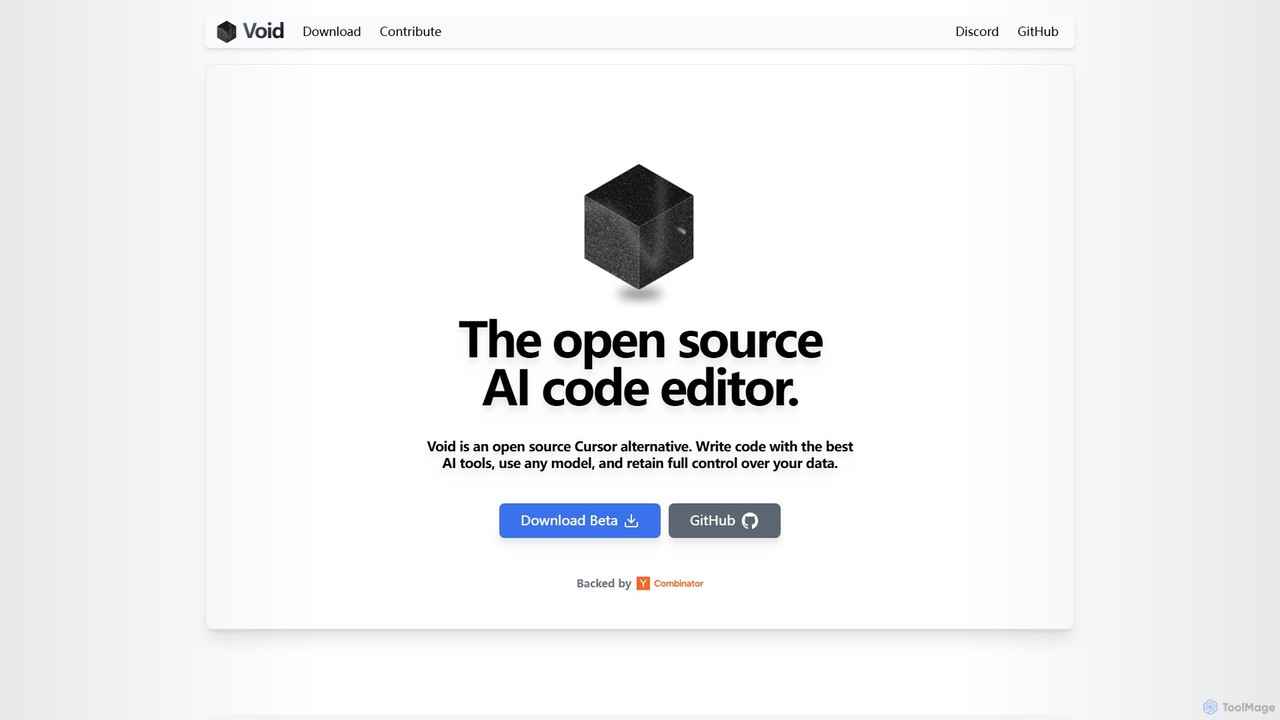
voideditor
Voideditor is a free, open-source AI code editor built as a fork of VS Code. It empowers developers with full control over their data and choice of AI models, supporting direct connections to any cloud or locally hosted LLM. It offers advanced features like AI chat, autocompletion, and agentic workflows to accelerate development while prioritizing privacy and flexibility.
Code Generation
hypermink
HyperMink provides Inferenceable, a free, open-source, and self-hostable AI inference server. Built on Node.js and llama.cpp, it allows developers and businesses to run large language models locally, ensuring complete data privacy, control, and cost-effectiveness. Your AI, Your Rules.
Local Llm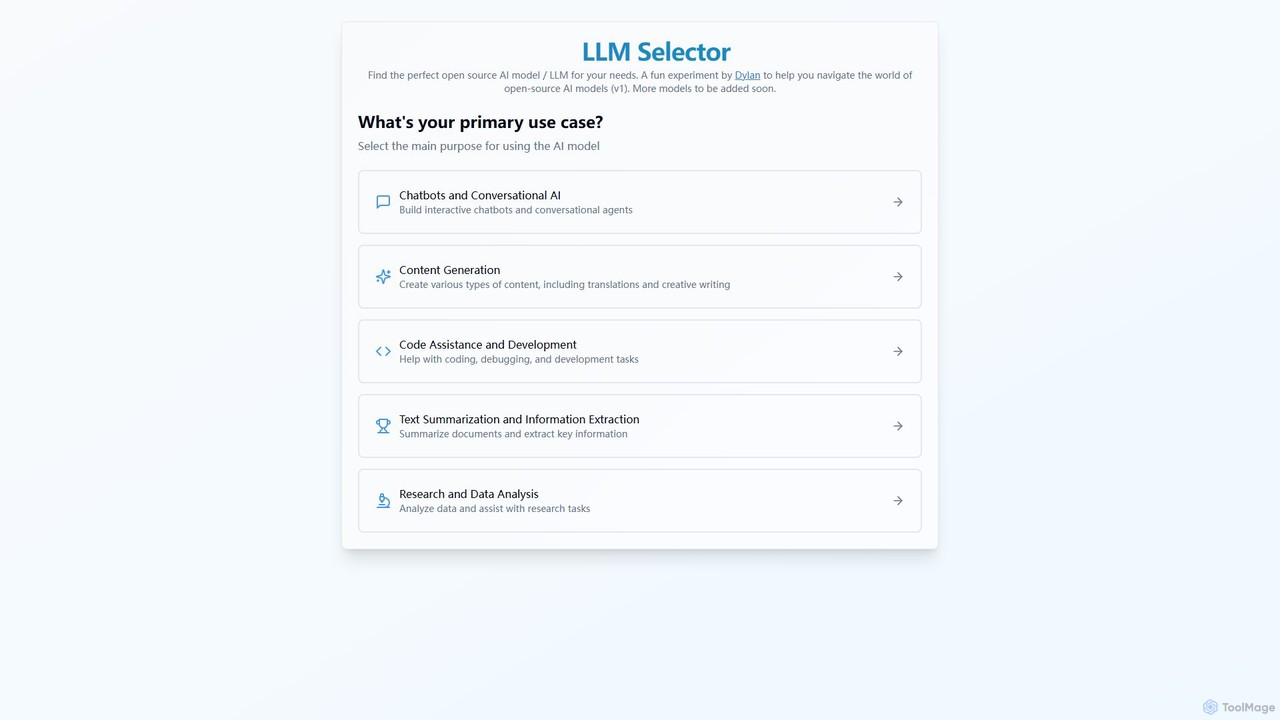
LLM Selector
An intuitive tool designed to help developers and researchers find the perfect open-source Large Language Model (LLM) for their specific needs. Filter by use case, compare models, and simplify your selection process.
Model Management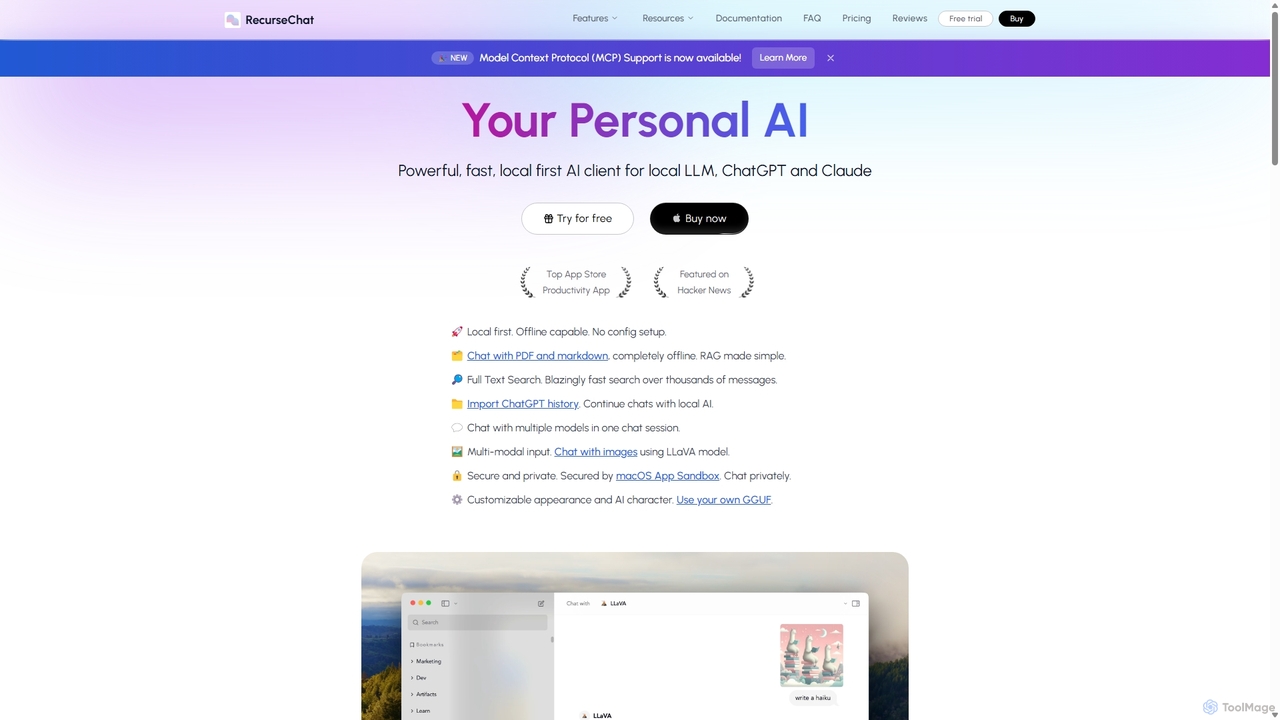
RecurseChat
RecurseChat is a powerful, privacy-focused AI client for macOS. It operates local-first, allowing you to chat with local LLMs, ChatGPT, and Claude, even offline. Interact with your PDFs and documents securely on your device using RAG technology. It features multi-modal input, full-text search, and extensive customization without requiring a subscription.
Llm Clients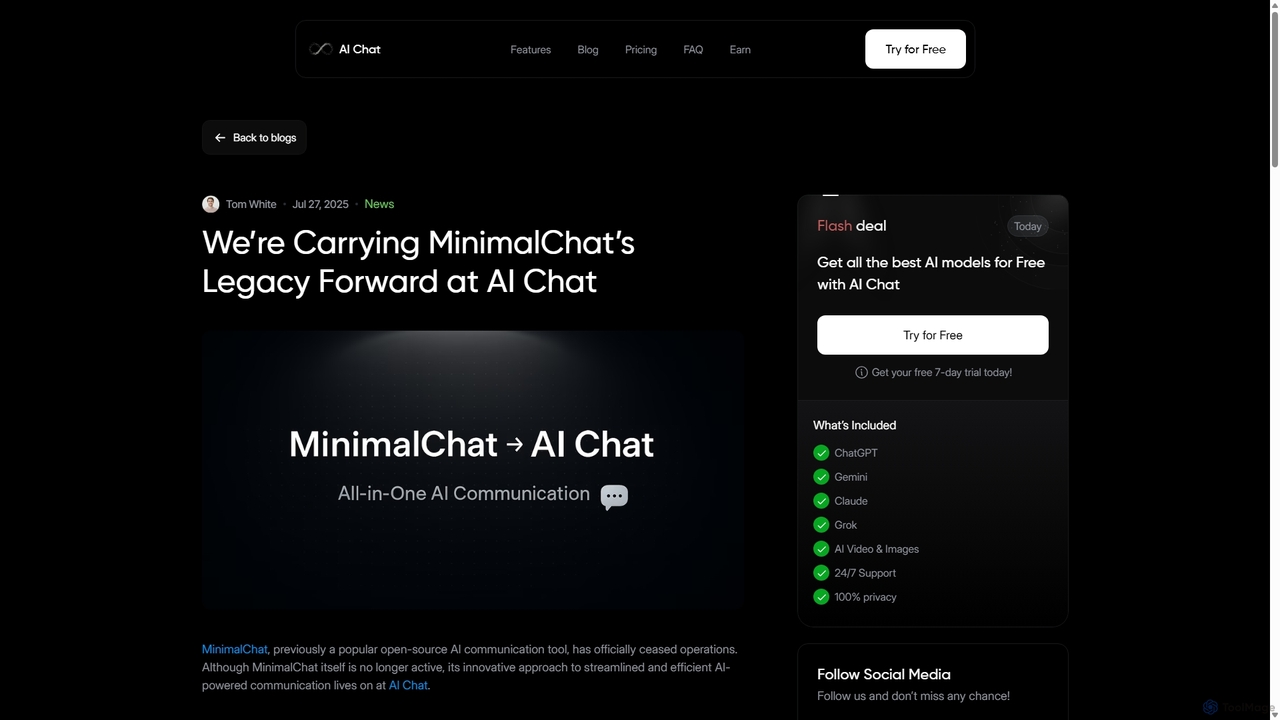
MinimalChat
MinimalChat was a popular open-source, self-hostable AI chat platform known for its lightweight, minimalist design. It supported various GPT models, file uploads, and voice interactions, offering a private and flexible alternative to commercial services. Note: The project has ceased operations.
Code Assistant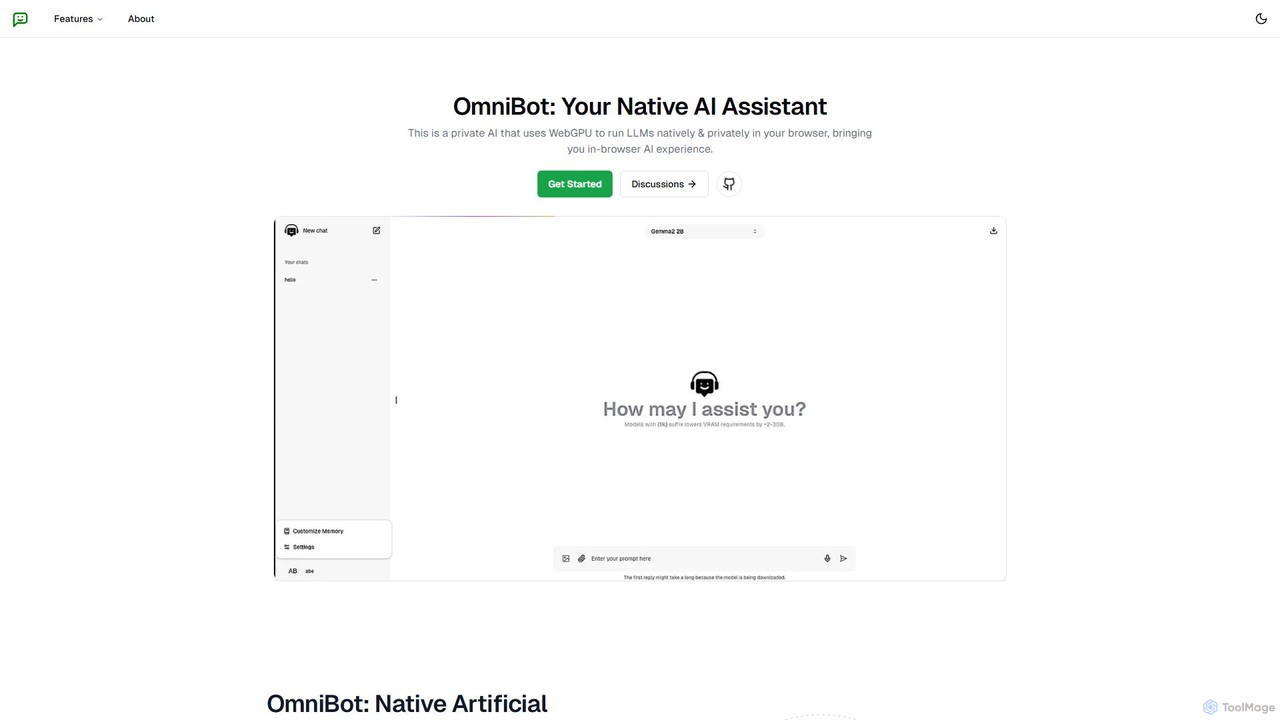
Omnibot
Omnibot is a private, native AI assistant that runs large language models (LLMs) directly in your browser using WebGPU. It offers a completely offline and secure chat experience, ensuring your data never leaves your computer. Customize it with your own instructions for personalized responses.
Local Development
Duck.ai
Duck.ai is a free, private AI chat service from DuckDuckGo. It provides anonymous access to leading AI models like GPT, Claude, Llama, and Mistral without saving your conversations on servers or using them for training. Your privacy is protected through IP anonymization and local-only chat history.
Anonymity
LM Studio Comments (0)
Sign in to comment.
Sign inNo comments yet.