Docseditor
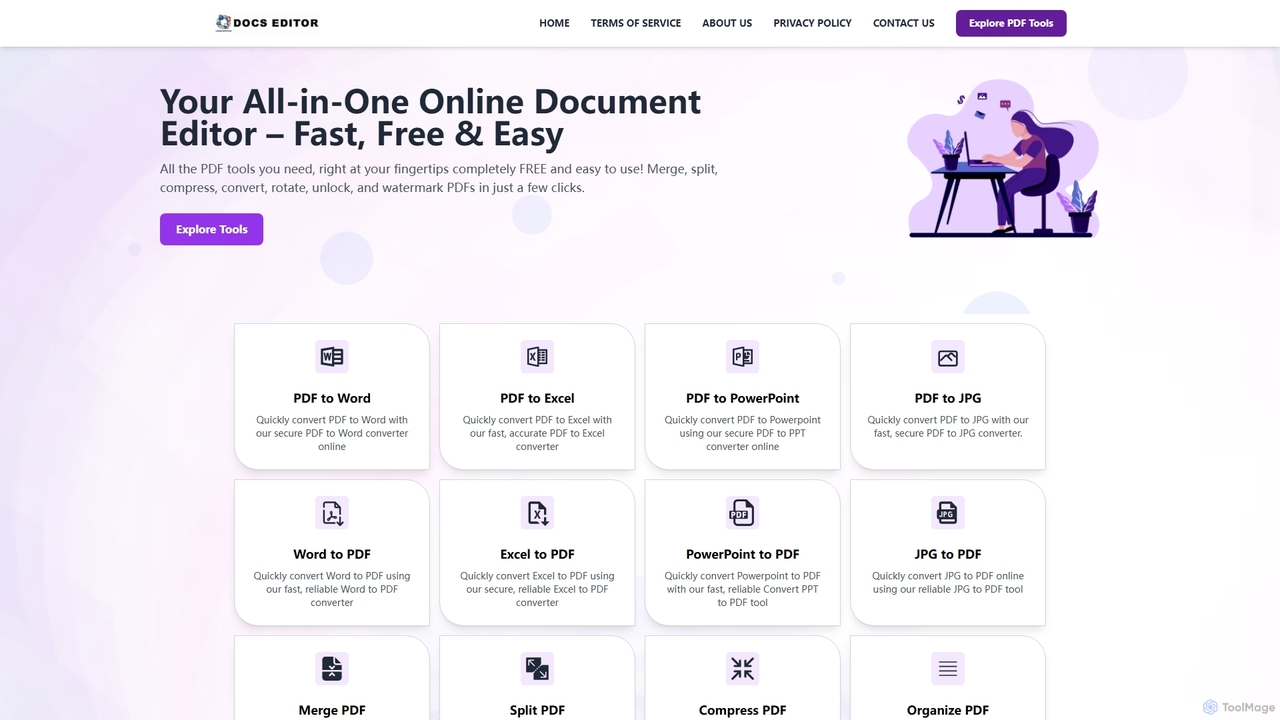
Docseditor is a comprehensive, free online document toolkit for all your PDF needs. It allows users to effortlessly …
Docseditor is a comprehensive, free online document toolkit for all your PDF needs. It allows users to effortlessly edit, convert, merge, split, compress, sign, and manage PDF files directly in their browser without any installation.
Imagetotext.io
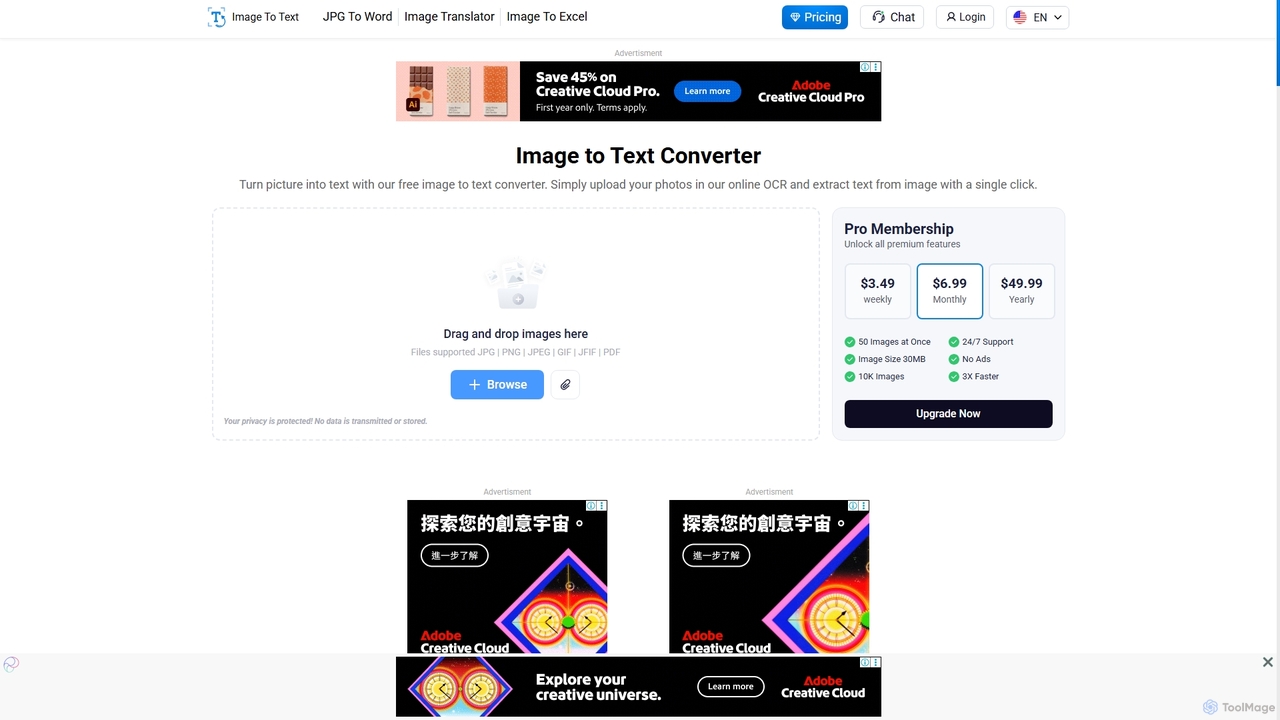
A powerful online OCR tool that accurately converts images into editable text. It supports various formats, multiple languages, …
A powerful online OCR tool that accurately converts images into editable text. It supports various formats, multiple languages, and even extracts text from low-resolution images and mathematical equations. Ideal for students, professionals, and anyone needing to digitize documents quickly and for free.
Imagetotext.me
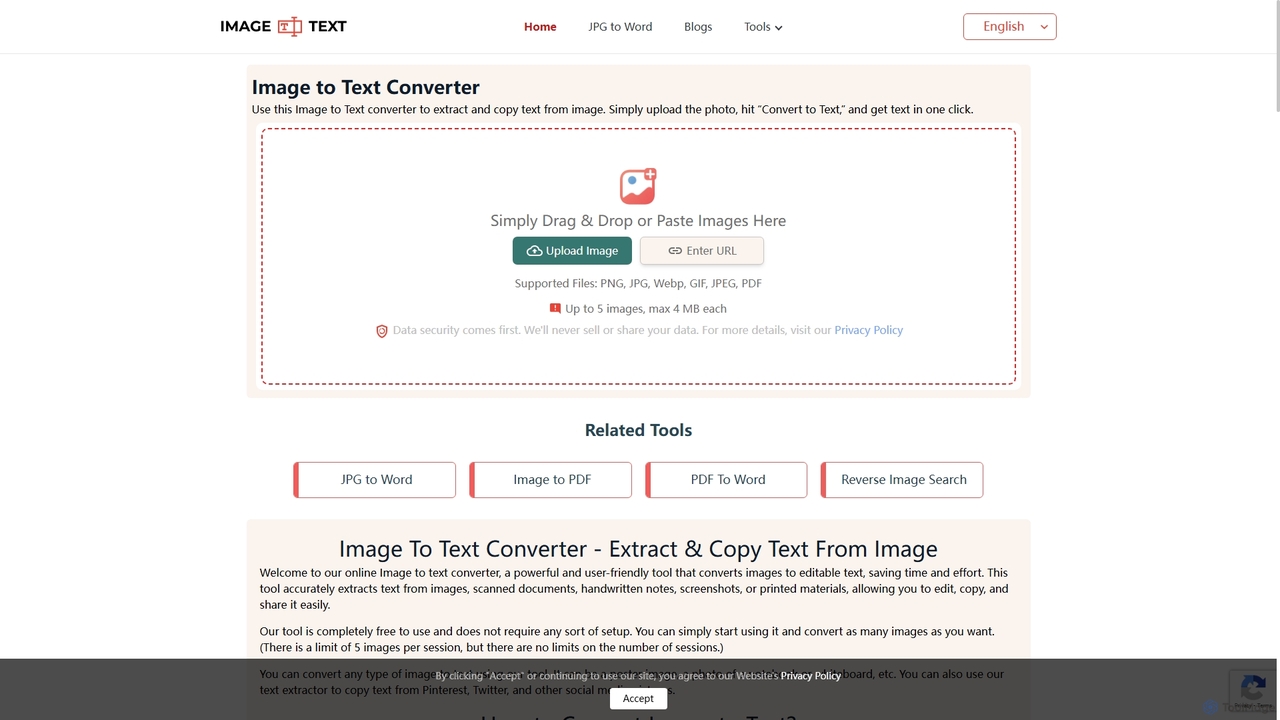
A free online OCR tool that accurately extracts text from images, scanned documents, and handwritten notes. It supports …
A free online OCR tool that accurately extracts text from images, scanned documents, and handwritten notes. It supports multiple languages and file formats, and includes additional converters for JPG to Word and Image to PDF, all without requiring registration.
TinyWow
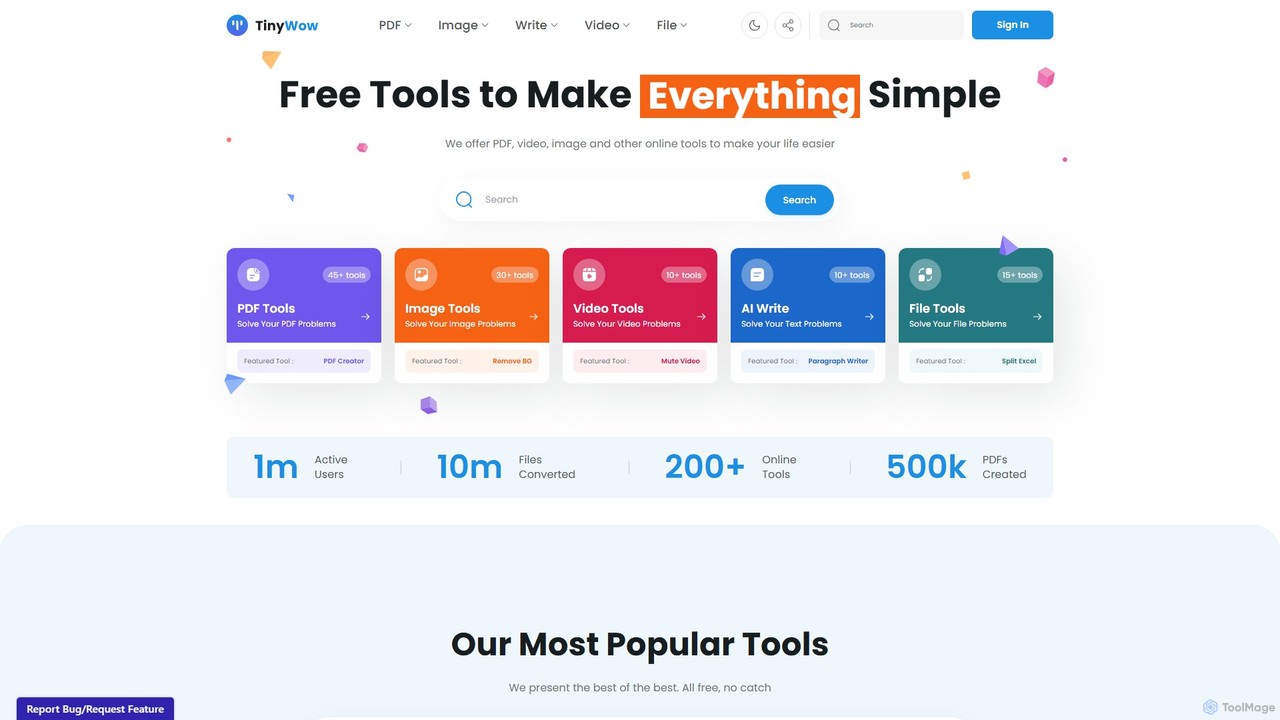
TinyWow is a comprehensive suite of over 250 free online tools, including AI-powered features for writing, image generation, …
TinyWow is a comprehensive suite of over 250 free online tools, including AI-powered features for writing, image generation, and editing. It offers a vast collection of utilities for PDF management, video processing, and file conversion, designed to simplify digital tasks for everyone. Many tools are available for free without requiring user registration.
imgtotext.net
An advanced online OCR tool that accurately extracts text from images and PDF documents. It supports batch processing, …
An advanced online OCR tool that accurately extracts text from images and PDF documents. It supports batch processing, multiple languages, and various file formats. It also offers a built-in translation feature, making it a versatile solution for digitizing and processing text-based content for free.
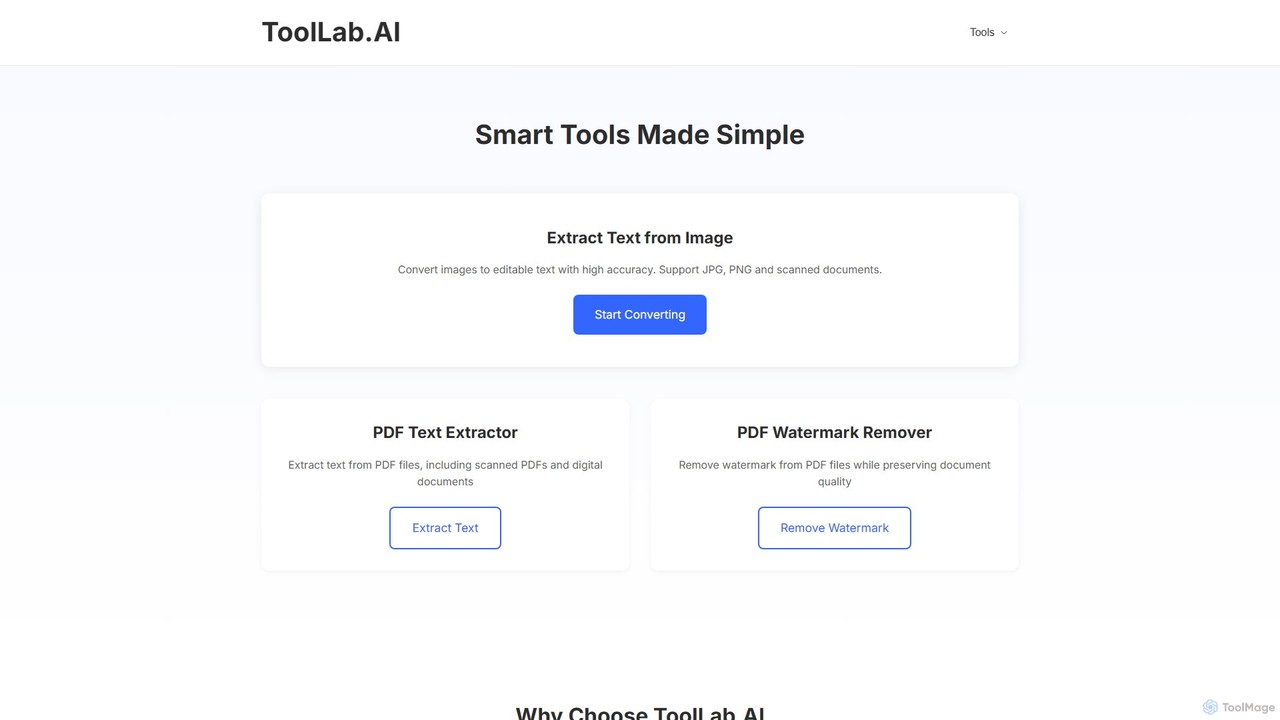
ToolLab.AI
ToolLab.AI offers a suite of free, AI-powered online tools for simple and efficient document processing. It specializes in …
ToolLab.AI offers a suite of free, AI-powered online tools for simple and efficient document processing. It specializes in high-accuracy text extraction from images (OCR) and PDFs, as well as PDF watermark removal. Designed for speed and security, it provides instant results with a user-friendly interface.
About File Converter
AI File Converters are intelligent tools designed to transform digital files from one format to another, leveraging artificial intelligence for enhanced accuracy, efficiency, and quality. These tools utilize advanced algorithms to analyze file structures, preserve data integrity, and often automate complex conversion tasks that would be time-consuming manually. They provide essential compatibility across various platforms and applications, making digital content more accessible and versatile for a wide range of users, from individual creators to large organizations.
Core Features
- Smart Format Detection: Automatically identifies the source file type and intelligently suggests optimal conversion options, reducing manual configuration.
- Batch Processing with Intelligence: Efficiently converts multiple files simultaneously, often with smart grouping, automated error handling, and consistent quality application across all outputs.
- Quality Preservation & Enhancement: Employs AI algorithms to minimize data loss, maintain visual and audio fidelity, or even improve output quality through upscaling or denoising during conversion.
- OCR Integration: Converts scanned documents or image-based text into editable, searchable, and machine-readable formats, bridging the gap between physical and digital.
- Cloud & API Integration: Seamlessly connects with popular cloud storage services and other applications, enabling automated workflows and integration into existing digital ecosystems.
Applicable Scenarios
From individual content creators needing format flexibility for diverse platforms to large enterprises managing vast archives, AI File Converters are indispensable. They are widely used by marketing teams to standardize media assets for campaigns, by legal professionals to convert documents for e-discovery and compliance, and by web developers to optimize images and videos for faster loading times. These tools streamline workflows where diverse file formats and compatibility issues are a constant challenge, ensuring smooth data exchange and content delivery.
How to Choose
When selecting an AI File Converter, it's crucial to consider the breadth of supported input and output formats, ensuring it covers your specific needs. Evaluate the speed and quality of conversion, especially for critical media files, and assess its batch processing capabilities for handling large volumes efficiently. Prioritize tools with robust security features for sensitive data, seamless integration options with your existing cloud storage or productivity suites, and a clear, intuitive user interface. Additionally, look for specific AI enhancements like intelligent error correction, quality upscaling, or advanced metadata handling that align with your operational requirements.

File ConverterUse Cases
Optimizing Media for Multi-Platform Content Distribution
Content creators and digital marketers frequently need to adapt videos, images, and audio files for various social media platforms, websites, and advertising channels, each with unique format and size requirements. An AI File Converter allows them to batch convert media files to optimal specifications (e.g., MP4 to WebM, JPEG to WebP, WAV to MP3) while preserving quality. This automates the tedious process of manual resizing and reformatting, ensuring consistent brand presence and faster content deployment across all channels, saving significant time and effort.
Batch Converting Scanned Documents to Editable Text
Legal firms, educational institutions, and administrative offices often deal with large volumes of scanned paper documents or image-based PDFs that need to be searchable and editable. An AI File Converter with integrated OCR (Optical Character Recognition) can accurately convert these image files into editable text formats like DOCX or TXT. This enables easy text extraction, indexing, and editing, transforming static archives into dynamic, usable data. It drastically reduces the manual data entry burden and enhances document accessibility and searchability.
Standardizing Product Images for E-commerce Platforms
E-commerce businesses manage thousands of product images that must adhere to specific format, resolution, and background requirements for various online marketplaces (e.g., Amazon, Shopify). An AI File Converter can batch process these images, automatically converting them to the required formats (e.g., PNG to JPEG), resizing them, and even intelligently removing backgrounds or applying consistent branding. This ensures visual consistency across all product listings, improves loading times, and simplifies the complex task of preparing product visuals for online sales channels.
Archiving Legacy Data and Ensuring Long-Term Accessibility
Organizations often accumulate vast amounts of data in outdated or proprietary file formats that become difficult to access or open over time. An AI File Converter can systematically convert these legacy files (e.g., old CAD formats, obscure document types) into modern, universally compatible formats like PDF/A or standard image/video formats. This proactive conversion ensures the long-term accessibility and preservation of critical historical data, preventing data loss due to format obsolescence and facilitating future data migration and analysis.
Preparing Audio/Video for Transcription and Subtitling
Journalists, researchers, and media professionals frequently work with raw audio and video recordings that need to be transcribed or subtitled for accessibility, analysis, or content repurposing. An AI File Converter can prepare these files by converting them into optimal formats (e.g., high-quality WAV for transcription, specific video codecs for editing) or even directly integrating with AI transcription services. This streamlines the initial processing step, ensuring the source material is in the best possible format for accurate AI-powered transcription and subsequent subtitling or content analysis.
Automating Document Conversion for Cross-Platform Collaboration
Teams collaborating across different operating systems or using diverse software applications often encounter compatibility issues when sharing documents. An AI File Converter can automatically convert documents (e.g., Apple Pages to DOCX, ODT to PDF) upon upload or sharing, ensuring all team members can open and work with the files regardless of their software environment. This seamless conversion fosters smoother collaboration, eliminates format-related roadblocks, and maintains productivity across distributed or diverse workforces.