
Business Best in category 1 results Forms Automation AI Tool

Popular AI tools in the Forms Automation field of Business include Docamine, etc., helping you quickly improve efficiency.

Docamine

Docamine

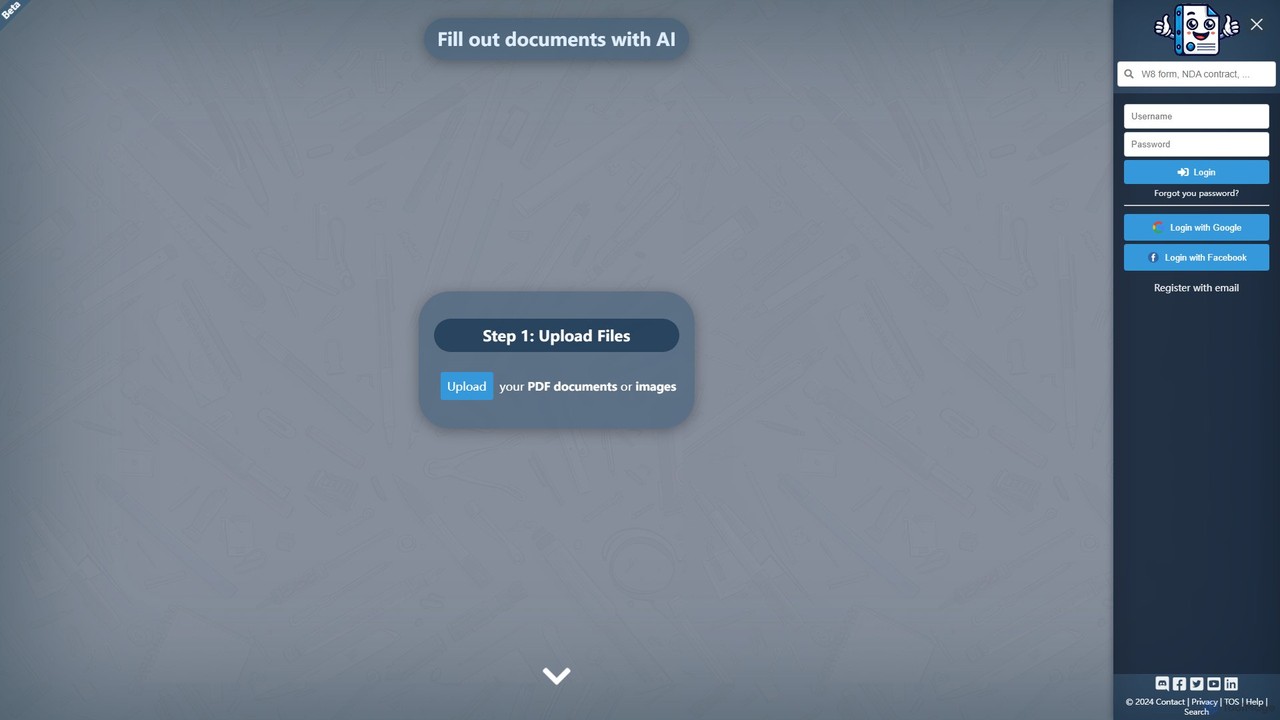
Docamine is an AI-powered tool that automates the process of filling out documents and forms. Simply upload a …

3.0K

About Forms Automation

Forms Automation tools are AI-driven platforms designed to streamline the entire lifecycle of digital forms, from creation to data analysis. These tools leverage artificial intelligence to intelligently build forms, extract structured information from unstructured responses, and automate subsequent workflows. This significantly reduces manual data entry, improves data accuracy, and accelerates business processes by turning collected information into immediate action. They represent a key component of modern business process automation.

Core Features

  • AI-Powered Form Builder: Intelligently suggests question types, layouts, and conditional logic based on the form's stated purpose.
  • Intelligent Data Extraction: Uses Natural Language Processing (NLP) to identify and pull specific data points from open-text answers.
  • Automated Workflow Triggers: Automatically initiates actions like sending emails, creating tasks in a CRM, or updating databases based on form responses.
  • Response Analysis & Reporting: Generates real-time summaries, sentiment analysis, and visual dashboards from the collected data.

Use Cases

Forms Automation is widely used by marketing teams for lead qualification, HR departments for employee onboarding, and customer service teams for feedback collection. For instance, a marketing manager can create a form that not only captures leads but also uses AI to score them and route high-value prospects directly to the sales team's CRM.

How to Choose

When selecting a Forms Automation tool, evaluate its integration capabilities with your existing software stack (e.g., CRM, email platforms). Assess the depth of its AI features—does it simply suggest fields or can it perform complex sentiment analysis? Also consider customization options for branding, and ensure it meets necessary data security and compliance standards like GDPR or HIPAA.

Forms AutomationUse Cases

1

Automated Lead Generation and Qualification

A marketing team embeds an AI-powered form on their website's landing page. As visitors fill it out, the form uses conditional logic to ask relevant follow-up questions. Upon submission, the AI analyzes the responses, including open-text fields, to score the lead's quality and interest level. High-scoring leads are automatically added to the sales CRM with a summary of their needs, while others are entered into a nurturing email sequence. This process eliminates manual lead sorting and ensures sales focuses on the most promising prospects.

2

Streamlining Employee Onboarding Processes

An HR department uses a forms automation tool to manage new hires. A single initial form triggers a workflow that sends subsequent forms for IT equipment requests, payroll information, and policy acknowledgments at scheduled intervals. The tool automatically validates data formats (like phone numbers and emails), reducing errors. Once all forms are completed, it creates a new employee profile in the HRIS, notifies the hiring manager, and schedules orientation sessions, ensuring a smooth and consistent onboarding experience for every new employee.

3

Intelligent Customer Feedback Analysis

A product team sends out a survey to gather user feedback after a new feature launch. The form includes open-ended questions like 'What did you like most?' and 'How can we improve?'. The forms automation tool uses sentiment analysis to categorize responses as positive, negative, or neutral. It also uses topic modeling to identify recurring themes such as 'UI design', 'performance speed', or 'pricing'. This provides the team with a quantitative overview and actionable insights from qualitative data without manually reading through thousands of responses.

4

Automated Incident Reporting and Triage

An IT support team deploys an AI-powered incident report form for employees. Instead of structured fields, users can describe their issue in natural language. The AI parses the text to extract key information like the affected application, error messages, and urgency. It then automatically creates a ticket in the helpdesk system, assigns it a priority level, and routes it to the appropriate support specialist (e.g., hardware team vs. software team). This accelerates response times and ensures issues are handled by the right experts from the start.

5

Dynamic Event Registration and Management

An event organizer uses an AI form for conference registration. The form intelligently shows or hides questions based on the attendee's type (e.g., 'speaker', 'sponsor', 'attendee'). For example, speakers are prompted to upload their presentation slides directly in the form. Based on workshop selections, the tool automatically sends calendar invites for specific sessions and adds attendees to targeted email lists for updates. This creates a personalized registration experience and automates complex logistical tasks for the organizer.

6

Automating Compliance and Audit Documentation

A compliance officer in a financial institution uses forms automation to collect regular attestations from employees. The system sends out quarterly forms, tracks completion rates, and sends automated reminders to those who haven't responded. The AI can flag inconsistent answers or responses that indicate a potential compliance risk. All submitted forms are automatically archived with a timestamp in a secure, audit-ready repository, simplifying the process of demonstrating regulatory adherence during internal or external audits.

Forms AutomationFrequently Asked Questions