

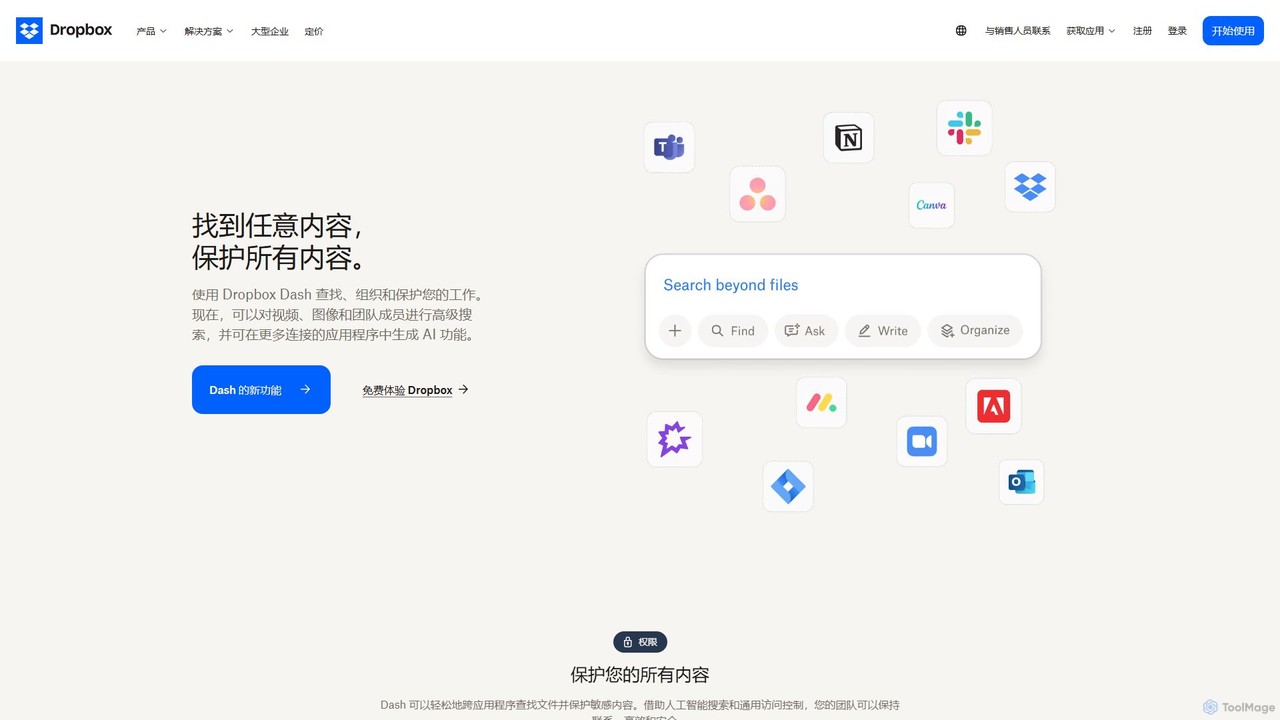
Dropbox Overview
Dropbox is a leading global collaboration platform that's transforming the way people and teams work together. It's more than just secure cloud storage; it's a smart, unified workspace where you can store, share, and collaborate on your files from any device. With the integration of advanced features like AI-powered search and electronic signatures, Dropbox streamlines workflows, enhances productivity, and ensures your content is always safe and accessible.
The platform is designed to centralize your team's content and tools. Whether you're working with large CAD files, video assets, or simple documents, Dropbox provides a reliable hub for all your projects. Its latest innovation, Dropbox Dash, is an AI-powered universal search that connects all your apps, tools, and content, allowing you to find anything you need in seconds. This eliminates the time wasted toggling between applications and helps you stay focused on the work that matters.
How to use Dropbox
Getting started with Dropbox is simple. First, create an account on their website and download the desktop or mobile app. Once installed, you can drag and drop files into the Dropbox folder on your computer, and they will automatically sync to the cloud and your other connected devices. To share a file or folder, right-click on it and select 'Copy Dropbox link'. You can then paste this link to share it with anyone, even if they don't have a Dropbox account. For enhanced security, you can set passwords and expiration dates on these links. For sending large final deliverables, use Dropbox Transfer to send up to 100GB (or more with add-ons) without using your account storage. To get a document signed, open it in Dropbox and choose the Dropbox Sign option to prepare and send it for a legally binding e-signature.
Core Features of Dropbox
- Cloud Storage & Synchronization: Securely store and sync files across all your devices, with access from anywhere.
- File Sharing & Collaboration: Easily share files and folders with links, set granular permissions (view-only or edit), and get real-time updates on changes.
- Dropbox Dash (AI Search): An AI-powered universal search tool that finds content across all your connected applications, like Google Workspace and Microsoft 365.
- Dropbox Sign (E-Signature): A built-in, legally binding electronic signature feature to send and sign documents seamlessly within Dropbox.
- Large File Transfer: Use Dropbox Transfer to deliver large files (up to 250GB with add-ons) with features like download notifications and password protection.
- Version History & Recovery: Restore previous versions of files or recover deleted files, protecting your work from accidental edits or deletions.
- Advanced Security: Features industry-leading encryption for data in transit and at rest, two-factor authentication, and comprehensive admin controls for teams.
- App Integrations: Seamlessly connects with popular tools like Slack, Zoom, Microsoft 365, Google Workspace, and more to streamline your workflows.
Use Cases for Dropbox
Dropbox is versatile and serves a wide range of users. For individuals and freelancers, it's a perfect tool for backing up important documents, storing photos, and delivering large project files to clients. For creative professionals, it simplifies the process of sharing large media files and collecting feedback. In a team setting, it acts as a central repository for all project files, enabling seamless collaboration among members, whether they are in the office or working remotely. Industries like construction use it to share large CAD and BIM files on-site, while media companies manage complex production workflows. Tech companies use it to streamline product development, and educational institutions use it for secure collaboration between faculty and students.
Advantages of Dropbox
The primary advantage of Dropbox is its ability to create a single, organized workspace. It reduces the complexity of modern work by bringing files, tools, and team members together. Its user-friendly interface makes it accessible to everyone, regardless of technical skill. The platform's robust security features provide peace of mind that your sensitive data is protected. Real-time synchronization ensures that everyone is always working with the most up-to-date version of a file, eliminating version control issues. The addition of AI-powered search with Dash and integrated e-signatures with Sign makes it a powerful productivity tool that goes far beyond simple storage.
Pricing and Plans
Dropbox operates on a freemium model. It offers a free 'Basic' plan with a starting amount of storage, which is ideal for individual use. For users needing more space and advanced features, Dropbox provides several paid tiers. These include 'Plus' and 'Family' plans for personal use, and 'Professional', 'Standard', and 'Advanced' plans for freelancers, small teams, and large enterprises. Each paid plan offers significantly more storage, advanced sharing controls, enhanced security features like remote wipe, and access to tools like Dropbox Sign and Transfer with higher limits. Specific pricing details are available on the official Dropbox website.
Traffic
Latest traffic
Status
Monthly traffic trend
- 2025-9: 145.2M
- 2026-1: 140.4M
- 2026-2: 131.6M
- 2026-3: 143.1M
- 2026-4: 137.5M
- 2026-5: 133.9M
Geography
Top 5 countries / regions
- 🇺🇸United States59.1%
- 🇯🇵Japan19.1%
- 🇬🇧United Kingdom9.6%
- 🇦🇺Australia6.2%
- 🇨🇦Canada6.0%
Traffic sources
| Source type | Percentage |
|---|---|
Direct | 83.9% |
Referral | 9.9% |
Email | 6.2% |
Top keywords
| Keyword | Cost per click |
|---|---|
| drive | $1.46 |
| dropbox | $1.10 |
| dropbox login | $0.86 |
| google drive | $2.04 |
| ドロップボックス | $1.21 |
Dropbox Videos on YouTube




BigTechDeepDive



TechGuidePro
Dropbox Alternatives

TeraBox
TeraBox is a comprehensive cloud storage solution offering a generous 1TB of free space. It integrates a powerful suite of AI tools for enhanced productivity, including a document scanner, essay writer, and slideshow maker. With a focus on security and cross-platform accessibility, TeraBox allows users to store, back up, share, and manage their files effortlessly, while also providing opportunities to monetize content through its referral program.
Presentation Maker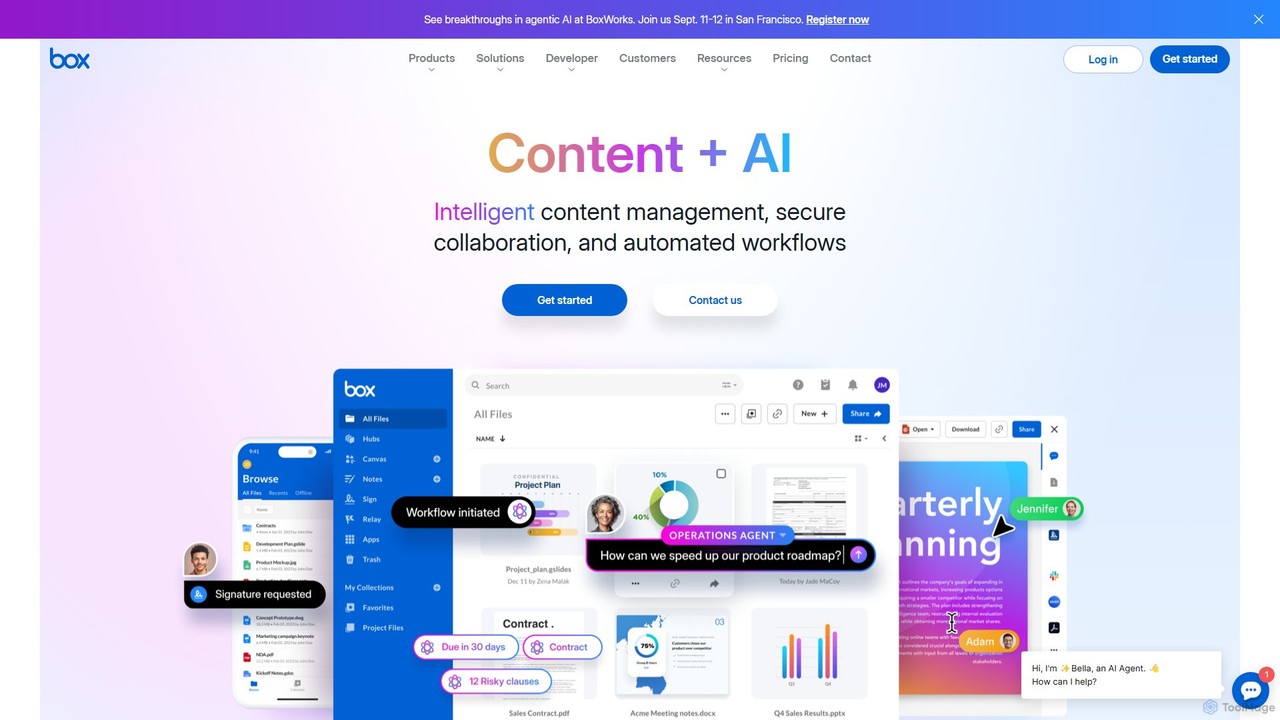
Box
Box is an AI-powered intelligent content management platform that provides secure cloud storage, seamless collaboration, and automated workflows. It enables businesses to manage the entire content lifecycle, from creation and sharing to e-signature, classification, and retention, all while leveraging AI to unlock insights from unstructured data.
Document Management
mega
mega is an intelligent cloud storage and digital asset management platform. It uses powerful AI to automatically organize, tag, and search your files, transforming how you manage your digital life. Securely store, share, and collaborate with AI-driven features that streamline workflows and help you find what you need instantly.
Digital Asset Management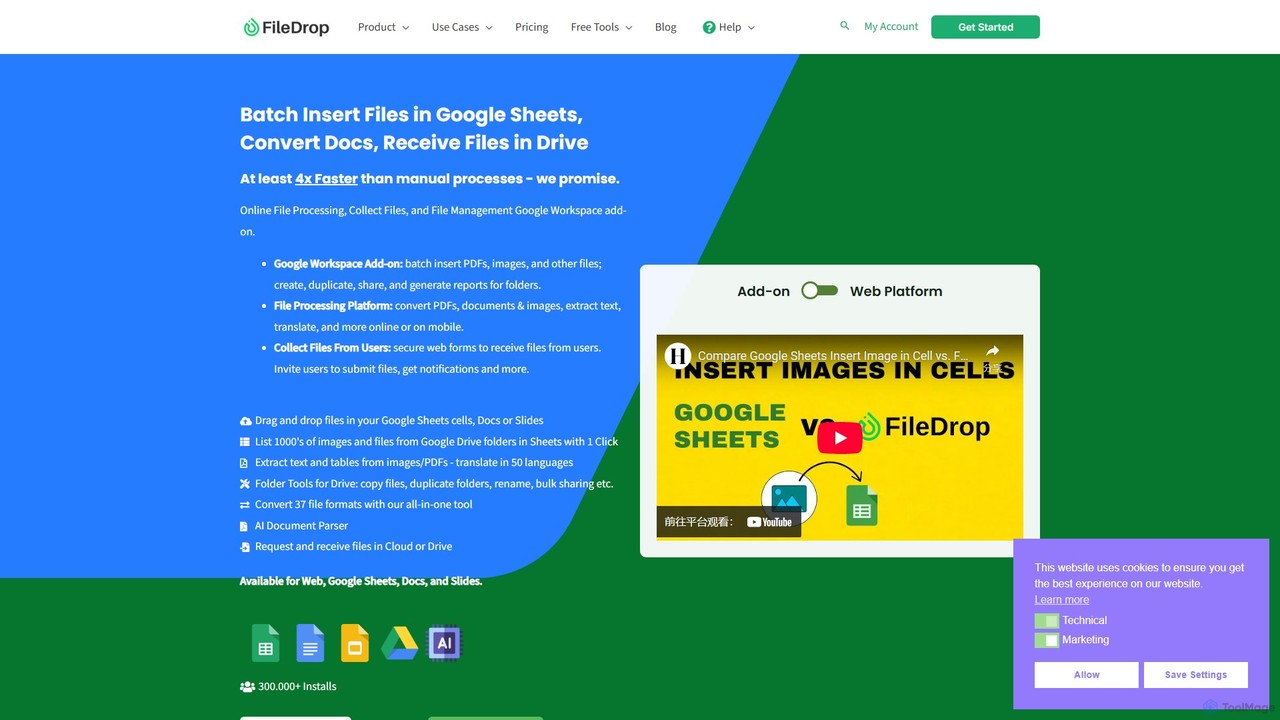
FileDrop
FileDrop is a productivity suite for Google Workspace and a web platform that streamlines file management. It enables batch insertion of files into Google Sheets & Docs, offers a powerful file converter for 37+ formats, extracts text with AI-powered OCR, and provides secure file collection forms.
Data Extraction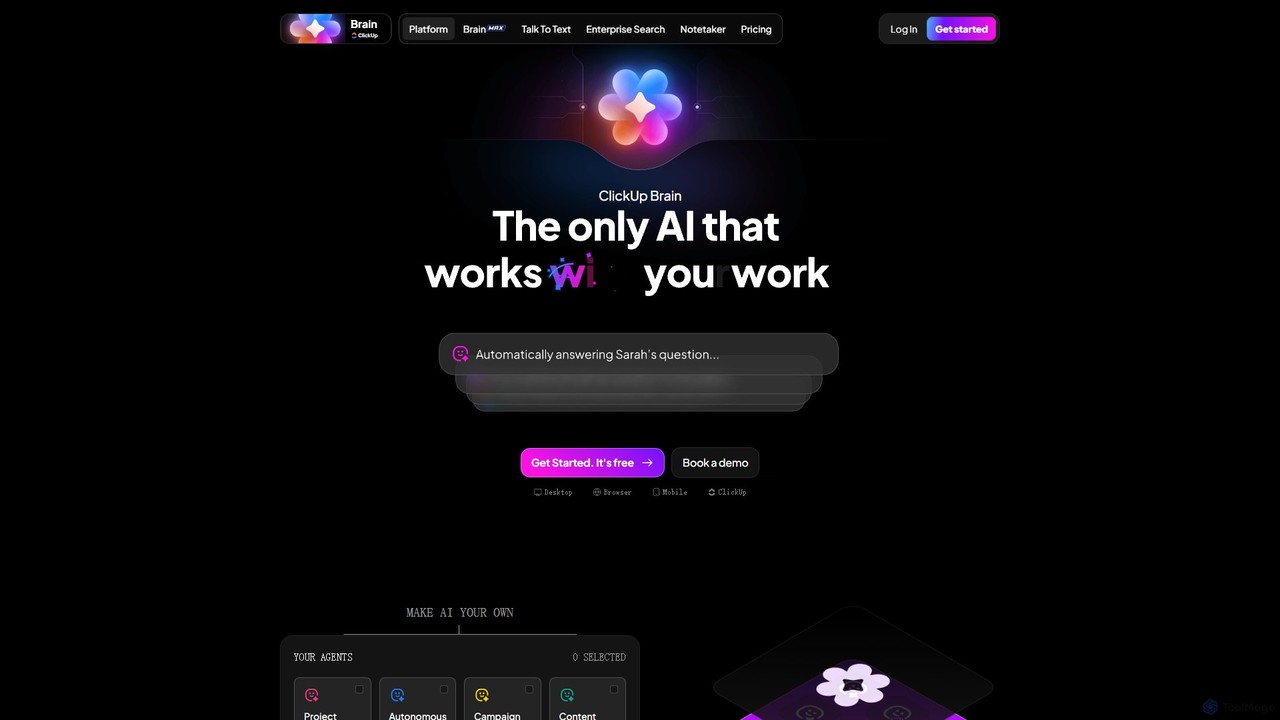
ClickUp Brain
ClickUp Brain is an all-in-one AI assistant integrated directly into the ClickUp productivity platform. It automates tasks, manages projects, summarizes meetings, and generates content by leveraging the full context of your work. It aims to replace multiple standalone AI tools by providing a unified, intelligent workspace that enhances team collaboration and accelerates project completion.
CollaborationDropbox Categories
Dropbox Embed Widget
Copy this embed code to place the badge on your blog, article, or product site and send readers directly to this ToolMage detail page.

Related AI tools
Box
Box is an AI-powered intelligent content management platform that provides secure cloud storage, seamless collaboration, and automated workflows. It enables businesses to manage the entire content lifecycle, from creation and sharing to e-signature, classification, and retention, all while leveraging AI to unlock insights from unstructured data.
Document ManagementTeraBox
TeraBox is a comprehensive cloud storage solution offering a generous 1TB of free space. It integrates a powerful suite of AI tools for enhanced productivity, including a document scanner, essay writer, and slideshow maker. With a focus on security and cross-platform accessibility, TeraBox allows users to store, back up, share, and manage their files effortlessly, while also providing opportunities to monetize content through its referral program.
Presentation Makermega
mega is an intelligent cloud storage and digital asset management platform. It uses powerful AI to automatically organize, tag, and search your files, transforming how you manage your digital life. Securely store, share, and collaborate with AI-driven features that streamline workflows and help you find what you need instantly.
Digital Asset Management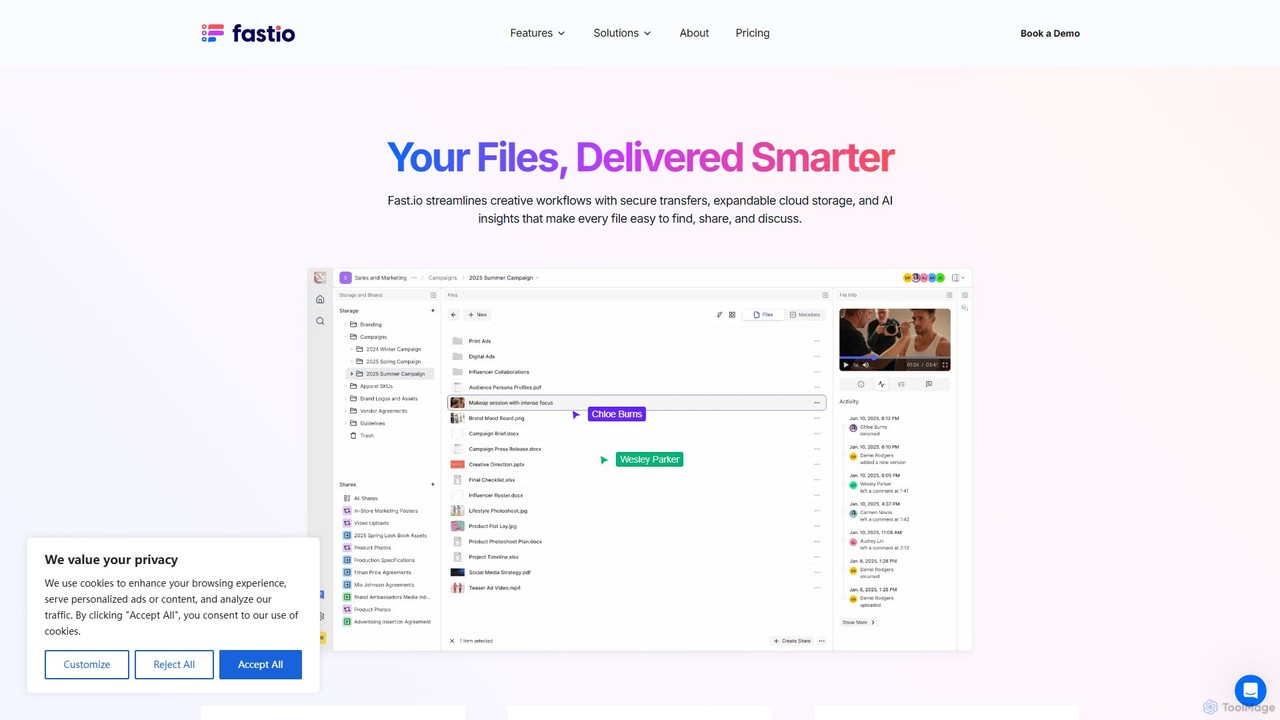
Fast.io
Fast.io is an intelligent file management platform that streamlines creative workflows. It offers secure file transfers, expandable cloud storage, and powerful AI insights to help teams find, share, and collaborate on digital assets effortlessly.
Digital Asset ManagementFileDrop
FileDrop is a productivity suite for Google Workspace and a web platform that streamlines file management. It enables batch insertion of files into Google Sheets & Docs, offers a powerful file converter for 37+ formats, extracts text with AI-powered OCR, and provides secure file collection forms.
Data Extraction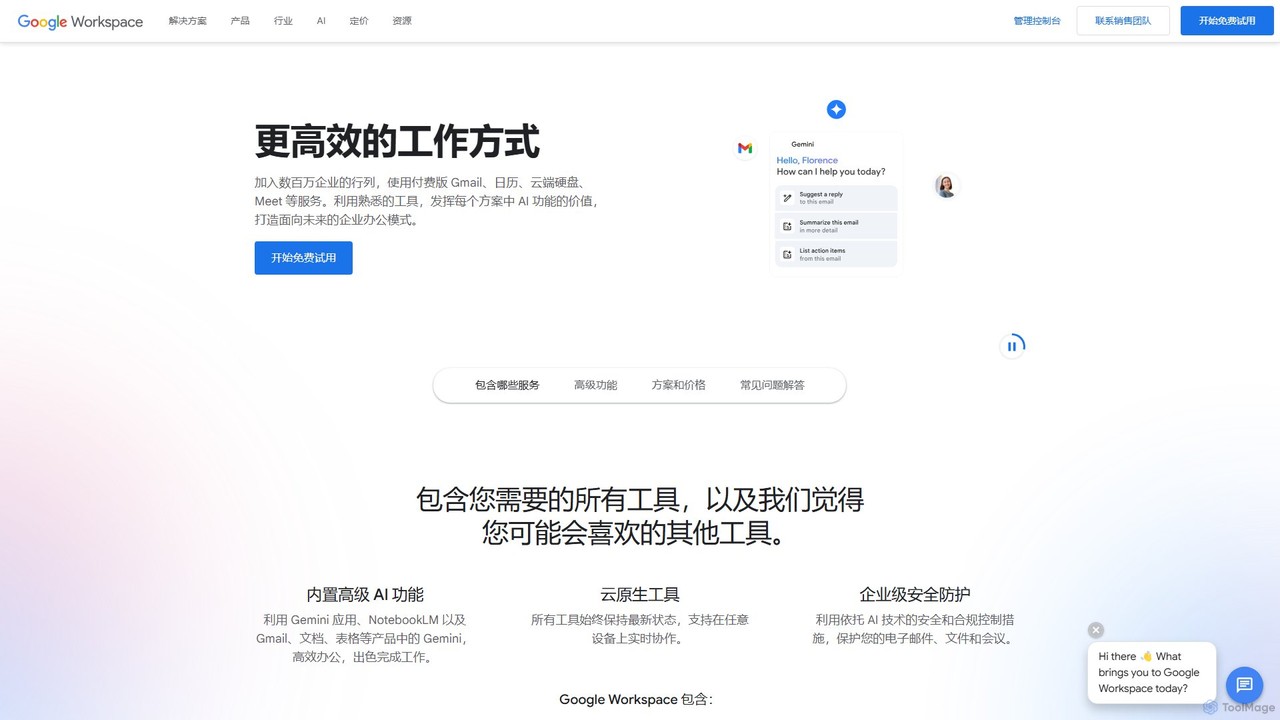
Google Workspace
Google Workspace is an integrated suite of secure, cloud-native collaboration and productivity apps powered by Google AI. It includes Gmail, Docs, Drive, Calendar, Meet, and more, designed to help teams of all sizes connect, create, and collaborate efficiently and securely from any device.
Office Suite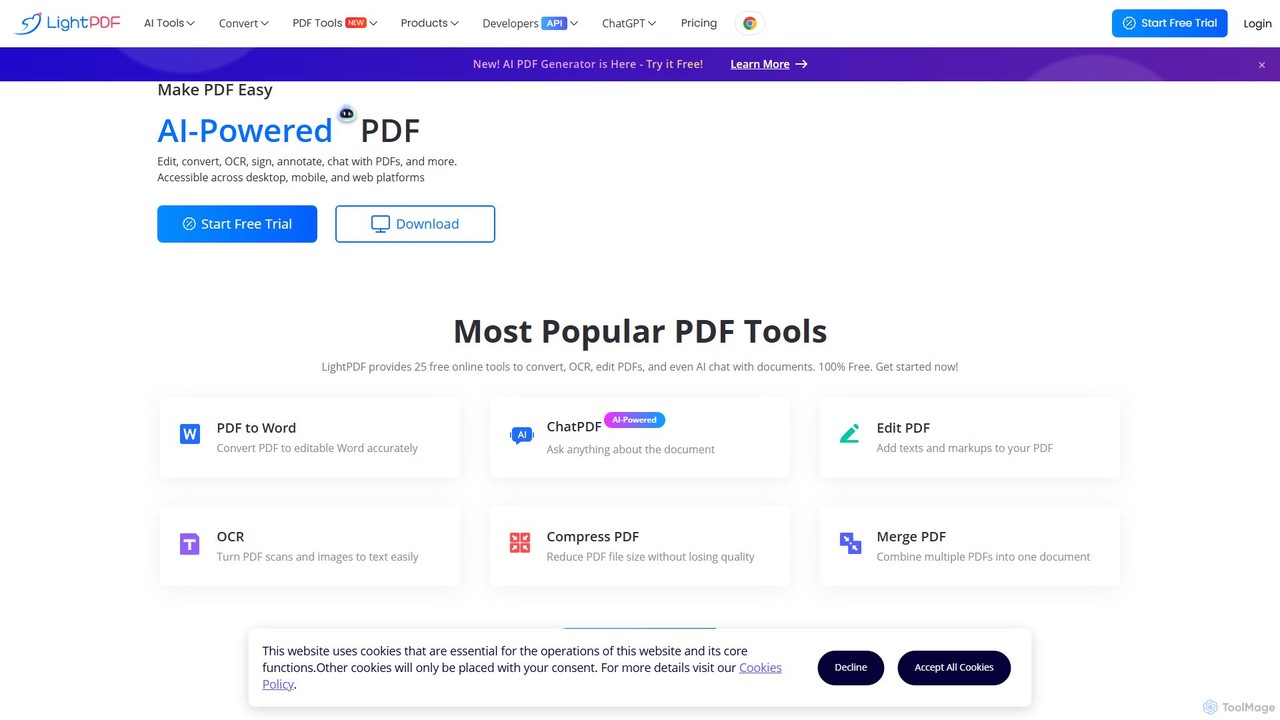
LightPDF
LightPDF is an AI-powered, all-in-one PDF solution designed to simplify document workflows. It allows users to chat with documents, get instant summaries, and ask questions. Beyond its AI capabilities, it offers a comprehensive suite of tools for editing, converting, merging, signing, and performing OCR on PDF files. Available on web, desktop, and mobile, LightPDF makes managing documents efficient and intuitive for students, professionals, and businesses alike.
Chat With Your Docs
Playbook
Playbook is an AI-powered visual cloud storage and digital asset management (DAM) platform designed for creatives, teams, and enterprises. It replaces traditional file storage with a dynamic, searchable workspace for images, videos, and design files. Featuring GPT-4 powered search, seamless collaboration tools, one-click publishing for portfolios, and integrated mini-apps for quick edits, Playbook streamlines the entire creative workflow from storage to delivery.
Asset Management
Jyek
Jyek is an AI agent platform that understands objectives, creates execution plans, uses tools, and delivers verifiable results for complex, multi-step tasks.
Automation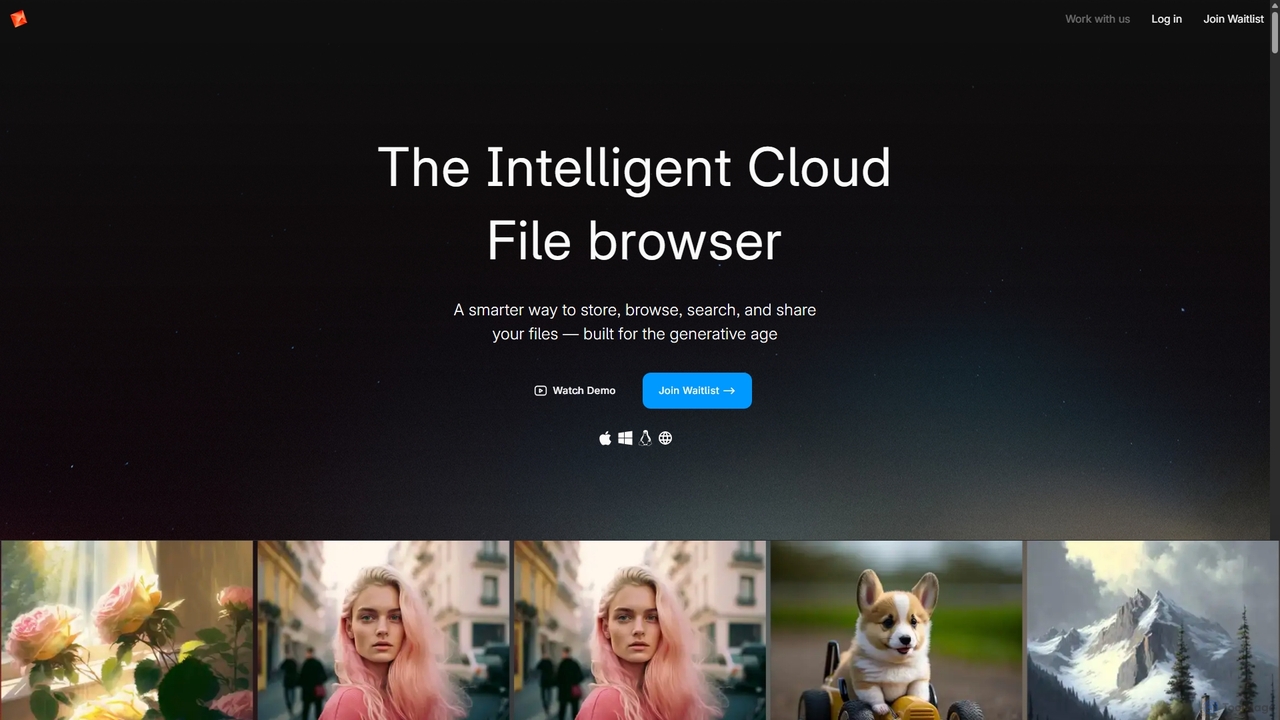
Poly
Poly is an intelligent cloud file browser designed for the generative age. It leverages multimodal AI to help you store, browse, search, and share your digital creations with unprecedented ease. Search by natural language, enjoy hyper-fast previews, and collaborate in real-time.
Search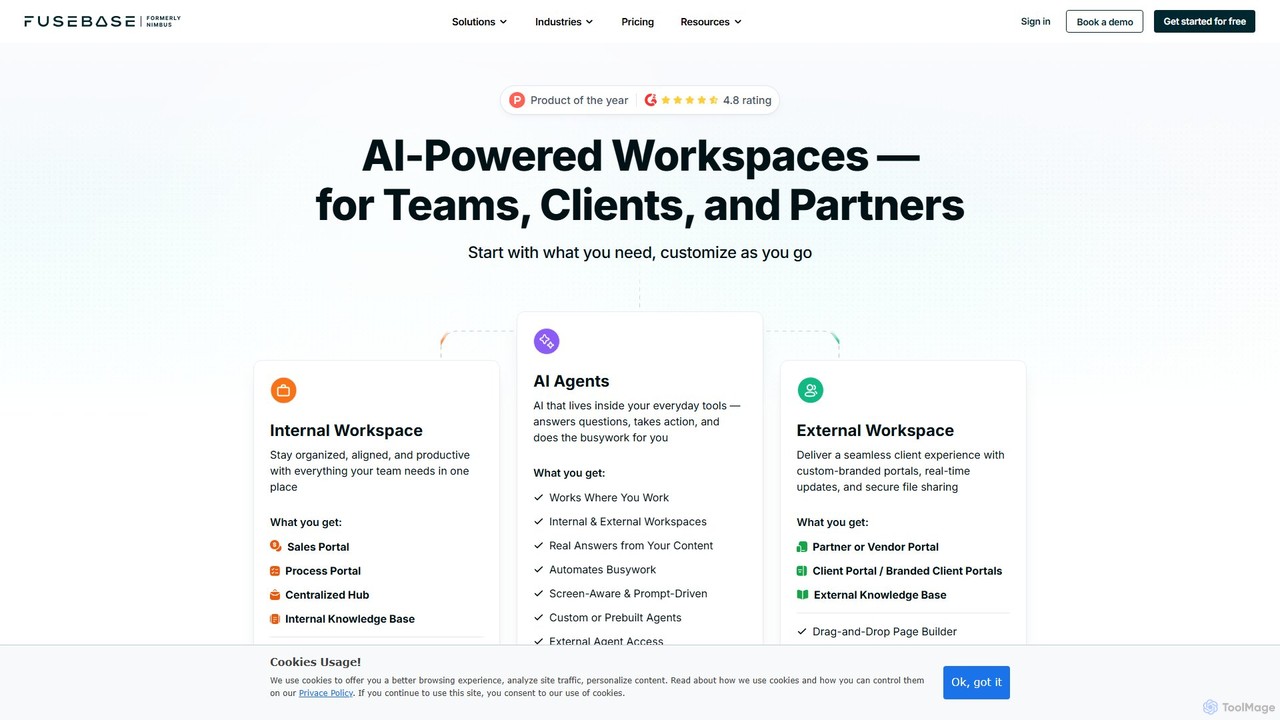
FuseBase
FuseBase is an all-in-one, AI-powered workspace designed for seamless internal and external collaboration. It helps businesses streamline workflows, manage projects, and enhance client communication through customizable client portals, intelligent AI agents, and a centralized knowledge base. Consolidate your tools, automate busywork, and accelerate your business growth with a single, unified platform.
Client Management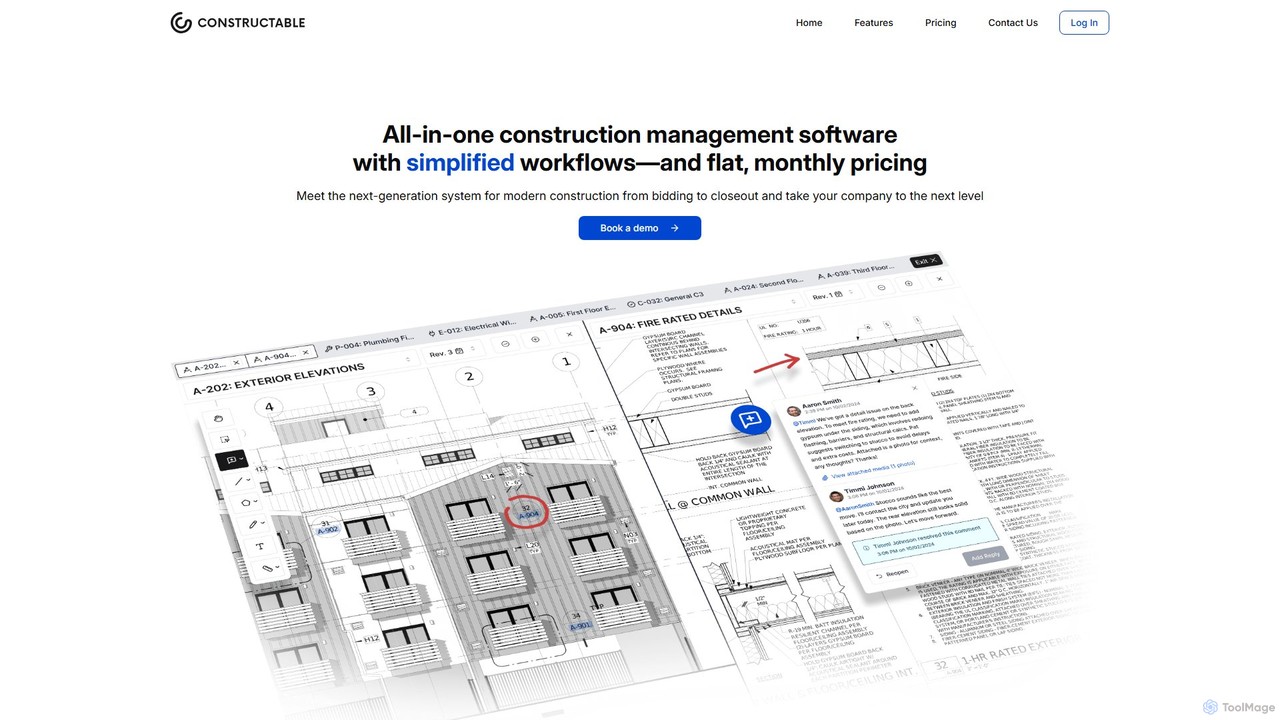
Constructable
Constructable is an AI-powered construction management platform designed for modern construction teams. It streamlines project workflows, enhances team collaboration, and leverages AI for intelligent search and data retrieval. The platform integrates tools for drawings, photos, daily logs, RFIs, submittals, and financials, all within a fast, intuitive, and offline-capable interface.
Construction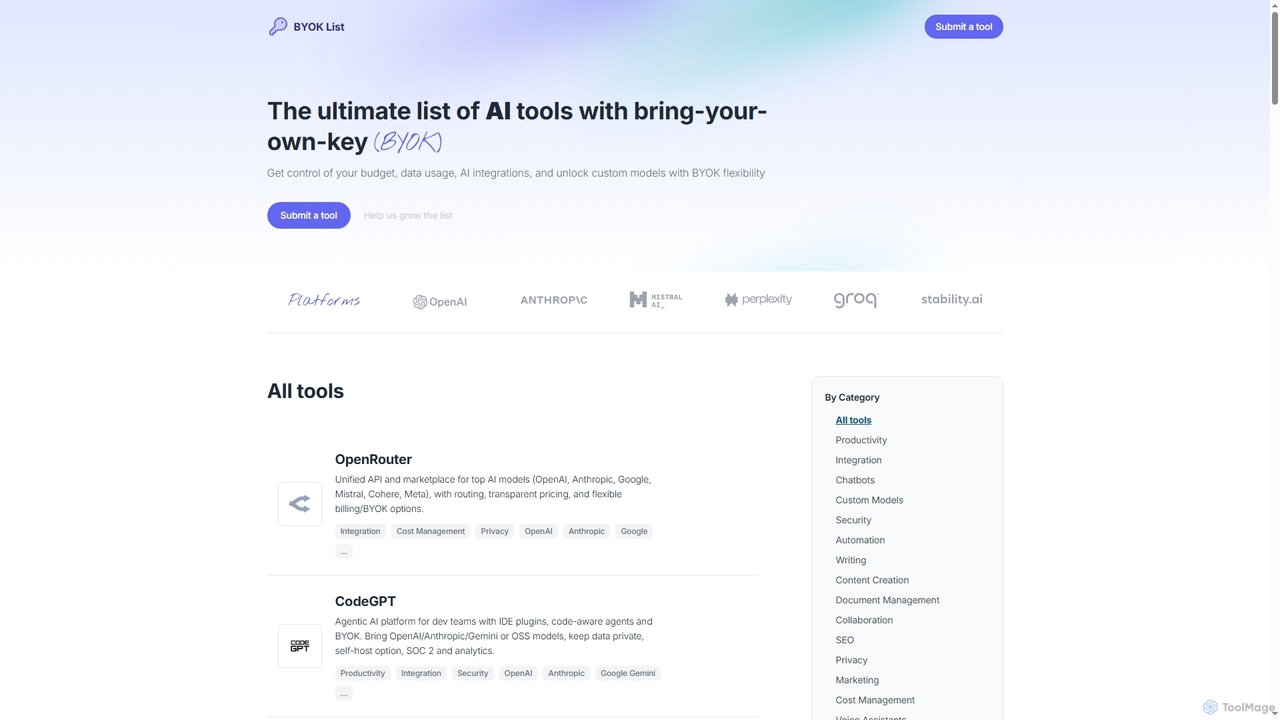
BYOKList
BYOKList is the ultimate directory for discovering AI tools that support Bring-Your-Own-Key (BYOK) functionality. It empowers users to manage their budget, data usage, and AI integrations, while also enabling access to custom models with enhanced flexibility.
Ai Resource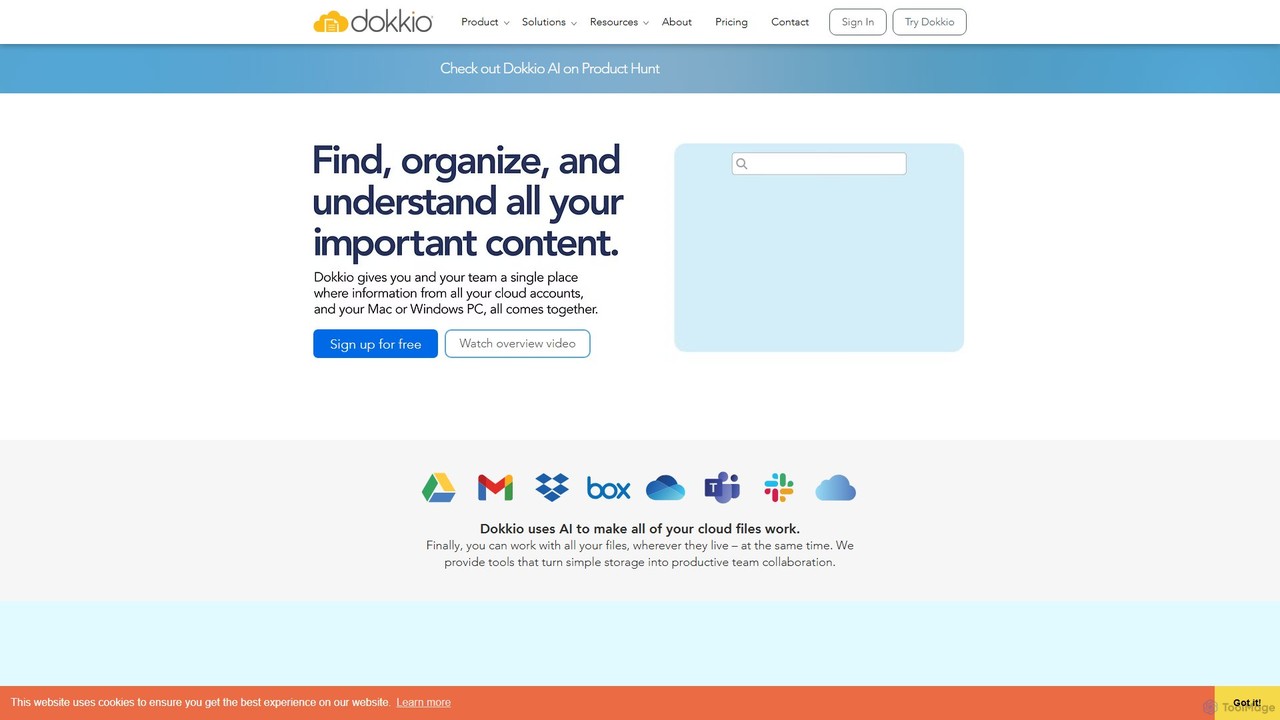
Dokkio
Dokkio is an AI-powered platform that unifies all your files from various cloud services like Google Drive, Dropbox, and Slack. It intelligently finds, organizes, and helps you understand your content, transforming scattered files into a centralized, searchable knowledge base for enhanced productivity and team collaboration.
Teamwork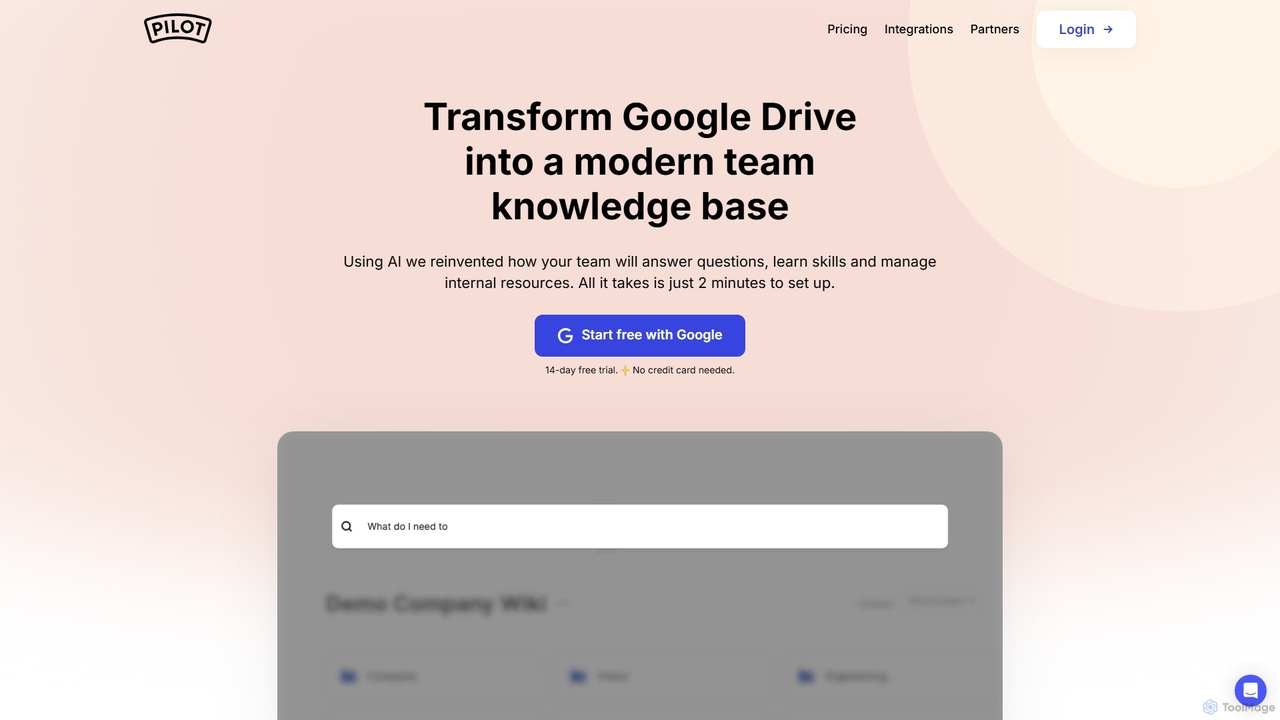
Pilot
Pilot is an AI-powered knowledge base and wiki designed for teams using Google Workspace. It transforms your Google Docs, Sheets, and Slides into a centralized, searchable hub of information. With its conversational AI search, Pilot allows teams to instantly find answers from internal documents, streamline employee onboarding, and foster a culture of knowledge sharing.
Knowledge Base
Dropbox Comments (0)
Sign in to comment.
Sign inNo comments yet.