ToolMage
Sign in

Best 7 Cloud Storage AI tools for Productivity

Popular Cloud Storage AI tools in Productivity include Dropbox, Box, TeraBox, mega, ImageKit.io, Kuaijianji, and PhotoLog, helping you work more efficiently.

ImageKit.io
Freemium

ImageKit.io

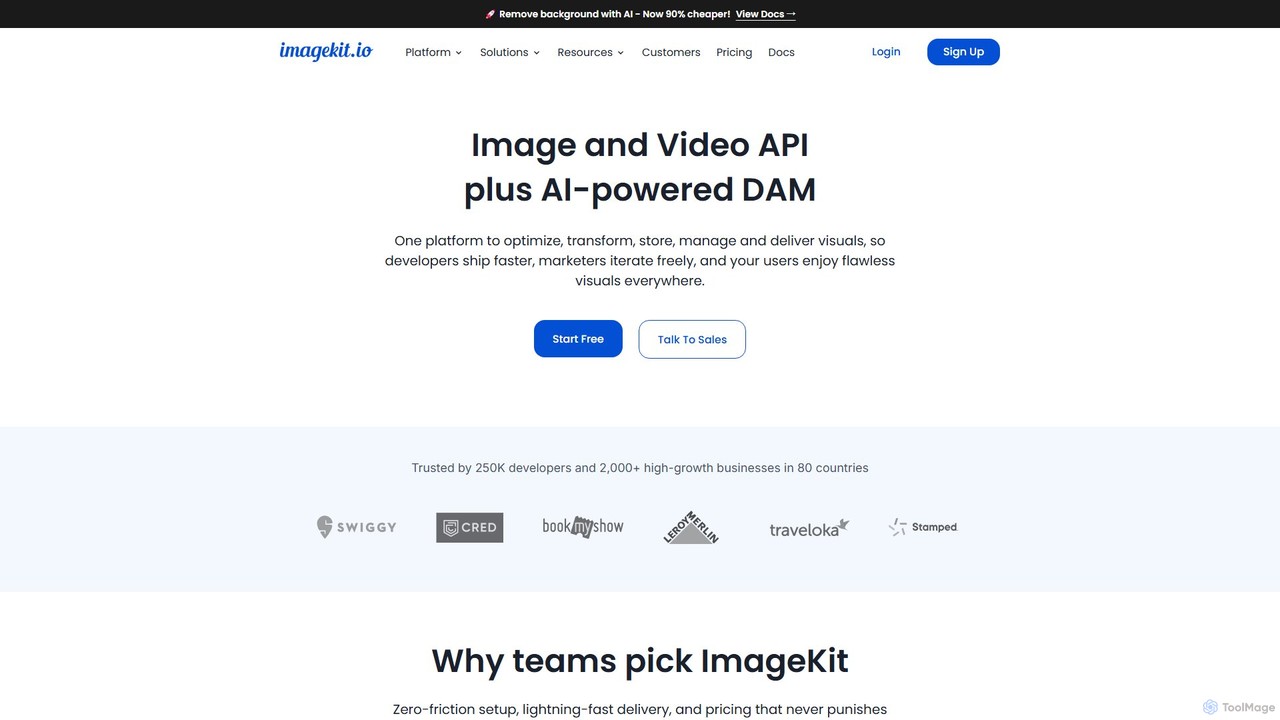
ImageKit.io is a comprehensive platform for image and video management, offering an API and AI-powered Digital Asset Management (DAM). It enables developers and marketers to optimize, transform, store, and deliver visual content with high performance and efficiency, supporting real-time transformations and global delivery via a CDN.

Apis & Integrations
Visits 1MFavorites 102Likes 110
TeraBox
Freemium

TeraBox

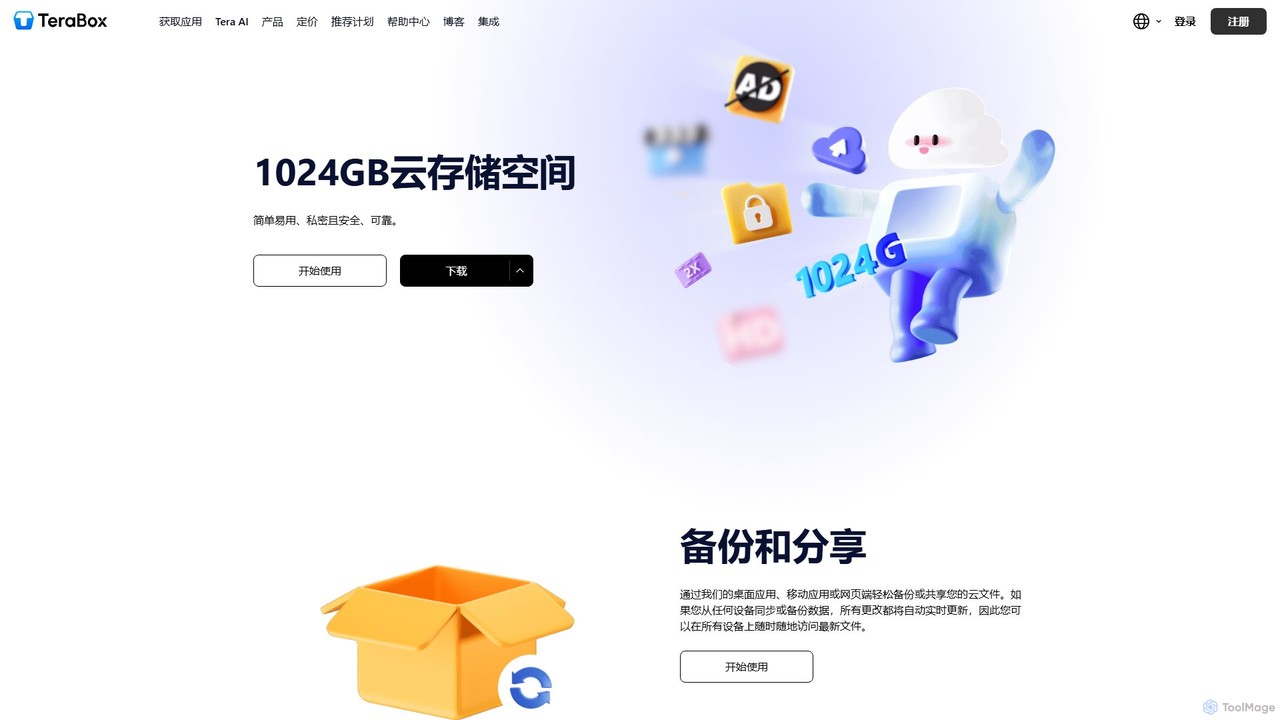
TeraBox is a comprehensive cloud storage solution offering a generous 1TB of free space. It integrates a powerful suite of AI tools for enhanced productivity, including a document scanner, essay writer, and slideshow maker. With a focus on security and cross-platform accessibility, TeraBox allows users to store, back up, share, and manage their files effortlessly, while also providing opportunities to monetize content through its referral program.

Presentation Maker
Visits 6.6MFavorites 114Likes 122
Kuaijianji
Freemium

Kuaijianji

Kuaijianji is an AI-powered online video creation platform that simplifies video editing through a vast template library and intelligent tools. It enables users to quickly create professional videos for marketing, social media, and business communications, featuring text-to-video, smart cutout, and AI translation.

Text To Video
Visits 14.6KFavorites 108Likes 104
Dropbox
Freemium

Dropbox

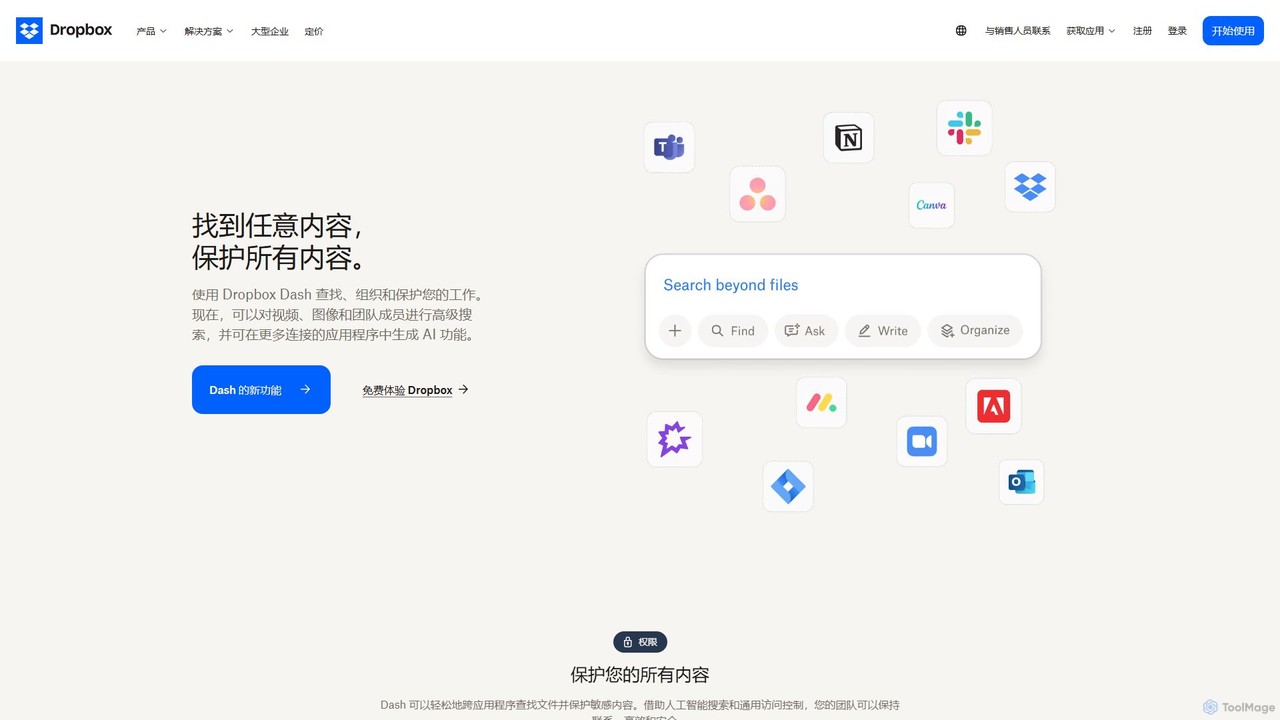
Dropbox is a modern workspace designed to reduce busywork, bringing your files, cloud content, and web shortcuts together in one place. It offers secure cloud storage, file synchronization, large file transfer, e-signatures, and AI-powered universal search to help you and your team stay organized, focused, and in sync.

Collaboration
Visits 133.9MFavorites 127Likes 130
PhotoLog
Freemium

PhotoLog

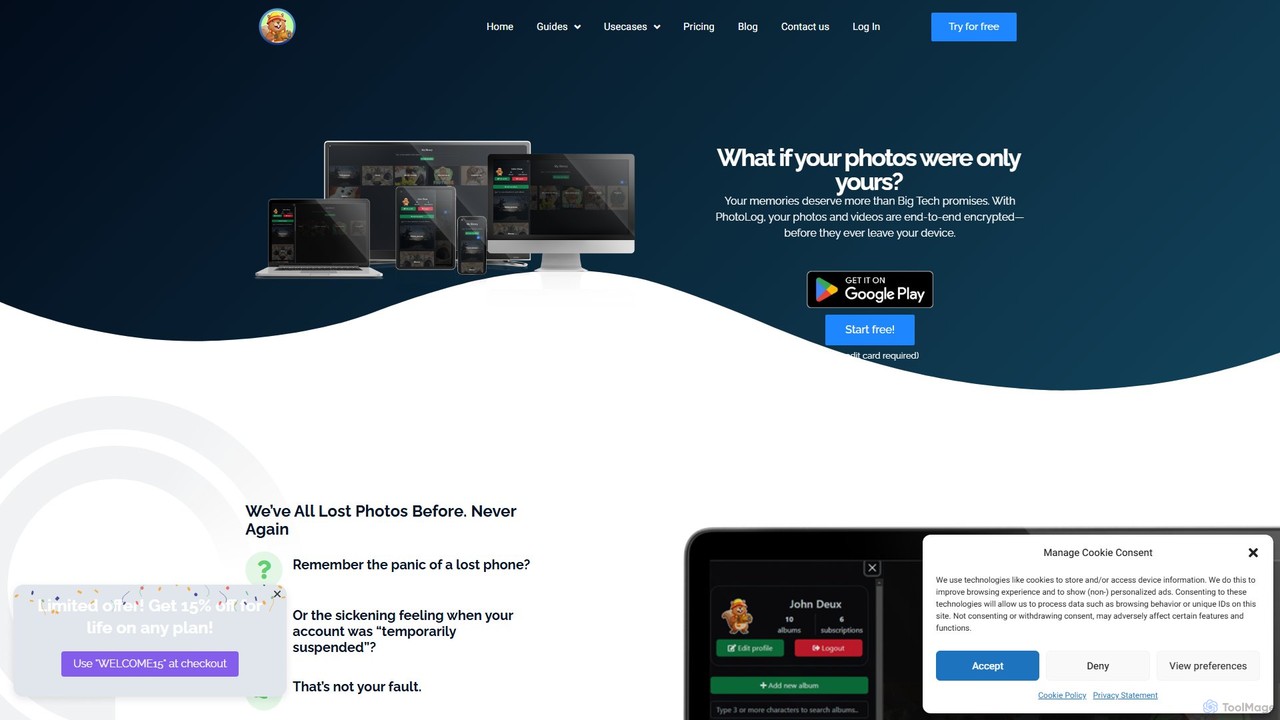
PhotoLog is a secure, private cloud storage solution for your photos and videos, designed for users who value privacy. Unlike mainstream services, PhotoLog guarantees your media is never scanned or used for AI training. It features client-side end-to-end encryption, flexible sharing options, and the ability to bring your own storage, giving you complete control over your digital memories.

Photo Management
Visits 5.7KFavorites 115Likes 121
Box
Freemium

Box

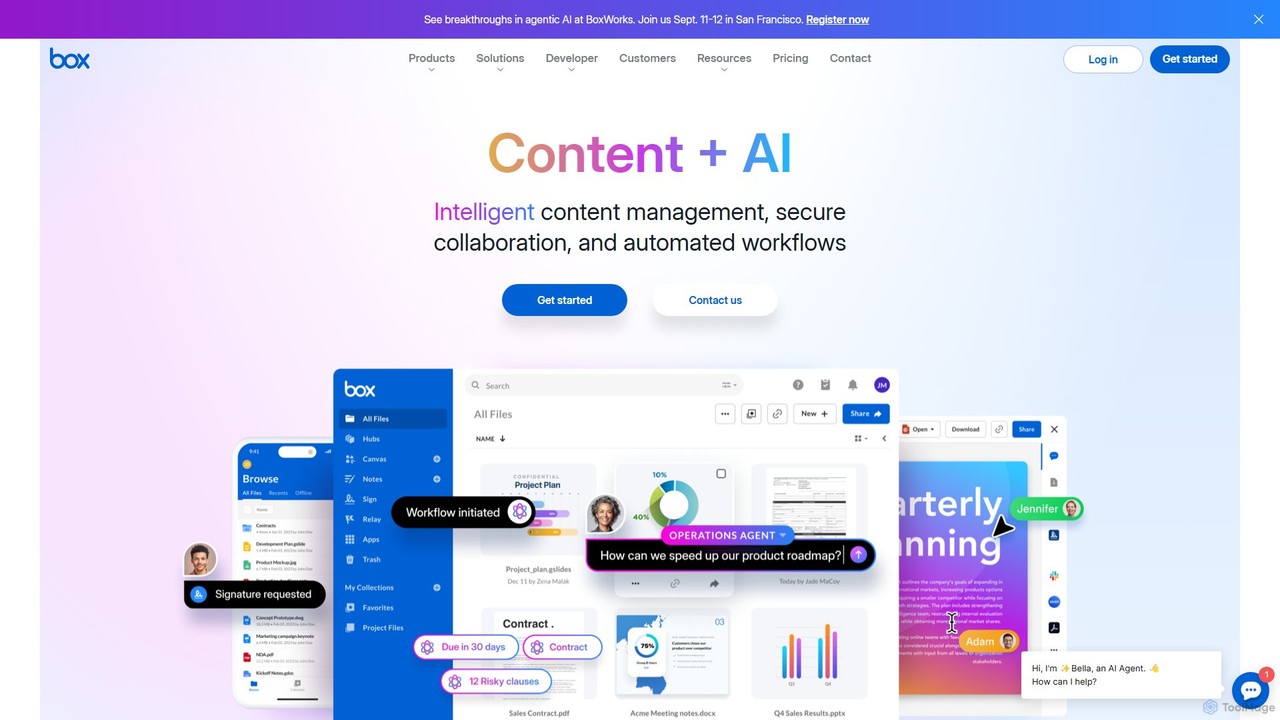
Box is an AI-powered intelligent content management platform that provides secure cloud storage, seamless collaboration, and automated workflows. It enables businesses to manage the entire content lifecycle, from creation and sharing to e-signature, classification, and retention, all while leveraging AI to unlock insights from unstructured data.

Document Management
Visits 75.2MFavorites 113Likes 114
mega
Freemium

mega

mega is an intelligent cloud storage and digital asset management platform. It uses powerful AI to automatically organize, tag, and search your files, transforming how you manage your digital life. Securely store, share, and collaborate with AI-driven features that streamline workflows and help you find what you need instantly.

Digital Asset Management
Visits 6MFavorites 123Likes 125

About Cloud Storage

Cloud Storage services provide online platforms for storing, accessing, and managing digital files from any internet-connected device. These tools utilize a network of remote servers to host data, eliminating the need for local physical storage. This architecture enables seamless file synchronization, secure sharing, and robust data backup, forming a cornerstone of modern productivity and remote collaboration. Many advanced cloud storage solutions now integrate AI to offer intelligent search, automated file organization, and predictive content suggestions.

Core Features

  • File Synchronization: Automatically updates files across all linked devices, ensuring you always have the latest version.
  • Secure Sharing & Permissions: Allows sharing files or folders with specific users and setting access levels like view-only, comment, or edit.
  • Version History & Recovery: Keeps track of file changes and allows restoration of previous versions, protecting against accidental deletion or modification.
  • AI-Powered Search: Utilizes artificial intelligence to search for files based on their content, such as text in documents or objects in images, not just filenames.
  • Cross-Platform Accessibility: Provides access to files through web browsers, desktop applications, and mobile apps on various operating systems.

Use Cases

Cloud Storage is essential for remote teams collaborating on shared projects, allowing real-time access to documents, spreadsheets, and presentations. It's also widely used by creative professionals for managing and delivering large media files, such as videos and high-resolution images. Businesses rely on it for secure data archiving, disaster recovery, and maintaining a centralized repository of company documents.

How to Choose

When selecting a Cloud Storage service, consider the amount of storage space offered versus the cost. Evaluate the security features, including end-to-end encryption, two-factor authentication, and compliance with standards like GDPR or HIPAA. Assess the collaboration tools and the platform's ability to integrate with other productivity software you use. Finally, consider the ease of use and the quality of its cross-platform applications.

Featured tool rankings

Cloud Storage use cases

1

Collaborate on Marketing Campaigns with a Remote Team

A marketing manager coordinates a new product launch with team members spread across different time zones. They use a shared cloud storage folder as a central hub for all campaign assets, including ad copy, design files, videos, and performance reports. Team members can access the latest files from any device, leave comments directly on documents for feedback, and see version history to track changes. This eliminates confusion from emailing multiple file versions and ensures everyone is working with the most up-to-date materials, streamlining the entire campaign workflow.

2

Manage and Deliver High-Resolution Creative Assets

A freelance photographer needs a reliable way to store their portfolio and deliver final projects to clients. They use cloud storage to organize thousands of high-resolution RAW and JPEG files into client-specific folders. After a photoshoot, they upload the images and share a secure, password-protected link with the client for review. The client can view the gallery and select their favorites without needing to download large files. This process provides a professional client experience and serves as a secure, off-site backup for the photographer's valuable work, protecting it from local hardware failure.

3

Securely Archive and Access Business Documents

A small business owner uses cloud storage as a digital filing cabinet for all critical company documents, including contracts, invoices, financial records, and employee files. By setting up a clear folder structure and using granular permissions, they ensure that sensitive information is only accessible to authorized personnel. The AI-powered search functionality allows them to instantly find any document by searching for keywords within its content, such as a client's name or an invoice number. This system provides a secure, compliant, and easily searchable archive, which is crucial for audits, legal requirements, and daily operations.

4

Automate Personal Photo and File Backups

An individual user sets up their cloud storage mobile app to automatically back up all photos and videos taken on their smartphone. This ensures their memories are safe from device loss or damage. They also install the desktop client, which continuously syncs their 'Documents' and 'Desktop' folders from their laptop to the cloud. Now, any file they save on their computer is instantly accessible on their phone, and vice versa. This creates a seamless digital ecosystem where all their important personal data is consistently backed up and available everywhere, providing peace of mind and convenience.

5

Create a Centralized Resource Hub for Students

An educator at a university uses cloud storage to create a centralized, accessible resource hub for their course. They organize materials into folders for each week of the semester, including lecture slides, reading materials, video recordings, and assignment guidelines. They share a single link to the main folder with all students at the beginning of the term. This ensures every student has 24/7 access to the same set of updated materials from any device. It simplifies content distribution for the educator and provides a consistent, organized learning environment for the students, improving overall course management.

6

Streamline Video Post-Production Workflows

A video production agency works with freelance editors located globally. After a shoot, the raw 4K video footage is uploaded to a high-speed cloud storage service. The project manager then grants access to specific folders to the assigned editors. The editors can download the footage, work on their edits, and upload their drafts back to a 'Revisions' folder. The director can then review the drafts, leave time-stamped comments, and approve final cuts directly within the cloud storage interface. This centralized workflow avoids the slow and cumbersome process of shipping physical hard drives and ensures all stakeholders are working with the correct versions.

Cloud Storage FAQ

What is Cloud Storage?

Cloud Storage is a service that allows you to save data and files on remote servers accessed via the internet. Instead of storing information on your computer's hard drive or a local storage device, your data is saved in a secure, off-site location. This provides key benefits such as universal access from any device, easy file sharing and collaboration, and automated data backup for disaster recovery. It's a fundamental tool for both individual productivity and business operations in the digital age.

How to choose the right Cloud Storage service?

Choosing the right service depends on your specific needs. Consider these factors:

  • Storage Capacity: How much data do you need to store? Services range from a few free gigabytes to unlimited enterprise plans.
  • Security: Look for features like end-to-end encryption, two-factor authentication (2FA), and compliance with industry standards (e.g., GDPR, HIPAA) if you handle sensitive data.
  • Collaboration Features: If you work in a team, evaluate tools for real-time document editing, commenting, and granular sharing permissions.
  • Integration: Ensure the service integrates well with other applications you use daily, such as Microsoft 365, Google Workspace, or Slack.
  • Cost: Compare pricing models. Some charge per user, while others charge based on the amount of storage used.
What's the difference between Cloud Storage and local storage?

The primary difference is location and accessibility. Local storage refers to physical devices you own, like an internal hard drive, an external HDD, or a USB flash drive. Access is limited to the physical location of the device. Cloud Storage, on the other hand, stores your data on remote servers owned by a third-party provider. This allows you to access your files from anywhere with an internet connection. Cloud storage also excels at collaboration and automatic backups, whereas local storage is vulnerable to physical damage or loss and requires manual backup procedures.

How does AI enhance modern Cloud Storage?

AI is transforming cloud storage from simple digital lockers into intelligent content hubs. Modern platforms use AI for several key enhancements:

  • Intelligent Search: AI can analyze the content of your files, allowing you to search for photos by the objects in them (e.g., 'beach', 'dog') or find documents by searching for phrases within the text, even without knowing the file name.
  • Automated Organization: Some services use AI to automatically categorize files, group similar photos, or suggest folder structures, saving you time on manual organization.
  • Content Insights: AI can extract key information from documents, transcribe audio from video files, and provide summaries, making your data more actionable.
  • Enhanced Security: AI algorithms can detect unusual activity, such as a large number of deletions or downloads, and flag potential security threats to your account.
Is Cloud Storage secure for sensitive business data?

Yes, reputable cloud storage providers invest heavily in security measures, often exceeding what a small or medium-sized business could implement on its own. Key security features include:

  • Data Encryption: Data is encrypted both 'in transit' (while being uploaded/downloaded) and 'at rest' (while stored on their servers). Some offer 'zero-knowledge' or end-to-end encryption, meaning not even the provider can access your files.
  • Access Controls: Granular permissions allow you to control exactly who can view, edit, or share specific files and folders.
  • Compliance Certifications: Major providers comply with international security and privacy standards like ISO 27001, SOC 2, GDPR, and HIPAA, which is crucial for businesses in regulated industries.
  • Physical Security: Data centers are protected with 24/7 surveillance, biometric access, and redundant systems to prevent data loss.

While providers offer a secure infrastructure, users are still responsible for practicing good security hygiene, such as using strong passwords and enabling two-factor authentication.