

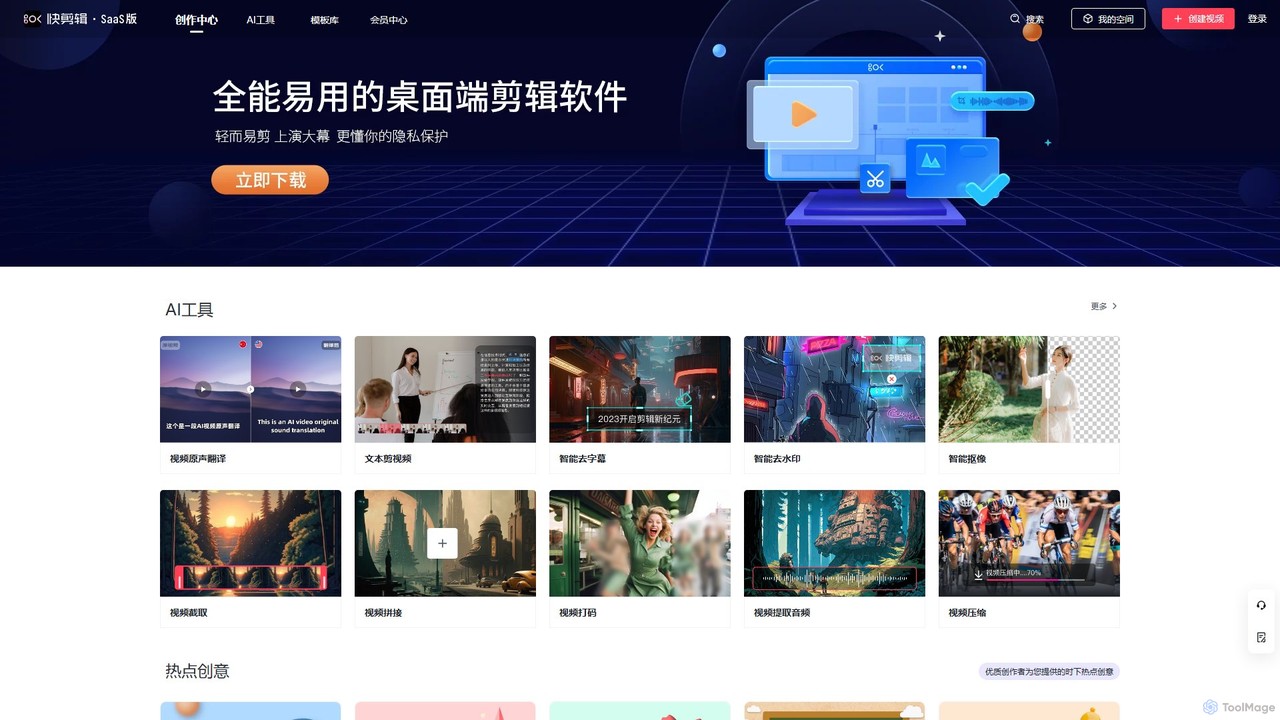
Kuaijianji Overview
Kuaijianji is a comprehensive, AI-powered online video creation platform designed to make video editing accessible and efficient for everyone. As a SaaS (Software as a Service) solution developed by Beijing Qiyuan Technology Co., Ltd., it integrates cloud-based asset management, a vast library of templates, free-form editing capabilities, and a suite of intelligent AI tools into a single, user-friendly interface. The platform is tailored for a wide range of users, from small and medium-sized businesses creating marketing content to individuals crafting personal video projects. It aims to democratize video production by leveraging technology to simplify complex editing tasks, reduce production costs, and significantly boost creative efficiency.
The core philosophy of Kuaijianji is to empower users to produce professional-quality videos without needing extensive technical skills or expensive hardware. By operating in the cloud, it allows for seamless collaboration and access to projects from any device, including web browsers, dedicated PC clients, and mobile apps for iOS and Android. This multi-platform approach ensures that users can create and edit on the go, making it a versatile tool for today's fast-paced content creation landscape.
How to use Kuaijianji
Getting started with Kuaijianji is a straightforward process designed for maximum ease of use:
- Choose Your Creation Path: Upon logging in, you can decide how to start your project. You can select a professionally designed template from the extensive library, which is categorized by theme, style, and use case (e.g., business promotion, holiday greetings, social media trends). Alternatively, you can start with a blank canvas for complete creative control, or use a powerful AI tool like "Text-to-Video" by simply inputting a script.
- Add Your Media: Upload your own video clips, images, and audio files directly to the cloud. Your assets are securely stored and accessible for all your projects. You can also leverage the platform's library of stock media if needed.
- Edit and Customize: Use the intuitive timeline editor to trim, split, and arrange your clips. Drag and drop elements, add text overlays, apply transitions, and choose from a variety of filters and effects. The template-based editor allows you to simply replace placeholder content with your own for ultra-fast creation.
- Leverage AI Tools: This is where Kuaijianji shines. Use the "Smart Cutout" tool to remove video backgrounds with one click. Automatically remove hardcoded subtitles or watermarks from existing footage with "Smart Subtitle/Watermark Removal". Translate and dub your video's audio into different languages using "Video Original Sound Translation". Other utilities like video compression, audio extraction, and video merging are also available.
- Preview and Export: Once you are satisfied with your creation, preview the final video. You can then export it in various resolutions and aspect ratios suitable for different platforms. Members on premium plans can enjoy higher-quality exports without watermarks.
Core Features of Kuaijianji
- AI Tool Suite: A collection of powerful AI-driven features including Text-to-Video generation, AI-powered voice translation and dubbing, one-click background removal (Smart Cutout), and intelligent removal of unwanted subtitles and watermarks.
- Extensive Template Library: Access to thousands of customizable video templates for various scenarios like corporate promotions, e-commerce ads, social media stories, event invitations, and personal celebrations.
- Cloud-Based Workflow: All your projects, media, and edits are stored in the cloud, allowing you to work from anywhere on any device (Web, PC, iOS, Android) and collaborate with team members.
- Comprehensive Editing Functions: Beyond AI, it offers all the standard editing tools you need, such as video trimming, merging, splitting, adding music and text, applying filters, and adjusting video speed.
- Utility Tools: A range of practical mini-tools including a video compressor, audio extractor, video-to-GIF converter, and video mosaicing (blurring) tool.
Use Cases for Kuaijianji
Kuaijianji is a versatile tool suitable for many applications:
- E-commerce and Marketing: Businesses can quickly produce high-quality promotional videos for products, social media ad campaigns, and landing pages, driving engagement and sales.
- Corporate Communications: Create professional videos for internal announcements, employee training, company culture showcases, and event recaps.
- Content Creators & Social Media Managers: Efficiently generate a steady stream of engaging short-form videos for platforms like TikTok, Instagram Reels, and YouTube Shorts, keeping up with trends using hot templates.
- Educators and Trainers: Develop instructional videos and e-learning content by combining screen recordings, text, and voiceovers.
- Personal Projects: Easily compile and edit videos for personal milestones like weddings, birthdays, vacations, and family events.
Advantages of Kuaijianji
- Efficiency and Speed: The combination of AI tools and a vast template library dramatically cuts down video production time from hours to minutes.
- Accessibility for All Skill Levels: The intuitive interface makes it easy for beginners to get started, while offering enough depth for more experienced users.
- Cost-Effectiveness: Provides access to professional-grade tools and assets at a fraction of the cost of traditional video editing software and hiring a professional.
- Multi-Platform Flexibility: The ability to switch between web, desktop, and mobile devices provides unparalleled convenience and flexibility in the creative process.
Pricing and Plans
Kuaijianji operates on a freemium model. It offers a free plan that allows users to access basic editing features and a selection of templates, which is ideal for trying out the platform. However, videos created with the free plan may include a watermark, and access to advanced AI tools and premium templates might be limited.
For users requiring more power and professional features, Kuaijianji offers premium subscription plans (VIP Membership). These paid plans typically unlock benefits such as:
- Removal of all watermarks.
- Full access to the entire library of premium templates and media assets.
- Unlimited use of advanced AI features like Text-to-Video and Smart Cutout.
- Higher export resolutions (e.g., 1080p).
- Increased cloud storage space for media and projects.
Specific pricing details are available on the official website's "Membership Center" page.
Traffic
Latest traffic
Status
Monthly traffic trend
- 2025-9: 9.4K
- 2026-1: 19.9K
- 2026-2: 11.1K
- 2026-3: 13.8K
- 2026-4: 13.8K
- 2026-5: 11.0K
Geography
Top 5 countries / regions
- 🇨🇳China89.6%
- 🇺🇸United States5.7%
- 🇭🇰Hong Kong SAR China2.0%
- 🇲🇾Malaysia1.9%
- 🇹🇼Taiwan0.9%
Traffic sources
| Source type | Percentage |
|---|---|
Direct | 56.8% |
Referral | 43.2% |
Top keywords
| Keyword | Cost per click |
|---|---|
| 2k 壁纸 | $0.00 |
| 剪映片头模版 | $0.00 |
| 在线视频打码 | $0.00 |
| 快剪辑 | $0.00 |
| 电子相册 婚礼 剪映模板 网盘 | $0.00 |
Kuaijianji Alternatives
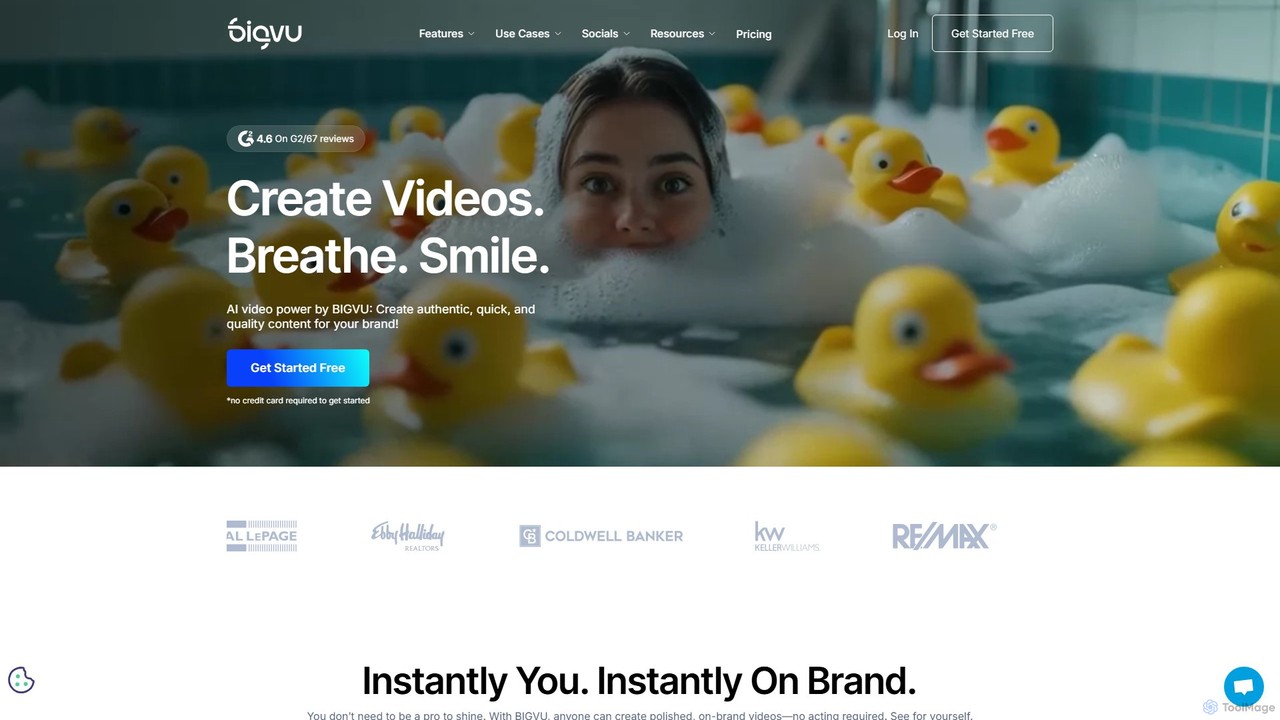
bigvu
bigvu is an all-in-one AI video creation platform that combines a teleprompter, AI script generator, automatic captions, and a powerful video editor. It enables users to script, shoot, style, and share professional-quality videos 10x faster, with features like AI avatars and text-based editing. Ideal for marketing, sales, and content creators.
Script Writing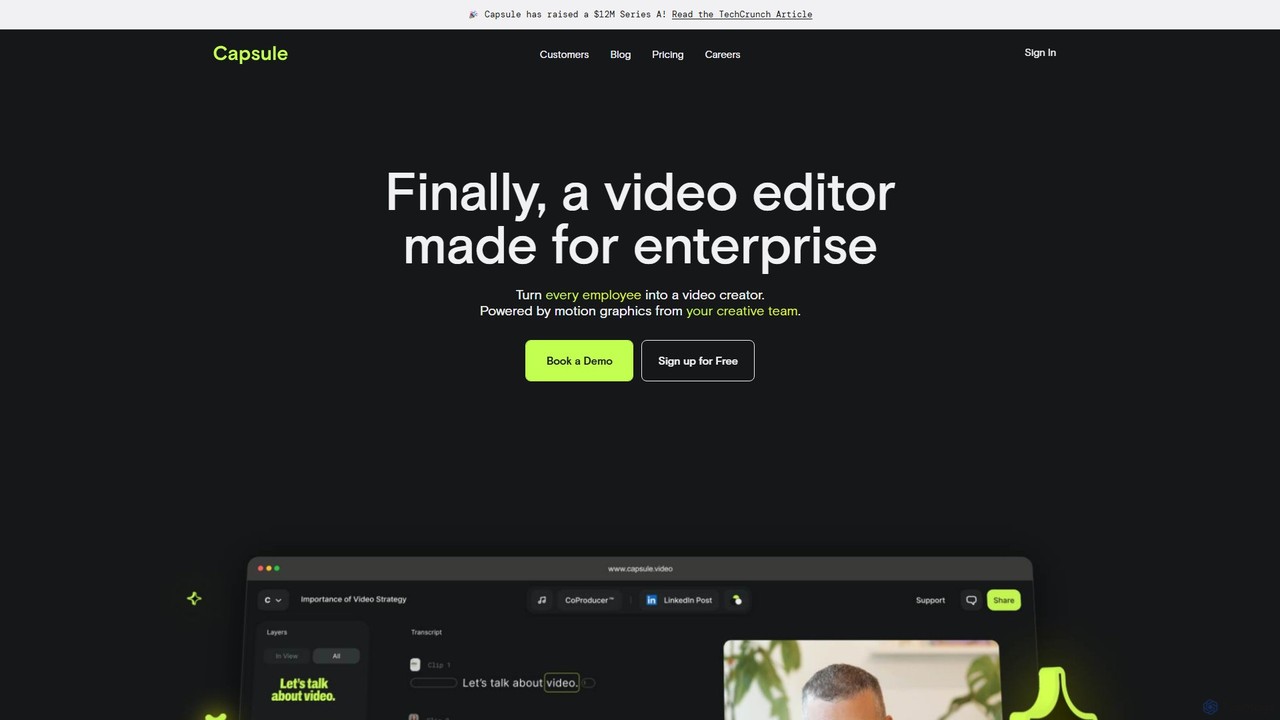
Capsule
Capsule is an AI-powered video editor designed for enterprise teams to create professional, on-brand videos 10x faster. It empowers non-editors with features like AI audio enhancement (VoiceMagic), smart music suggestions, and reusable motion design templates. This collaborative platform streamlines video creation for marketing, sales, and internal communications, ensuring brand consistency at scale.
Social Media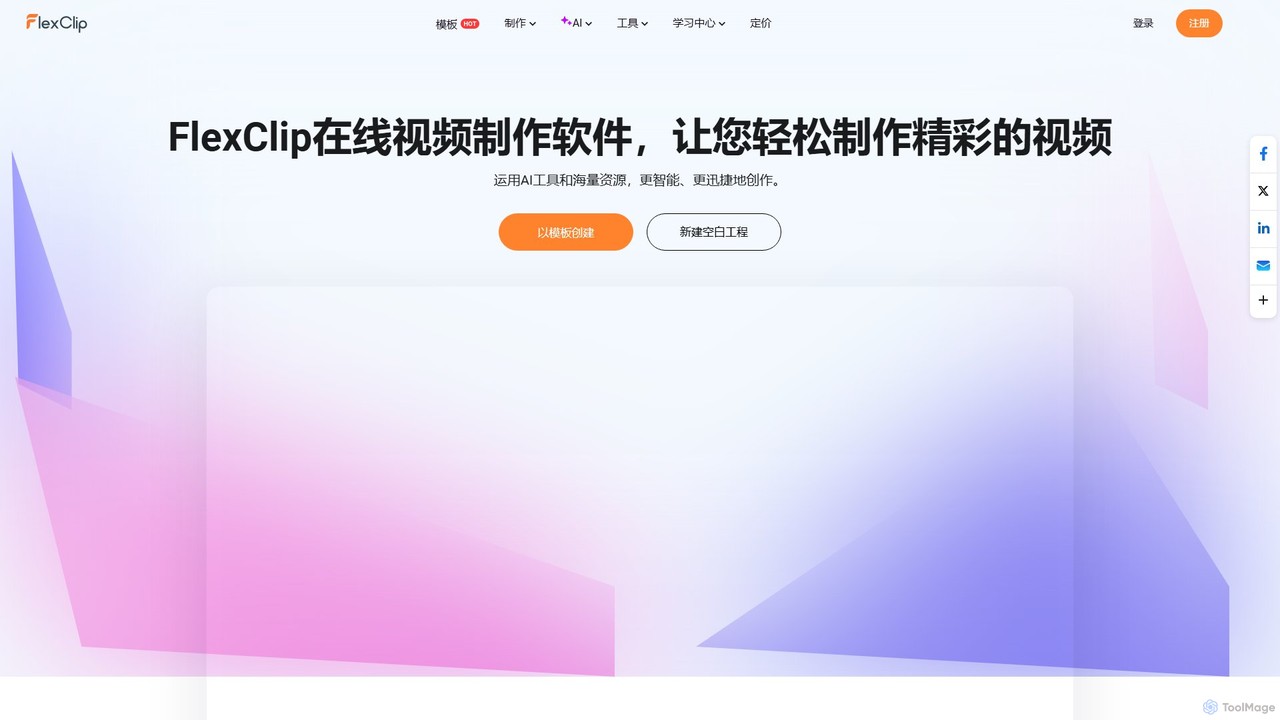
FlexClip
A powerful yet easy-to-use online video maker that combines traditional editing tools with a suite of AI features. Create professional videos for marketing, social media, or personal use with a vast library of templates, stock media, and intelligent tools like AI video generation, auto-subtitling, and text-to-speech.
Social Media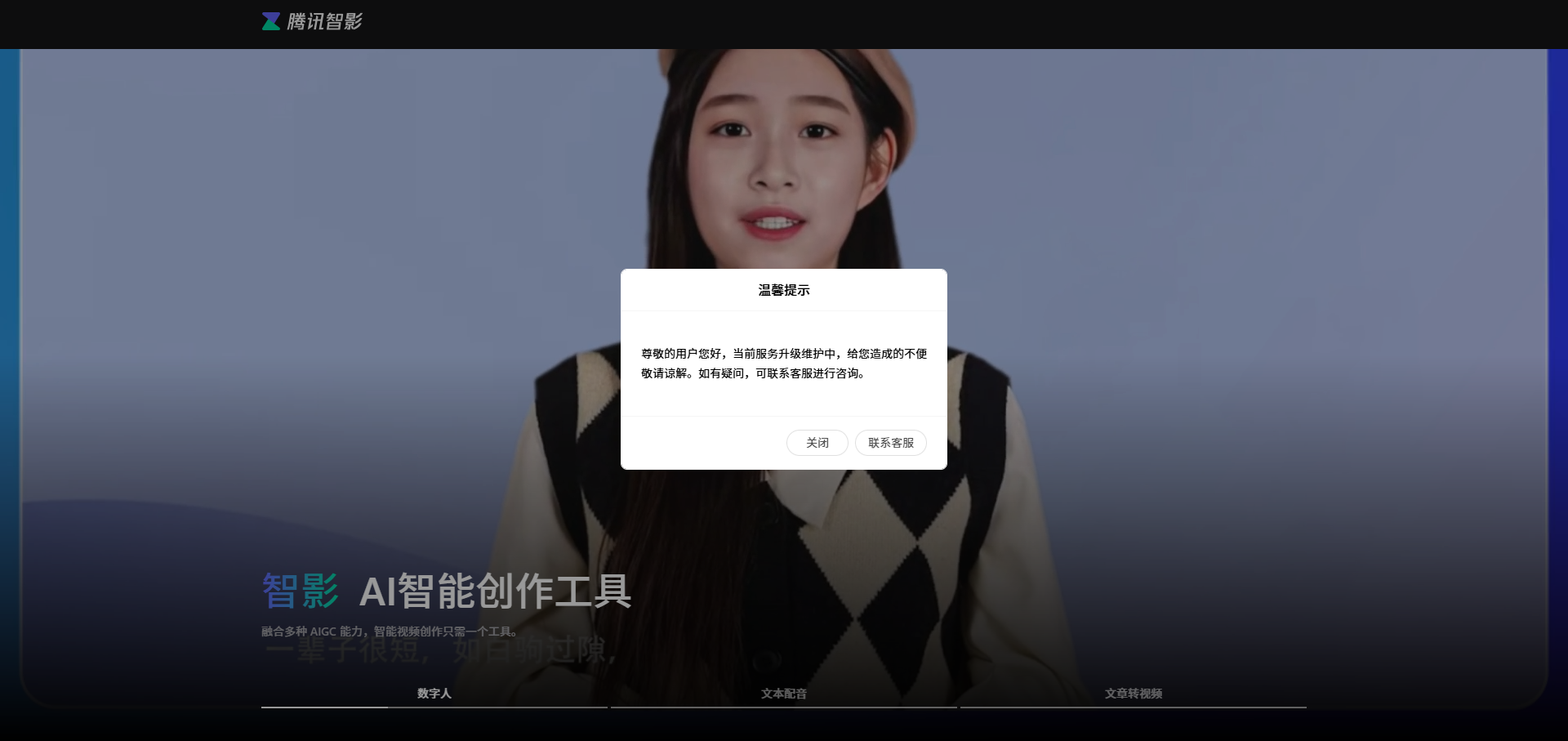
Zenvideo
Zenvideo is an intelligent video creation platform by Tencent, leveraging AI to simplify and automate the entire video production workflow. It enables users to effortlessly generate professional-quality videos from text, create content with digital human avatars, and utilize smart editing tools, making it ideal for marketing, education, and content creation.
Social Media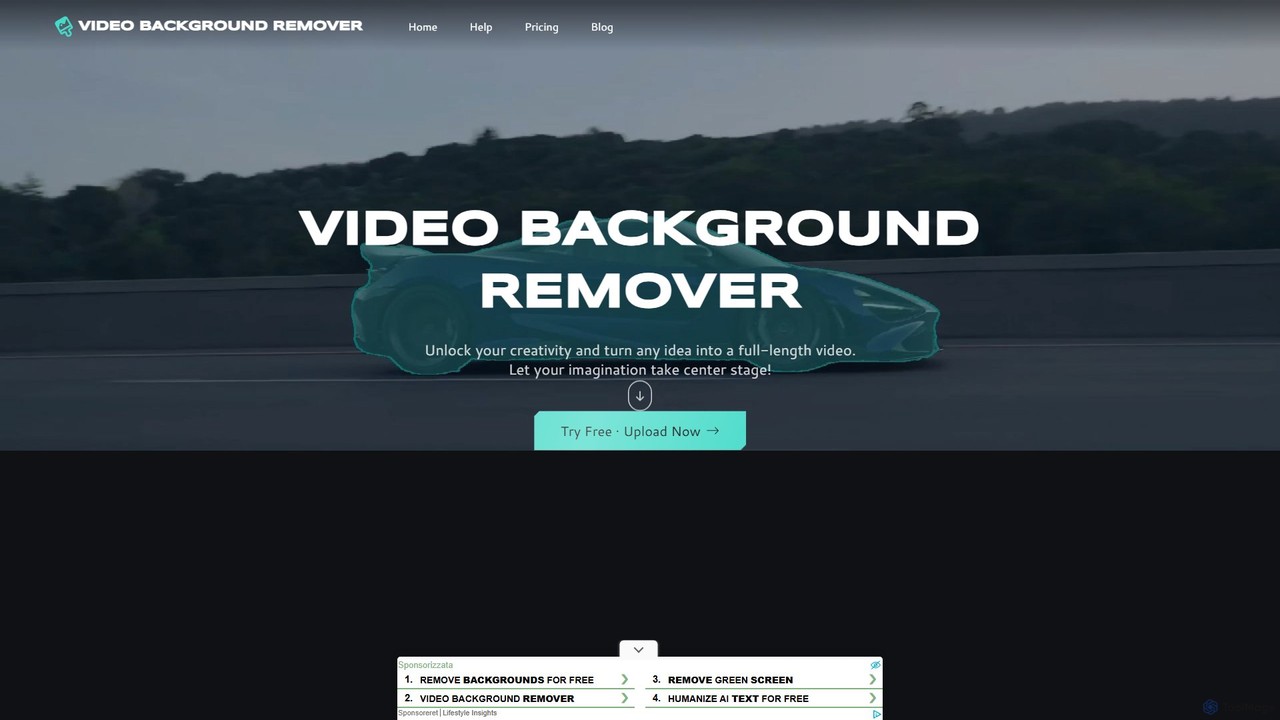
video_background_remover
An AI-powered online tool that allows users to remove video backgrounds instantly without a green screen. It supports multi-subject selection, various editing effects, and Full HD export, all for free and directly in your browser.
Social MediaKuaijianji Categories
Kuaijianji Embed Widget
Copy this embed code to place the badge on your blog, article, or product site and send readers directly to this ToolMage detail page.

Related AI tools
Hypernatural
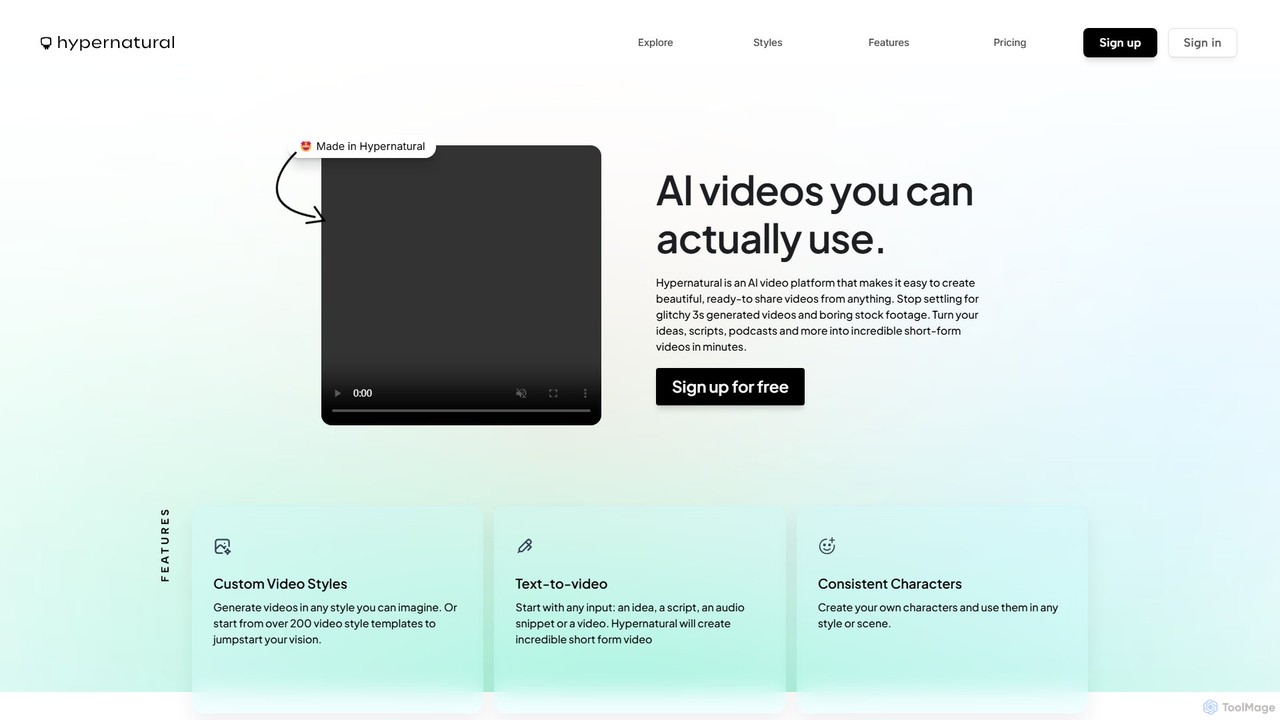
Hypernatural is an AI video platform that transforms text, scripts, or audio into high-quality, ready-to-share short-form videos. It focuses on creating usable, non-glitchy content with consistent characters and custom styles, making professional video creation accessible to everyone from marketers to content creators.
Advertising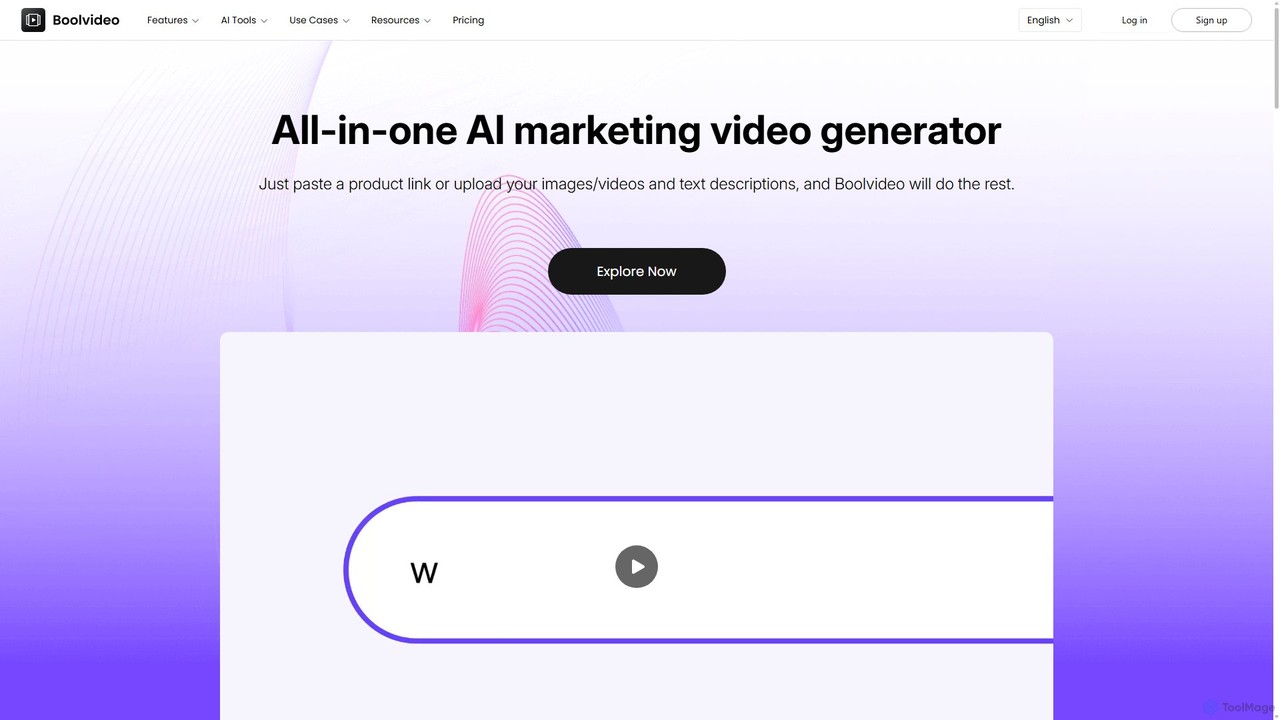
Boolvideo
Boolvideo is an all-in-one AI video generator designed for marketing and e-commerce. It allows users to effortlessly transform product links, images, text, or simple ideas into engaging, professional-quality videos. With a suite of AI-powered tools, it automates scriptwriting, voiceover generation, and visual selection, making it ideal for social media managers, content creators, and brands looking to scale their video content production quickly.
Product Videosbigvu
bigvu is an all-in-one AI video creation platform that combines a teleprompter, AI script generator, automatic captions, and a powerful video editor. It enables users to script, shoot, style, and share professional-quality videos 10x faster, with features like AI avatars and text-based editing. Ideal for marketing, sales, and content creators.
Script WritingCapsule
Capsule is an AI-powered video editor designed for enterprise teams to create professional, on-brand videos 10x faster. It empowers non-editors with features like AI audio enhancement (VoiceMagic), smart music suggestions, and reusable motion design templates. This collaborative platform streamlines video creation for marketing, sales, and internal communications, ensuring brand consistency at scale.
Social Media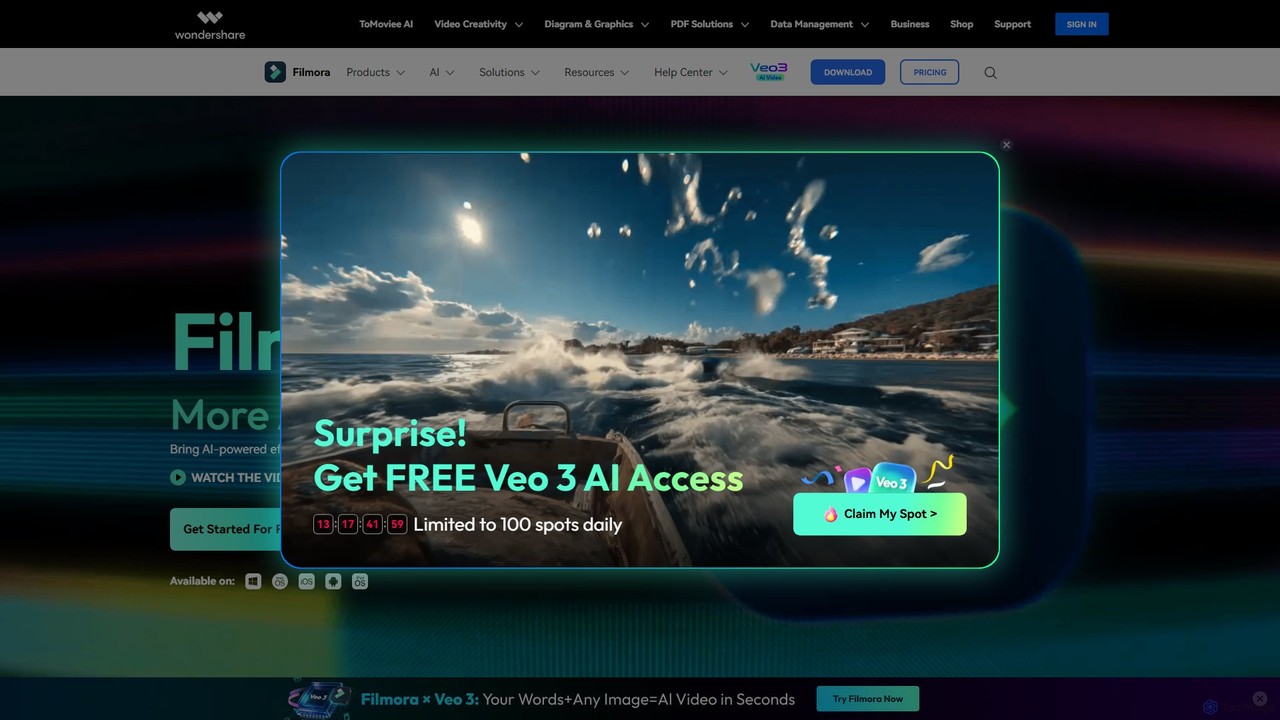
Filmora
Filmora is a powerful and intuitive AI video editor designed for creators of all skill levels. It simplifies the editing process with a suite of AI-powered tools, an extensive library of assets, and a user-friendly interface, making it easy to create professional-quality videos for social media, personal projects, and commercial use.
Social Media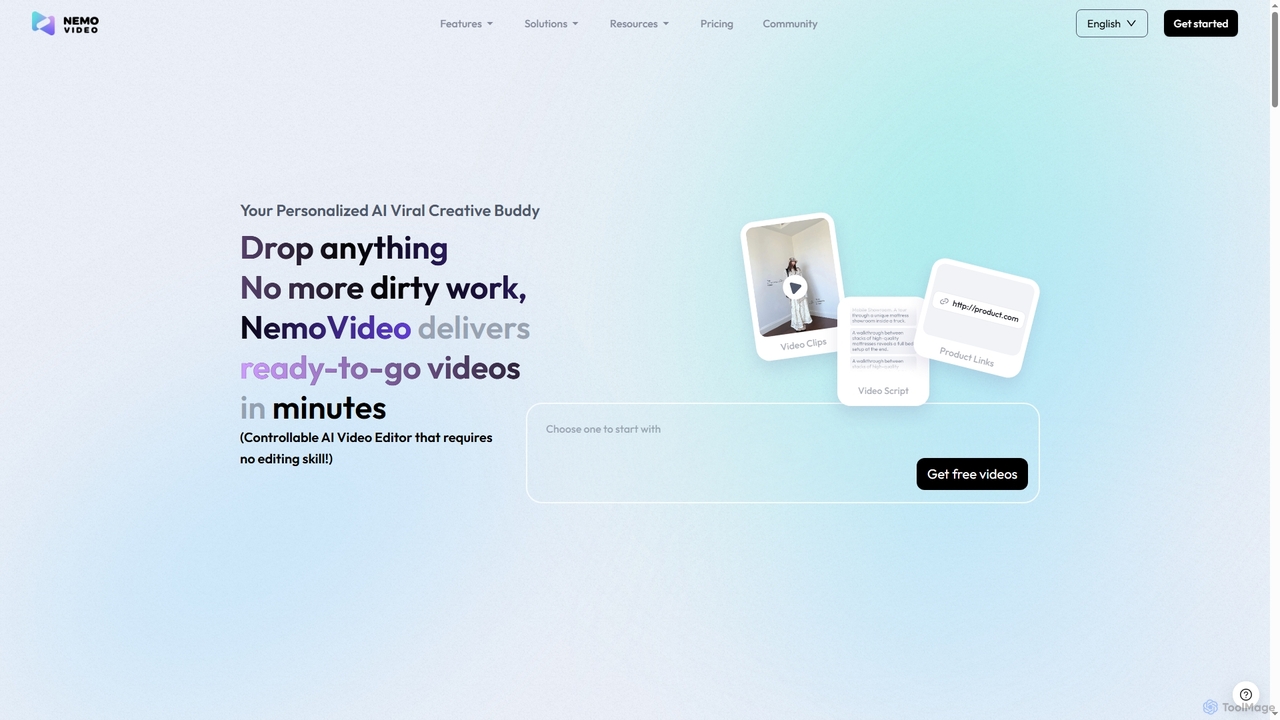
Nemovideo
Nemovideo is an AI-powered video editor that transforms your ideas, links, or raw clips into viral-ready marketing videos. It analyzes successful video formulas and automates the entire editing process, from scriptwriting to final cuts, requiring no prior editing skills.
Social Media Marketing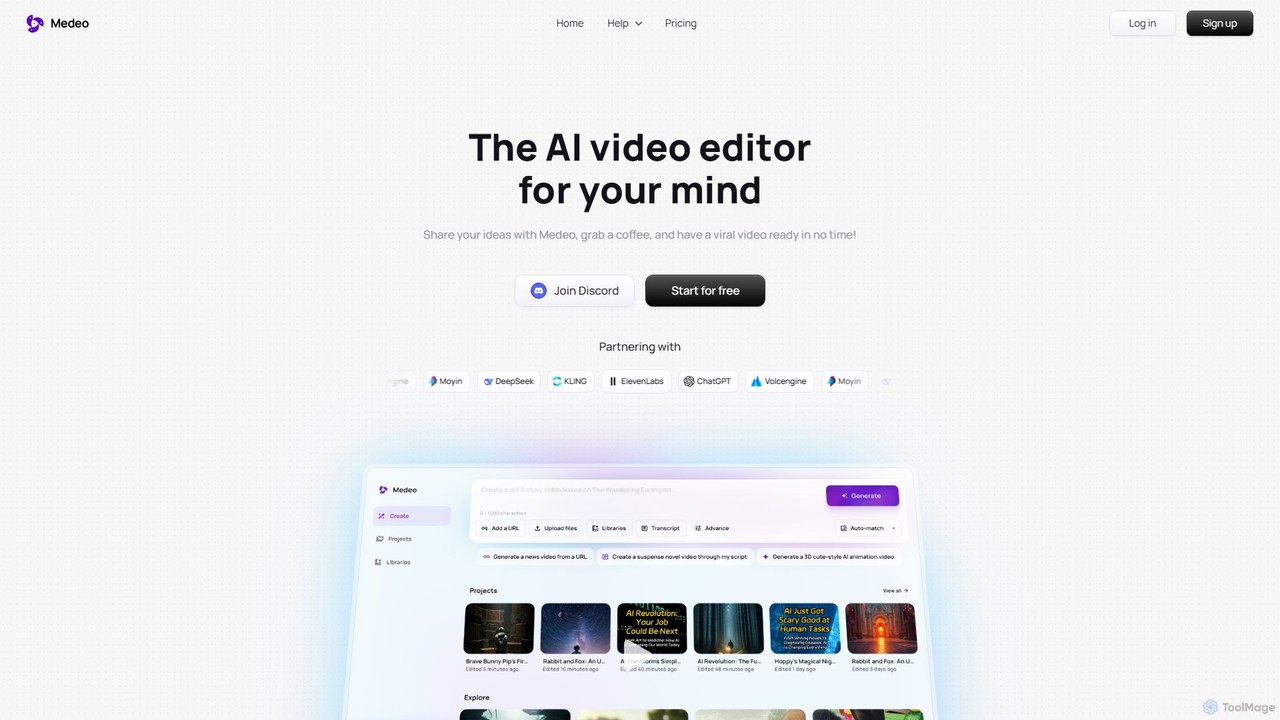
Medeo
Medeo is an AI-powered video editor that transforms your ideas, text prompts, or URLs into professional, engaging videos in minutes. It automates the entire creation process, from scriptwriting and asset selection to voiceover and editing, requiring no technical skills.
Social Media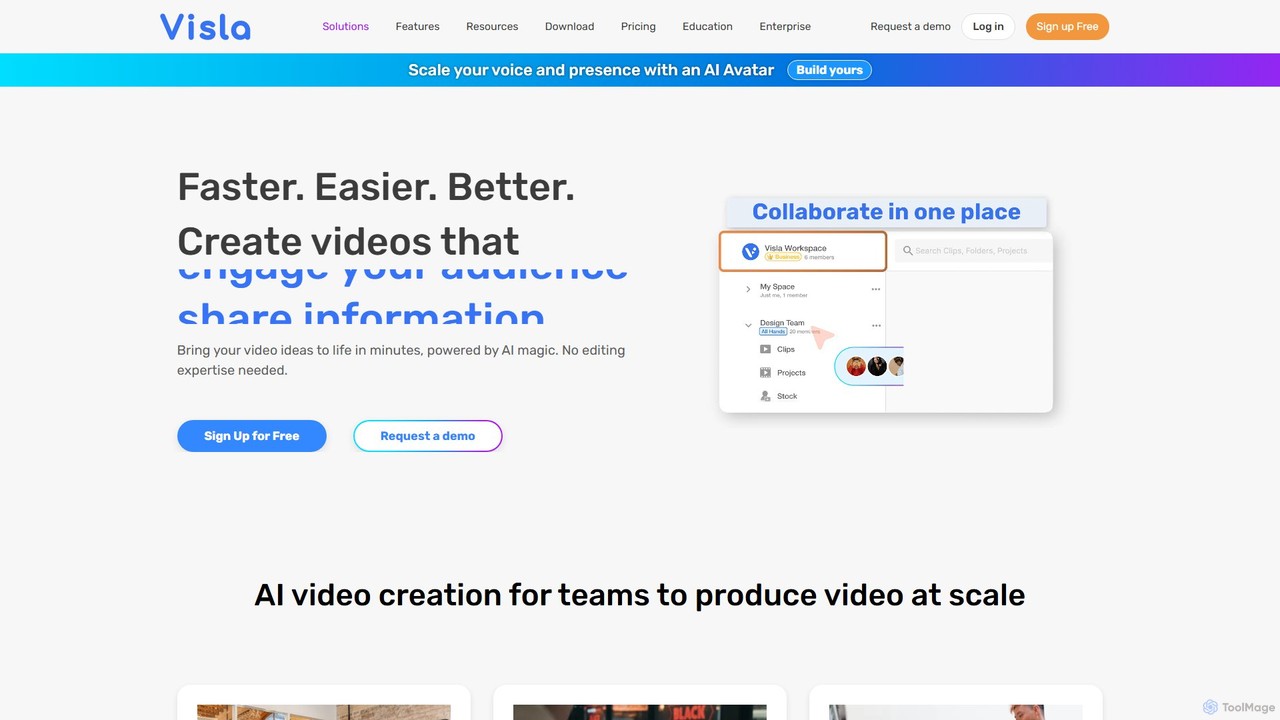
Visla
Visla is an all-in-one AI video platform designed for businesses. It empowers teams to effortlessly create, edit, record, and collaborate on professional-quality videos. Featuring AI-driven tools like text-to-video generation, realistic AI avatars, and an intelligent editor, Visla makes video production scalable and accessible to everyone, regardless of their technical expertise.
Training
motionvid.ai
motionvid.ai is an AI-powered platform that transforms text prompts and sketches into professional-quality motion graphics and animations in seconds. It's designed for content creators, marketers, and editors to produce stunning videos 20x faster than traditional software like After Effects, without needing any technical skills.
Social Media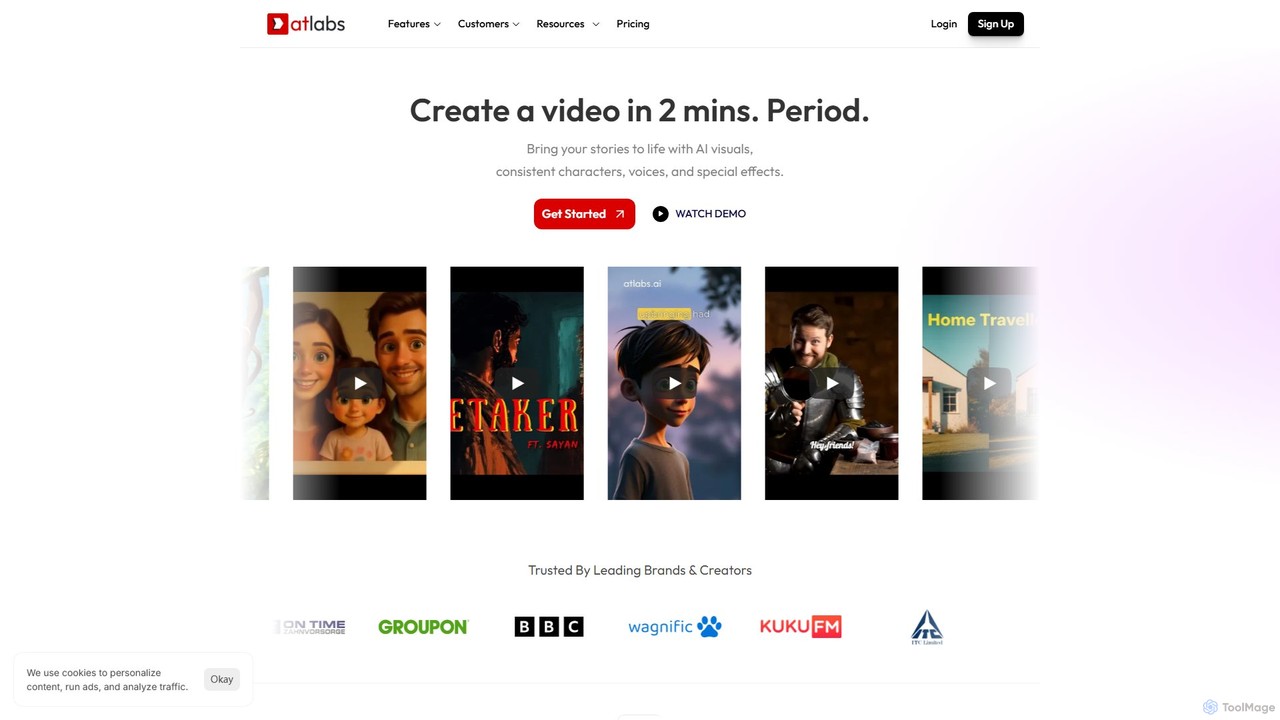
atlabs
atlabs is a powerful AI video generator that transforms text scripts into engaging visual stories in minutes. It features AI-driven scriptwriting, consistent character generation, ultra-realistic voiceovers, and intelligent editing. With support for over 40 languages and various visual styles, it's designed for marketers, creators, and businesses to produce high-quality video content efficiently, from social media clips to full-length series.
Social Media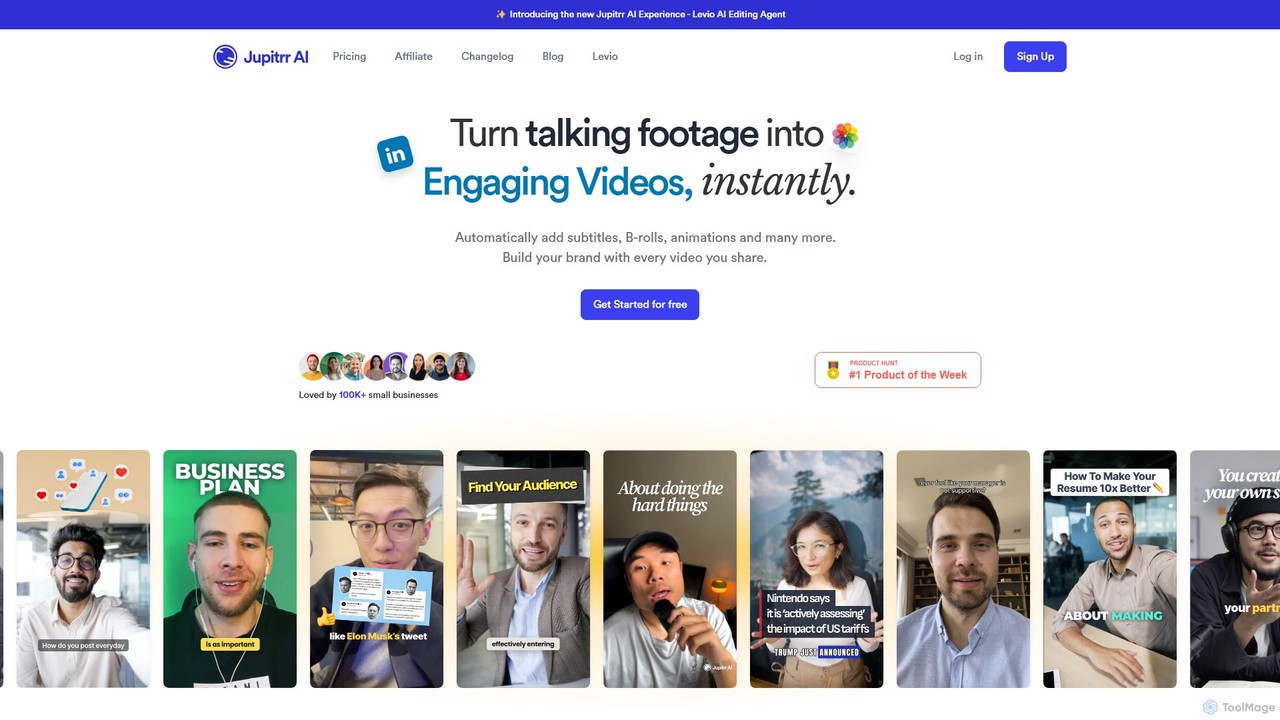
jupitrr
jupitrr is an AI-powered video editor that instantly transforms raw talking-head footage into engaging, shareable video clips. It automatically adds dynamic subtitles, relevant B-rolls from a massive stock library, animations, and background music, making professional video creation accessible to everyone without editing skills.
Automation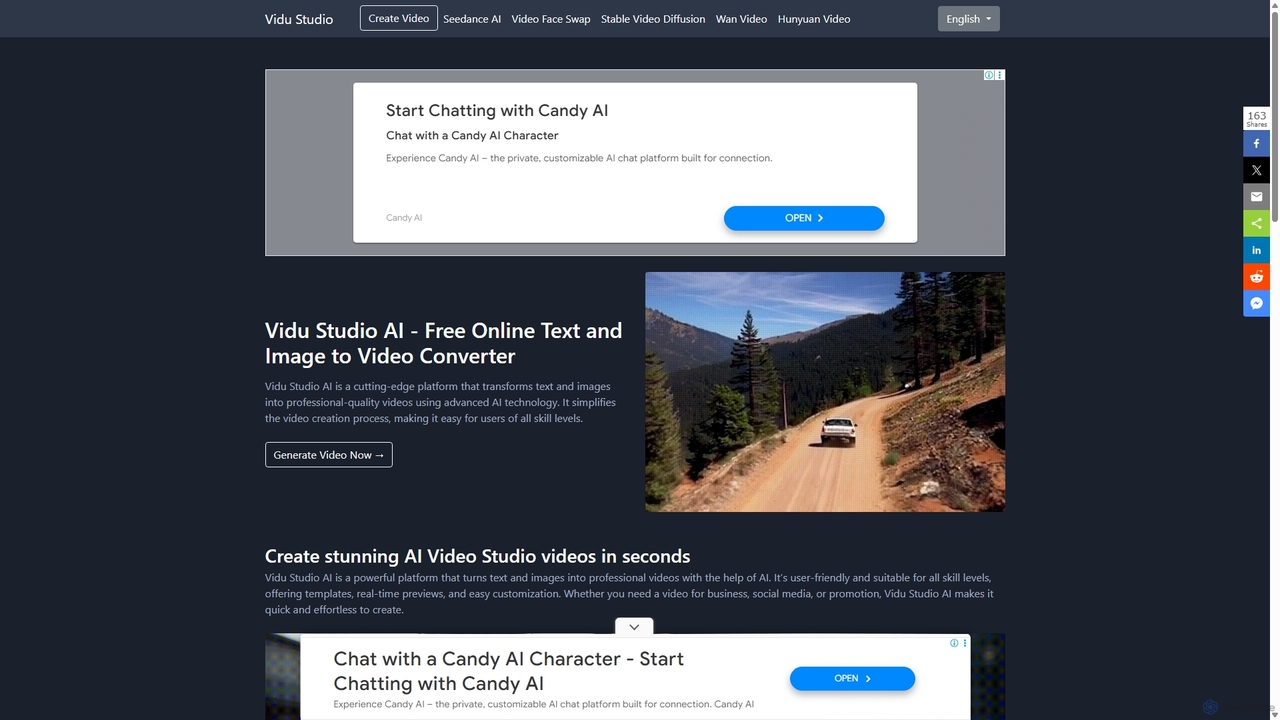
Vidu Studio AI
Vidu Studio AI is a cutting-edge, AI-powered platform that effortlessly transforms text and images into professional-quality videos. Leveraging a unique fusion of diffusion and transformer technology, it enables users of all skill levels to create stunning, high-quality videos with realistic physics and dynamic effects from simple prompts, making video production fast, easy, and accessible.
Social Media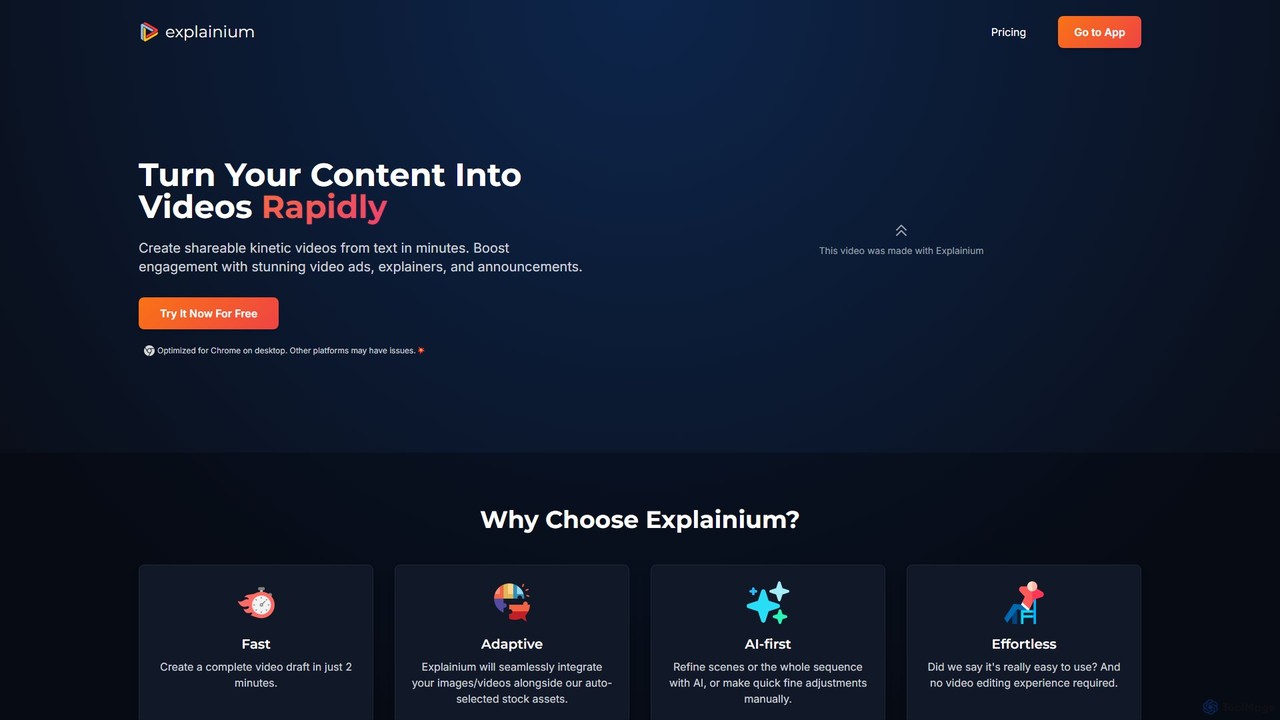
Explainium
Explainium is an AI-powered video creation platform that effortlessly transforms text into engaging kinetic typography videos. Ideal for marketers, content creators, and businesses, it allows you to create professional promo videos, explainers, and announcements in minutes, with no video editing experience required.
Social Media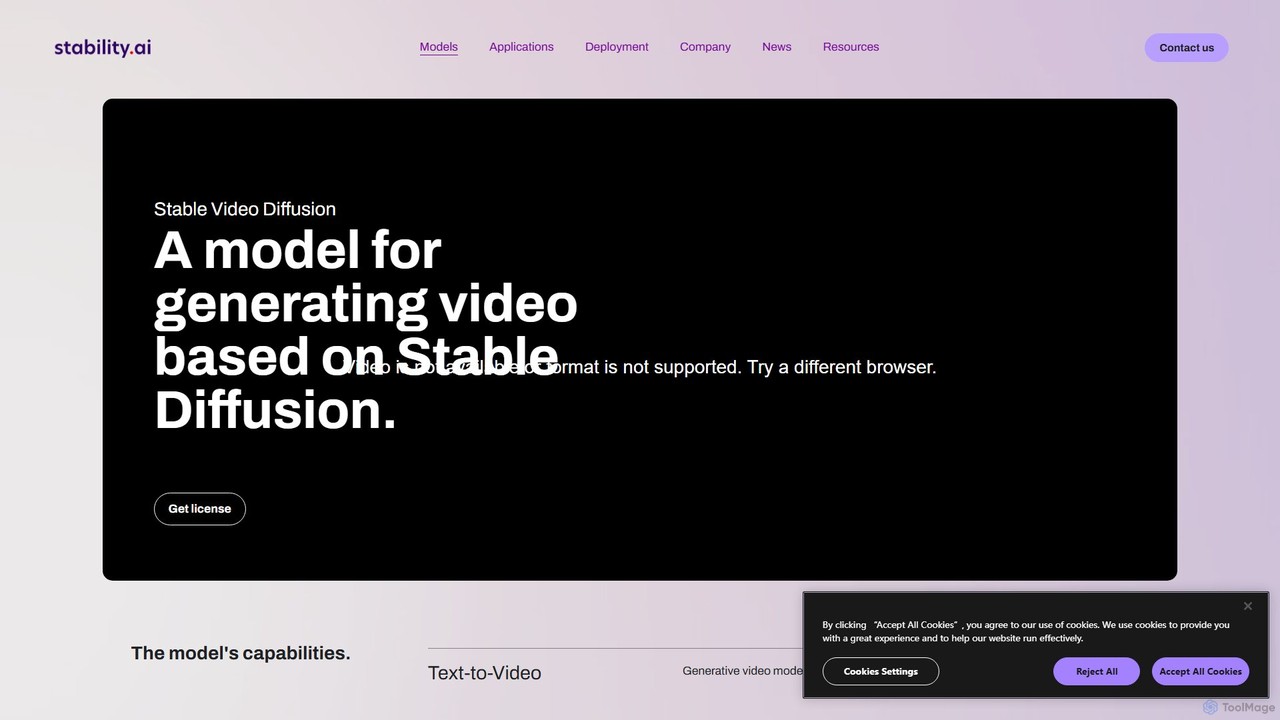
Stable Video
Stable Video is an AI-powered platform that utilizes the Stable Video Diffusion model to generate short, high-definition videos from text prompts and static images. It's designed for creators, marketers, and educators, offering a user-friendly interface, multiple aspect ratios, and flexible subscription plans to transform concepts into captivating visual narratives.
Image To Video
FilmForge AI
FilmForge AI is an AI-powered video generator that instantly creates engaging videos from simple text prompts. The platform automatically includes captions, natural-sounding voiceovers, transcripts, and relevant graphics, making it ideal for marketers, content creators, and businesses looking to produce high-quality video content quickly and effortlessly.
Social Media
Kuaijianji Comments (0)
Sign in to comment.
Sign inNo comments yet.