ToolMage
Sign in

Best 4 Image To Video AI tools for Art

Popular Image To Video AI tools in Art include Videomaker.me, Stable Video, imgtovideoai, and stability_ai_video_generater, helping you work more efficiently.

Videomaker.me
Freemium

Videomaker.me

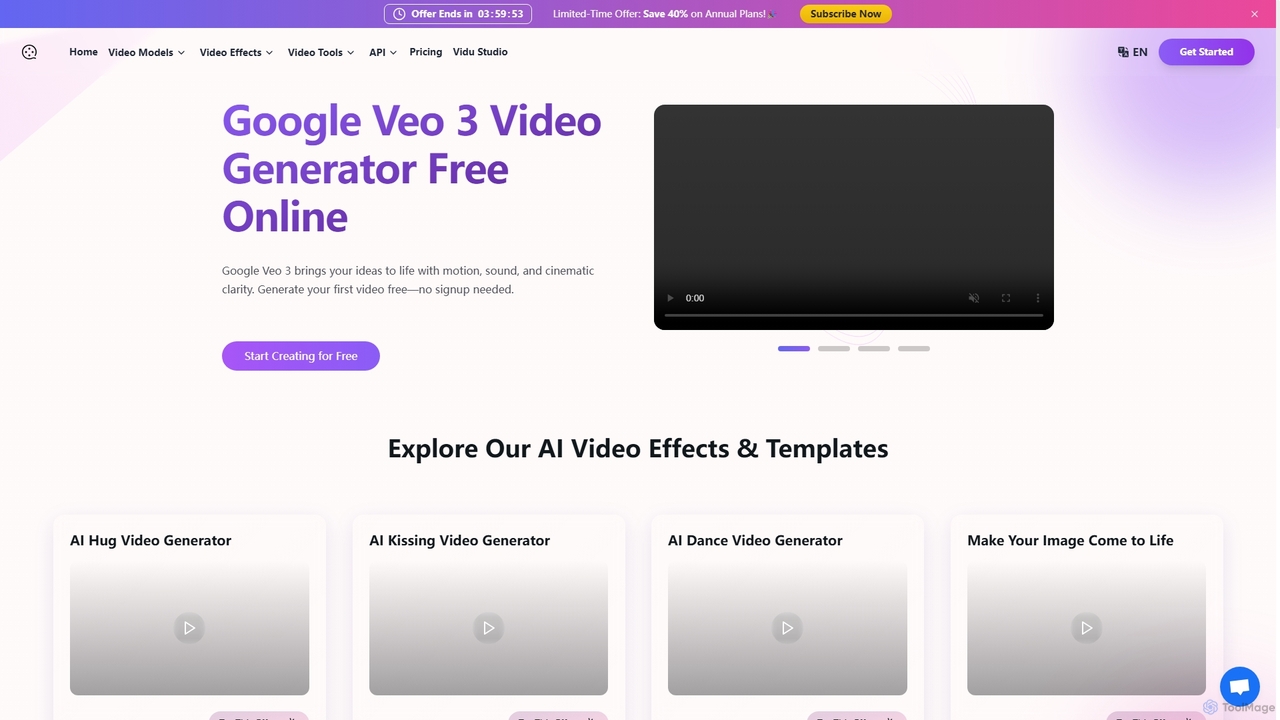
A powerful AI video generator providing access to Google's cutting-edge Veo 3 model. It transforms text and images into high-quality, cinematic videos with synchronized audio, dialogue, and sound effects. Ideal for creators, marketers, and filmmakers, it offers a user-friendly interface, fast generation, over 60 creative effects, and a free trial to start creating instantly without signup.

Image To Video
Visits 132.5KFavorites 106Likes 110
imgtovideoai
Paid

imgtovideoai

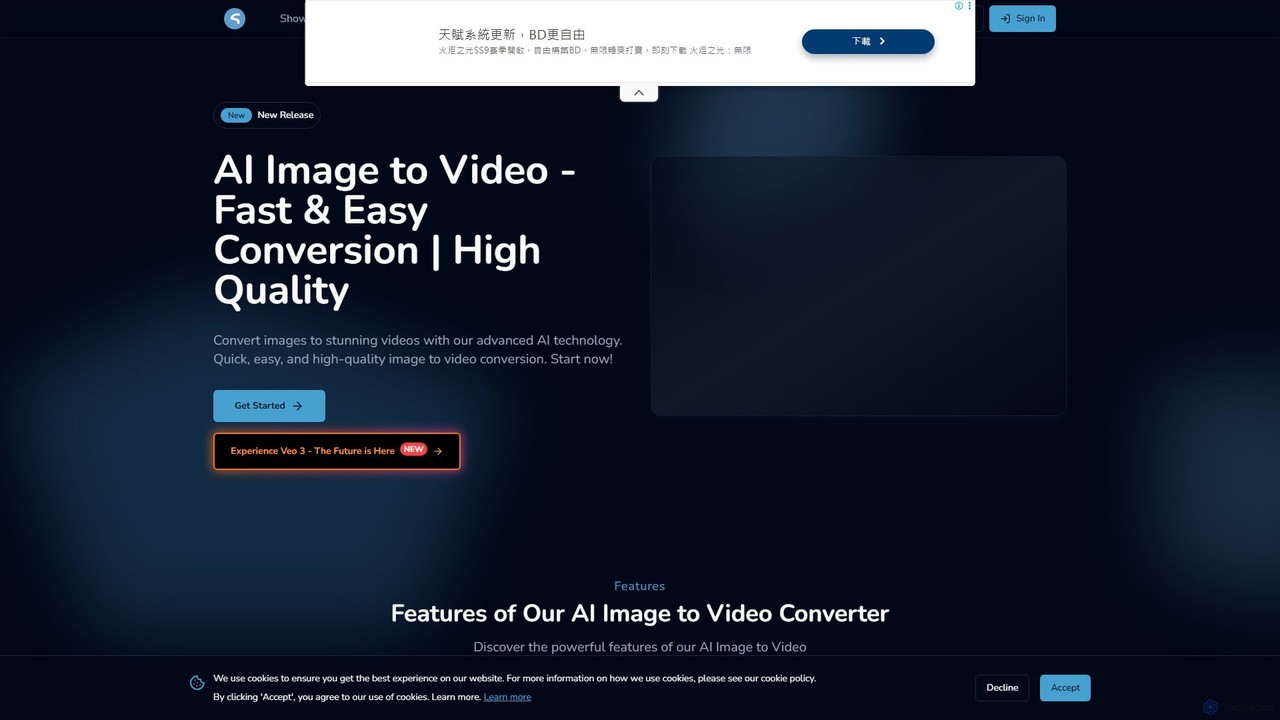
imgtovideoai is a comprehensive AI video creation suite that transforms images and text into dynamic, high-quality videos. It offers multiple tools, including Text-to-Video, Image-to-Video, AI Video Effects, and Image Blending, catering to marketers, content creators, and artists.

Image To Video
Visits 6.1KFavorites 120Likes 128
stability_ai_video_generater
Free

stability_ai_video_generater

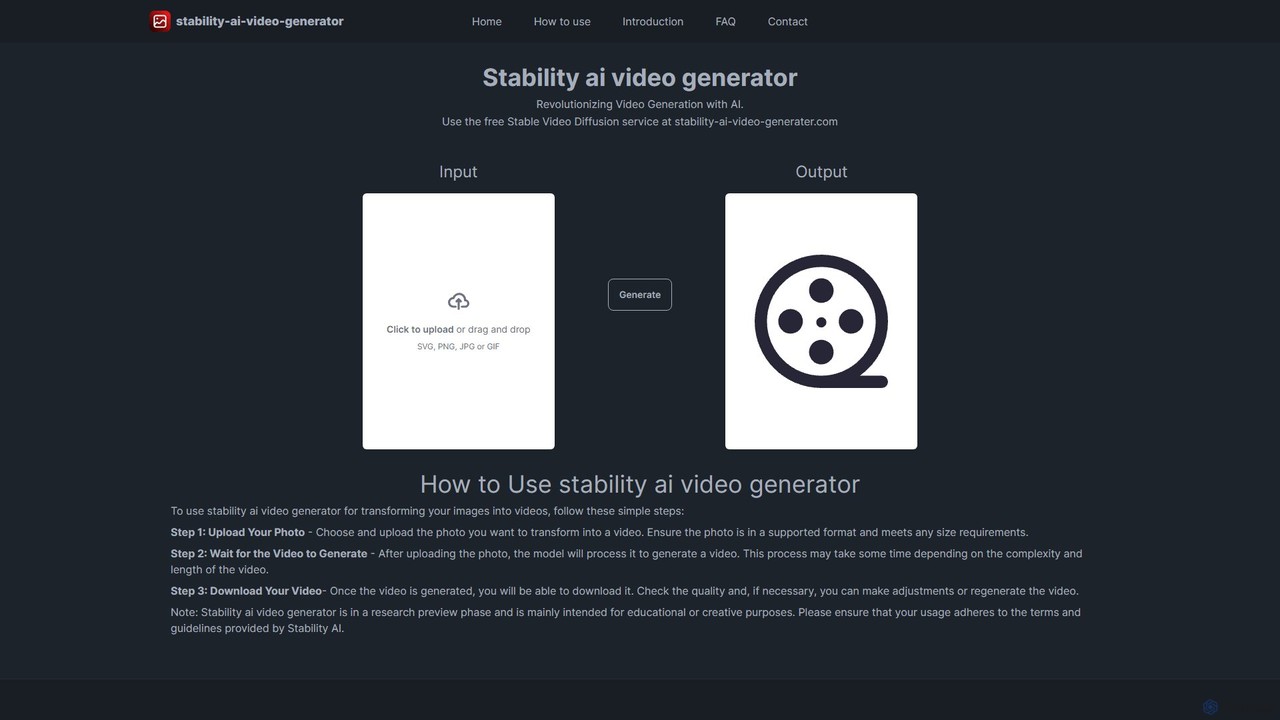
A free, web-based AI tool that transforms static images into dynamic, high-quality videos. Powered by Stable Video Diffusion, it offers a simple three-step process for artists, marketers, and creators to animate their visuals effortlessly and bring their creative ideas to life.

Image To Video
Visits 5.6KFavorites 101Likes 92
Stable Video
Freemium

Stable Video

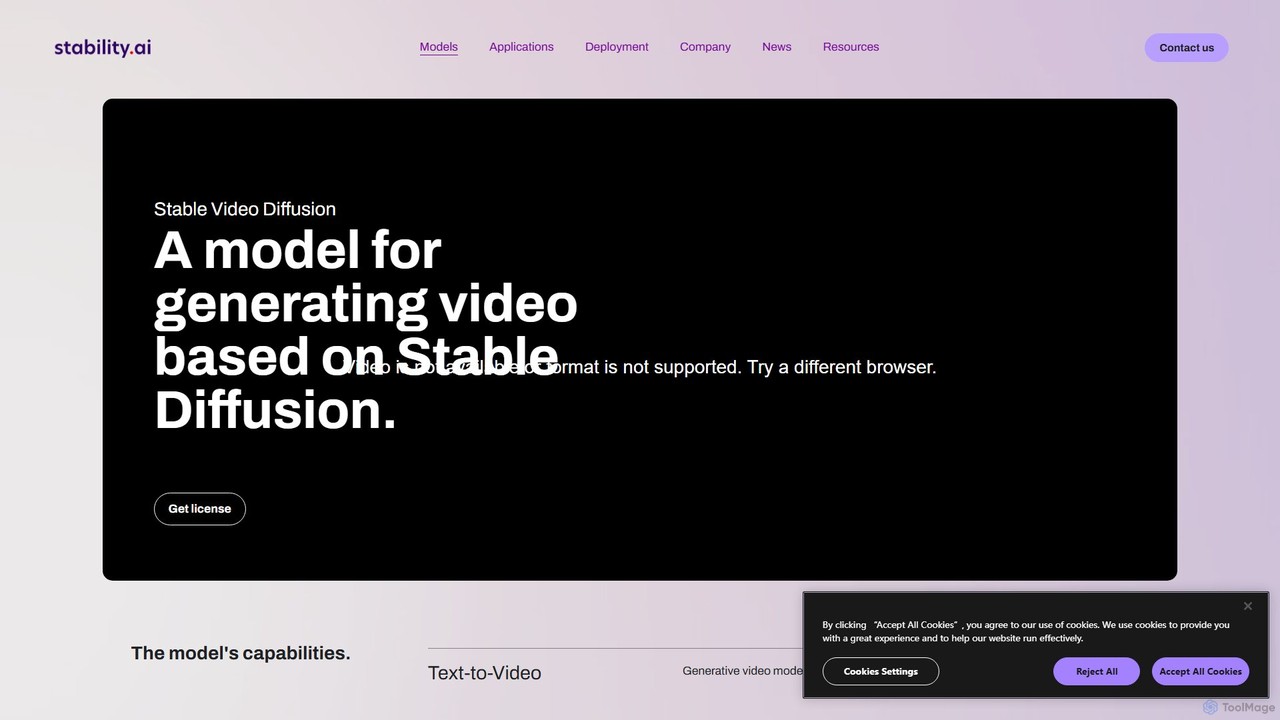
Stable Video is an AI-powered platform that utilizes the Stable Video Diffusion model to generate short, high-definition videos from text prompts and static images. It's designed for creators, marketers, and educators, offering a user-friendly interface, multiple aspect ratios, and flexible subscription plans to transform concepts into captivating visual narratives.

Image To Video
Visits 6.5KFavorites 122Likes 126

About Image To Video

Image to Video tools are a class of AI-powered software that transform static images into dynamic video clips. They utilize techniques like generative motion, parallax effects, and object animation to add movement and life to still photos. This enables users to quickly create engaging social media content, animated advertisements, or dynamic presentations without complex video editing skills. These tools often provide precise control over camera movement, animation intensity, and output duration, turning a single picture into a captivating visual story.

Core Features

  • AI Motion Generation: Automatically adds realistic or stylized motion like flowing water, moving clouds, or subtle character expressions.
  • Camera Path Control: Allows users to define virtual camera movements such as zoom, pan, tilt, and dolly effects for a cinematic feel.
  • Parallax (2.5D) Effect: Creates a sense of depth by moving foreground and background layers at different speeds.
  • Object Animation: Isolates specific objects or regions within an image and applies custom animations or effects to them.
  • Style-Based Animation: Applies predefined animation styles (e.g., cinematic, cartoonish, glitch) to the entire image with a single click.

Use Cases

These tools are widely used by social media managers, digital marketers, and content creators to produce eye-catching posts and ads. Photographers use them to add a dynamic dimension to their portfolios. E-commerce businesses can animate product photos to highlight features and increase engagement on their websites and in promotional materials.

How to Choose

When selecting an Image to Video tool, consider the level of motion control offered—from fully automated to fine-grained manual adjustments. Evaluate the quality and realism of the generated animation. Also, check the supported output formats, resolutions, and whether the service adds a watermark. Finally, compare pricing models, which may be based on subscription or per-video credits.

Image To Video use cases

1

Animating Static Photos for Social Media

A social media manager needs to create daily engaging content for Instagram and TikTok. Instead of using static images, they upload a high-quality photo of a landscape. Using an Image to Video tool, they apply a subtle cloud movement effect and a gentle zoom-in. The result is a short, captivating video loop that grabs more attention in the feed, increasing view duration and engagement rates compared to a simple photo post. This process takes minutes instead of hours in traditional animation software.

2

Creating Dynamic Product Showcase Videos

An e-commerce store owner wants to make their product listings more appealing. They take a high-resolution photo of their product, like a watch. The tool is used to create a 3D-like parallax effect, making the product appear to pop out. They also add subtle glints of light moving across the product's surface. This short video is then used on the product page and in social media ads, effectively highlighting the product's design and quality, leading to higher click-through rates and conversions.

3

Bringing Digital Art and Illustrations to Life

A digital artist wants to share their latest illustration on platforms like Behance in a more immersive way. They upload their finished artwork into an Image to Video tool. They can then animate specific elements, such as making a character's hair flow in the wind or creating a ripple effect in a body of water within the painting. This transforms the static piece into a living scene, allowing the artist to tell a richer story and showcase their creative vision more effectively.

4

Generating Animated Avatars from Portraits

A professional wants a unique profile picture for their LinkedIn or company website. They upload a professional headshot. The AI tool can then add subtle animations, such as a slow head turn, a gentle blink, or a slight smile. This creates a 'living portrait' or an animated avatar that is more personal and engaging than a static photo. It can be exported as a short GIF or video file, making their online presence more memorable and modern without requiring any animation skills.

5

Creating Engaging Ad Creatives from Posters

A marketing team has designed a static poster for an upcoming event. To adapt it for digital advertising on platforms like Facebook Stories, they use an Image to Video tool. The tool animates the text elements, makes the background graphics move, and adds a dynamic camera pan across the poster. This converts a single static design asset into multiple video ad variations, improving ad performance by capturing user attention more effectively than a non-moving image.

6

Visualizing Architectural Designs Dynamically

An architect has a static 2D rendering of a building's exterior. To present it to a client, they use an Image to Video tool to add life to the scene. They can simulate sunlight moving across the building, add gentle movement to trees, or create a slow 'fly-through' effect by panning and zooming into the image. This helps clients better visualize the space and atmosphere of the design, making presentations more compelling and impactful than showing a simple static image.

Image To Video FAQ

What are Image to Video AI tools?

Image to Video AI tools are applications that use artificial intelligence to convert a single static image into a short video clip. They achieve this by generating motion, such as camera movements (pan, zoom), 2.5D parallax effects, or animating specific elements within the image like clouds, water, or people. These tools are designed to make video creation accessible, allowing users to produce dynamic content without needing complex animation or video editing software.

How to choose the right Image to Video tool?

When selecting an Image to Video tool, consider these factors:

  • Control Level: Do you need simple, one-click animations or detailed control over camera paths and object motion?
  • Animation Quality: Review examples to assess the realism and smoothness of the generated motion. Avoid tools that produce jittery or unnatural results.
  • Output Options: Check for supported resolutions (e.g., HD, 4K), aspect ratios (e.g., 16:9, 9:16), and formats (MP4, GIF).
  • Watermarking & Pricing: Understand if the free version adds a watermark and compare subscription or credit-based pricing models to find one that fits your usage needs.
What's the difference between Image to Video tools and slideshow makers?

The key difference is how they handle images. A slideshow maker simply displays a sequence of different static images with transitions in between. An Image to Video tool works on a single image, creating motion within that image itself. It animates the content of the photo, such as making clouds move or creating a zoom effect, to produce a dynamic, living scene rather than just showing a series of still pictures.

What kind of images work best for Image to Video conversion?

Images with clear subjects and distinct foreground/background layers often produce the best results, especially for parallax effects. Landscapes with elements like skies, water, or trees are excellent candidates for motion generation. High-resolution images are also recommended as they provide more detail for the AI to work with, resulting in a cleaner and more professional-looking final video. Images with very busy or flat compositions may be more challenging to animate effectively.

Can these tools add motion to people or faces in photos?

Yes, many advanced Image to Video tools have features specifically for animating people. This can range from simple effects like making hair move in the wind to more complex AI-driven animations like making a person in a portrait blink, smile, or turn their head. This technology is often used to create 'living photos' or animated avatars, adding a surprising and engaging element to static portraits. The quality and realism of these animations can vary significantly between different tools.