
Paid
Plexigen AI
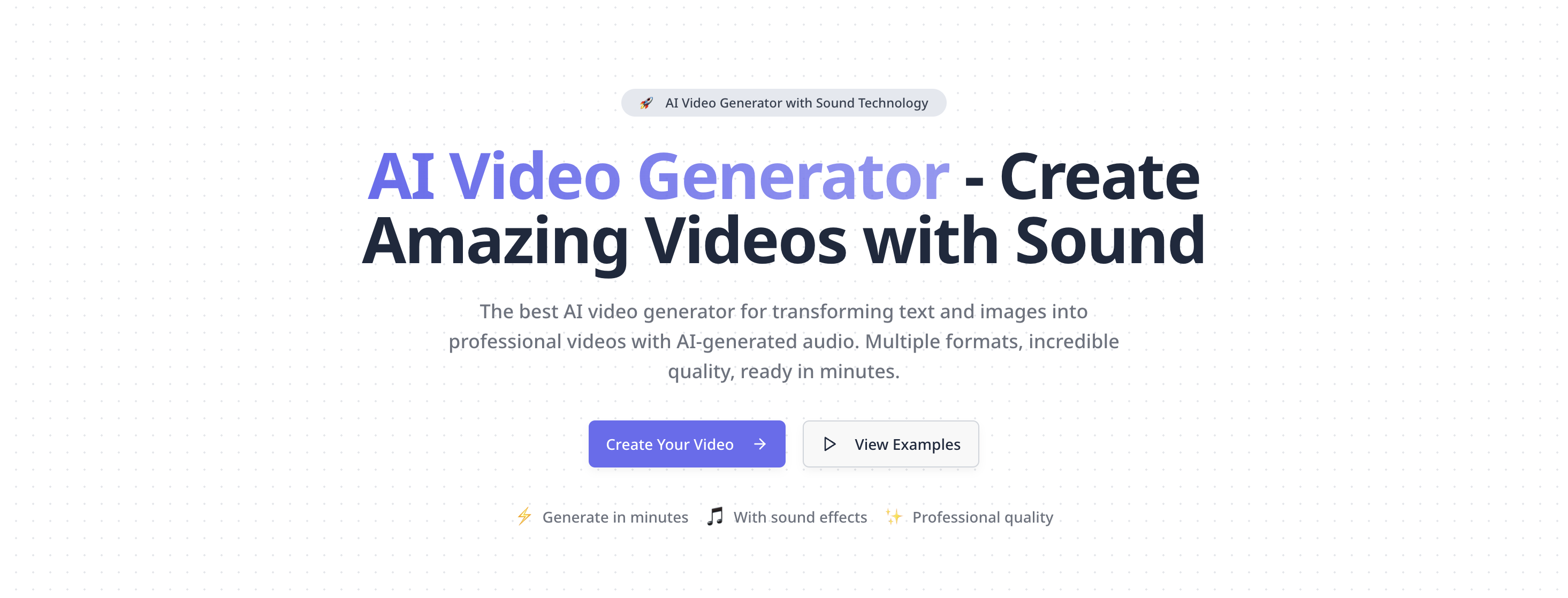
Best AI video generator with sound. Create professional videos from text & images. High-quality AI video generation, multiple formats, fast rendering.
Text To VideoVisits 10KFavorites 149Likes 162
Popular Text To Video AI tools in Ai Tools include Kuaijianji and Plexigen AI, helping you work more efficiently.
Best AI video generator with sound. Create professional videos from text & images. High-quality AI video generation, multiple formats, fast rendering.
Text To Video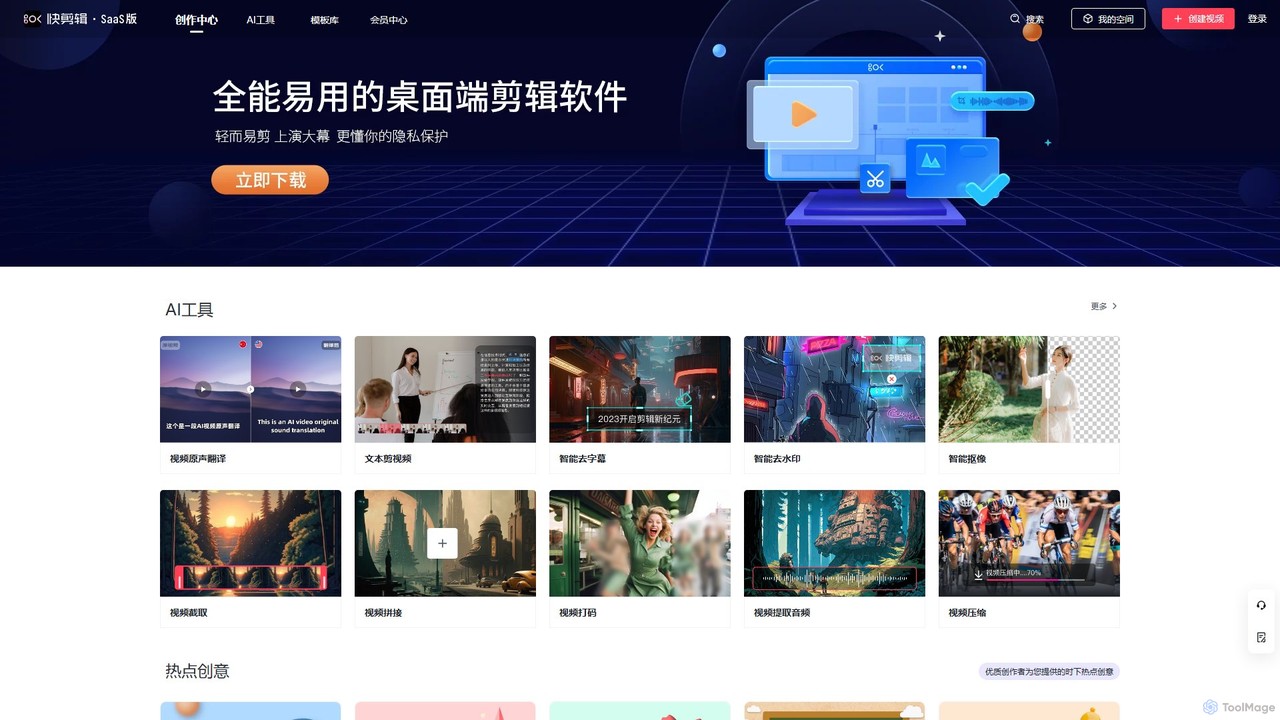
Kuaijianji is an AI-powered online video creation platform that simplifies video editing through a vast template library and intelligent tools. It enables users to quickly create professional videos for marketing, social media, and business communications, featuring text-to-video, smart cutout, and AI translation.
Text To VideoText To Video tools are a class of AI applications that automatically generate video content from text descriptions, scripts, or prompts. These tools utilize advanced generative models to interpret textual input and synthesize corresponding visual sequences, often including motion, scenes, and characters. This technology significantly lowers the barrier to video creation, enabling users without professional editing skills to produce marketing materials, social media content, and explanatory videos efficiently. Many platforms also offer control over visual style, camera angles, and character consistency, providing a high degree of creative flexibility.
Text To Video tools are widely used in digital marketing, content creation, and education. Social media managers use them to quickly generate engaging video ads and posts from simple text ideas. Content creators convert blog posts or articles into summary videos for platforms like YouTube. Educators and corporate trainers create simple animated explainers to visualize complex concepts without needing animation software.
When selecting a Text To Video tool, evaluate the video quality and realism it can produce. Consider the range of customization options, including style controls, aspect ratios, and camera movements. Assess the generation speed and any limitations on video length. Finally, compare pricing models, which may be based on subscription tiers, per-video credits, or include watermarks on free plans.
A social media marketer for an e-commerce brand needs to create multiple video ads for a new product launch. Instead of a costly video shoot, they use a Text To Video tool. They input several ad copy variations like 'Introducing the new Aqua-Fresh sneaker, ultimate comfort for your daily run.' The AI generates 15-second video clips showcasing sneakers in different dynamic settings, complete with upbeat background music and an AI-generated voiceover. This allows them to A/B test dozens of ad creatives in the time it would take to produce one traditionally.
A content creator wants to repurpose their popular blog articles for a YouTube audience. Manually creating videos for each post is time-consuming. By using a Text To Video tool, they can paste the text of an article, for example, 'Top 5 Travel Destinations in Southeast Asia.' The tool automatically identifies key points, generates relevant scenes for each destination (e.g., beaches in Thailand, temples in Cambodia), adds a narration using the article's text, and compiles it into a 3-minute summary video. This strategy helps them reach a new audience and increase content output with minimal effort.
An educator needs to explain the concept of photosynthesis to their students in a visually engaging way. Lacking animation skills, they turn to a Text To Video tool. They input a simple script: 'Step 1: The sun shines on a plant's leaves. Step 2: The leaves absorb sunlight, water, and carbon dioxide. Step 3: The plant converts these into glucose for energy.' The AI generates a short, animated video showing each step with simple graphics and clear narration. This visual aid makes the complex topic easier for students to understand and remember compared to a text-only explanation.
A product manager is preparing a presentation for stakeholders about a new mobile app feature. To make the concept tangible, they use a Text To Video tool. They write a prompt like: 'A user opens the app, taps the new 'Magic Edit' button. A photo of a beach appears. The user types 'add a sunset', and the sky in the photo changes to a beautiful sunset.' The tool generates a 20-second animated video that simulates this user flow. This visual demonstration is far more impactful than static mockups or a lengthy verbal description, helping stakeholders quickly grasp the feature's value.
An independent musician has a concept for a music video but lacks the budget for a full production team to create storyboards. They use a Text To Video tool to quickly visualize scenes. By inputting lyrics or descriptive prompts like 'A lone astronaut floating in a sea of stars, looking at a distant Earth,' the AI generates short, atmospheric clips. While not final footage, these generated videos serve as a dynamic storyboard or 'animatic,' helping the artist and potential collaborators align on the visual direction and mood before committing to filming, saving significant time and resources.
An HR manager needs to communicate a new company-wide policy. To ensure the message is engaging and easily digestible, they opt for a video instead of a long email. They use a Text To Video tool and input the key points of the new policy. The tool generates a simple animated video with a professional AI voiceover, using brand-consistent colors and logos. This video can be shared on the company's intranet or in a newsletter, increasing the likelihood that employees will watch and understand the new information compared to just reading a text-heavy document.
Text To Video AI tools are applications that automatically create videos from textual input. Users provide a script, prompt, or description, and the AI uses generative models to produce corresponding video scenes, complete with motion and characters. These tools are designed to simplify and accelerate video production, making it accessible to individuals and businesses without specialized video editing skills or large budgets. Key features often include AI voice generation, style selection, and automated scene composition.
To choose the right tool, consider these factors:
The core difference lies in content creation versus content manipulation. Text To Video tools generate new visual content from scratch based on text prompts. They create the scenes, characters, and motion. Traditional video editors (like Adobe Premiere Pro or Final Cut Pro) manipulate existing footage. You need to provide your own video clips, photos, and audio, and the editor helps you cut, arrange, color grade, and add effects to them. Text To Video is for rapid ideation and production without source material, while traditional editors offer precise control over pre-recorded media.
While rapidly improving, current Text To Video technology has some limitations. Motion and character consistency can be challenging, where a character's appearance might subtly change between scenes. Generating complex, logical actions (like a person tying their shoes) can sometimes result in unnatural movements. Fine-grained control over specific elements within a scene is often less precise than in traditional animation or CGI. Finally, generating very long, coherent videos with a developing narrative is still an area of active research and development.
A wide range of users can benefit from these tools. Marketers and social media managers can quickly create promotional content and ads. Content creators and bloggers can repurpose written content into videos to reach new audiences on platforms like YouTube and TikTok. Educators and trainers can develop engaging instructional materials without needing animation software. Small business owners can produce professional-looking marketing videos on a limited budget. Essentially, anyone who needs to create video content efficiently without deep technical expertise can find significant value in Text To Video tools.