Dropbox
Dropbox is a modern workspace designed to reduce busywork, bringing your files, cloud content, and web shortcuts together …
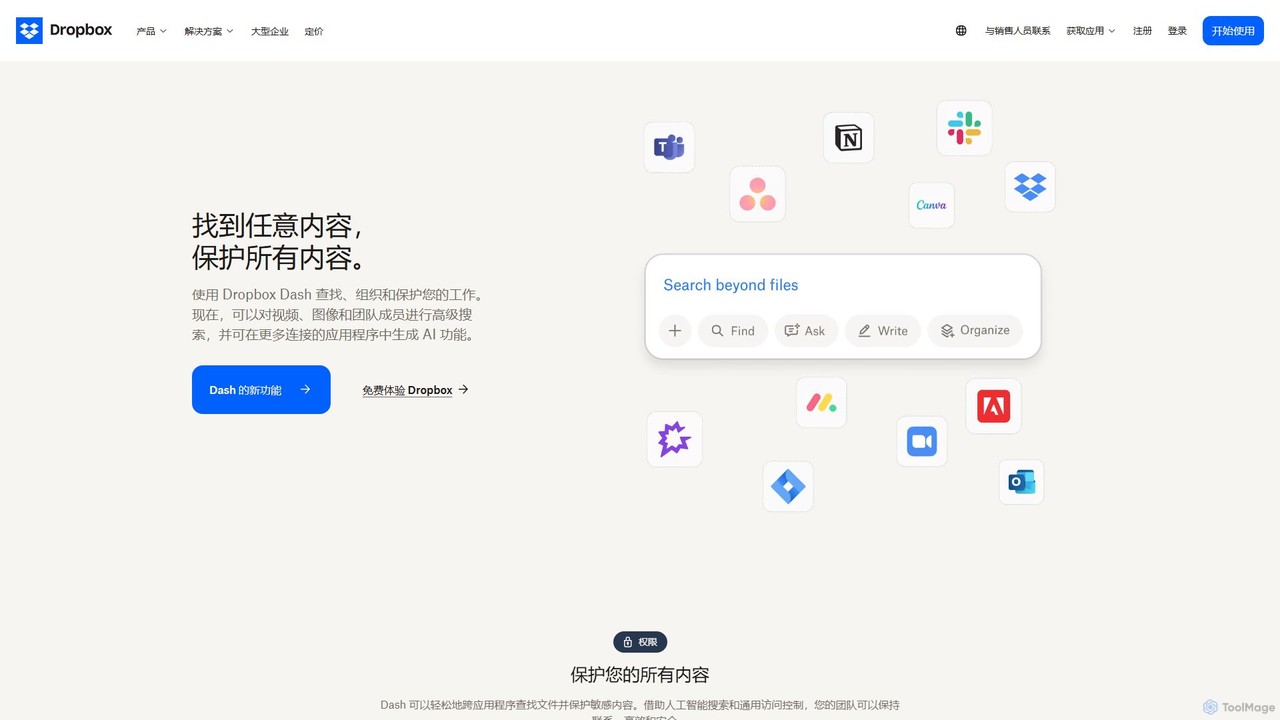
Dropbox is a modern workspace designed to reduce busywork, bringing your files, cloud content, and web shortcuts together in one place. It offers secure cloud storage, file synchronization, large file transfer, e-signatures, and AI-powered universal search to help you and your team stay organized, focused, and in sync.
About File Sharing
AI File Sharing tools are applications designed for the secure, efficient, and intelligent transfer of digital files, particularly large or sensitive ones. These platforms leverage AI to enhance security through threat detection, optimize transfer speeds, and automatically organize content. They provide businesses and professionals with a reliable method for exchanging data that surpasses the limitations of traditional email or consumer-grade cloud storage. This ensures that critical information is delivered quickly and safely, with full audit trails.
Core Features
- AI-Powered Security Scanning: Automatically scans files for malware, viruses, and sensitive data patterns before transfer.
- Optimized Transfer Protocols: Utilizes intelligent algorithms to accelerate upload and download speeds, especially for large files.
- Smart Organization: Employs AI to automatically tag and categorize files based on their content, simplifying search and management.
- Advanced Access Control: Provides granular control over who can access files, with features like link expiration, password protection, and download limits.
- Detailed Analytics: Offers insights into file activity, including who downloaded a file, when, and from where.
Use Cases
These tools are essential for industries that handle large or confidential data. Creative agencies use them to send high-resolution video files to clients, law firms securely exchange sensitive case documents, and software companies distribute large application builds to testers. They are also valuable in finance and healthcare for sharing compliant and encrypted records.
How to Choose
When selecting a File Sharing tool, consider its security features, such as end-to-end encryption and compliance certifications (e.g., GDPR, HIPAA). Evaluate file size and bandwidth limits to ensure they meet your needs. Assess integration capabilities with your existing workflow tools, like project management software or cloud storage. Finally, review the analytics and reporting features to determine if they provide sufficient oversight and control.

File SharingUse Cases
Secure Delivery of Large Media Files for Creative Agencies
A video production agency needs to send a 100GB final cut of a commercial to their client for approval. Using a standard email service is impossible due to size limits, and consumer cloud services lack professionalism and security tracking. By using an AI File Sharing tool, the project manager can upload the large file quickly thanks to optimized transfer protocols. They generate a password-protected, branded download link that expires in 48 hours. The tool's analytics dashboard notifies them the moment the client downloads the file, streamlining the feedback loop and ensuring the valuable asset is secure.
Exchanging Confidential Documents in Legal and Financial Sectors
A law firm needs to share sensitive discovery documents with co-counsel. Emailing these documents poses a security risk and lacks an audit trail. A dedicated File Sharing platform provides end-to-end encryption for all transfers. The paralegal can create a secure data room, invite specific users, and set permissions to view-only. The platform logs every access and action, providing a complete, defensible audit trail required for legal compliance. AI-powered features can also scan documents for personally identifiable information (PII) before sharing, adding an extra layer of protection.
Distributing Software Builds and Updates
A software development company regularly distributes new application builds to its QA team and beta testers located globally. These builds can be several gigabytes in size. A File Sharing tool with optimized transfer protocols ensures fast and reliable delivery to all recipients, regardless of their location. The DevOps team can automate the distribution process via API integration. Version control is simplified, as the platform can manage different build versions, and access analytics confirm which testers have downloaded the latest build, helping to coordinate testing efforts efficiently.
Collecting Submissions for Marketing Campaigns
A marketing team is running a user-generated video contest. They need a simple and secure way for participants to upload their large video files. A File Sharing tool provides a customizable upload portal that can be embedded on their campaign website. Participants can easily drag and drop their files without needing to create an account. The AI-powered organization feature can automatically create folders for each submission and tag them with the participant's information, saving the marketing team hours of manual sorting and organization. All submissions are stored securely in one central location.
Onboarding New Clients with Branded Portals
An accounting firm needs to securely collect a package of financial documents from new clients. Instead of a messy email chain, they use a File Sharing tool to create a secure, branded client portal. The account manager sends a single link where the new client can both download onboarding materials (like service agreements) and upload their sensitive documents (like tax records). The portal provides a professional first impression. AI-powered security scans each uploaded document for potential threats, and access controls ensure that only authorized personnel within the firm can view the client's confidential information.
AI-Powered Archiving and Intelligent Retrieval
A research institute completes a multi-year project, generating thousands of documents, datasets, and images. They need to archive this data for future reference. A File Sharing tool with AI capabilities can automatically process and index the entire archive. The AI analyzes the content of documents and images, applying relevant tags like 'genomic_data,' 'clinical_trial_phase_3,' or 'microscopy_image.' Years later, when a new researcher needs to find specific data, they can use natural language search queries like 'find all phase 3 trial results from 2022,' and the system instantly retrieves the relevant files, saving immense amounts of time compared to manual folder navigation.