

Riffo Overview
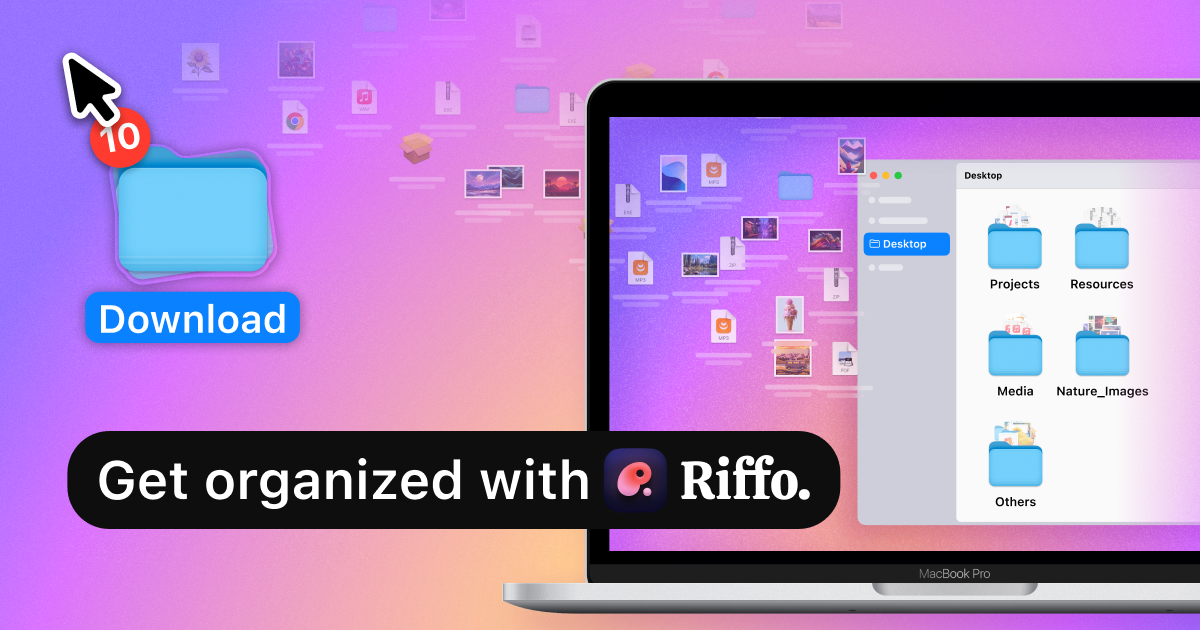
Riffo is an intelligent, AI-driven file renaming and management application designed to eliminate the chaos of disorganized digital files. Developed by GroupUltra Limited, Riffo was born from the realization that while our files are valuable, managing them is often a tedious and frustrating task. The tool's vision is to create a future where users no longer need to spend hours on manual organization, as Riffo handles everything automatically. It transforms nonsensical filenames into informative ones and intelligently sorts files into appropriate subfolders, bringing clarity and order to your digital life.
Currently available for macOS, Riffo is built with a user-centric approach, continuously evolving based on community feedback. It's more than just a utility; it's a smart assistant that understands the content of your files, whether they are screenshots, documents, or images, to perform its organizational magic.
How to use Riffo
Using Riffo is designed to be an intuitive and straightforward process, allowing you to organize hundreds of files in minutes.
- Download and Install: First, download the Riffo application from the official website and install it on your Mac.
- Drag and Drop: Simply drag and drop a single file, a batch of files, or an entire messy folder directly into the Riffo window.
- Choose a Function: Select your desired operation from the sidebar: 'File Renaming' to change filenames or 'Auto Foldering' to sort files into new subfolders.
- AI Analysis: Riffo's AI gets to work, analyzing the content of each file. It can read text within screenshots, extract key data from PDFs, and understand the context of images.
- Review and Customize: Before any changes are made, Riffo presents a preview of the suggested new names or the proposed folder structure. You can review these suggestions and, if needed, customize the naming patterns or settings.
- Apply Changes: Once you are satisfied with the preview, click 'Apply' to execute the changes. The files on your computer will be instantly renamed and/or moved.
- Revoke if Needed: If you make a mistake or change your mind, Riffo includes a 'Revoke' feature that allows you to easily undo the last operation for individual files or the entire batch.
Core Features of Riffo
- AI-Powered File Renaming: Automatically generates clear, descriptive, and consistent filenames based on the actual content of the files.
- Intelligent Auto-Foldering: Analyzes a batch of files and automatically creates a logical subfolder structure, sorting each file into the correct folder.
- Bulk Processing: Efficiently handles hundreds of files at once, turning a multi-hour task into a process that takes just a few minutes.
- Advanced Content Recognition: Utilizes OCR (Optical Character Recognition) to read text within images and screenshots, and analyzes data within documents like PDFs to create relevant names.
- Customizable Naming Formats: Provides advanced settings to customize the naming patterns, allowing you to include elements like dates, custom text, or sequential numbers.
- Intuitive Drag-and-Drop Interface: Simplifies the entire process with a clean and user-friendly interface.
- Preview and Revoke Functionality: Ensures you have full control by allowing you to preview all changes before they are applied and easily revert them if necessary.
- Multi-language Support: The application interface supports multiple languages, including English and Chinese, to cater to a global user base.
Use Cases for Riffo
Riffo is versatile and can be used by anyone looking to improve their digital organization.
- Professionals and Students: Automatically organize research papers, reports, and scanned documents by title, author, or date, making them easily searchable.
- Designers and Artists: Rename entire folders of creative assets, such as mockups, drafts, and final art pieces, with descriptive names like 'ClientName-Project-Version'.
- Developers: Quickly sort and rename countless screenshots of bugs, UI elements, and error logs, embedding key information directly into the filename.
- General Users: Tidy up the notoriously messy 'Desktop' and 'Downloads' folders, sorting everything from receipts and tickets to family photos into a clean folder structure.
Advantages of Riffo
Riffo offers significant advantages over manual organization or traditional renaming tools.
- Massive Time Savings: It automates what is typically a highly manual and time-consuming task, freeing up hours each month.
- Enhanced Productivity: With well-named and organized files, you can find what you need in seconds, not minutes, boosting your overall workflow efficiency.
- Effortless Organization: It removes the mental burden of having to decide how to name and where to store files. The AI does the thinking for you.
- Context-Aware Intelligence: Unlike simple batch renamers, Riffo understands the *content* and *context* of your files, leading to much more meaningful organization.
- Continuous Improvement: The development team actively listens to user feedback and maintains a public roadmap, ensuring the tool is constantly getting better.
Pricing and Plans
Riffo is currently available as a free download for macOS. The core features of AI-powered renaming and auto-foldering are offered at no cost, aligning with the company's mission to make file organization accessible to everyone. While the tool is free to use, future updates may introduce premium plans with more advanced features or higher usage limits for power users.
Traffic
Latest traffic
Status
Monthly traffic trend
- 2025-9: 8.9K
- 2026-1: 11.1K
- 2026-2: 10.9K
- 2026-3: 9.2K
- 2026-4: 7.0K
- 2026-5: 6.2K
Geography
Top 5 countries / regions
- 🇺🇸United States51.6%
- 🇮🇳India24.7%
- 🇩🇪Germany12.2%
- 🇮🇩Indonesia10.3%
- 🇬🇧United Kingdom1.2%
Top keywords
| Keyword | Cost per click |
|---|---|
| ai renamer for mac | $0.00 |
| is any app which can access my files and reorganize them as per folders | $0.00 |
| riffo | $0.00 |
| riffo ai | $0.00 |
| riffo for windows | $0.00 |
Riffo Alternatives
AI Renamer
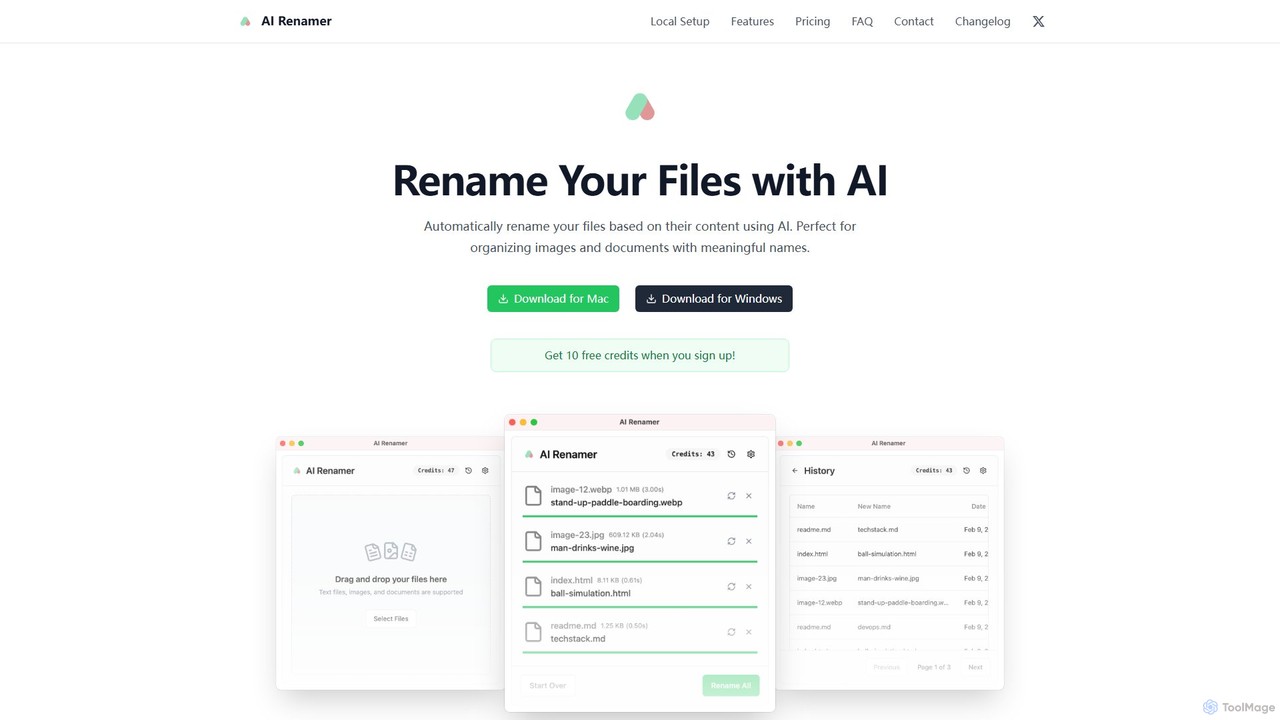
AI Renamer is a smart desktop application for Mac and Windows that automatically renames files based on their content. It analyzes images and documents to generate descriptive, meaningful names, helping you organize your digital life effortlessly. It supports batch processing, custom naming rules, and offers both a private, offline Local Mode and a convenient Cloud Mode.
Document Management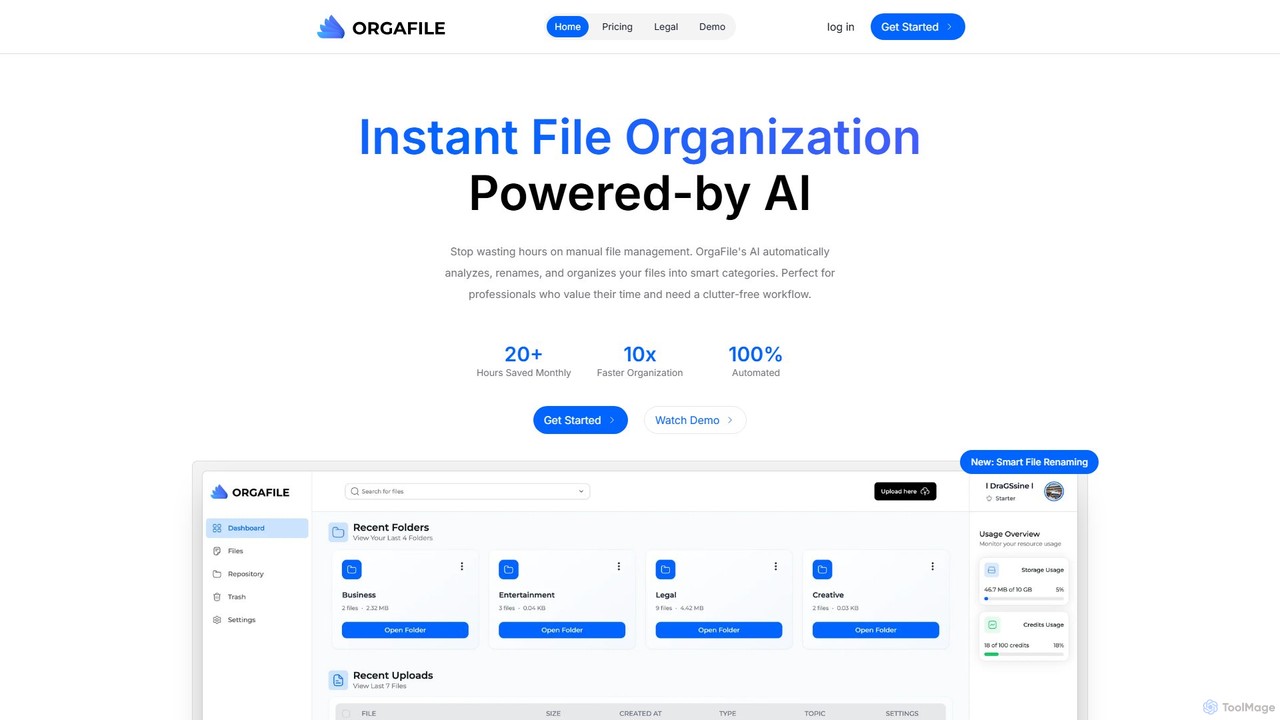
OrgaFile
OrgaFile is an AI-powered tool that automatically analyzes, renames, and organizes your files into smart, customizable categories. Designed for professionals and individuals, it saves hours of manual work, enhances productivity with a 10x faster organization process, and ensures your digital workspace remains clutter-free and secure.
Workflow
Keep It Shot
Keep It Shot is a macOS application that uses AI to intelligently rename your screenshots and other files. It automatically creates descriptive names and builds a private, offline, and fast search index, transforming your messy file collection into an organized and searchable second brain.
Automation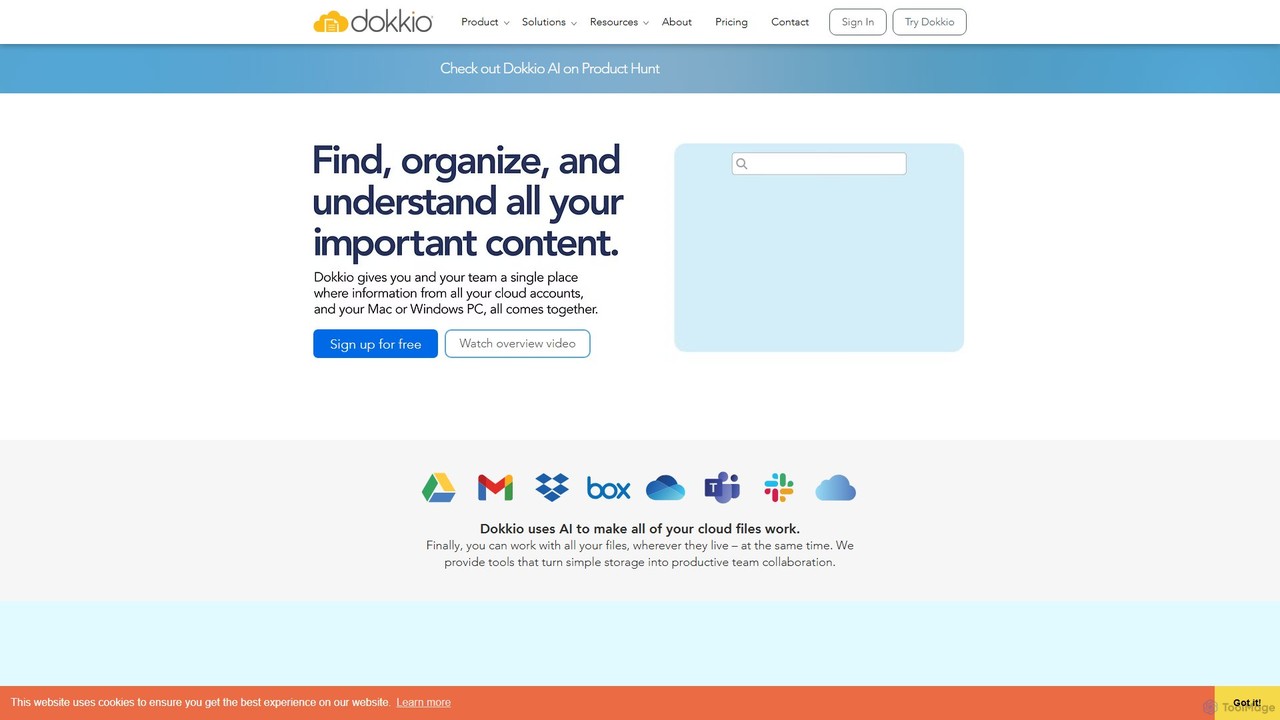
Dokkio
Dokkio is an AI-powered platform that unifies all your files from various cloud services like Google Drive, Dropbox, and Slack. It intelligently finds, organizes, and helps you understand your content, transforming scattered files into a centralized, searchable knowledge base for enhanced productivity and team collaboration.
Teamwork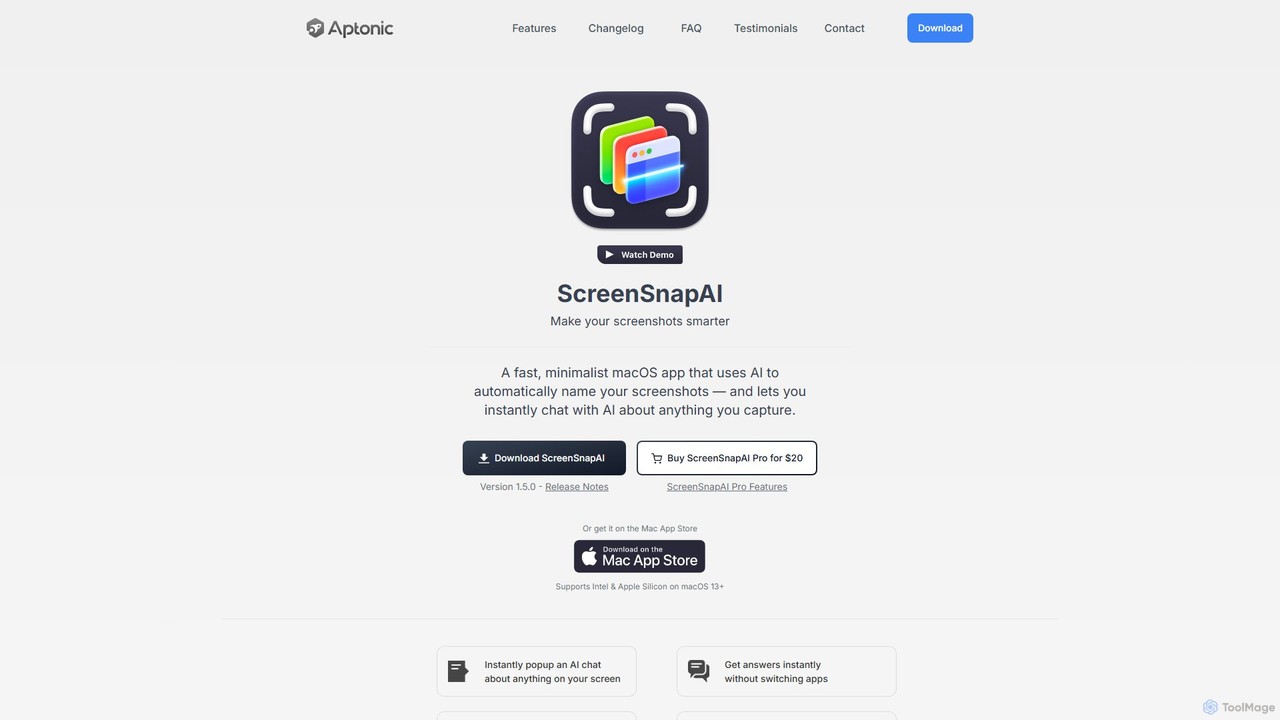
ScreenSnapAI
ScreenSnapAI is a smart macOS application that uses AI to automatically rename, tag, and organize your screenshots. It features an integrated AI assistant that allows you to instantly chat about, translate, or extract text and code from any captured image, dramatically improving productivity and workflow efficiency.
Code AssistantRiffo Categories
Riffo Embed Widget
Copy this embed code to place the badge on your blog, article, or product site and send readers directly to this ToolMage detail page.

Related AI tools
AI Renamer
AI Renamer is a smart desktop application for Mac and Windows that automatically renames files based on their content. It analyzes images and documents to generate descriptive, meaningful names, helping you organize your digital life effortlessly. It supports batch processing, custom naming rules, and offers both a private, offline Local Mode and a convenient Cloud Mode.
Document ManagementKeep It Shot
Keep It Shot is a macOS application that uses AI to intelligently rename your screenshots and other files. It automatically creates descriptive names and builds a private, offline, and fast search index, transforming your messy file collection into an organized and searchable second brain.
AutomationOrgaFile
OrgaFile is an AI-powered tool that automatically analyzes, renames, and organizes your files into smart, customizable categories. Designed for professionals and individuals, it saves hours of manual work, enhances productivity with a 10x faster organization process, and ensures your digital workspace remains clutter-free and secure.
WorkflowDokkio
Dokkio is an AI-powered platform that unifies all your files from various cloud services like Google Drive, Dropbox, and Slack. It intelligently finds, organizes, and helps you understand your content, transforming scattered files into a centralized, searchable knowledge base for enhanced productivity and team collaboration.
TeamworkScreenSnapAI
ScreenSnapAI is a smart macOS application that uses AI to automatically rename, tag, and organize your screenshots. It features an integrated AI assistant that allows you to instantly chat about, translate, or extract text and code from any captured image, dramatically improving productivity and workflow efficiency.
Code Assistant
Ai Photo Sorter
A privacy-first, AI-powered web application that helps you efficiently organize local photo collections. Create custom categories, sort images, and detect duplicates securely on your own computer without uploading any data.
Photo Organization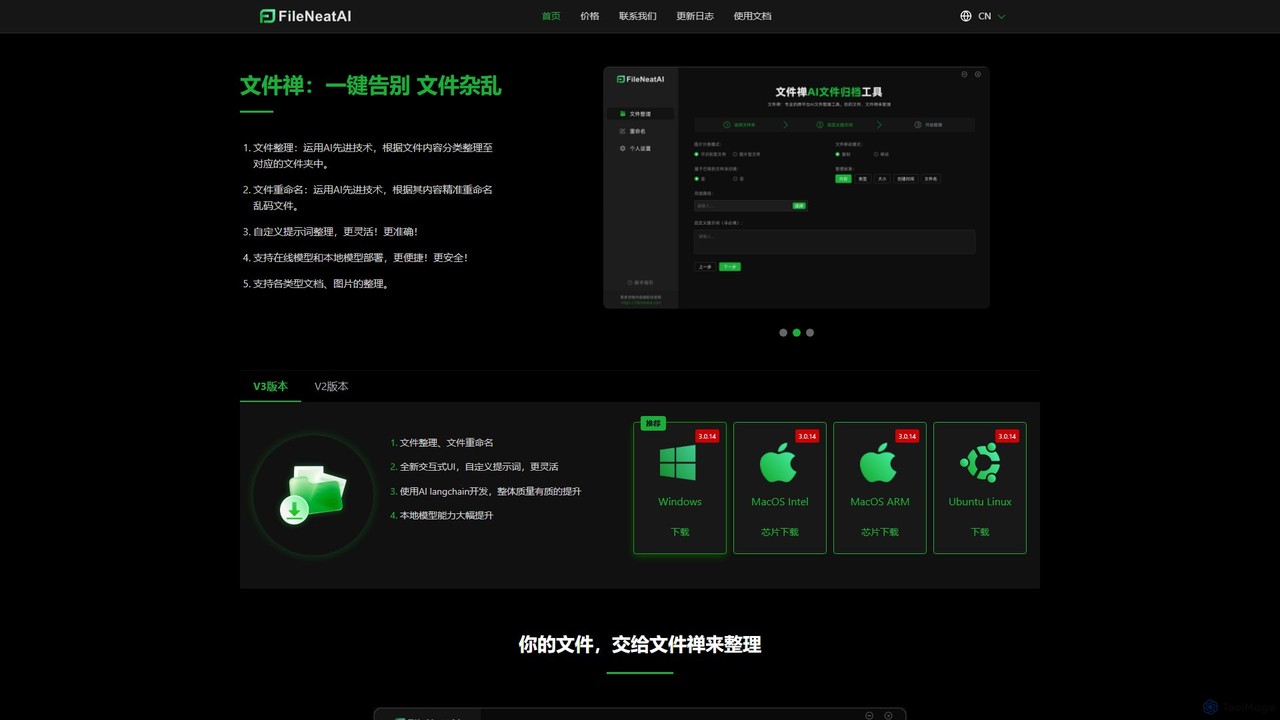
Filezen
Filezen is an AI-powered desktop application that automatically organizes messy files and renames them based on their content. It supports custom prompts for flexible sorting, works with various document and image types, and offers local model deployment for enhanced privacy.
Organization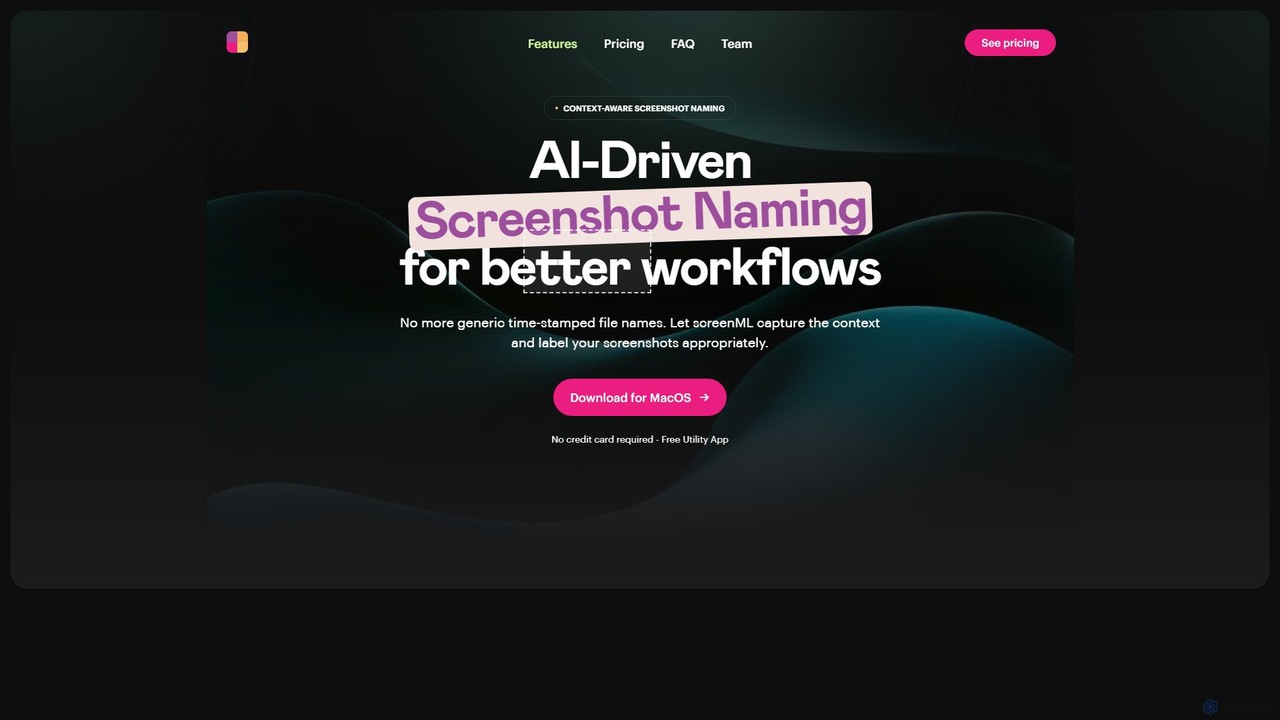
ScreenML
ScreenML is an AI-powered MacOS utility that automatically renames your screenshots with context-aware, descriptive filenames. It eliminates cluttered desktops and timestamped file names, making your screenshots organized, searchable, and easy to manage, streamlining your entire workflow.
Screenshot Tool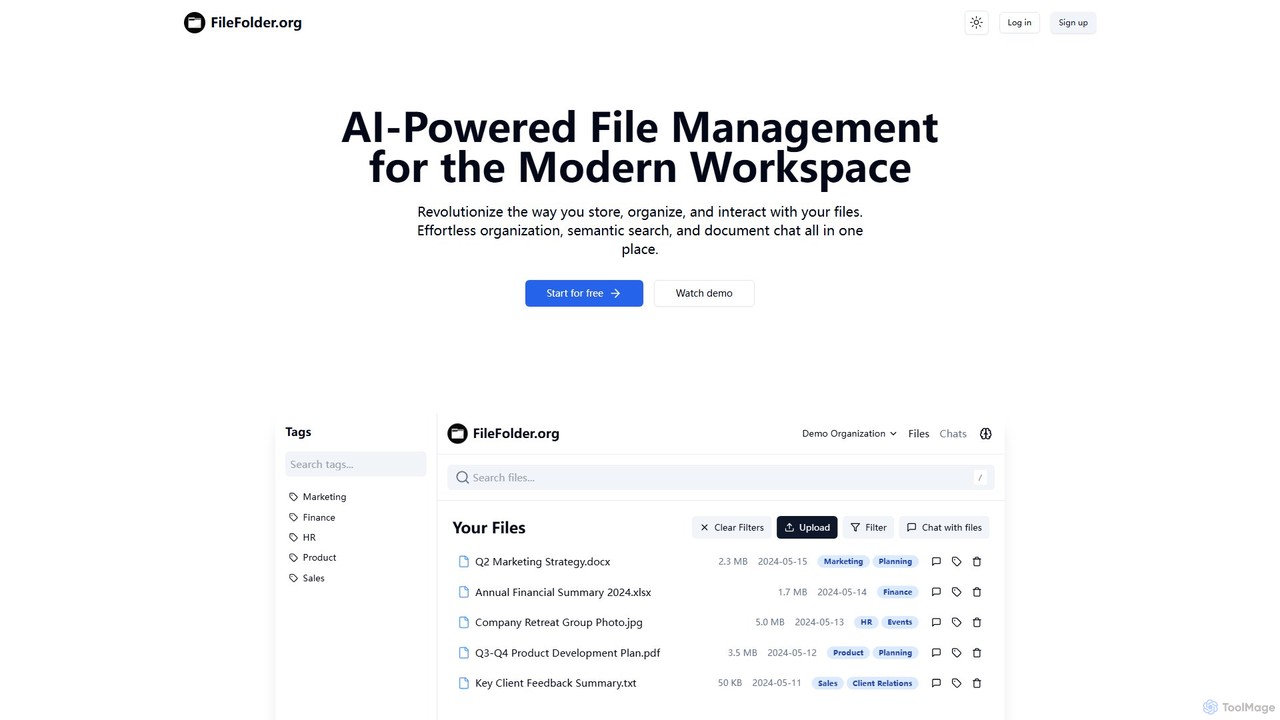
FileFolder
FileFolder is an AI-powered file management platform that intelligently organizes, searches, and automates your digital files. It uses AI to automatically categorize documents, extract key data, and provide powerful semantic search, transforming your cluttered folders into a smart, accessible library.
Document Management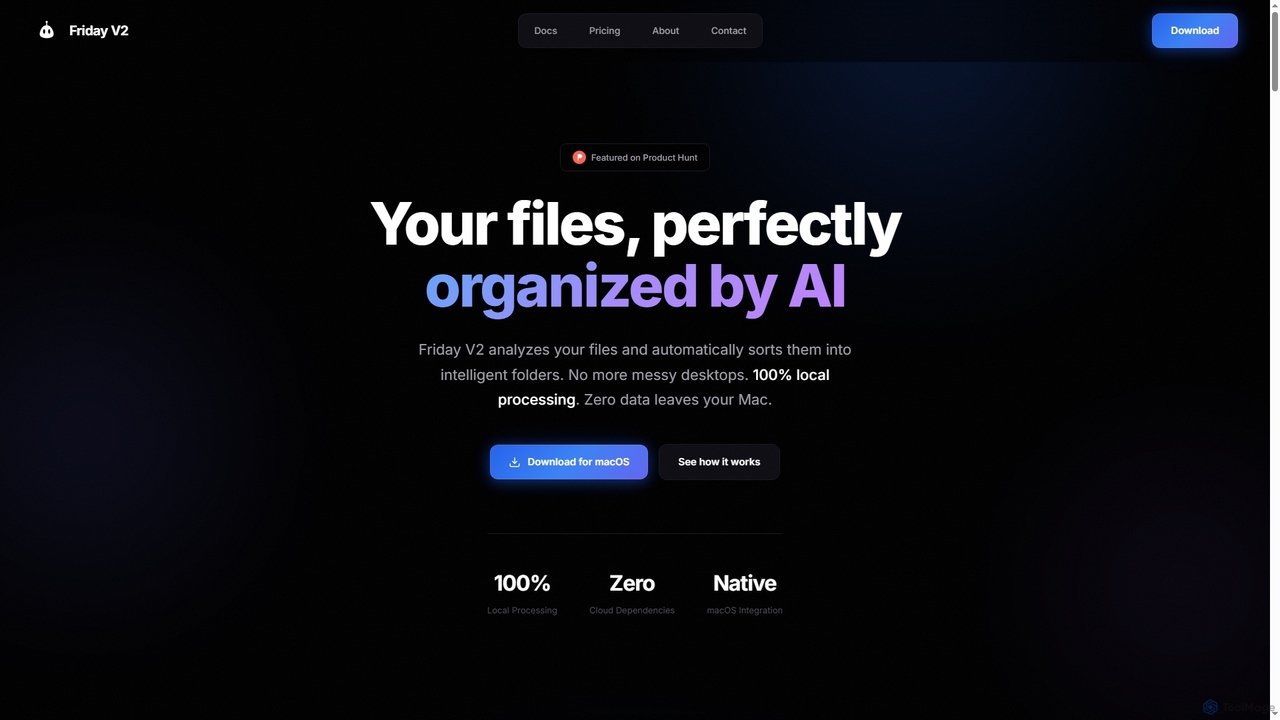
Friday
Friday is an AI-powered Mac application designed for intelligent, privacy-first file organization. It scans, classifies, and organizes your digital files locally on your device, transforming chaotic folders into a clean, logical structure automatically.
Desktop Automation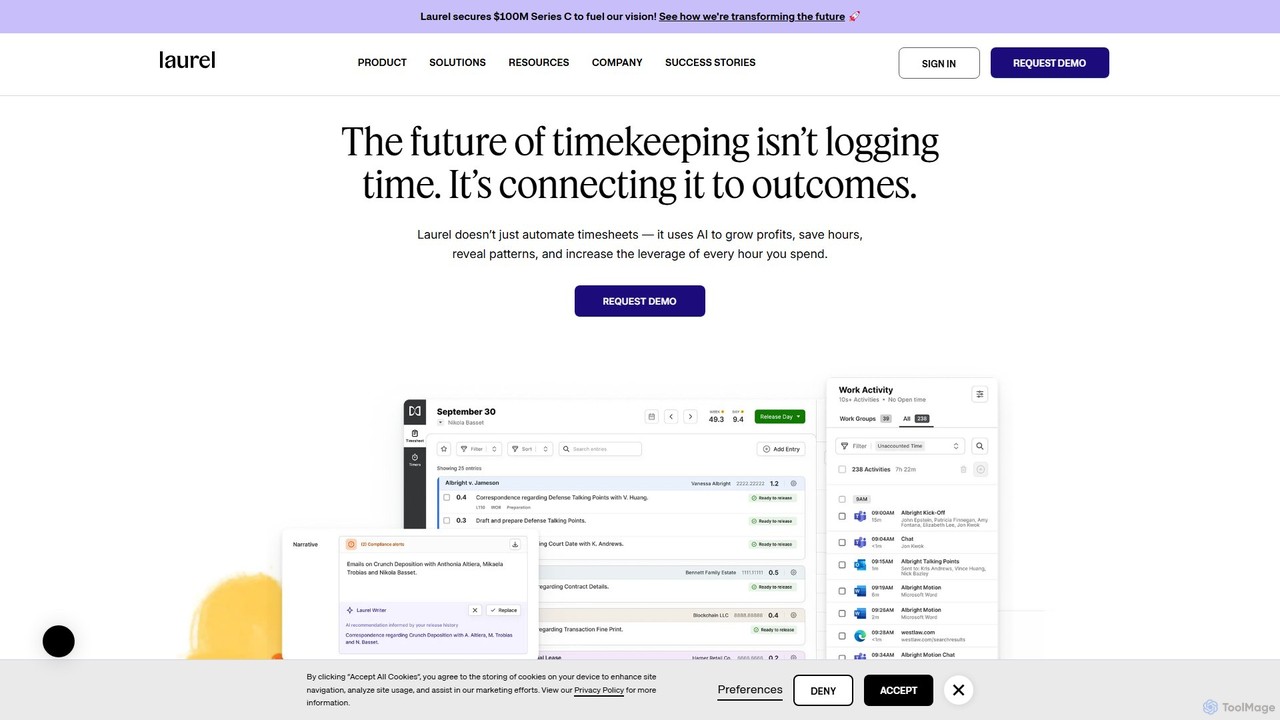
Laurel
Laurel is an AI-powered time intelligence platform that automates timekeeping for professional services firms like law and accounting. It goes beyond simple time tracking by connecting time to business outcomes, helping firms recover lost billable hours, increase profitability, and gain deep operational insights to optimize pricing and resource allocation.
Analytics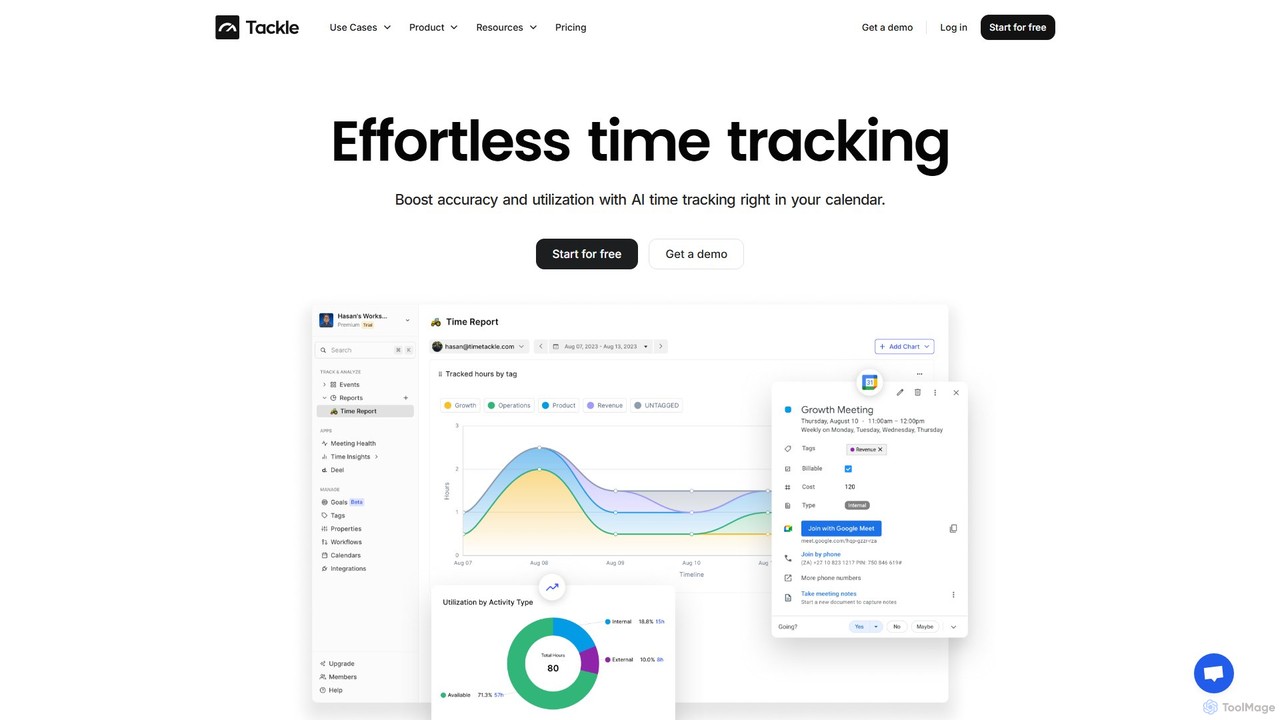
timetackle
timetackle is an AI-powered time tracking software that integrates seamlessly with Google and Outlook calendars. It automates activity logging, provides intelligent insights, and offers customizable reporting to help teams and individuals optimize productivity, improve resource allocation, and align daily tasks with strategic goals. Effortlessly track time and gain actionable data without leaving your calendar.
Analytics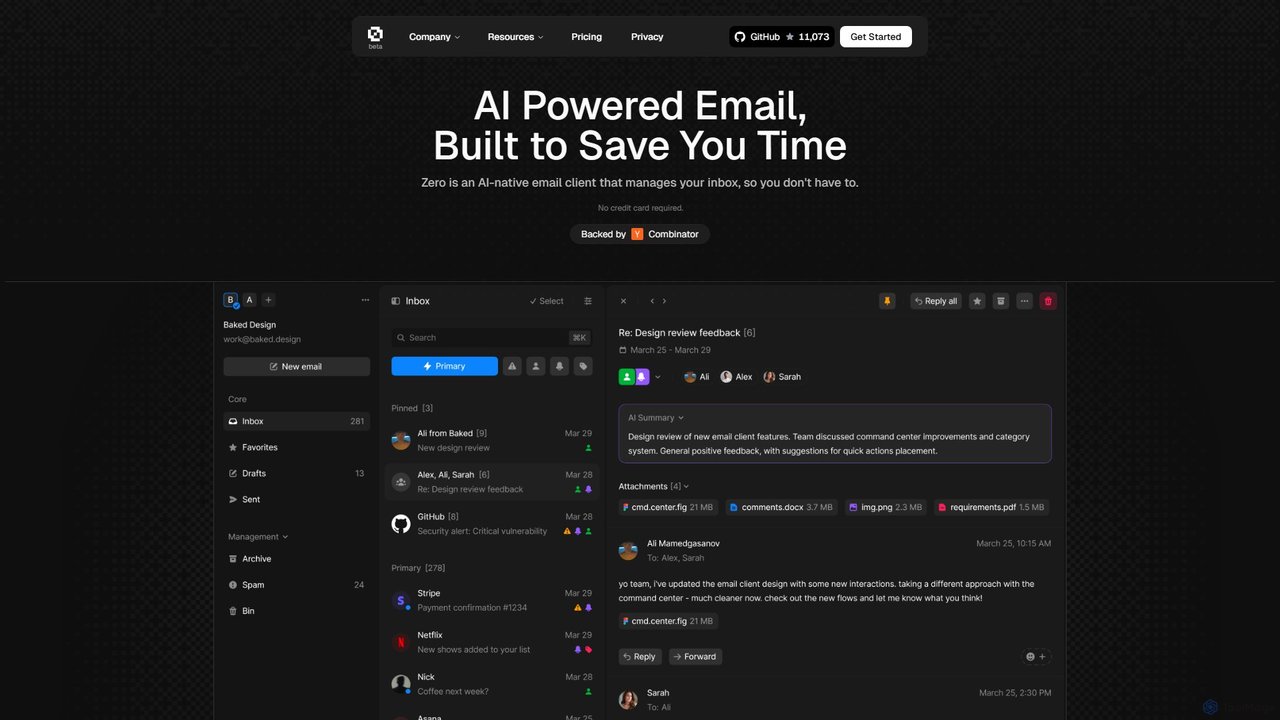
Zero
Zero is an AI-native email client designed to save you time. It automatically manages your inbox by summarizing threads, drafting replies, and extracting action items, allowing you to process emails at lightning speed with a keyboard-first interface.
Personal Assistant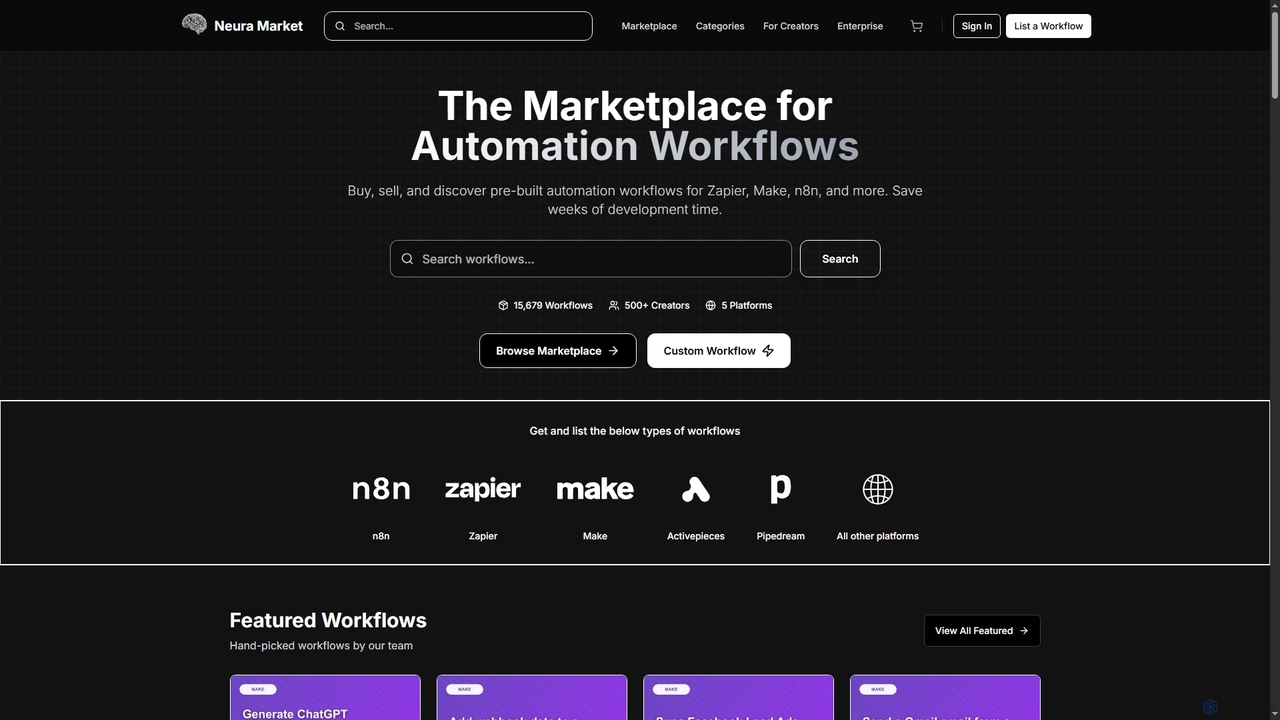
Neura
Neura is the leading marketplace for discovering, buying, and selling pre-built automation workflows. It empowers individuals and enterprises to streamline operations, integrate AI tools like ChatGPT, and save significant development time across platforms such as Zapier, Make, and n8n. With a vast library of workflows and a robust creator ecosystem, Neura simplifies complex automation tasks for various business needs.
Workflow Automation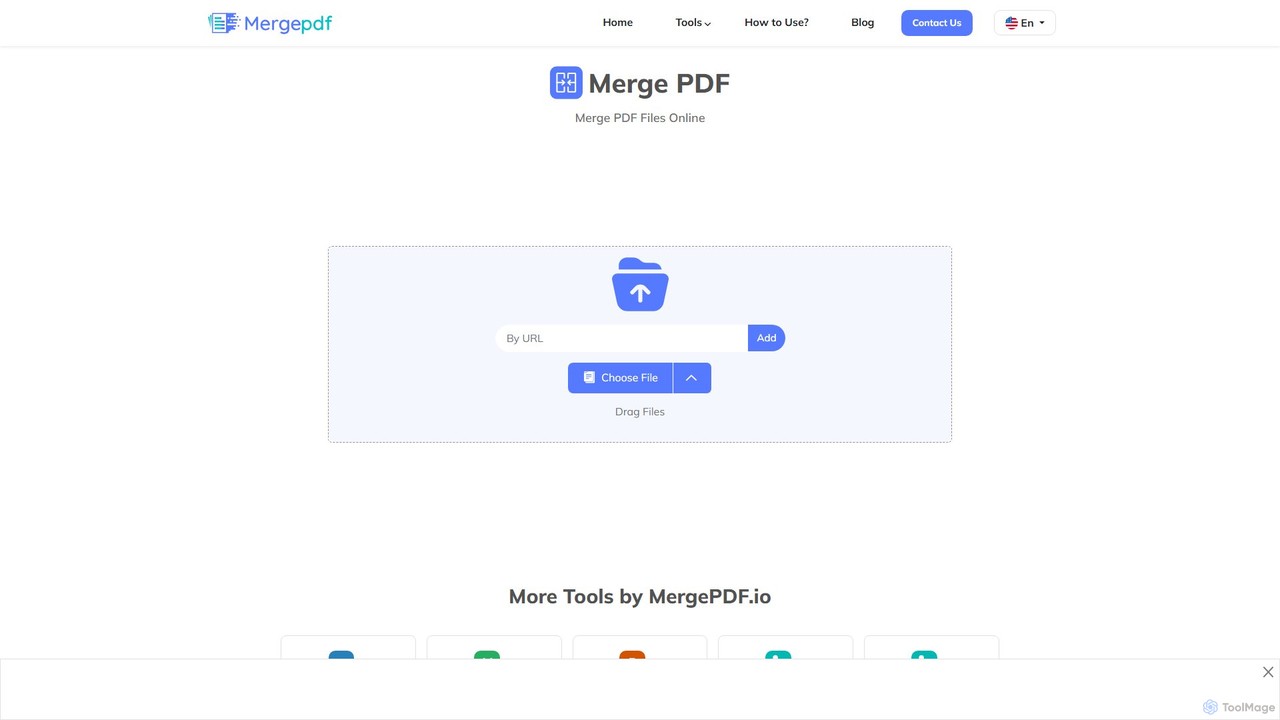
mergepdf
mergepdf is a free, secure, and user-friendly online tool for combining multiple PDF files into a single document. It works on any device without registration, preserving original quality and layout. Users can easily upload, reorder, and merge files with no limitations on size or number.
Office Tools
Riffo Comments (0)
Sign in to comment.
Sign inNo comments yet.