ToolMage
Sign in

Best 2 Desktop Enhancement AI tools for Utilities

Popular Desktop Enhancement AI tools in Utilities include Riffo and Emojibu, helping you work more efficiently.

Emojibu
Paid

Emojibu

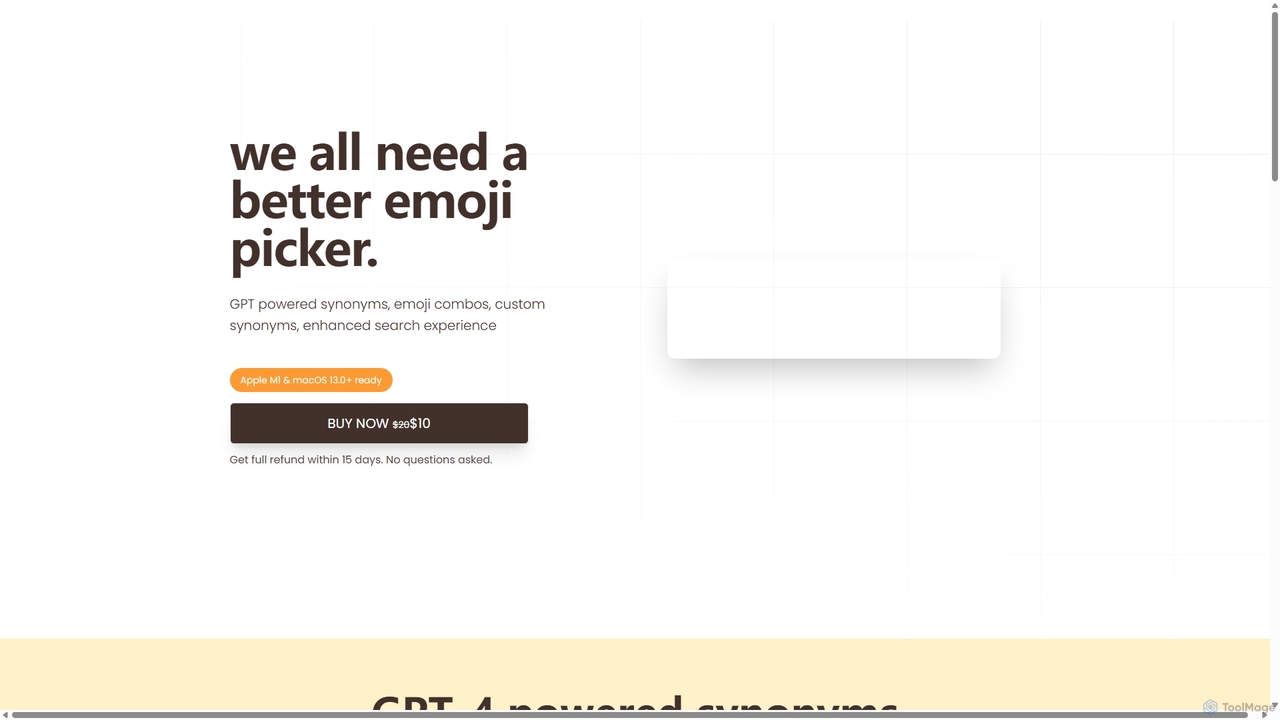
emojibu is an advanced emoji picker for macOS, powered by GPT-4. It revolutionizes how you find and use emojis with AI-driven synonym search, creative emoji combinations, and personalized keywords. Its multi-tab search interface and one-time purchase model make it a powerful and cost-effective tool for anyone who communicates digitally, enhancing expression and productivity.

Writing
Visits 5.5KFavorites 132Likes 128
Riffo
Freemium

Riffo

Riffo is an AI-powered file management tool for Mac that automatically renames and organizes your files. It intelligently analyzes file content, including text in images and documents, to generate descriptive names and sort them into relevant subfolders, transforming a cluttered desktop into an organized digital workspace.

Workflow
Visits 11.9KFavorites 149Likes 151

About Desktop Enhancement

Desktop Enhancement tools are applications that integrate artificial intelligence directly into your operating system to streamline workflows and boost productivity. These tools act as intelligent command centers, using natural language processing and machine learning to understand commands, search for information, and automate tasks. This allows you to control your computer, access files, and manage applications more intuitively and efficiently than with standard OS features, significantly reducing context switching.

Core Features

  • Universal AI Search: Instantly find local files, applications, and web results using conversational language queries.
  • Contextual Actions: Get AI-powered suggestions like summarizing, translating, or rephrasing any selected text on the fly.
  • Natural Language Commands: Execute complex actions, such as creating a calendar event or sending an email, by typing a simple sentence.
  • Intelligent Clipboard: Enhance your clipboard with a history that can automatically process, format, or extract data from copied content.
  • Workflow Automation: Build and trigger custom multi-step actions and scripts using simple keywords or hotkeys.

Use Cases

These tools are highly beneficial for professionals like developers, writers, researchers, and project managers who frequently switch between applications and handle large volumes of information. They excel in environments where quick access to data, rapid task execution, and minimizing distractions are critical for maintaining focus and efficiency.

How to Choose

When selecting a Desktop Enhancement tool, evaluate its integration capabilities with your essential apps, the customizability of its commands and workflows, and its performance impact on your system. It is also crucial to review the privacy policy, particularly how the tool processes your local data and commands.

Desktop Enhancement use cases

1

Accelerating a Developer's Coding Workflow

A software developer uses a desktop enhancement tool to avoid constant context switching. Instead of manually opening folders or a terminal, they press a hotkey and type 'find function calculateTotal in project E-commerce' to instantly see the relevant code. They can also execute commands like 'npm run dev' or ask the AI to 'refactor this selected code for better readability' directly within their editor, keeping them focused and in a state of flow.

2

Efficient Information Gathering for Researchers

A researcher is analyzing multiple academic papers and web articles. By highlighting a complex term in a PDF, their desktop tool instantly displays a definition and links to related local documents. When they copy a citation, the intelligent clipboard automatically formats it into APA style. They can also ask, 'summarize the key findings of the document open on my screen,' receiving a concise overview without needing to re-read the entire text, streamlining the literature review process.

3

Streamlining a Project Manager's Daily Tasks

A project manager juggles multiple apps like Slack, Jira, and Google Calendar. Using a desktop enhancement tool, they can type 'create a new Jira ticket for the design team about the login page bug' from anywhere on their desktop. The tool parses the command and opens the Jira creation form with pre-filled details. Similarly, they can type 'schedule a meeting with Sarah tomorrow at 10 am to discuss the Q4 budget' to instantly create a calendar event, saving time and maintaining focus on strategic planning.

4

Instant Content Repurposing for Marketers

A content marketer needs to adapt a blog post for different social media platforms. They select a key paragraph from the article, and the desktop tool's contextual menu offers options to 'rewrite as a tweet,' 'create a LinkedIn post,' or 'generate bullet points for an Instagram story.' This eliminates the need to copy-paste into a separate AI writing tool. The marketer can generate multiple variations in seconds, test different angles, and maintain a consistent publishing schedule with significantly less effort.

5

Automating Repetitive File Organization

An administrative assistant regularly downloads invoices, reports, and receipts. Instead of manually sorting these files, they set up a workflow in their desktop enhancement tool. The workflow automatically monitors the 'Downloads' folder. When a new file appears, the AI reads the filename and content to identify it as an 'invoice' or 'report,' renames it to a standard format (e.g., 'YYYY-MM-DD_ClientName_Invoice.pdf'), and moves it to the appropriate folder in their cloud drive, saving hours of manual work each week.

6

Seamless Multilingual Communication for Support Teams

A customer support agent interacts with users from different countries. When they copy a support ticket written in German, their AI-enhanced clipboard instantly shows the English translation alongside the original text. They can then type their reply in English, select it, and use a contextual command to translate it back to German before pasting it into the ticketing system. This entire process happens without ever leaving the support application, enabling faster, more accurate cross-language communication.

Desktop Enhancement FAQ

What are AI Desktop Enhancement tools?

AI Desktop Enhancement tools are applications that act as an intelligent layer over your operating system (like Windows or macOS). They use AI, particularly natural language processing, to provide a unified command interface for controlling your computer. Instead of navigating different menus and apps, you can use a single input bar to search for files, launch programs, automate multi-step tasks, and get contextual AI assistance on any selected text. Their main purpose is to reduce friction and context switching in your daily workflow.

How do these tools differ from standard OS search like Spotlight or Windows Search?

Standard OS search is primarily designed for finding files and launching applications. AI Desktop Enhancement tools go much further by integrating action and intelligence. Key differences include:

  • Natural Language Understanding: You can issue complex commands like 'email the last screenshot on my desktop to my manager' instead of just searching for keywords.
  • Contextual Awareness: They can act on your currently selected text or active window, offering relevant actions like 'summarize' or 'translate'.
  • Integrations: They often connect with third-party applications (like Jira, Slack, or Notion), allowing you to control them without opening the app.
  • Automation: They enable users to build custom, multi-step workflows that standard search functions cannot perform.
In essence, OS search finds things, while desktop enhancement tools do things.

How should I choose the right AI Desktop Enhancement tool?

Choosing the right tool depends on your specific needs and workflow. Consider the following factors:

  • Ecosystem Integration: Does the tool connect seamlessly with the applications you use daily (e.g., Notion, Slack, Figma, GitHub)? Check its list of available integrations.
  • Customization and Extensibility: How easy is it to create your own custom commands, scripts, or workflows? Look for tools with a strong community or marketplace for extensions.
  • Performance: Since these tools run in the background, ensure they are lightweight and do not significantly slow down your computer. Look for user reviews regarding performance and memory usage.
  • Privacy and Security: The tool will have access to your local files and commands. Choose a provider with a transparent privacy policy that clarifies how your data is handled, especially whether it's processed locally or sent to the cloud.

Are my data and commands secure when using these tools?

Security is a critical consideration for desktop enhancement tools as they often require broad permissions to function. Reputable tools address this in several ways:

  • Local Processing: Many core functions, like file searching, may be processed entirely on your local machine without sending data to the cloud.
  • API-based AI Features: For features requiring large language models, data is sent to secure AI providers (like OpenAI or Anthropic) via encrypted APIs. The privacy policy should detail what is sent.
  • User Control: Look for tools that give you granular control over which folders, apps, and data the tool can access.
  • Transparency: A trustworthy provider will have a clear privacy policy explaining what data is collected, how it's used, and your options for opting out.
Always research the developer's reputation and privacy practices before granting a tool extensive access to your system.

Can these tools replace my need for other specific utility apps?

In many cases, yes. A powerful desktop enhancement tool can consolidate the functions of several other utilities. For example, it might replace:

  • A dedicated application launcher.
  • A separate clipboard history manager.
  • A text expansion tool (like TextExpander).
  • A window management utility.
  • Simple scripting or automation tools.
By centralizing these functions into one interface, you can create a more unified and efficient workflow. However, for highly specialized tasks, such as advanced automation with a tool like Keyboard Maestro, you might still prefer a dedicated application that offers deeper functionality in that specific area.