
FileFolder Overview
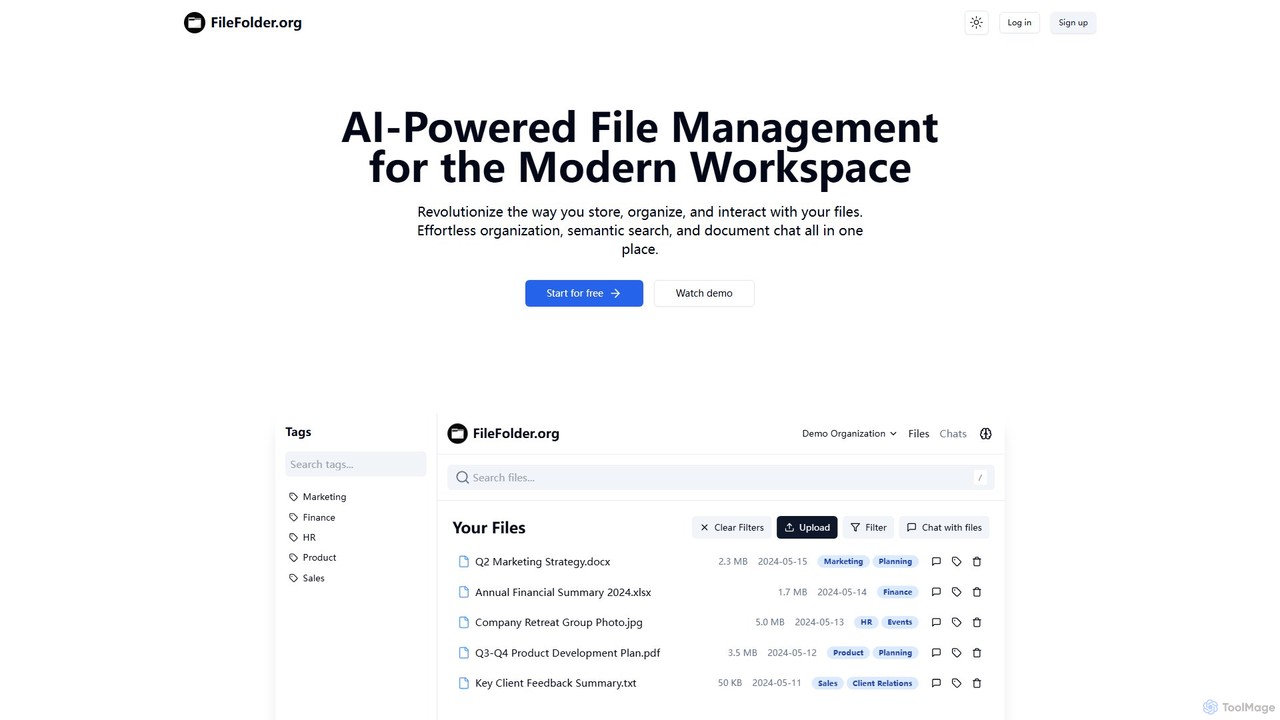
FileFolder is a next-generation file and document management system designed to bring order to digital chaos. In today's world, files are scattered across various cloud services, local drives, and email inboxes, making it difficult to find what you need when you need it. FileFolder addresses this challenge by leveraging advanced Artificial Intelligence to create a unified, intelligent, and automated hub for all your digital assets. It connects to your existing storage solutions like Google Drive, Dropbox, and local folders, and applies a layer of intelligence on top, without requiring you to migrate your files.
The platform's core is its ability to understand the content and context of your files. Instead of relying on rigid folder structures and precise filenames, FileFolder's AI analyzes the text, images, and metadata within your documents. This allows it to automatically sort files into logical categories, such as 'Invoices,' 'Contracts,' 'Marketing Reports,' or 'Project Blueprints,' saving you countless hours of manual organization.
How to use FileFolder
Getting started with FileFolder is designed to be simple and intuitive:
- Connect Your Sources: Sign up and connect your existing file storage accounts (e.g., Google Drive, Dropbox, OneDrive) and local directories. The platform uses secure, read-only access to begin indexing.
- Let the AI Work: FileFolder's AI will begin scanning and indexing your files in the background. It analyzes content, extracts metadata, and builds a powerful search index. This initial process may take some time depending on the number of files.
- Search with Natural Language: Once indexed, you can use the central search bar to find files using simple, conversational language. For example, search for "marketing presentation from last quarter with a bar chart" or "all invoices from Acme Corp in 2023."
- Explore Smart Folders: Check the automatically generated 'Smart Folders' that have categorized your documents based on their content.
- Create Automation Workflows: Go to the 'Automation' tab to set up rules. For instance, create a rule to automatically tag all incoming PDF receipts with 'Expense' and move them to a specific folder.
- Share and Collaborate: Securely share files or folders with team members, with AI-powered features that can warn you if a document contains sensitive information before you share it.
Core Features of FileFolder
- AI-Powered Categorization: Automatically sorts files into logical categories based on their content, such as invoices, resumes, contracts, and reports.
- Semantic Search: Go beyond keyword search. Find files based on concepts, context, and natural language queries, even if the words aren't in the filename.
- Automated Data Extraction: Pulls key information from unstructured documents. For example, it can extract the vendor, amount, and due date from an invoice PDF.
- Intelligent Workflow Automation: Create custom rules to automate repetitive tasks like renaming, moving, tagging, and archiving files based on triggers and content.
- Cross-Platform Unification: Connects multiple cloud storage services and local drives into a single, searchable interface.
- Duplicate File Detection: Identifies and helps you manage duplicate or near-duplicate files to free up storage space and reduce clutter.
- Content Summarization: Instantly generate concise summaries of long documents, articles, or reports without having to read them in full.
- Secure & Compliant: Employs robust security protocols and can help identify and flag Personally Identifiable Information (PII) to aid in compliance.
Use Cases for FileFolder
FileFolder is versatile and benefits various users:
- Business Teams: Centralize project documents, manage financial records like invoices and receipts, and streamline contract management by easily finding clauses and key dates.
- Marketing & Creative Agencies: Organize vast libraries of digital assets (images, videos, campaign briefs). Quickly find specific assets based on visual content or campaign theme.
- Legal Professionals & Researchers: Manage case files and research papers. Use semantic search to find relevant documents and precedents instantly.
- Students & Academics: Organize lecture notes, research papers, and assignments. Use summarization to quickly grasp the key points of academic articles.
- Individuals: Tame personal digital clutter by automatically organizing tax documents, receipts, manuals, and personal records.
Advantages of FileFolder
The primary advantage of FileFolder is the massive gain in productivity. It transforms time spent searching and organizing into time spent doing meaningful work. It reduces human error in filing, enhances data discovery, and provides a single source of truth for all documents. By automating routine tasks, it frees up mental bandwidth and streamlines workflows for both individuals and teams. Its ability to work with existing storage means there's no disruptive migration process, allowing for immediate benefits.
Pricing and Plans
As the official website information was not available, here is a representative pricing structure common for such AI tools:
- Free Plan: Ideal for individuals starting out. Includes connections to 2 sources, up to 1,000 files indexed, and basic AI search and organization features.
- Pro Plan ($10/month): Designed for power users and freelancers. Includes unlimited source connections, up to 50,000 files indexed, advanced semantic search, data extraction, and workflow automation.
- Business Plan ($25/user/month): Perfect for teams. Includes all Pro features plus collaborative workspaces, advanced user permissions, priority support, and team-wide analytics.
- Enterprise Plan (Custom Pricing): For large organizations with specific needs. Offers custom integrations, dedicated support, on-premise deployment options, and enhanced security and compliance features.
FileFolder Alternatives

Folderr
Folderr is an AI-powered platform that automates file management and document organization. It intelligently sorts, tags, and categorizes your files from various sources, enabling instant semantic search and streamlined workflows. Transform your digital clutter into an organized, accessible, and intelligent database.
Workflow Automation
Keep It Shot
Keep It Shot is a macOS application that uses AI to intelligently rename your screenshots and other files. It automatically creates descriptive names and builds a private, offline, and fast search index, transforming your messy file collection into an organized and searchable second brain.
Automation
mega
mega is an intelligent cloud storage and digital asset management platform. It uses powerful AI to automatically organize, tag, and search your files, transforming how you manage your digital life. Securely store, share, and collaborate with AI-driven features that streamline workflows and help you find what you need instantly.
Digital Asset Management
Parseur
Parseur is a powerful AI-powered document parsing tool that automates data extraction from emails, PDFs, and other documents. It converts unstructured text into structured data and sends it to thousands of applications, eliminating manual data entry and saving significant time.
Document Management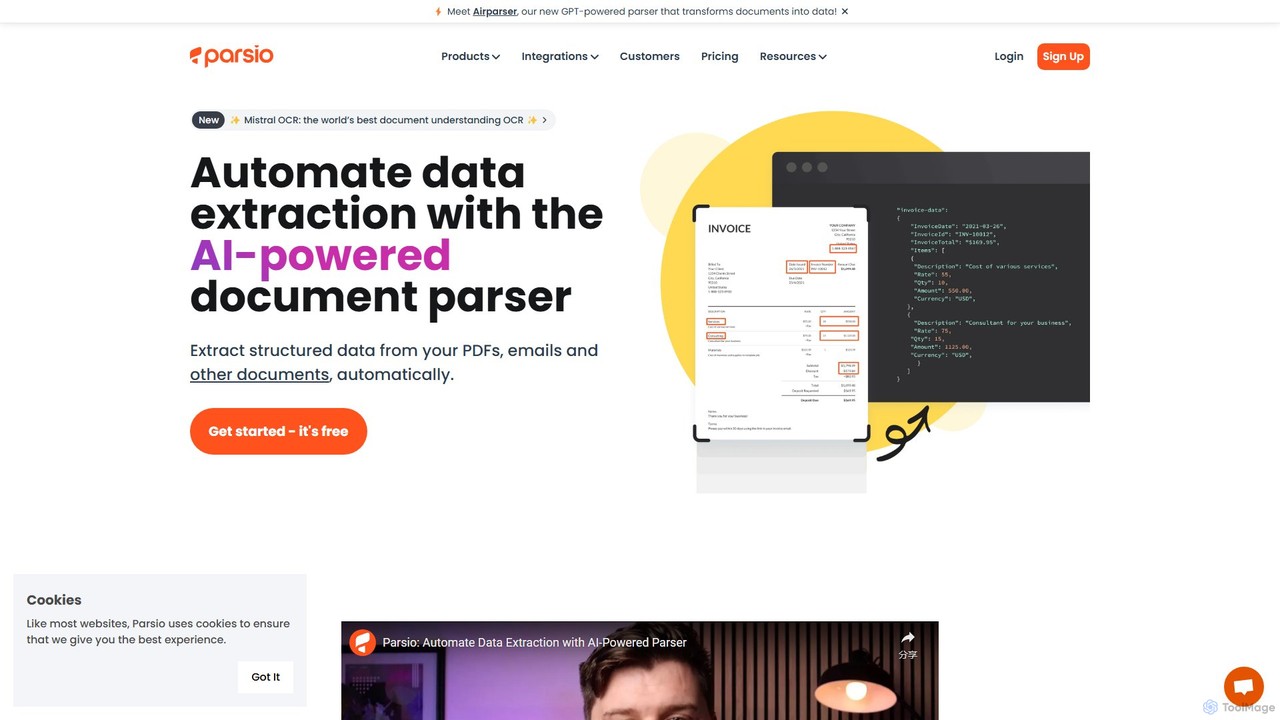
Parsio
Parsio is an AI-powered document parser that automates data extraction from emails, PDFs, and other documents. It uses OCR and AI models like GPT to capture structured data from unstructured text, eliminating manual data entry and streamlining business workflows through seamless integrations.
Document ManagementFileFolder Categories
FileFolder Embed Widget
Copy this embed code to place the badge on your blog, article, or product site and send readers directly to this ToolMage detail page.

Related AI tools
Folderr
Folderr is an AI-powered platform that automates file management and document organization. It intelligently sorts, tags, and categorizes your files from various sources, enabling instant semantic search and streamlined workflows. Transform your digital clutter into an organized, accessible, and intelligent database.
Workflow Automationmega
mega is an intelligent cloud storage and digital asset management platform. It uses powerful AI to automatically organize, tag, and search your files, transforming how you manage your digital life. Securely store, share, and collaborate with AI-driven features that streamline workflows and help you find what you need instantly.
Digital Asset Management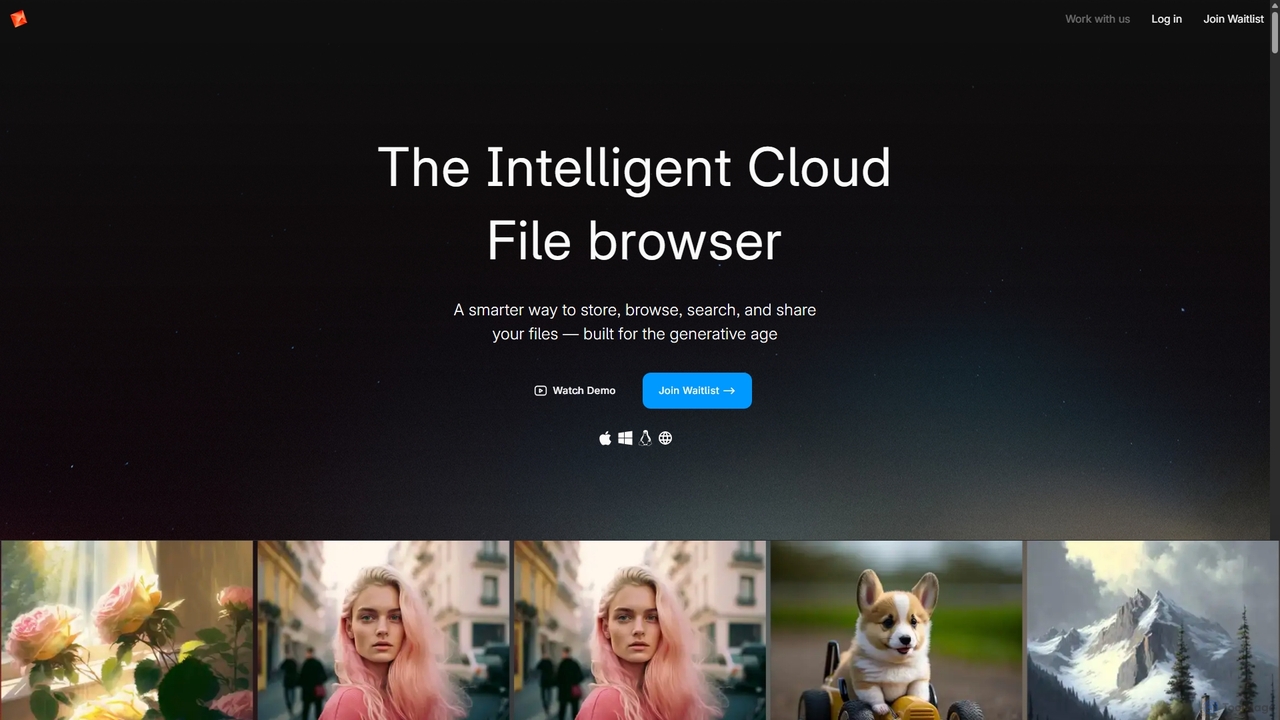
Poly
Poly is an intelligent cloud file browser designed for the generative age. It leverages multimodal AI to help you store, browse, search, and share your digital creations with unprecedented ease. Search by natural language, enjoy hyper-fast previews, and collaborate in real-time.
Search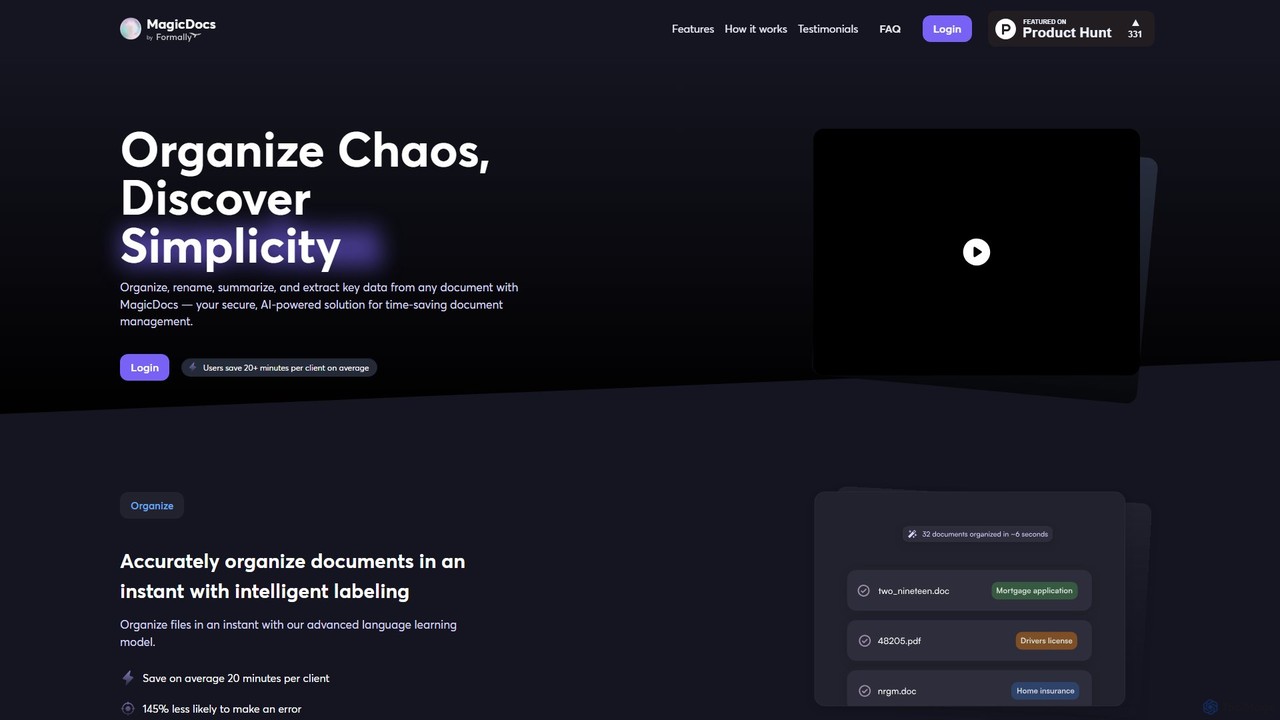
Magic Documents
Magic Documents is a secure, AI-powered solution that transforms chaotic document management. It automatically organizes, renames, summarizes, and extracts key data from any document, saving professionals significant time and reducing errors. Ideal for legal, financial, and business teams, it streamlines workflows and enhances collaboration with enterprise-grade security.
Data Extraction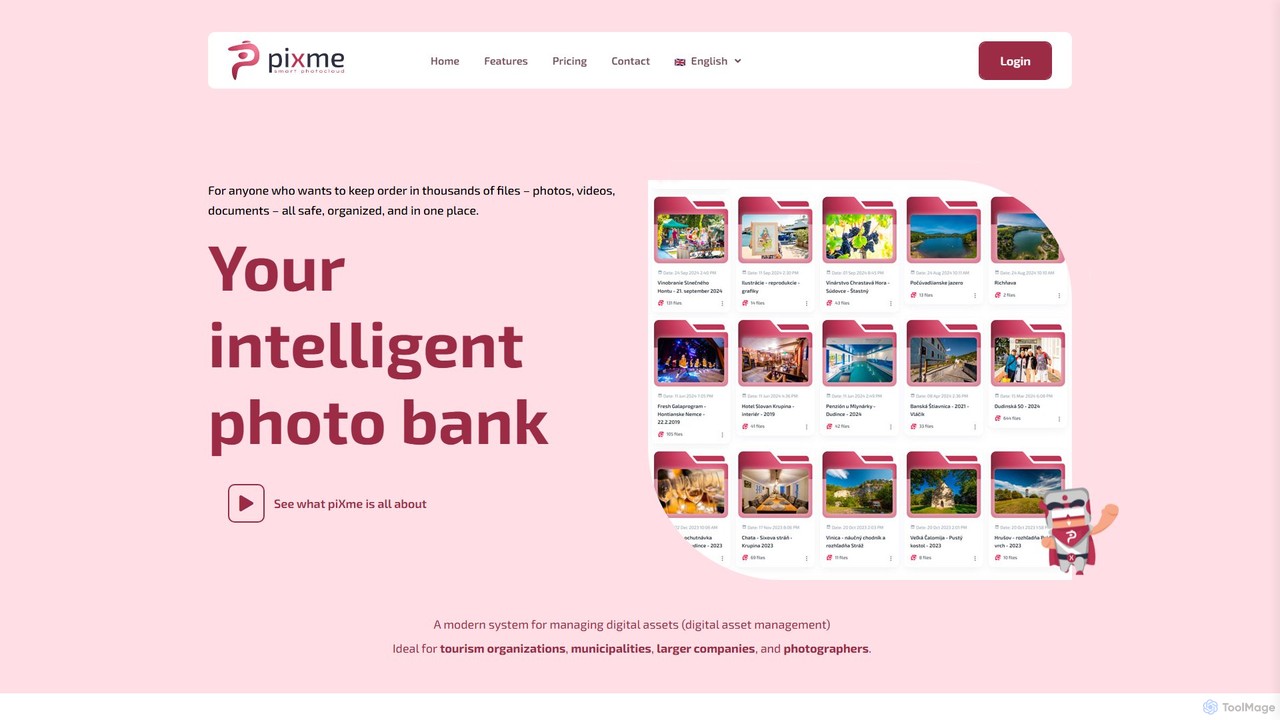
piXme
piXme is an intelligent Digital Asset Management (DAM) platform that uses AI to organize, back up, and search your photos, videos, and documents. Designed for businesses and professionals, it provides a secure, centralized cloud for all your digital files, saving time and improving workflow efficiency with powerful, content-aware search capabilities.
File ManagementKeep It Shot
Keep It Shot is a macOS application that uses AI to intelligently rename your screenshots and other files. It automatically creates descriptive names and builds a private, offline, and fast search index, transforming your messy file collection into an organized and searchable second brain.
Automation
Playbook
Playbook is an AI-powered visual cloud storage and digital asset management (DAM) platform designed for creatives, teams, and enterprises. It replaces traditional file storage with a dynamic, searchable workspace for images, videos, and design files. Featuring GPT-4 powered search, seamless collaboration tools, one-click publishing for portfolios, and integrated mini-apps for quick edits, Playbook streamlines the entire creative workflow from storage to delivery.
Asset Management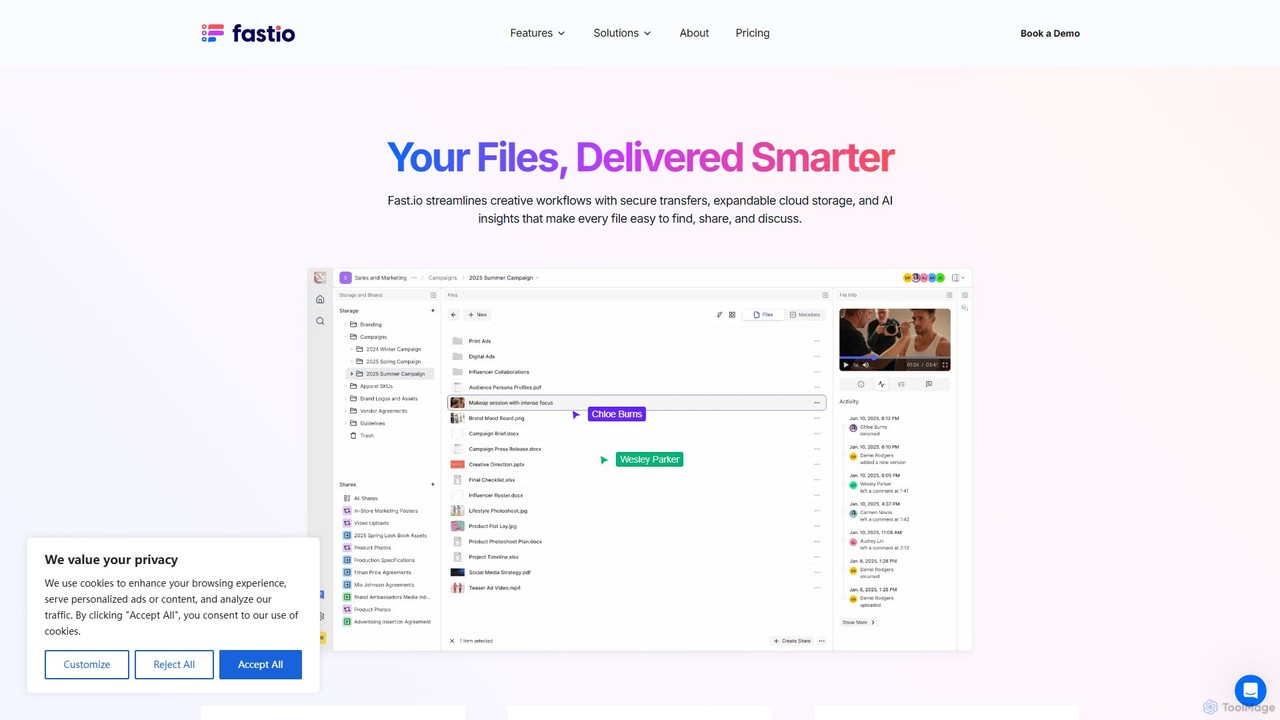
Fast.io
Fast.io is an intelligent file management platform that streamlines creative workflows. It offers secure file transfers, expandable cloud storage, and powerful AI insights to help teams find, share, and collaborate on digital assets effortlessly.
Digital Asset Management
Strawberry Browser
Strawberry Browser is an intelligent, AI-powered browser designed to automate your daily workflows. It allows you to build a team of customizable AI assistants that handle repetitive tasks like research, data extraction, and lead generation directly within your browser. Eliminate grunt work, stay focused, and enhance your productivity.
Ai Assistant
Riffo
Riffo is an AI-powered file management tool for Mac that automatically renames and organizes your files. It intelligently analyzes file content, including text in images and documents, to generate descriptive names and sort them into relevant subfolders, transforming a cluttered desktop into an organized digital workspace.
Workflow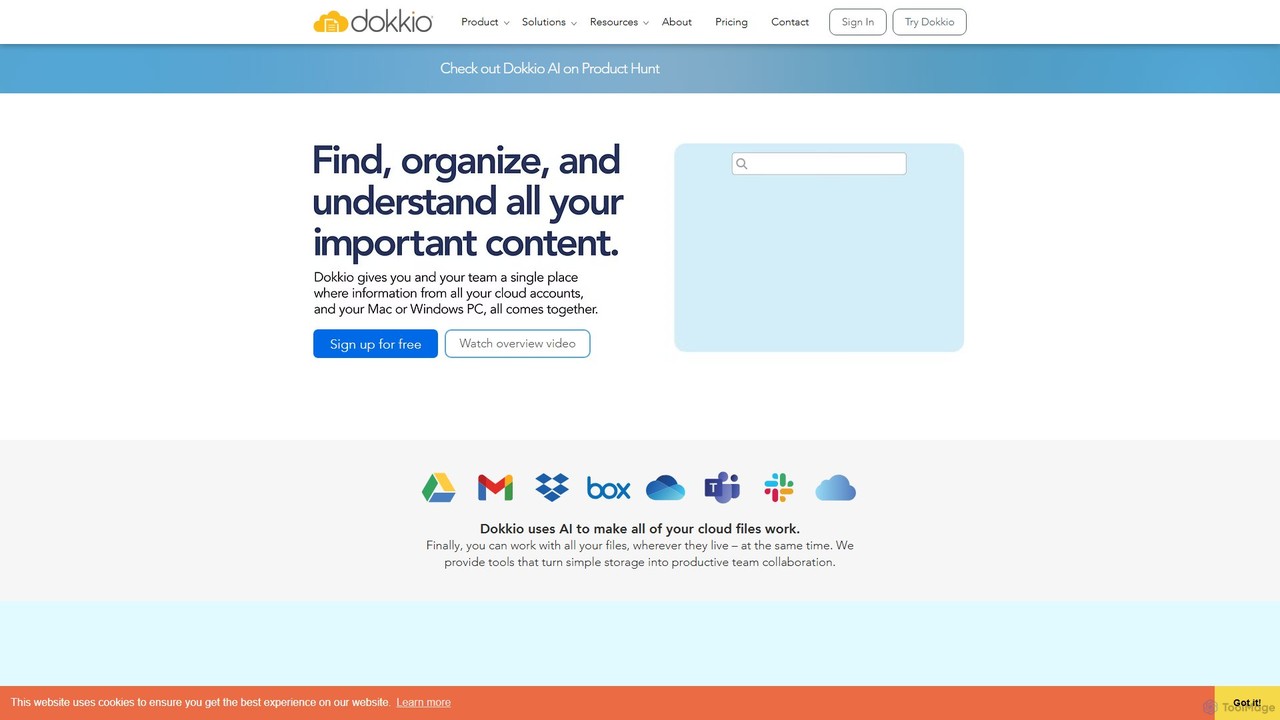
Dokkio
Dokkio is an AI-powered platform that unifies all your files from various cloud services like Google Drive, Dropbox, and Slack. It intelligently finds, organizes, and helps you understand your content, transforming scattered files into a centralized, searchable knowledge base for enhanced productivity and team collaboration.
Teamwork
Slik Safe
Slik Safe is an AI-powered, end-to-end encrypted file management platform. It offers blazing-fast search, multi-device sync, and a unified view of all your files from various cloud services. Use its AI chatbot to interact with your documents in natural language for unparalleled productivity and security.
Document Analysis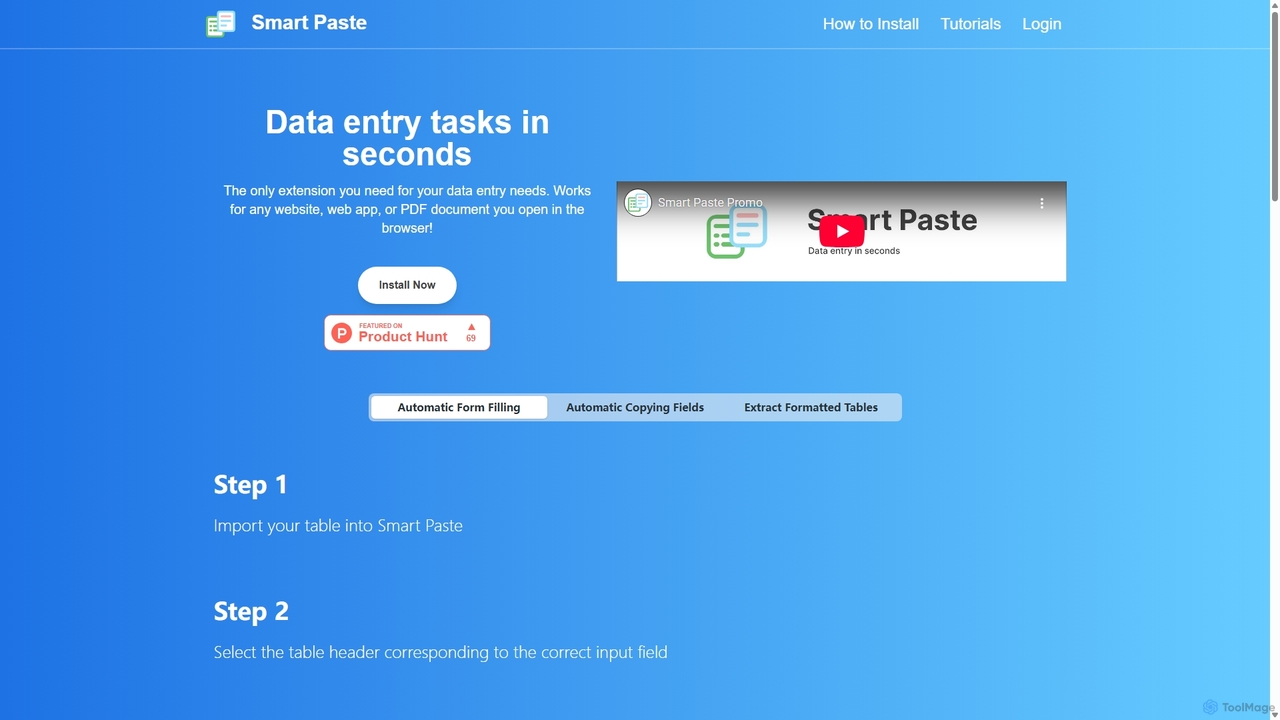
Smartpaste
smartpaste is a powerful browser extension designed to automate data entry tasks. It allows users to effortlessly extract tables and specific data fields from any website or PDF, and instantly paste them into spreadsheets. It also automates form filling from your data, saving hours of manual work and reducing errors, all while ensuring your data remains secure on your computer.
Chrome Extensions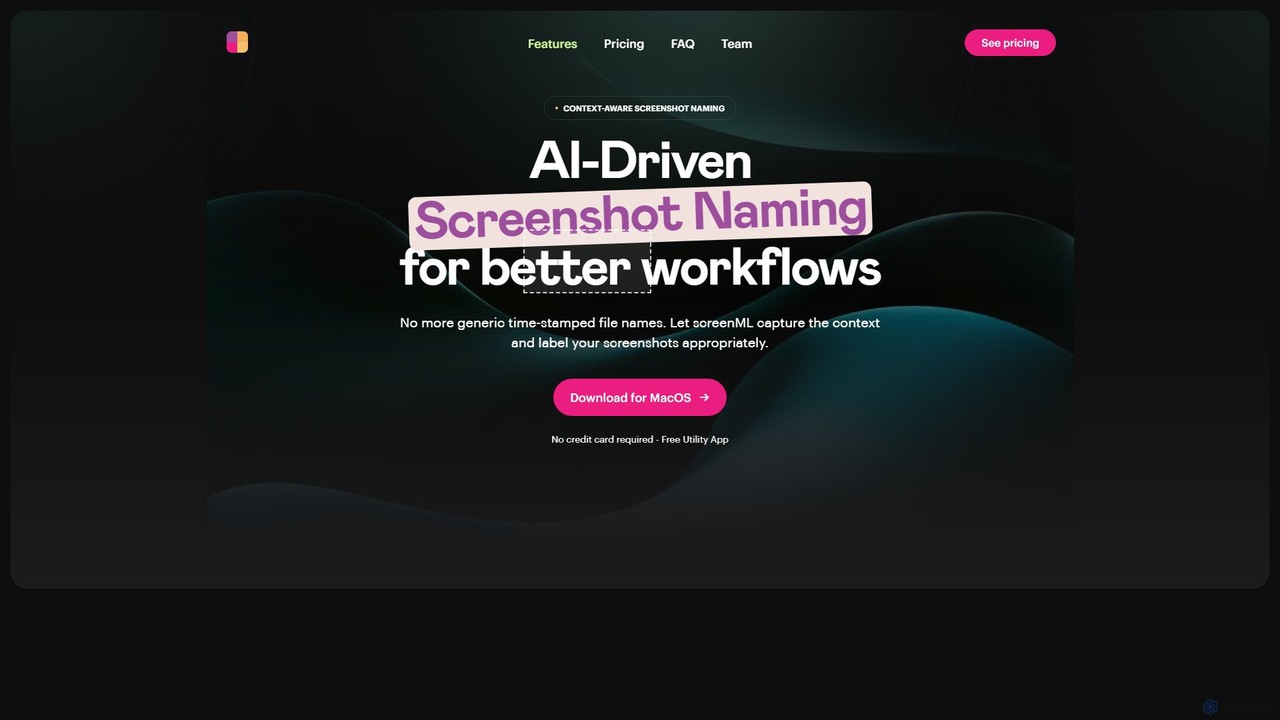
ScreenML
ScreenML is an AI-powered MacOS utility that automatically renames your screenshots with context-aware, descriptive filenames. It eliminates cluttered desktops and timestamped file names, making your screenshots organized, searchable, and easy to manage, streamlining your entire workflow.
Screenshot Tool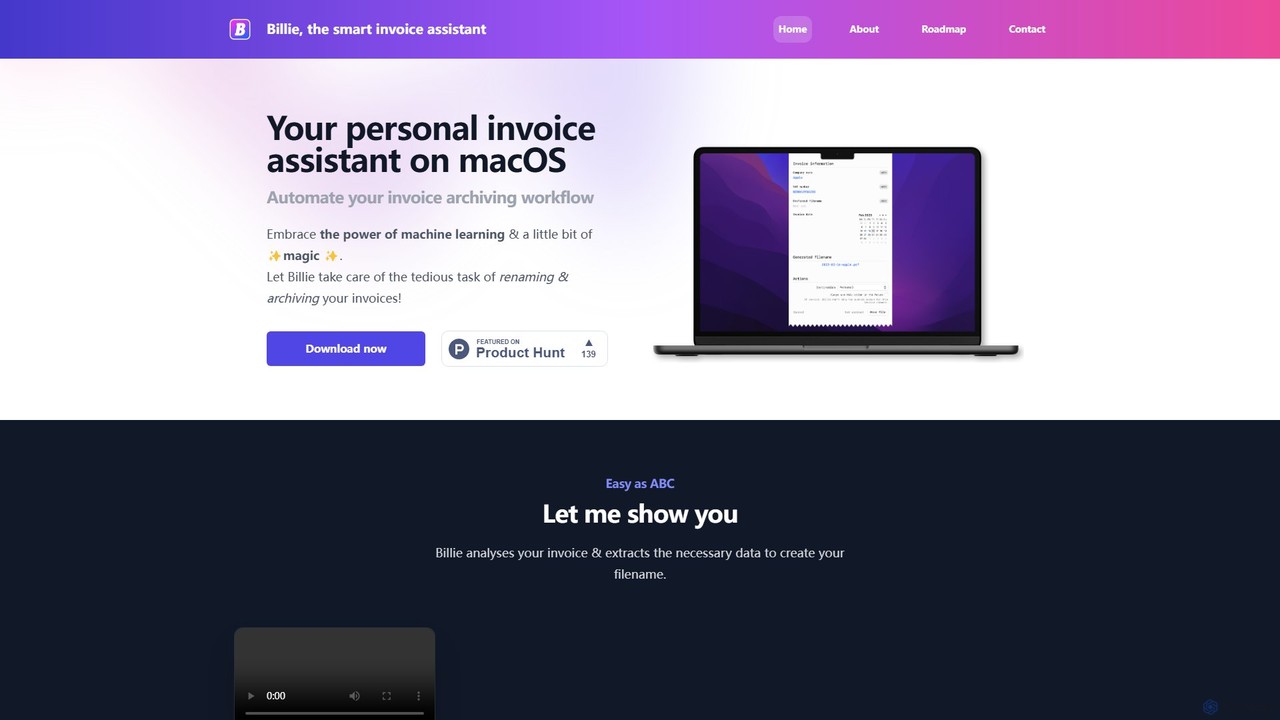
Billie
Billie is a smart invoice assistant for macOS that uses AI to automate the tedious process of renaming, organizing, and archiving your invoices. Simply drag and drop your PDF invoices, and Billie will extract the data, rename the file according to your custom rules, and move it to the correct folder, saving you hours of administrative work.
Invoicing
FileFolder Comments (0)
Sign in to comment.
Sign inNo comments yet.