

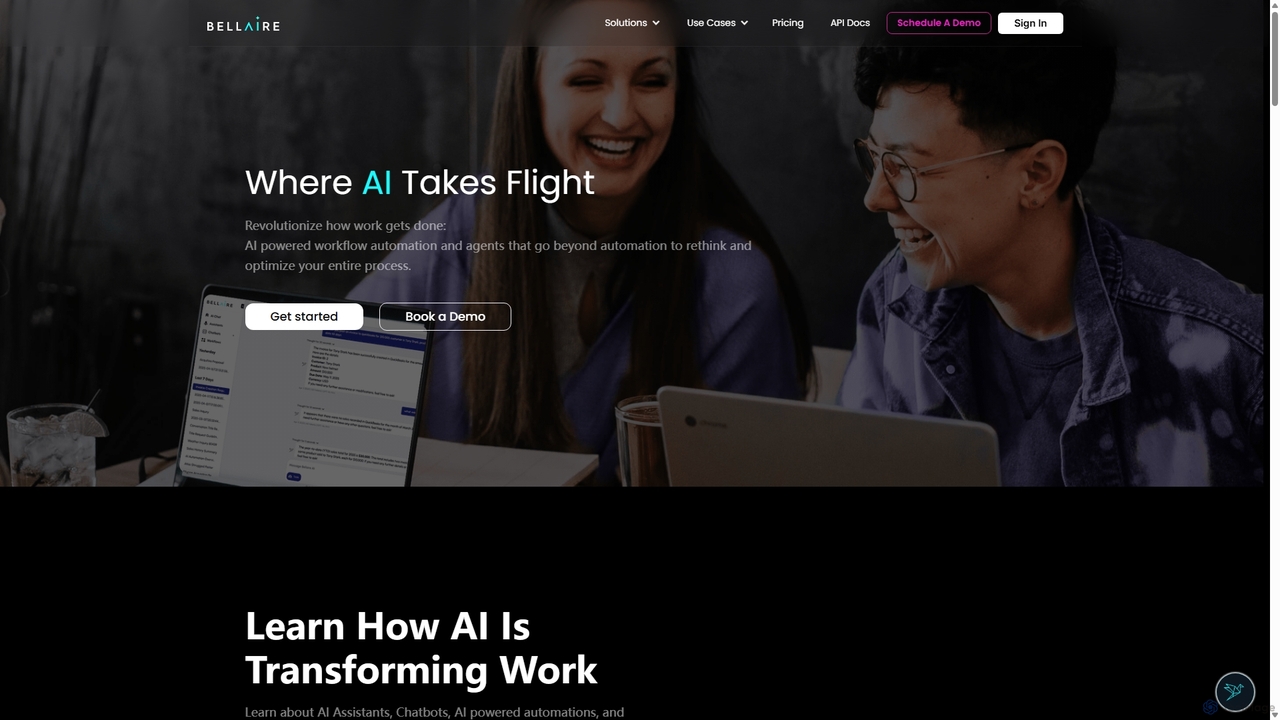
Folderr Overview
Folderr is a next-generation intelligent file management system designed to eliminate digital clutter and revolutionize how individuals and teams interact with their documents. By leveraging advanced artificial intelligence and machine learning algorithms, Folderr automates the tedious process of organizing, tagging, and categorizing files. It seamlessly integrates with your existing cloud storage services like Google Drive, Dropbox, and local drives, creating a unified, intelligent hub for all your data. Instead of relying on rigid folder structures and manual sorting, Folderr understands the content and context of your files, making information retrieval effortless and intuitive.
The platform goes beyond simple organization. It offers powerful workflow automation capabilities, allowing users to create custom rules for processing documents. For example, you can set up a workflow to automatically extract data from incoming invoices, rename them according to a specific convention, and move them to a designated 'To Be Paid' folder, all without manual intervention. This transforms static documents into active participants in your business processes, saving countless hours and reducing human error.
How to use Folderr
Getting started with Folderr is a simple, three-step process designed for maximum efficiency:
- Connect Your Data Sources: Begin by securely linking your cloud storage accounts (e.g., Google Drive, Dropbox, OneDrive) or uploading files directly from your computer. Folderr will start indexing your files in the background without moving or duplicating them.
- Let AI Do the Work: Once connected, Folderr's AI engine analyzes the content of each file. It automatically applies relevant tags, categorizes documents (e.g., 'Invoices', 'Contracts', 'Reports'), and even extracts key information like dates, names, and amounts. You can also provide feedback to the AI to refine its accuracy over time.
- Search and Automate: Use the powerful semantic search bar to find files by describing what you're looking for in natural language, not just keywords. For example, search for "marketing reports from Q3 last year" to instantly find the relevant documents. Then, build custom workflows using the drag-and-drop editor to automate repetitive tasks and streamline your document handling processes.
Core Features of Folderr
- AI-Powered Auto-Tagging & Categorization: Automatically analyzes file content to apply smart tags and sort documents into logical categories like invoices, receipts, legal agreements, and marketing materials.
- Intelligent Semantic Search: Go beyond keyword search. Find documents based on concepts, context, and natural language queries, making it incredibly fast to locate the exact information you need.
- Automated Workflow Builder: Create powerful, no-code workflows to automate document processing. Rename, move, and process files based on custom triggers and conditions.
- Advanced Data Extraction: Utilizes OCR and NLP to extract structured data from unstructured documents like PDFs and images, turning them into actionable information.
- Secure Cloud Integration: Natively connects with major cloud storage providers, creating a unified view of all your files while respecting their original location and security permissions.
- Collaborative Workspaces: Create shared spaces for teams to collaborate on documents, with version control and activity tracking to ensure everyone is on the same page.
- Insightful Analytics: Gain a deeper understanding of your data with dashboards that visualize file types, data trends, and workflow efficiency.
Use Cases for Folderr
Folderr is versatile and can be adapted for various professional and personal needs:
- Finance Departments: Automate the entire accounts payable process by extracting data from invoices, categorizing expenses, and routing them for approval.
- Legal Teams: Organize and manage vast libraries of contracts and case files. Use semantic search to quickly find relevant clauses or precedents across thousands of documents.
- Marketing Agencies: Keep all creative assets, campaign reports, and client feedback organized and easily accessible in a central, intelligently tagged repository.
- Researchers & Academics: Automatically categorize research papers, articles, and notes. Instantly find supporting data for a thesis or publication.
- Small Business Owners: Manage all business documents, from receipts and invoices to employee records and supplier contracts, in one organized and automated system.
Advantages of Folderr
Using Folderr provides a significant competitive edge by transforming document management from a cost center into a strategic asset. The primary advantage is the massive time savings achieved by automating manual organization and data entry. This frees up valuable employee time to focus on higher-value tasks. Furthermore, its powerful search capabilities ensure that information is never lost, improving decision-making and operational efficiency. By centralizing and standardizing document workflows, Folderr also enhances compliance and security, reducing the risk of data breaches and ensuring proper information governance.
Pricing and Plans
Folderr offers a range of plans to suit different needs, from individual users to large enterprises.
- Free Plan: Perfect for individuals starting out. Includes 1 GB of storage, 2 cloud integrations, and basic AI organization features for up to 500 files.
- Pro Plan ($15/user/month): Designed for professionals and small teams. Offers 50 GB of storage per user, unlimited cloud integrations, advanced semantic search, and up to 10 active workflows.
- Business Plan ($35/user/month): Ideal for growing businesses. Includes 100 GB of storage per user, all Pro features, plus collaborative workspaces, advanced data extraction, and priority support.
- Enterprise Plan (Custom Pricing): A tailored solution for large organizations. Features unlimited storage, custom integrations, SAML/SSO, advanced security and compliance controls, and a dedicated account manager.
Folderr Alternatives
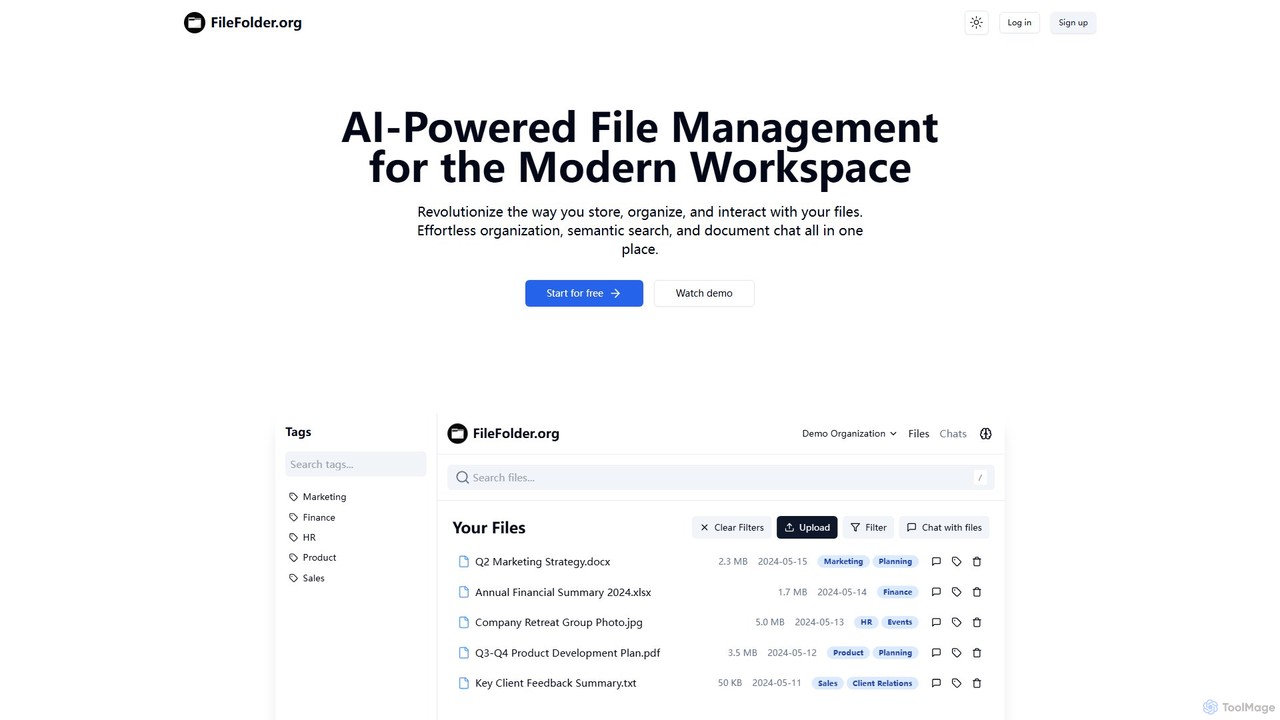
FileFolder
FileFolder is an AI-powered file management platform that intelligently organizes, searches, and automates your digital files. It uses AI to automatically categorize documents, extract key data, and provide powerful semantic search, transforming your cluttered folders into a smart, accessible library.
Document Management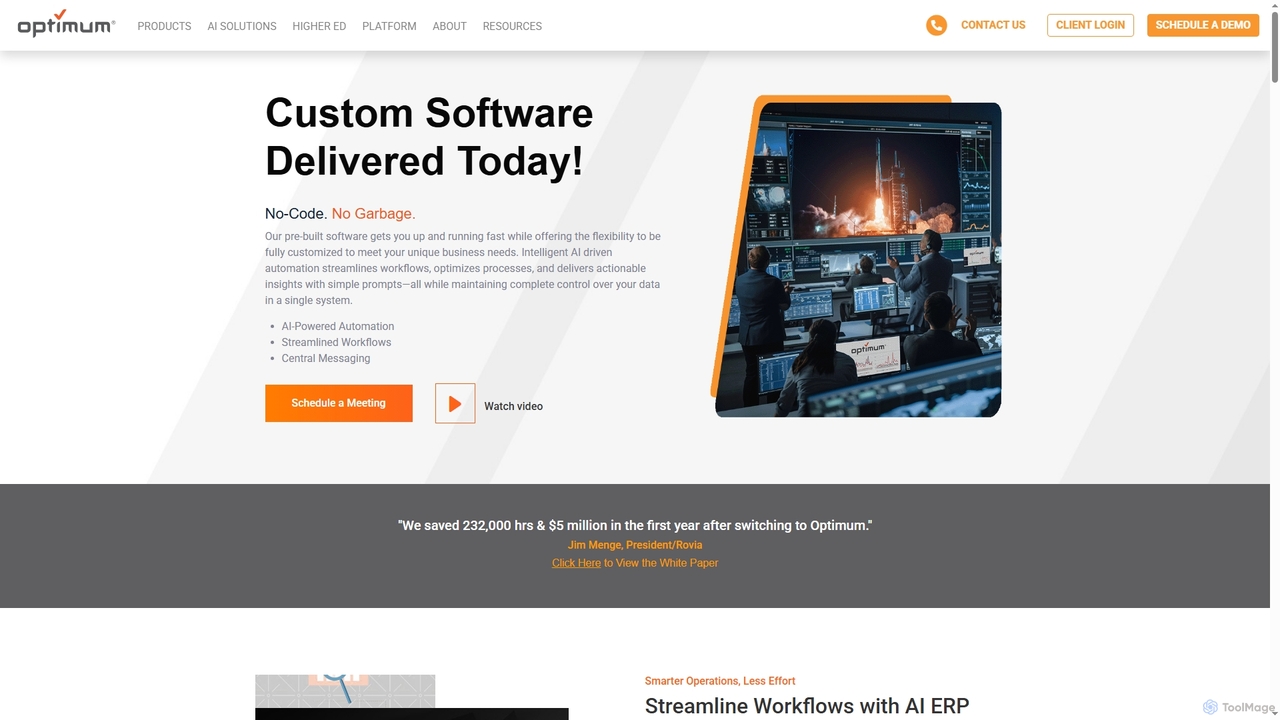
OptimumHQ
OptimumHQ is a no-code adaptive software platform that empowers businesses to rapidly create custom solutions, leveraging AI-driven automation for streamlined workflows, optimized processes, and actionable insights across ERP, CRM, messaging, and digital forms.
3D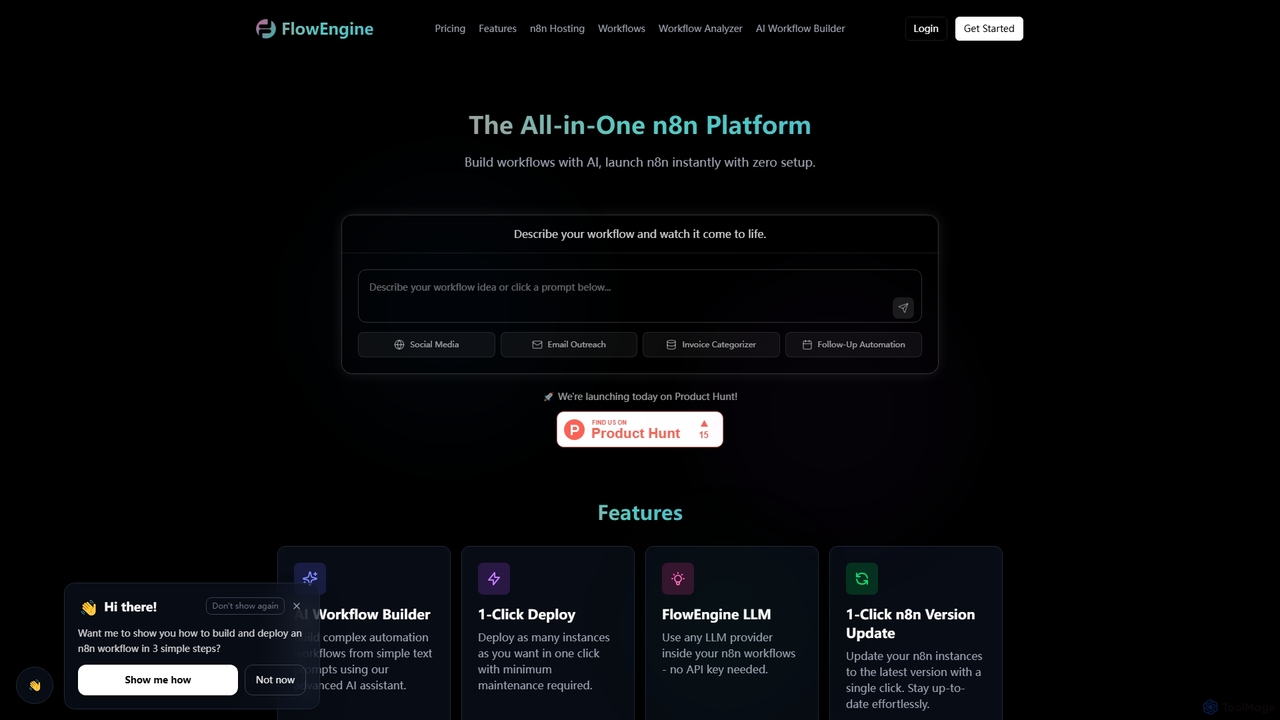
FlowEngine
FlowEngine is an all-in-one n8n hosting platform that simplifies workflow automation with AI. It allows users to build complex automation workflows from simple text prompts, deploy n8n instances instantly with zero setup, and manage them with ease. It integrates over 100 pre-loaded LLMs and offers managed hosting, ensuring security and reliability for all your automation needs.
Ai Workflow Generation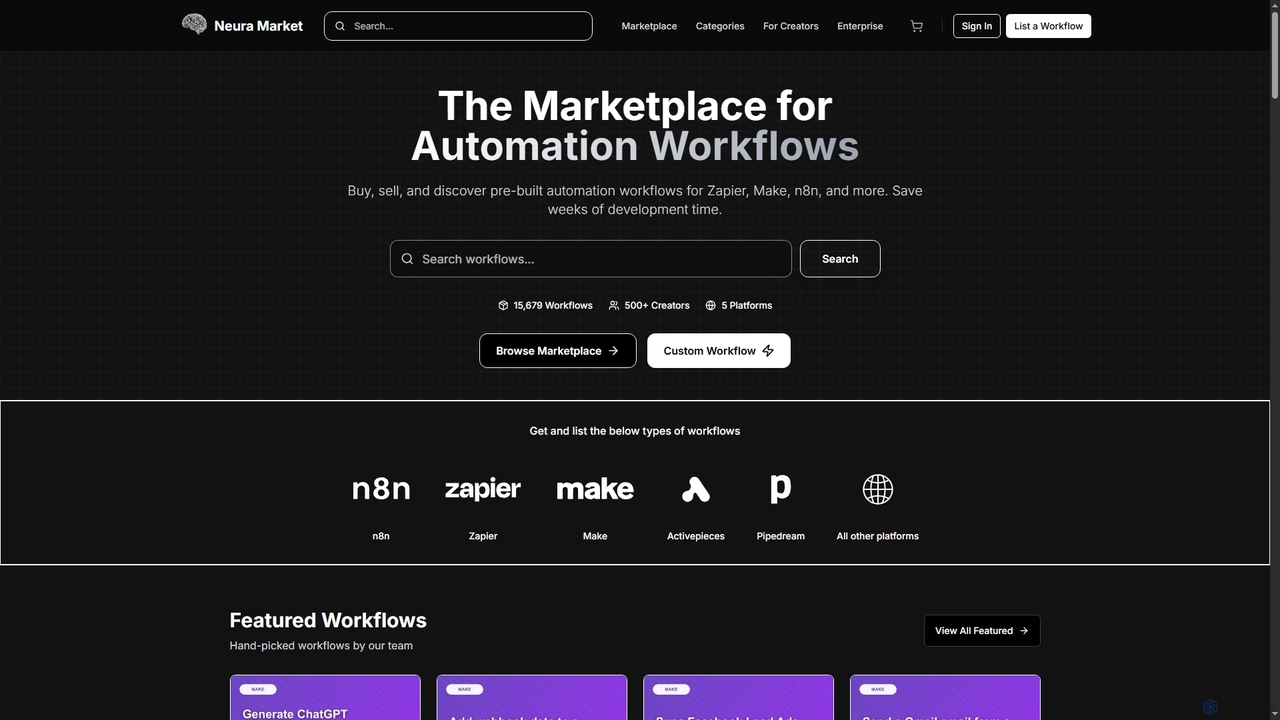
Neura
Neura is the leading marketplace for discovering, buying, and selling pre-built automation workflows. It empowers individuals and enterprises to streamline operations, integrate AI tools like ChatGPT, and save significant development time across platforms such as Zapier, Make, and n8n. With a vast library of workflows and a robust creator ecosystem, Neura simplifies complex automation tasks for various business needs.
Workflow Automation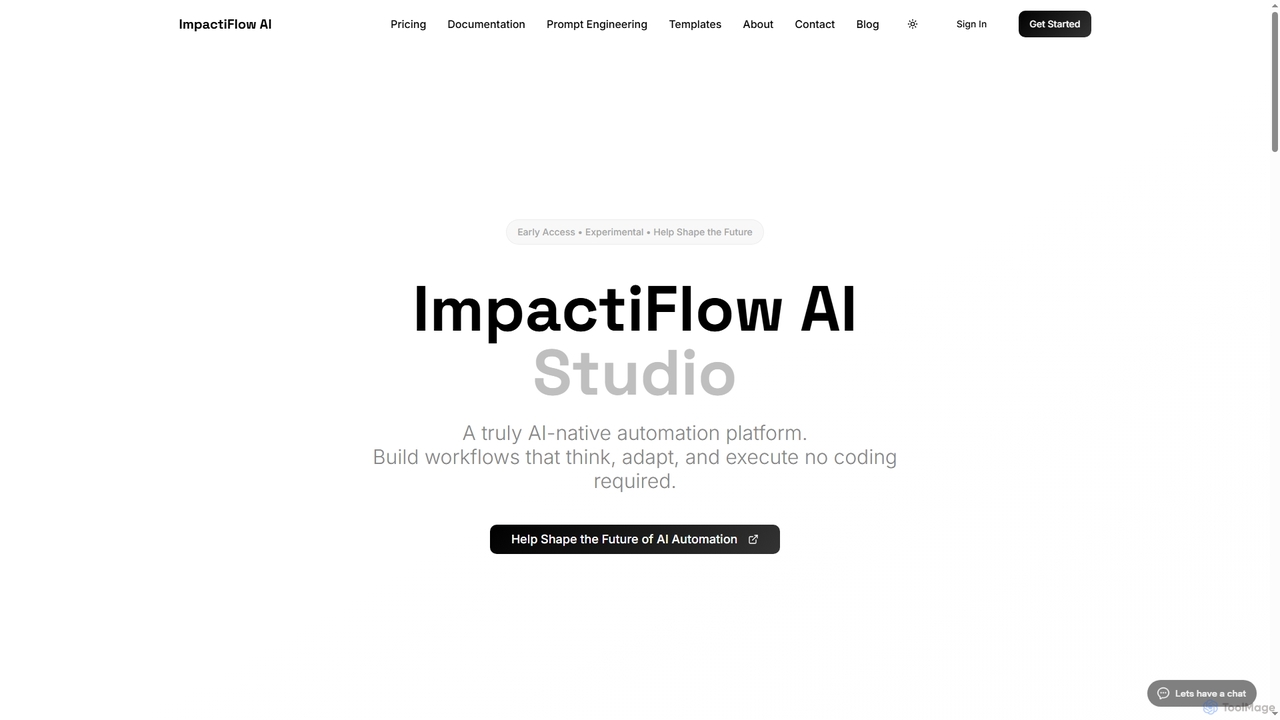
Flow
Flow is an AI-native, agentic automation platform designed to build intelligent workflows that think, adapt, and execute without requiring any coding. It empowers teams to streamline repetitive tasks and focus on strategic work.
Workflow AutomationFolderr Categories
Folderr Jobs
Folderr Embed Widget
Copy this embed code to place the badge on your blog, article, or product site and send readers directly to this ToolMage detail page.

Related AI tools
FileFolder
FileFolder is an AI-powered file management platform that intelligently organizes, searches, and automates your digital files. It uses AI to automatically categorize documents, extract key data, and provide powerful semantic search, transforming your cluttered folders into a smart, accessible library.
Document ManagementOptimumHQ
OptimumHQ is a no-code adaptive software platform that empowers businesses to rapidly create custom solutions, leveraging AI-driven automation for streamlined workflows, optimized processes, and actionable insights across ERP, CRM, messaging, and digital forms.
3D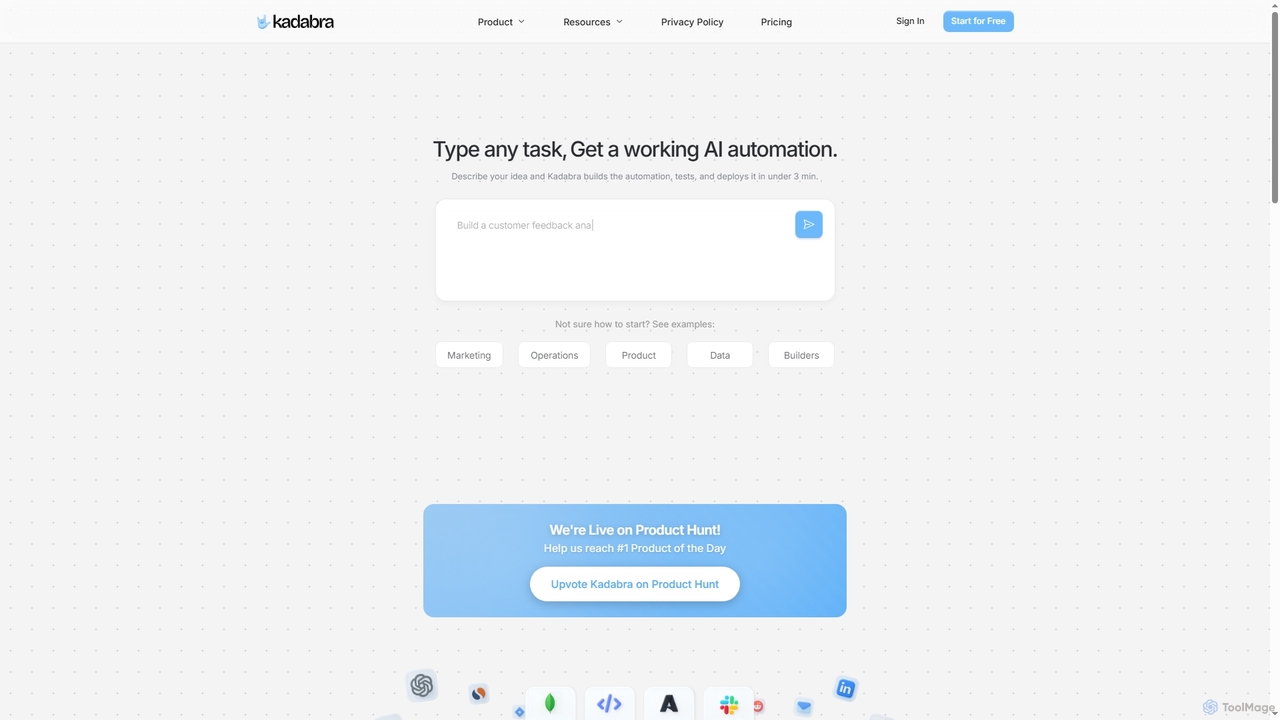
Kadabra
Kadabra is an AI-powered platform that transforms plain English descriptions into functional, deployable business and data automations. It allows users to build, test, and deploy complex workflows visually in minutes, integrating with a wide range of popular tools to streamline operations and enhance productivity.
Operations Management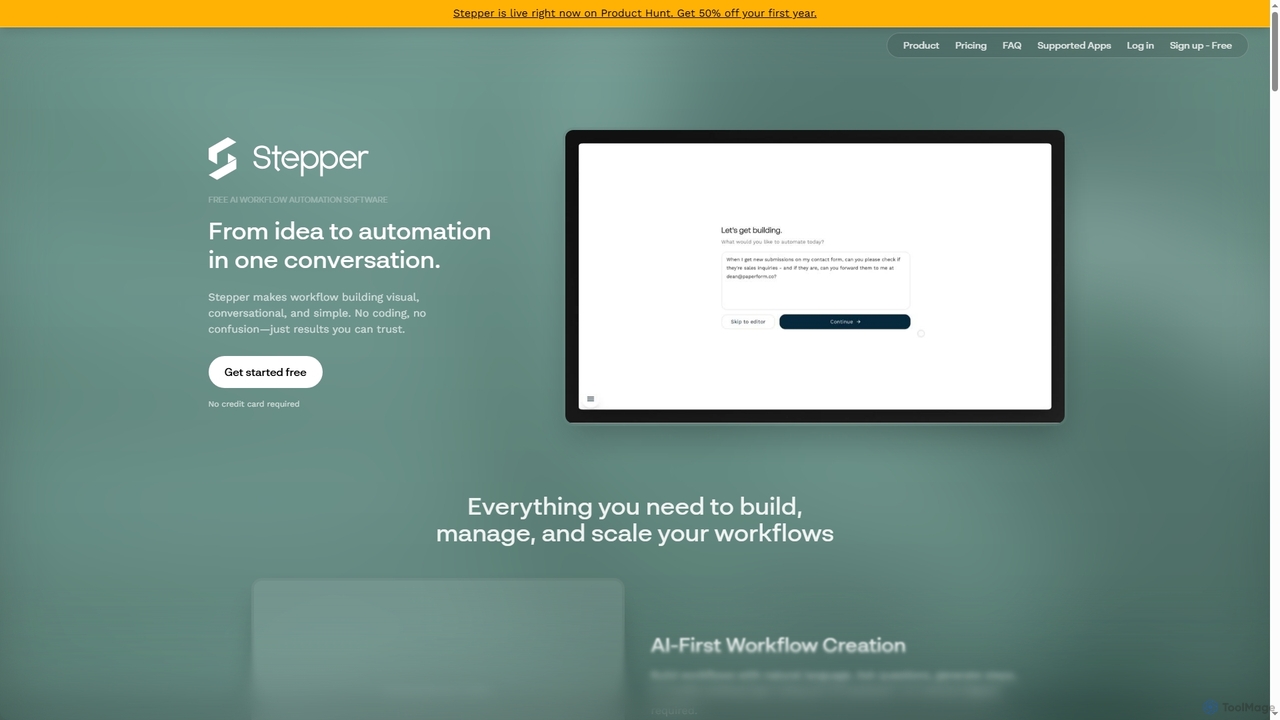
Stepper
Stepper is a free AI-native workflow automation software designed to simplify complex business processes. It offers a visual, conversational, and no-code platform, allowing users to build, manage, and scale workflows using natural language and reusable components. Automate tasks efficiently and cost-effectively, from lead qualification to content distribution.
No Code Development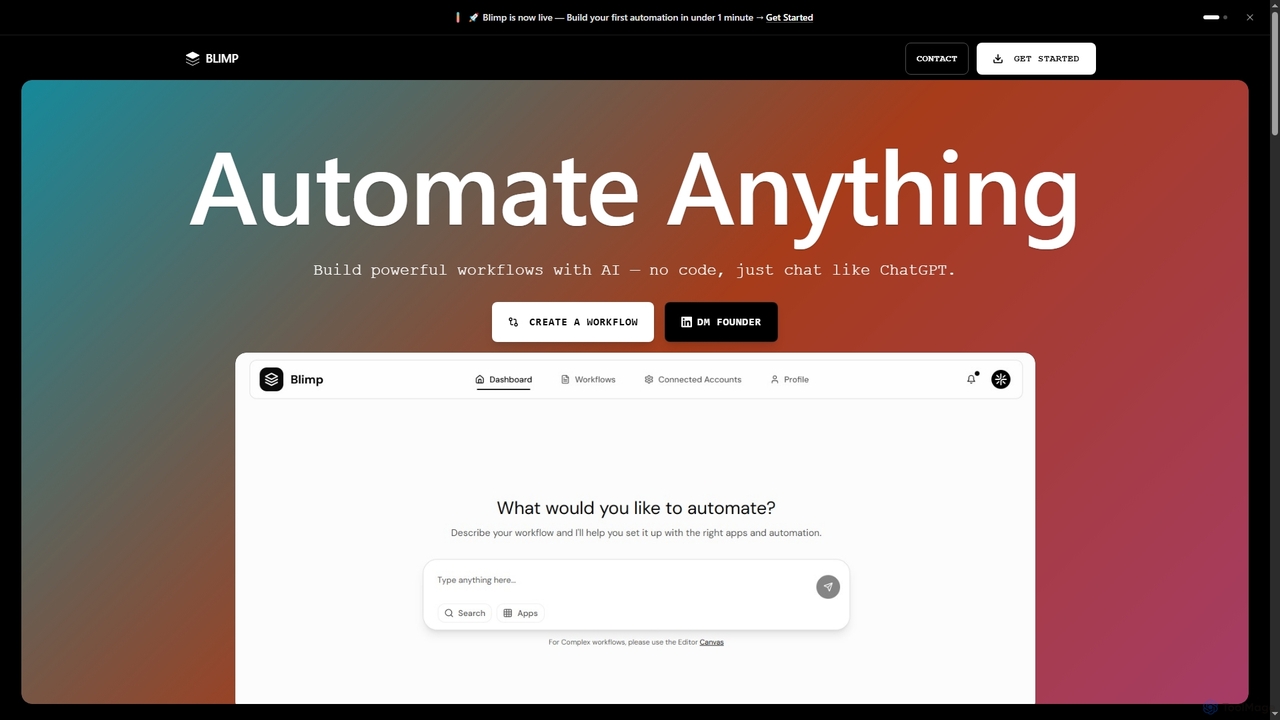
Blimp
Blimp is an AI-powered, no-code workflow automation platform designed for everyone. It allows users to build powerful automations by simply describing their desired tasks in natural language, connecting seamlessly with popular applications to streamline daily operations.
Task Automation
Sheetplus
Sheetplus is an AI-powered toolkit designed to supercharge your spreadsheet experience in Google Sheets and Excel. By leveraging natural language, it allows users to generate complex formulas, clean and analyze data, automate tasks, and extract insights without writing code. It acts as an intelligent assistant, making data management faster, more intuitive, and accessible to everyone, regardless of their technical expertise.
AutomationFlowEngine
FlowEngine is an all-in-one n8n hosting platform that simplifies workflow automation with AI. It allows users to build complex automation workflows from simple text prompts, deploy n8n instances instantly with zero setup, and manage them with ease. It integrates over 100 pre-loaded LLMs and offers managed hosting, ensuring security and reliability for all your automation needs.
Ai Workflow Generation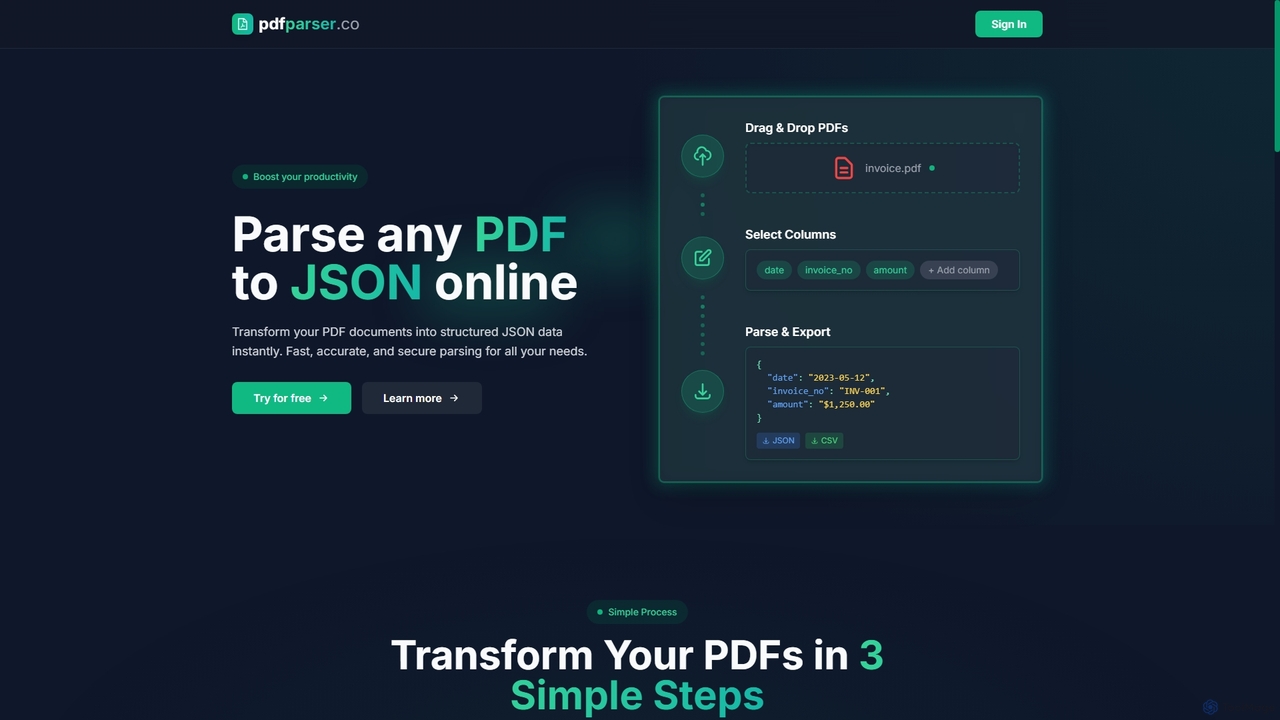
Pdfparser
Pdfparser is an AI-powered online tool that effortlessly transforms PDF documents into structured JSON or CSV data. It automates data extraction from various documents like invoices, contracts, and reports, eliminating manual entry. With a simple drag-and-drop interface, users can specify required fields and get accurate, machine-readable data in seconds. It's designed for both non-technical users and developers seeking to streamline their data workflows.
Extraction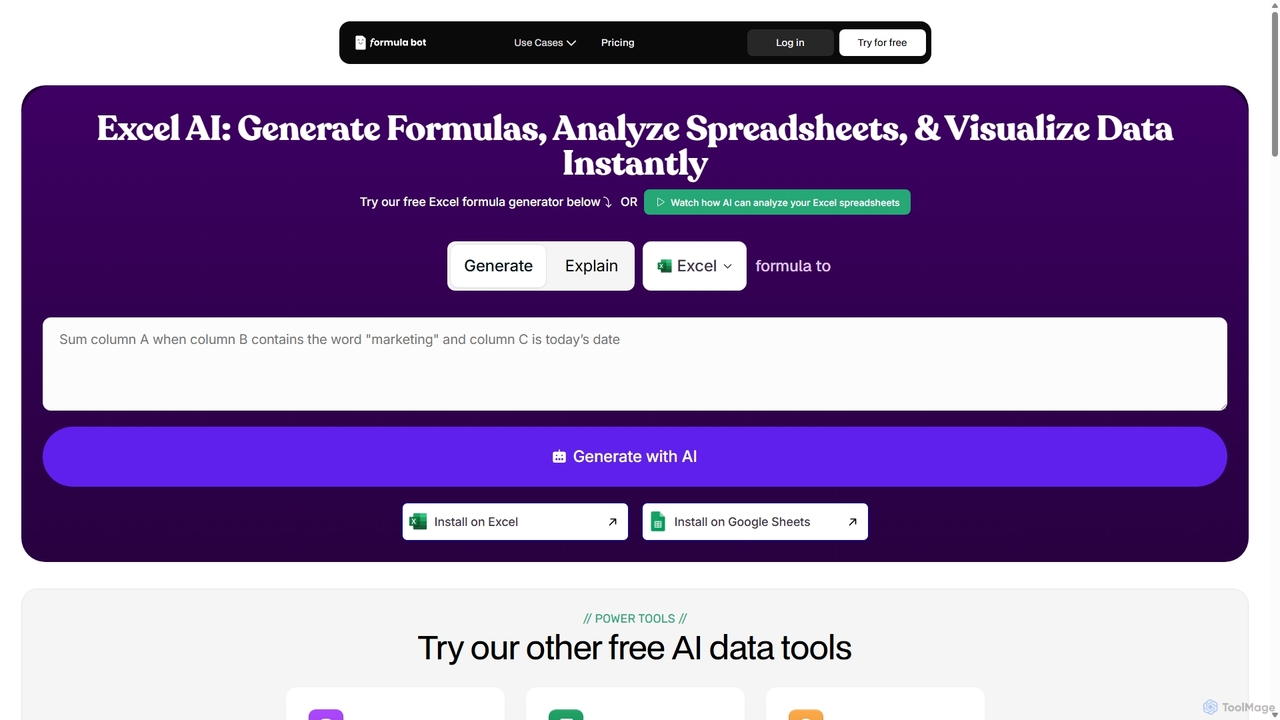
ExcelFormulaBot
ExcelFormulaBot is an AI-powered tool that generates complex Excel and Google Sheets formulas from text instructions in seconds. It also analyzes data, creates charts, generates VBA/SQL code, and explains formulas, making spreadsheet tasks faster and more accessible for everyone, from beginners to experts.
Data Analysis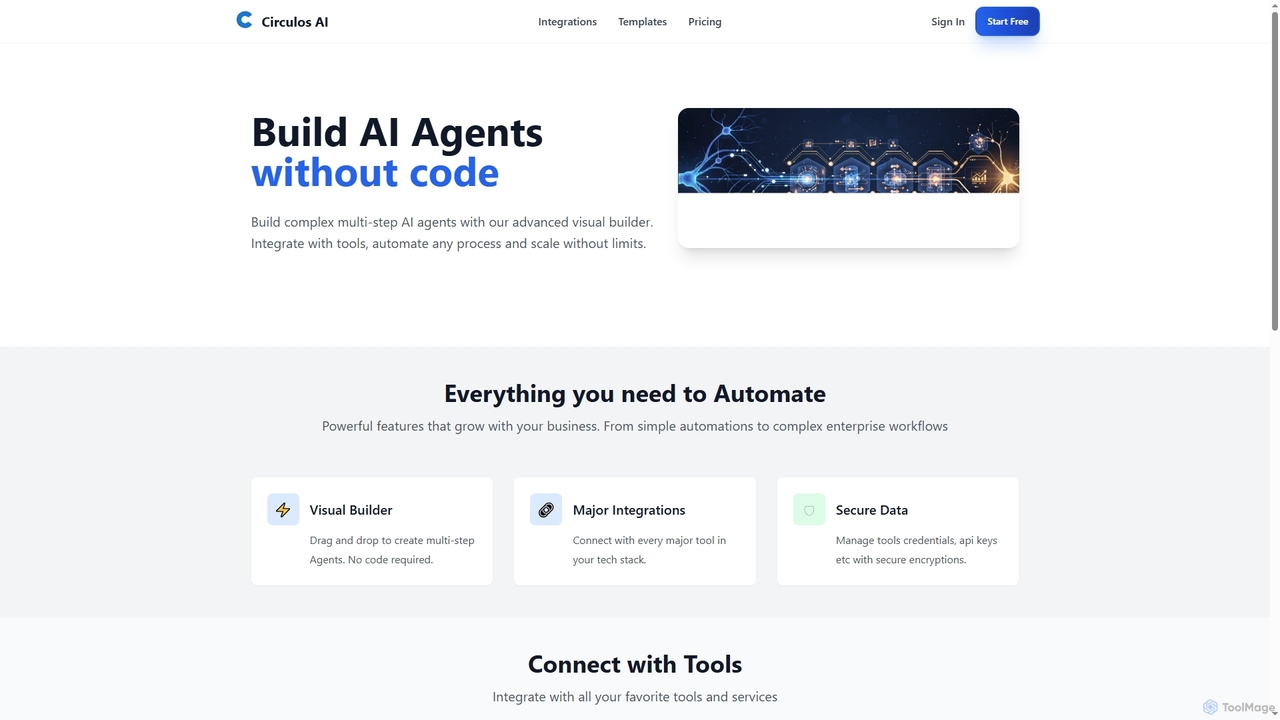
Circulos
Circulos is a no-code AI automation platform that empowers businesses to build complex, multi-step AI agents using an intuitive visual builder. It integrates with over 100 popular tools, automates diverse workflows, and offers scalable solutions for various business needs, from lead qualification to social media publishing.
Ai Automation
Skyvern
Skyvern is an AI-powered browser automation platform that uses computer vision and natural language to automate complex web workflows. It can handle data extraction, form submissions, invoice retrieval, and more on any website, adapting dynamically to changes without traditional scripting.
Api
Smartpaste
smartpaste is a powerful browser extension designed to automate data entry tasks. It allows users to effortlessly extract tables and specific data fields from any website or PDF, and instantly paste them into spreadsheets. It also automates form filling from your data, saving hours of manual work and reducing errors, all while ensuring your data remains secure on your computer.
Chrome Extensions
Lula
Lula is an AI-powered workflow automation platform designed to enhance team productivity. It integrates seamlessly with your existing tools to automate repetitive tasks, summarize meetings and communications, generate content, and provide actionable insights, acting as a central intelligence hub for your team.
Team Collaboration
Chatsheet
Chatsheet is an AI-powered spreadsheet platform that automates research, content creation, and data analysis. Using a familiar spreadsheet interface, users can build complex, no-code workflows to process documents, scrape websites, and generate personalized content at scale, effectively turning each cell into a smart AI agent.
SpreadsheetsFlow
Flow is an AI-native, agentic automation platform designed to build intelligent workflows that think, adapt, and execute without requiring any coding. It empowers teams to streamline repetitive tasks and focus on strategic work.
Workflow Automation
Folderr Comments (0)
Sign in to comment.
Sign inNo comments yet.