

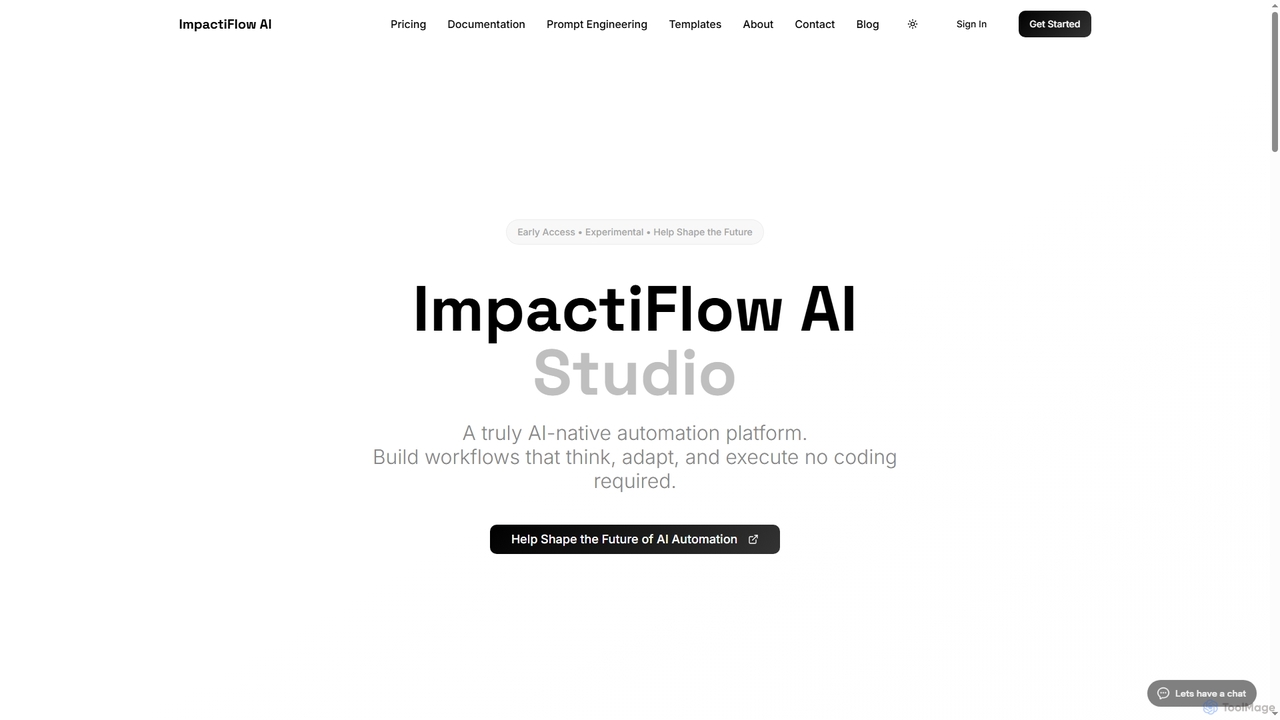
Flow Overview
Flow is a cutting-edge AI-native automation platform that redefines how businesses approach workflow management. Unlike traditional automation tools that treat AI as an add-on, Flow is built from the ground up with AI as its core engine. This allows users to create intelligent, self-healing workflows that understand context, make decisions, and adapt to changes in data or APIs automatically, all without writing a single line of code.
How to use Flow
Using Flow is designed to be intuitive and straightforward, following three simple steps to intelligent automation. First, users describe their desired workflow in plain English, eliminating the need for technical jargon. Second, they connect their existing applications and data sources, which Flow's AI understands how to integrate. Finally, users can watch their intelligent workflows operate 24/7, continuously learning and improving with each execution, freeing up valuable team time.
Core Features of Flow
- AI-First Architecture: Every component is built for AI from day one, ensuring pure intelligence without workarounds.
- Visual Workflow Builder: A drag-and-drop interface where users describe what they want, and AI handles complex logic and error handling.
- Self-Healing Workflows: Automations adapt automatically when APIs change or data formats shift, preventing disruptions.
- No-Code Required: Powerful enough for developers, yet simple enough for any team member to use without coding.
- Dual-Mode Editing: Seamlessly switch between the visual workflow builder and a code view for complete flexibility.
- Live Debugging: Real-time execution monitoring with detailed logs and error tracking for confident deployment.
- AI Suggestions: Intelligent recommendations for workflow optimization and best practices integration.
- Secure Key Management: Enterprise-grade encryption for API keys and sensitive data with granular access controls.
- Agent Architecture: Intelligent automation units that follow a Planning, Execution, and Learning phase for autonomous problem-solving.
- Comprehensive Testing & Debugging: Includes live execution logs, a safe test mode, and automatic error recovery mechanisms.
Use Cases for Flow
Flow is versatile and can be applied across various departments and roles to enhance productivity and efficiency. Marketing teams can automate campaigns, lead nurturing, and content distribution. Operations teams can streamline data management, process invoices, and handle customer requests. Solo founders can scale their operations without needing to hire additional staff. Creators can focus on content creation by automating administrative tasks. Developers can leverage AI-enhanced automation, and startup teams can move fast with limited resources. Specific examples include automating customer support responses, generating marketing content, managing sales pipelines, and syncing data across platforms.
Advantages of Flow
Flow offers significant advantages over traditional automation solutions. Its AI-first architecture ensures deeper intelligence and adaptability, leading to more robust and reliable automations. The no-code visual builder democratizes automation, making sophisticated workflows accessible to everyone regardless of technical background. Self-healing capabilities minimize maintenance and downtime, while live debugging and secure key management provide confidence and control. By automating repetitive tasks, Flow empowers teams to focus on creative and strategic work, driving growth and innovation.
Pricing and Plans
Flow offers simple, transparent pricing with plans designed to fit various workflow needs, allowing users to start small and scale. The Free plan costs 0 USD and includes up to 3 workflows, 500 tasks per month, integrations with Slack, Google Workspace, and OpenAI, community support, and the GPT-4o mini model. The Creator plan is 29.99 USD/month, offering 25 workflows, 1,000 tasks per month, additional Notion integration, priority support, GPT-4o, GPT-4o mini, GPT-3.5, and email notifications. The Pro plan is 79.99 USD/month, providing 100 workflows, 5,000 tasks per month, all integrations, priority support, all AI models including Claude, advanced analytics, and custom webhooks. For large teams and enterprises, the Team plan starts at 149.99+ USD, offering unlimited workflows and tasks, all integrations, white-glove support, all AI models, custom solutions, team collaboration, and SSO integration.
Flow FAQ
Flow Alternatives
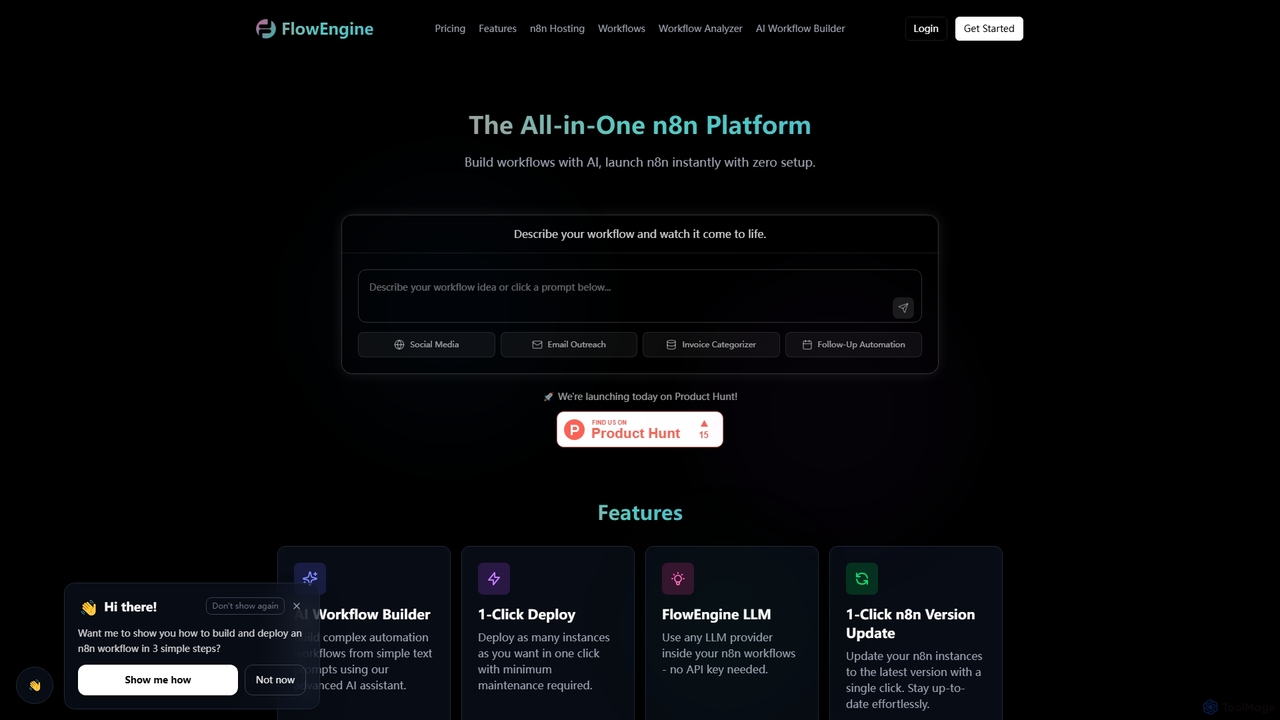
FlowEngine
FlowEngine is an all-in-one n8n hosting platform that simplifies workflow automation with AI. It allows users to build complex automation workflows from simple text prompts, deploy n8n instances instantly with zero setup, and manage them with ease. It integrates over 100 pre-loaded LLMs and offers managed hosting, ensuring security and reliability for all your automation needs.
Ai Workflow Generation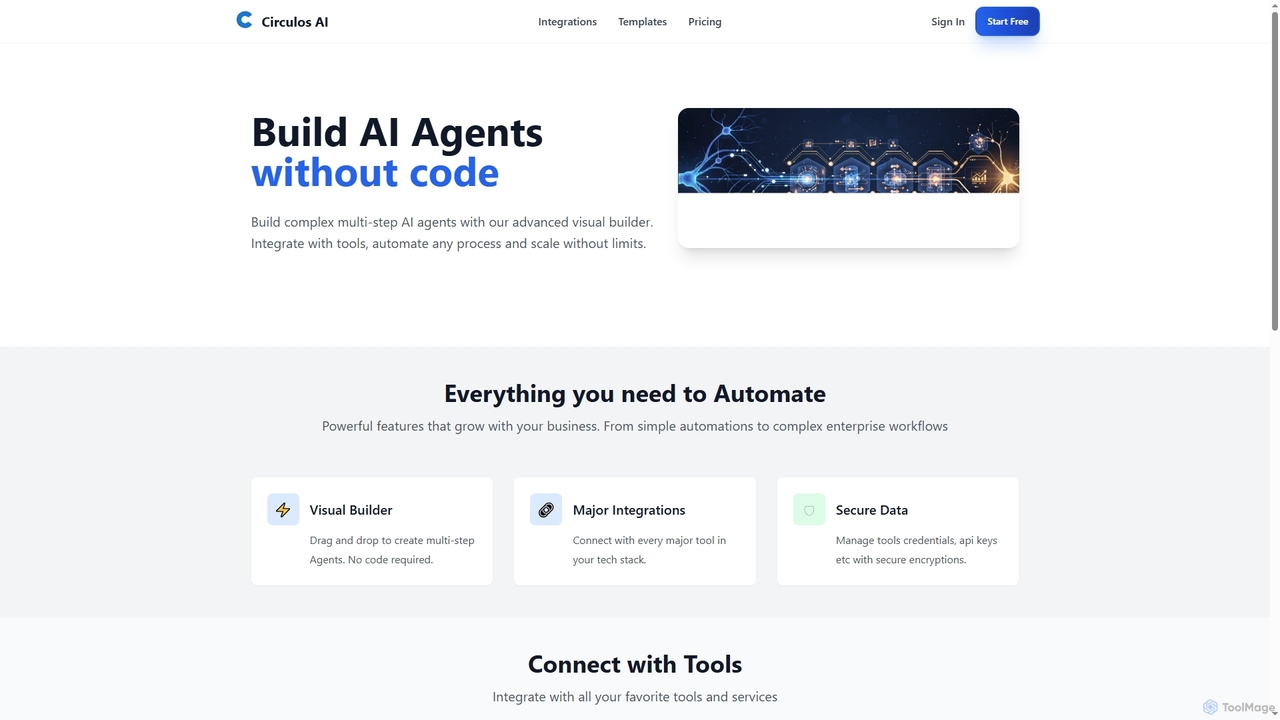
Circulos
Circulos is a no-code AI automation platform that empowers businesses to build complex, multi-step AI agents using an intuitive visual builder. It integrates with over 100 popular tools, automates diverse workflows, and offers scalable solutions for various business needs, from lead qualification to social media publishing.
Ai Automation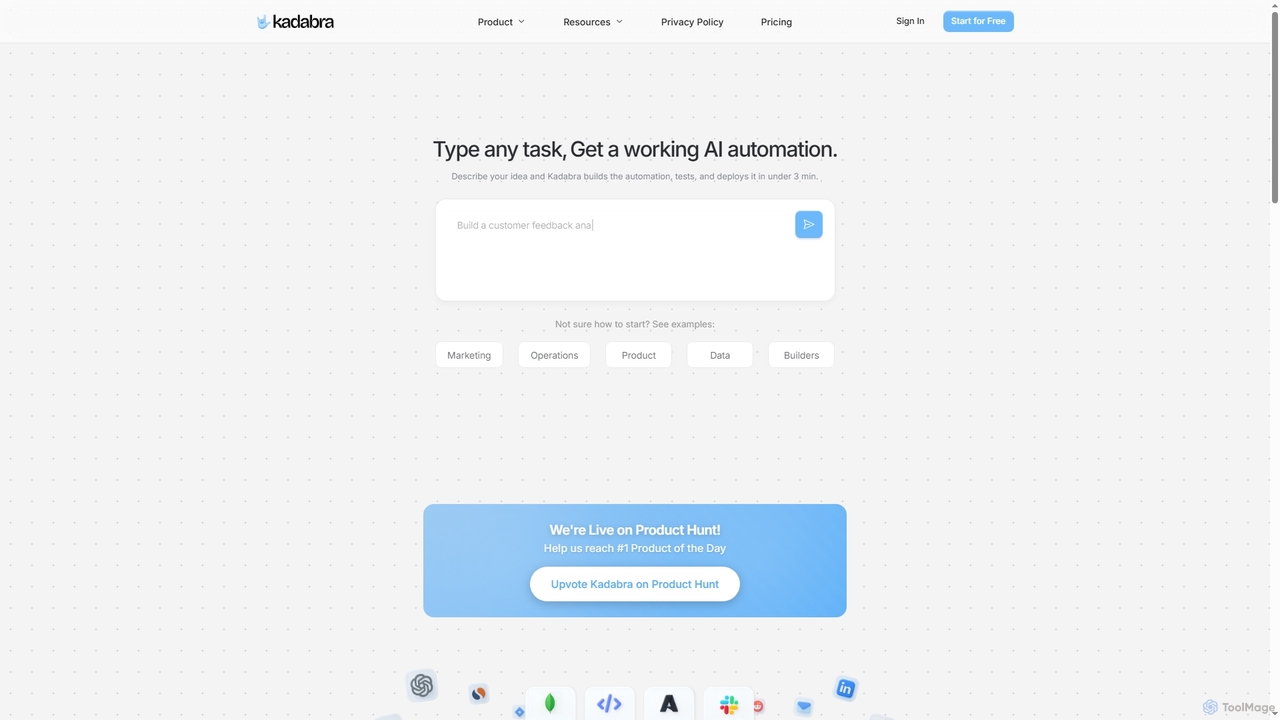
Kadabra
Kadabra is an AI-powered platform that transforms plain English descriptions into functional, deployable business and data automations. It allows users to build, test, and deploy complex workflows visually in minutes, integrating with a wide range of popular tools to streamline operations and enhance productivity.
Operations Management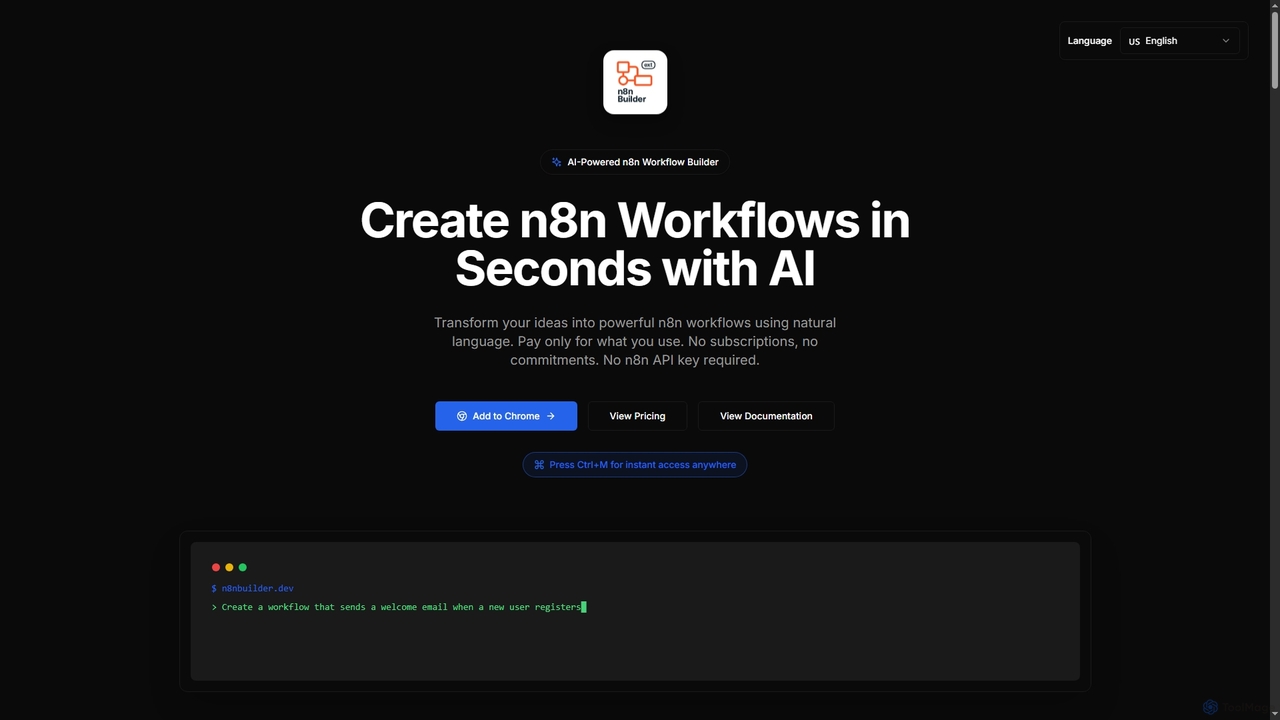
n8n Builder
n8n Builder is an AI-powered Chrome extension that transforms natural language descriptions into ready-to-import n8n workflows in seconds. It accelerates automation for freelancers, developers, and teams with features like API reference research, instant export, and flexible workflow enhancement modes, all on a transparent pay-as-you-go model.
Workflow Automation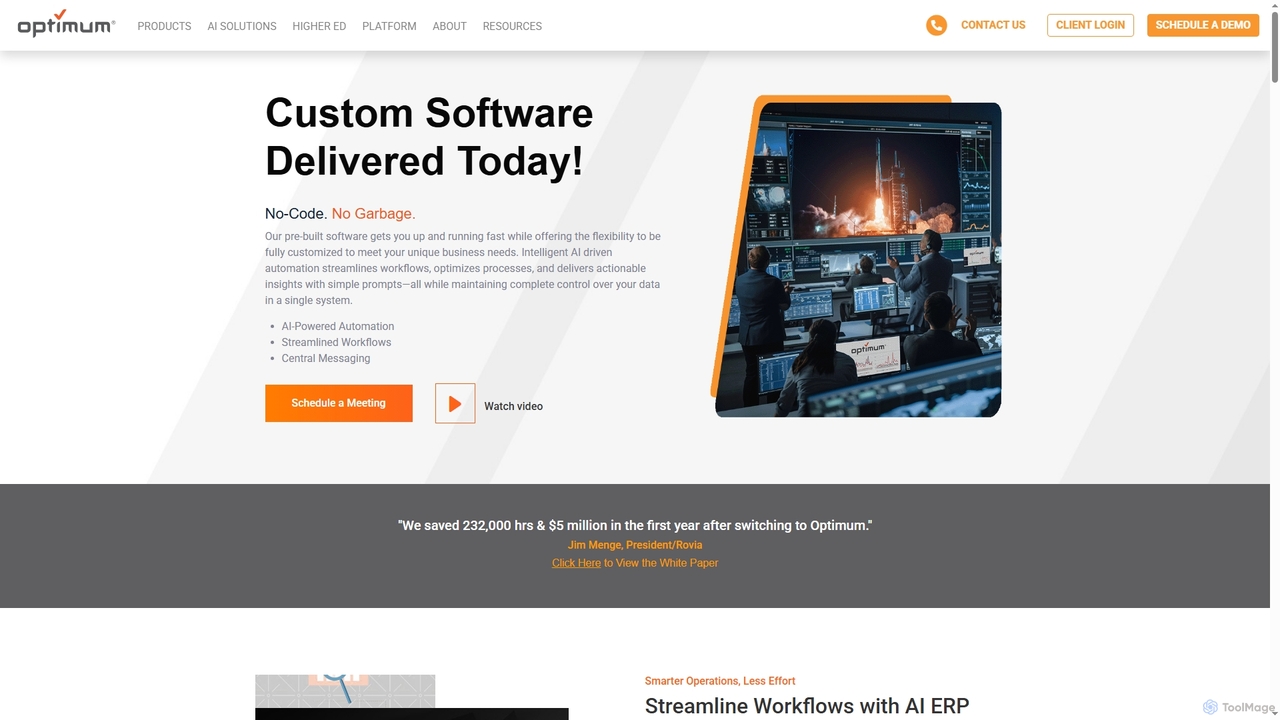
OptimumHQ
OptimumHQ is a no-code adaptive software platform that empowers businesses to rapidly create custom solutions, leveraging AI-driven automation for streamlined workflows, optimized processes, and actionable insights across ERP, CRM, messaging, and digital forms.
3DFlow Categories
Flow Jobs
Flow Embed Widget
Copy this embed code to place the badge on your blog, article, or product site and send readers directly to this ToolMage detail page.

Related AI tools
Circulos
Circulos is a no-code AI automation platform that empowers businesses to build complex, multi-step AI agents using an intuitive visual builder. It integrates with over 100 popular tools, automates diverse workflows, and offers scalable solutions for various business needs, from lead qualification to social media publishing.
Ai AutomationKadabra
Kadabra is an AI-powered platform that transforms plain English descriptions into functional, deployable business and data automations. It allows users to build, test, and deploy complex workflows visually in minutes, integrating with a wide range of popular tools to streamline operations and enhance productivity.
Operations Management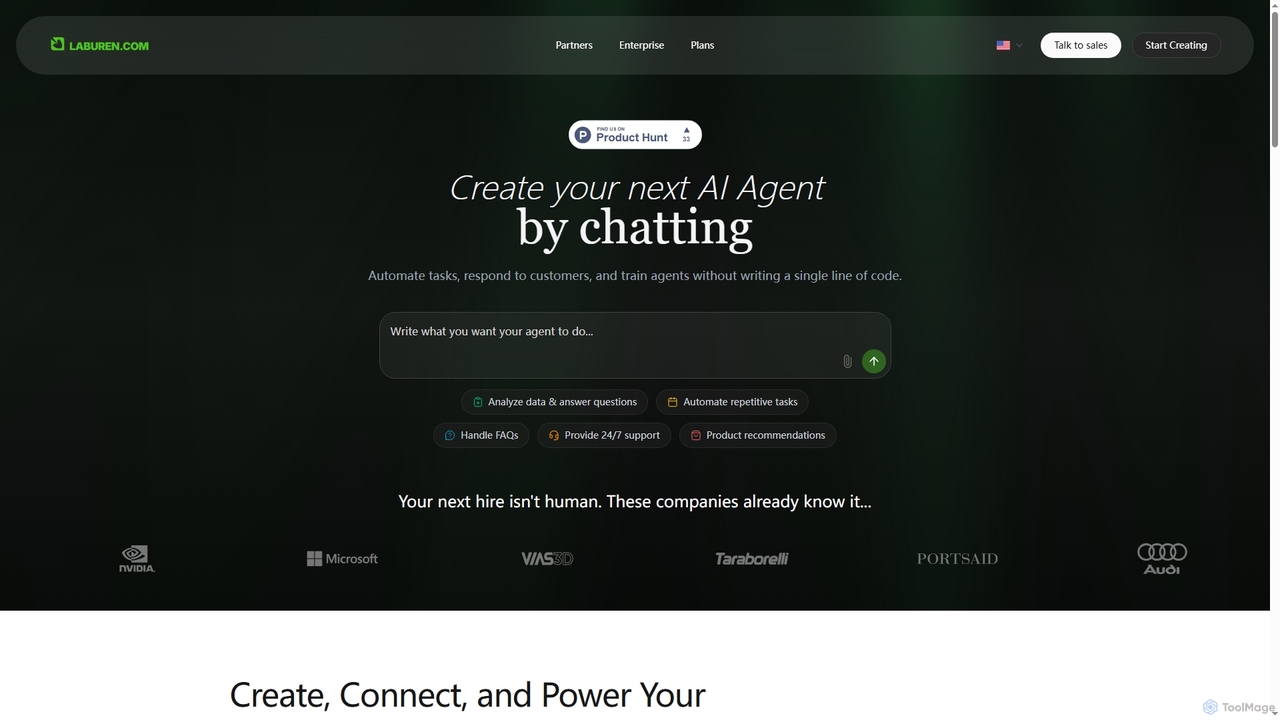
Laburen
Laburen is a no-code AI agent platform that empowers businesses to automate tasks, customer support, sales, and administration. It allows users to create and train AI employees through a simple chat interface, integrating seamlessly with existing business tools to boost productivity and scale operations.
3D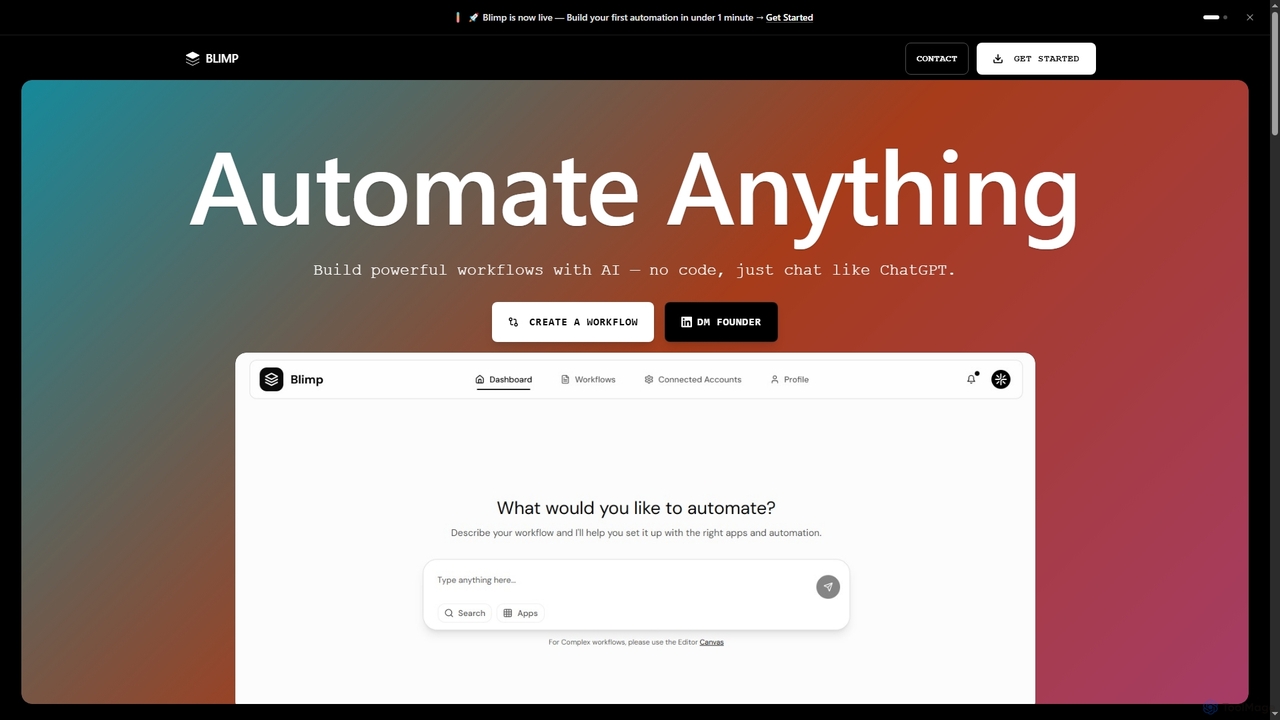
Blimp
Blimp is an AI-powered, no-code workflow automation platform designed for everyone. It allows users to build powerful automations by simply describing their desired tasks in natural language, connecting seamlessly with popular applications to streamline daily operations.
Task Automation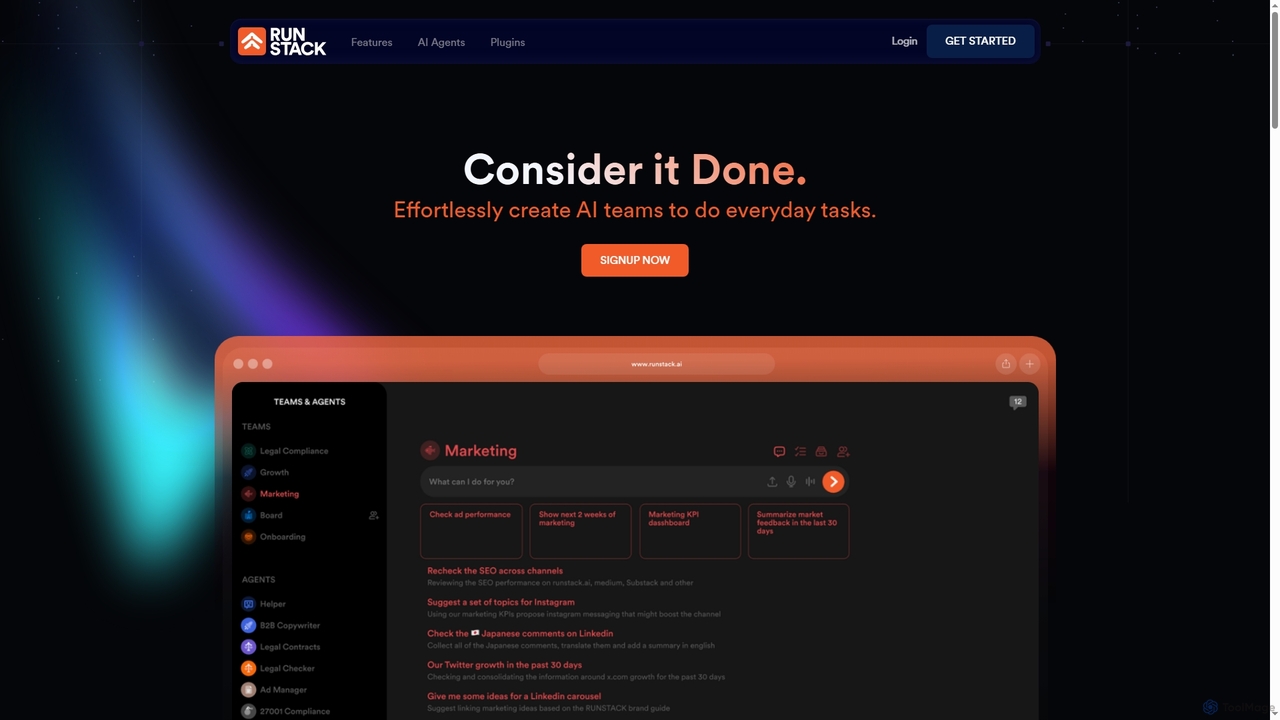
Runstack
Runstack is an innovative AI agent platform that empowers businesses to effortlessly create custom AI assistants. By simply describing tasks in plain English, users can deploy intelligent agents to automate workflows, integrate with over 50 business tools, and handle complex operations across various departments, from sales and marketing to finance and project management.
Sales Automation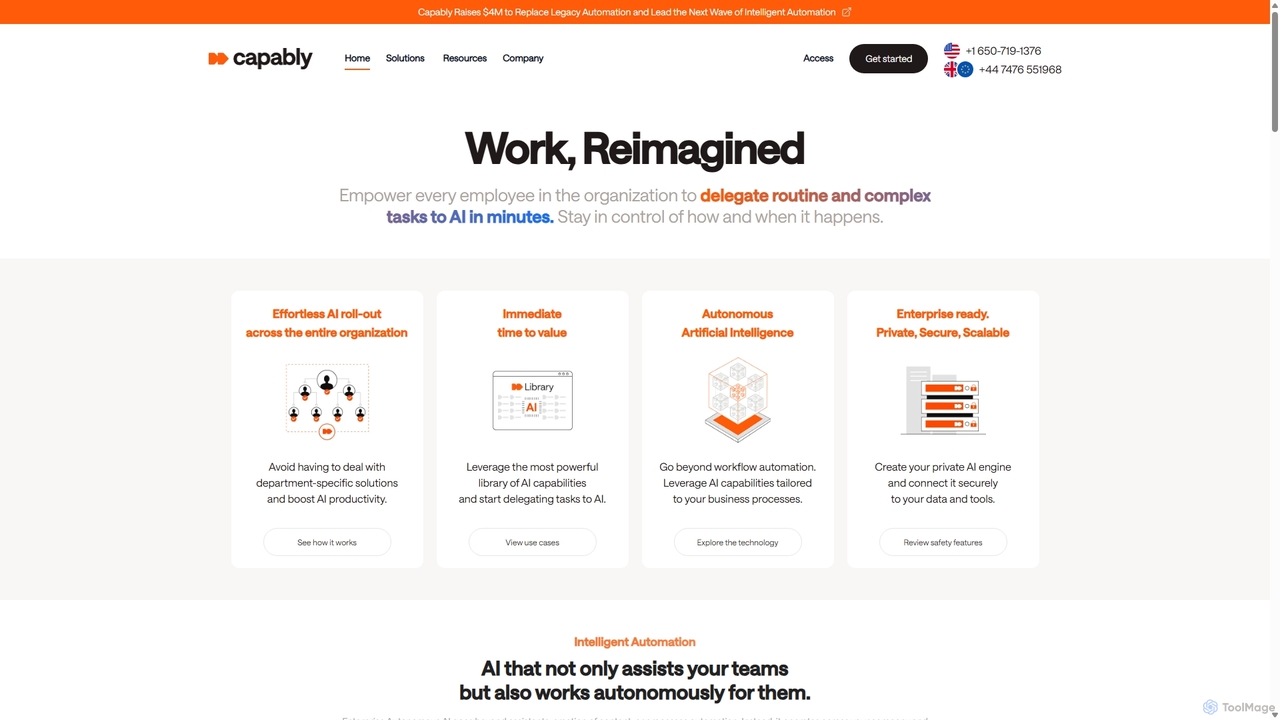
Capably
Capably is an intelligent automation platform that empowers businesses to delegate complex and routine tasks to autonomous AI agents. It bridges the gap between rigid legacy automation (RPA) and unreliable AI agents, offering a secure, scalable, and user-friendly solution for enterprise-wide productivity.
Workflow Management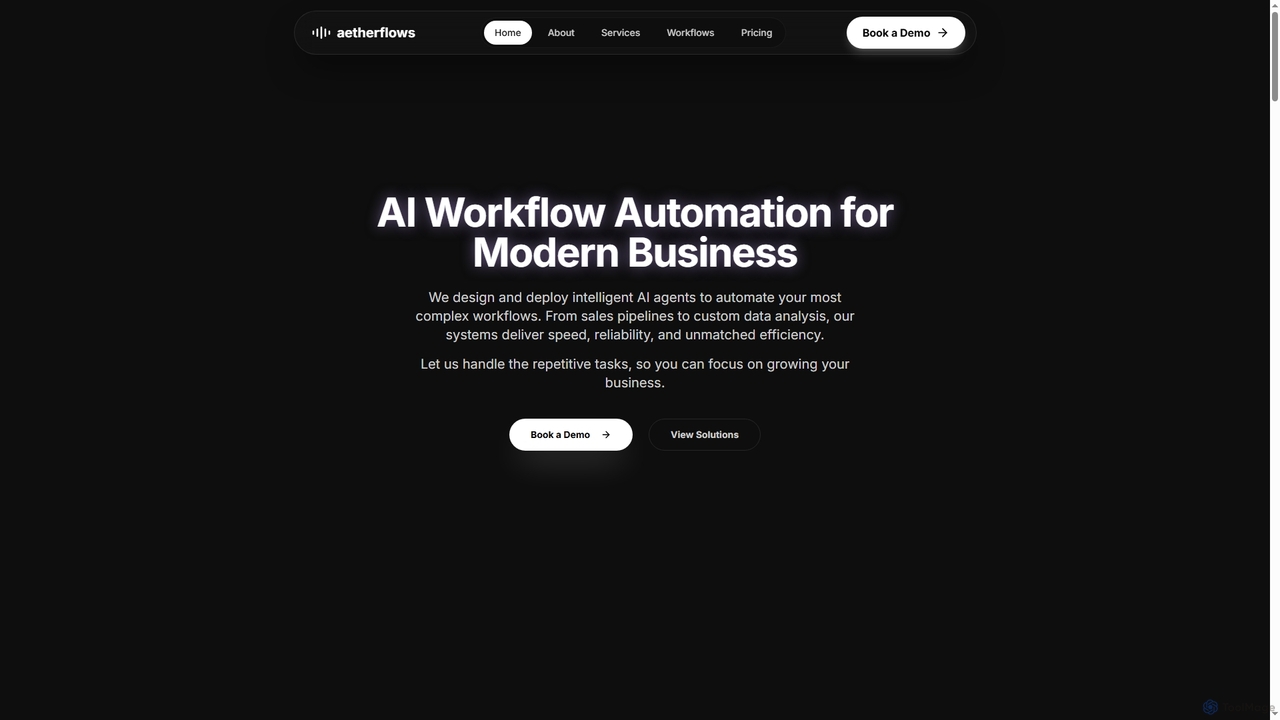
Aetherflows
An AI and automation studio that designs and deploys intelligent AI agents and custom ML models to automate complex business workflows, from sales pipelines to data analysis, enhancing efficiency and reliability.
SalesFlowEngine
FlowEngine is an all-in-one n8n hosting platform that simplifies workflow automation with AI. It allows users to build complex automation workflows from simple text prompts, deploy n8n instances instantly with zero setup, and manage them with ease. It integrates over 100 pre-loaded LLMs and offers managed hosting, ensuring security and reliability for all your automation needs.
Ai Workflow Generation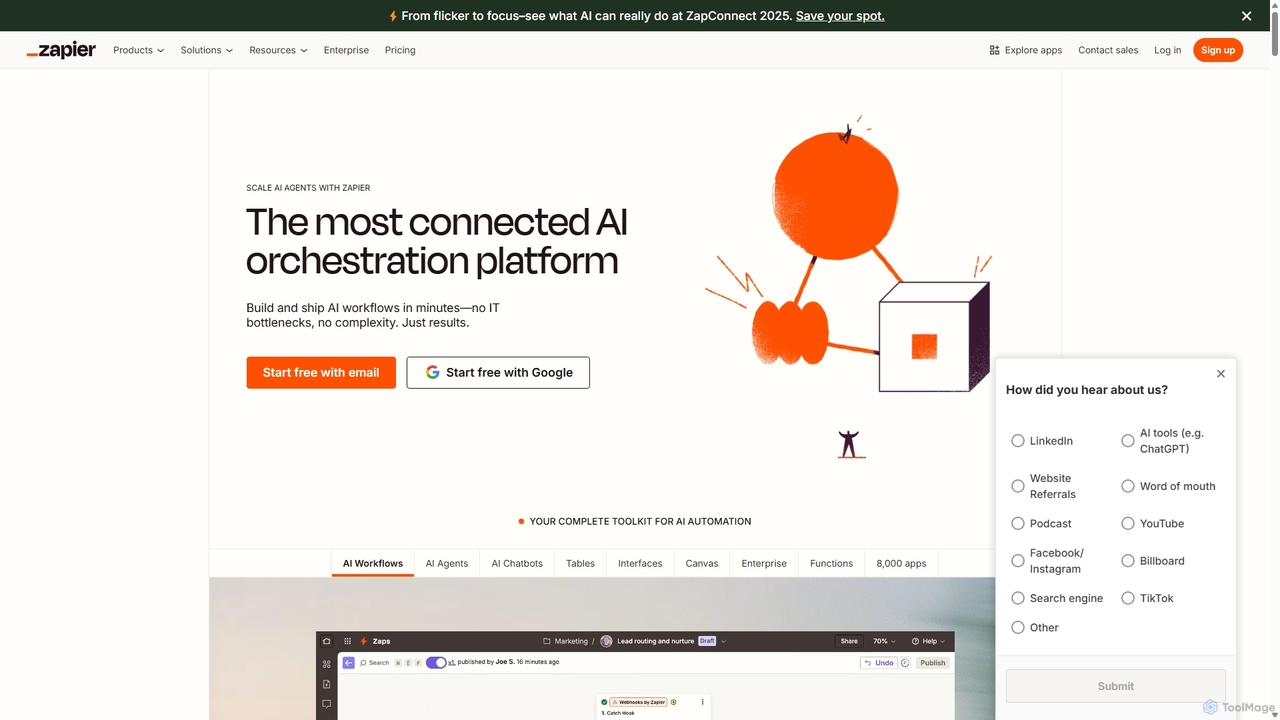
Zapier
Zapier is a leading no-code automation platform that empowers you to connect over 8,000 web apps. It now features a powerful AI toolkit, allowing you to build custom AI workflows, agents, and chatbots to automate tasks, streamline processes, and scale your business operations without writing a single line of code. From simple two-step integrations to complex, multi-step AI-powered workflows, Zapier makes automation accessible to everyone.
Ai Agent BuilderOptimumHQ
OptimumHQ is a no-code adaptive software platform that empowers businesses to rapidly create custom solutions, leveraging AI-driven automation for streamlined workflows, optimized processes, and actionable insights across ERP, CRM, messaging, and digital forms.
3D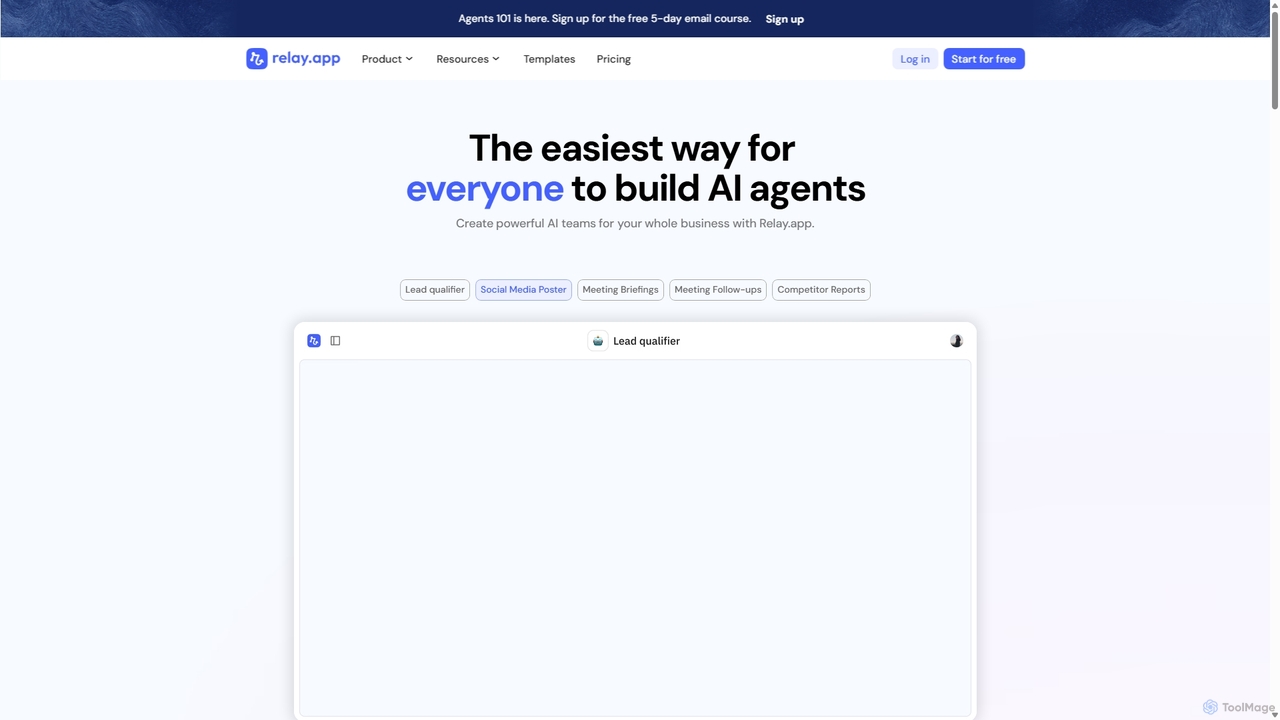
Relay.app
Relay.app is an intuitive no-code platform for building powerful AI agents and automating complex workflows. It uniquely combines AI-driven steps with 'human-in-the-loop' checkpoints for approvals and data entry. With over 100 integrations and a user-friendly interface, it simplifies processes for sales, marketing, and operations, making it a powerful alternative to tools like Zapier and Make.com.
Workflow Management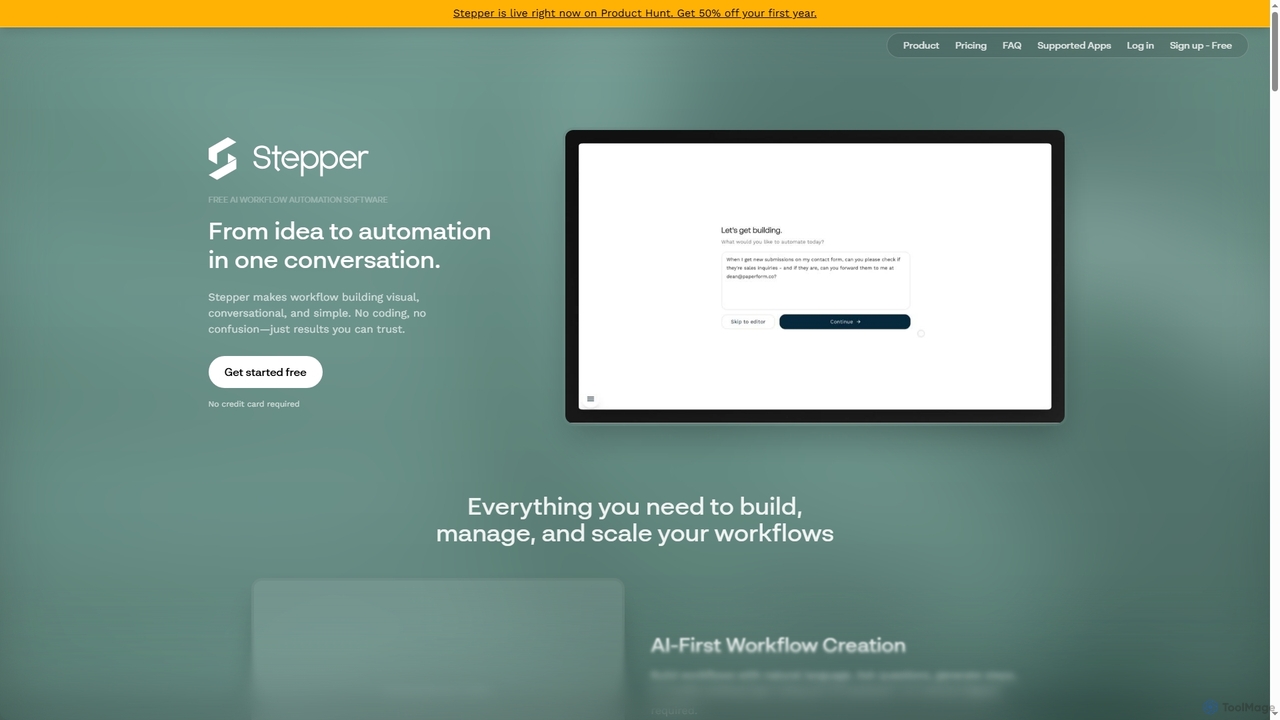
Stepper
Stepper is a free AI-native workflow automation software designed to simplify complex business processes. It offers a visual, conversational, and no-code platform, allowing users to build, manage, and scale workflows using natural language and reusable components. Automate tasks efficiently and cost-effectively, from lead qualification to content distribution.
No Code Development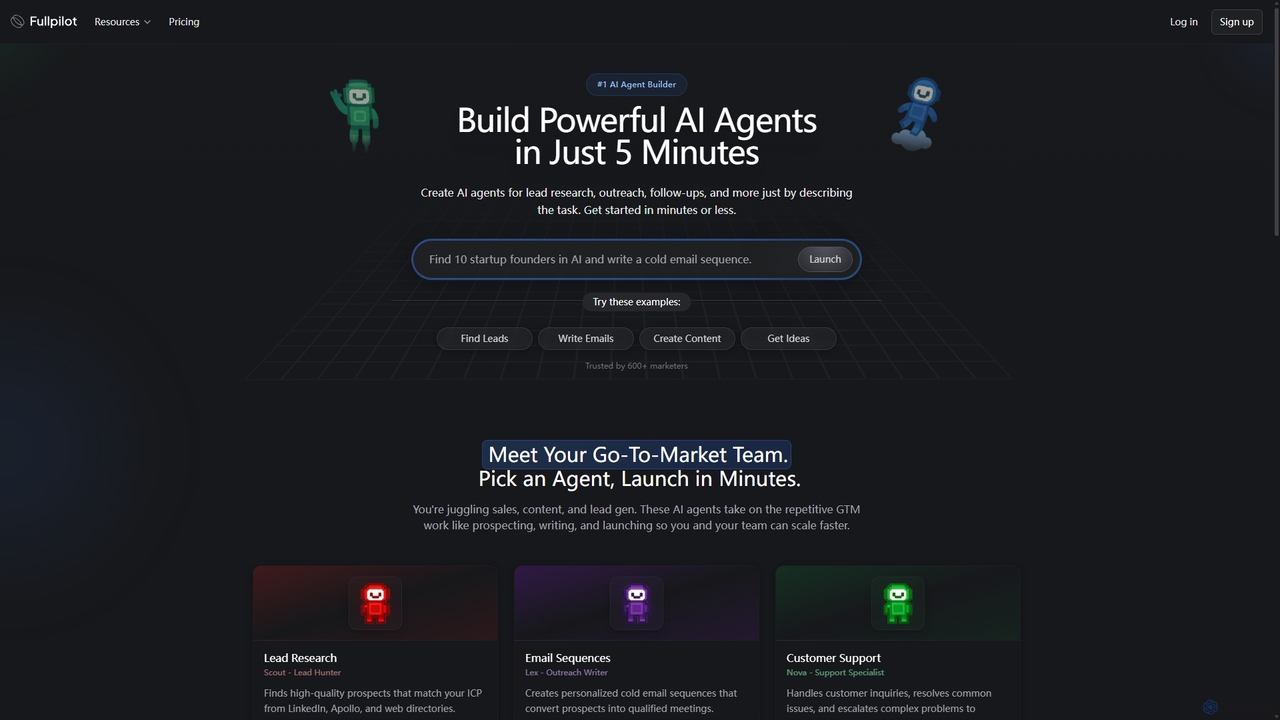
Fullpilot
Fullpilot is an AI agent builder that allows you to create powerful AI agents for Go-To-Market (GTM) tasks in minutes. Automate lead research, email outreach, content creation, and CRM updates simply by describing the task in natural language.
Automation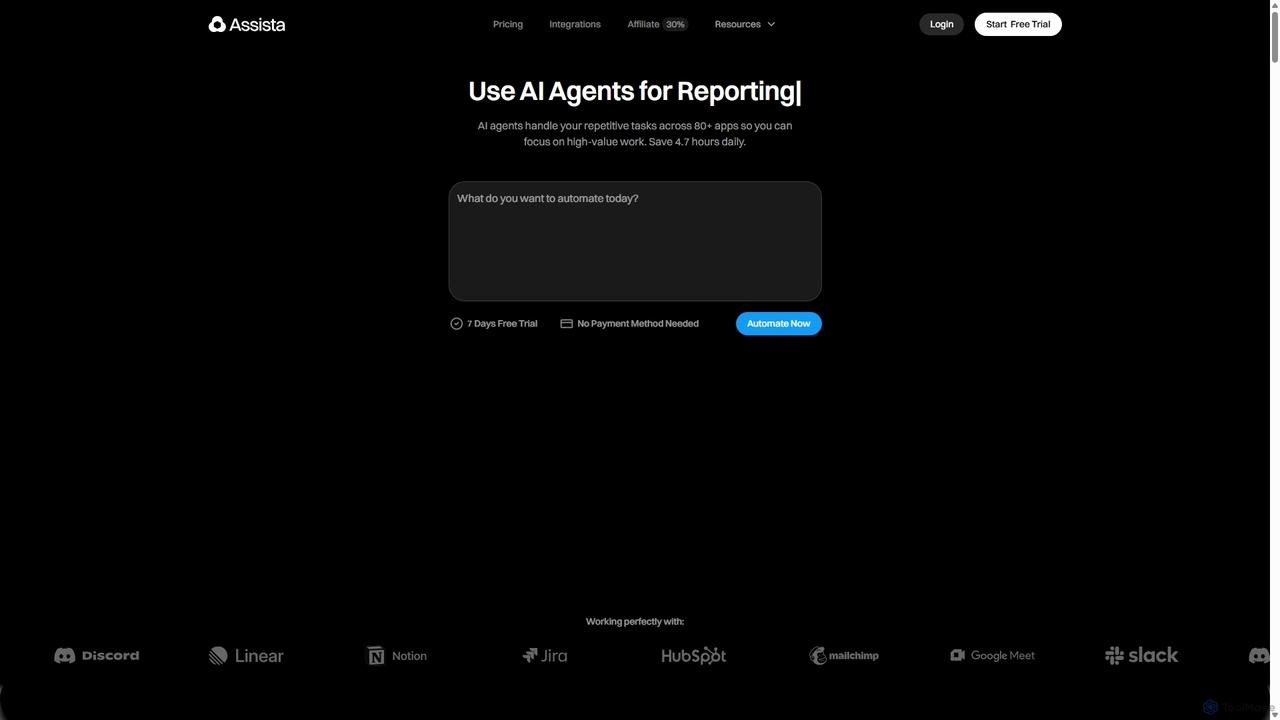
Assista
Assista is an AI agent platform that automates repetitive tasks and complex workflows across 80+ applications using simple, natural language commands. It acts as a complete AI workforce, allowing users to delegate tasks without any coding, saving hours of manual work daily and boosting overall productivity.
Workflow Management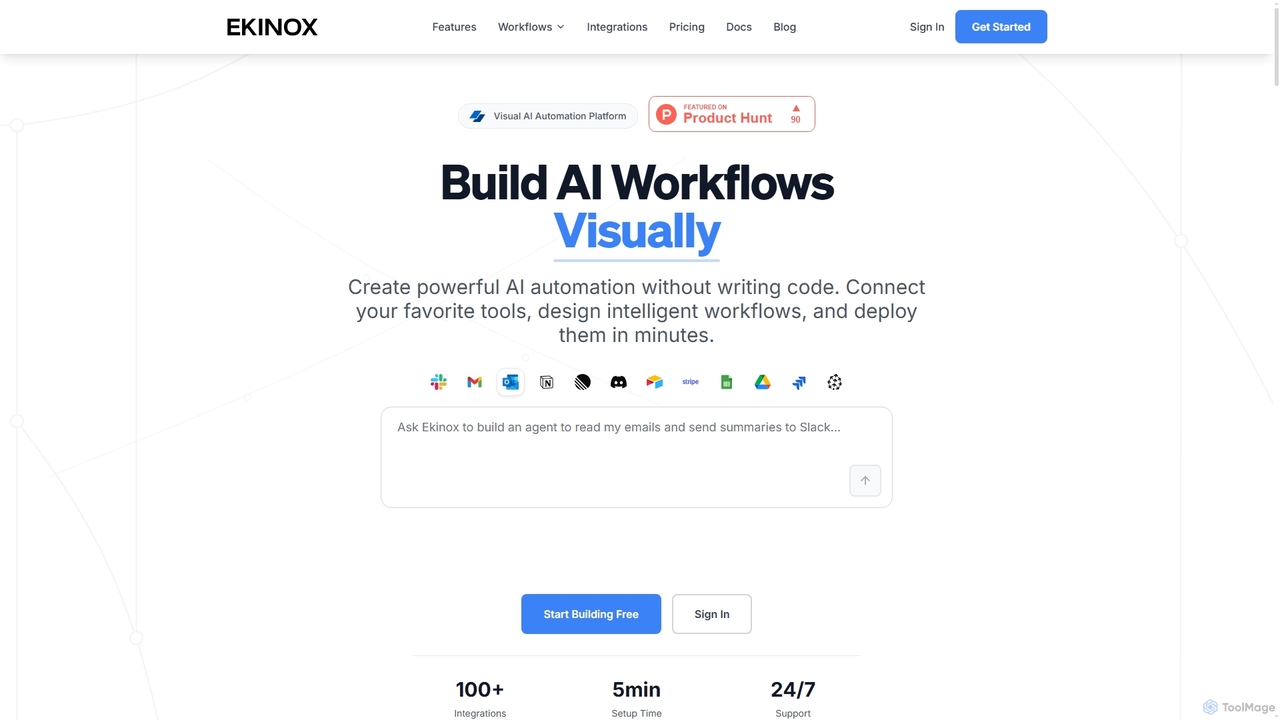
Ekinox
Ekinox is a visual AI automation platform that allows users to build, connect, and deploy complex AI workflows without writing any code. It features a drag-and-drop canvas, integrates with over 100 tools and AI models, and is designed for both simple task automation and sophisticated AI agent orchestration.
Workflow
Flow Comments (0)
Sign in to comment.
Sign inNo comments yet.