Development Best in category 10 results No Code Development AI Tool

Popular AI tools in the No Code Development field of Development include FlowEngine、TheNoah、iAgent、Frozyn、Flow、Ideazflow、Stryama、Frase、Swipies、Web4, etc., helping you quickly improve efficiency.

Swipies

Swipies

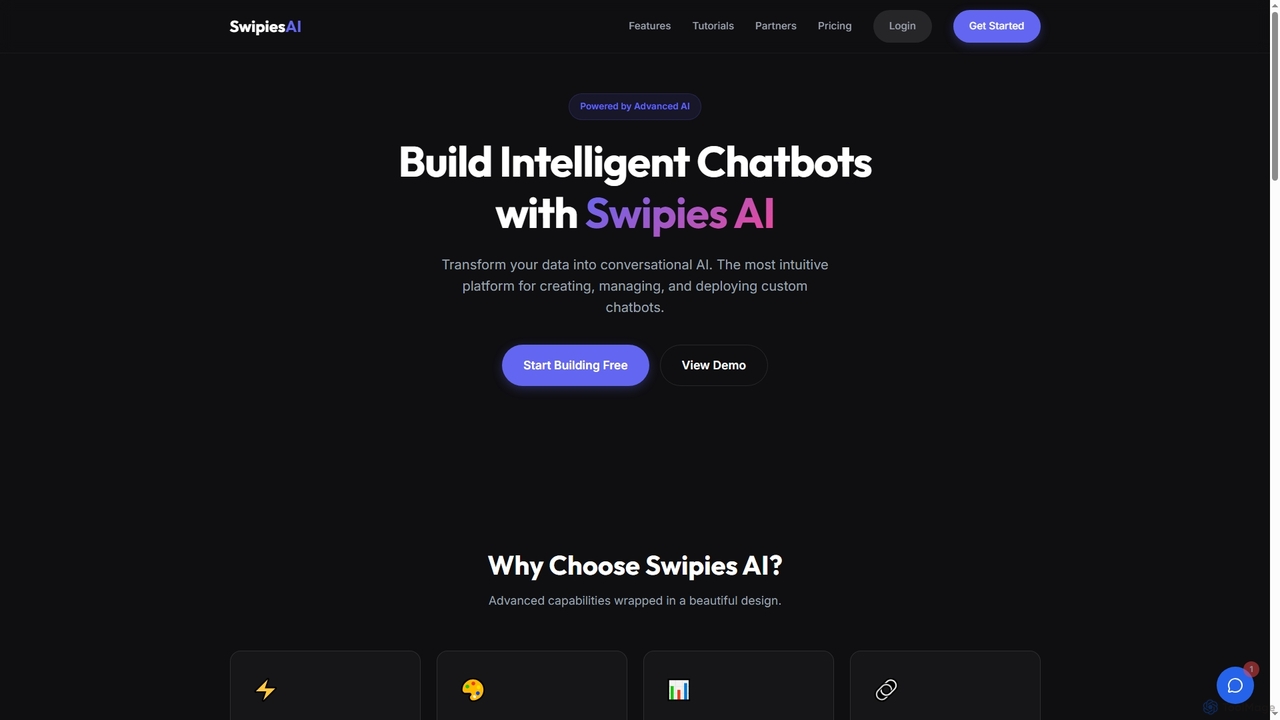
Swipies is an intuitive AI platform designed to instantly build, manage, and deploy intelligent chatbots. It transforms your …

3.4K
Stryama

Stryama

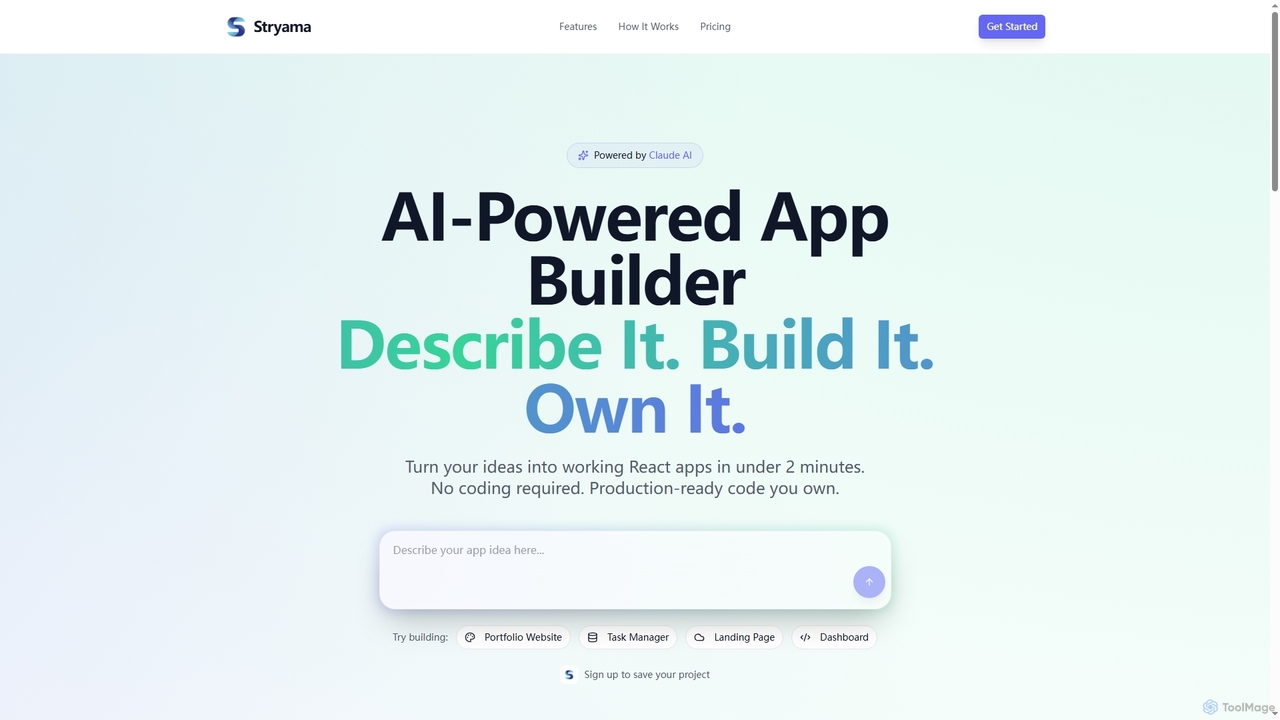
Stryama is an AI-powered app builder that transforms your ideas into functional React applications in minutes, requiring no …

3.4K
Flow

Flow

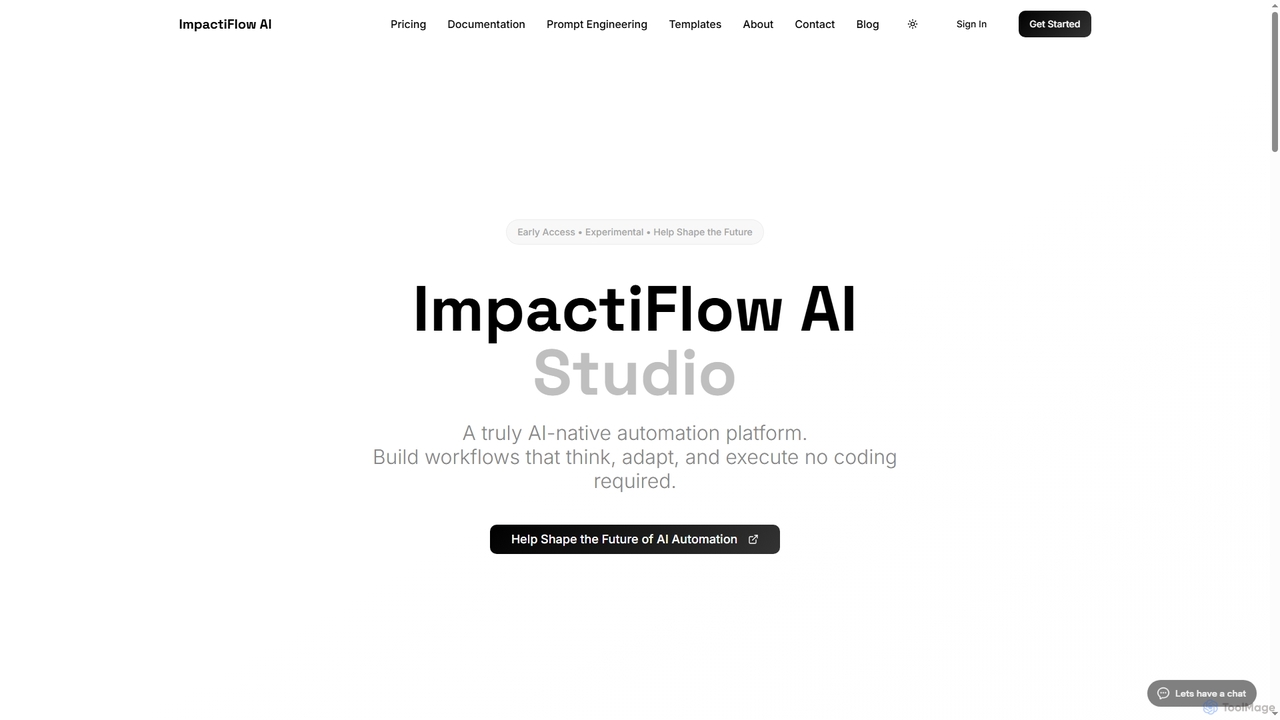
Flow is an AI-native, agentic automation platform designed to build intelligent workflows that think, adapt, and execute without …

3.4K
iAgent

iAgent

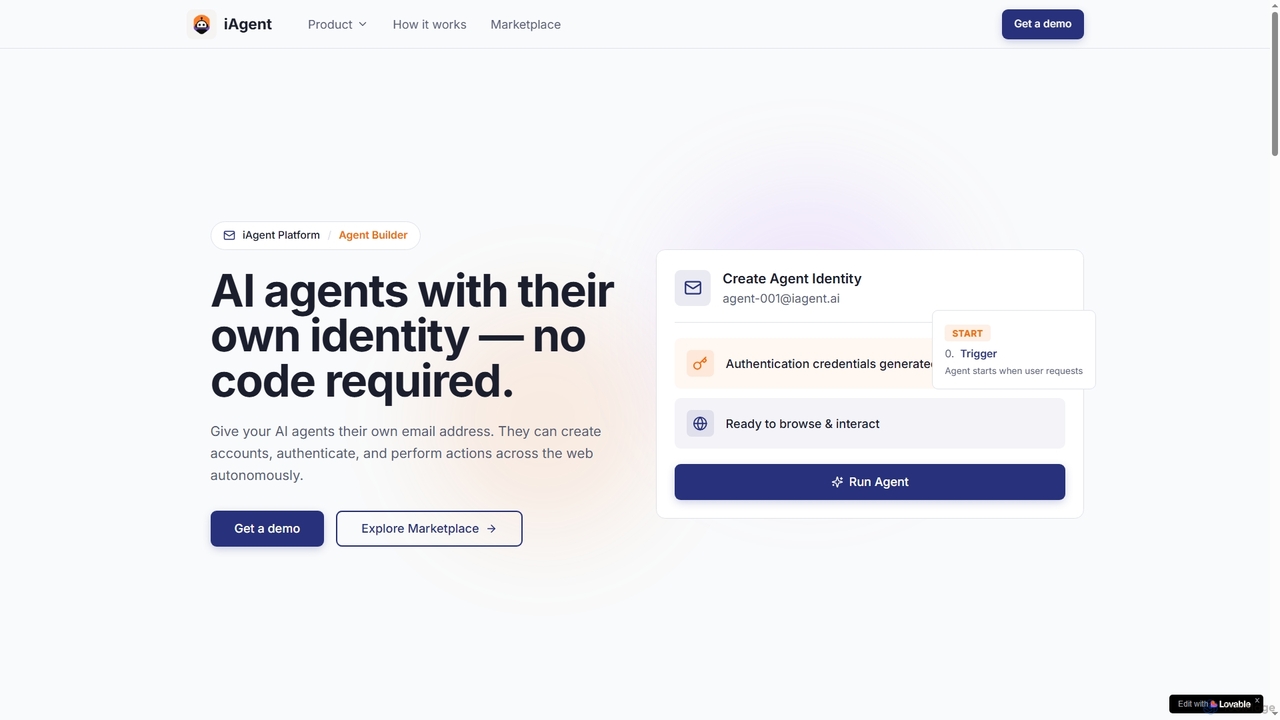
iAgent is a no-code platform that empowers users to create autonomous AI agents with unique digital identities. These …

4.1K
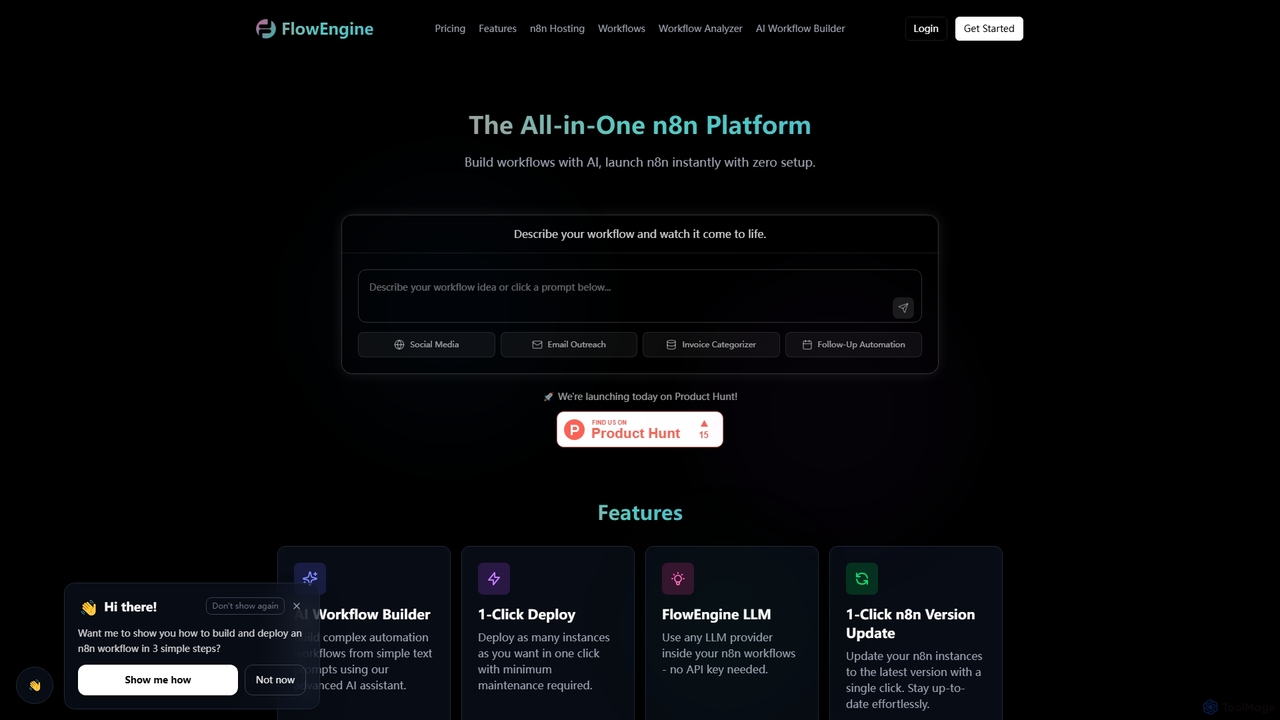
FlowEngine

FlowEngine

FlowEngine is an all-in-one n8n hosting platform that simplifies workflow automation with AI. It allows users to build …

16.0K
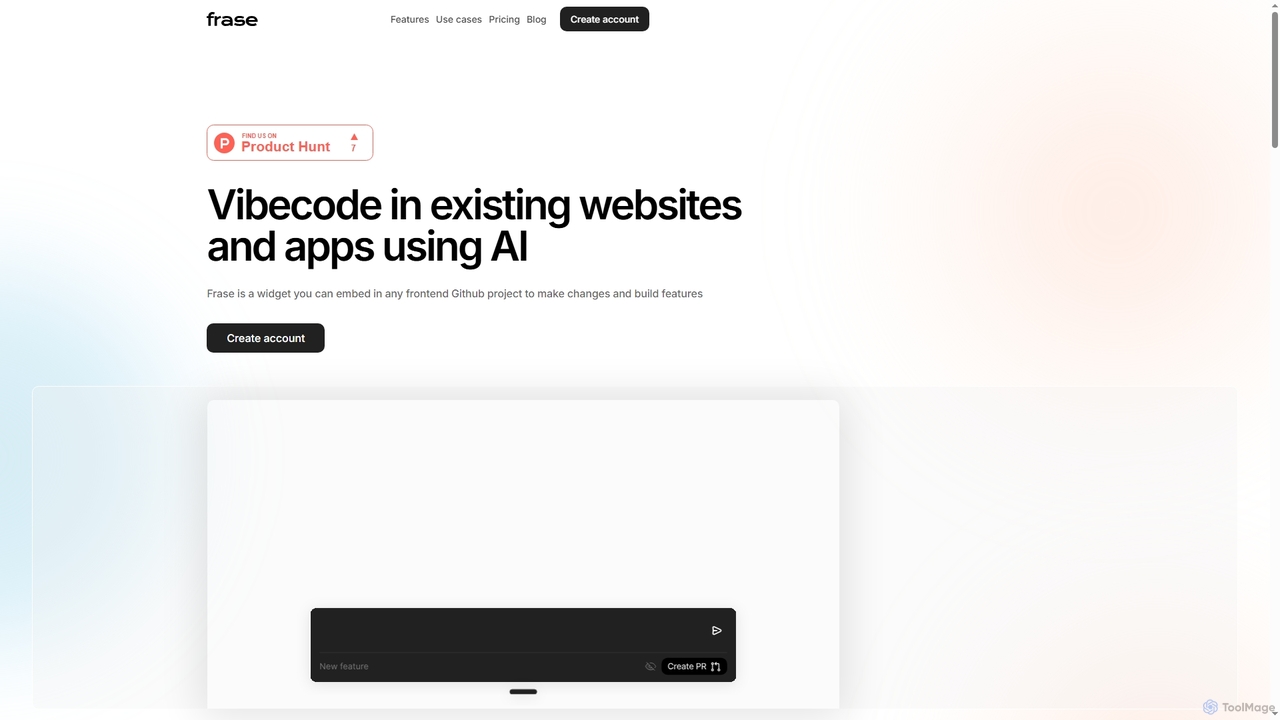
Frase

Frase

Frase is an AI-powered widget designed for marketing teams, product managers, and non-technical founders to edit existing websites …

3.4K
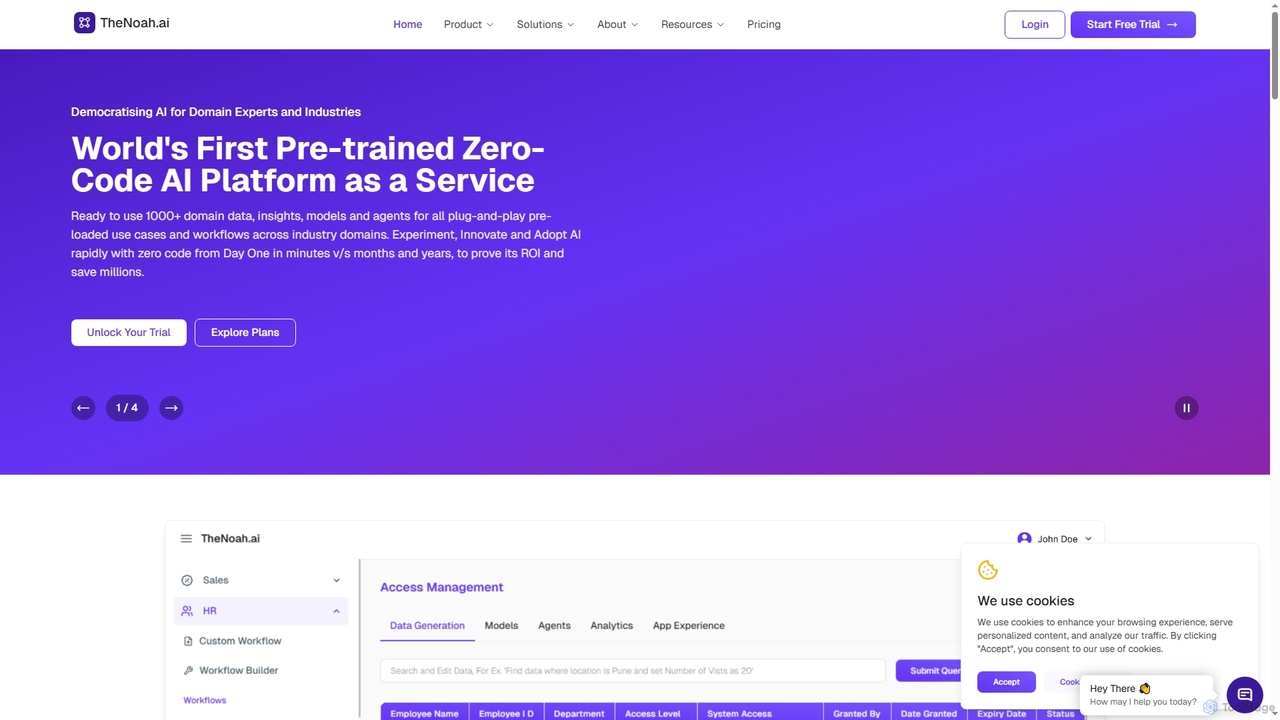
TheNoah

TheNoah

TheNoah is the world's first pre-trained, zero-code AI platform designed for enterprises and domain experts. It offers over …

6.2K
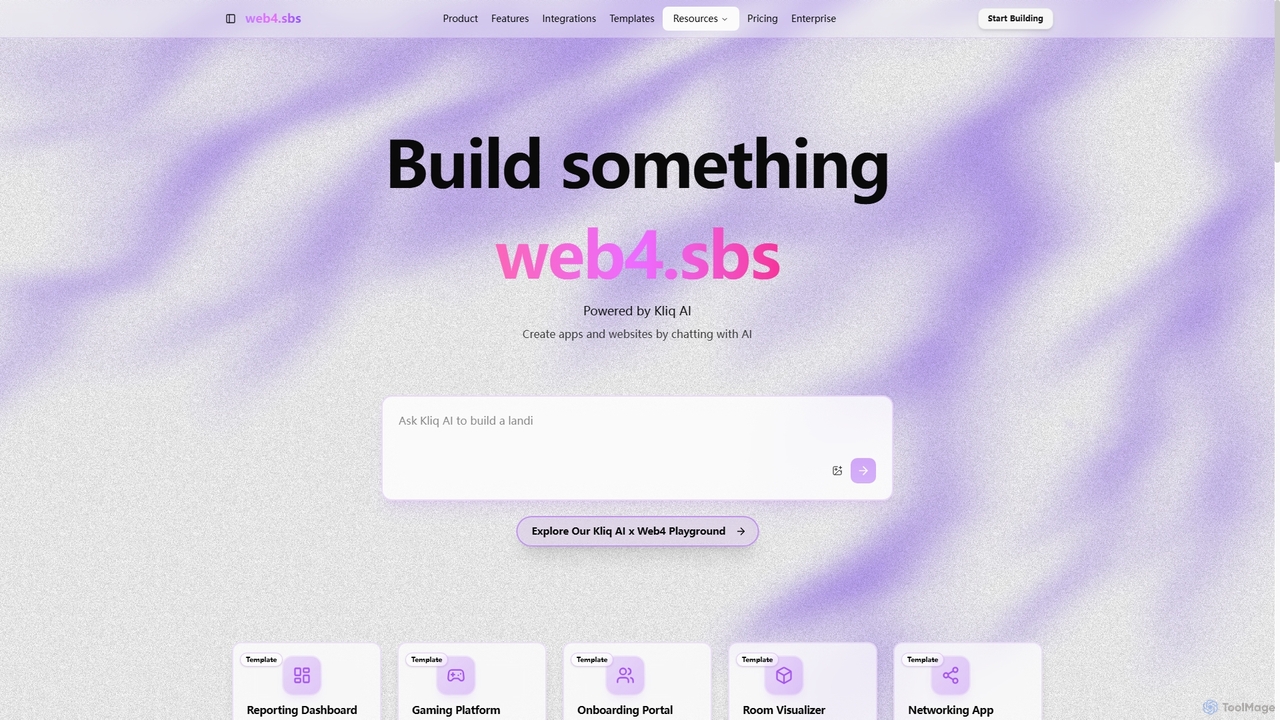
Web4

Web4

Web4, powered by Kliq AI, is an innovative platform that enables users to create functional web applications and …

3.3K
Frozyn

Frozyn

Frozyn is an AI-powered no-code platform that enables users to build cool apps and websites by simply chatting …

3.4K
Ideazflow

Ideazflow

Ideazflow is an AI-boosted service that transforms your app or website ideas into a functional Minimum Viable Product …

3.4K

About No Code Development

No Code Development refers to tools that enable users to build applications and websites without writing traditional code. These platforms abstract complex programming logic through intuitive visual interfaces, drag-and-drop components, and pre-built templates. This empowers non-technical individuals and business teams to rapidly create functional digital products, significantly accelerating innovation and market responsiveness. No Code Development dramatically lowers the technical barrier, fostering greater autonomy in digital transformation initiatives.

Core Features

  • Visual Interface Builder: Drag-and-drop components for intuitive, what-you-see-is-what-you-get design.
  • Pre-built Templates & Component Library: Accelerate project initiation with a rich collection of functional modules.
  • Data Modeling & Database Integration: Easily manage and connect data sources for dynamic applications.
  • Workflow Automation: Define business logic and automate processes without scripting.
  • API Integration Capabilities: Seamlessly connect with third-party services and existing systems.

Use Cases

No Code Development tools are widely adopted across various industries and roles. They are ideal for rapid prototyping and Minimum Viable Product (MVP) creation, allowing product managers and entrepreneurs to validate ideas quickly. Businesses leverage them to build internal management tools like custom CRMs or project trackers, and to automate repetitive business processes such as lead nurturing or data synchronization. Small businesses and individual entrepreneurs also use these platforms to launch e-commerce websites or online stores efficiently.

How to Choose

When selecting a No Code Development platform, consider its feature richness and extensibility to ensure it meets current and future project needs, including plugin or API support. Evaluate the ease of use and learning curve, looking for intuitive interfaces, comprehensive tutorials, and active community support. Assess its integration capabilities with your existing systems (e.g., CRM, ERP). Finally, compare pricing models and cost-effectiveness based on your project scale and team size, and review available deployment and hosting options.

No Code DevelopmentUse Cases

1

Build Custom Internal Management Tools

An operations manager at a small to medium-sized enterprise (SME) needs a custom system to manage customer data, project progress, or inventory. By using a No Code platform, they can drag-and-drop forms, database components, and reporting modules to quickly build a tailored CRM or project management system. This allows the tool to go live within hours or days, without requiring IT department involvement, significantly boosting internal collaboration efficiency.

2

Rapid Prototyping and MVP Development

A product manager or entrepreneur needs to validate a new product concept or market demand quickly. By leveraging No Code tools' templates and visual editors, they can build an interactive Minimum Viable Product (MVP) within days. This enables them to gather user feedback rapidly, reduce development costs and risks, and accelerate product iteration cycles, bringing ideas to market faster with minimal investment.

3

Automate Repetitive Business Processes

A marketing specialist or sales team frequently performs repetitive tasks like lead follow-ups, email marketing campaigns, or data synchronization across different platforms. Using a No Code platform, they can configure triggers and actions to connect form submissions, email sending, and CRM updates into an automated workflow. This significantly reduces manual, repetitive work, ensures process consistency, and improves response times and customer satisfaction without needing custom code.

4

Launch E-commerce Websites or Online Stores

A small business owner or individual entrepreneur wants to quickly launch an online sales platform with product display, shopping cart, and payment functionalities. By selecting a No Code e-commerce template, they can drag-and-drop products, set up payment gateways, and configure shipping options. This allows them to establish a professional-grade e-commerce website in a short amount of time, enabling online sales without any programming knowledge.

5

Create Mobile or Web Applications for Events/Communities

A community organizer or event planner needs to provide information dissemination, registration, and interaction functionalities for a specific event or community. Using a No Code app builder, they can design user interfaces and integrate features like maps, calendars, and notifications. This allows them to quickly publish a customized application, enhancing user engagement and information delivery efficiency without the need for native development expertise.

6

Data Visualization and Report Generation

A business analyst or data operations specialist needs to consolidate scattered business data and present it in chart form, generating regular reports. By connecting a No Code platform to various data sources (e.g., Google Sheets, Airtable), they can utilize its chart components to create interactive dashboards. This enables real-time monitoring of key business indicators and rapid generation of visual reports, aiding decision-making without writing complex data query code.

No Code DevelopmentFrequently Asked Questions