Design Best in category 1 results Ui Editing AI Tool

Popular AI tools in the Ui Editing field of Design include Frase, etc., helping you quickly improve efficiency.

Frase

Frase

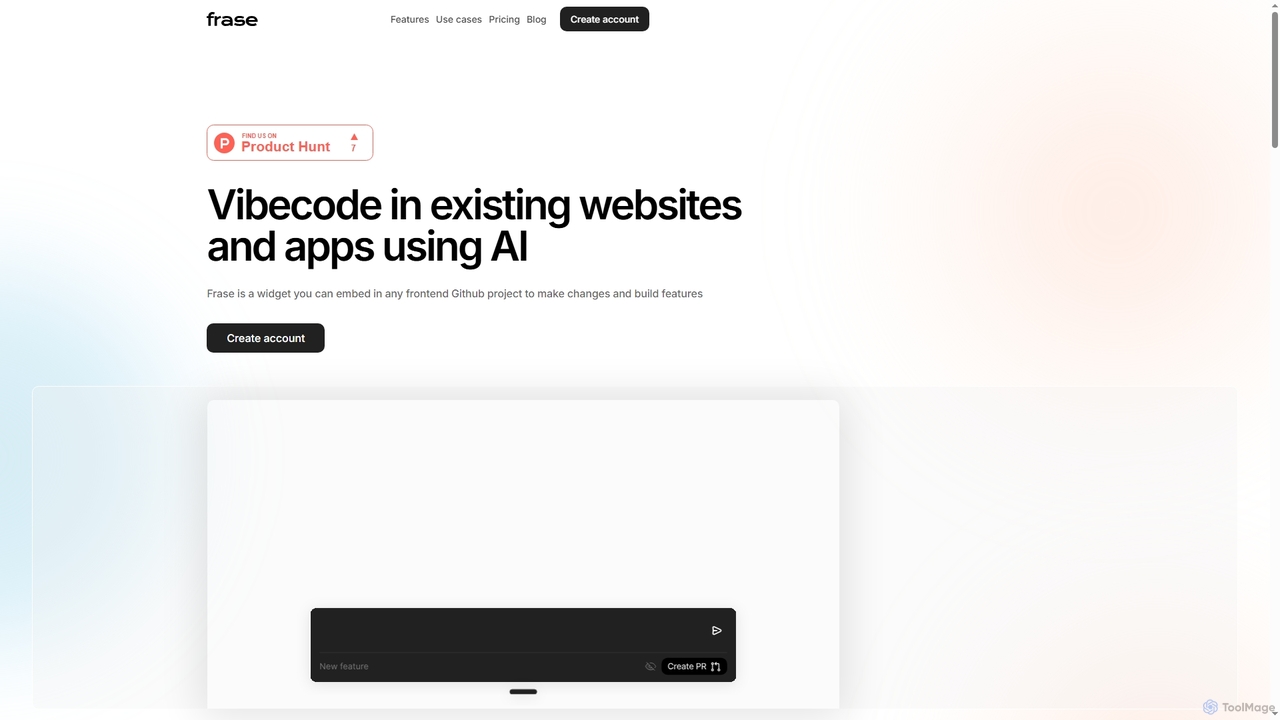
Frase is an AI-powered widget designed for marketing teams, product managers, and non-technical founders to edit existing websites …

2.5K

About Ui Editing

UI Editing tools are a specialized subset of AI design tools that leverage artificial intelligence to assist in the modification, optimization, and generation of user interface elements. These tools utilize advanced algorithms to understand design patterns, suggest improvements, and automate repetitive tasks, significantly accelerating the UI design workflow. They empower designers to achieve greater consistency, efficiency, and innovation in creating intuitive and visually appealing digital interfaces.

Core Features

  • Intelligent Layout Adjustment: Automatically refines UI element positioning and spacing for optimal aesthetics and responsiveness.
  • Component Generation: Creates reusable UI components from text descriptions or low-fidelity inputs, adhering to design system guidelines.
  • Style Transfer & Consistency: Applies consistent branding, typography, and color palettes across multiple screens or design variations.
  • Accessibility Optimization: Identifies and suggests improvements for UI elements to meet accessibility standards (e.g., contrast, touch targets).
  • Design System Integration: Seamlessly works with existing design systems to ensure adherence and facilitate component updates.

Applicable Scenarios

UI Editing tools are invaluable for UI/UX designers, product managers, and front-end developers seeking to streamline their design and development processes. They are particularly useful in fast-paced environments requiring rapid prototyping, iterative design, and maintaining design consistency across large projects or multiple platforms.

How to Choose

When selecting a UI Editing tool, consider its integration capabilities with your existing design software (e.g., Figma, Sketch). Evaluate the breadth and intelligence of its AI features, such as layout suggestions, component generation, and style consistency. Assess its customization options to ensure it aligns with your specific design system and workflow, and review its learning curve and community support for ease of adoption.

Ui EditingUse Cases

1

Automating Responsive UI Adjustments

A UI designer needs to adapt a desktop interface to tablet and mobile screens. Instead of manually resizing and rearranging elements, an AI UI editing tool can automatically adjust layouts, font sizes, and component spacing to maintain optimal aesthetics and usability across different breakpoints. This saves significant time and ensures design consistency, allowing the designer to focus on fine-tuning rather than repetitive adjustments.

2

Generating Design System Components from Sketches

A product team is rapidly prototyping a new feature and has hand-drawn sketches of UI elements. An AI UI editing tool can take these low-fidelity sketches and, using its understanding of design systems, automatically generate high-fidelity, production-ready UI components (buttons, input fields, cards) that adhere to the company's established design language. This accelerates the transition from concept to functional prototype, ensuring consistency from the outset.

3

Applying Consistent Branding Across Multiple Screens

A marketing team is launching a new campaign and needs to update the branding (colors, fonts, logos) across dozens of existing UI screens for a mobile app. Instead of manually changing each element, an AI UI editing tool can perform a global style transfer, intelligently identifying and updating all relevant UI elements to match the new brand guidelines. This ensures visual consistency and significantly reduces the time spent on brand refreshes.

4

Optimizing UI Layouts for Accessibility

A UX designer is tasked with ensuring an existing web application meets WCAG accessibility standards. An AI UI editing tool can analyze the current UI, identify potential accessibility issues such as low color contrast, small touch targets, or improper heading structures, and suggest specific adjustments. This proactive identification and automated suggestion process helps designers create more inclusive interfaces without extensive manual audits, improving user experience for everyone.

5

Rapid Prototyping and Iteration of UI Elements

A startup needs to quickly test multiple UI variations for a new onboarding flow to gather user feedback. An AI UI editing tool allows designers to rapidly generate different button styles, form layouts, or navigation patterns based on simple prompts or existing design elements. This accelerates the prototyping phase, enabling faster A/B testing and iterative improvements, leading to a more optimized user experience in less time.

6

Converting Low-Fidelity Wireframes to High-Fidelity UI

A product manager has created basic wireframes to outline the structure and flow of a new application. An AI UI editing tool can take these low-fidelity wireframes and, with minimal input, transform them into high-fidelity UI designs, applying appropriate styling, components, and visual hierarchy based on a chosen design system or style guide. This bridges the gap between conceptualization and detailed design, making it easier to visualize the final product and gather early stakeholder feedback.

Ui EditingFrequently Asked Questions