Ai Assistant Best in category 3 results Coding Assistant AI Tool

Popular AI tools in the Coding Assistant field of Ai Assistant include Gelt、Soul16、Web4, etc., helping you quickly improve efficiency.

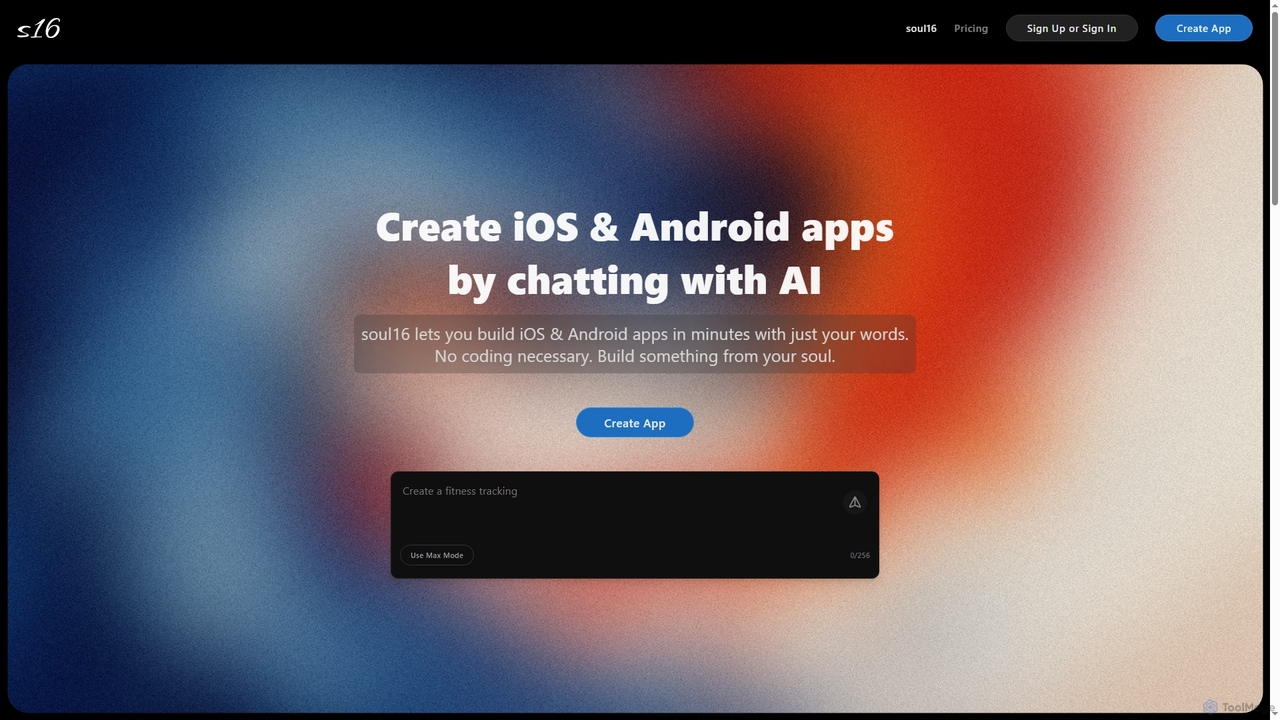
Soul16

Soul16

Soul16 is an AI-powered platform that enables users to build fully functional iOS and Android applications in minutes …

2.1K
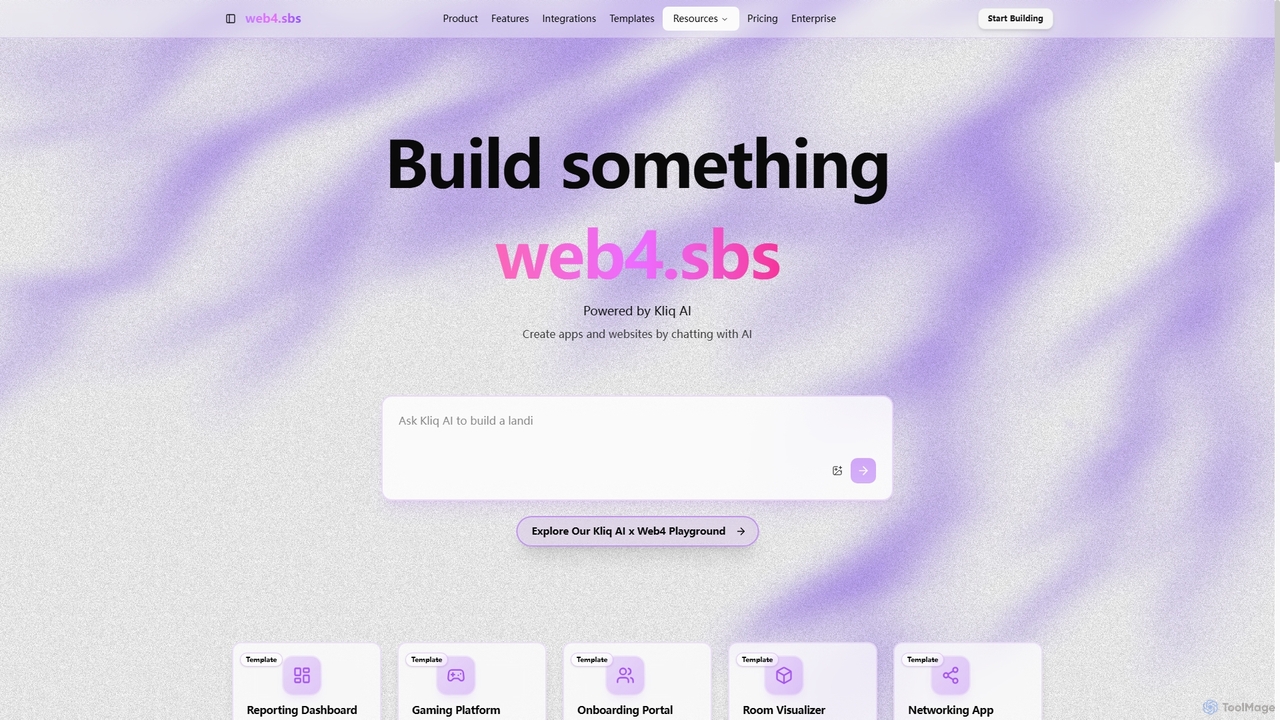
Web4

Web4

Web4, powered by Kliq AI, is an innovative platform that enables users to create functional web applications and …

2.1K
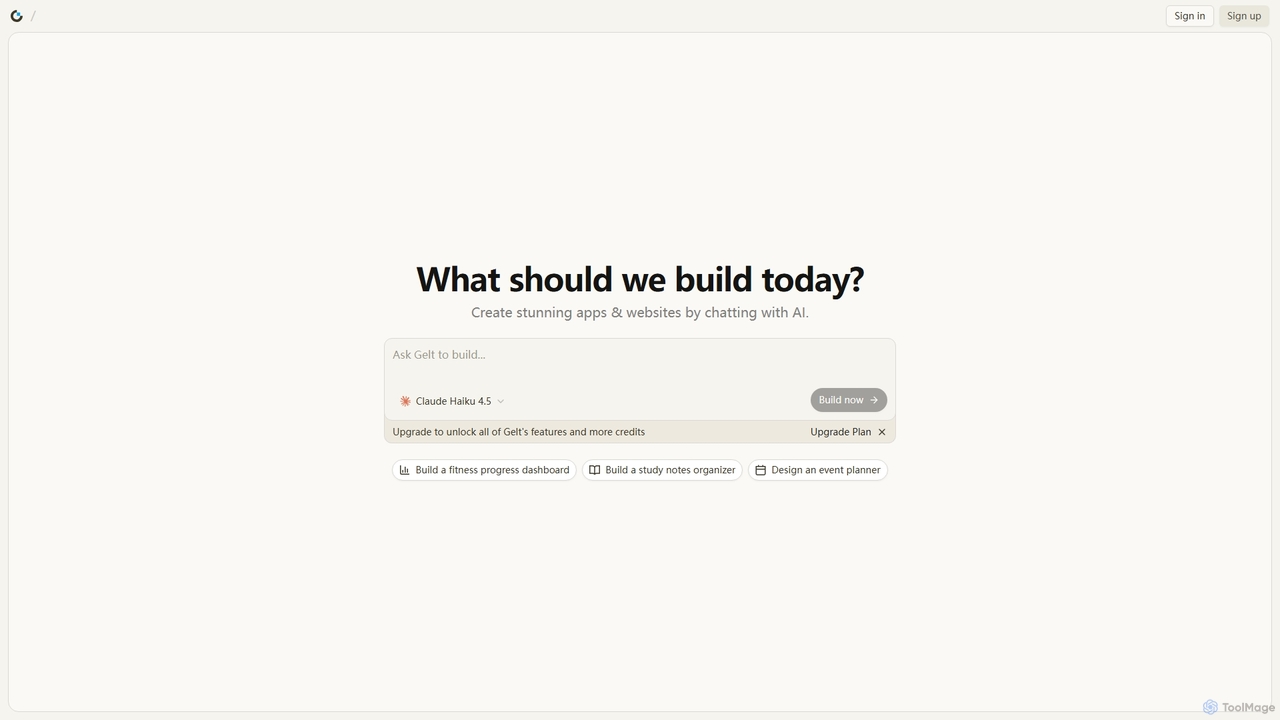
Gelt

Gelt

Gelt is an innovative AI website builder that empowers users to create stunning applications and prototypes simply by …

2.2K

About Coding Assistant

Coding Assistants are AI-powered tools designed to help developers write, debug, and optimize code more efficiently. Leveraging large language models trained on vast code repositories, they provide real-time code completion, function generation, and error detection directly within the development environment. These assistants accelerate the development lifecycle, reduce repetitive tasks, and help programmers learn new languages or frameworks. Unlike general AI assistants, they are deeply integrated into IDEs and offer context-aware suggestions specific to the project's codebase.

Core Features

  • Intelligent Code Completion: Suggests lines or entire blocks of code in real-time based on the current context.
  • Code Generation from Prompts: Creates functions, classes, or algorithms from natural language descriptions.
  • Debugging and Refactoring: Identifies bugs, suggests fixes, and helps restructure existing code for better readability and performance.
  • Code Explanation: Translates complex code snippets into plain language to improve understanding.
  • Automated Test Generation: Automatically creates unit tests to ensure code quality and robustness.

Use Cases

Coding Assistants are widely used by software developers, data scientists, and students. They are invaluable for rapid prototyping, maintaining legacy codebases, and accelerating the learning process for new programming languages or APIs. In team environments, they help enforce consistent coding styles and improve overall code quality.

How to Choose

When selecting a Coding Assistant, consider its integration with your preferred IDE (e.g., VS Code, JetBrains), the breadth of its programming language support, and its context-awareness. Also, evaluate its security and privacy policies, especially regarding how it handles proprietary code. Finally, compare pricing models, from free tiers to enterprise subscriptions, to find one that fits your budget and usage needs.

Coding AssistantUse Cases

1

Accelerating Feature Development

A backend developer is building a new API endpoint. Instead of writing boilerplate code manually, they use a Coding Assistant. By typing a comment like "create a POST endpoint to add a new user with email and password validation", the assistant generates the complete function, including request handling, data validation logic, and a database insertion query. This reduces development time for routine tasks by over 70%, allowing the developer to focus on complex business logic.

2

Debugging Complex Logic

A data scientist is working with a complex data transformation function that produces incorrect results. They highlight the function and ask the Coding Assistant, "Explain this code and identify potential bugs." The assistant breaks down the logic step-by-step in plain language and points out a logical error in an array manipulation step that the scientist had overlooked. This conversational debugging process helps find the root cause much faster than traditional manual tracing.

3

Learning a New Framework

A junior developer is learning a new web framework like Svelte. Instead of constantly switching between their editor and documentation, they use the Coding Assistant. They can ask questions like "How do I fetch data on component mount in Svelte?" directly in the IDE. The assistant provides a correct code snippet with explanations, demonstrating best practices. This in-context learning accelerates their understanding and makes them productive in the new technology much faster.

4

Automating Unit Test Creation

A software engineer has just finished writing a complex utility function. To ensure its reliability, they need to write comprehensive unit tests. They right-click the function and select "Generate Unit Tests" from the Coding Assistant's menu. The tool analyzes the function's logic, including edge cases and potential failure points, and generates a complete test suite covering various scenarios. This automates a time-consuming but critical part of the development process, improving code coverage and quality.

5

Refactoring Legacy Code

A developer is tasked with modernizing a legacy codebase with long, poorly documented functions. They select a 100-line function and ask the Coding Assistant to "refactor this function for readability and efficiency." The assistant breaks it down into smaller, single-responsibility functions, adds descriptive variable names, and includes comments explaining the logic. This process transforms unmaintainable code into a clean, modular, and understandable structure, significantly reducing technical debt.

6

Writing Technical Documentation

After implementing a new class, a developer needs to write its documentation (e.g., a docstring). Instead of writing it from scratch, they highlight the entire class and instruct the Coding Assistant to "generate a detailed docstring for this class." The assistant analyzes the methods, parameters, and return values, then produces a well-formatted documentation block that explains the class's purpose, its methods, and provides usage examples. This ensures consistent and high-quality documentation across the project with minimal effort.

Coding AssistantFrequently Asked Questions