Ai Best in category 1 results No Code Development AI Tool

Popular AI tools in the No Code Development field of Ai include Stepper, etc., helping you quickly improve efficiency.

Stepper

Stepper

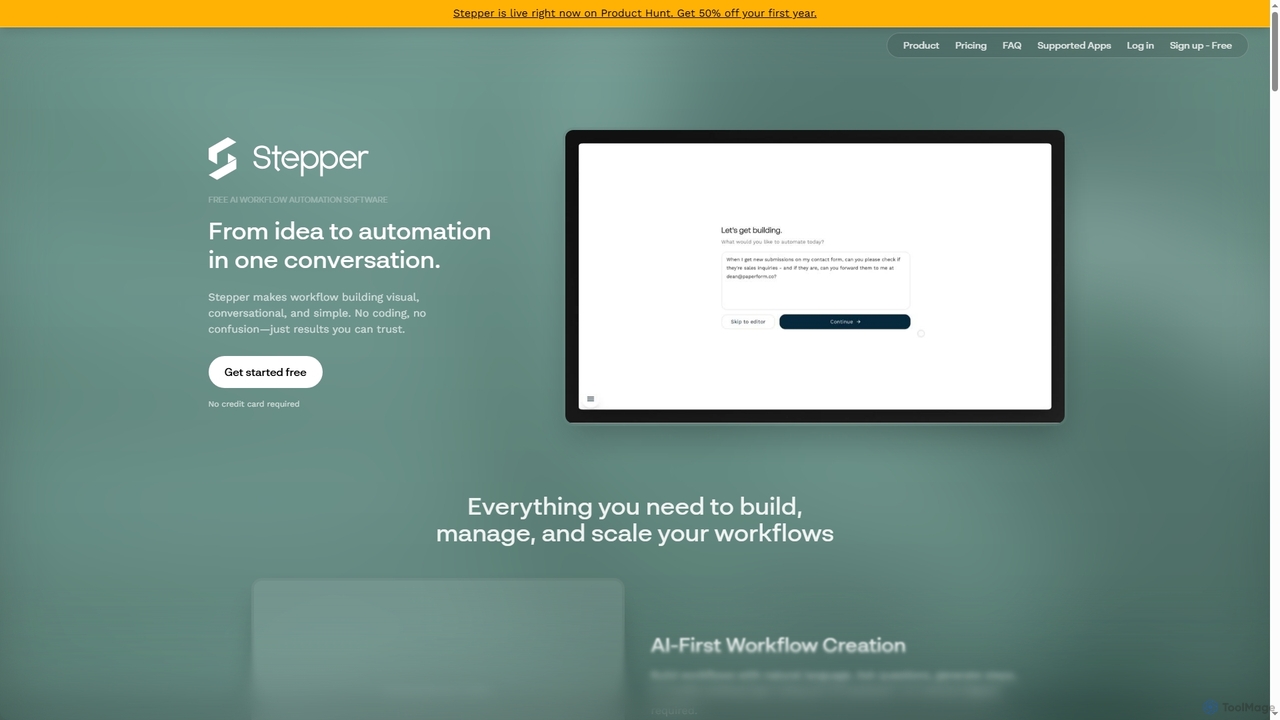
Stepper is a free AI-native workflow automation software designed to simplify complex business processes. It offers a visual, …

22.0K

About No Code Development

No-Code Development platforms are tools that enable users to build applications and automate workflows using visual interfaces instead of traditional programming. These platforms utilize drag-and-drop components, pre-built templates, and graphical logic builders to translate user actions into functional code. This approach significantly lowers the technical barrier, empowering business users, entrepreneurs, and designers to create websites, mobile apps, and internal tools independently. The core value lies in accelerating development cycles and democratizing software creation for non-technical creators.

Core Features

  • Visual Drag-and-Drop Editor: Build user interfaces and application layouts by arranging pre-made components on a canvas.
  • Workflow Automation Builder: Define application logic and business processes visually by connecting triggers and actions in a flowchart-style interface.
  • Integrated Database Management: Create and manage data structures, collections, and user accounts directly within the platform without writing SQL.
  • API & Third-Party Integrations: Connect to external services, databases, and applications through visual connectors and pre-built integrations.
  • One-Click Deployment: Publish web and mobile applications to the cloud with a single click, handling hosting and server management automatically.

Use Cases

No-Code Development tools are widely used by startups to rapidly build and test Minimum Viable Products (MVPs). They are also popular among business departments (like Marketing, HR, and Operations) for creating custom internal tools, such as project management dashboards or employee onboarding systems. Freelancers and small agencies use them to build client websites and simple applications more efficiently.

How to Choose

When selecting a No-Code Development platform, first evaluate its scalability and performance limitations to ensure it can support your expected user load. Consider the extent of its integration ecosystem and API capabilities to connect with your existing tools. Examine the platform's data ownership policies and export options to avoid vendor lock-in. Finally, compare pricing models, which can be based on users, app features, or workflow executions, to find one that aligns with your budget and growth plans.

No Code DevelopmentUse Cases

1

Develop a Minimum Viable Product (MVP)

An entrepreneur with a new app idea wants to validate their concept with real users without investing heavily in a development team. Using a no-code platform, they can visually design the user interface, build the core features like user sign-up and data submission, and deploy a functional web application in weeks instead of months. This allows them to gather user feedback, iterate on the product quickly, and present a working prototype to potential investors, significantly reducing time-to-market and initial costs.

2

Automate Internal Business Workflows

An operations manager in a medium-sized company needs to streamline the employee expense reporting process, which is currently manual and slow. Using a no-code automation tool, they build a workflow where employees submit expenses through a simple form. The data automatically populates a database, triggers an approval request to the relevant manager, and upon approval, notifies the finance department for reimbursement. This custom solution is built and deployed in a few days without any IT involvement, reducing processing time by over 70% and minimizing human error.

3

Create a Custom Client Portal

A marketing agency needs a centralized platform for clients to track project progress, access reports, and approve creative assets. Instead of using multiple disconnected tools, an account manager uses a no-code platform to build a secure, branded client portal. The portal features a dashboard with project timelines, a file repository for deliverables, and a communication module for feedback. This provides a professional and transparent experience for clients, improves communication efficiency, and consolidates all project-related information in one accessible place.

4

Build a Simple E-commerce Website

A local artist wants to sell their creations online but lacks the technical skills to build a traditional e-commerce store. They use a no-code website builder with integrated e-commerce functionality. Through a visual editor, they design their storefront, create product listings with images and descriptions, and set up a payment gateway. The platform handles the shopping cart, checkout process, and order management automatically. Within a weekend, the artist launches a fully functional online store, enabling them to reach a global audience and manage their business without writing a single line of code.

5

Create a Membership Community Platform

A content creator wants to build a private community for their followers, offering exclusive content and discussion forums. Using a no-code platform, they create a membership site with user authentication, tiered access levels (e.g., free, premium), and content management capabilities. They can easily upload videos, articles, and resources, restricting access based on a member's subscription plan. The platform also includes features like member profiles and forums, fostering interaction without requiring complex backend development. This empowers the creator to monetize their content and build a loyal community directly.

6

Develop a Mobile App for an Event

An event organizer for a local conference needs a mobile app for attendees to view schedules, speaker profiles, and venue maps. With a tight budget and deadline, they turn to a no-code mobile app builder. They use pre-built modules to create an event schedule, a directory of speakers, and an interactive map. They can also add features like push notifications to send real-time updates to attendees. The app is built and published to both iOS and Android app stores in a fraction of the time and cost of traditional development, enhancing the attendee experience and simplifying event communication.

No Code DevelopmentFrequently Asked Questions