

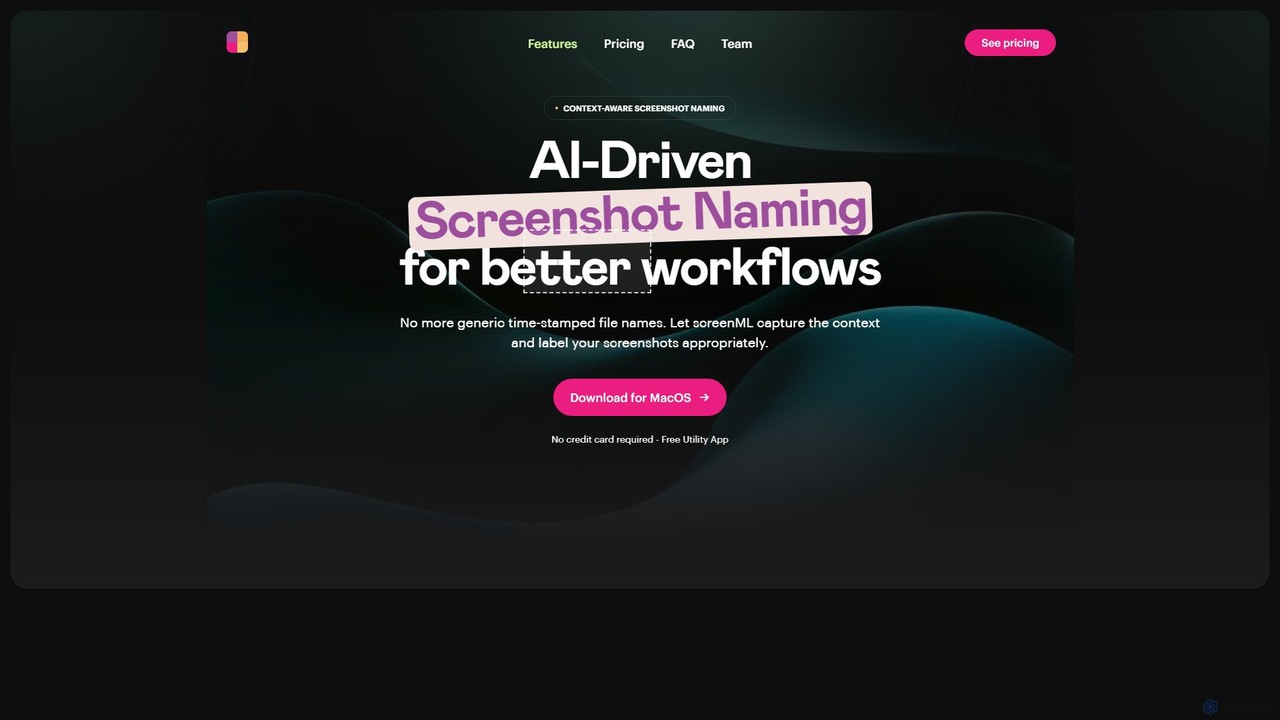
ScreenML Overview
ScreenML is a revolutionary utility application for MacOS designed to bring intelligence and order to your screenshot management process. Say goodbye to generic, timestamped filenames like 'Screen Shot 2023-10-27 at 11.59.34 AM.png' that clutter your desktop and make finding specific images a chore. ScreenML leverages powerful foundational AI models to analyze the content and context of every screenshot you take, automatically assigning a relevant, descriptive, and human-readable filename. This simple yet powerful function transforms your workflow, making organization effortless and searching for past screenshots intuitive and fast.
Developed for professionals, students, designers, and anyone who frequently uses screenshots, ScreenML runs quietly in the background, integrating seamlessly with your existing habits. It's more than just a naming tool; it's a productivity enhancer that saves you time and mental energy, allowing you to focus on your work instead of file management. With a generous free plan and powerful pro features on the horizon, ScreenML is poised to become an essential tool in any Mac user's arsenal.
How to use ScreenML
Using ScreenML is designed to be incredibly simple and requires no change to your current screenshot habits:
- Download the ScreenML application from the official website and install it on your MacOS device.
- Once installed, the app runs in the background. Simply take a screenshot as you normally would (e.g., using Shift-Command-4).
- ScreenML automatically intercepts the new screenshot, analyzes its content using AI, and saves it with a descriptive name (e.g., 'Login-Page-UI-Design-Inspiration.png') in your designated folder.
- You can click the menubar icon at any time to see the most recent screenshot and its automatically generated filename.
- For enhanced workflows, you can go into the app's settings to enable 'Launch at Login' so it's always ready. You can also enable the 'Annotation Workflow', which will automatically open new screenshots in Preview for quick edits. After you annotate and save, ScreenML can copy the final image to your clipboard for easy sharing.
Core Features of ScreenML
- AI-Powered Naming: Utilizes advanced AI models to understand the visual content and context of your screenshots, generating accurate and descriptive filenames automatically.
- Seamless Annotation Workflow: Integrates with Apple's Preview app. When enabled, screenshots open directly in Preview for annotation, and the final version is copied to the clipboard for immediate sharing.
- Menubar Accessibility: A convenient menubar icon provides a quick view of your latest screenshot and its AI-generated name without needing to open the destination folder.
- Launch at Login: An optional setting to automatically start ScreenML every time you log in to your Mac, ensuring it's always active.
- Privacy-Focused: The FAQ clarifies that user data is not used to train their own models, respecting user privacy.
- Upcoming Pro Features: The roadmap includes powerful features like batch renaming of existing files, custom naming rules, MLA citation mode for academic use, background removal, and support for scrolling screenshots.
Use Cases for ScreenML
ScreenML is versatile and beneficial for a wide range of users:
- Developers: Capture bug reports, UI elements, or code snippets. Files are automatically named 'API-Error-Message-in-Console.png' instead of a generic timestamp, making documentation and issue tracking easier.
- Designers: Collect UI/UX inspiration, save different versions of a design, or grab assets from the web. Finding a specific design element becomes as simple as searching for 'e-commerce-product-page-layout.png'.
- Students & Researchers: Capture key information from online articles, digital textbooks, or lecture slides. The upcoming MLA citation mode will further streamline academic work.
- Content Creators & Marketers: Quickly grab visuals for blog posts, tutorials, or social media content, with filenames that describe the content, simplifying media management.
- Support & QA Teams: Document user-reported issues or test results with clearly labeled screenshots, improving clarity and communication within the team.
Advantages of ScreenML
The primary advantage of ScreenML is its ability to automate a tedious but crucial organizational task. It enhances productivity by saving time, reduces digital clutter, and dramatically improves the searchability of your visual assets. By integrating with existing tools like Preview and operating seamlessly in the background, it enhances your workflow without disrupting it. The freemium model makes this powerful technology accessible to everyone.
Pricing and Plans
ScreenML offers a simple pricing structure to cater to different user needs:
- Free Plan: Ideal for casual users. It includes up to 50 AI-named screenshots per month, the standard AI-based filename generation, integration with Preview for annotations, and email support. No credit card is required.
- Pro Plan (Coming Soon): Designed for power users. This plan will offer a significantly higher limit of 750 screenshots per month and unlock advanced features such as batch file renaming, custom naming rules for personalized organization, an MLA citation mode, background removal, and the ability to take scrolling screenshots.
ScreenML Alternatives
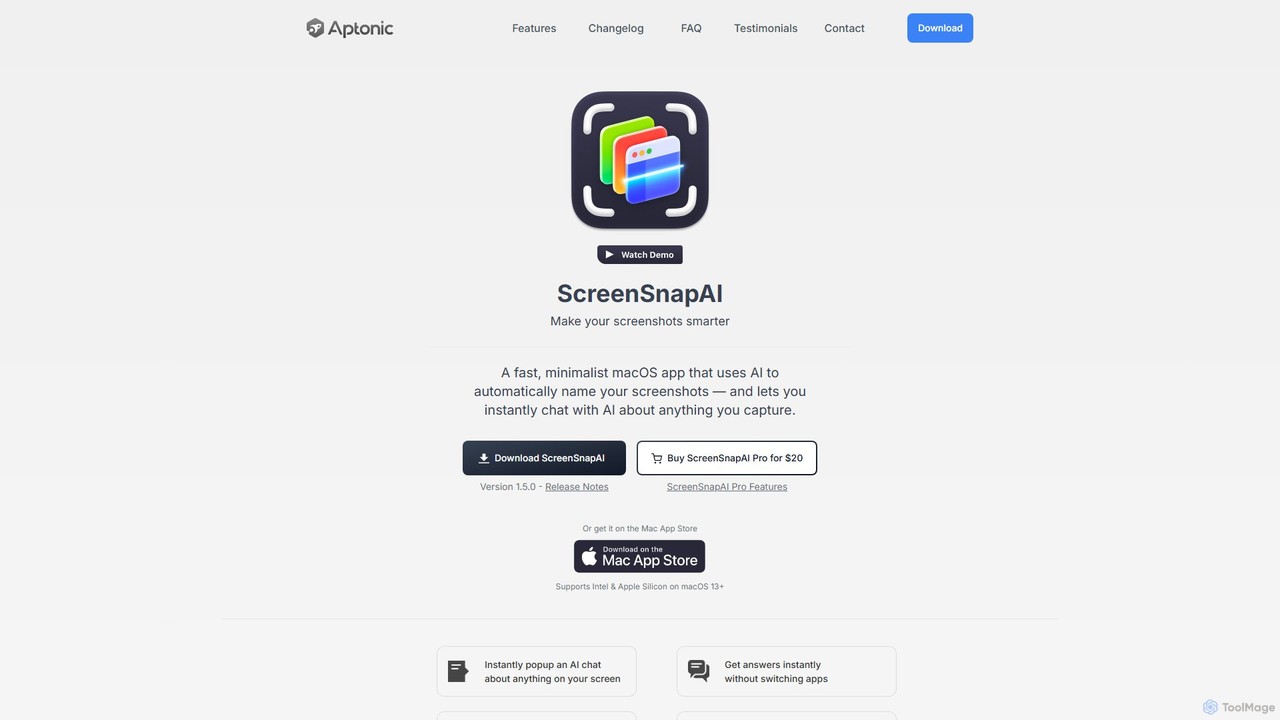
ScreenSnapAI
ScreenSnapAI is a smart macOS application that uses AI to automatically rename, tag, and organize your screenshots. It features an integrated AI assistant that allows you to instantly chat about, translate, or extract text and code from any captured image, dramatically improving productivity and workflow efficiency.
Code Assistant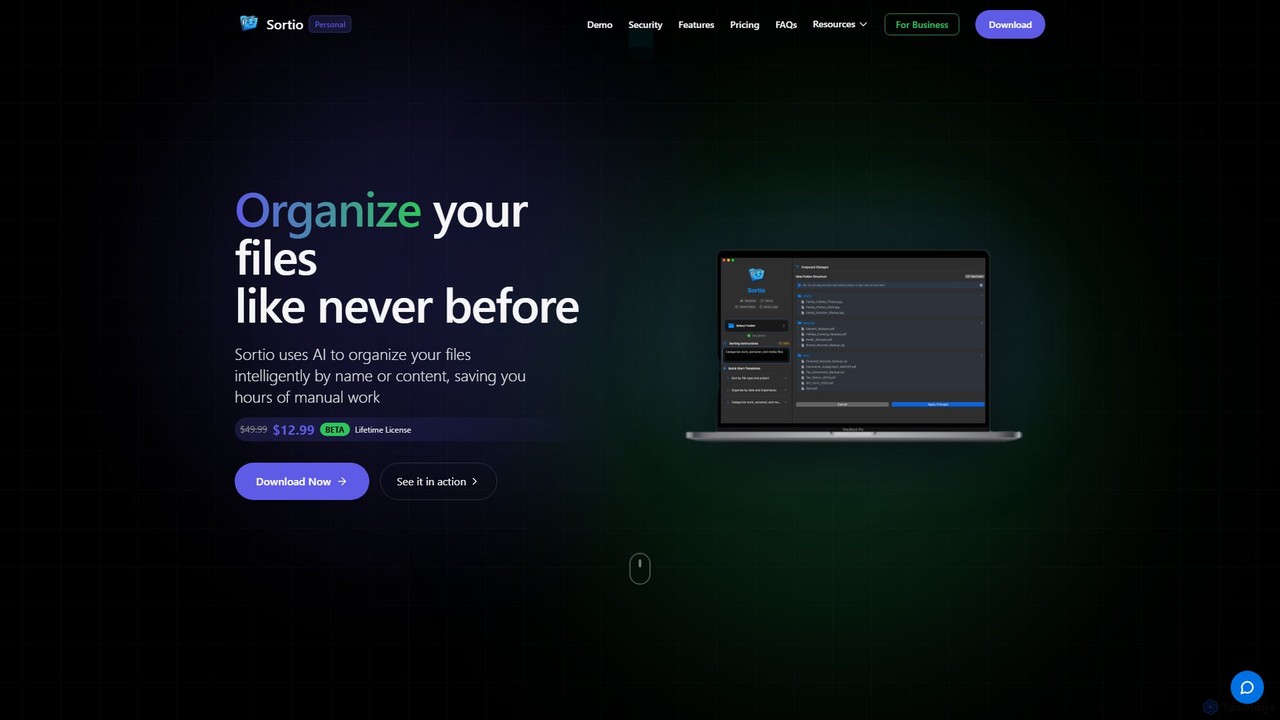
Sortio
Sortio is an AI-powered desktop application for macOS and Windows that intelligently organizes your files. Using natural language prompts, it can sort files by name, content, or metadata, saving you hours of manual work. It features smart folders, automatic renaming, and a strong focus on privacy with offline mode and end-to-end encryption.
Automation
Keep It Shot
Keep It Shot is a macOS application that uses AI to intelligently rename your screenshots and other files. It automatically creates descriptive names and builds a private, offline, and fast search index, transforming your messy file collection into an organized and searchable second brain.
Automation
mega
mega is an intelligent cloud storage and digital asset management platform. It uses powerful AI to automatically organize, tag, and search your files, transforming how you manage your digital life. Securely store, share, and collaborate with AI-driven features that streamline workflows and help you find what you need instantly.
Digital Asset Management
Raycast
Raycast is a blazingly fast, extendable launcher for macOS that supercharges your productivity. It replaces Spotlight with a powerful command-line interface to control your tools, search files, run scripts, and automate tasks. With an integrated AI assistant, a vast store of community-built extensions, and features like Clipboard History, Snippets, and Window Management, Raycast centralizes your workflow, saving you time and context-switching.
Workflow AutomationScreenML Categories
ScreenML Embed Widget
Copy this embed code to place the badge on your blog, article, or product site and send readers directly to this ToolMage detail page.

Related AI tools
ScreenSnapAI
ScreenSnapAI is a smart macOS application that uses AI to automatically rename, tag, and organize your screenshots. It features an integrated AI assistant that allows you to instantly chat about, translate, or extract text and code from any captured image, dramatically improving productivity and workflow efficiency.
Code AssistantSortio
Sortio is an AI-powered desktop application for macOS and Windows that intelligently organizes your files. Using natural language prompts, it can sort files by name, content, or metadata, saving you hours of manual work. It features smart folders, automatic renaming, and a strong focus on privacy with offline mode and end-to-end encryption.
AutomationKeep It Shot
Keep It Shot is a macOS application that uses AI to intelligently rename your screenshots and other files. It automatically creates descriptive names and builds a private, offline, and fast search index, transforming your messy file collection into an organized and searchable second brain.
Automationmega
mega is an intelligent cloud storage and digital asset management platform. It uses powerful AI to automatically organize, tag, and search your files, transforming how you manage your digital life. Securely store, share, and collaborate with AI-driven features that streamline workflows and help you find what you need instantly.
Digital Asset ManagementRaycast
Raycast is a blazingly fast, extendable launcher for macOS that supercharges your productivity. It replaces Spotlight with a powerful command-line interface to control your tools, search files, run scripts, and automate tasks. With an integrated AI assistant, a vast store of community-built extensions, and features like Clipboard History, Snippets, and Window Management, Raycast centralizes your workflow, saving you time and context-switching.
Workflow Automation
Riffo
Riffo is an AI-powered file management tool for Mac that automatically renames and organizes your files. It intelligently analyzes file content, including text in images and documents, to generate descriptive names and sort them into relevant subfolders, transforming a cluttered desktop into an organized digital workspace.
Workflow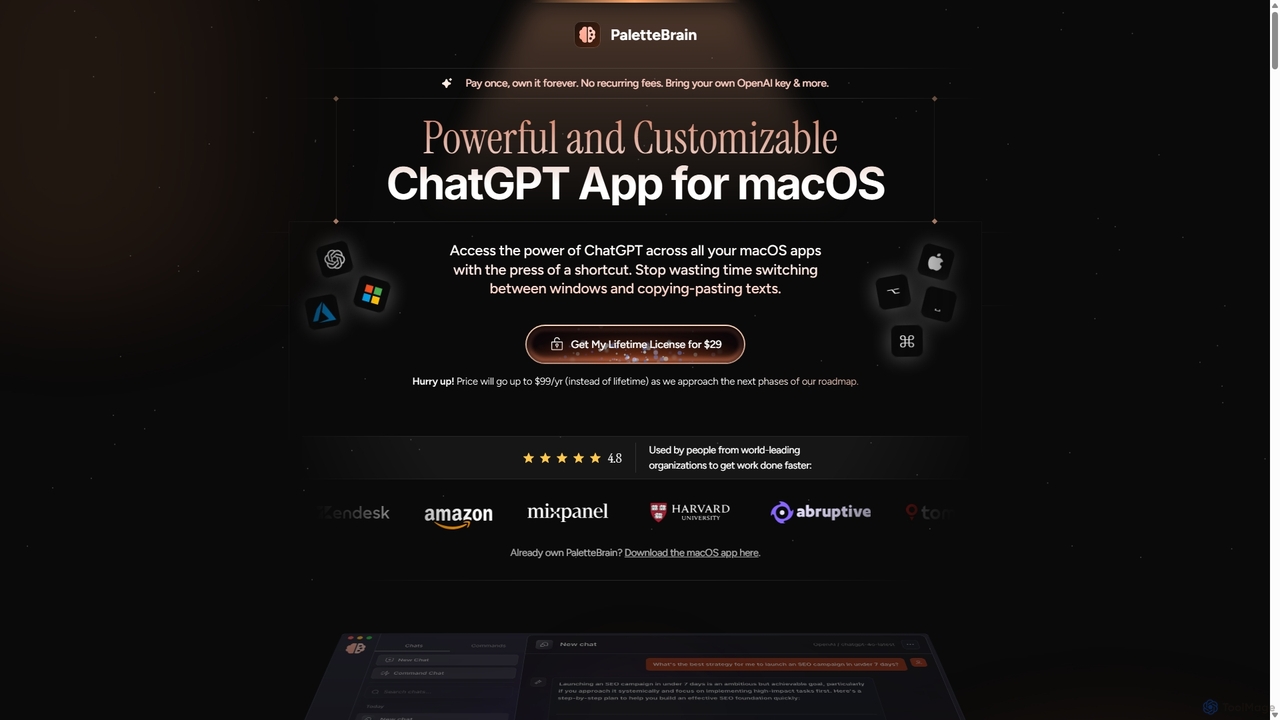
PaletteBrain
PaletteBrain is a native macOS application that integrates the power of ChatGPT directly into your workflow. With a simple keyboard shortcut, you can access AI commands on any selected text within any app, eliminating context switching. It offers customizable prompts, a one-time purchase model, and allows you to use your own OpenAI key for pay-as-you-go usage, making it a cost-effective and efficient productivity booster for writers, developers, and marketers.
Code Assistant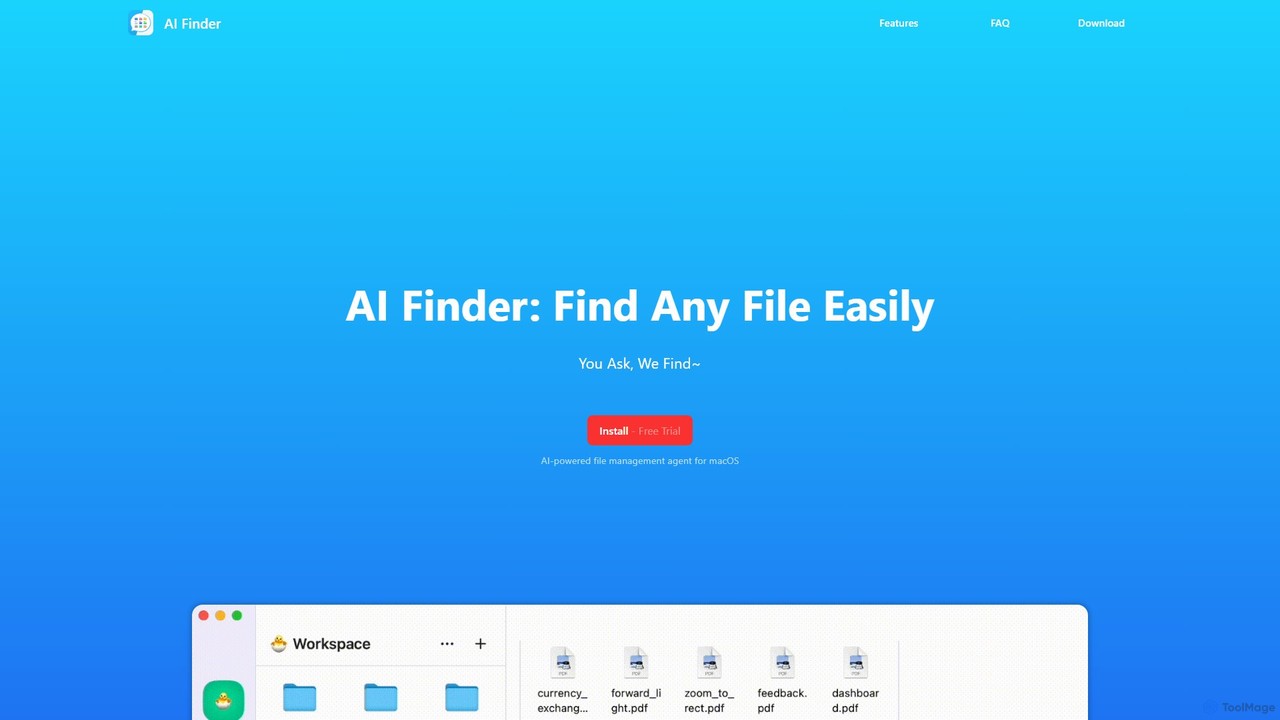
AI Finder
AI Finder is an intelligent file management agent for macOS that revolutionizes how you find files. Using natural language, you can search files by content, creation date, or even vague descriptions. It also features a 'Talk to PDF' function, allowing you to chat with, summarize, and extract key insights from your documents. All processing is done locally, ensuring your data remains private and secure.
Analysis
inbox_ai
inbox_ai is a powerful voice-driven AI automation tool for macOS. It allows you to create custom voice commands and build intelligent assistants to streamline your workflow. With features like on-screen quick capture, email filtering, and deep integration with native macOS apps and services like Raycast and PopClip, inbox_ai puts advanced AI capabilities at your fingertips. It operates entirely on-device, ensuring your data remains private and secure, with no login required.
Workflow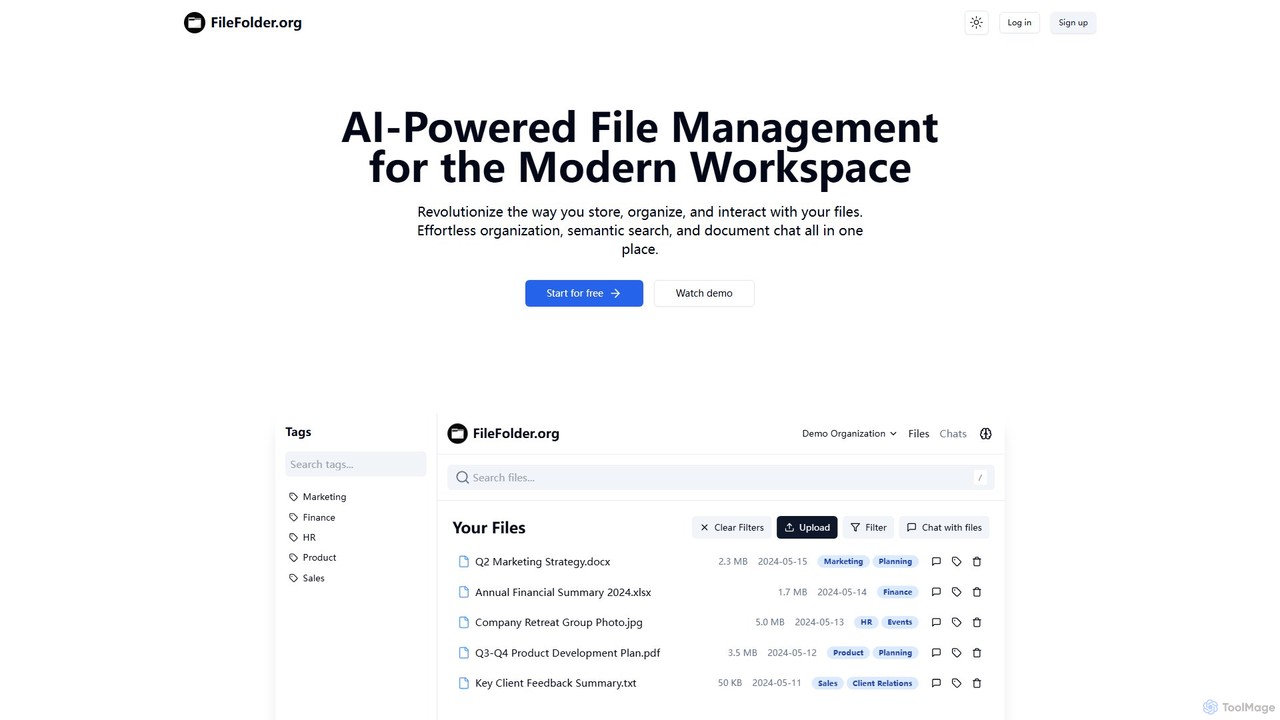
FileFolder
FileFolder is an AI-powered file management platform that intelligently organizes, searches, and automates your digital files. It uses AI to automatically categorize documents, extract key data, and provide powerful semantic search, transforming your cluttered folders into a smart, accessible library.
Document Management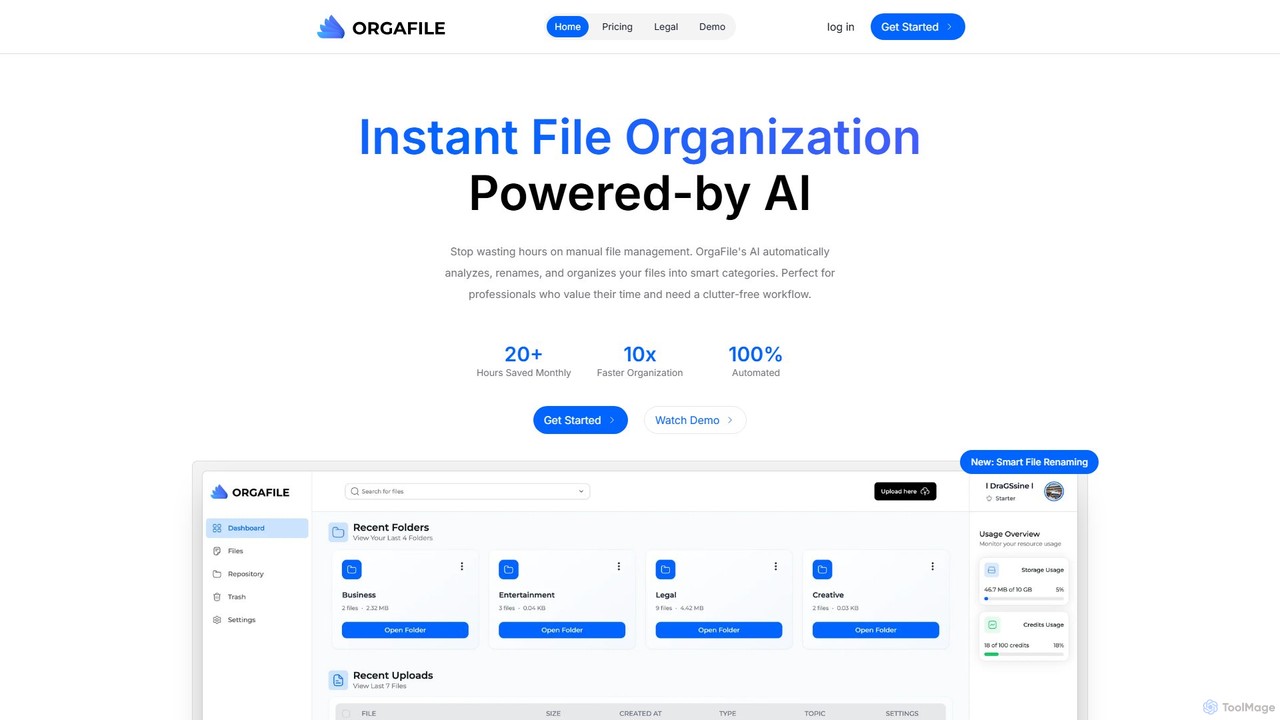
OrgaFile
OrgaFile is an AI-powered tool that automatically analyzes, renames, and organizes your files into smart, customizable categories. Designed for professionals and individuals, it saves hours of manual work, enhances productivity with a 10x faster organization process, and ensures your digital workspace remains clutter-free and secure.
Workflow
Camp
Camp is an intelligent screenshot management tool for macOS and iOS. It uses AI to automatically title and tag your screenshots, transforming your cluttered capture folder into a searchable, organized library. It's built for privacy with all data stored locally.
Inspiration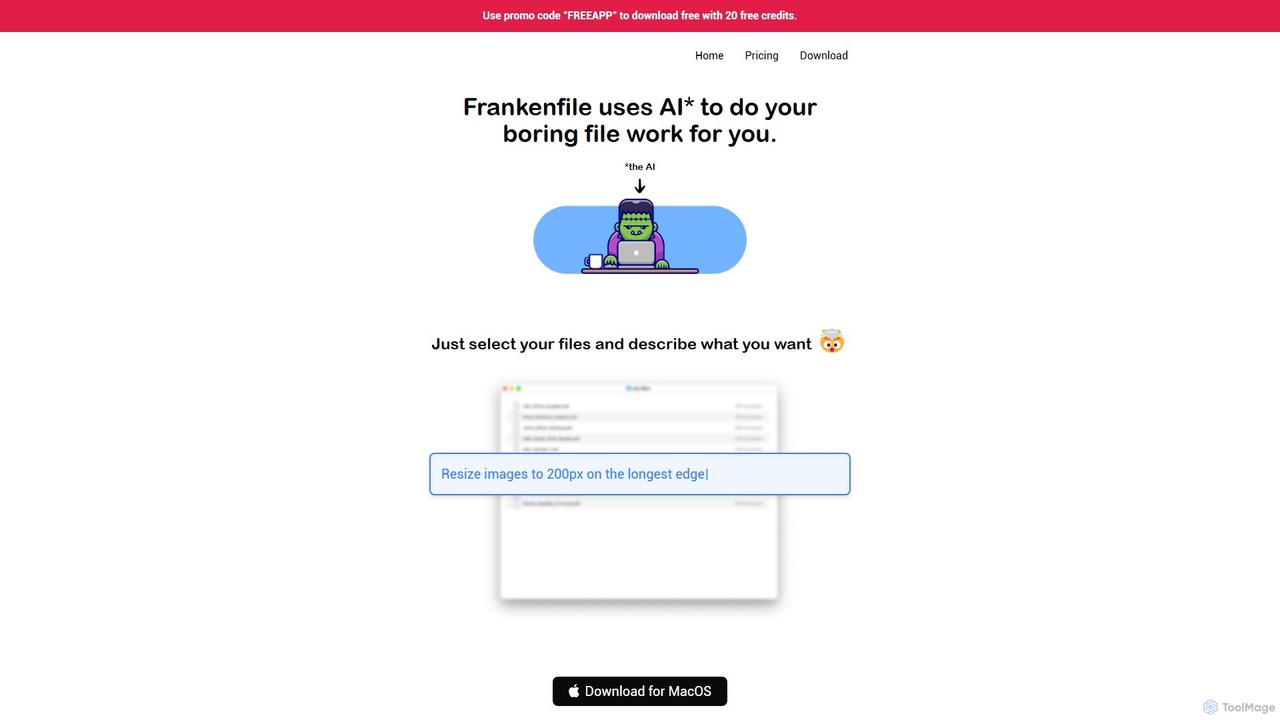
Frankenfile
Frankenfile is an AI-powered assistant for MacOS that automates your file management tasks. Simply describe what you want to do in plain English, and the app handles complex operations on images, videos, audio, and PDFs. It runs entirely locally, ensuring your files remain private and secure.
Task Automation
NopeCHA
NopeCHA is an AI-powered CAPTCHA solver that automates the process of bypassing human verification tests. Available as a browser extension and a developer API, it offers a fast, affordable, and undetectable solution for various CAPTCHA types, including reCAPTCHA, FunCAPTCHA, and Cloudflare Turnstile.
Utilities
Den
Den is an AI-powered workspace for macOS that unifies your chats, documents, and AI agents into a single platform. Backed by Y Combinator, it connects to your business tools, understands your company's knowledge, and automates tasks to boost productivity and streamline workflows.
Task Automation
ScreenML Comments (0)
Sign in to comment.
Sign inNo comments yet.