ToolMage
Sign in

Best file organization AI tools

Discover powerful file organization AI tools, including mega, Playbook, Poly, Tagbox, Sortio, Albus, ScreenML, Keep It Shot, OrgaFile, and Note Companion, and other related products.

Poly

Poly

Poly is an intelligent cloud file browser designed for the generative age. It leverages multimodal AI to help you store, browse, search, and share your digital creations with unprecedented ease. Search by natural language, enjoy hyper-fast previews, and collaborate in real-time.

Search
Visits 70KFavorites 116Likes 140
Playbook
Freemium

Playbook

Playbook is an AI-powered visual cloud storage and digital asset management (DAM) platform designed for creatives, teams, and enterprises. It replaces traditional file storage with a dynamic, searchable workspace for images, videos, and design files. Featuring GPT-4 powered search, seamless collaboration tools, one-click publishing for portfolios, and integrated mini-apps for quick edits, Playbook streamlines the entire creative workflow from storage to delivery.

Asset Management
Visits 601.3KFavorites 142Likes 127
OrgaFile
Paid

OrgaFile

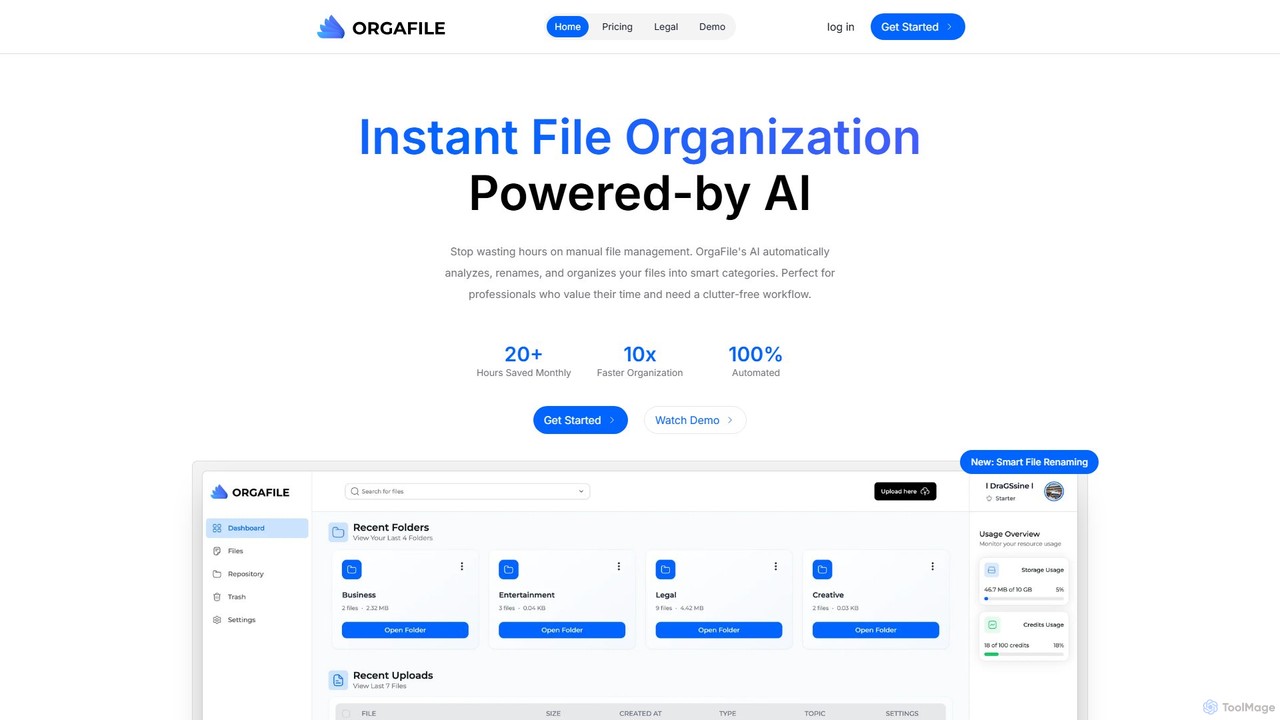
OrgaFile is an AI-powered tool that automatically analyzes, renames, and organizes your files into smart, customizable categories. Designed for professionals and individuals, it saves hours of manual work, enhances productivity with a 10x faster organization process, and ensures your digital workspace remains clutter-free and secure.

Workflow
Visits 4.2KFavorites 121Likes 126
Keep It Shot
Freemium

Keep It Shot

Keep It Shot is a macOS application that uses AI to intelligently rename your screenshots and other files. It automatically creates descriptive names and builds a private, offline, and fast search index, transforming your messy file collection into an organized and searchable second brain.

Automation
Visits 4.6KFavorites 112Likes 115
Tagbox
Paid

Tagbox

Tagbox is an AI-powered Digital Asset Management (DAM) platform that automates the organization of your creative files. Using advanced AI, it automatically tags images and videos, transcribes audio, and recognizes objects and faces, making your entire asset library instantly searchable. It streamlines workflows for marketing, creative, and e-commerce teams, saving time and maximizing the value of digital assets.

Content Management
Visits 36.6KFavorites 155Likes 144
Albus
Freemium

Albus

Albus is an AI-powered cloud workspace that transforms your files into an intelligent, conversational knowledge base. It automatically organizes documents, audio, images, and web content using semantic understanding, allowing you to get precise, referenced answers from your own data and create new content with top-tier AI models.

Document Analysis
Visits 18.3KFavorites 124Likes 113
Note Companion
Freemium

Note Companion

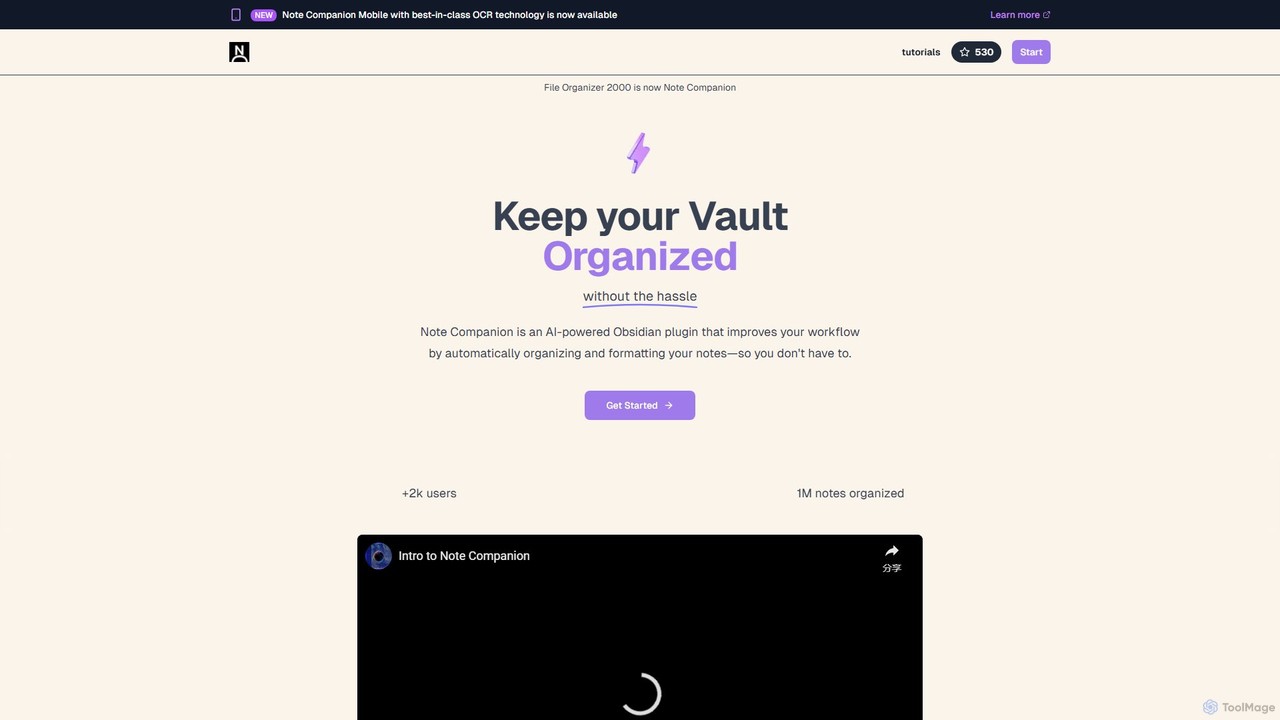
Note Companion is an AI-powered plugin for Obsidian that automates note organization. It suggests folders, tags, and titles, offers an AI chat to interact with your notes, enhances meeting minutes with audio transcription, and features a mobile app with OCR for capturing physical notes.

Plugins & Extensions
Visits 4.1KFavorites 106Likes 120
Sortio
Paid

Sortio

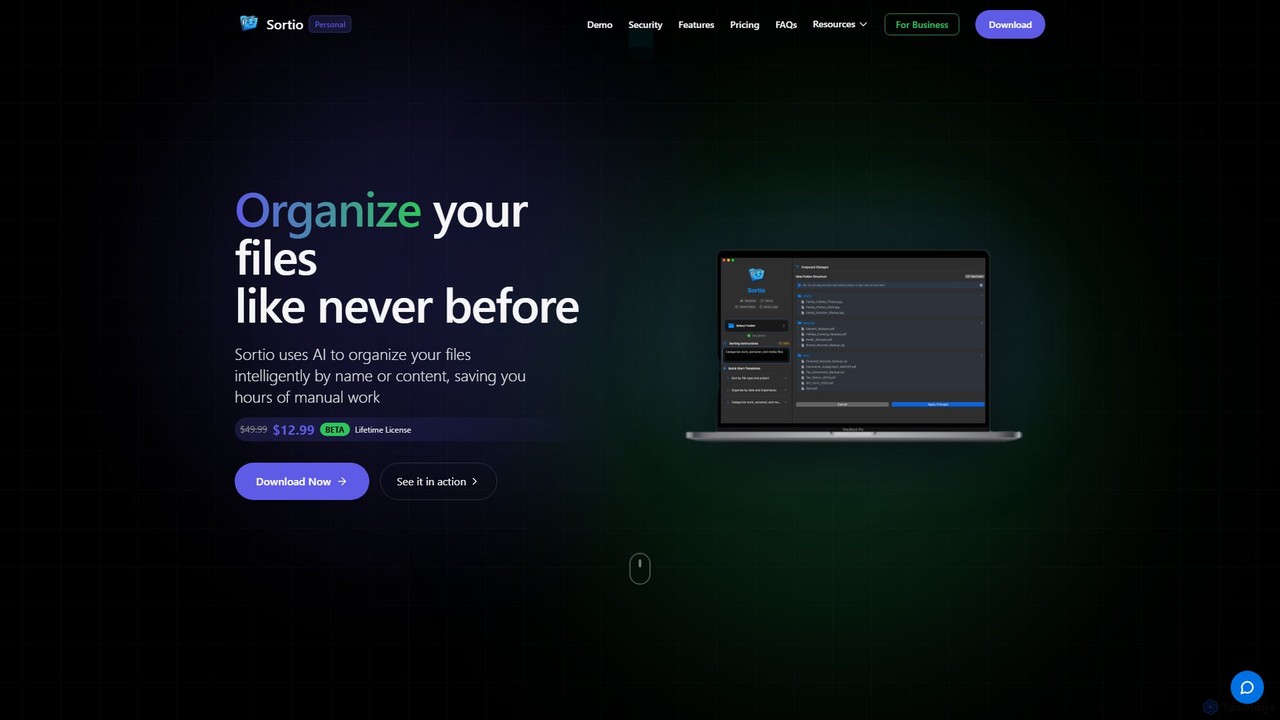
Sortio is an AI-powered desktop application for macOS and Windows that intelligently organizes your files. Using natural language prompts, it can sort files by name, content, or metadata, saving you hours of manual work. It features smart folders, automatic renaming, and a strong focus on privacy with offline mode and end-to-end encryption.

Automation
Visits 30.5KFavorites 85Likes 98
mega
Freemium

mega

mega is an intelligent cloud storage and digital asset management platform. It uses powerful AI to automatically organize, tag, and search your files, transforming how you manage your digital life. Securely store, share, and collaborate with AI-driven features that streamline workflows and help you find what you need instantly.

Digital Asset Management
Visits 6MFavorites 129Likes 128
ScreenML
Freemium

ScreenML

ScreenML is an AI-powered MacOS utility that automatically renames your screenshots with context-aware, descriptive filenames. It eliminates cluttered desktops and timestamped file names, making your screenshots organized, searchable, and easy to manage, streamlining your entire workflow.

Screenshot Tool
Visits 4.8KFavorites 103Likes 123
Tag