

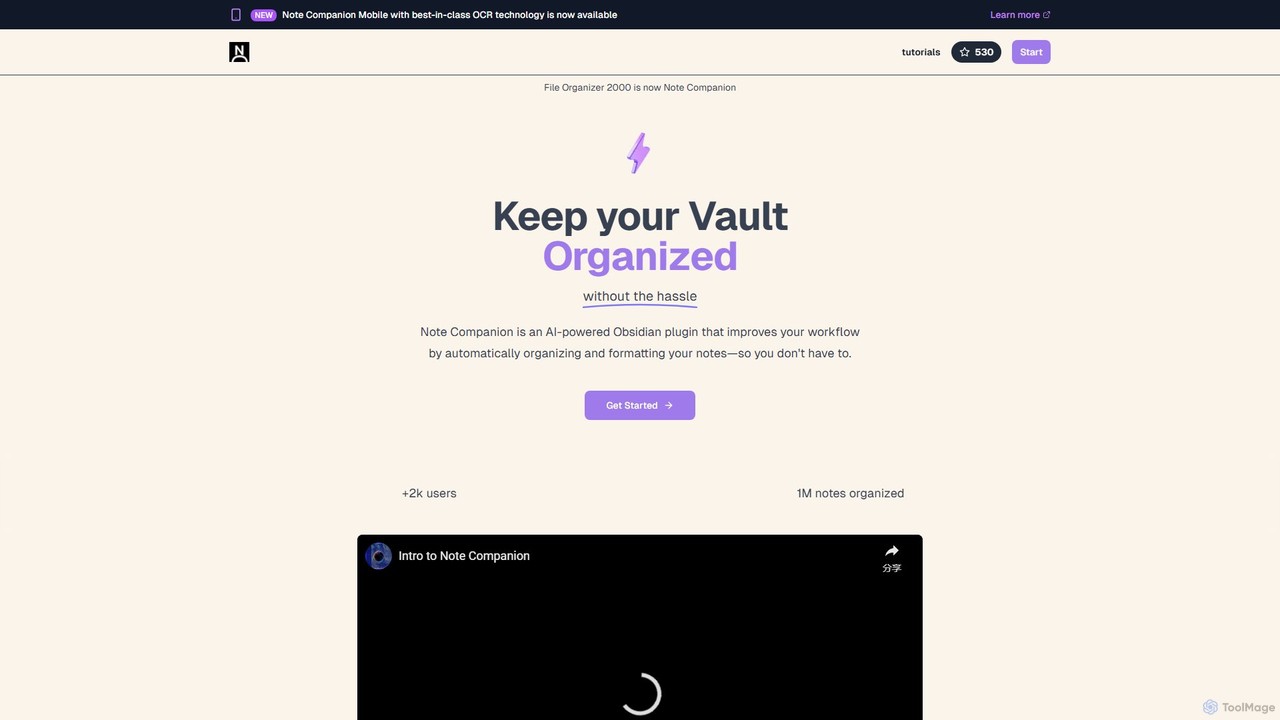
Note Companion Overview
Note Companion, formerly known as File Organizer 2000, is a sophisticated AI-powered plugin designed to revolutionize your knowledge management workflow within Obsidian. It acts as your personal file librarian, intelligently understanding the context of your notes to automate the tedious process of organization. By handling tasks like tagging, filing, and formatting, Note Companion allows you to focus solely on capturing and developing your ideas, transforming a messy vault into a structured and interconnected knowledge base.
How to use Note Companion
Getting started with Note Companion is a seamless process designed for maximum efficiency. First, you install the plugin from the Obsidian community plugins directory. Once installed, you can immediately begin using its features. For manual control, you can open any note and use the 'Organizer' panel, which provides AI-driven suggestions for titles, tags, and the optimal folder location. You can apply these suggestions with a single click. For a fully automated experience, you can set up a dedicated 'Inbox' folder. Any note created in or moved to this folder will be automatically analyzed, formatted, and filed by the AI according to your preferences. The AI Chat feature is accessible from a dedicated panel, allowing you to ask questions about your notes, summarize content, or even command the AI to perform actions like renaming files. For meeting notes, integrating with a tool like ScreenPipe allows you to capture audio, and with a click on 'Enhance Meeting Note', the plugin transcribes and integrates the recent discussion into your notes. The upcoming mobile app will further simplify capture, allowing you to photograph whiteboards or documents, with the OCR text sent directly to your Obsidian inbox.
Core Features of Note Companion
- Automated Organization: The AI analyzes note content to provide intelligent suggestions for folders, tags, filenames, and formatting. The 'Inbox' feature allows for a fully automated, 'set-it-and-forget-it' organization workflow.
- Powerful AI Chat: Powered by GPT-4o, the chat interface allows you to converse with your notes. You can ask for summaries, modify text, split notes, or even bring external documents and web pages into the conversation using a simple @-mention. It can also summarize YouTube videos and search the web.
- Meeting Supercharger: In combination with audio-recording tools like ScreenPipe, Note Companion can transcribe recent conversations and merge them with your meeting notes, ensuring they are perfectly contextualized and complete.
- AI Templates: Define custom templates for different note types, such as meetings or book reviews. The AI can automatically apply the correct template, structuring your content with clear headings, extracting action items, and adding relevant metadata.
- Atomic Notes: The plugin can analyze long documents and suggest splitting them into smaller, more focused 'atomic notes'. This aligns with knowledge management methodologies like Zettelkasten, making your ideas more modular and easier to connect.
- Mobile App with OCR: A forthcoming mobile app will feature best-in-class OCR technology to convert handwritten notes, whiteboards, and physical documents into searchable, formatted digital text that syncs directly with your Obsidian vault.
Use Cases for Note Companion
Note Companion is versatile and benefits a wide range of users. Students and researchers can automate the organization of lecture notes and research papers, using the chat to quickly summarize complex articles. Professionals can supercharge their productivity by creating perfectly structured meeting minutes with integrated audio context and action items. Writers and content creators can use the 'Atomic Notes' feature to break down large projects into manageable, interconnected pieces. For any long-time Obsidian user with a disorganized vault, Note Companion offers a powerful way to retroactively clean up and structure thousands of notes, unlocking hidden connections and insights within their knowledge base.
Advantages of Note Companion
The primary advantage of Note Companion is the significant amount of time and mental energy it saves. By automating busywork, it frees you to concentrate on high-value tasks like thinking and creating. Its deep integration with Obsidian creates a seamless user experience. The use of advanced AI like GPT-4o ensures high-quality, context-aware suggestions and interactions. The combination of desktop plugin and mobile app creates a comprehensive ecosystem for capturing and organizing knowledge from anywhere. Furthermore, testimonials suggest an appreciation for its open-source nature and self-hosting options, catering to privacy-conscious users.
Pricing and Plans
Note Companion operates on a freemium model, offering a free trial to get started. For full access to its advanced features, there are several paid options:
- Monthly Subscription: $15 per month. This plan typically includes processing for around 1000 files and 300 minutes of audio transcription per month.
- Yearly Subscription: A yearly plan is available, usually offering a discount over the monthly rate.
- Educator & Student Discount: A special rate of $9 per month is available for students and educators who apply with their education email.
A 30-day money-back guarantee is offered on all plans, ensuring a risk-free trial. Testimonials also mention a lifetime plan, which may be available as a special promotion.
Note Companion Alternatives
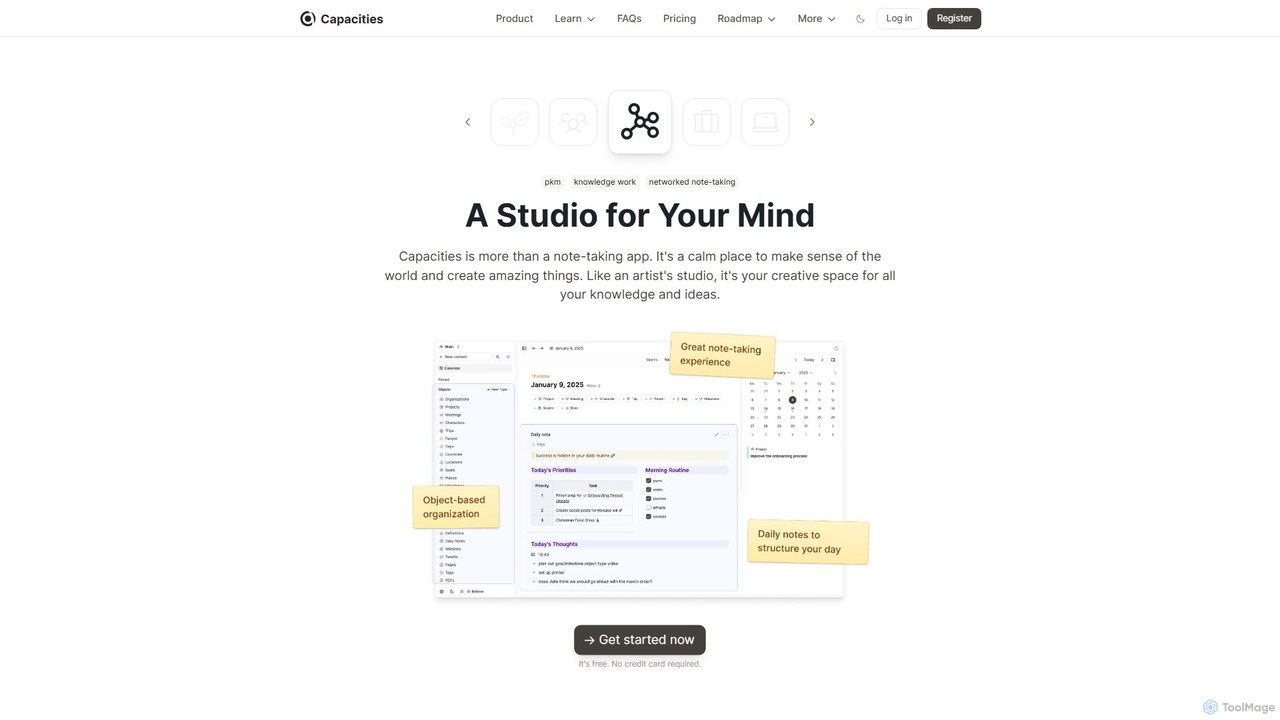
Capacities
Capacities is a next-generation note-taking and knowledge management tool designed as a "studio for your mind." It replaces traditional folders with a flexible, object-based network, allowing you to connect ideas naturally. Features include an integrated AI assistant, powerful linking, custom content types, and cross-platform availability, making it ideal for building a personal knowledge base or "second brain."
Second Brain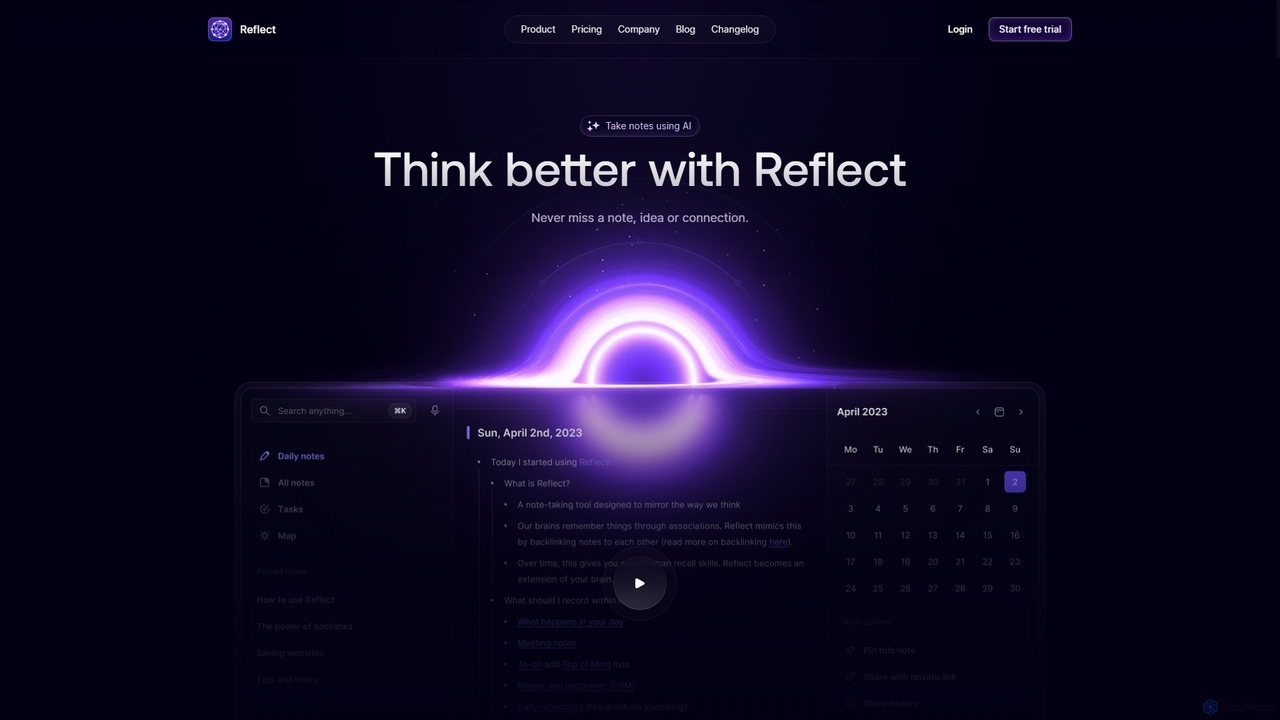
Reflect
Reflect is an AI-powered, networked note-taking app designed to help you think better. It acts as a 'second brain' by connecting your notes through backlinks, creating a graph of your ideas. With features like AI-driven transcription, summarization, end-to-end encryption, and seamless cross-device sync, it's built for speed, security, and frictionless thought capture.
Personal Assistant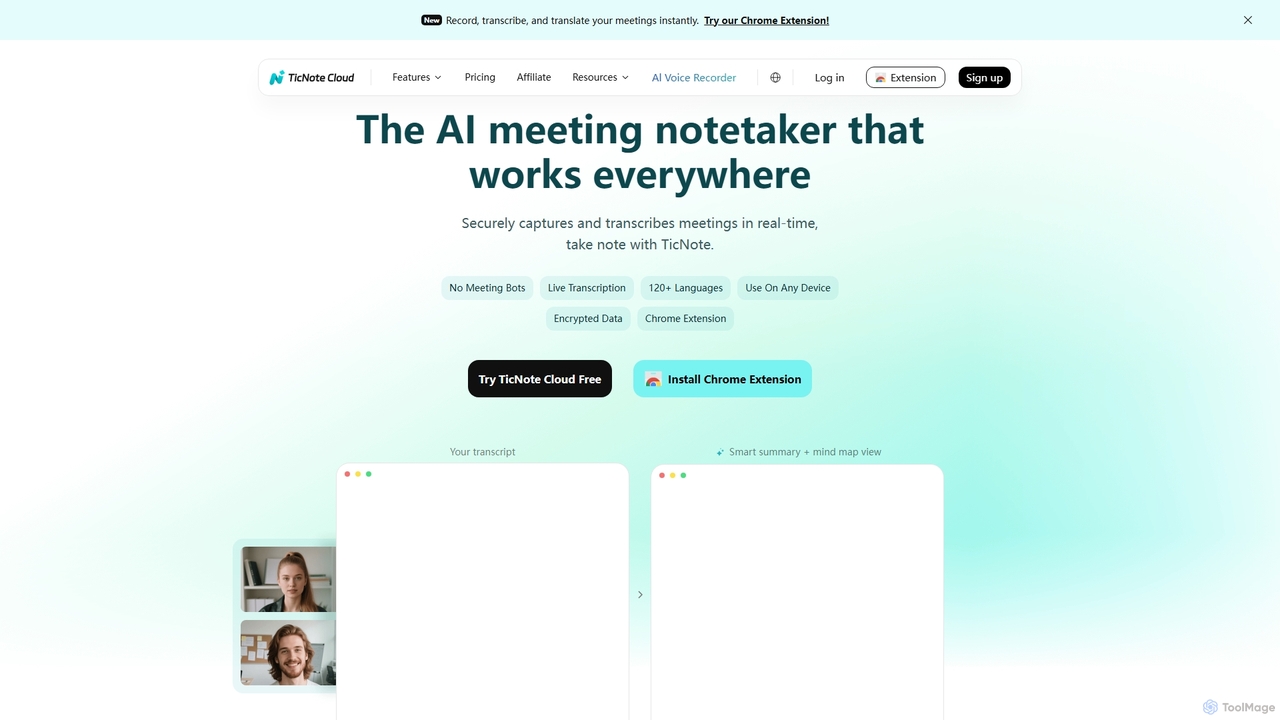
TicNote
TicNote is an AI-powered meeting notetaker that transcribes, summarizes, and organizes conversations in real-time across 120+ languages. It uses on-device AI to generate smart summaries, mind maps, and action items without meeting bots, enhancing productivity and knowledge management for professionals.
Language Processing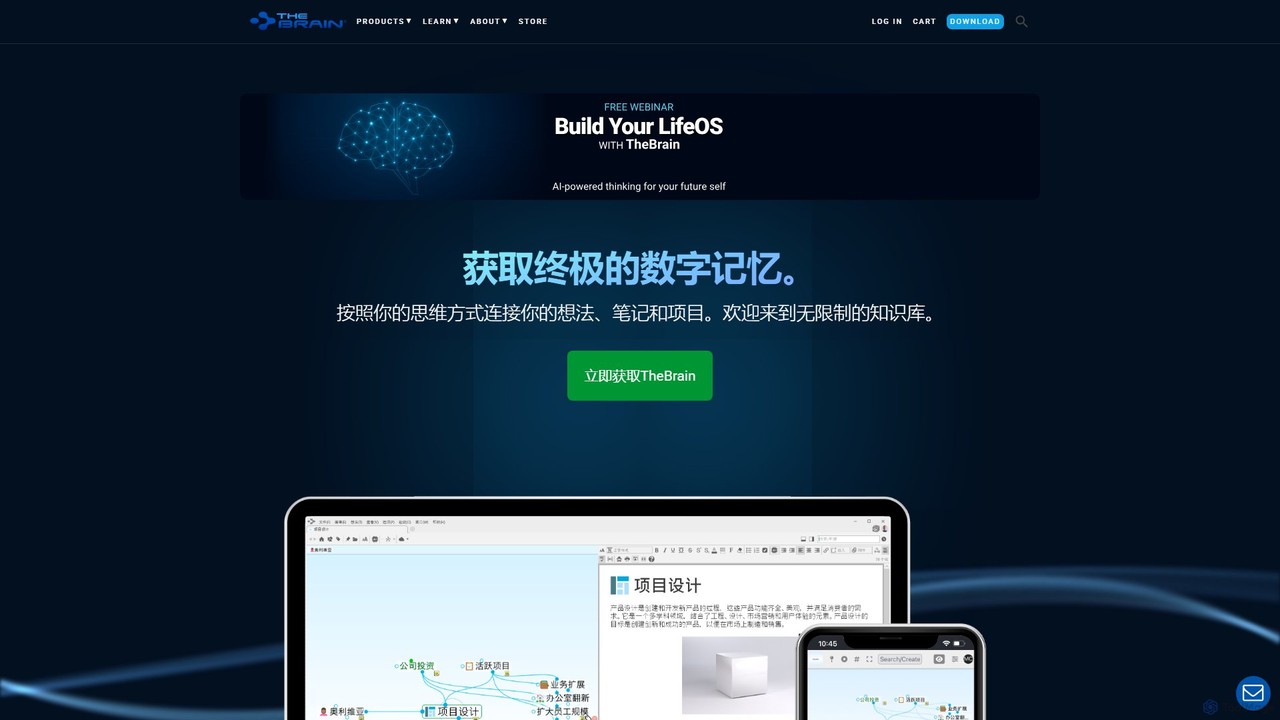
TheBrain
TheBrain is an ultimate digital memory and mind mapping software that uses AI to help you organize your thoughts, projects, and digital life. It moves beyond traditional folders and lists, allowing you to create a dynamic, interconnected network of information that mirrors how you think. Link any file, webpage, or note to create a visual context for all your knowledge.
Second Brain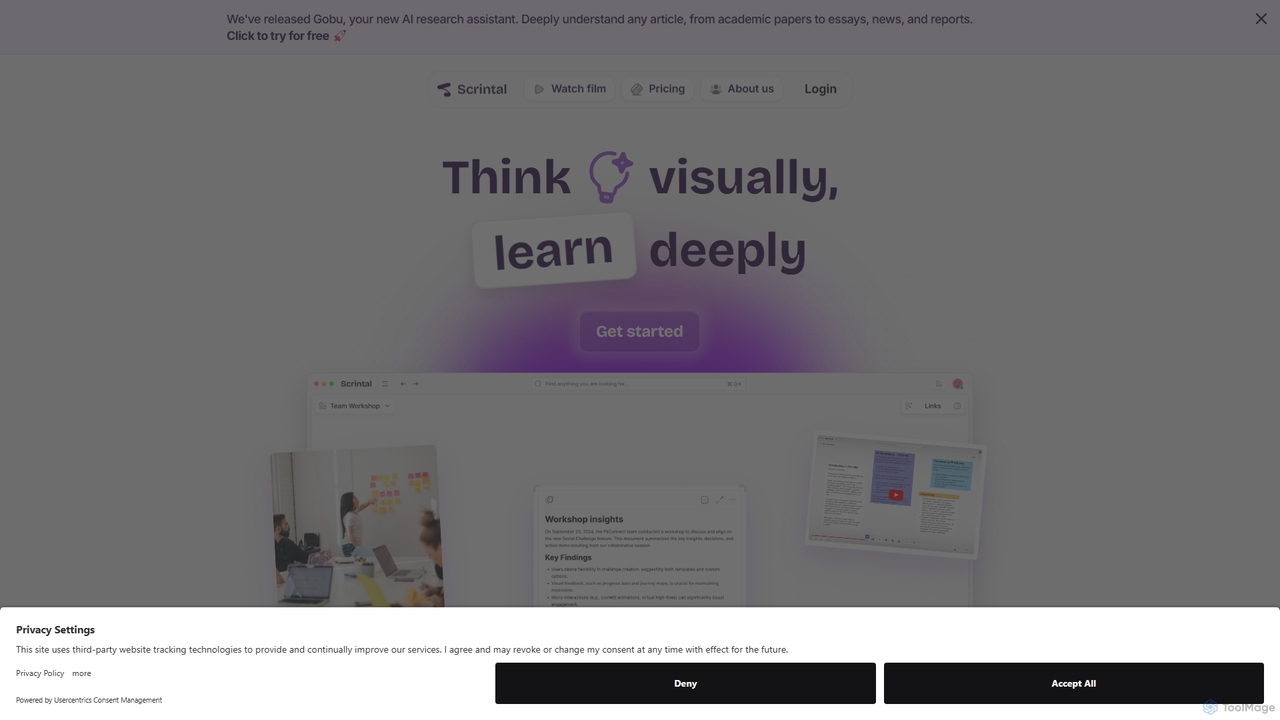
Scrintal
Scrintal is an AI-powered visual note-taking and research tool designed for thinkers, researchers, and students. It combines an infinite canvas for brainstorming with a powerful block-based editor and an AI assistant, Gobu. Organize ideas, connect concepts with bi-directional links, and seamlessly turn your visual thoughts into structured written documents.
ResearchNote Companion Categories
Note Companion Embed Widget
Copy this embed code to place the badge on your blog, article, or product site and send readers directly to this ToolMage detail page.

Related AI tools
Capacities
Capacities is a next-generation note-taking and knowledge management tool designed as a "studio for your mind." It replaces traditional folders with a flexible, object-based network, allowing you to connect ideas naturally. Features include an integrated AI assistant, powerful linking, custom content types, and cross-platform availability, making it ideal for building a personal knowledge base or "second brain."
Second BrainReflect
Reflect is an AI-powered, networked note-taking app designed to help you think better. It acts as a 'second brain' by connecting your notes through backlinks, creating a graph of your ideas. With features like AI-driven transcription, summarization, end-to-end encryption, and seamless cross-device sync, it's built for speed, security, and frictionless thought capture.
Personal AssistantTicNote
TicNote is an AI-powered meeting notetaker that transcribes, summarizes, and organizes conversations in real-time across 120+ languages. It uses on-device AI to generate smart summaries, mind maps, and action items without meeting bots, enhancing productivity and knowledge management for professionals.
Language ProcessingTheBrain
TheBrain is an ultimate digital memory and mind mapping software that uses AI to help you organize your thoughts, projects, and digital life. It moves beyond traditional folders and lists, allowing you to create a dynamic, interconnected network of information that mirrors how you think. Link any file, webpage, or note to create a visual context for all your knowledge.
Second BrainScrintal
Scrintal is an AI-powered visual note-taking and research tool designed for thinkers, researchers, and students. It combines an infinite canvas for brainstorming with a powerful block-based editor and an AI assistant, Gobu. Organize ideas, connect concepts with bi-directional links, and seamlessly turn your visual thoughts into structured written documents.
Research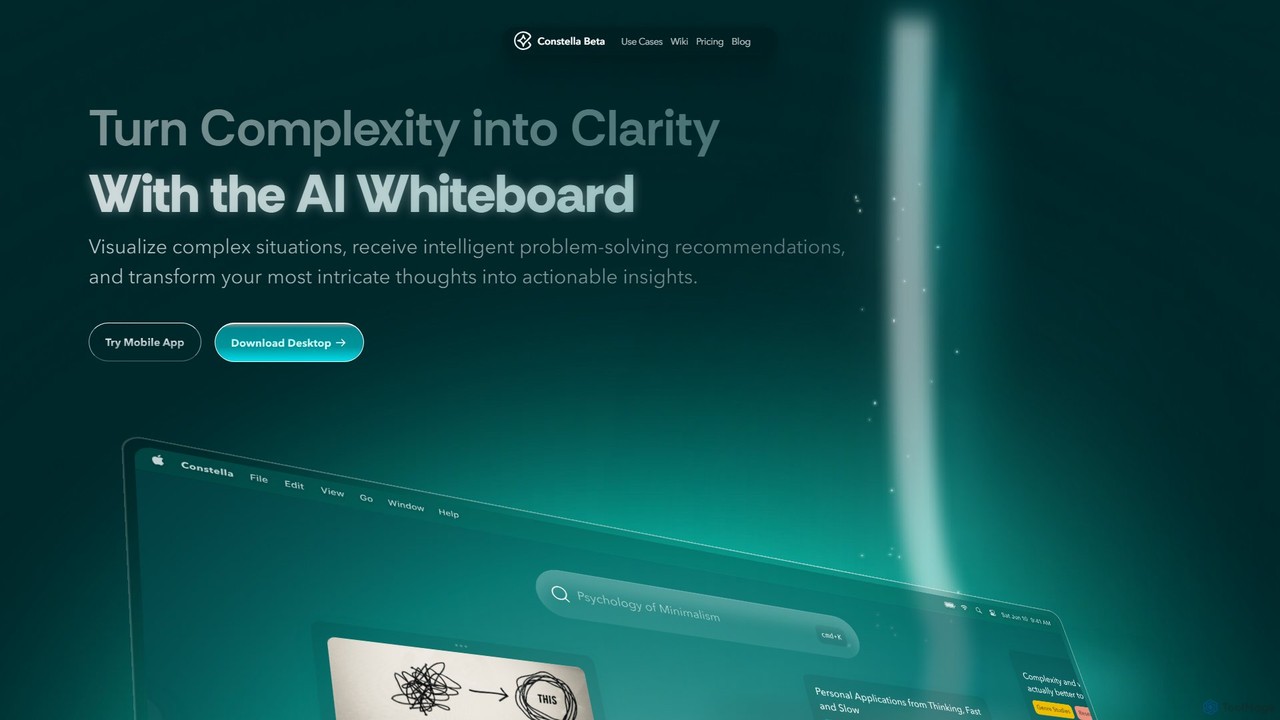
Constella
Constella is an AI-powered second brain application that uses a visual infinite graph to help you capture, connect, and visualize your thoughts. It moves beyond traditional folders, allowing you to organize ideas non-linearly, uncover hidden patterns, and receive intelligent problem-solving recommendations. Ideal for personal knowledge management, research, and creative thinking.
Knowledge Management
Jyek
Jyek is an AI agent platform that understands objectives, creates execution plans, uses tools, and delivers verifiable results for complex, multi-step tasks.
Automation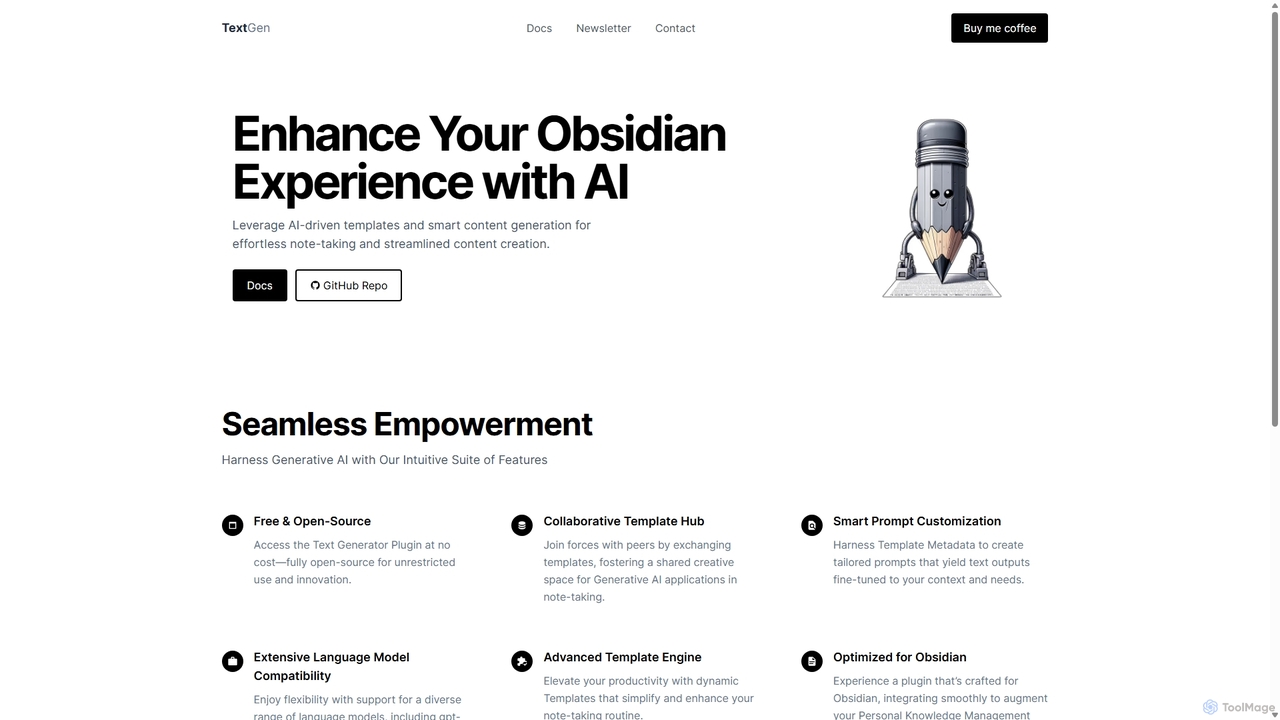
TextGen
TextGen is a free, open-source AI plugin for Obsidian that supercharges your note-taking and content creation. It integrates seamlessly with various large language models like GPT-4, Claude, and Llama, allowing you to generate, summarize, and transform text using customizable templates directly within your knowledge base.
Code Assistant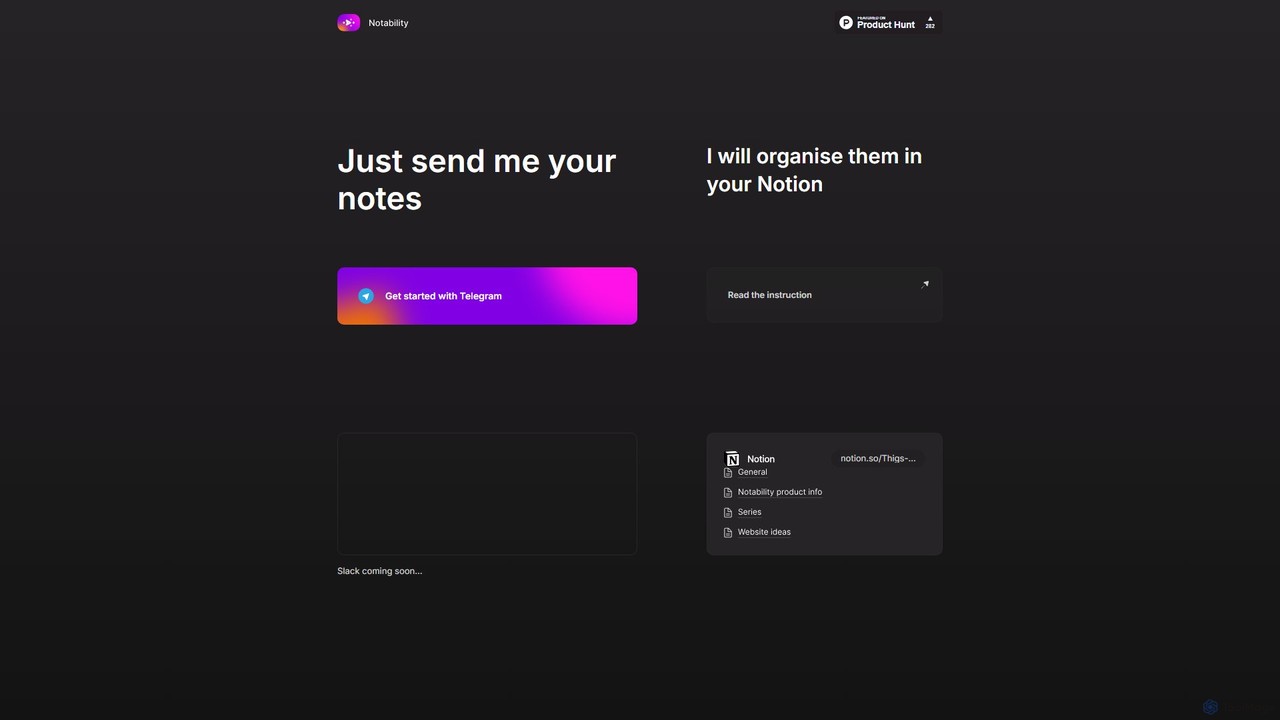
Notability
Notability is an AI-powered assistant that streamlines your workflow by automatically organizing notes from Telegram directly into your Notion workspace. Simply send text, voice notes, or links to the Telegram bot, and the AI will intelligently process, categorize, and structure the information within your designated Notion pages and databases. It's designed to eliminate manual data entry and create a frictionless knowledge management system.
Workflow Automation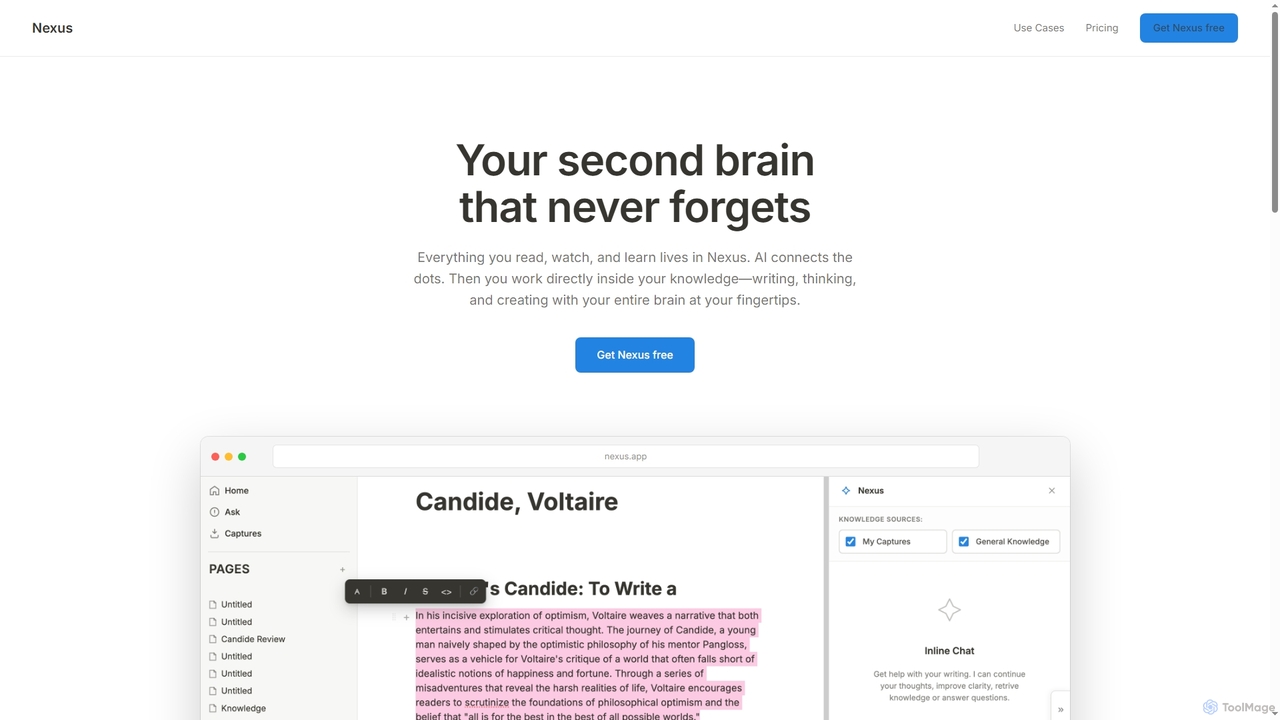
biji
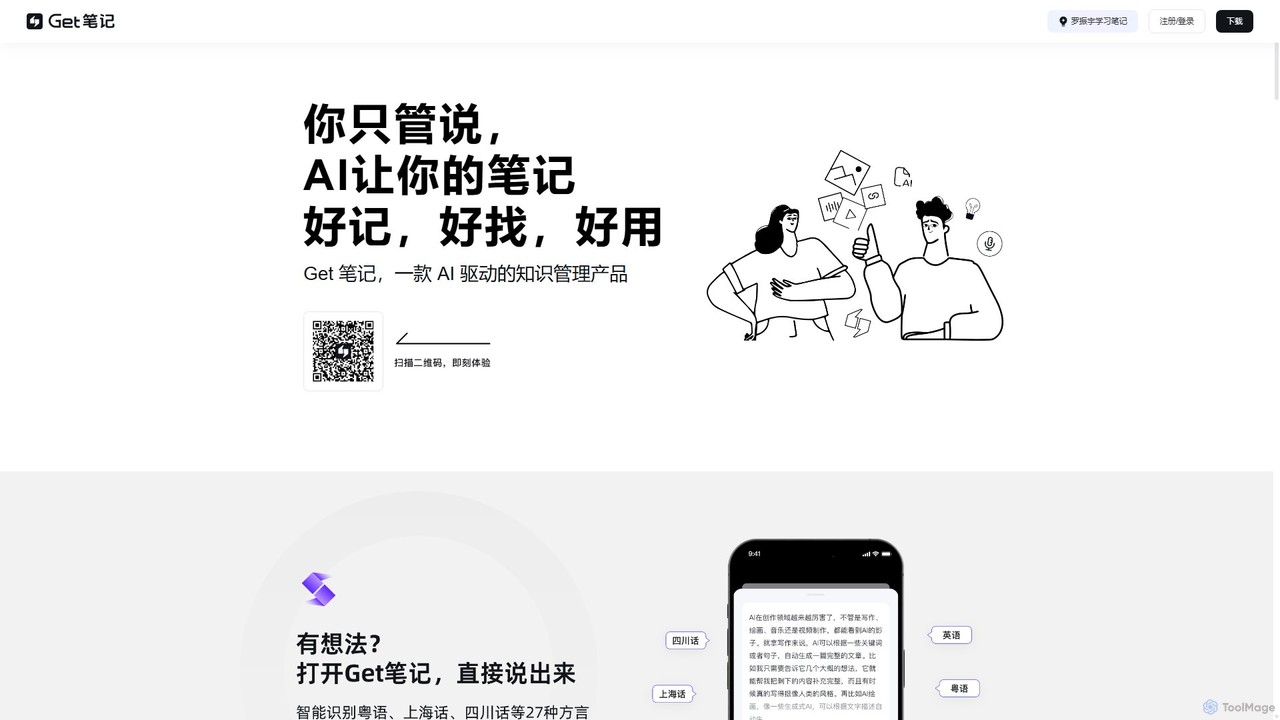
biji is an AI-driven knowledge management app that transforms your spoken ideas into structured, searchable, and usable notes. Just talk, and biji's AI will handle transcription, summarization, and organization, making it effortless to capture and manage your thoughts, meetings, and learnings.
Transcription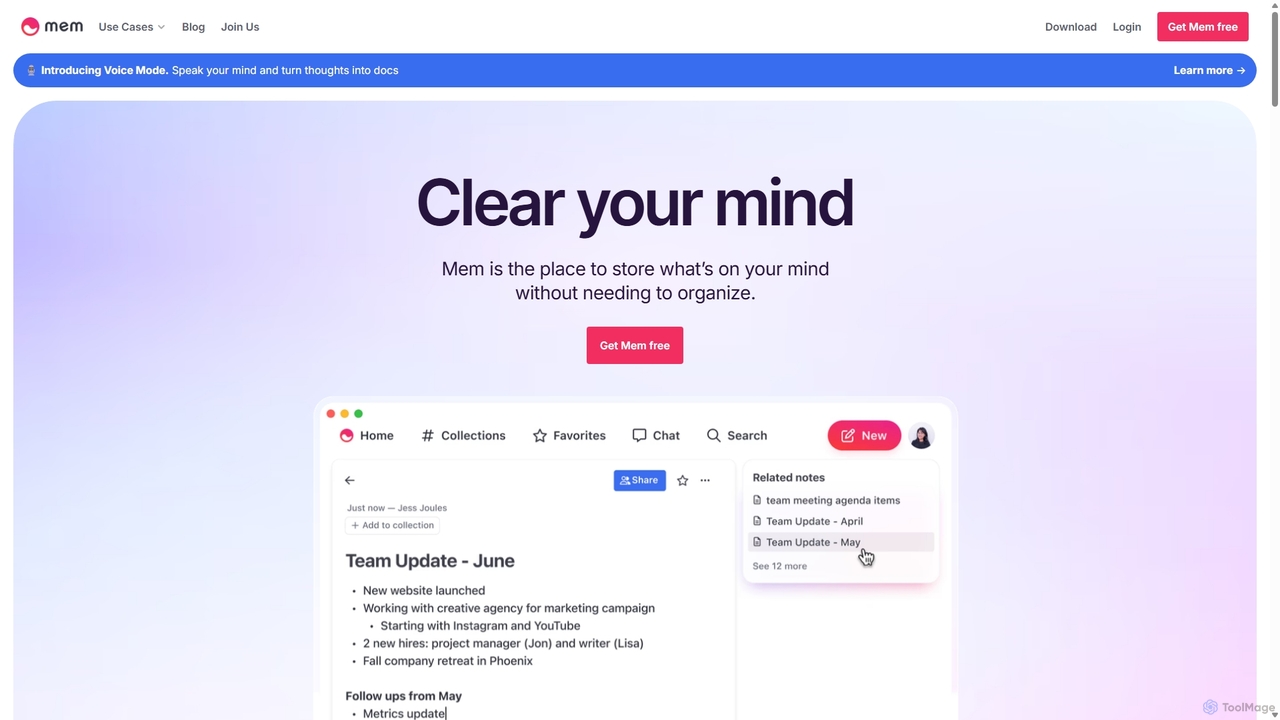
Mem
Mem is a self-organizing workspace powered by AI, designed to act as your personal second brain. It captures, connects, and resurfaces your notes automatically, eliminating the need for manual organization. With its integrated AI chat, you can search, summarize, and generate content from your own knowledge base.
Personal Assistant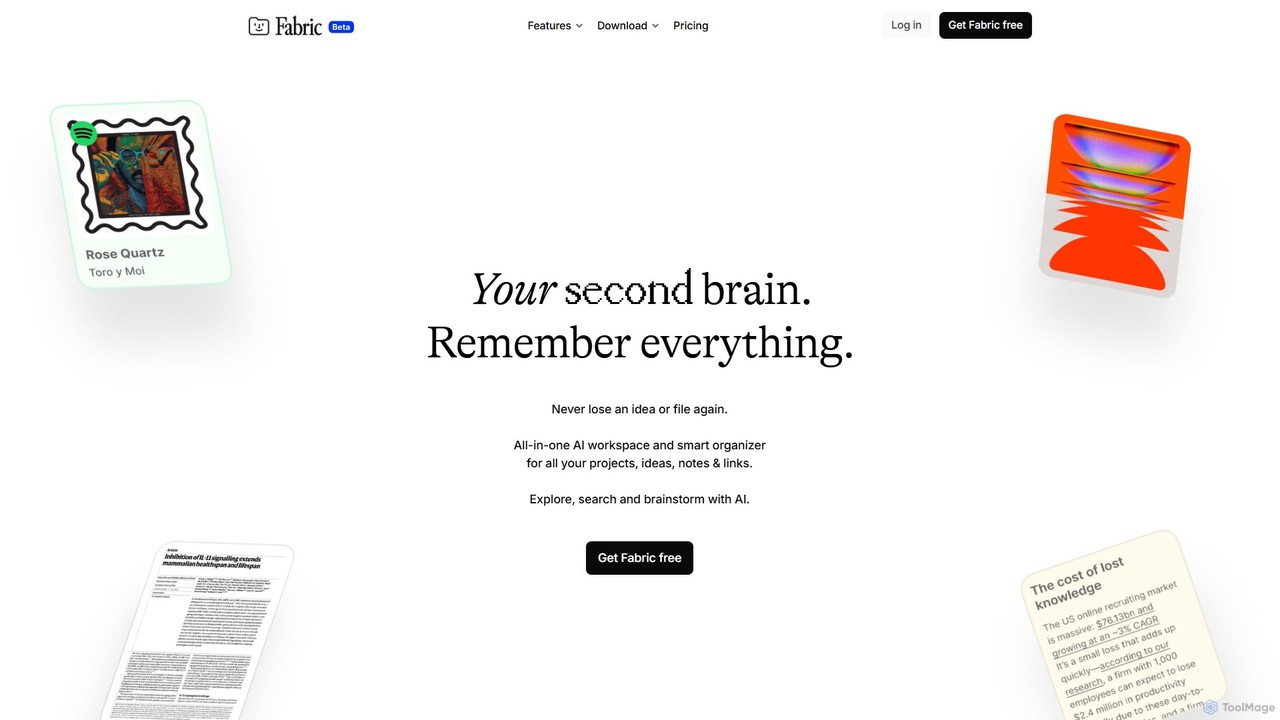
Fabric
Fabric is an AI-powered workspace and smart organizer that acts as your second brain. It automatically centralizes and connects all your notes, files, links, and ideas, eliminating the need for manual organization. Search your entire digital library with natural language and collaborate with an intelligent AI partner.
Personal Assistant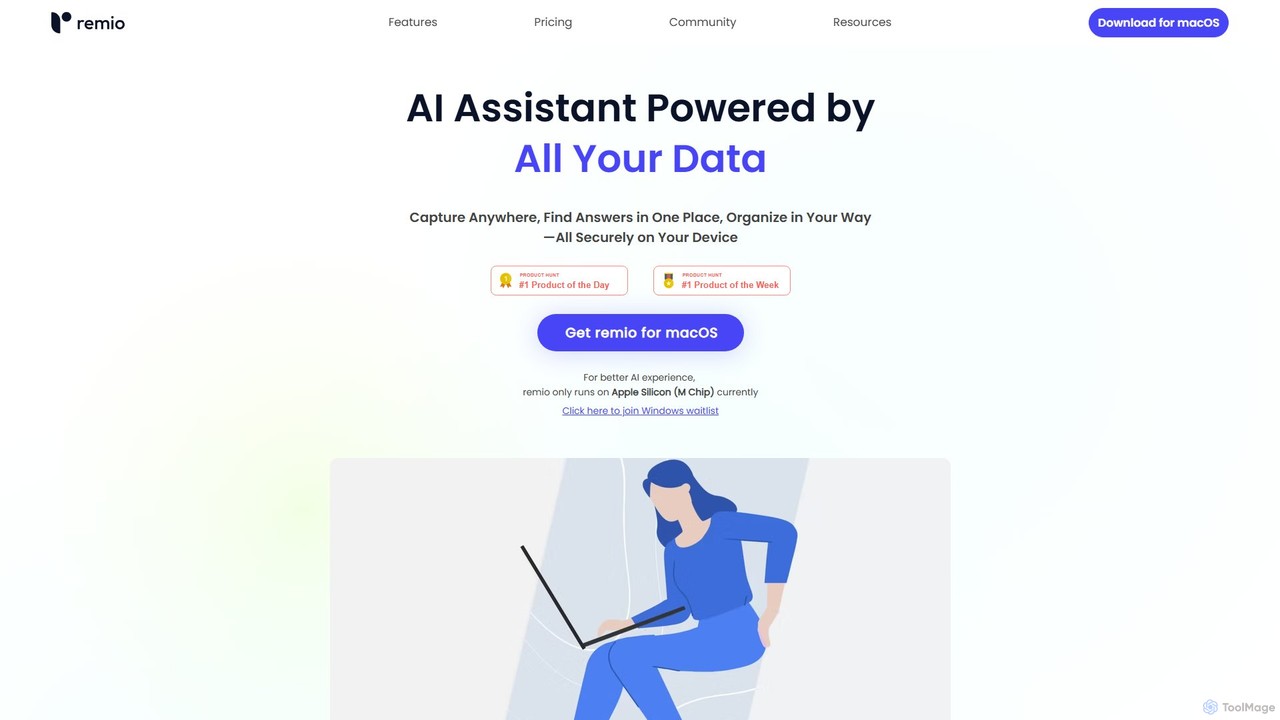
remio
remio is a local-first AI assistant that unifies all your data—notes, files, and web content—into a single, private knowledge base. It allows you to capture information from anywhere, find answers instantly with AI-powered search, and organize your knowledge securely on your device, boosting your productivity and creativity.
Personal Assistant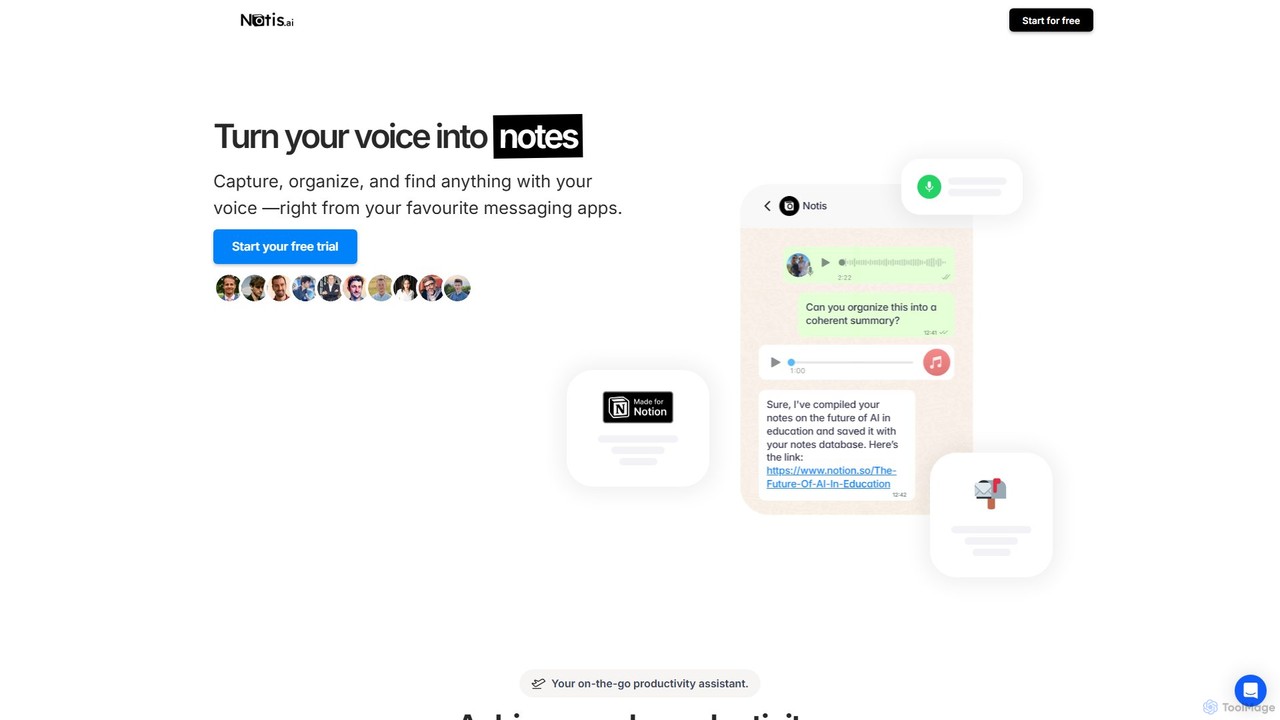
Notis
Notis is an AI-powered productivity assistant that turns your voice, text, and images into structured entries in Notion. Operating directly from messaging apps like WhatsApp and Telegram, it helps you capture ideas, manage tasks, draft content, and organize your life without ever opening the Notion app.
Content Creation
Note Companion Comments (0)
Sign in to comment.
Sign inNo comments yet.