

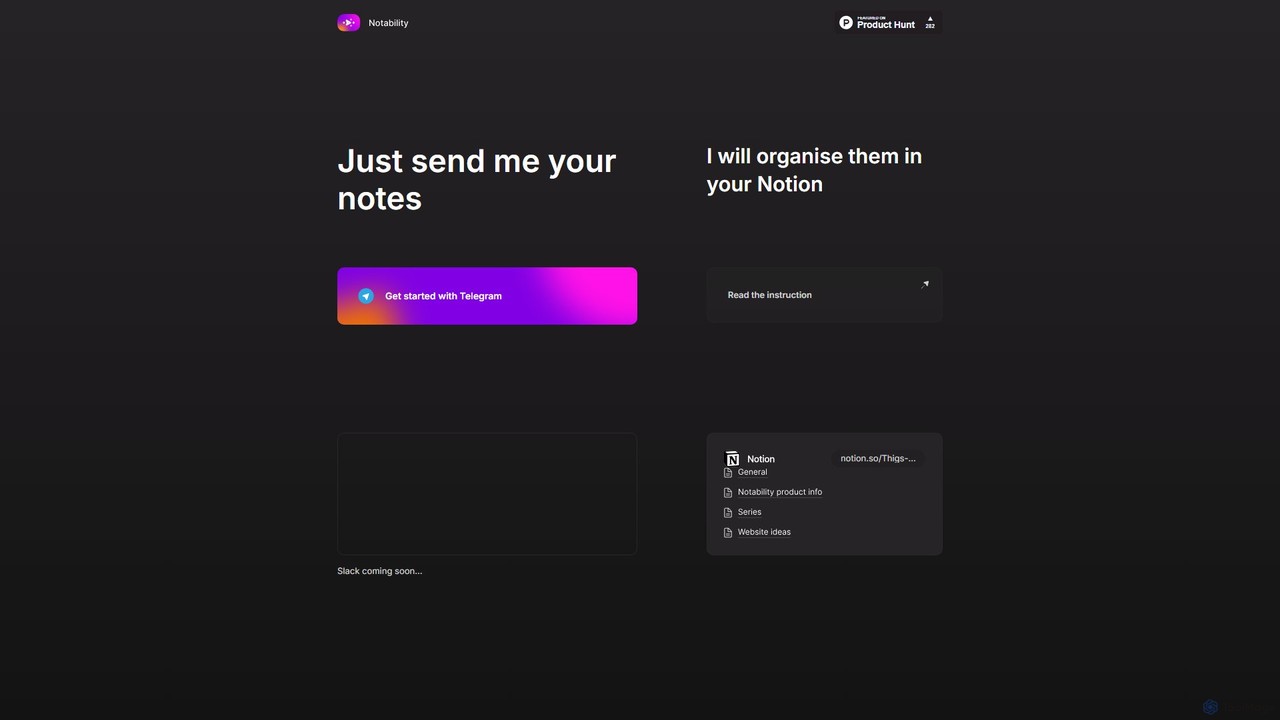
Notability Overview
Notability is an innovative AI-driven tool designed to bridge the gap between your scattered thoughts and your organized digital workspace. It operates as a smart assistant that captures information from your daily conversations and inputs on Telegram and seamlessly organizes it within your Notion account. In a world of information overload, Notability offers a streamlined solution to ensure no idea, task, or important piece of information gets lost. By leveraging the power of artificial intelligence, it automates the tedious process of categorizing and formatting notes, allowing users to focus on what truly matters.
The core premise of Notability is simplicity and efficiency. Instead of manually copying and pasting information from various sources into Notion, users can simply forward or send messages, voice notes, or links to the Notability Telegram bot. The AI engine then gets to work, analyzing the content, extracting key details, and structuring it perfectly within your pre-configured Notion databases or pages. This creates a powerful, automated inbox for your brain, accessible from anywhere via Telegram.
How to use Notability
Getting started with Notability is designed to be a straightforward process, enabling users to quickly integrate it into their daily productivity routine. The primary interface is Telegram, making it highly accessible.
- Connect Your Accounts: Begin by starting a chat with the Notability bot on Telegram. You will be guided through a simple authorization process to connect your Notion workspace. This typically involves granting the tool permission to access and create pages in your Notion account.
- Send Your Notes: Once connected, you can start sending information to the bot. This can be plain text for ideas or reminders, voice messages for thoughts on the go, or links to articles you want to save.
- AI Processing: The AI automatically processes your input. It can transcribe voice notes into text, identify potential tasks or action items (e.g., "remind me to call John tomorrow"), and understand the context of the note.
- Automatic Organization: The processed note is then sent to your Notion workspace. It can be added to a specific database (like 'Tasks', 'Ideas', or 'Reading List') with relevant properties like dates, tags, and summaries automatically filled out by the AI.
- Future Integrations: The platform plans to expand its service to other communication tools like Slack, further broadening its utility for teams and professionals.
Core Features of Notability
- Telegram to Notion Integration: The primary feature is the seamless, automated pipeline for sending information from Telegram directly to Notion.
- AI-Powered Note Structuring: Utilizes Natural Language Processing (NLP) to understand, summarize, and categorize unstructured notes into organized formats.
- Action Item Detection: Intelligently identifies tasks, deadlines, and appointments from your notes and formats them appropriately in your Notion task lists.
- Voice Note Transcription: Allows you to capture thoughts on the move by sending voice messages, which are automatically transcribed and organized.
- Link and Content Curation: When you send a link, the AI can fetch the title, a summary, and other metadata, saving it neatly in a 'Read Later' or research database.
- Customizable Workflows: Users can configure where and how their notes are saved in Notion, directing different types of information to specific databases.
Use Cases for Notability
Notability is a versatile tool suitable for a wide range of users looking to enhance their productivity and knowledge management.
- Students: Can quickly capture lecture insights, research links, and assignment reminders from their phones and have them perfectly organized in their Notion study hub.
- Professionals and Managers: Ideal for saving action items from meetings, logging quick ideas during a busy day, and building a personal knowledge base without disrupting their workflow.
- Content Creators and Writers: A perfect way to clip inspiration, article snippets, and content ideas from anywhere and have them sent to a Notion content calendar or idea repository.
- Personal Productivity Enthusiasts: Can create the ultimate frictionless system for capturing every fleeting thought, to-do list item, or recommendation, ensuring nothing falls through the cracks.
Advantages of Notability
The main advantage of Notability is its ability to remove friction from the knowledge capture process. It transforms Telegram into a powerful, always-on inbox for your Notion workspace. This automation saves significant time and mental energy that would otherwise be spent on manual organization. It promotes a habit of consistent note-taking by making it incredibly easy, ensuring that valuable ideas are preserved and acted upon. The upcoming Slack integration also signals a commitment to supporting professional team environments.
Pricing and Plans
Notability appears to operate on a freemium model. Users can get started for free to test the core functionality, likely with a certain limit on the number of notes processed per month. For heavy users or those requiring advanced features (such as more complex Notion integrations or higher processing priority), a paid subscription plan would likely be available. For the most current and detailed pricing information, users are encouraged to interact with the Telegram bot or visit the official website.
Notability Alternatives
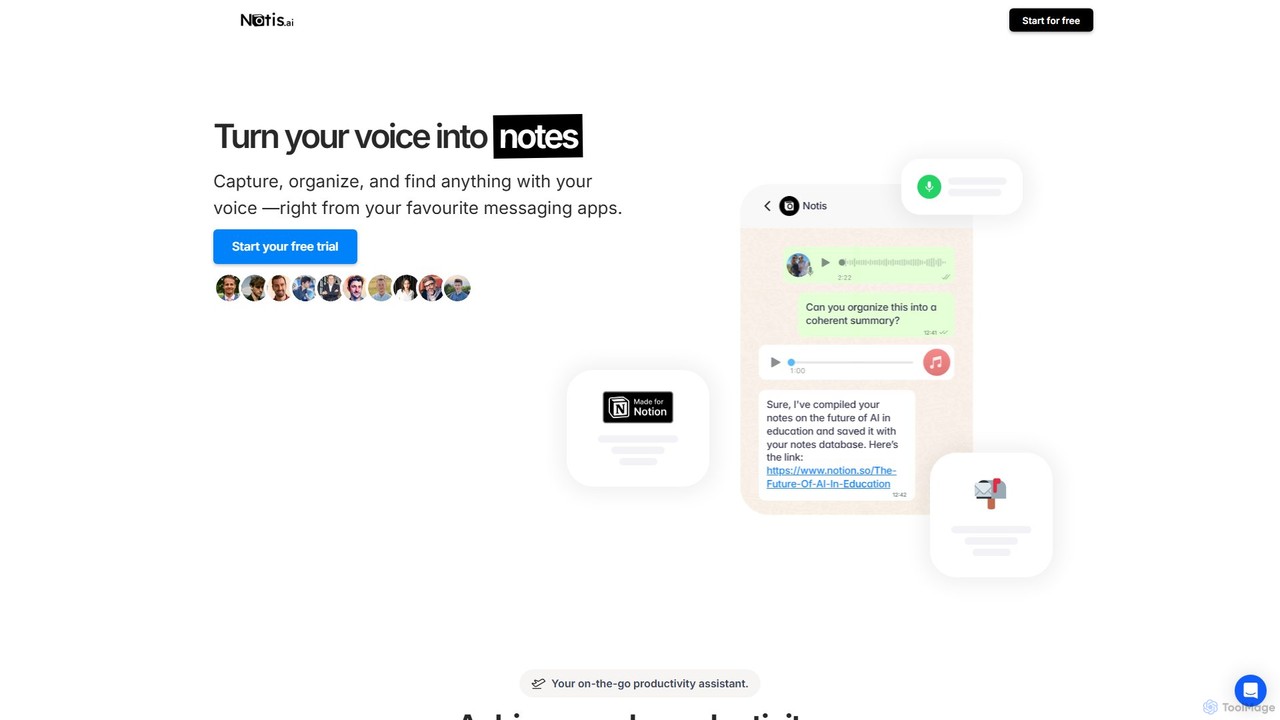
Notis
Notis is an AI-powered productivity assistant that turns your voice, text, and images into structured entries in Notion. Operating directly from messaging apps like WhatsApp and Telegram, it helps you capture ideas, manage tasks, draft content, and organize your life without ever opening the Notion app.
Content Creation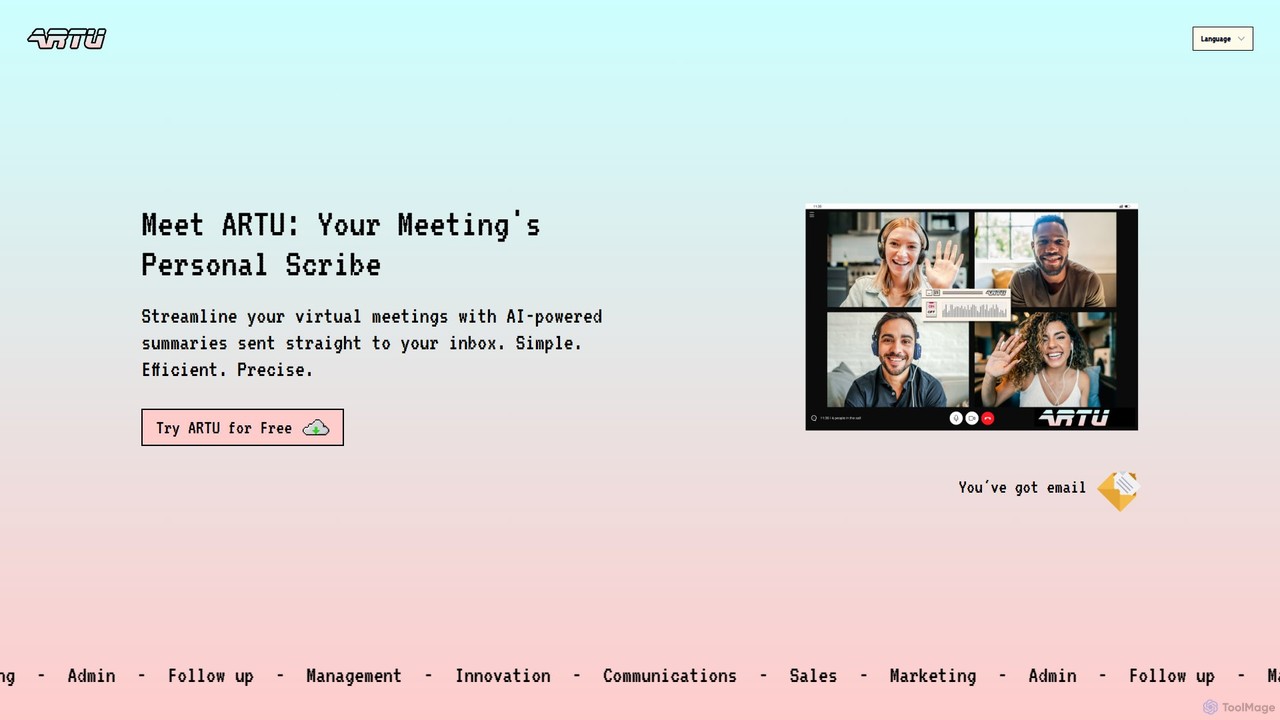
ARTU
ARTU is a dual-purpose AI copilot designed to streamline both your meetings and personal idea management. It automatically transcribes and summarizes virtual meetings, sending detailed minutes to your inbox. Simultaneously, it acts as a personal assistant, capturing ideas from emails, WhatsApp, and Telegram, then organizing them into your preferred workspace like Notion. This integrated system helps you conquer creative chaos and boost productivity.
Meeting Assistant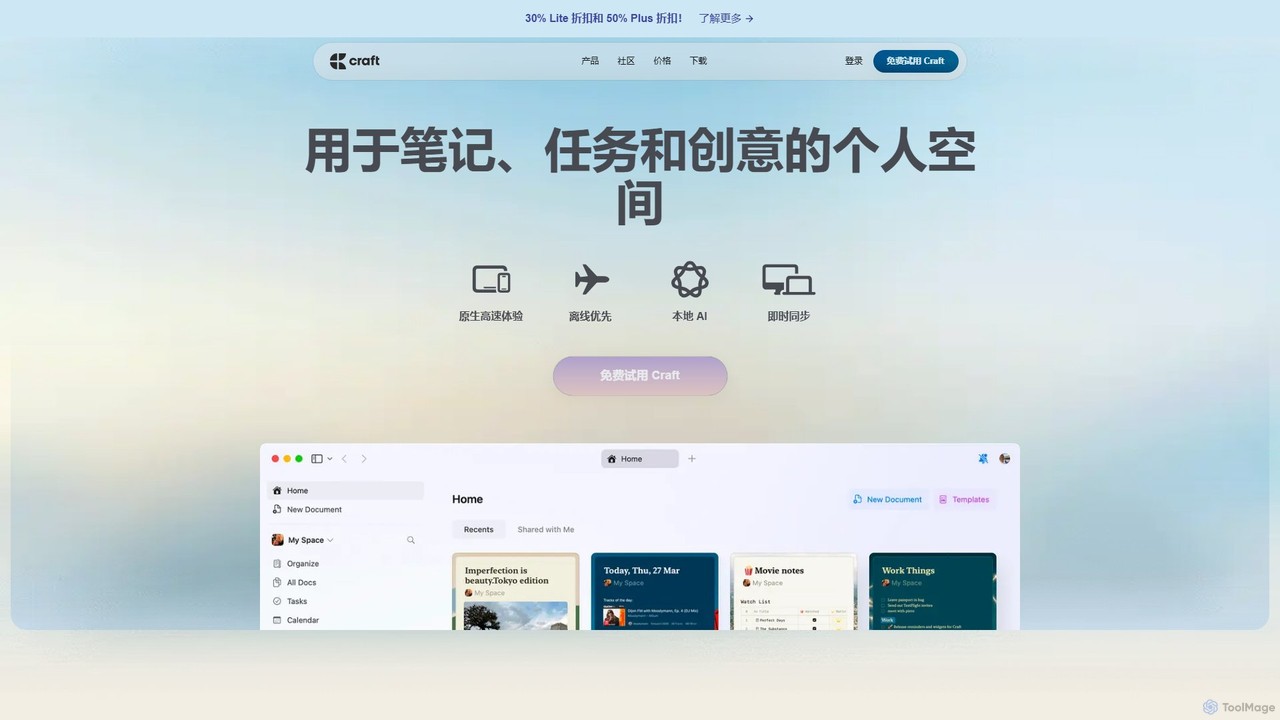
Craft
Craft is a beautifully designed, native document editor for notes, tasks, and ideas. It combines powerful features like a local AI assistant, task management, and flexible organization with a joyful, fast, and offline-first user experience, making it the perfect tool for writers, thinkers, and teams to capture and structure their thoughts.
Knowledge Management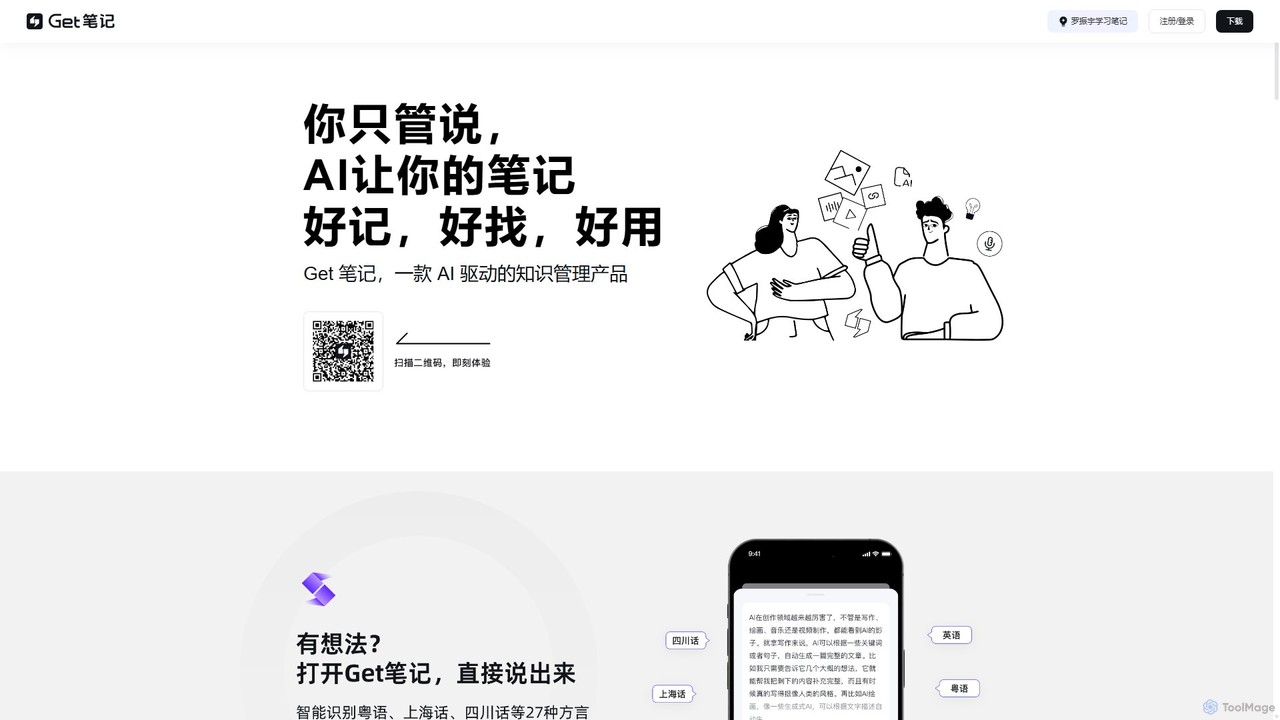
biji
biji is an AI-driven knowledge management app that transforms your spoken ideas into structured, searchable, and usable notes. Just talk, and biji's AI will handle transcription, summarization, and organization, making it effortless to capture and manage your thoughts, meetings, and learnings.
Transcription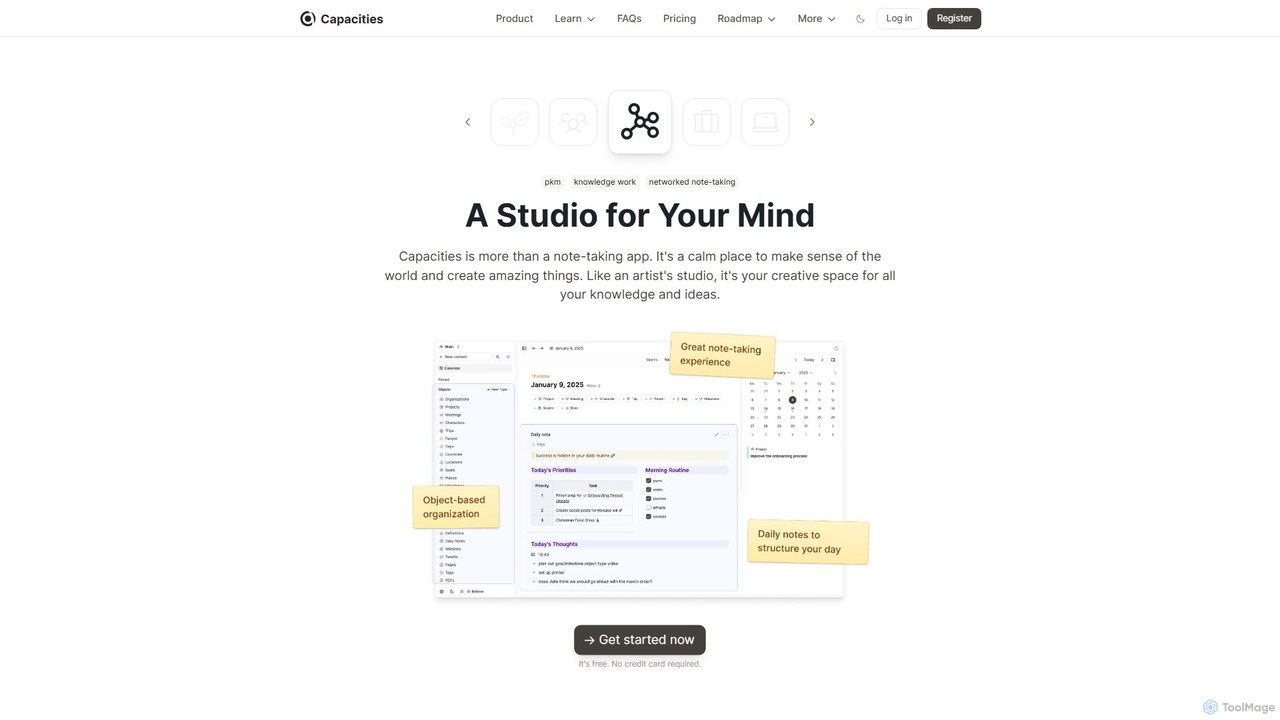
Capacities
Capacities is a next-generation note-taking and knowledge management tool designed as a "studio for your mind." It replaces traditional folders with a flexible, object-based network, allowing you to connect ideas naturally. Features include an integrated AI assistant, powerful linking, custom content types, and cross-platform availability, making it ideal for building a personal knowledge base or "second brain."
Second BrainNotability Categories
Notability Embed Widget
Copy this embed code to place the badge on your blog, article, or product site and send readers directly to this ToolMage detail page.

Related AI tools
Notis
Notis is an AI-powered productivity assistant that turns your voice, text, and images into structured entries in Notion. Operating directly from messaging apps like WhatsApp and Telegram, it helps you capture ideas, manage tasks, draft content, and organize your life without ever opening the Notion app.
Content CreationARTU
ARTU is a dual-purpose AI copilot designed to streamline both your meetings and personal idea management. It automatically transcribes and summarizes virtual meetings, sending detailed minutes to your inbox. Simultaneously, it acts as a personal assistant, capturing ideas from emails, WhatsApp, and Telegram, then organizing them into your preferred workspace like Notion. This integrated system helps you conquer creative chaos and boost productivity.
Meeting Assistant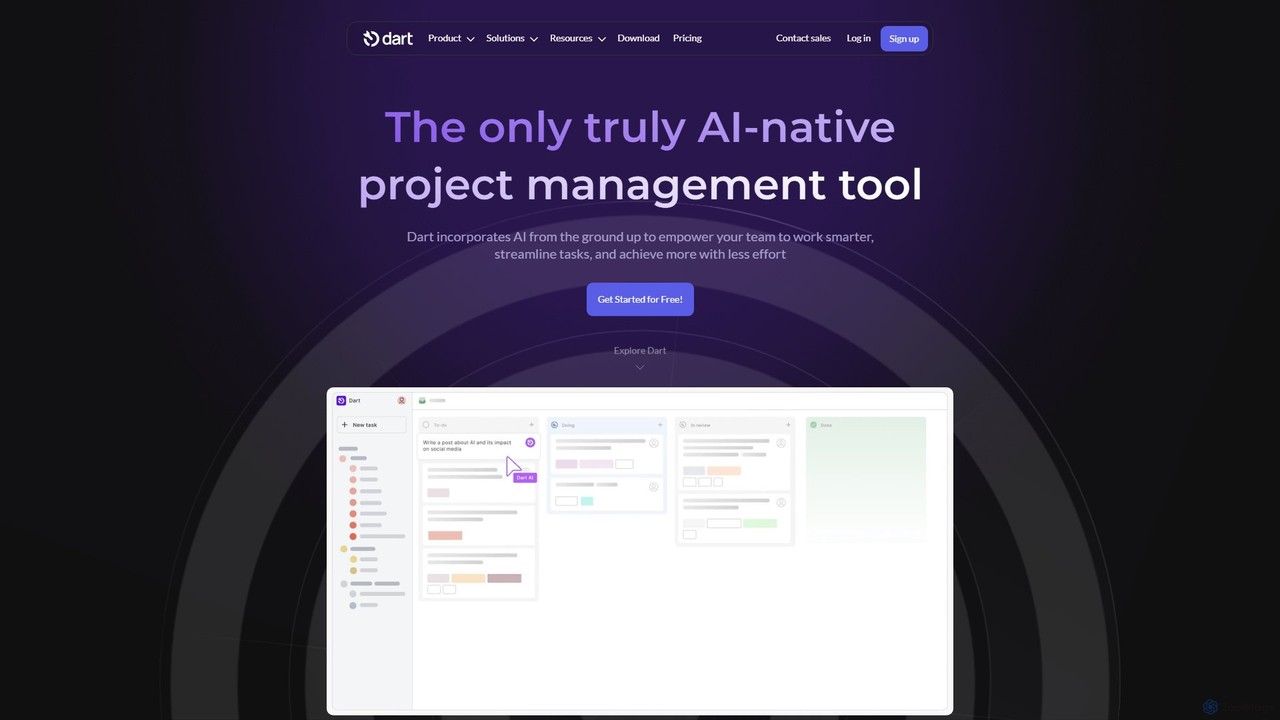
itsdart
Dart is an AI-native project management platform designed to automate workflows and enhance team productivity. It integrates AI from the ground up to handle tasks like subtask generation, project planning, and report creation. With features like intelligent task management, AI agents, integrated documents, and seamless integrations with tools like Slack and GitHub, Dart helps teams streamline operations, reduce manual overhead, and achieve goals faster.
Collaboration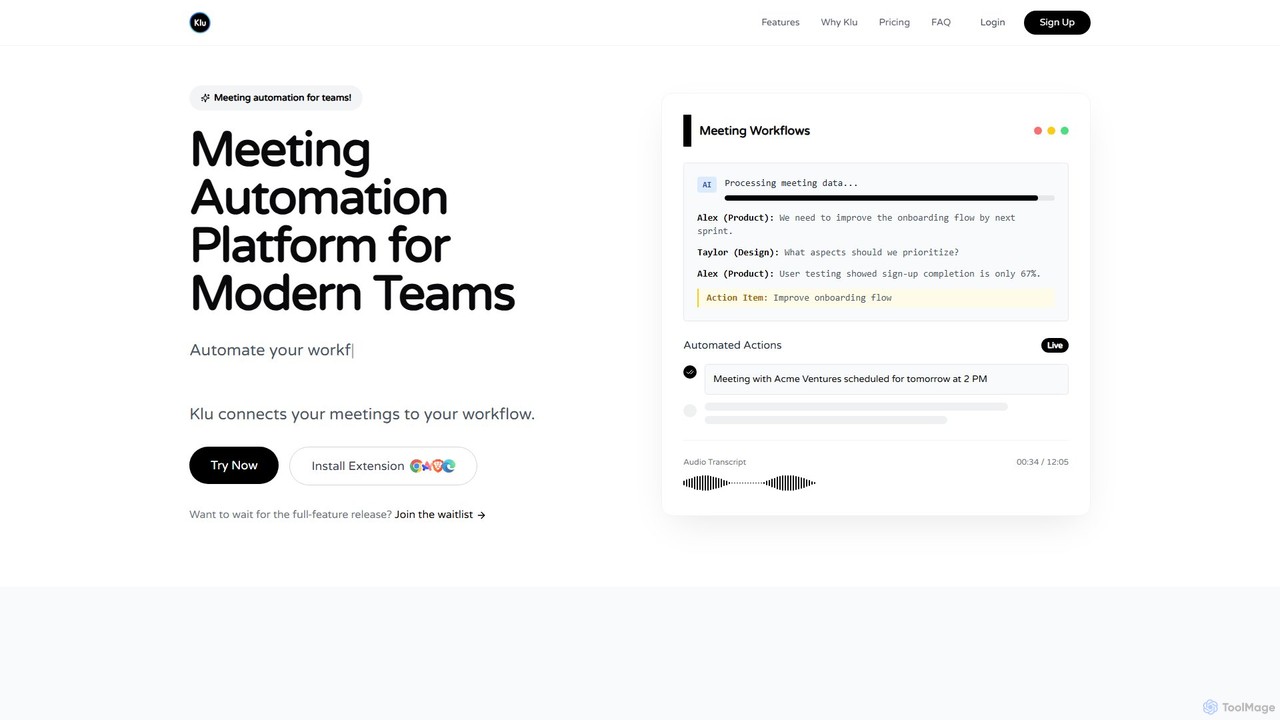
Klu
Klu is an AI-powered meeting automation platform designed for modern teams. It records, transcribes, and summarizes your meetings, automatically extracting action items and key insights. By integrating with your existing workflow tools like Notion, Slack, and Asana, Klu automates post-meeting tasks, saving time and boosting productivity.
Workflow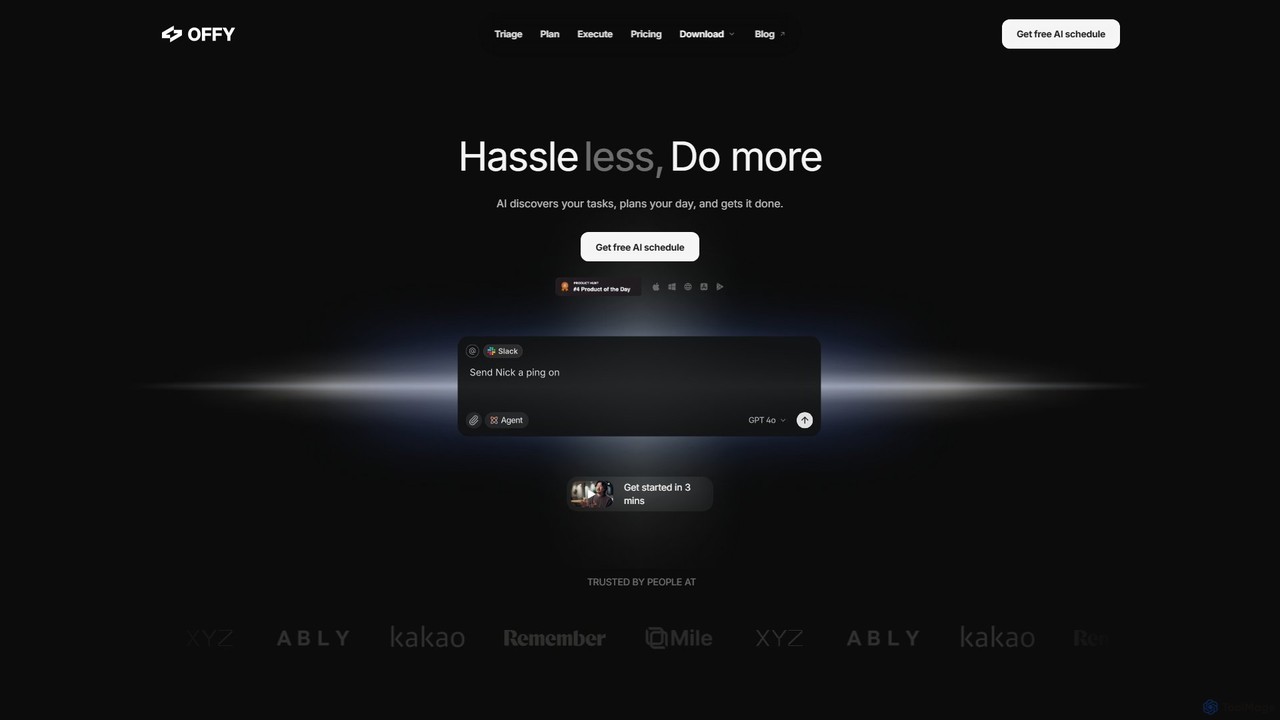
OFFLIGHT
OFFLIGHT is an AI-powered task management tool that automatically discovers tasks from your apps like Gmail and Slack, creates intelligent, time-based plans, and helps you execute them. Centralize your workflow and boost productivity with your personal AI assistant, Offy.
Personal Assistant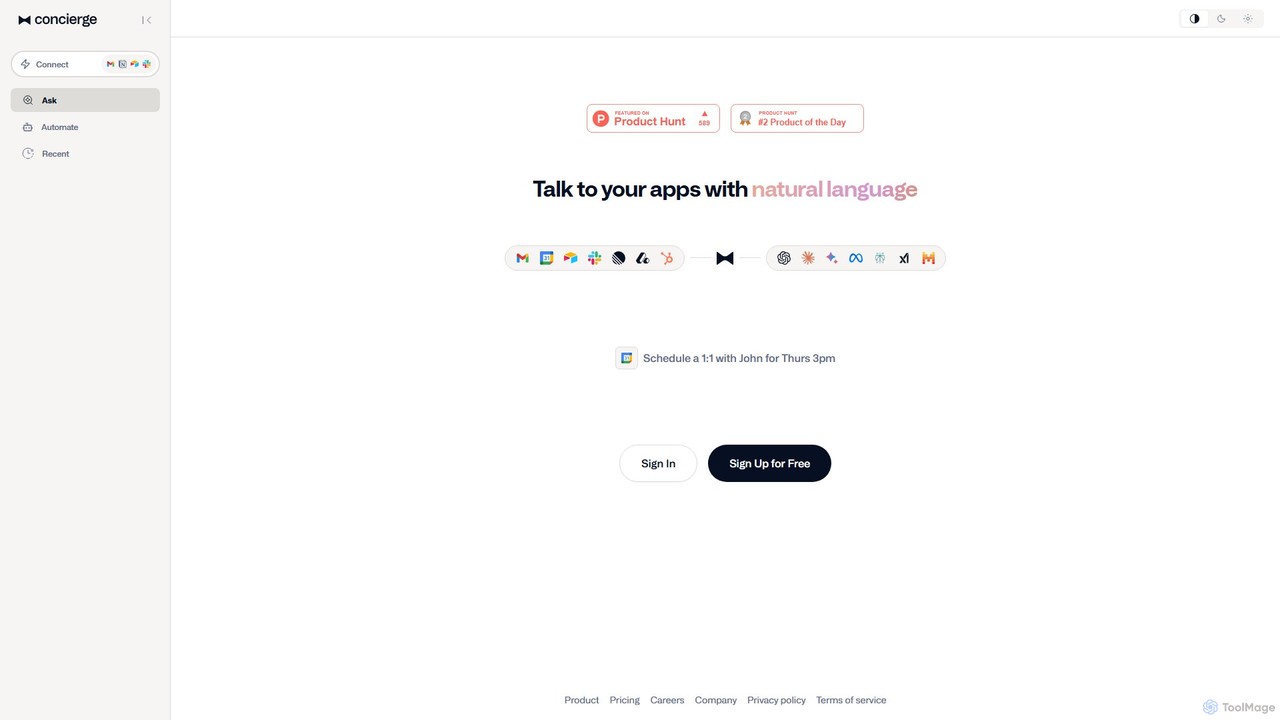
Concierge AI
Concierge AI is an intelligent assistant that connects to your applications, allowing you to manage tasks, schedule meetings, and automate workflows using simple natural language commands. It acts as a central hub for your digital tools, boosting productivity for individuals and teams.
Workflow Management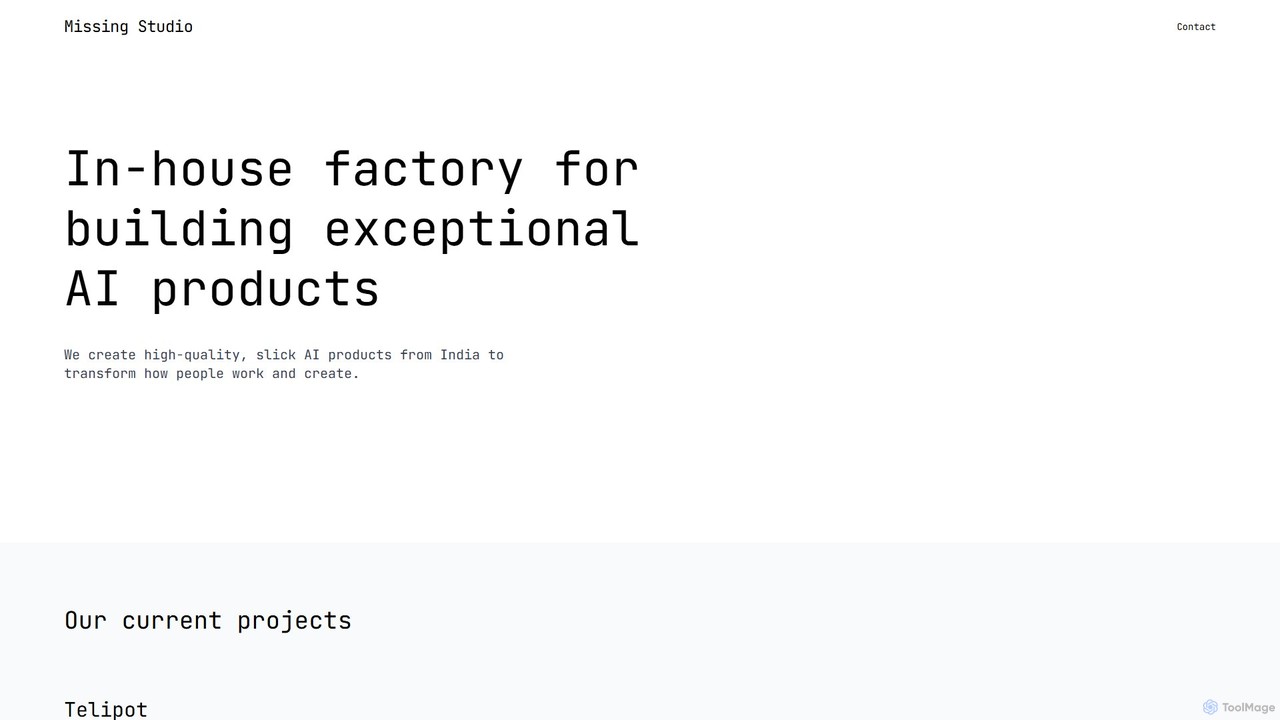
Missing studio
Missing studio is an AI innovation house that builds a suite of advanced products to transform work and creativity. Their flagship tools include Telipot, a general AI agent that turns thoughts into actions, and Inklate, an infinite AI canvas for designing scalable creative workflows.
CreativeCraft
Craft is a beautifully designed, native document editor for notes, tasks, and ideas. It combines powerful features like a local AI assistant, task management, and flexible organization with a joyful, fast, and offline-first user experience, making it the perfect tool for writers, thinkers, and teams to capture and structure their thoughts.
Knowledge Managementbiji
biji is an AI-driven knowledge management app that transforms your spoken ideas into structured, searchable, and usable notes. Just talk, and biji's AI will handle transcription, summarization, and organization, making it effortless to capture and manage your thoughts, meetings, and learnings.
Transcription
Jyek
Jyek is an AI agent platform that understands objectives, creates execution plans, uses tools, and delivers verifiable results for complex, multi-step tasks.
AutomationCapacities
Capacities is a next-generation note-taking and knowledge management tool designed as a "studio for your mind." It replaces traditional folders with a flexible, object-based network, allowing you to connect ideas naturally. Features include an integrated AI assistant, powerful linking, custom content types, and cross-platform availability, making it ideal for building a personal knowledge base or "second brain."
Second Brain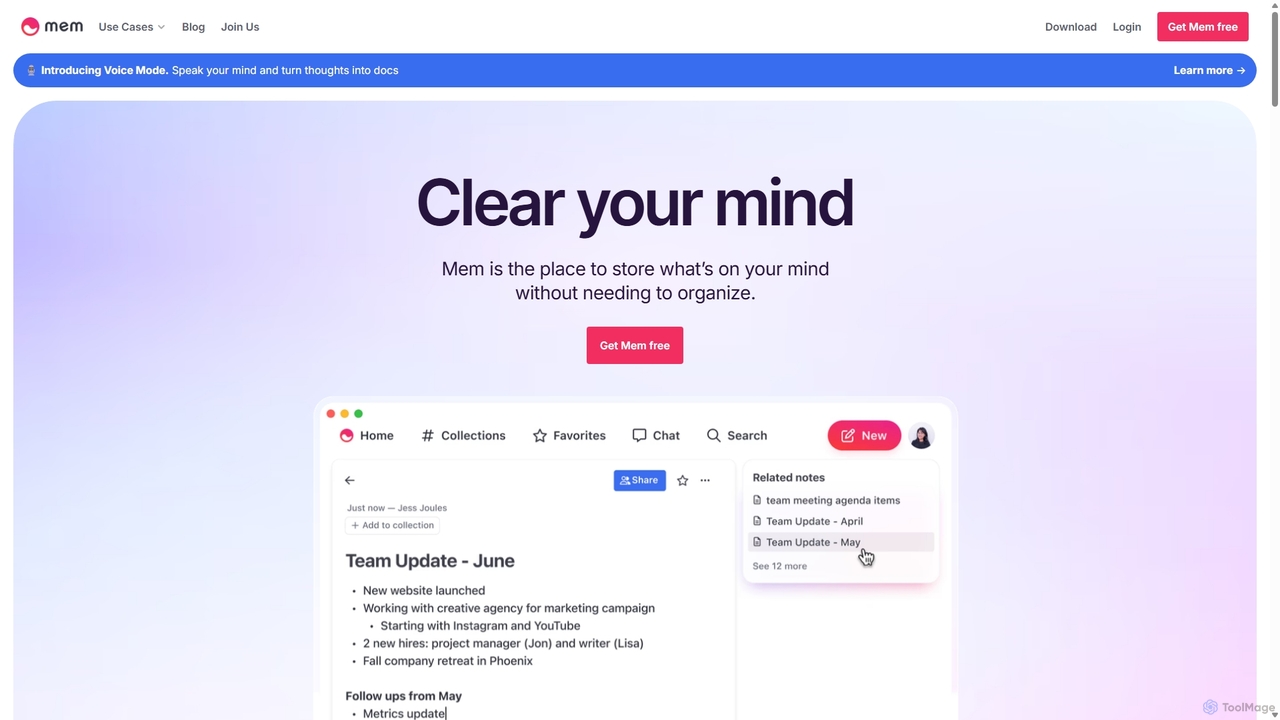
Mem
Mem is a self-organizing workspace powered by AI, designed to act as your personal second brain. It captures, connects, and resurfaces your notes automatically, eliminating the need for manual organization. With its integrated AI chat, you can search, summarize, and generate content from your own knowledge base.
Personal Assistant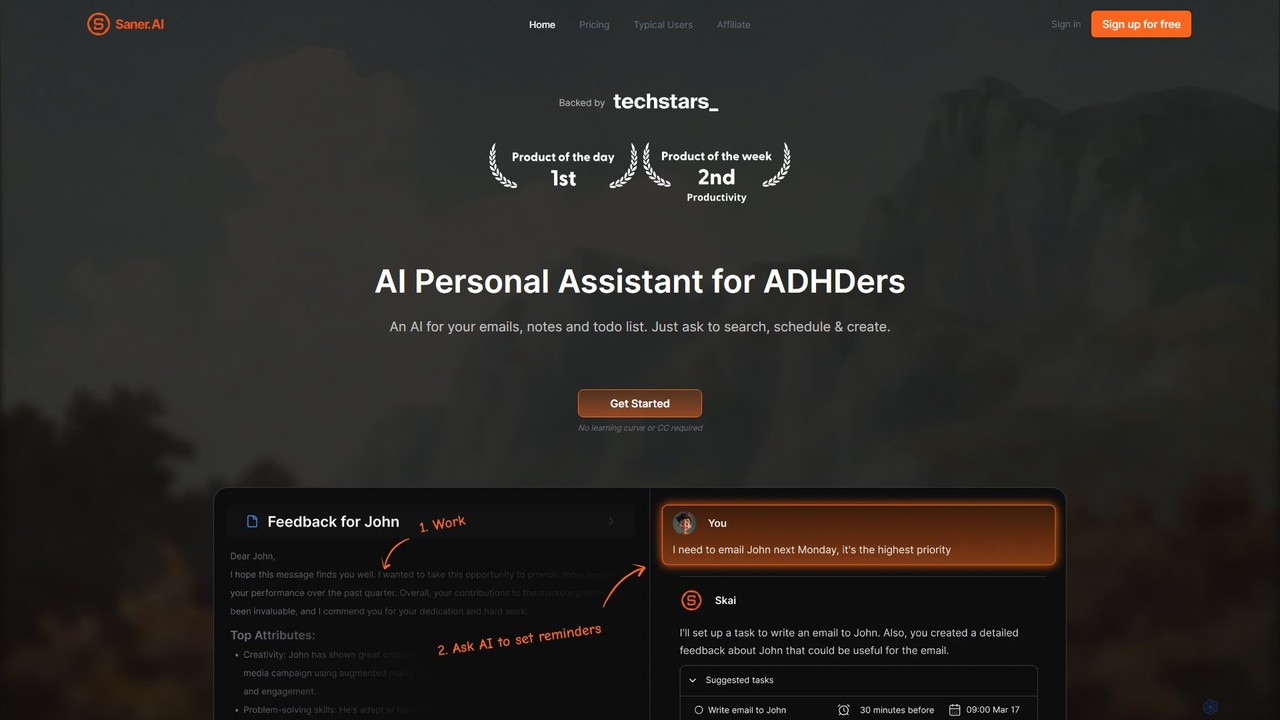
Saner.AI
Saner.AI is an AI personal assistant designed to help users, especially those with ADHD, manage notes, emails, and to-do lists. It acts as a unified workspace to capture, organize, and synthesize information, reducing cognitive load and context switching. With its AI assistant, Skai, it automates task planning, prioritization, and knowledge connection, creating a calmer, more productive workflow.
Second Brain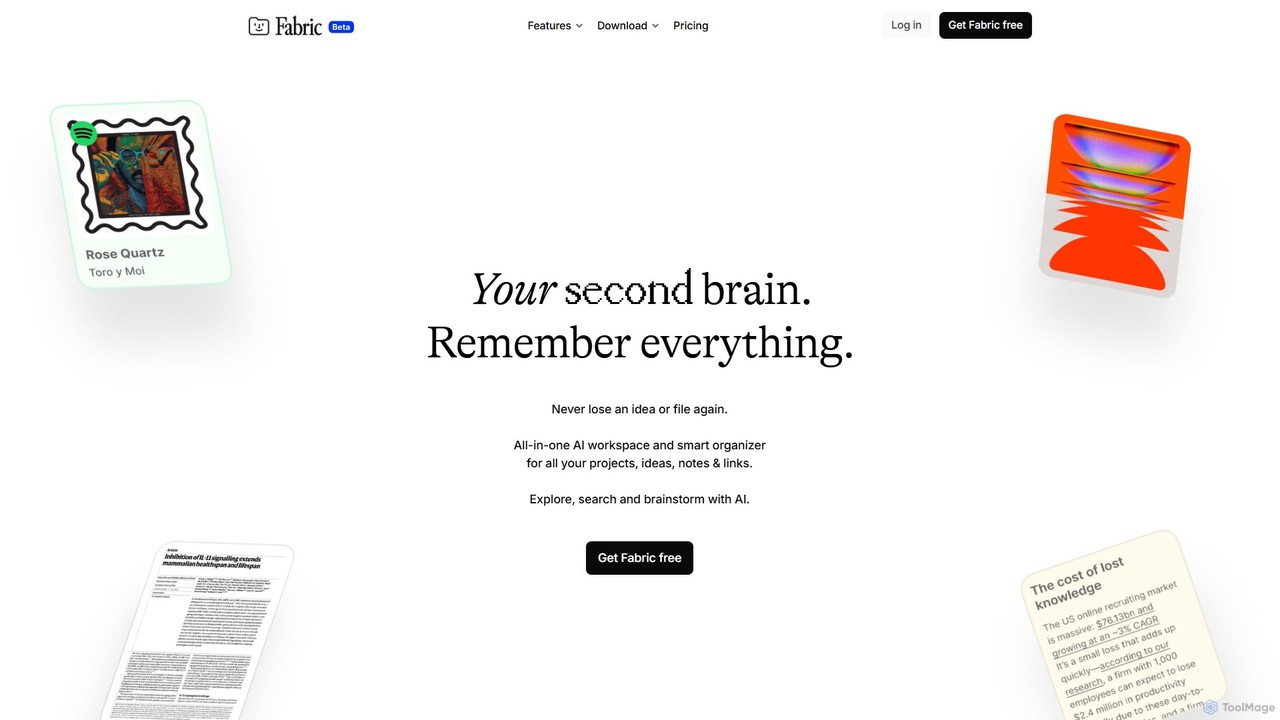
Fabric
Fabric is an AI-powered workspace and smart organizer that acts as your second brain. It automatically centralizes and connects all your notes, files, links, and ideas, eliminating the need for manual organization. Search your entire digital library with natural language and collaborate with an intelligent AI partner.
Personal Assistant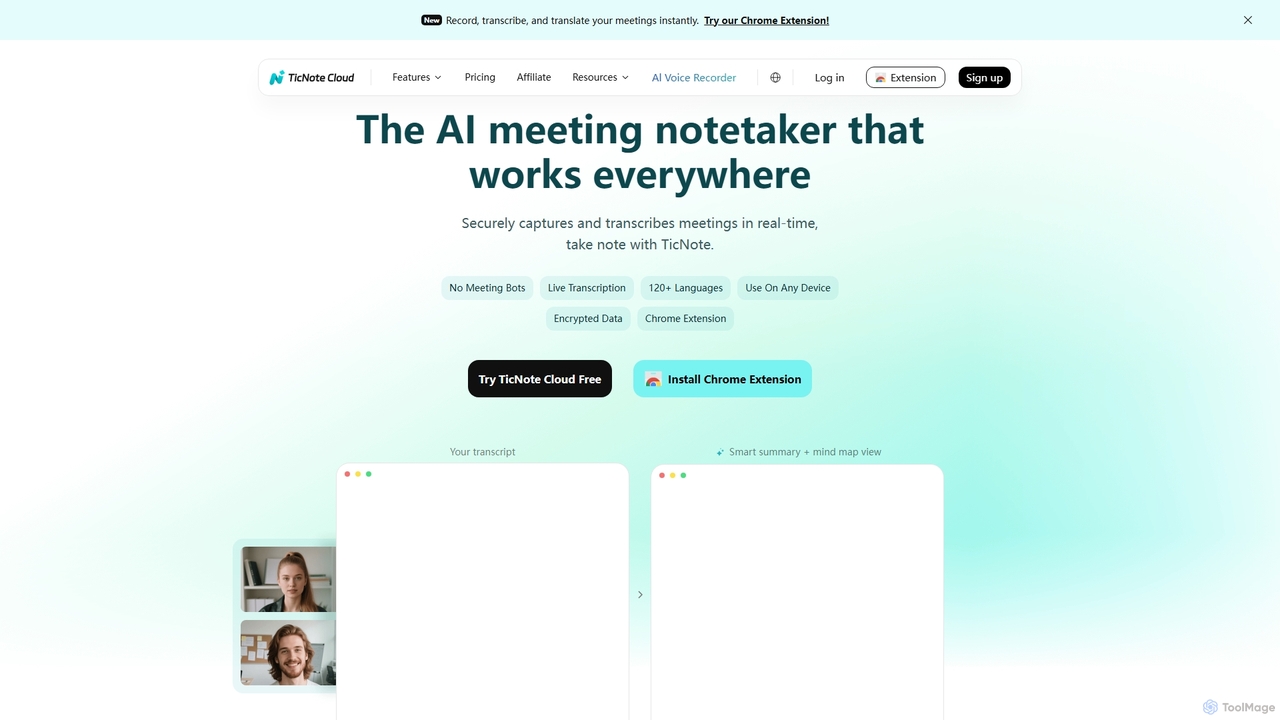
TicNote
TicNote is an AI-powered meeting notetaker that transcribes, summarizes, and organizes conversations in real-time across 120+ languages. It uses on-device AI to generate smart summaries, mind maps, and action items without meeting bots, enhancing productivity and knowledge management for professionals.
Language Processing
Notability Comments (0)
Sign in to comment.
Sign inNo comments yet.