


Keep It Shot Overview
Keep It Shot is an innovative macOS application designed to solve the common problem of cluttered and nonsensically named files, especially screenshots. It acts as your digital file organizer, leveraging the power of Artificial Intelligence to transform your chaotic folders into a structured and easily accessible library. Say goodbye to endless files named "Screenshot.png" and welcome a new era of meaningful, searchable file names.
The core principle of Keep It Shot is to make your files work for you. By automatically analyzing the content of your images, documents, and videos, the app generates descriptive and relevant names. This process not only cleans up your directories but also lays the foundation for its powerful search functionality. The tool creates a completely private and offline search index on your local machine, ensuring your data remains secure and accessible even without an internet connection. This local index, built from the new file names, OCR text, content descriptions, and keywords, allows for incredibly fast and accurate searches.
How to use Keep It Shot
Using Keep It Shot is designed to be a seamless and intuitive experience. First, you download and install the application on your macOS device. Upon launching, you can immediately start organizing your files. You can drag and drop a batch of files into the app, and with just two clicks, Keep It Shot will analyze and rename all of them, showing you the progress with a convenient progress bar. For ultimate convenience, you can enable the 'Auto-rename' feature. This function monitors your screenshot folder and automatically renames any new screenshot as soon as it's created. If you're ever unhappy with the AI-generated names, a single click can revert all files back to their original names.
Core Features of Keep It Shot
- AI-Powered Renaming: Intelligently renames various file types, including images, screenshots, PDFs, Word documents, Excel sheets, and videos, with descriptive, meaningful names.
- Offline Private Search: Creates a local, fully private search index on your Mac. Search your screenshots and files by keywords, content, or context with extreme speed.
- Batch Processing: Effortlessly rename large batches of files in just two clicks, saving significant time and effort.
- Automated Workflow: Set up auto-renaming for new screenshots, ensuring your files are organized from the moment they are created.
- One-Click Revert: Easily undo renaming operations with a single click if you are not satisfied with the results.
- Comprehensive Indexing: The search index is built using the new file name, Optical Character Recognition (OCR) for text within images, a short description of the media, and relevant keywords.
- Privacy First: The application processes everything locally and does not store your images or files on its servers, guaranteeing your data's privacy.
- Flexible API Key Usage: Offers a plan where you can bring your own OpenAI API key, giving you more control and a one-time payment option.
Use Cases for Keep It Shot
Keep It Shot is a versatile tool for anyone who deals with a large number of digital files. Product Managers and Designers can use it to organize mockups, user feedback screenshots, and competitive analysis, making it easy to find a specific visual in seconds. Developers can manage screenshots of bug reports, code snippets, and UI elements efficiently. Students and Researchers can keep their lecture notes, article clippings, and research data neatly organized and searchable. For Content Creators and Marketers, it's perfect for managing visual assets, social media posts, and inspiration boards. Essentially, anyone looking to declutter their digital workspace and improve productivity will find immense value in Keep It Shot.
Advantages of Keep It Shot
The primary advantage of Keep It Shot is the massive boost in productivity it provides by eliminating manual file organization. Its AI-driven approach is not just about renaming; it's about adding a layer of intelligence to your files. The offline and private nature of the tool is a significant benefit for users concerned about data security. Unlike cloud-based solutions, all your data remains on your device. The speed of the local search engine is another key advantage, providing instant results without the latency of web searches. Finally, its flexible pricing, including a free tier and a one-time payment option, makes it accessible to a wide range of users.
Pricing and Plans
Keep It Shot offers a flexible pricing structure to suit different needs, with a 3-day refund policy.
- Basic (Free): Includes 15 credits per month.
- Individual Plan: $8 per month for 300 credits.
- Product Manager/Designers Plan: $24 per month for 2000 credits.
- One-time Payment: $19 for 500 one-time credits. This plan also allows you to bring your own OpenAI API key for continued use.
- Image/PDF/Word/Excel Renaming: 1 credit per file.
- Video Renaming: 5 credits per file.
Traffic
Latest traffic
Status
Monthly traffic trend
- 2025-9: 1.2K
- 2026-1: 584
- 2026-2: 630
- 2026-3: 1.8K
- 2026-4: 1.2K
- 2026-5: 443
Geography
Top 5 countries / regions
- 🇺🇸United States57.0%
- 🇮🇳India43.0%
Top keywords
| Keyword | Cost per click |
|---|---|
| keep it shot | $0.00 |
| keepitshot | $0.00 |
Keep It Shot Alternatives
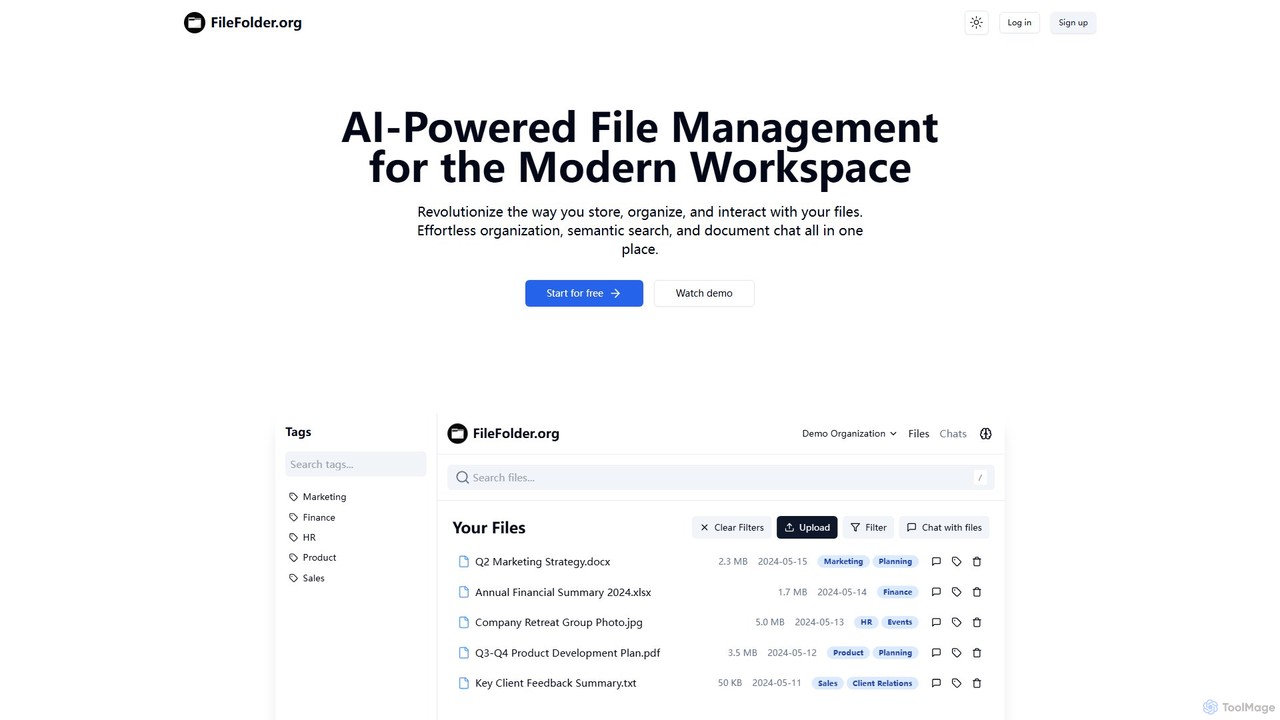
FileFolder
FileFolder is an AI-powered file management platform that intelligently organizes, searches, and automates your digital files. It uses AI to automatically categorize documents, extract key data, and provide powerful semantic search, transforming your cluttered folders into a smart, accessible library.
Document Management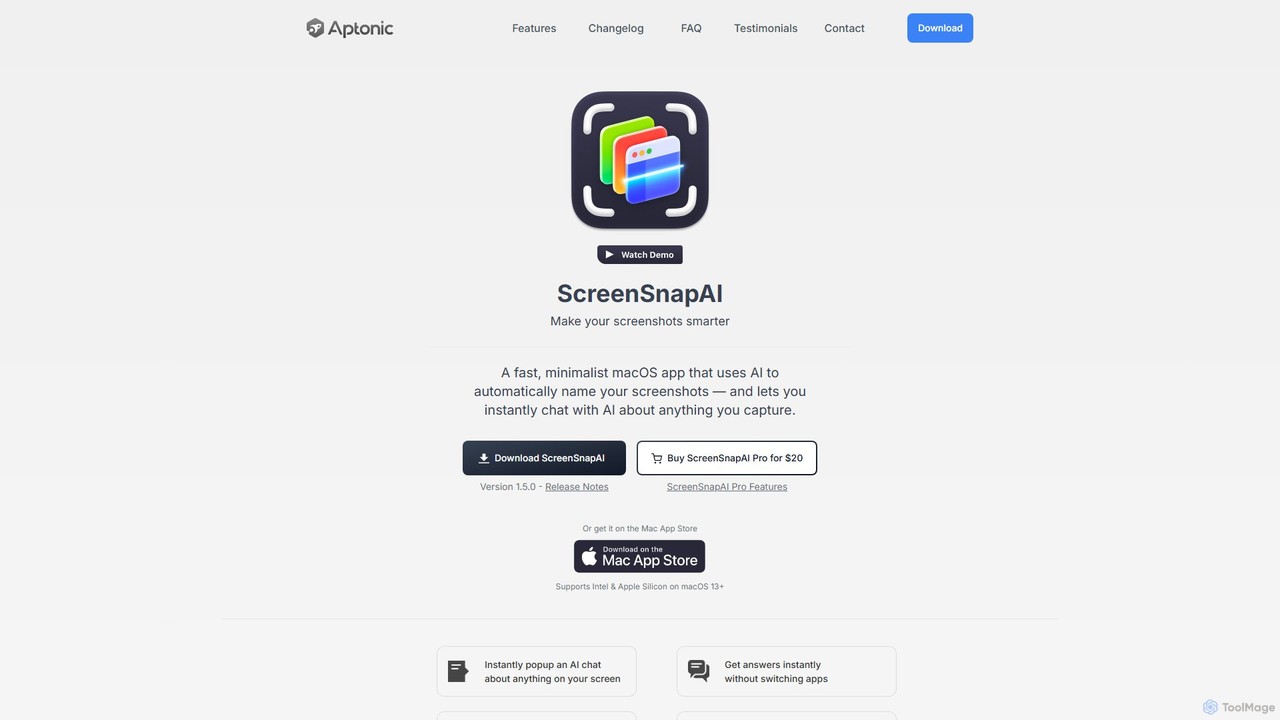
ScreenSnapAI
ScreenSnapAI is a smart macOS application that uses AI to automatically rename, tag, and organize your screenshots. It features an integrated AI assistant that allows you to instantly chat about, translate, or extract text and code from any captured image, dramatically improving productivity and workflow efficiency.
Code Assistant
Riffo
Riffo is an AI-powered file management tool for Mac that automatically renames and organizes your files. It intelligently analyzes file content, including text in images and documents, to generate descriptive names and sort them into relevant subfolders, transforming a cluttered desktop into an organized digital workspace.
Workflow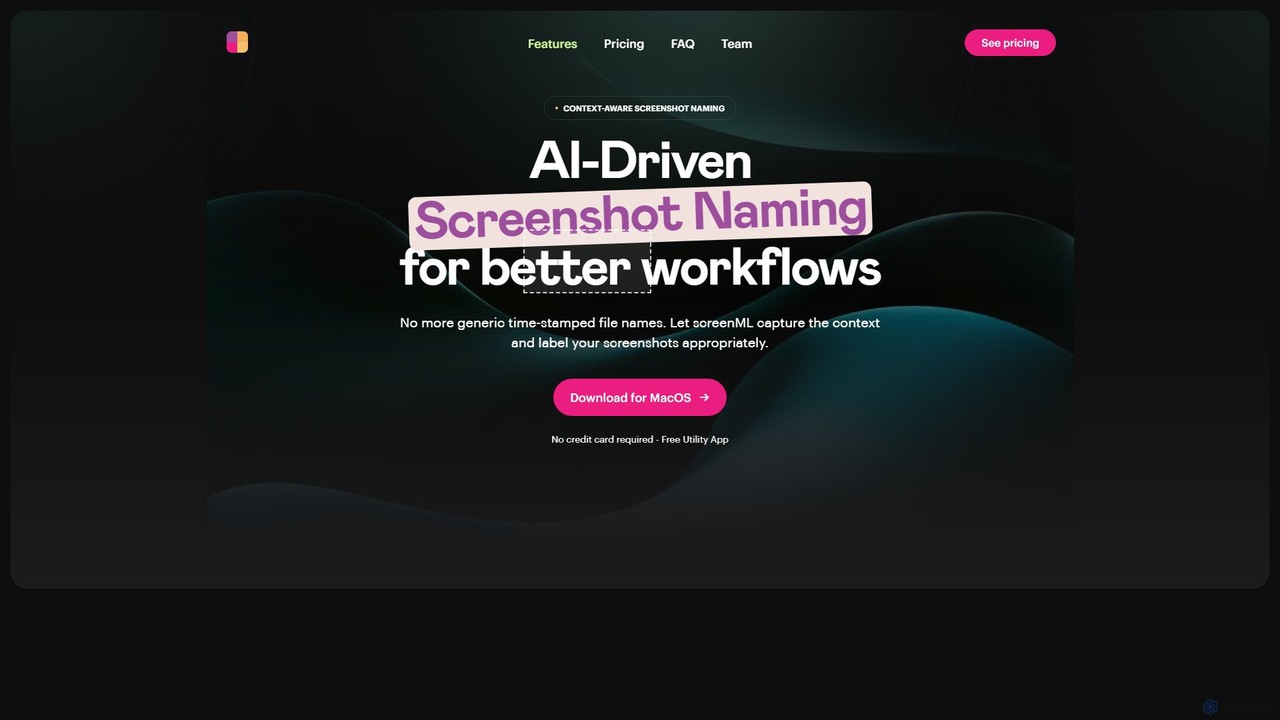
ScreenML
ScreenML is an AI-powered MacOS utility that automatically renames your screenshots with context-aware, descriptive filenames. It eliminates cluttered desktops and timestamped file names, making your screenshots organized, searchable, and easy to manage, streamlining your entire workflow.
Screenshot Tool
mega
mega is an intelligent cloud storage and digital asset management platform. It uses powerful AI to automatically organize, tag, and search your files, transforming how you manage your digital life. Securely store, share, and collaborate with AI-driven features that streamline workflows and help you find what you need instantly.
Digital Asset ManagementKeep It Shot Categories
Keep It Shot Embed Widget
Copy this embed code to place the badge on your blog, article, or product site and send readers directly to this ToolMage detail page.

Related AI tools
Riffo
Riffo is an AI-powered file management tool for Mac that automatically renames and organizes your files. It intelligently analyzes file content, including text in images and documents, to generate descriptive names and sort them into relevant subfolders, transforming a cluttered desktop into an organized digital workspace.
WorkflowScreenML
ScreenML is an AI-powered MacOS utility that automatically renames your screenshots with context-aware, descriptive filenames. It eliminates cluttered desktops and timestamped file names, making your screenshots organized, searchable, and easy to manage, streamlining your entire workflow.
Screenshot ToolFileFolder
FileFolder is an AI-powered file management platform that intelligently organizes, searches, and automates your digital files. It uses AI to automatically categorize documents, extract key data, and provide powerful semantic search, transforming your cluttered folders into a smart, accessible library.
Document Managementmega
mega is an intelligent cloud storage and digital asset management platform. It uses powerful AI to automatically organize, tag, and search your files, transforming how you manage your digital life. Securely store, share, and collaborate with AI-driven features that streamline workflows and help you find what you need instantly.
Digital Asset Management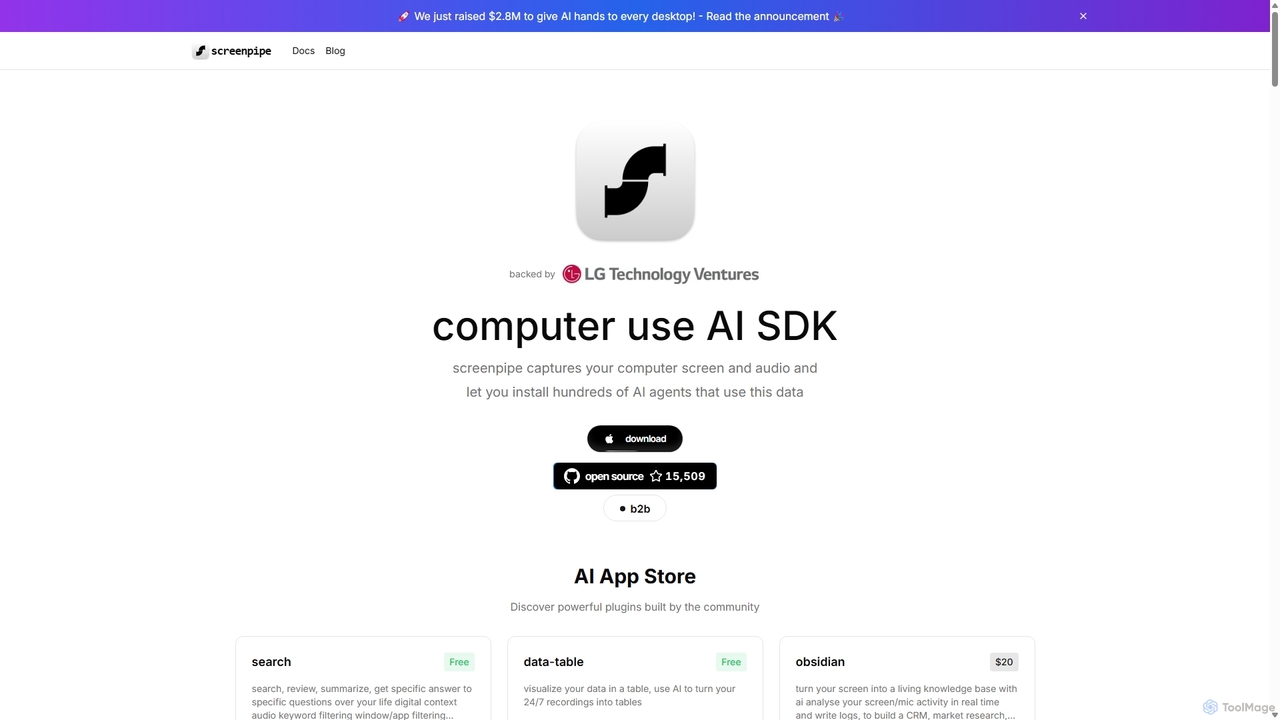
Screenpipe
Screenpipe is an open-source AI SDK that captures your computer's screen and audio 24/7, creating a local, private digital memory. It powers a rich ecosystem of AI agents that can search, summarize, and automate tasks based on your complete digital context, turning your computer usage into a powerful, personalized AI.
Personal Data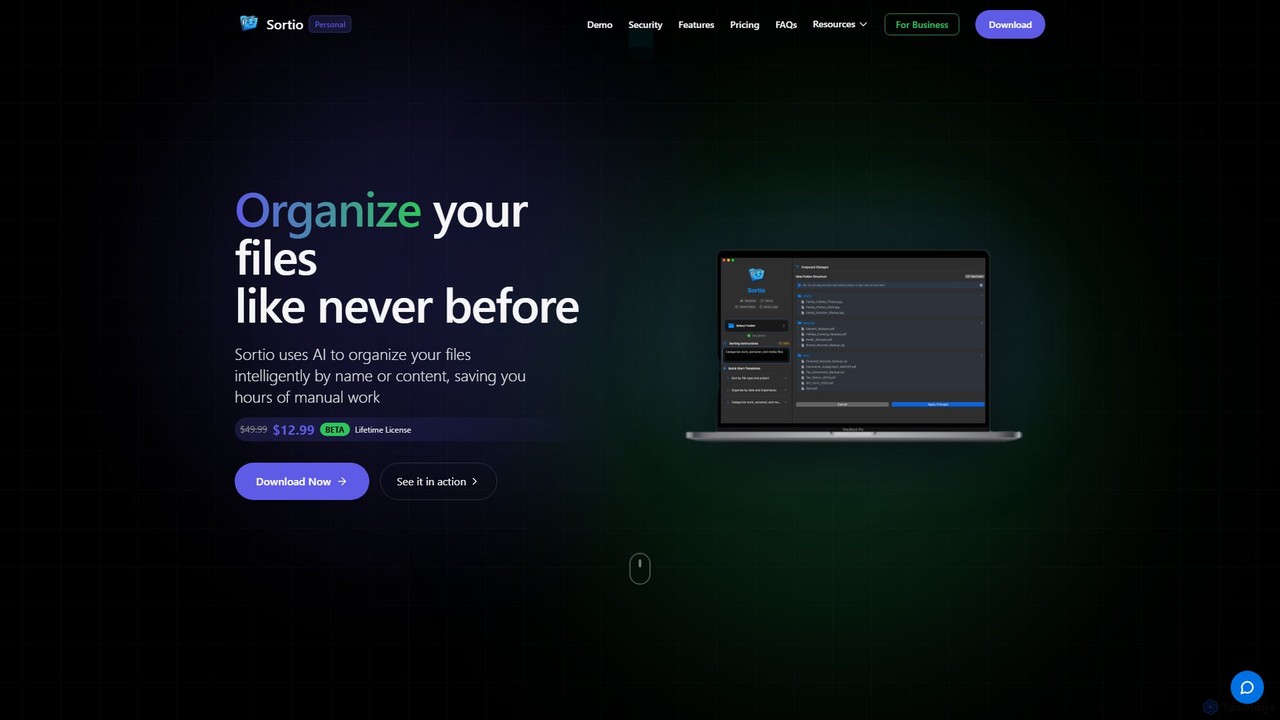
Sortio
Sortio is an AI-powered desktop application for macOS and Windows that intelligently organizes your files. Using natural language prompts, it can sort files by name, content, or metadata, saving you hours of manual work. It features smart folders, automatic renaming, and a strong focus on privacy with offline mode and end-to-end encryption.
Automation
Ai Photo Sorter
A privacy-first, AI-powered web application that helps you efficiently organize local photo collections. Create custom categories, sort images, and detect duplicates securely on your own computer without uploading any data.
Photo Organization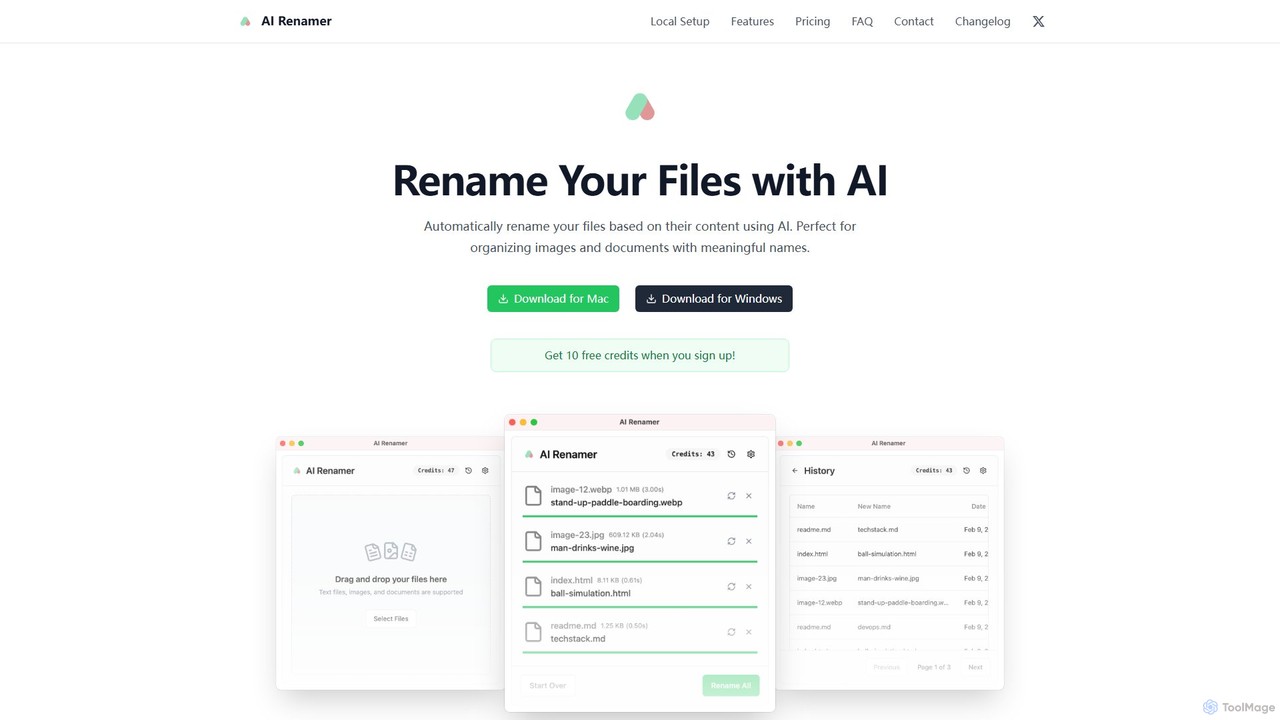
AI Renamer
AI Renamer is a smart desktop application for Mac and Windows that automatically renames files based on their content. It analyzes images and documents to generate descriptive, meaningful names, helping you organize your digital life effortlessly. It supports batch processing, custom naming rules, and offers both a private, offline Local Mode and a convenient Cloud Mode.
Document Management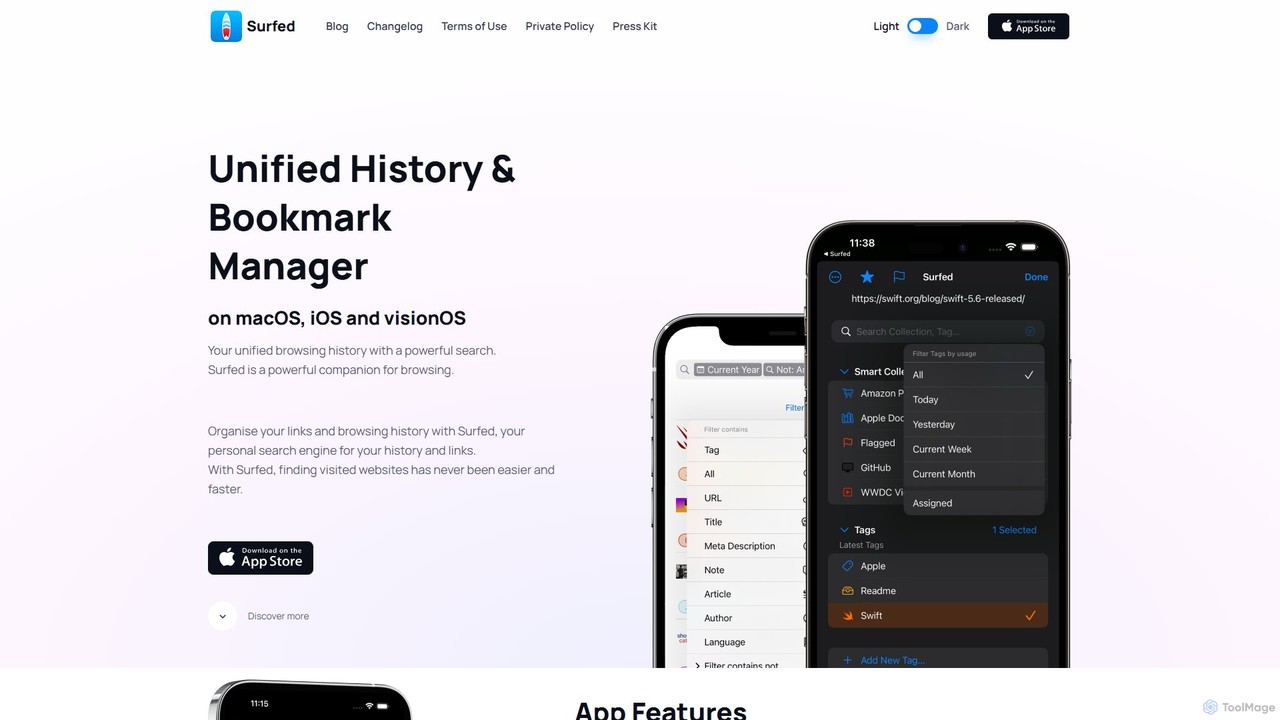
Surfed
Surfed is a powerful, privacy-focused history and bookmark manager for macOS, iOS, and visionOS. It unifies your browsing history from all major browsers, acting as your personal search engine. With features like AI-powered summarization, web automation, read-it-later, and cross-device sync, Surfed transforms how you organize, find, and interact with your web links and content.
Automation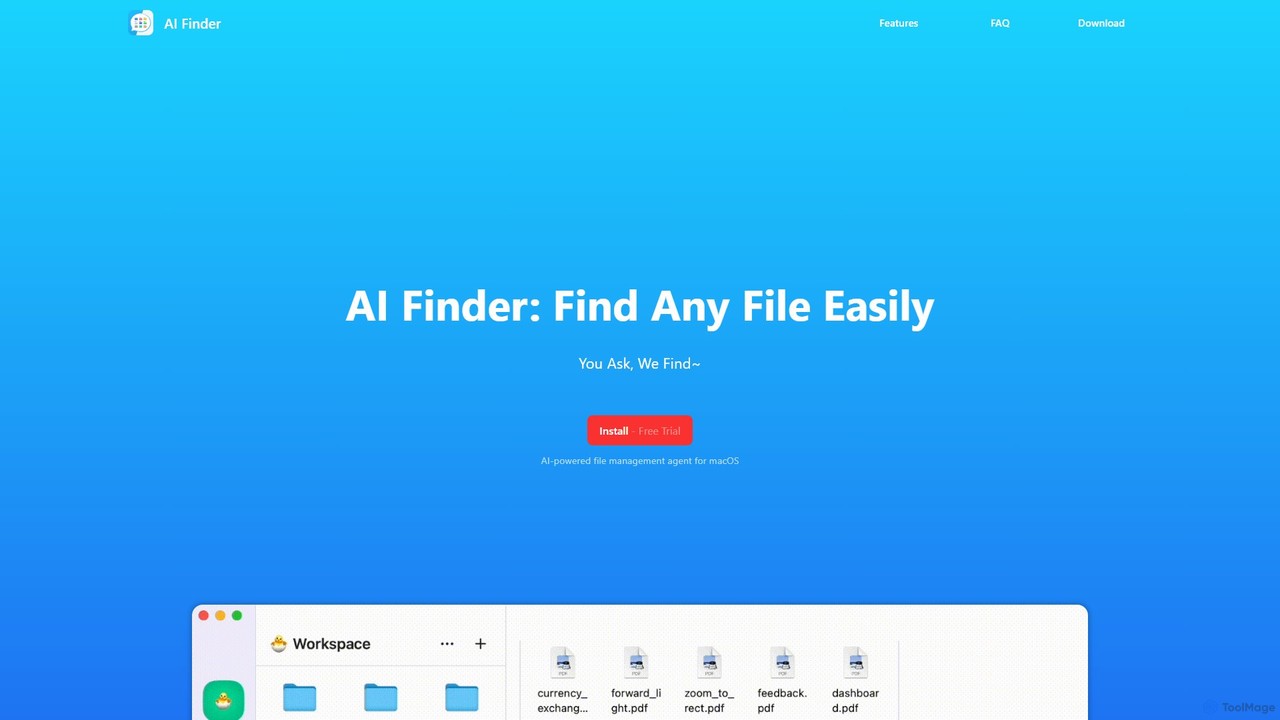
AI Finder
AI Finder is an intelligent file management agent for macOS that revolutionizes how you find files. Using natural language, you can search files by content, creation date, or even vague descriptions. It also features a 'Talk to PDF' function, allowing you to chat with, summarize, and extract key insights from your documents. All processing is done locally, ensuring your data remains private and secure.
Analysis
inbox_ai
inbox_ai is a powerful voice-driven AI automation tool for macOS. It allows you to create custom voice commands and build intelligent assistants to streamline your workflow. With features like on-screen quick capture, email filtering, and deep integration with native macOS apps and services like Raycast and PopClip, inbox_ai puts advanced AI capabilities at your fingertips. It operates entirely on-device, ensuring your data remains private and secure, with no login required.
Workflow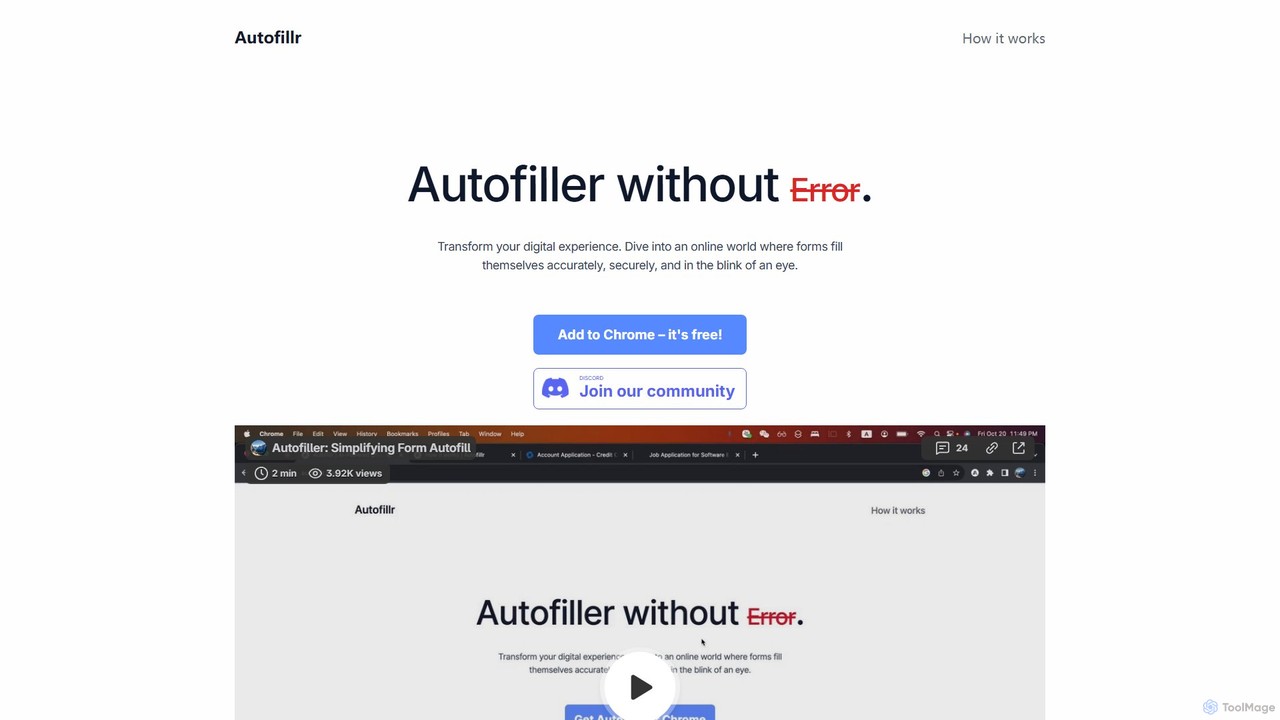
autofillr
autofillr is a free, AI-powered Chrome extension that revolutionizes form filling. It intelligently analyzes any web form to provide fast, accurate, and flawless autofill with a single click. Prioritizing user privacy, all your data is stored locally on your device, never sent to a server. This tool is designed to save you time and eliminate the tedious task of repetitive data entry, making online applications, checkouts, and registrations effortless.
Chrome Extensions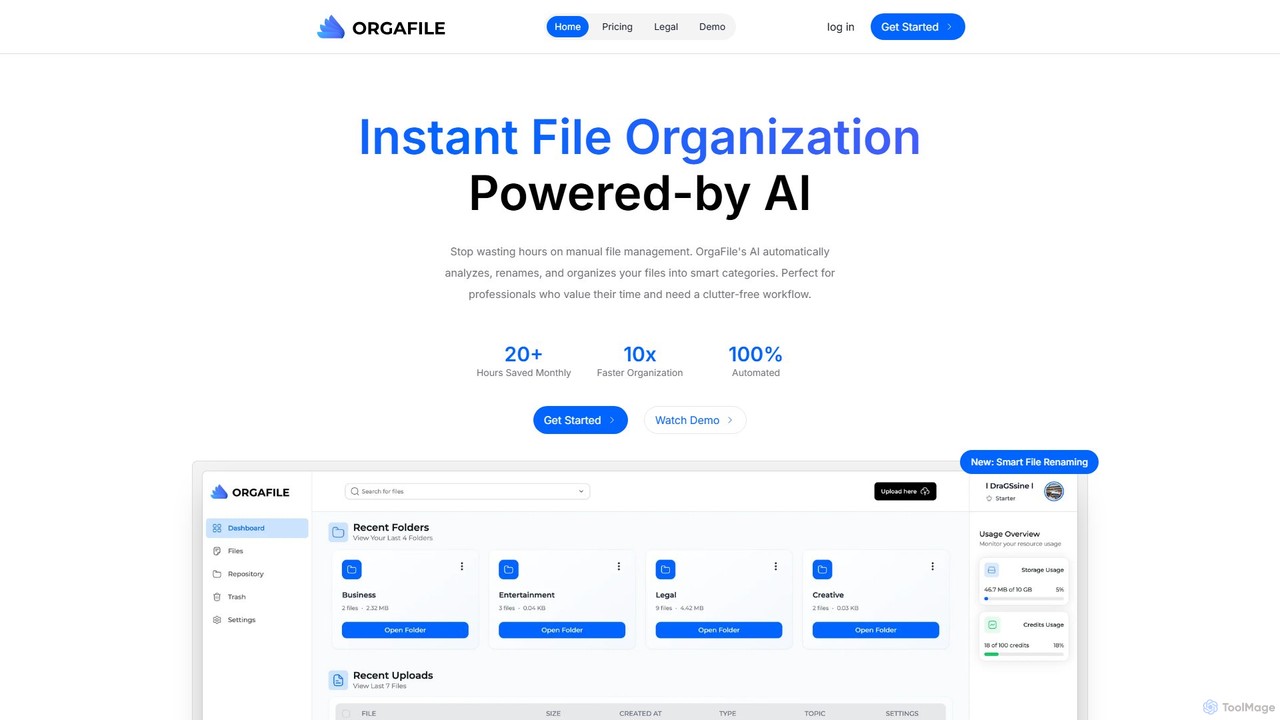
OrgaFile
OrgaFile is an AI-powered tool that automatically analyzes, renames, and organizes your files into smart, customizable categories. Designed for professionals and individuals, it saves hours of manual work, enhances productivity with a 10x faster organization process, and ensures your digital workspace remains clutter-free and secure.
Workflow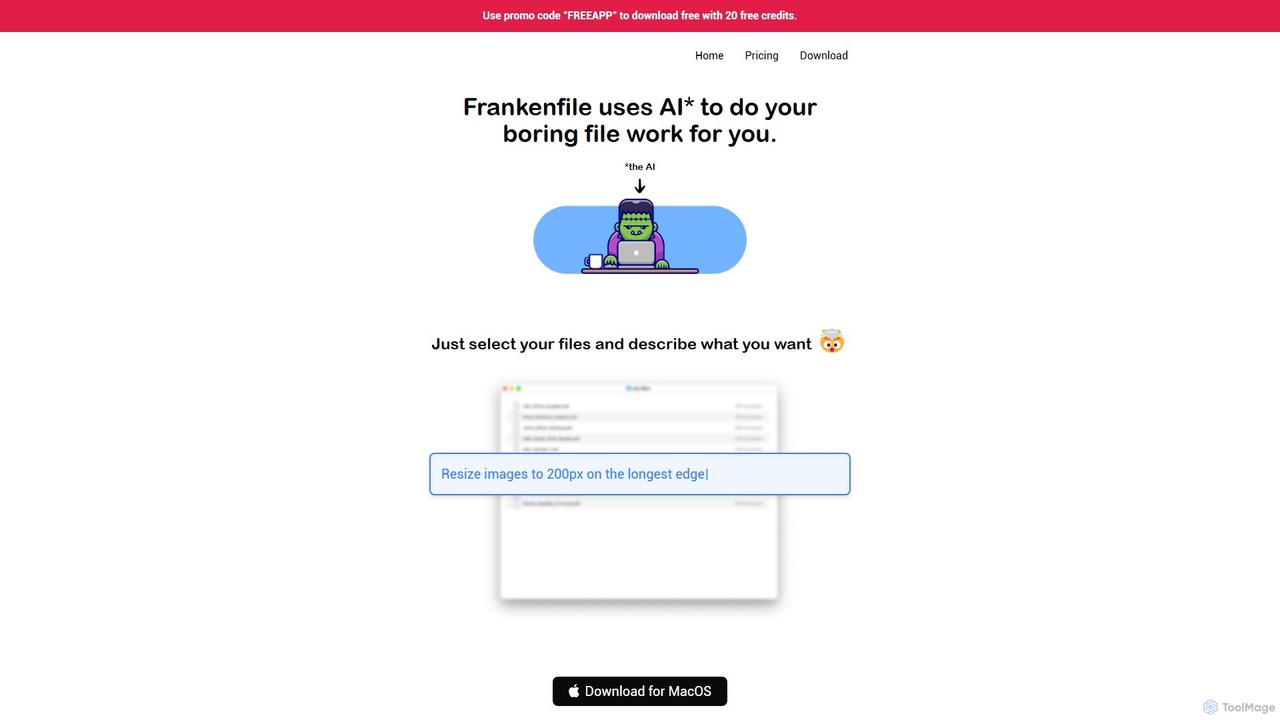
Frankenfile
Frankenfile is an AI-powered assistant for MacOS that automates your file management tasks. Simply describe what you want to do in plain English, and the app handles complex operations on images, videos, audio, and PDFs. It runs entirely locally, ensuring your files remain private and secure.
Task Automation
Opera
Opera is an innovative, multi-platform web browser supercharged with Aria, a native AI assistant. It offers a faster, safer, and smarter browsing experience with a free built-in VPN, ad blocker, and specialized versions like Opera GX for gamers. Aria provides real-time web information, image generation, and advanced productivity features, all integrated seamlessly.
Assistant
Keep It Shot Comments (0)
Sign in to comment.
Sign inNo comments yet.