

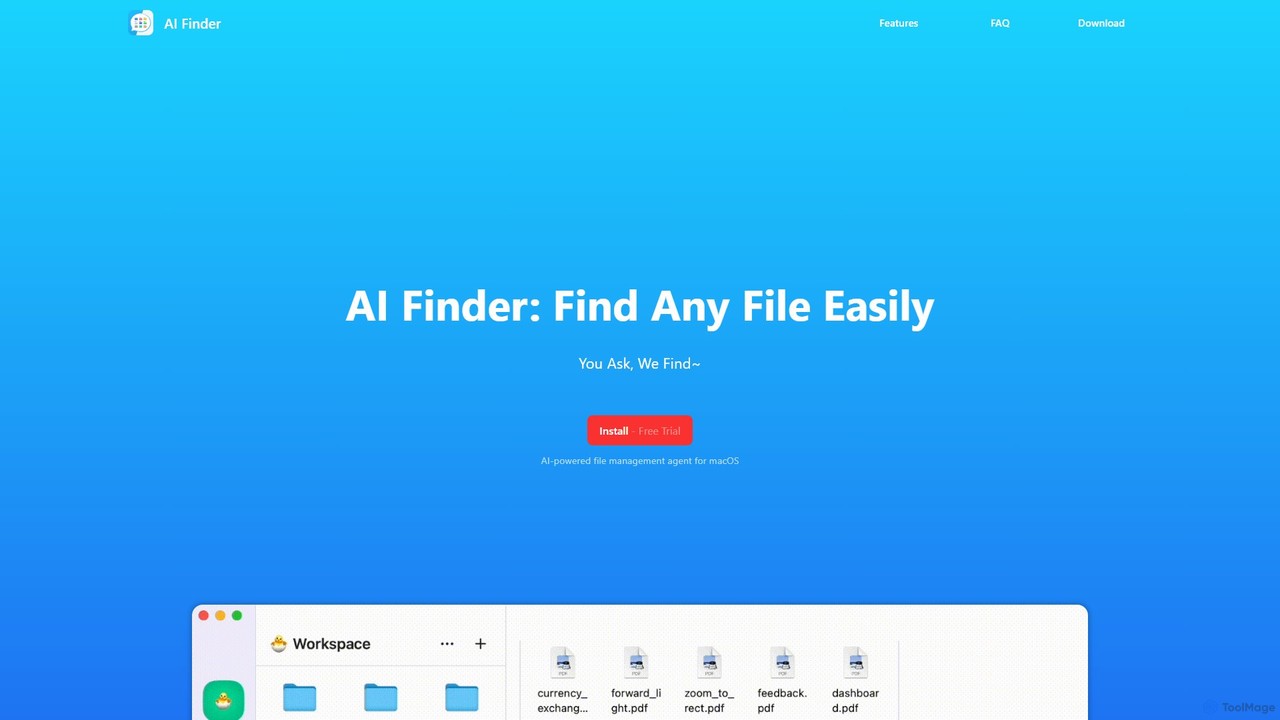
AI Finder Overview
AI Finder is an advanced, AI-powered file management agent designed exclusively for macOS. It transforms the tedious task of locating files into a simple, conversational experience. Instead of struggling to remember exact file names or directory paths, you can use natural language to ask for what you need, and AI Finder will intelligently search through your system to find it. This tool goes beyond traditional search utilities like Spotlight by understanding the content and context of your files.
Powered by OpenAI's GPT technology, AI Finder interprets your requests with remarkable accuracy. Whether you're looking for a document that mentions a specific keyword, a presentation modified last week, or even trying to find duplicate files to clean up your drive, AI Finder streamlines the process. Furthermore, it introduces a powerful 'Talk To Your PDF' feature, turning your static documents into interactive conversational partners. You can ask questions, request summaries of long reports or academic papers, and extract crucial information in seconds.
Privacy is a cornerstone of AI Finder's design. The application operates in a sandboxed environment, meaning it only has access to the files and folders you explicitly add to its 'Workspace'. All file analysis and processing happen locally on your Mac—your data never leaves your device, ensuring complete confidentiality and security.
How to use AI Finder
Using AI Finder is designed to be intuitive and straightforward. Here’s a simple guide to get started:
- Installation: Download and install AI Finder on your macOS device.
- Create a Workspace: Upon launching the app, you'll be prompted to create a Workspace. This is a secure area where you add the specific folders you want AI Finder to be able to search. The app cannot access any files outside of this designated workspace, giving you full control over your data.
- Natural Language Search: Use the search bar to type or speak your query in plain English. For example, you can say, "find all PDF files about marketing created in the last month" or "show me images with 'vacation' in the name."
- Interact with PDFs: To use the 'Talk To Your PDF' feature, simply select a PDF within your workspace. You can then open a chat interface to ask direct questions like "What are the main conclusions of this paper?" or command it to "Summarize this document into five bullet points."
- Manage Results: AI Finder will present a list of files that match your query, allowing you to quickly open, preview, or manage them.
Core Features of AI Finder
- Natural Language File Search: Use simple, conversational language to find files and folders.
- Content-Aware Searching: Searches inside your documents, PDFs, and other text-based files for keywords or phrases.
- Advanced Search Rules: Easily filter by creation/modification date, file type, specific tags, and more.
- Semantic Search: Find files based on conceptual similarity, even if the exact keywords don't match your query.
- Duplicate File Detection: Quickly identify and manage files with duplicate names or content to free up disk space.
- Interactive PDF Chat: Engage in a conversation with your PDF documents to ask questions and get instant answers.
- AI-Powered Summarization: Generate concise summaries of long articles, research papers, and reports to grasp key insights quickly.
- Privacy by Design: All processing is performed locally on your device. Your file content is never uploaded to the cloud.
- Sandboxed Workspace: The app only accesses files and folders you explicitly grant permission to, ensuring robust security.
Use Cases for AI Finder
AI Finder is a versatile tool for a wide range of users:
- For Researchers: Instantly sift through hundreds of academic papers to find relevant information, summarize key findings, and accelerate the literature review process.
- For Students: Quickly find lecture notes, research materials, and assignments. Use the PDF chat feature to study and review long textbooks or articles more efficiently.
- For Business Professionals: Locate project proposals, financial reports, or client presentations without needing to remember exact filenames or folder structures.
- For Creatives: Find design assets, project files, or documents based on their content or when they were last worked on.
- For General macOS Users: Effortlessly organize a cluttered hard drive, find old photos, or locate important documents like receipts and manuals.
Advantages of AI Finder
AI Finder offers significant advantages over traditional file search methods:
- Time-Saving Efficiency: Drastically reduces the time spent searching for files, allowing you to focus on more important tasks.
- Intuitive and User-Friendly: No need to learn complex search operators. If you can ask a question, you can use AI Finder.
- Deeper Search Capability: Unlike Spotlight, which primarily focuses on metadata and filenames, AI Finder delves into the actual content of your files.
- Enhanced Document Interaction: The ability to chat with and summarize PDFs adds a new layer of productivity for anyone working with dense documents.
- Uncompromised Security and Privacy: With local processing and a sandboxed architecture, your data remains yours alone.
Pricing and Plans
AI Finder offers a free trial period for new users to explore its full range of features. After the trial, users can opt for a paid plan to continue using the application. For the most current pricing information and plan details, please visit the official website or check its listing on the Mac App Store.
Traffic
Latest traffic
Status
Monthly traffic trend
- 2025-9: 1.8K
- 2026-1: 1.1K
- 2026-2: 387
- 2026-3: 1.9K
- 2026-4: 1.7K
- 2026-5: 1.4K
Geography
Top 5 countries / regions
- 🇮🇳India55.6%
- 🇹🇷Türkiye23.3%
- 🇲🇽Mexico21.1%
Top keywords
| Keyword | Cost per click |
|---|---|
| ai finder | $0.58 |
| eyefinder ai | $0.00 |
AI Finder Alternatives
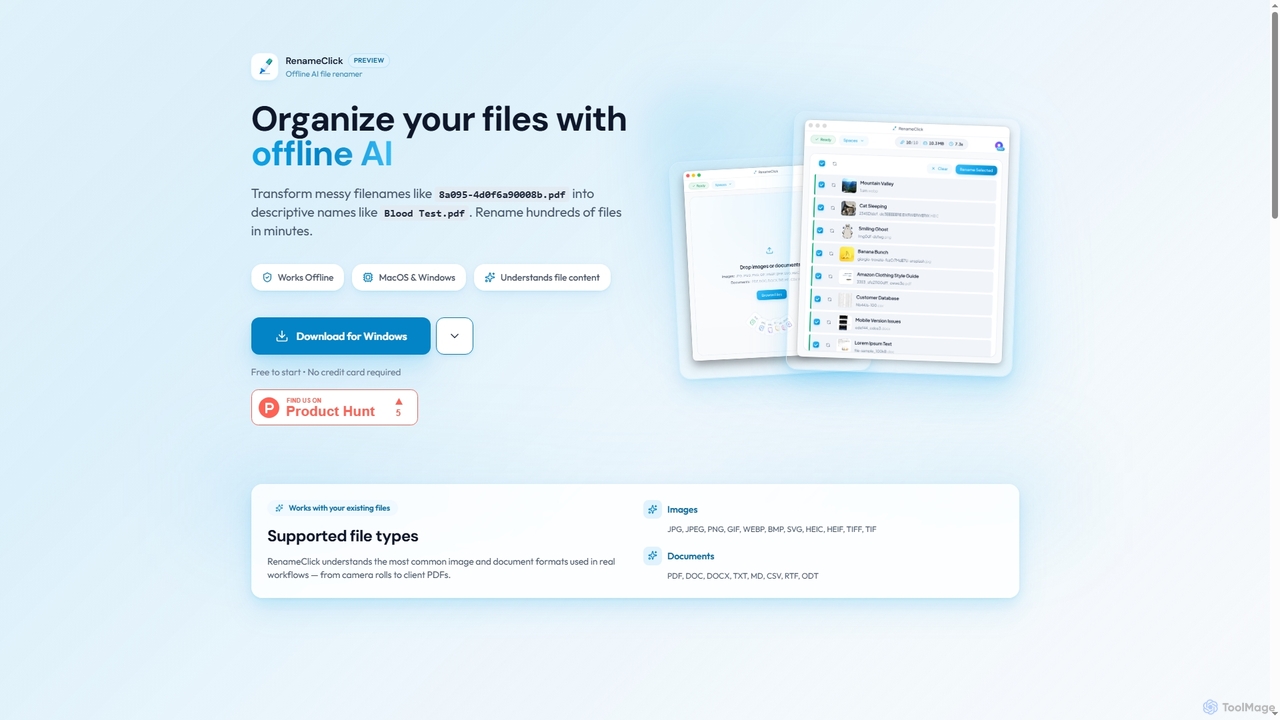
RenameClick
RenameClick is an offline AI file renamer for Mac and Windows that intelligently transforms messy, unorganized filenames into descriptive, clean labels. It leverages local AI to understand file content, enabling efficient batch renaming of hundreds of images and documents while ensuring complete privacy.
Offline Processing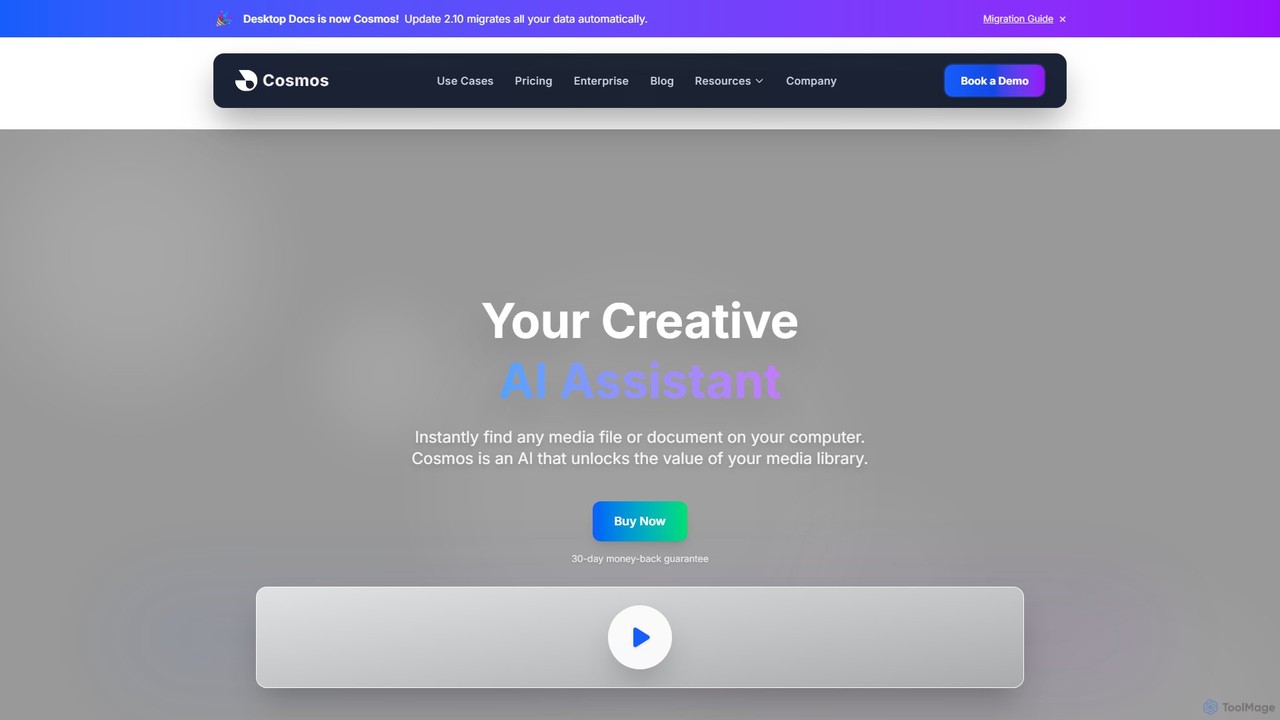
Cosmos
Cosmos is an AI-powered desktop assistant that revolutionizes how you find files. It runs locally on your computer, indexing your media and documents to enable natural language search. Instead of remembering file names, you can search for content like "photo of a red car" or "presentation with charts." Designed for creative professionals and teams, it ensures 100% privacy, works offline, and dramatically speeds up your workflow by eliminating the hunt for files.
Asset Management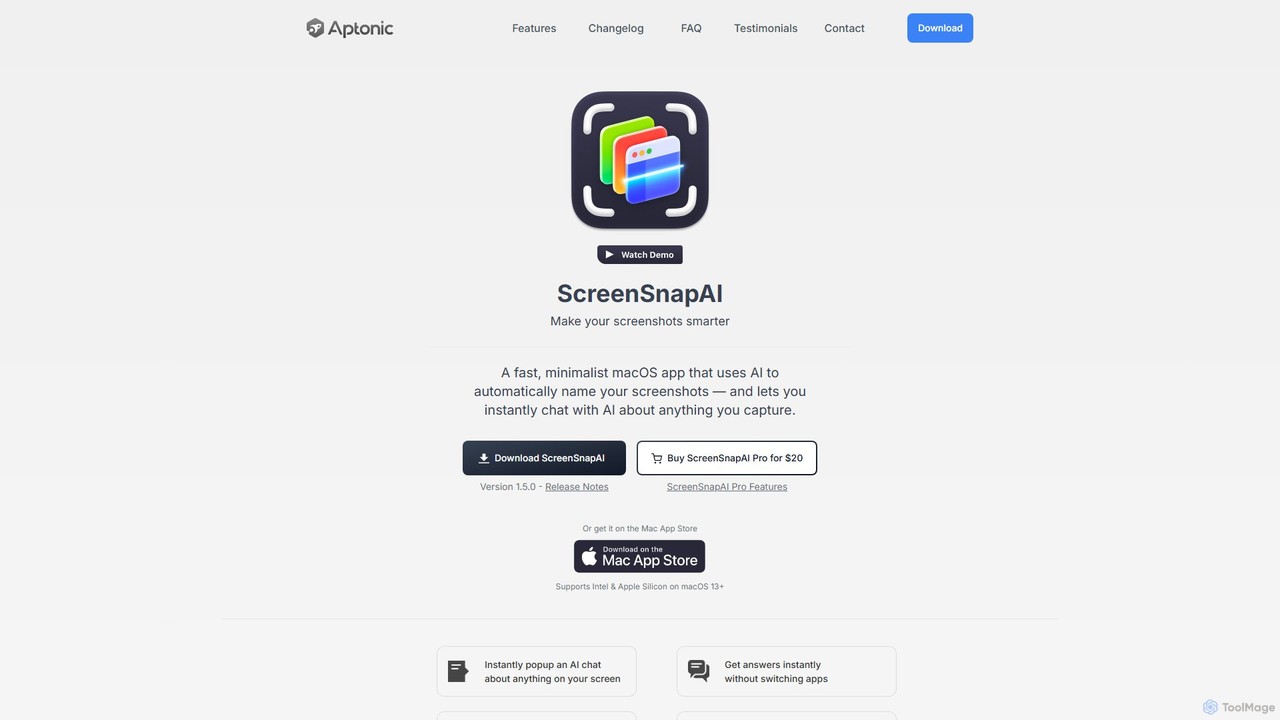
ScreenSnapAI
ScreenSnapAI is a smart macOS application that uses AI to automatically rename, tag, and organize your screenshots. It features an integrated AI assistant that allows you to instantly chat about, translate, or extract text and code from any captured image, dramatically improving productivity and workflow efficiency.
Code Assistant
Ai Photo Sorter
A privacy-first, AI-powered web application that helps you efficiently organize local photo collections. Create custom categories, sort images, and detect duplicates securely on your own computer without uploading any data.
Photo Organization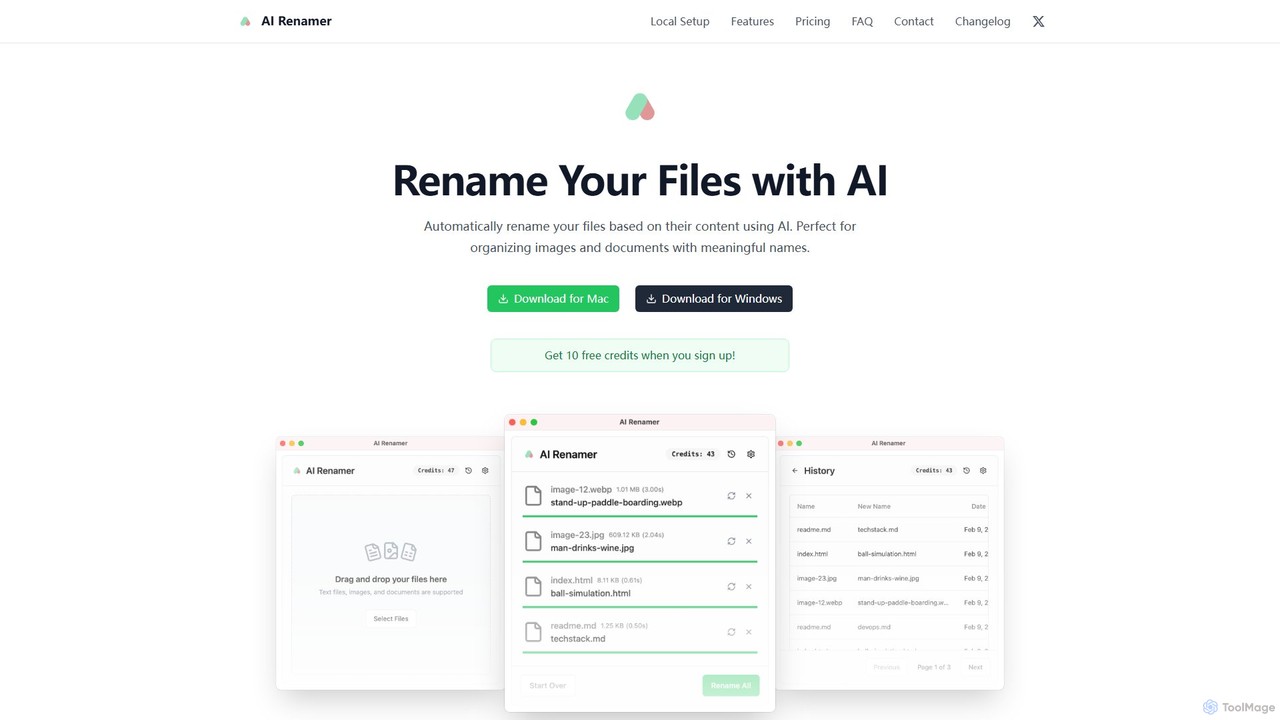
AI Renamer
AI Renamer is a smart desktop application for Mac and Windows that automatically renames files based on their content. It analyzes images and documents to generate descriptive, meaningful names, helping you organize your digital life effortlessly. It supports batch processing, custom naming rules, and offers both a private, offline Local Mode and a convenient Cloud Mode.
Document ManagementAI Finder Categories
AI Finder Embed Widget
Copy this embed code to place the badge on your blog, article, or product site and send readers directly to this ToolMage detail page.

Related AI tools
RenameClick
RenameClick is an offline AI file renamer for Mac and Windows that intelligently transforms messy, unorganized filenames into descriptive, clean labels. It leverages local AI to understand file content, enabling efficient batch renaming of hundreds of images and documents while ensuring complete privacy.
Offline ProcessingCosmos
Cosmos is an AI-powered desktop assistant that revolutionizes how you find files. It runs locally on your computer, indexing your media and documents to enable natural language search. Instead of remembering file names, you can search for content like "photo of a red car" or "presentation with charts." Designed for creative professionals and teams, it ensures 100% privacy, works offline, and dramatically speeds up your workflow by eliminating the hunt for files.
Asset ManagementScreenSnapAI
ScreenSnapAI is a smart macOS application that uses AI to automatically rename, tag, and organize your screenshots. It features an integrated AI assistant that allows you to instantly chat about, translate, or extract text and code from any captured image, dramatically improving productivity and workflow efficiency.
Code AssistantAi Photo Sorter
A privacy-first, AI-powered web application that helps you efficiently organize local photo collections. Create custom categories, sort images, and detect duplicates securely on your own computer without uploading any data.
Photo OrganizationAI Renamer
AI Renamer is a smart desktop application for Mac and Windows that automatically renames files based on their content. It analyzes images and documents to generate descriptive, meaningful names, helping you organize your digital life effortlessly. It supports batch processing, custom naming rules, and offers both a private, offline Local Mode and a convenient Cloud Mode.
Document Management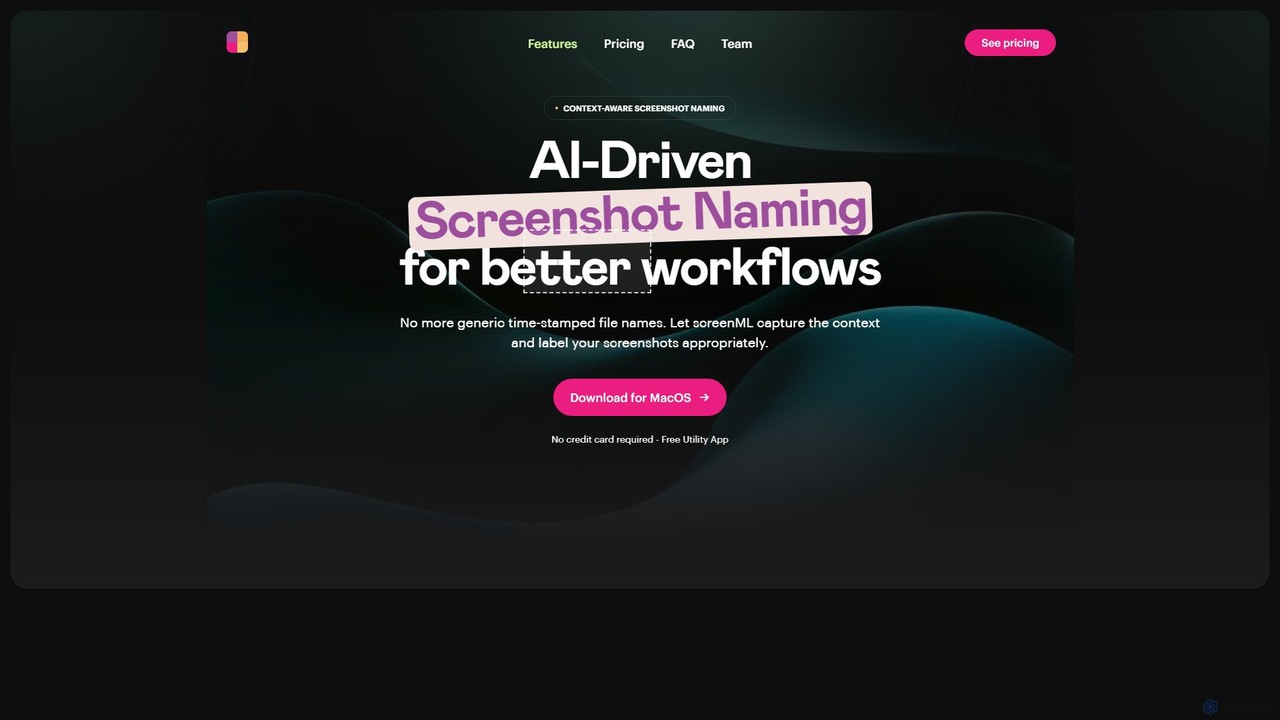
ScreenML
ScreenML is an AI-powered MacOS utility that automatically renames your screenshots with context-aware, descriptive filenames. It eliminates cluttered desktops and timestamped file names, making your screenshots organized, searchable, and easy to manage, streamlining your entire workflow.
Screenshot Tool
Keep It Shot
Keep It Shot is a macOS application that uses AI to intelligently rename your screenshots and other files. It automatically creates descriptive names and builds a private, offline, and fast search index, transforming your messy file collection into an organized and searchable second brain.
Automation
Camp
Camp is an intelligent screenshot management tool for macOS and iOS. It uses AI to automatically title and tag your screenshots, transforming your cluttered capture folder into a searchable, organized library. It's built for privacy with all data stored locally.
Inspiration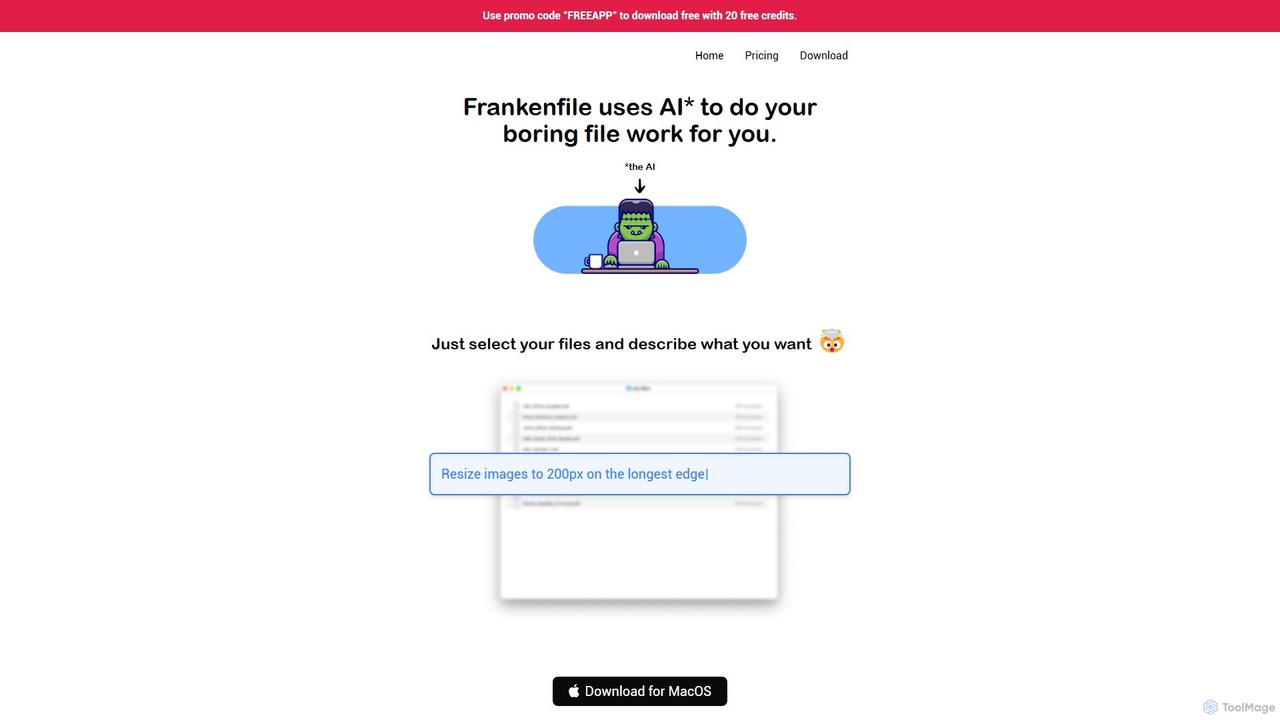
Frankenfile
Frankenfile is an AI-powered assistant for MacOS that automates your file management tasks. Simply describe what you want to do in plain English, and the app handles complex operations on images, videos, audio, and PDFs. It runs entirely locally, ensuring your files remain private and secure.
Task Automation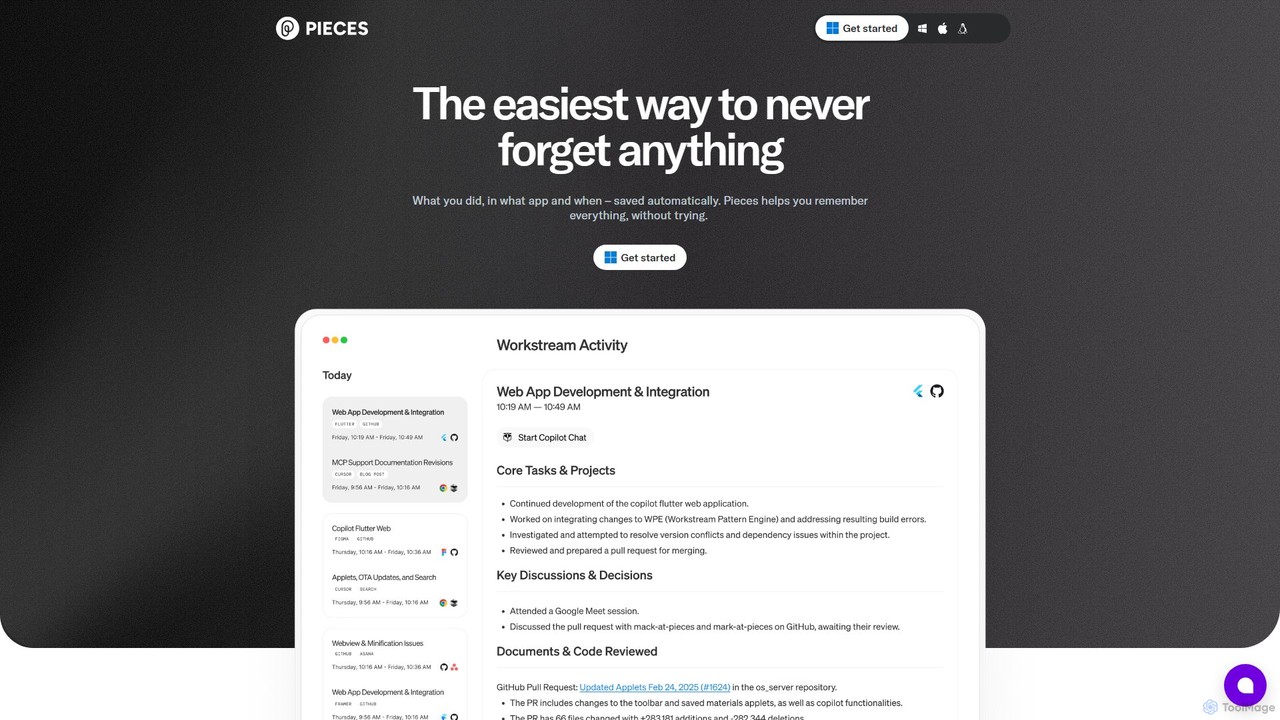
Pieces
Pieces is an on-device AI assistant designed for developers, acting as a long-term memory for your entire workflow. It automatically captures, enriches, and organizes code snippets, links, and other contextual information from all your applications, ensuring you never lose valuable work or context. With powerful local search and seamless integration with your favorite tools, Pieces boosts productivity and preserves your mental energy.
Personal Assistant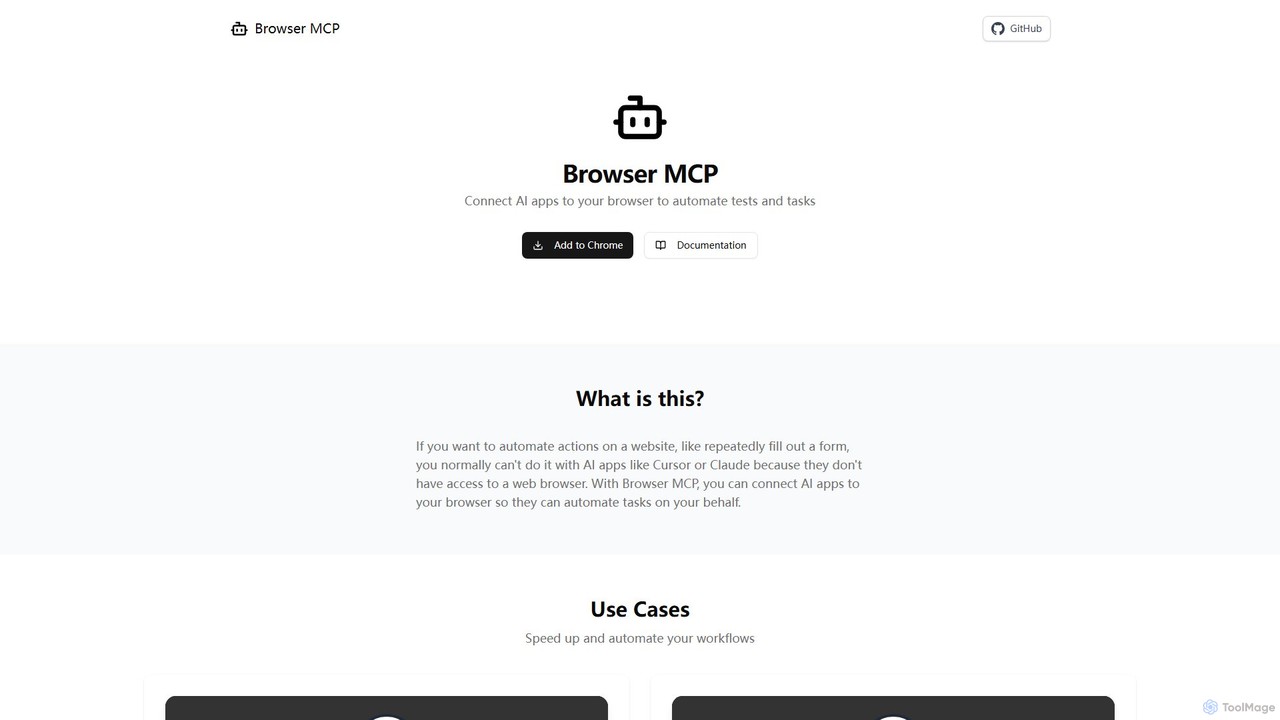
Browser MCP
Browser MCP connects AI applications like Claude or Cursor directly to your web browser. This enables you to automate repetitive tasks, conduct end-to-end software testing, and scrape web data using AI commands. It operates locally for maximum speed and privacy, leveraging your existing browser sessions to bypass logins and avoid bot detection.
Web Scraping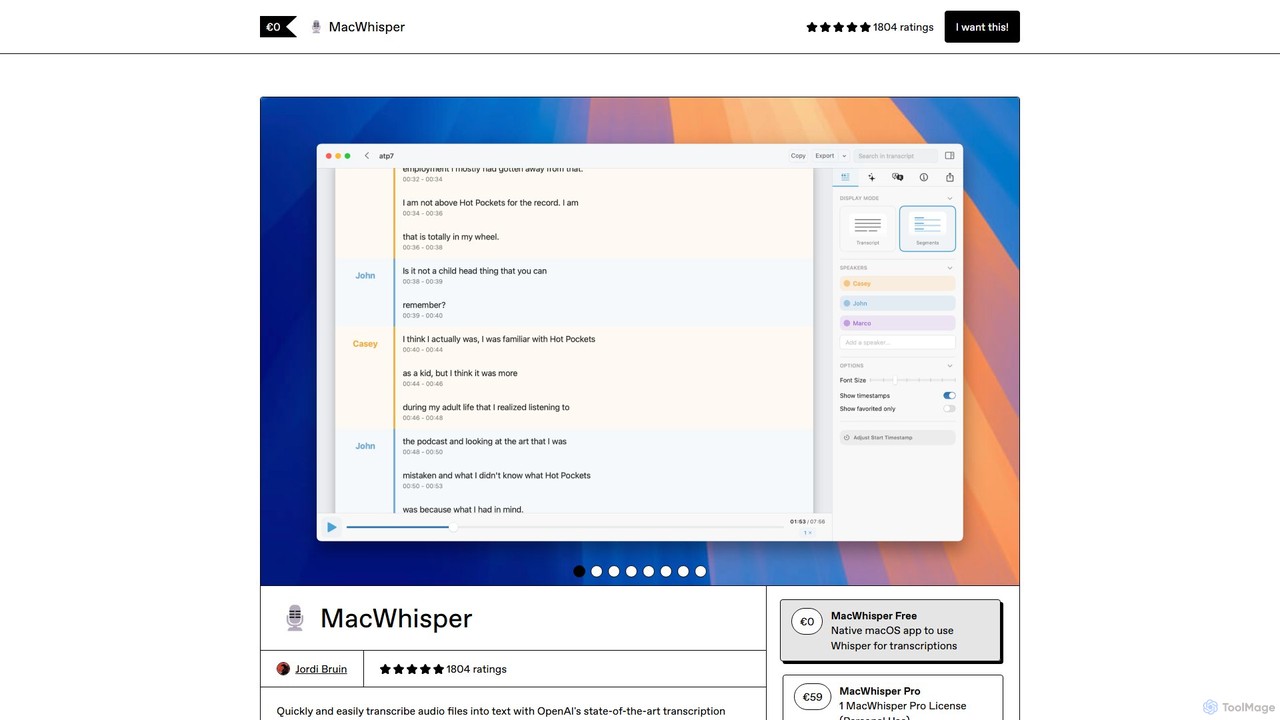
MacWhisper
MacWhisper is a powerful macOS application that leverages OpenAI's Whisper and other advanced models for fast, accurate, and private audio-to-text transcription. It allows users to easily transcribe audio/video files, record meetings, and use system-wide dictation, all processed locally on your device. It offers a free version for basic use and a Pro version with a one-time purchase for advanced features like speaker recognition, batch processing, and translation.
Speech To Text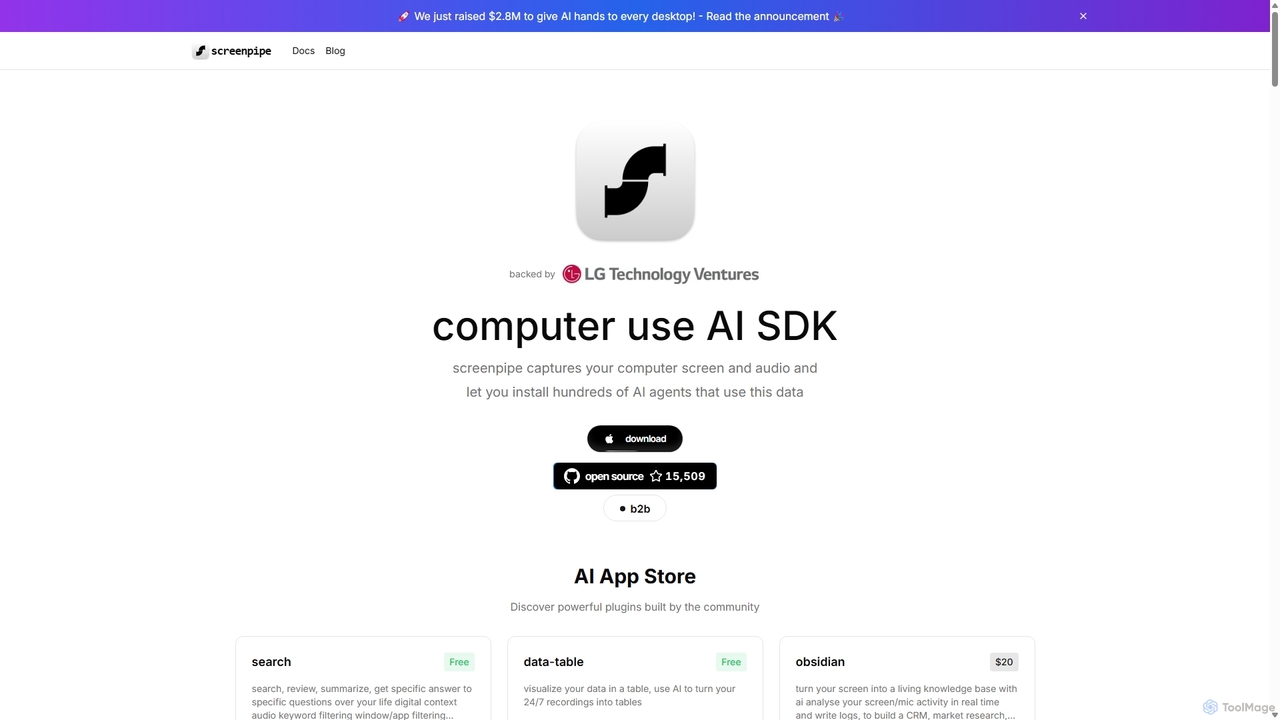
Screenpipe
Screenpipe is an open-source AI SDK that captures your computer's screen and audio 24/7, creating a local, private digital memory. It powers a rich ecosystem of AI agents that can search, summarize, and automate tasks based on your complete digital context, turning your computer usage into a powerful, personalized AI.
Personal Data
Curiosity
Curiosity is an AI-powered search app that unifies all your local files and cloud apps into one searchable interface. It acts as a smart command bar, allowing you to instantly find documents, chat with your files using AI, launch applications, and manage emails and calendars, all with a simple keyboard shortcut. It prioritizes privacy by processing your data locally.
Launcher
Private LLM
Private LLM is a secure, offline AI chatbot for iPhone, iPad, and Mac. It runs powerful open-source LLMs locally on your device, ensuring 100% privacy with no data tracking or cloud servers. It features a one-time purchase model, deep integration with the Apple ecosystem via Siri and Shortcuts, and offers superior performance through advanced model quantization.
Coding Assistant
AI Finder Comments (0)
Sign in to comment.
Sign inNo comments yet.