

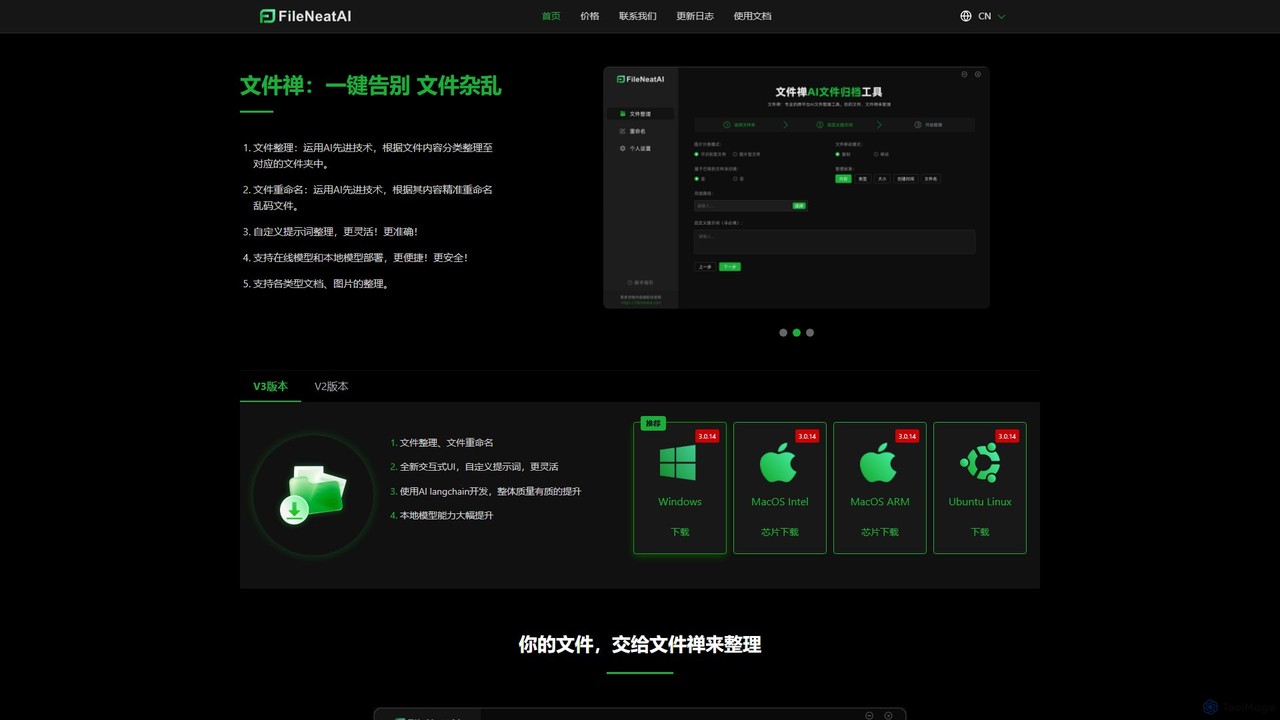
Filezen Overview
Filezen, also known as FileNeatAI, is an intelligent desktop utility designed to eliminate digital clutter and bring order to your files. Using advanced AI technology, it analyzes the content of your documents and images to automatically sort them into relevant folders and rename them with meaningful, descriptive names. This tool is perfect for professionals, students, and anyone struggling with disorganized digital archives. It is available for Windows, macOS (Intel & ARM), and Ubuntu Linux.
How to use Filezen
Using Filezen is a simple and intuitive process:
- Download and install the application on your Windows, macOS, or Linux computer.
- Drag and drop a folder containing your messy files directly into the Filezen interface.
- Choose your desired mode: 'File Organization' to sort files into folders or 'File Renaming' to fix garbled or non-descriptive filenames.
- Enter custom prompts or keywords to guide the AI. For example, you could instruct it to organize files by 'project name', 'invoice date', or 'subject matter'.
- Initiate the process. Filezen's AI will analyze each file's content and perform the requested action.
- Review the results. If you're not satisfied, you can easily adjust your prompts and run the process again until the organization meets your standards.
Core Features of Filezen
- AI-Powered File Organization: Intelligently analyzes the content of documents, images, and other files to automatically categorize and move them into appropriately named folders.
- Intelligent File Renaming: Reads the content of files to accurately rename them, transforming meaningless names like 'scan_2023_08_10.pdf' into '2023-Q3-Financial-Report.pdf'.
- Customizable Prompts: Offers unparalleled flexibility by allowing users to provide custom text prompts, giving you precise control over the organization and renaming logic.
- Dual Model Support (Online & Local): Users can choose between powerful online AI models for maximum capability or deploy local models to process files entirely on their own machine, ensuring absolute data privacy and security.
- Broad File Type Compatibility: Supports a wide range of file types, including various documents, images, and even scanned or image-based PDFs, thanks to its built-in OCR capabilities.
- Cross-Platform Availability: Native desktop applications are available for Windows, macOS (both Intel and ARM chips), and Ubuntu Linux, ensuring a consistent experience across different operating systems.
Use Cases for Filezen
Filezen is a versatile tool suitable for a wide range of users:
- Business Professionals & Managers: Effortlessly organize project proposals, reports, invoices, and meeting minutes, saving hours of manual sorting.
- Students & Researchers: Automatically classify lecture notes, research papers, and assignments by course or topic.
- Creatives & Designers: Manage vast libraries of images, design assets, and client work by sorting them based on content or project.
- Home Users: Clean up cluttered 'Downloads' folders and digitize and organize personal documents like receipts and statements.
- System Administrators: Perform bulk renaming of tens of thousands of poorly named files during data migration or system cleanup.
Advantages of Filezen
Filezen stands out from traditional file organizers with several key advantages:
- Intelligence and Flexibility: Goes beyond simple rule-based sorting (by date or file type) by understanding the actual content of your files.
- Efficiency: Drastically reduces the time and effort required to maintain an organized digital workspace.
- Enhanced Privacy: The option to use local models is a critical feature for users handling sensitive or confidential information, as no data leaves their computer.
- User-Friendly: A clean, interactive UI with a simple drag-and-drop mechanism makes it accessible to users of all technical levels.
Pricing and Plans
Filezen operates on a freemium model, offering both a free trial and affordable paid options:
- Free Plan: New users receive 100 free credits to process files using the online models. This plan does not support local model deployment.
- Paid Plans (Pay-as-you-go Credits): Credits are used for processing files with online models. After purchase, a software restart is required.
- ¥20.00 CNY: 2,000 online model file credits.
- ¥50.00 CNY: 6,000 online model file credits and unlocks unlimited use of local models.
- ¥100.00 CNY: 35,000 online model file credits and unlocks unlimited use of local models.
The paid plans offer a cost-effective way to manage large volumes of files, with the higher tiers providing the significant benefit of unlimited, private processing via local models.
Traffic
Latest traffic
Status
Monthly traffic trend
- 2025-9: 3.1K
- 2026-1: 1.4K
- 2026-2: 890
- 2026-3: 3.2K
- 2026-4: 802
- 2026-5: 1.3K
Geography
Top 5 countries / regions
- 🇺🇸United States100.0%
Top keywords
| Keyword | Cost per click |
|---|---|
| agent帮忙给文件重命名 | $0.00 |
| ai整理文件 | $0.00 |
| ai整理电脑文件 | $0.00 |
| fileneatai | $0.00 |
| 文件禅 | $0.00 |
Filezen Alternatives
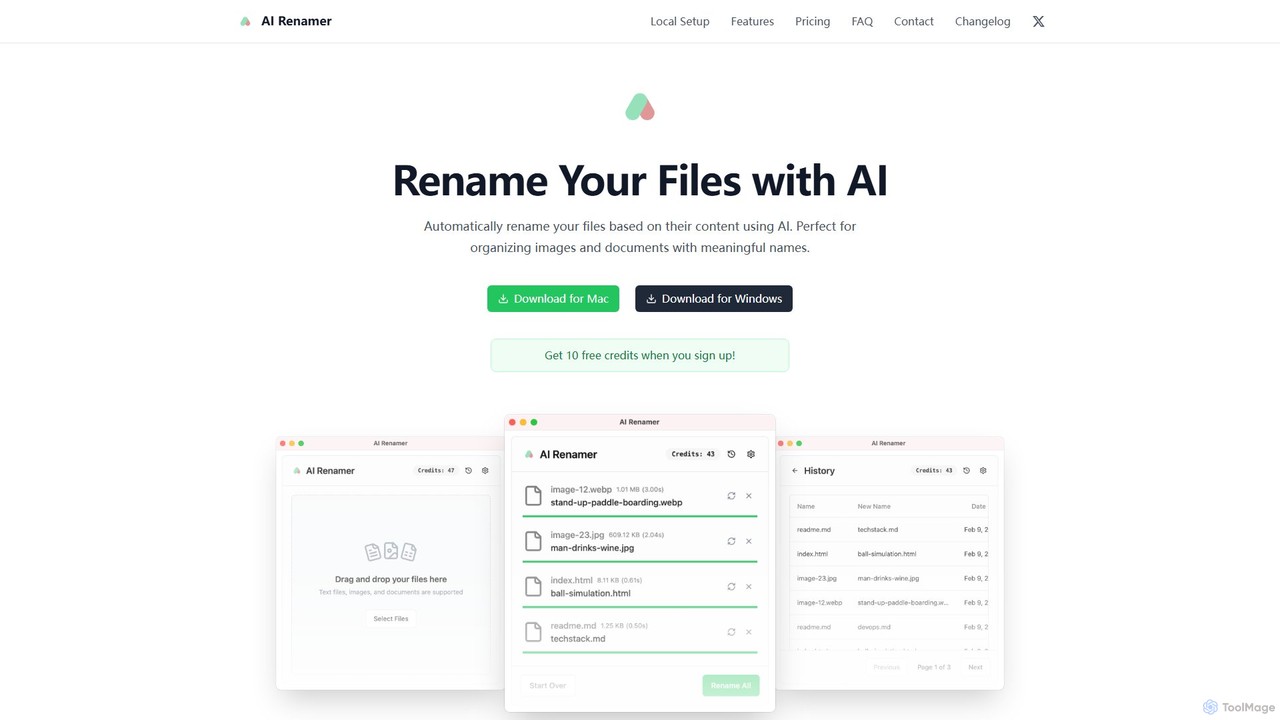
AI Renamer
AI Renamer is a smart desktop application for Mac and Windows that automatically renames files based on their content. It analyzes images and documents to generate descriptive, meaningful names, helping you organize your digital life effortlessly. It supports batch processing, custom naming rules, and offers both a private, offline Local Mode and a convenient Cloud Mode.
Document Management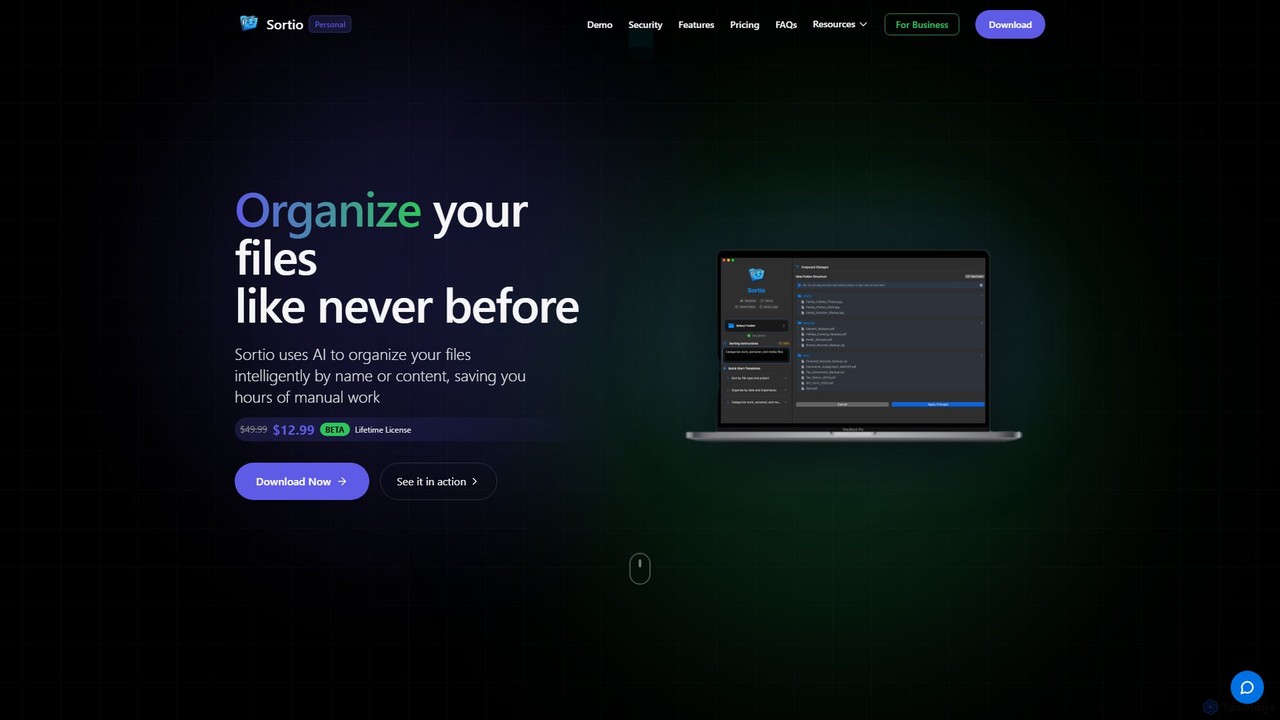
Sortio
Sortio is an AI-powered desktop application for macOS and Windows that intelligently organizes your files. Using natural language prompts, it can sort files by name, content, or metadata, saving you hours of manual work. It features smart folders, automatic renaming, and a strong focus on privacy with offline mode and end-to-end encryption.
Automation
Ai Photo Sorter
A privacy-first, AI-powered web application that helps you efficiently organize local photo collections. Create custom categories, sort images, and detect duplicates securely on your own computer without uploading any data.
Photo Organization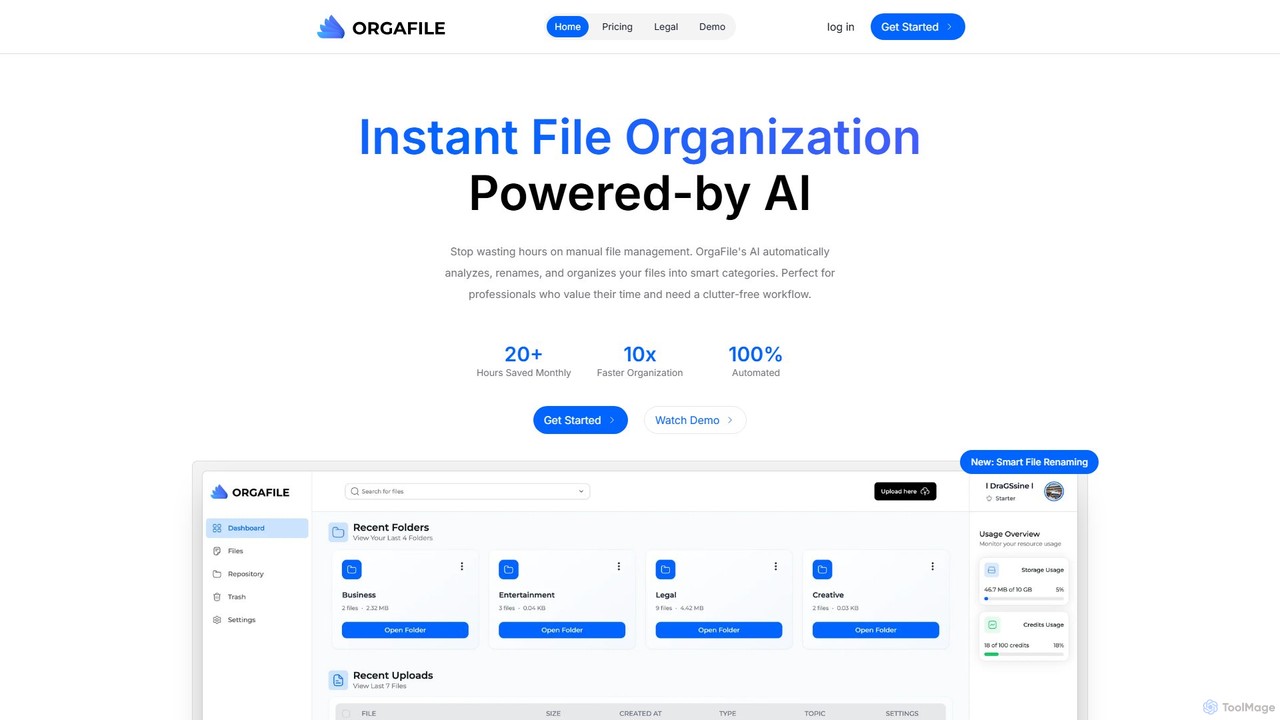
OrgaFile
OrgaFile is an AI-powered tool that automatically analyzes, renames, and organizes your files into smart, customizable categories. Designed for professionals and individuals, it saves hours of manual work, enhances productivity with a 10x faster organization process, and ensures your digital workspace remains clutter-free and secure.
Workflow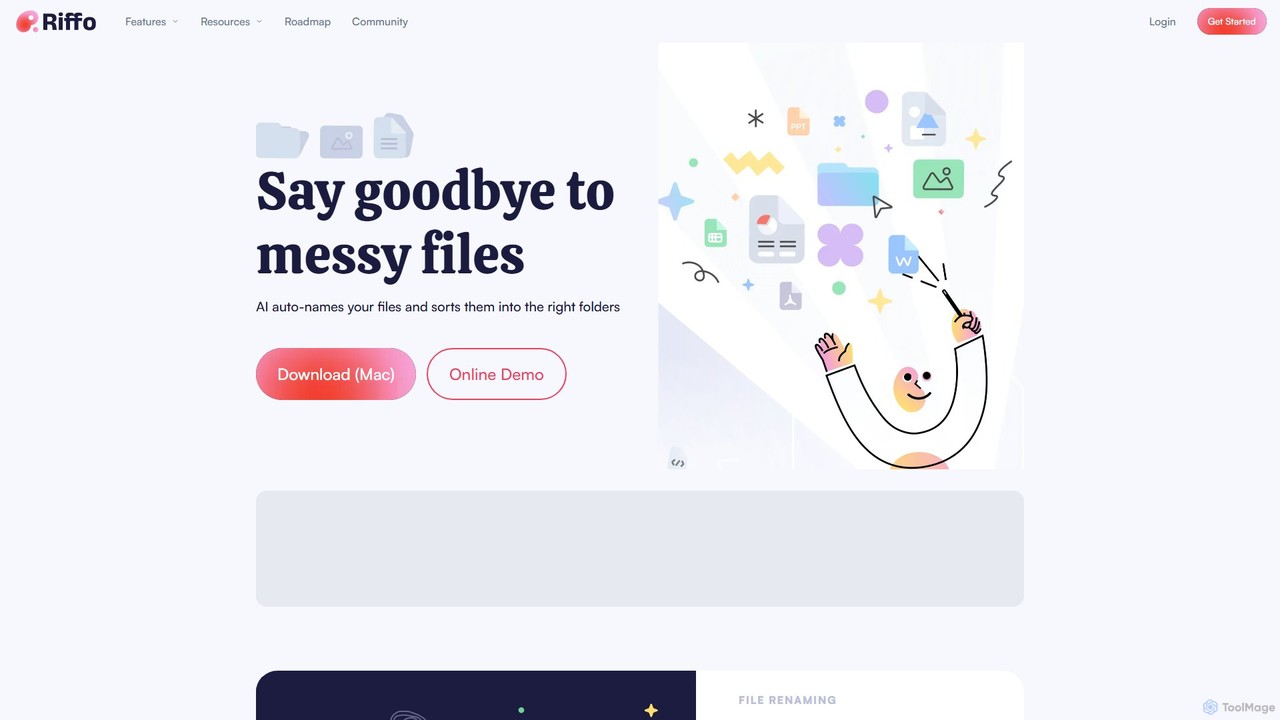
Riffo
Riffo is an AI-powered file management tool for Mac that automatically renames and organizes your files. It intelligently analyzes file content, including text in images and documents, to generate descriptive names and sort them into relevant subfolders, transforming a cluttered desktop into an organized digital workspace.
WorkflowFilezen Categories
Filezen Embed Widget
Copy this embed code to place the badge on your blog, article, or product site and send readers directly to this ToolMage detail page.

Related AI tools
AI Renamer
AI Renamer is a smart desktop application for Mac and Windows that automatically renames files based on their content. It analyzes images and documents to generate descriptive, meaningful names, helping you organize your digital life effortlessly. It supports batch processing, custom naming rules, and offers both a private, offline Local Mode and a convenient Cloud Mode.
Document ManagementSortio
Sortio is an AI-powered desktop application for macOS and Windows that intelligently organizes your files. Using natural language prompts, it can sort files by name, content, or metadata, saving you hours of manual work. It features smart folders, automatic renaming, and a strong focus on privacy with offline mode and end-to-end encryption.
AutomationOrgaFile
OrgaFile is an AI-powered tool that automatically analyzes, renames, and organizes your files into smart, customizable categories. Designed for professionals and individuals, it saves hours of manual work, enhances productivity with a 10x faster organization process, and ensures your digital workspace remains clutter-free and secure.
WorkflowRiffo
Riffo is an AI-powered file management tool for Mac that automatically renames and organizes your files. It intelligently analyzes file content, including text in images and documents, to generate descriptive names and sort them into relevant subfolders, transforming a cluttered desktop into an organized digital workspace.
Workflow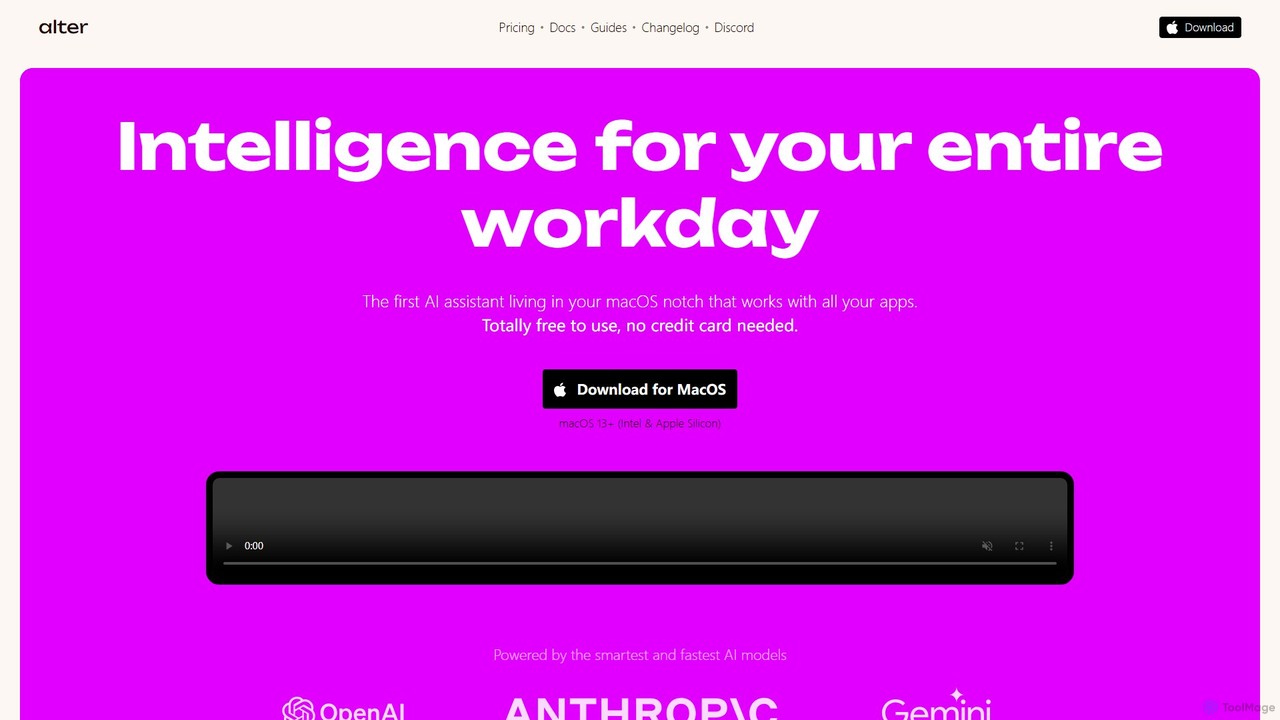
Alter
Alter is a native macOS AI assistant designed to streamline your entire workday. It's context-aware, understanding your apps, files, and browser activity to provide relevant assistance. With voice-first commands, meeting recording and summarization, and deep system integration, Alter turns your Mac into an AI powerhouse, boosting productivity while prioritizing privacy with local model support.
Mac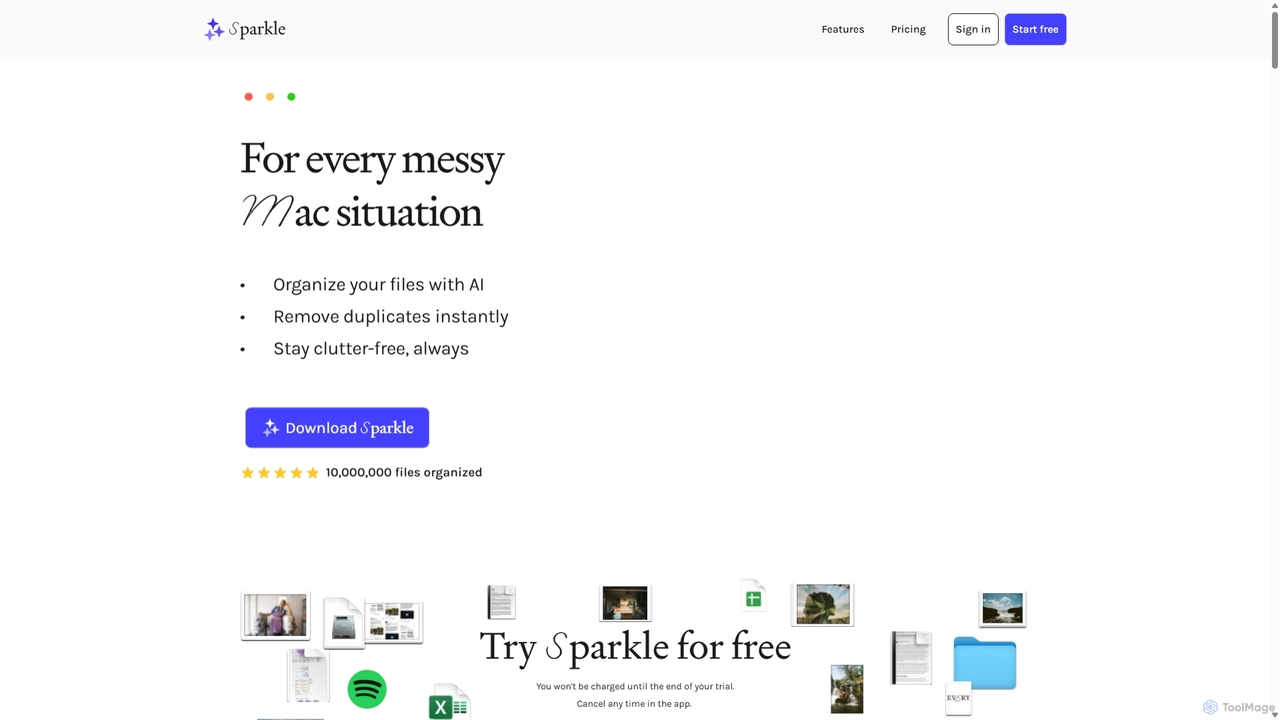
Sparkle
Sparkle is an AI-powered Mac application that automatically organizes your files. It intelligently creates custom folder structures for your Desktop, Downloads, and cloud drives, sorting files into relevant categories. With built-in duplicate detection and a privacy-first approach, Sparkle eliminates digital clutter and saves you hours of manual organization.
Personal Assistant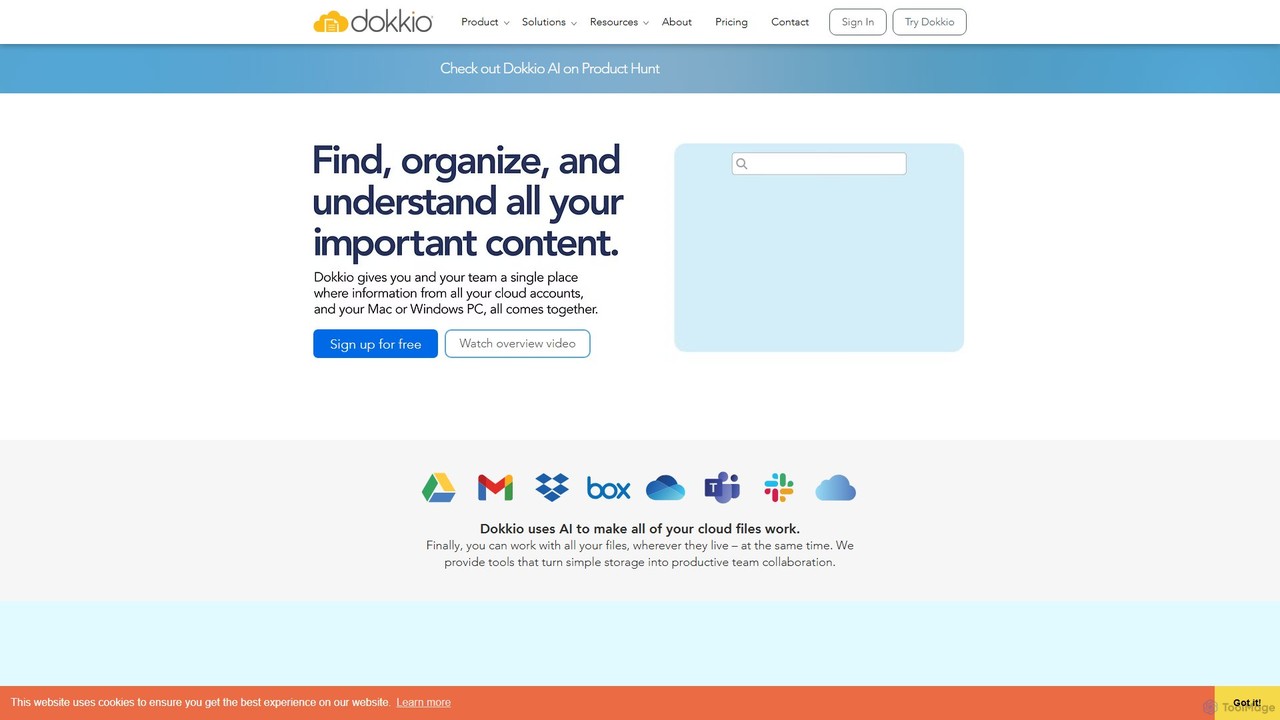
Dokkio
Dokkio is an AI-powered platform that unifies all your files from various cloud services like Google Drive, Dropbox, and Slack. It intelligently finds, organizes, and helps you understand your content, transforming scattered files into a centralized, searchable knowledge base for enhanced productivity and team collaboration.
Teamwork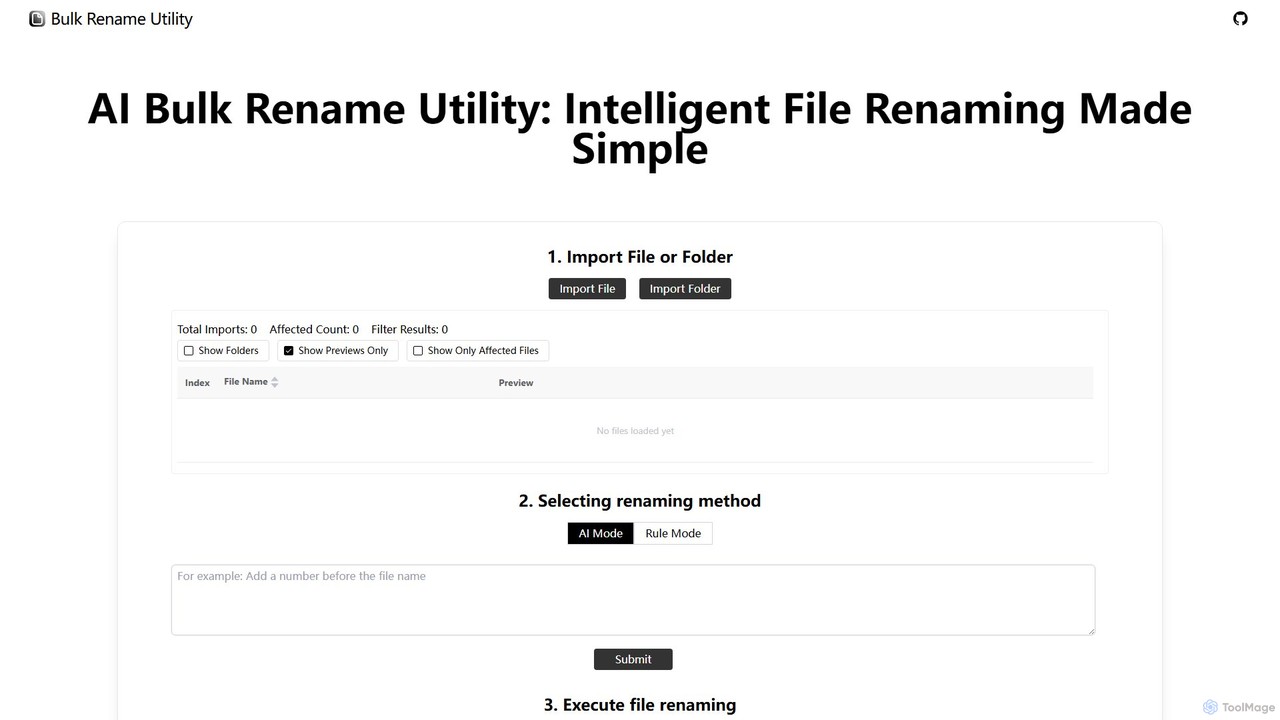
Bulk Rename Utility
Bulk Rename Utility is a powerful, free online tool for batch renaming files. It offers a unique dual-mode system: an intuitive AI mode for natural language commands and an advanced rule-based mode with features like regex and custom JavaScript. It operates locally in your browser for maximum privacy, supporting both Windows and Mac files.
Automation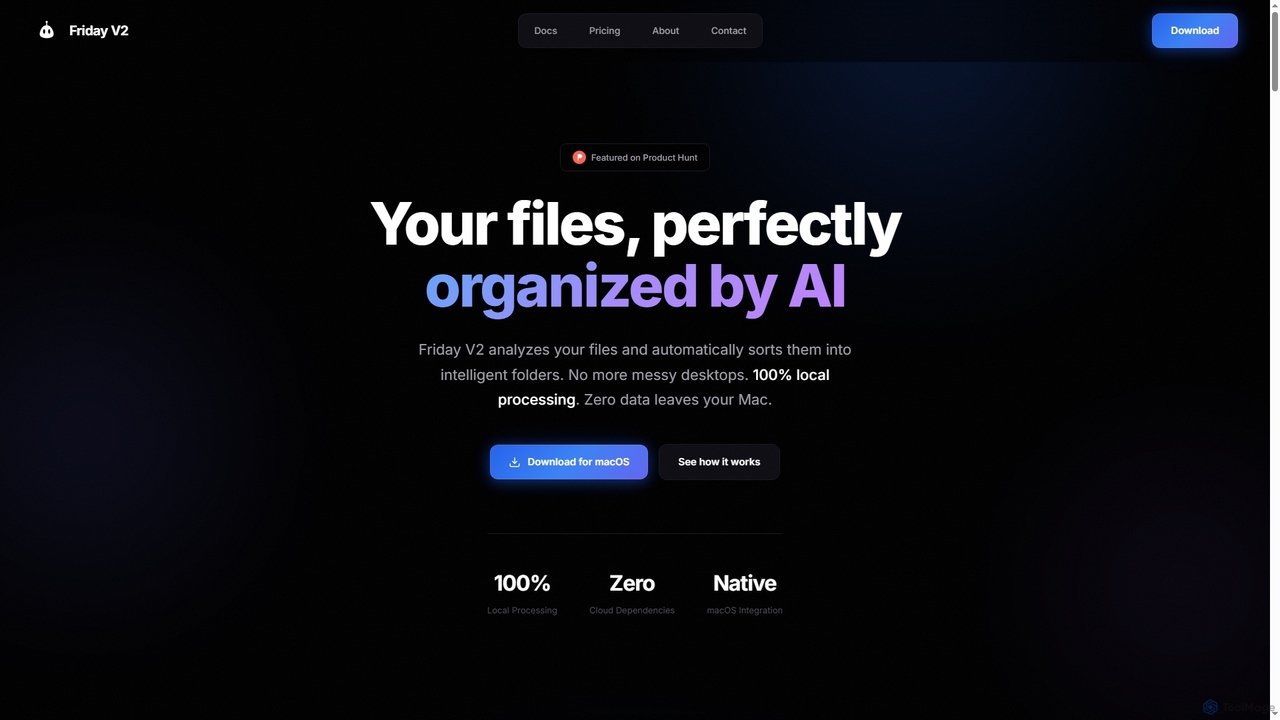
Friday
Friday is an AI-powered Mac application designed for intelligent, privacy-first file organization. It scans, classifies, and organizes your digital files locally on your device, transforming chaotic folders into a clean, logical structure automatically.
Desktop Automation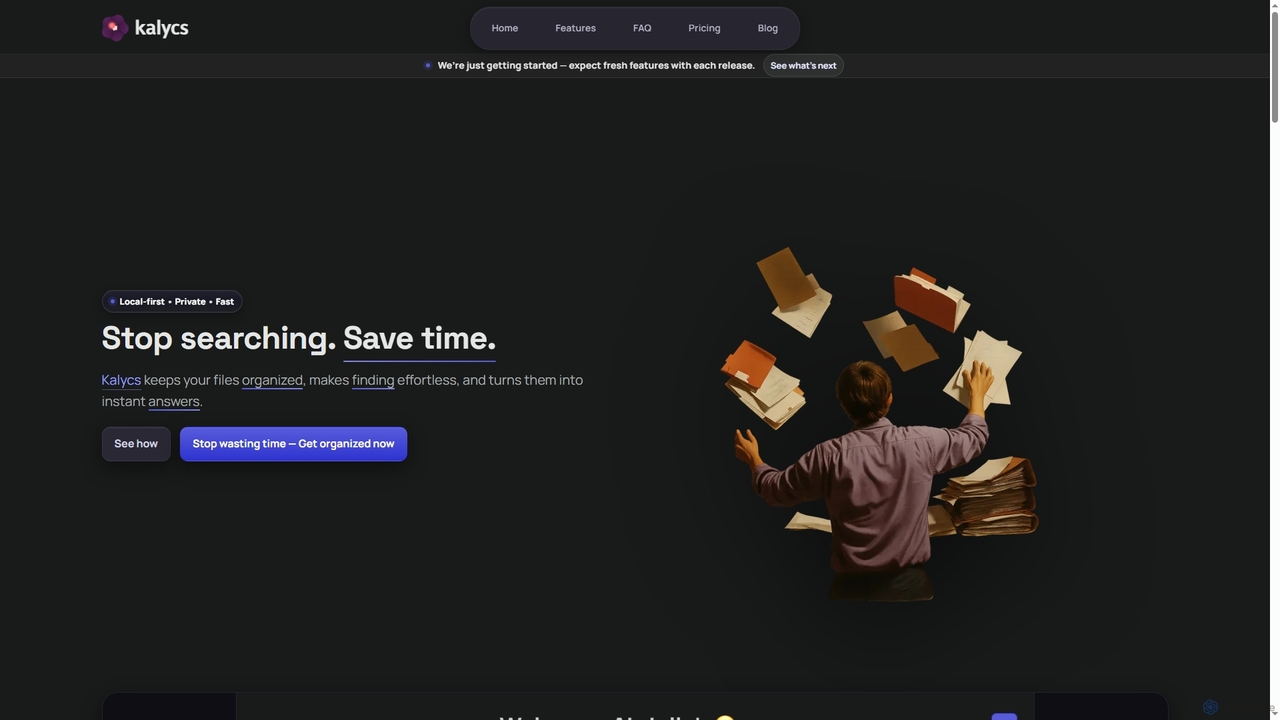
Kalycs
Kalycs is a local-first AI-powered file search and organization tool exclusively for Mac. It helps users quickly find information within their documents, auto-organize downloads, and get instant answers using natural language queries, ensuring privacy by keeping files on-device and leveraging the user's own OpenAI API key for AI features.
Personal Knowledge Base
pinokio
Pinokio is a desktop browser that allows you to install, run, and control AI applications and terminal-based apps on your computer with a single click. It simplifies the complex setup of open-source AI models by automating environment creation, dependency management, and execution. This empowers users of all skill levels to experiment with powerful AI tools locally, ensuring privacy and full control over their data.
Model Deployment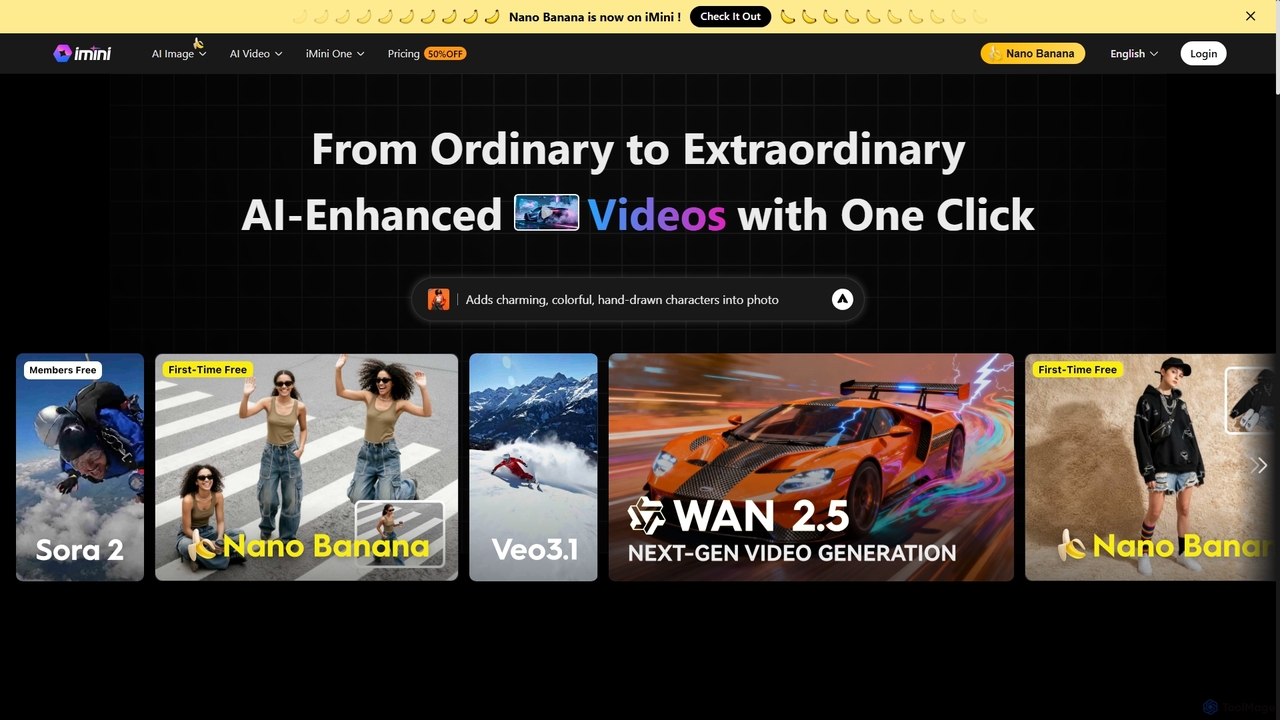
iMini
iMini is an all-in-one AI assistant and creation platform that integrates various AI agents for image generation, video creation, presentation slides, deep research, and document writing. It streamlines workflows, boosts productivity, and offers a unified chat interface for diverse creative and professional tasks.
Multifunctional Assistant
Screenpipe
Screenpipe is an open-source AI SDK that captures your computer's screen and audio 24/7, creating a local, private digital memory. It powers a rich ecosystem of AI agents that can search, summarize, and automate tasks based on your complete digital context, turning your computer usage into a powerful, personalized AI.
Personal Data
Rewind
Rewind is a personalized AI assistant that acts as a search engine for your life. It securely captures everything you've seen, said, or heard on your device and makes it instantly searchable. Boost your productivity with automated meeting summaries, a perfect memory of your work, and an AI that understands your personal context, all while keeping your data private and local.
Transcription
Soraban
Soraban is an AI-powered platform for accounting firms, designed to automate administrative tasks like document collection and client communication. It features an AI copilot, dynamic questionnaires, and a white-labeled client portal to streamline workflows, enhance efficiency, and improve the client experience, allowing professionals to focus on high-value advisory services.
Client Management
Filezen Comments (0)
Sign in to comment.
Sign inNo comments yet.