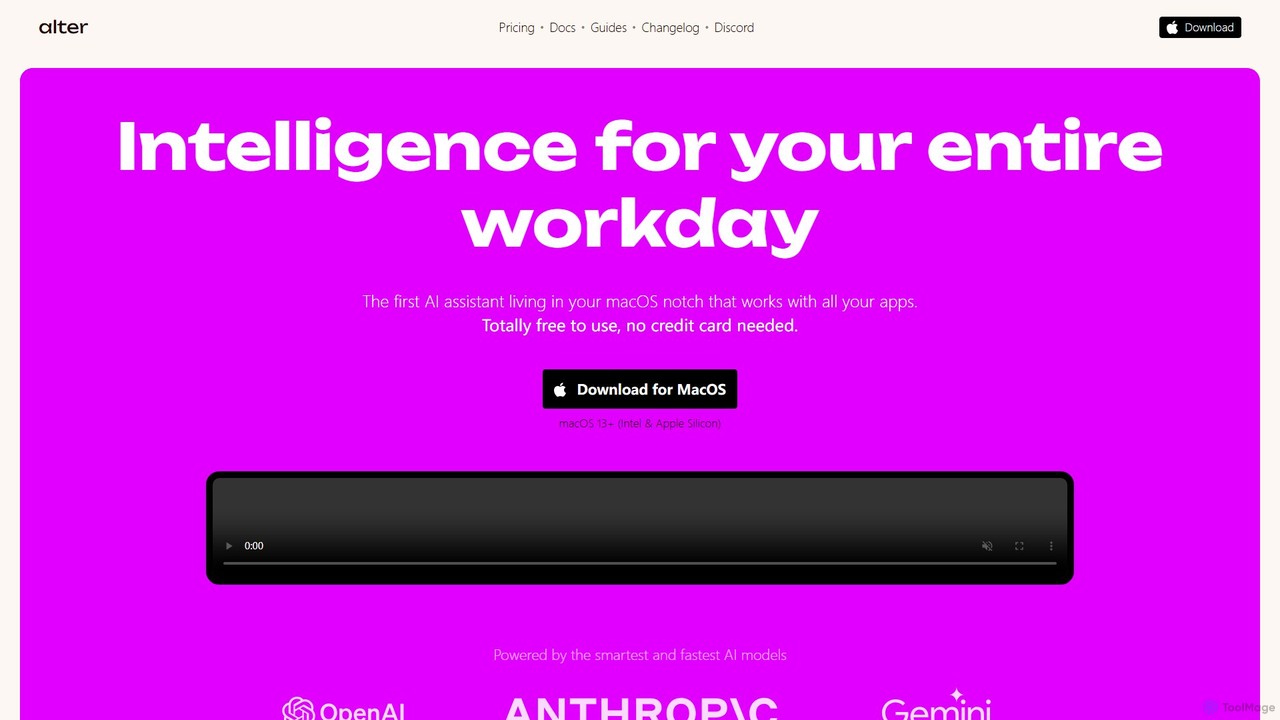
AI tools for Mac are applications specifically designed or optimized to run on Apple's macOS operating system. These tools leverage the unique hardware and software architecture of Mac devices, such as Apple Silicon (M-series chips) and the Core ML framework, to deliver high-performance, efficient, and deeply integrated AI capabilities. They enable users to perform tasks like content creation, data analysis, and workflow automation directly within a native, secure, and intuitive environment. This optimization often results in faster processing, lower energy consumption, and a seamless user experience that feels cohesive with the rest of the macOS ecosystem.
Core Features
- Apple Silicon & Core ML Optimization: Natively built to utilize the Neural Engine in M-series chips for accelerated AI task processing.
- Deep macOS Integration: Seamlessly works with native features like Finder, Spotlight, Shortcuts, and menu bar for quick access.
- On-Device Processing: Many tools prioritize privacy by processing data locally on the Mac, rather than sending it to the cloud.
- Unified User Experience: Adheres to Apple's Human Interface Guidelines, providing a familiar and intuitive interface.
Use Cases
These tools are widely used by creative professionals for AI-powered image and video editing, developers for intelligent code completion and debugging, and business users for document summarization and data analysis. They are also popular for general productivity, with utilities for translation, transcription, and system automation that integrate directly into the user's workflow.
How to Choose
When selecting an AI tool for Mac, consider its level of native optimization for Apple Silicon, as this significantly impacts performance. Evaluate the depth of its integration with macOS—does it offer a menu bar utility or Shortcuts actions? Also, consider whether it performs processing on-device for privacy or relies on the cloud, and check if its user interface aligns with the native Mac aesthetic for a smoother experience.