


Polyhive Overview
Polyhive is a revolutionary AI-powered platform designed to democratize and accelerate 3D content creation. At its core, Polyhive leverages advanced generative AI models to transform simple text prompts or 2D images into fully-realized, game-ready 3D assets. This empowers game developers, 3D artists, and virtual world builders to generate unique props, characters, and environments in a fraction of the time it would take with traditional modeling software. The platform is built with a focus on seamless integration into existing development pipelines, offering a powerful yet intuitive toolset for both seasoned professionals and newcomers to 3D design.
The mission of Polyhive is to break down the technical and time-consuming barriers of 3D modeling. By providing an accessible web-based interface, it allows creators to focus on their artistic vision rather than the complexities of mesh topology, UV unwrapping, and texturing. Whether you're an indie developer looking to populate your game with diverse assets or a large studio aiming to speed up prototyping, Polyhive offers a scalable solution to meet your creative needs.
How to use Polyhive
Using Polyhive is a straightforward process designed for efficiency and ease of use. Here’s a typical workflow:
- Sign Up and Choose a Method: Create an account on the Polyhive website. Once logged in, you can choose your desired creation method: Text-to-3D, Image-to-3D, or AI Texturing for an existing model.
- Provide Input: For Text-to-3D, write a descriptive prompt detailing the object you want to create (e.g., "a rusty medieval treasure chest with gold trim"). For Image-to-3D, upload a reference image. For AI Texturing, upload your own 3D model (in formats like OBJ or FBX) and provide a text prompt describing the desired texture style.
- Generate and Refine: The AI will process your input and generate the 3D model or texture. Polyhive often provides multiple variations, allowing you to select the best result. You can further refine the generation by adjusting prompts or settings.
- Export and Integrate: Once you are satisfied with the asset, you can export it in standard 3D formats such as FBX, GLB, or OBJ. These files are optimized and game-ready, complete with proper UVs and textures, and can be directly imported into game engines like Unity and Unreal Engine, or 3D software like Blender.
Core Features of Polyhive
- Text-to-3D Generation: Create detailed 3D models from simple text descriptions, turning ideas into assets instantly.
- Image-to-3D Conversion: Transform 2D concept art, photos, or sketches into fully-realized 3D models.
- AI Texturing: Apply complex, high-quality PBR (Physically Based Rendering) textures to any 3D model using text prompts. This feature automatically handles UV unwrapping for uploaded models.
- Style Consistency: Generate multiple assets in a consistent artistic style, which is crucial for creating a cohesive look in a game or virtual environment.
- Game-Ready Exports: All generated assets are optimized for performance with clean topology and are exported in industry-standard formats (FBX, GLB, OBJ).
- Developer API: Polyhive provides an API for developers to integrate its generative capabilities directly into their own applications, tools, or game development workflows.
Use Cases for Polyhive
Polyhive is a versatile tool with applications across various industries:
- Game Development: Rapidly create unique props, environmental assets, and character accessories, enabling small teams to build visually rich worlds and large studios to accelerate prototyping.
- Metaverse and Virtual Worlds: Populate virtual spaces with a vast and diverse library of user-generated or developer-created content, from furniture to architectural elements.
- AR/VR Experiences: Quickly generate 3D assets needed for immersive augmented and virtual reality applications.
- Animation and Film: Create 3D props and set pieces for pre-visualization or even final renders in animated projects.
- Product Design and Prototyping: Generate quick 3D mockups of product ideas for visualization and iteration.
Advantages of Polyhive
The primary advantage of Polyhive is its incredible speed and efficiency. It reduces the time for 3D asset creation from hours or days to mere minutes. This cost-effectiveness makes high-quality 3D content accessible to creators with limited budgets. Furthermore, it lowers the barrier to entry, allowing individuals without extensive 3D modeling skills to bring their creative visions to life. For professionals, it serves as a powerful co-pilot, automating repetitive tasks and sparking new creative ideas.
Pricing and Plans
Polyhive operates on a freemium model, offering several tiers to accommodate different user needs:
- Free Plan: Ideal for individuals and hobbyists to try out the platform. It typically includes a limited number of monthly credits for generation.
- Starter Plan: A paid plan designed for indie developers and freelancers, offering more monthly credits, access to more advanced features, and a commercial use license.
- Pro Plan: Aimed at professional artists and studios with higher usage needs. This plan includes a significant number of credits, priority support, and potentially higher-resolution outputs.
- Enterprise Plan: A custom solution for large studios and businesses, offering bulk credits, dedicated support, API access, and custom model training.
Specific pricing and credit details are available on the official Polyhive website.
Traffic
Latest traffic
Status
Monthly traffic trend
- 2025-9: 5.7K
- 2026-1: 3.0K
- 2026-2: 2.8K
- 2026-3: 2.7K
- 2026-4: 3.4K
- 2026-5: 6.4K
Geography
Top 5 countries / regions
- 🇺🇸United States100.0%
Top keywords
| Keyword | Cost per click |
|---|---|
| brepgen | $0.00 |
| spectral ai | $3.77 |
| spectral ai cad | $0.00 |
| spectral labs | $0.00 |
| spectral labs cad | $0.00 |
Polyhive Alternatives
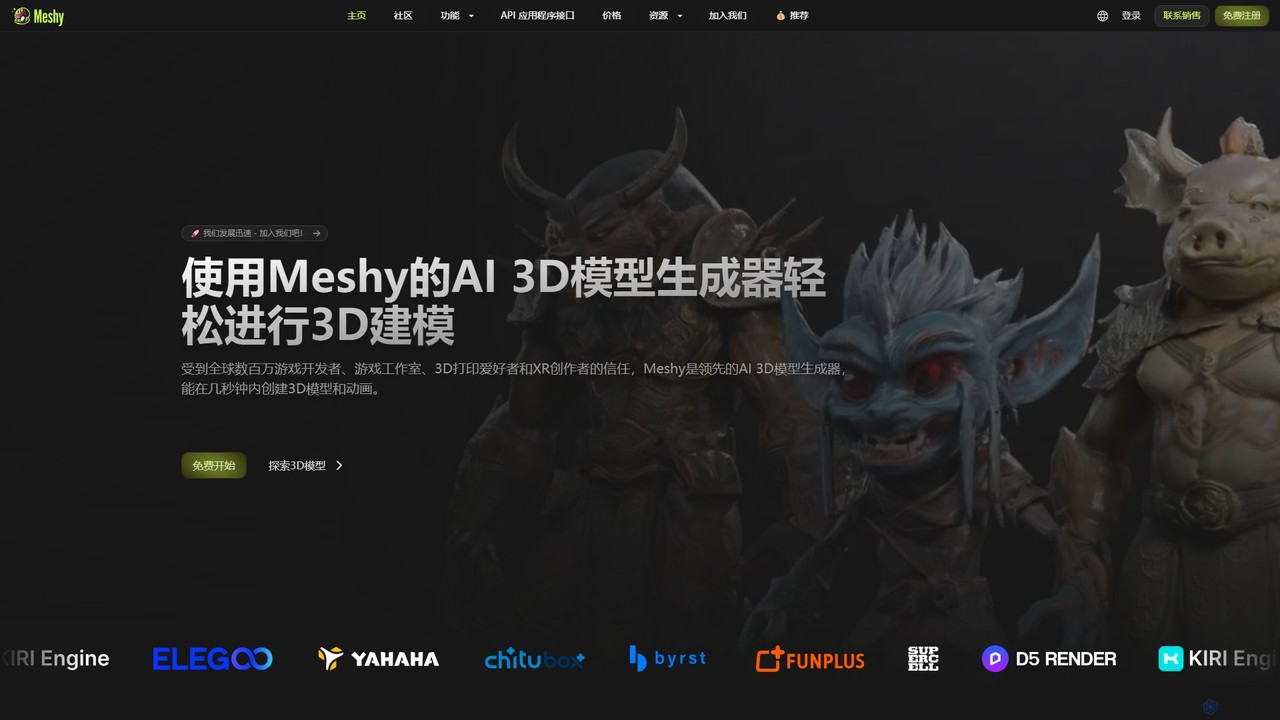
Meshy
Meshy is an all-in-one AI 3D content creation suite. Generate stunning 3D models, textures, and animations from text or images in minutes. It's the ultimate toolkit for game developers, artists, and creators, simplifying the entire 3D workflow from concept to a fully animated asset.
Generator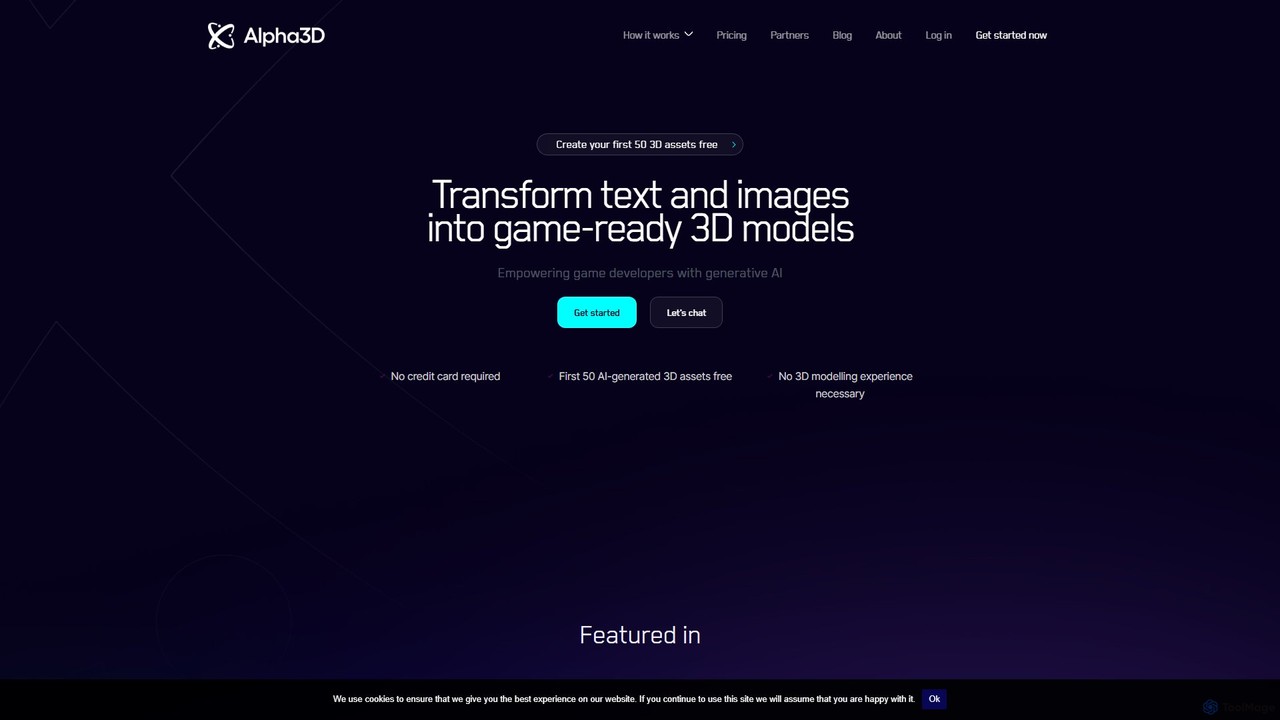
alpha3d
Alpha3D is a generative AI platform that transforms text prompts and 2D images into game-ready 3D models. Designed for game developers, AR/VR creators, and marketers, it simplifies and accelerates 3D asset creation, requiring no prior modeling experience.
Generator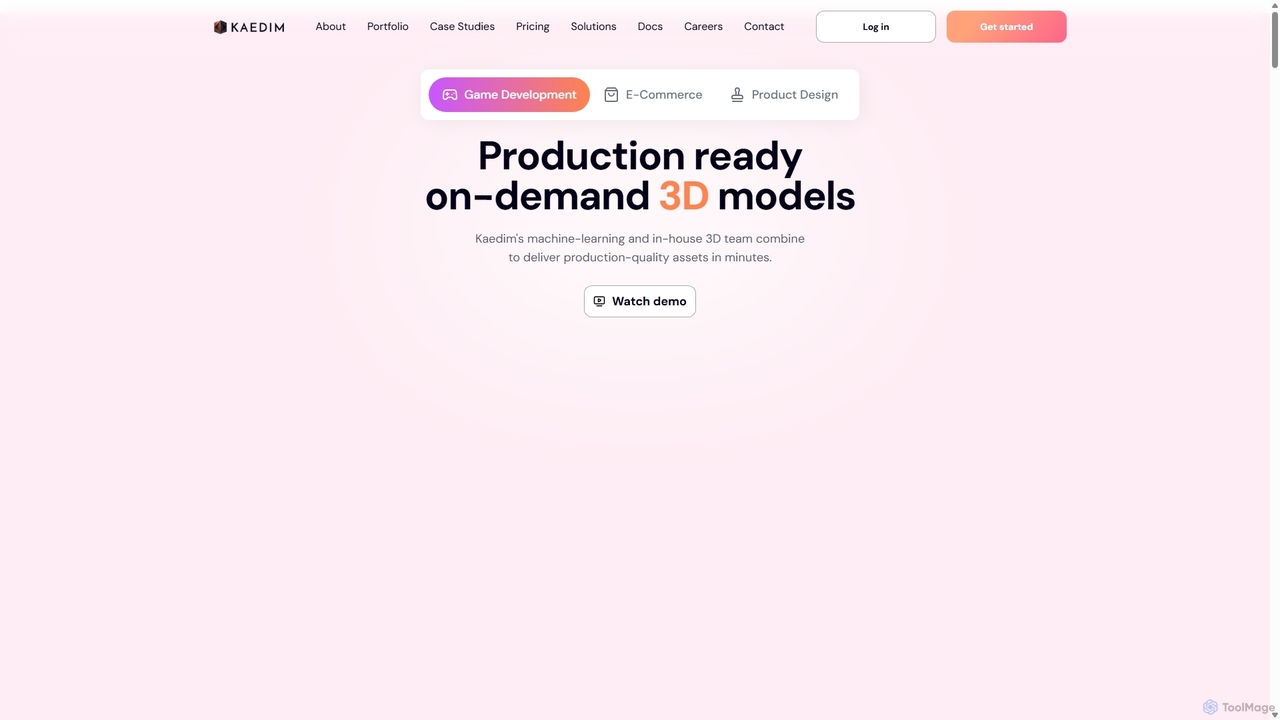
Kaedim3D
Kaedim3D is an AI-powered platform that accelerates 3D asset creation by transforming 2D images or text descriptions into production-ready 3D models. It combines machine learning with a team of in-house artists to deliver high-quality, optimized assets 10x faster for game development, e-commerce, and product design.
3D Modeling
Tripo3D
Tripo3D is a powerful AI 3D model generator that creates high-quality 3D models from text, images, or doodles in seconds. It supports various export formats for gaming, AR/VR, 3D printing, and design, featuring professional-grade geometry, PBR materials, and auto-rigging capabilities.
Generator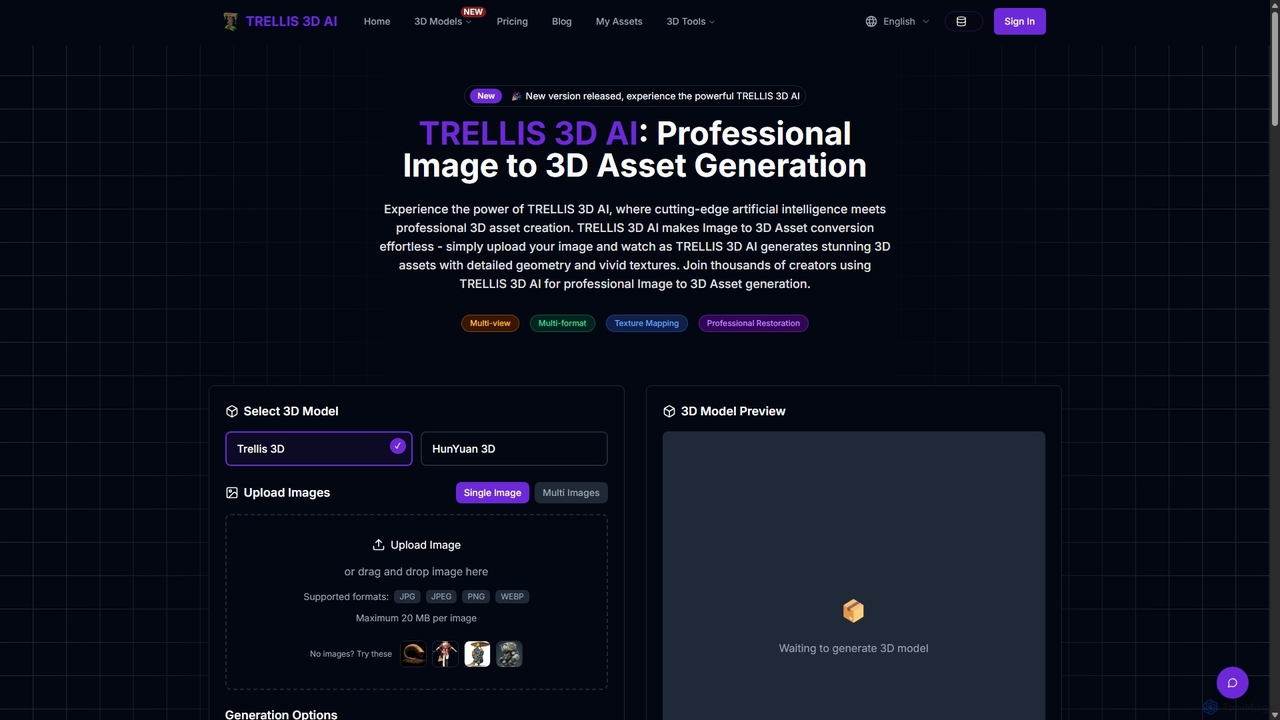
TRELLIS 3D AI
TRELLIS 3D AI is a cutting-edge tool that transforms 2D images into high-quality 3D assets in seconds. Using advanced AI technology, it generates detailed geometry and vivid textures from single or multiple images. It supports various export formats, making it ideal for game developers, 3D artists, and designers looking to accelerate their workflow and create professional-grade 3D models effortlessly.
Image To 3DPolyhive Categories
Polyhive Embed Widget
Copy this embed code to place the badge on your blog, article, or product site and send readers directly to this ToolMage detail page.

Related AI tools
Meshy
Meshy is an all-in-one AI 3D content creation suite. Generate stunning 3D models, textures, and animations from text or images in minutes. It's the ultimate toolkit for game developers, artists, and creators, simplifying the entire 3D workflow from concept to a fully animated asset.
Generator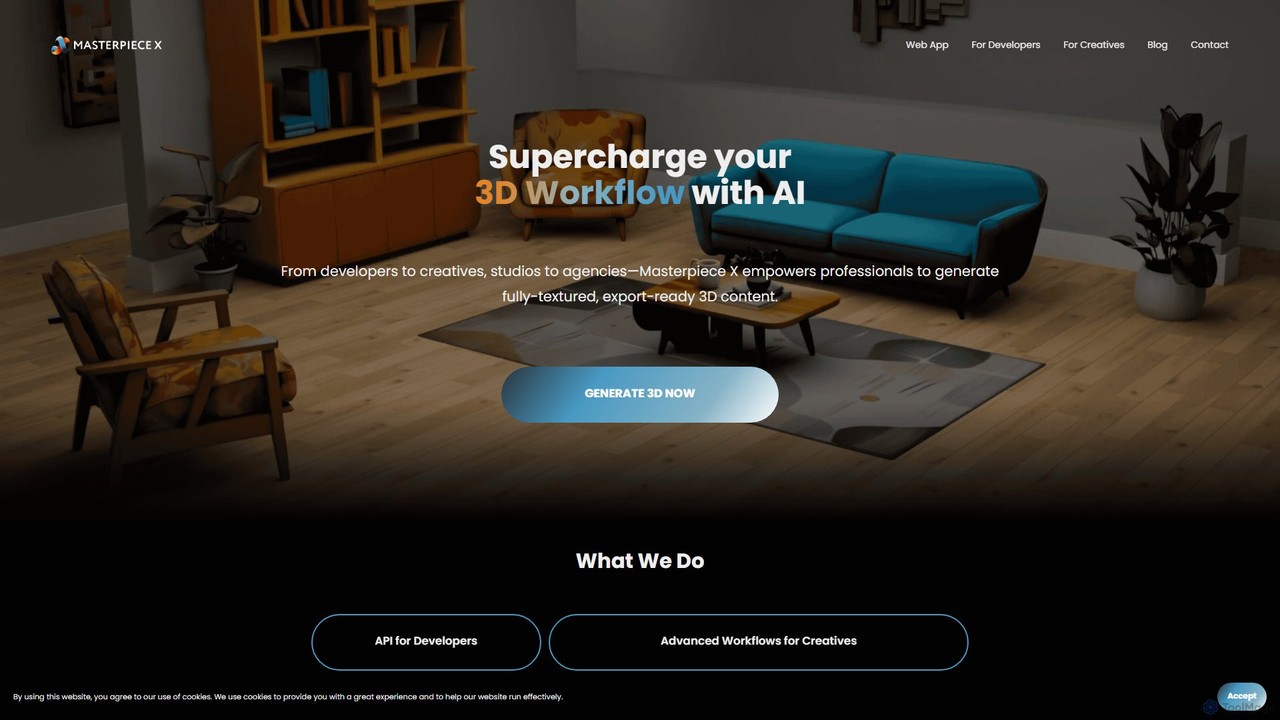
Masterpiece X
Masterpiece X is an advanced AI-powered 3D creation platform designed for professionals and creatives. It enables users to generate fully-textured, animated, and export-ready 3D models from simple text prompts or images, significantly accelerating workflows in game development, concept art, and metaverse creation.
3D Modeling
mondial3d
mondial3d is a powerful AI-driven platform for the rapid creation of high-quality 3D models and immersive environments. By leveraging advanced generative AI, it enables users to generate detailed 3D assets from simple text prompts or 2D images. It's tailored for game developers, architects, and designers, streamlining the 3D content creation pipeline and significantly reducing production time and costs.
Generative 3Dalpha3d
Alpha3D is a generative AI platform that transforms text prompts and 2D images into game-ready 3D models. Designed for game developers, AR/VR creators, and marketers, it simplifies and accelerates 3D asset creation, requiring no prior modeling experience.
GeneratorKaedim3D
Kaedim3D is an AI-powered platform that accelerates 3D asset creation by transforming 2D images or text descriptions into production-ready 3D models. It combines machine learning with a team of in-house artists to deliver high-quality, optimized assets 10x faster for game development, e-commerce, and product design.
3D Modeling
Artefacts.ai
Artefacts.ai is a powerful AI-driven platform that transforms text prompts and 2D images into high-quality 3D models in seconds. Designed for creators, designers, and game developers, it simplifies the 3D creation workflow from concept to asset. Users can generate game-ready models, create files for full-color 3D printing, and seamlessly integrate their creations into existing DCC software. The platform also offers a unique service to order physical 3D prints of generated models.
Generative 3D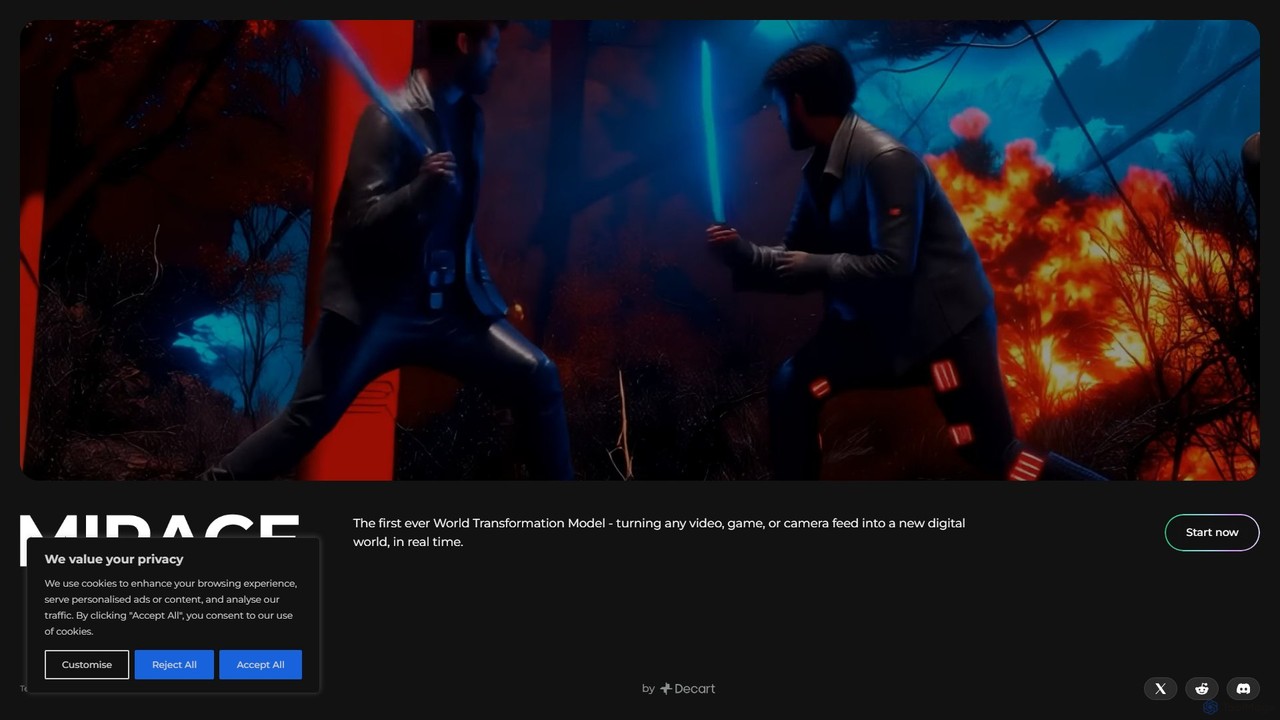
Mirage
Mirage by Decart.ai is an advanced AI-powered 3D content creation platform. It enables users to generate high-quality 3D models, textures, and entire scenes from simple text prompts or 2D images. Designed for game developers, 3D artists, and designers, Mirage streamlines the creative workflow, dramatically reducing the time and effort required to produce stunning 3D assets.
Generative Modeling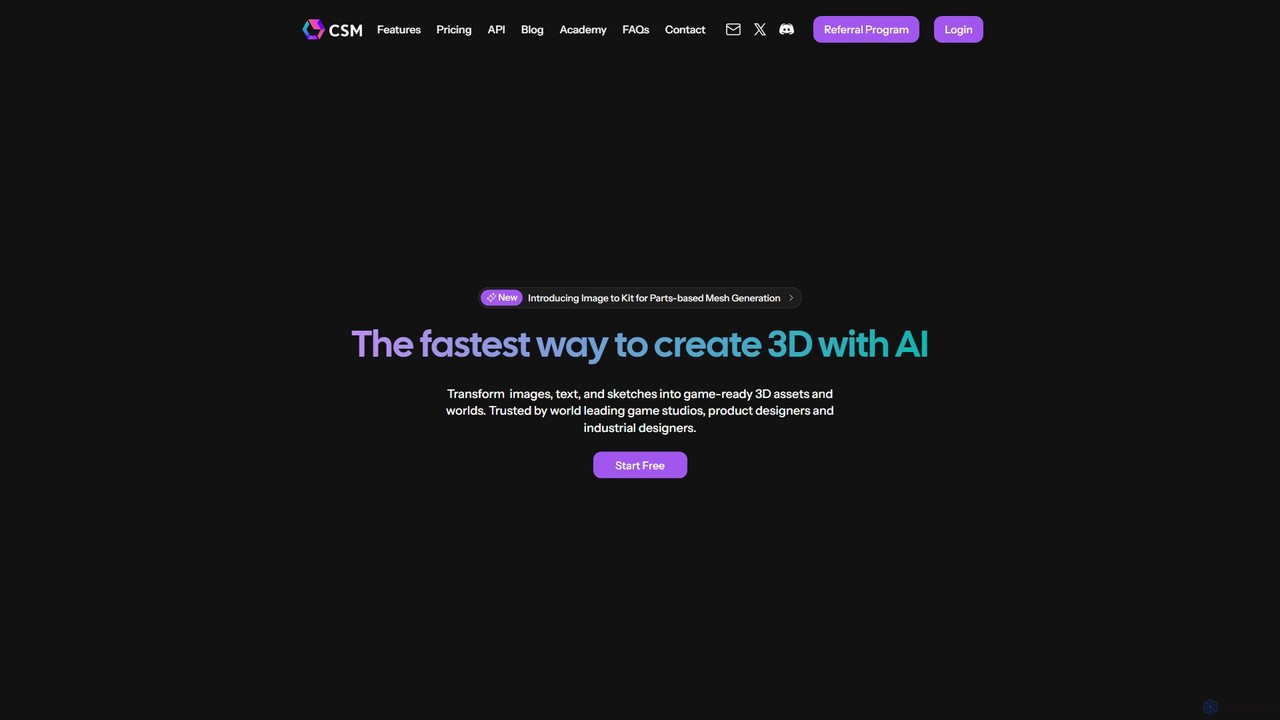
CSM
CSM is an advanced AI platform that rapidly transforms images, text, and sketches into game-ready 3D assets and worlds. It's designed for game developers, product designers, and 3D artists to supercharge their workflows in Unity, Unreal, and Blender with features like Image-to-Kit, AI Retexturing, and Text-to-4D generation.
3D Modeling
Glyf
Glyf is an AI-powered platform that transforms text prompts and images into high-quality 3D models. Designed for creators of all skill levels, it simplifies the 3D creation process, enabling rapid prototyping, game asset generation, and artistic expression without complex software.
Generative Art
Herewe
Herewe is a web-based, AI-powered platform for easily creating 3D games and metaverse experiences. With its intuitive 3D studio, Text-to-3D generator, and a rich ecosystem of assets and third-party extensions, users can build and share immersive virtual worlds without needing advanced coding or design skills. It's an all-in-one solution for game developers, creators, and communities.
3D Modeling
polymorf3d
polymorf3d is an advanced AI-powered platform for 3D content creation. It enables users to generate high-quality 3D models and textures from text prompts or 2D images. Designed for game developers, artists, and designers, it streamlines the 3D asset pipeline, offering rapid prototyping, automated texturing, and model variation generation to accelerate creative workflows.
3D Generator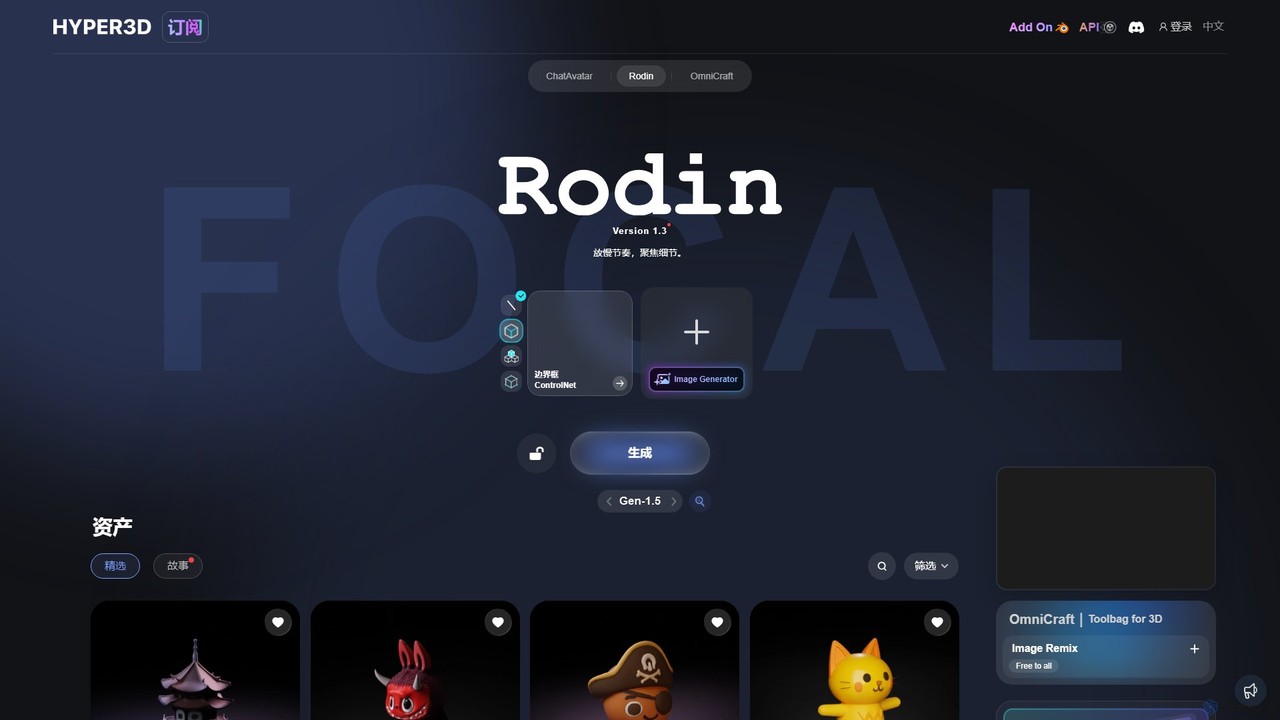
Hyper3D
Hyper3D is a comprehensive AI-powered 3D creation suite. Its core tool, Rodin, generates high-quality 3D models from single images, multi-view photos, or text prompts. The platform also includes the OmniCraft toolbag for mesh editing, texture generation, and more, streamlining the entire 3D asset creation workflow for designers, game developers, and animators.
3D Modeling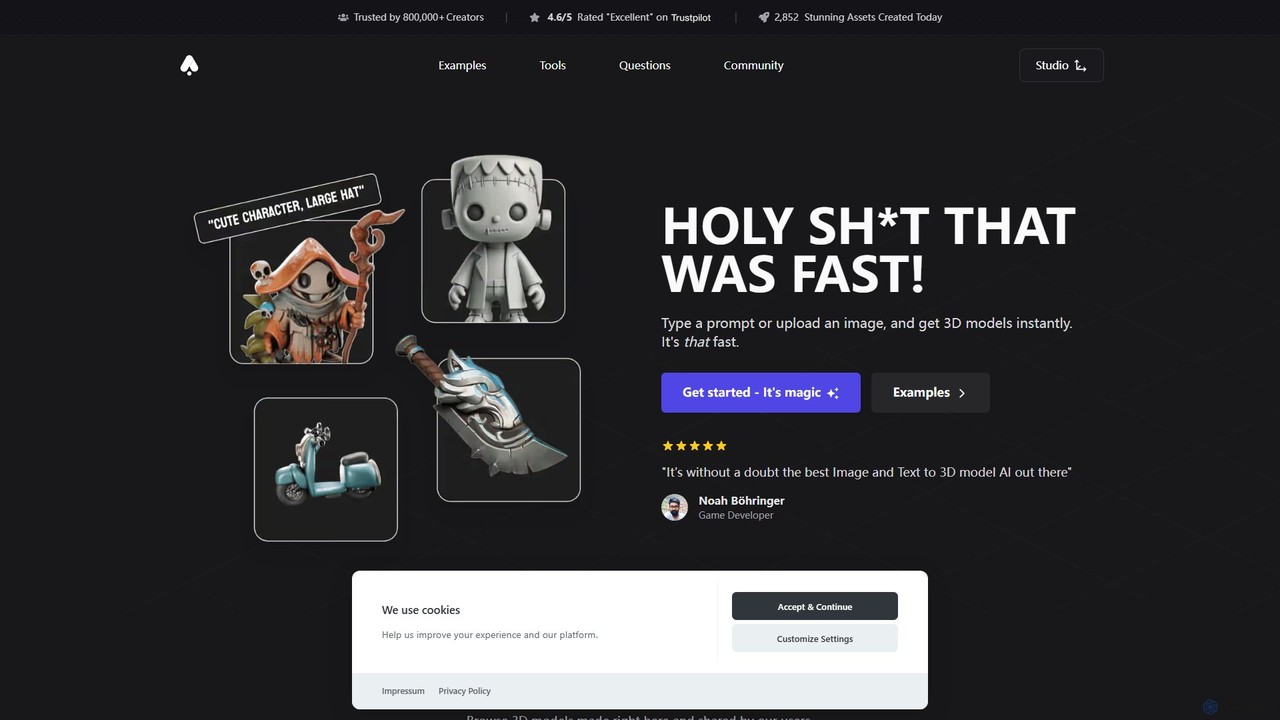
3D AI Studio
3D AI Studio is a powerful AI-driven platform that generates high-quality 3D models from text prompts or images in seconds. Designed for creators, game developers, and designers, it simplifies the 3D creation process with features like AI texturing, automatic remeshing, and a vast community library. It offers a fast, intuitive, and cost-effective solution for producing game-ready assets, 3D printable models, and more, without requiring extensive 3D modeling experience.
Ai 3D Generator
heroify
Heroify is an AI-powered platform for generating high-quality 3D models and design assets from 2D images and text prompts. It's designed for designers, developers, and creators to accelerate their workflow and bring creative visions to life with ease.
Image To 3D
Jyek
Jyek is an AI agent platform that understands objectives, creates execution plans, uses tools, and delivers verifiable results for complex, multi-step tasks.
Automation
Polyhive Comments (0)
Sign in to comment.
Sign inNo comments yet.