Onison
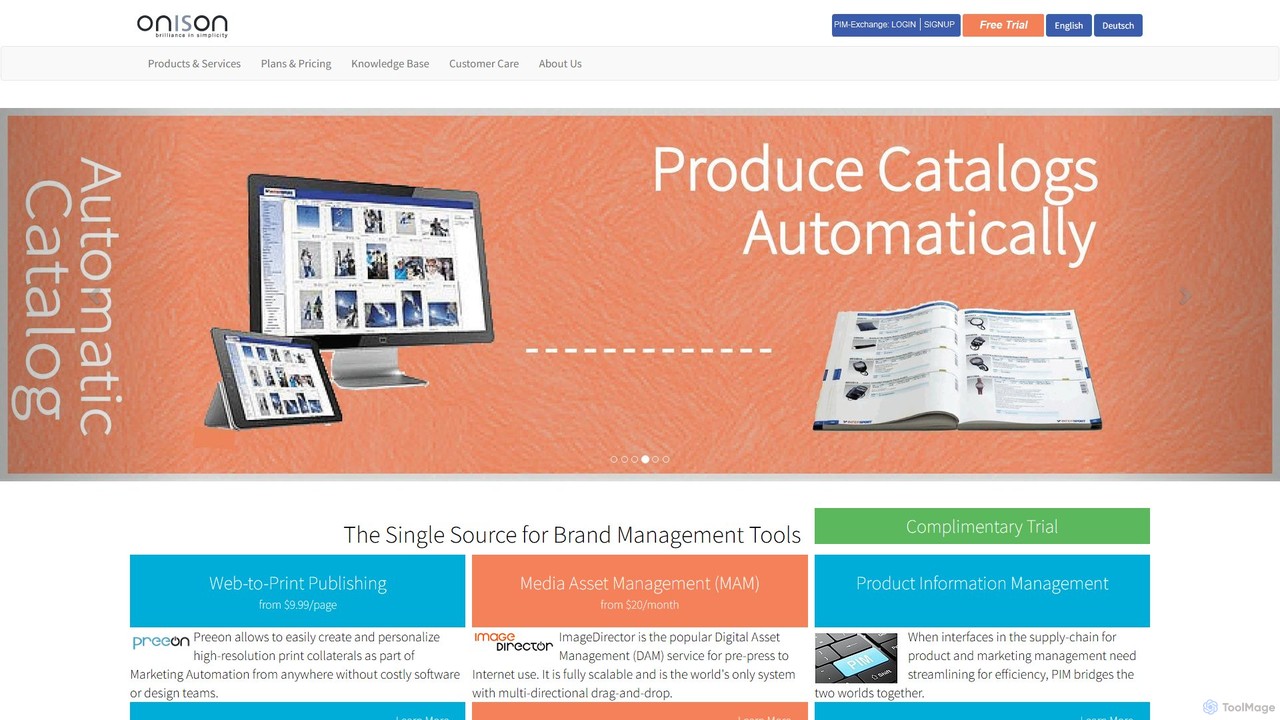
Onison is an integrated brand management and marketing automation platform. It combines Digital Asset Management (DAM), Web-to-Print (W2P), …
Onison is an integrated brand management and marketing automation platform. It combines Digital Asset Management (DAM), Web-to-Print (W2P), and Product Information Management (PIM) into a single source of truth. AI-powered features like background removal and semantic search help streamline workflows, ensure brand consistency, and automate the creation of marketing collateral.
About Publishing
AI Publishing tools are a class of software that automates the creation, layout, and formatting of professional documents. These tools leverage algorithms to analyze content and apply design principles, transforming raw text and data into polished publications like reports, ebooks, and presentations. Their primary value lies in drastically reducing manual design work, ensuring brand consistency across multiple documents, and enabling rapid production of high-quality materials. This makes them a specialized subset of design tools focused on structured content delivery.
Core Features
- Automated Layout Generation: Intelligently arranges text, images, and data into professional, aesthetically pleasing layouts based on content analysis.
- Brand Consistency Engine: Automatically applies predefined brand guidelines, including logos, color palettes, and typography, to all documents.
- Content-to-Document Conversion: Transforms unstructured data, such as spreadsheets or text files, into formatted reports, slides, or brochures.
- Template Adaptation: Generates and customizes templates dynamically to fit varying content lengths and types.
- Multi-format Export: Produces ready-to-use files in various formats like PDF, EPUB, HTML, and PPTX from a single source.
Use Cases
These tools are ideal for corporate marketing, finance, and sales teams who need to produce branded collateral like annual reports, white papers, and sales proposals efficiently. They are also valuable for independent creators, educators, and authors for formatting ebooks, course materials, and research papers without extensive design skills.
How to Choose
When selecting an AI Publishing tool, consider the level of design automation versus manual control you require. Evaluate its integration capabilities with your existing data sources (e.g., CRMs, databases). Assess the variety and customizability of available templates, and check the supported output formats to ensure they align with your distribution channels.

PublishingUse Cases
Automating Corporate Annual Reports
A financial analyst at a large corporation needs to create a 100-page annual report. Instead of manually designing each page in traditional software, they use an AI Publishing tool. The analyst connects the tool to their financial databases and content documents. The AI automatically ingests the data, generates charts, and flows the text into a pre-approved, brand-compliant template. It intelligently adjusts layouts to prevent awkward page breaks and ensures all tables are formatted consistently. The result is a professionally designed report generated in a fraction of the time, freeing the analyst to focus on data accuracy and narrative.
Creating Ebooks for Independent Authors
An independent author has finished their manuscript but lacks the design skills to format it for digital platforms like Amazon Kindle and Apple Books. They upload their text document to an AI Publishing platform. The author chooses a genre-specific template (e.g., 'Thriller' or 'Science Fiction'). The AI tool automatically formats chapters, sets margins, chooses appropriate typography, and generates a clickable table of contents. It also creates versions for both EPUB and PDF, ensuring a professional reading experience on any device. This allows the author to bypass expensive design services and publish faster.
Generating Personalized Sales Proposals
A sales team needs to create customized proposals for dozens of potential clients each week. Using an AI Publishing tool integrated with their CRM, a salesperson selects a client record. The tool automatically pulls the client's name, company, and specific needs from the CRM and inserts this data into a master proposal template. It also selects relevant case studies and pricing information based on the client's industry and size. The salesperson receives a fully personalized, professionally formatted PDF proposal in minutes, allowing them to respond to leads much faster and with greater accuracy.
Producing Marketing and Brand Collateral
A marketing department needs to create a suite of documents for a new product launch, including datasheets, white papers, and brochures. They use an AI Publishing tool with their brand kit pre-loaded. The marketing manager inputs the core product information once. The AI then populates this information across various templates, automatically adjusting the layout for each format. For instance, it creates a dense, two-column layout for the datasheet and a more spacious, image-heavy layout for the brochure. This ensures all launch materials are consistent in branding and messaging, while being produced simultaneously.
Formatting Academic Papers and Theses
A PhD student is finalizing their dissertation, which must adhere to strict university formatting guidelines (e.g., APA 7th edition). Manually checking every citation, heading, and margin is tedious and error-prone. The student uses an AI Publishing tool designed for academic writing. They upload their content, and the AI automatically applies the correct citation style, formats the bibliography, structures headings and subheadings, and ensures all page numbering and margins are compliant. The tool saves the student dozens of hours of manual formatting, reducing stress and allowing them to focus on the quality of their research.
Creating Training Manuals and Course Materials
An HR department is developing a new employee onboarding program and needs to create comprehensive training manuals. Using an AI Publishing tool, the training coordinator compiles content from various sources like text documents, slide decks, and videos. The AI helps structure this content into a coherent manual with chapters, sections, and a glossary. It can also embed interactive elements like quizzes and video links directly into the digital PDF version. The tool ensures a consistent look and feel across all training materials, making them more professional and easier for new hires to navigate.