Design Best in category 1 results Creative Automation AI Tool

Popular AI tools in the Creative Automation field of Design include Artwork Flow, etc., helping you quickly improve efficiency.

Artwork Flow

Artwork Flow

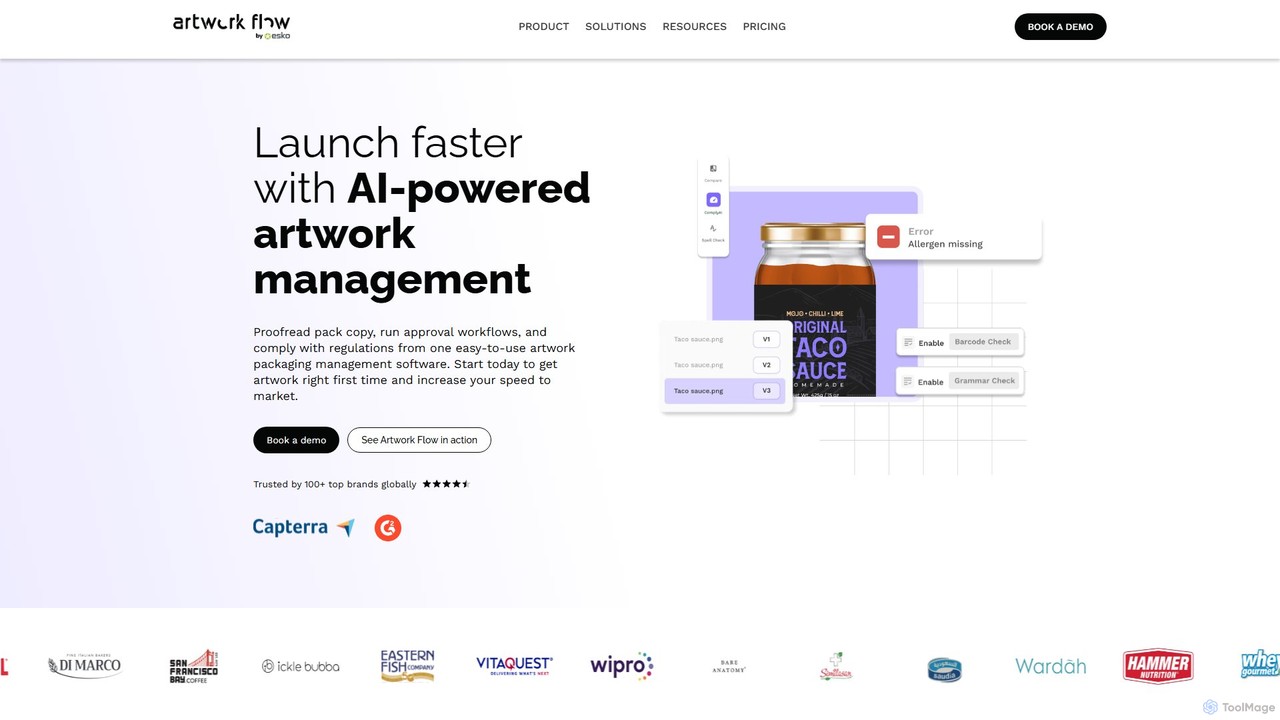
Artwork Flow is an AI-powered packaging artwork management platform designed to streamline creative workflows. It helps teams manage, …

33.0K

About Creative Automation

Creative Automation tools are AI-powered platforms designed to automate the large-scale production of marketing and design assets. These tools utilize smart templates, data feeds, and AI algorithms to generate hundreds or thousands of variations of images, videos, and banners from a single master design. This enables marketing teams to rapidly create personalized ads, localized social media content, and dynamic e-commerce visuals while maintaining strict brand consistency. Unlike traditional design software focused on individual creation, Creative Automation excels at scaling creative output for performance-driven campaigns.

Core Features

  • Template-Based Generation: Build master templates that automatically adapt content and layouts for different formats and data inputs.
  • Data Feed Integration: Connect to product catalogs or spreadsheets to dynamically populate assets with text, images, and prices.
  • Multi-Format Export: Generate and export creative sets for various platforms (e.g., social media, display ads, email) in a single operation.
  • AI-Powered Resizing: Intelligently adjust layouts and crop images to fit diverse aspect ratios without manual intervention.
  • Brand Kit Management: Centralize and enforce the use of approved logos, fonts, and color palettes across all generated assets.

Use Cases

Creative Automation is particularly valuable for e-commerce brands, digital advertising agencies, and large marketing departments. It's ideal for workflows requiring high volumes of on-brand content, such as running A/B tests for ad campaigns, personalizing marketing materials for different audience segments, or localizing promotions across multiple regions.

How to Choose

When selecting a Creative Automation tool, evaluate its integration capabilities with your existing ad platforms (Google, Meta) and data sources. Consider the asset types it supports (static images, video, HTML5) and the flexibility of its template editor. Also, assess its collaboration features for team reviews and the robustness of its brand management controls to ensure consistency.

Creative AutomationUse Cases

1

Automated Ad Creative Generation for E-commerce

An e-commerce marketing manager needs to launch a flash sale featuring over 500 different products. Manually creating unique ads for each product across Facebook and Google Display Network would take weeks. By using a Creative Automation tool, they connect their product feed (containing images, prices, and names) to a single branded ad template. The platform automatically generates 500 unique ad sets in various required sizes. This process reduces the campaign launch time from weeks to just a few hours, enabling highly personalized ads for each product and maximizing sales potential.

2

Scaling Social Media Content Production

A social media manager for a global brand needs to publish daily content across five platforms in three different languages. Creating these variations manually is time-consuming and prone to inconsistencies. With a Creative Automation platform, they design a master template for a specific content type, like a customer testimonial. The tool then automatically generates all the required variations by swapping text for different languages and resizing the asset for Instagram posts, Stories, and Facebook banners. This ensures a consistent stream of on-brand content is produced efficiently, freeing up the manager's time for strategic planning and community engagement.

3

Personalized Video Ad Campaigns at Scale

A digital advertising specialist wants to run a hyper-targeted video ad campaign, showing different product offers to users in different cities. Creating hundreds of unique video files manually is not feasible. Using a Creative Automation tool, they create a single master video template. By connecting a data spreadsheet with city names and corresponding offers, the platform programmatically renders hundreds of personalized video ad variants. Each video features the same core branding but with customized text overlays and product shots relevant to the viewer's location. This enables large-scale A/B testing and personalization, significantly improving ad relevance and conversion rates.

4

Maintaining Brand Consistency in a Franchise Network

A corporate marketing director for a restaurant franchise needs to ensure that over 100 local franchisees use approved branding for their marketing materials. Providing static assets is inefficient, as local details change. They implement a Creative Automation platform with locked brand templates. Franchisees can log in and personalize specific, unlocked fields like their address, phone number, or a local offer, while the core logo, fonts, and colors remain fixed. The tool then generates ready-to-use, on-brand assets for local social media or print flyers. This empowers local teams to create marketing materials quickly while guaranteeing brand integrity across the entire network.

5

Dynamic Banner Ads for Affiliate Marketing

An affiliate marketing manager needs to provide a large network of partners with up-to-date promotional banners. When a price changes or a product goes out of stock, manually updating and redistributing hundreds of banners is a logistical challenge. By using Creative Automation to create dynamic HTML5 banners, the manager can make a single change in a central data source (like a product feed). This change automatically propagates to all banners live on affiliate websites. This ensures that all promotional materials are always accurate, compliant, and up-to-date without requiring any action from the affiliates, thus improving campaign effectiveness and partner relations.

6

Automated Generation of E-commerce Product Banners

A graphic designer at a fast-fashion company is tasked with creating 'New Arrival' banners for 200 new items that launch weekly. This repetitive task consumes a significant portion of their time, preventing them from focusing on more strategic creative work. By implementing a Creative Automation workflow, a banner template is set up to pull the product image, name, and price directly from the product database. With a single command, the system generates all 200 unique banners in minutes. This ensures the website is updated instantly upon product launch and frees the designer to work on campaign concepts and brand development.

Creative AutomationFrequently Asked Questions