ToolMage
Sign in

Best 17 Photo & Image AI tools

Popular Photo & Image AI tools include Animate Old Photos, LooksMax AI, Glam Up, MyHeritage, TinyFrom, Renamify, wedetect, Ai Photo Sorter, AI Renamer, and looksmaxxreport, helping you work more efficiently.

Sweep
Freemium

Sweep

Sweep is a fun and intelligent photo cleaner app for your phone. It uses a gamified "swipe to delete or keep" interface, powered by AI, to help you quickly clear out duplicate photos, blurry shots, and screenshots, freeing up valuable storage space while you rediscover your favorite memories.

Productivity
Visits 5.9KFavorites 149Likes 152
Picapetname
Freemium

Picapetname

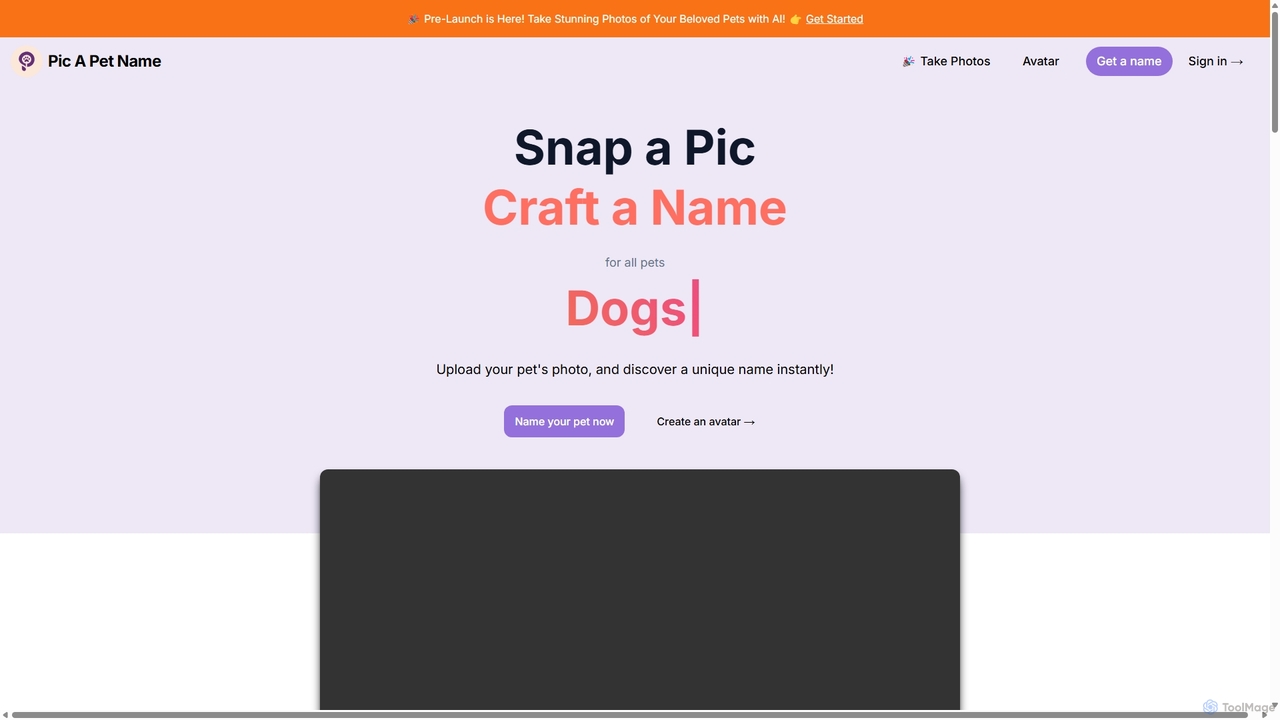
Picapetname is a dual-function AI platform for pet lovers. It offers a free AI-powered tool to generate unique names for your pet from a photo, and a premium service that transforms casual pet pictures into professional-quality portraits and avatars in various artistic styles and settings.

Generators
Visits 5.7KFavorites 126Likes 113
Ai Photo Sorter
Free

Ai Photo Sorter

A privacy-first, AI-powered web application that helps you efficiently organize local photo collections. Create custom categories, sort images, and detect duplicates securely on your own computer without uploading any data.

Photo Organization
Visits 8KFavorites 119Likes 116
Stillgram
Freemium

Stillgram

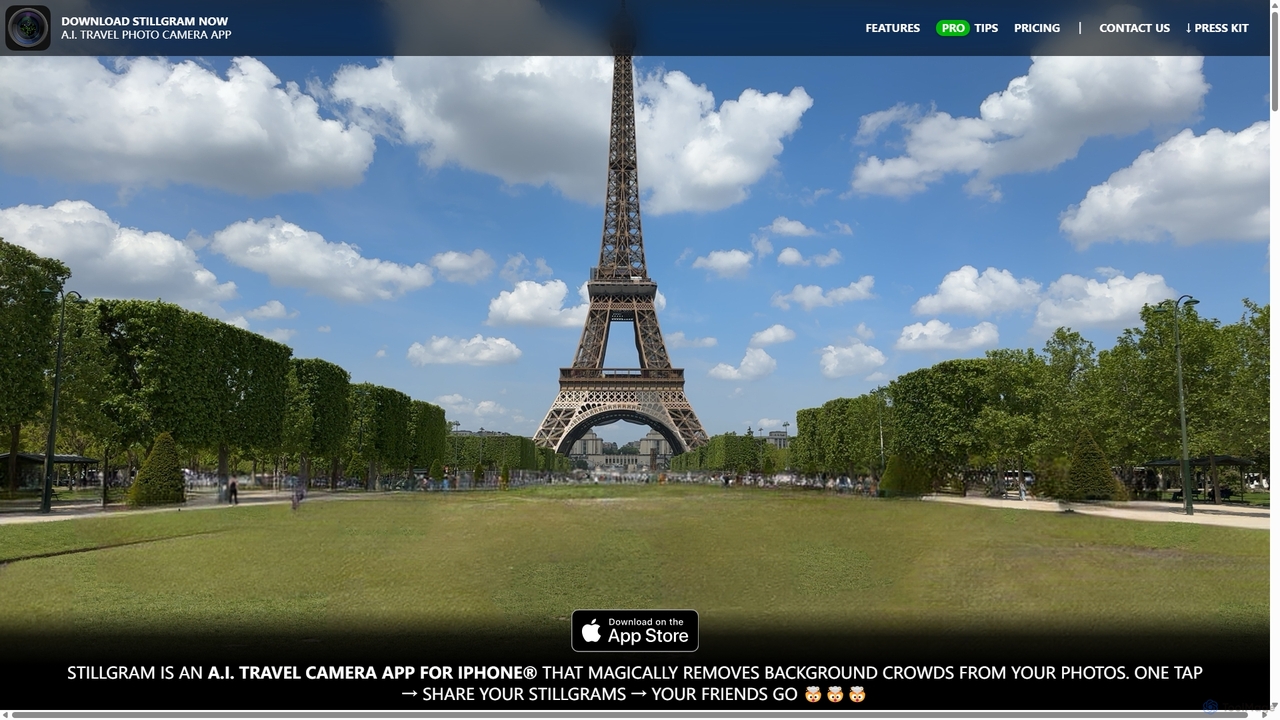
Stillgram is an AI-powered camera app for iPhone designed for travelers. It magically removes crowds and unwanted people from your photos, allowing you to capture perfect, empty shots of famous landmarks. It works completely offline and features unique 'Live Stillgrams' for stunning social media content.

Ios Apps
Visits 5.5KFavorites 117Likes 133
LooksMax AI
Freemium

LooksMax AI

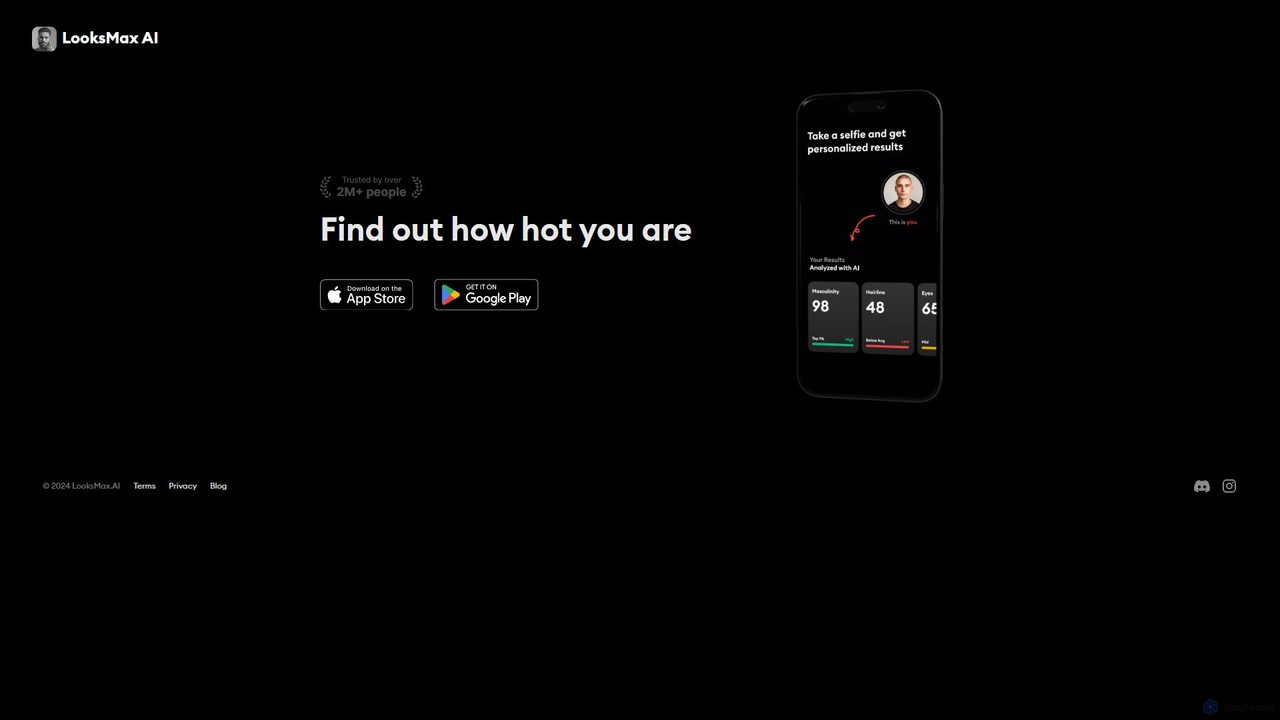
LooksMax AI is an AI-powered tool that analyzes your facial features to provide an attractiveness rating. Simply upload a photo to receive a detailed score and personalized, actionable advice on how to enhance your appearance, from hairstyles to jawline improvement.

Wellness
Visits 28.3KFavorites 131Likes 113
Animate Old Photos
Freemium

Animate Old Photos

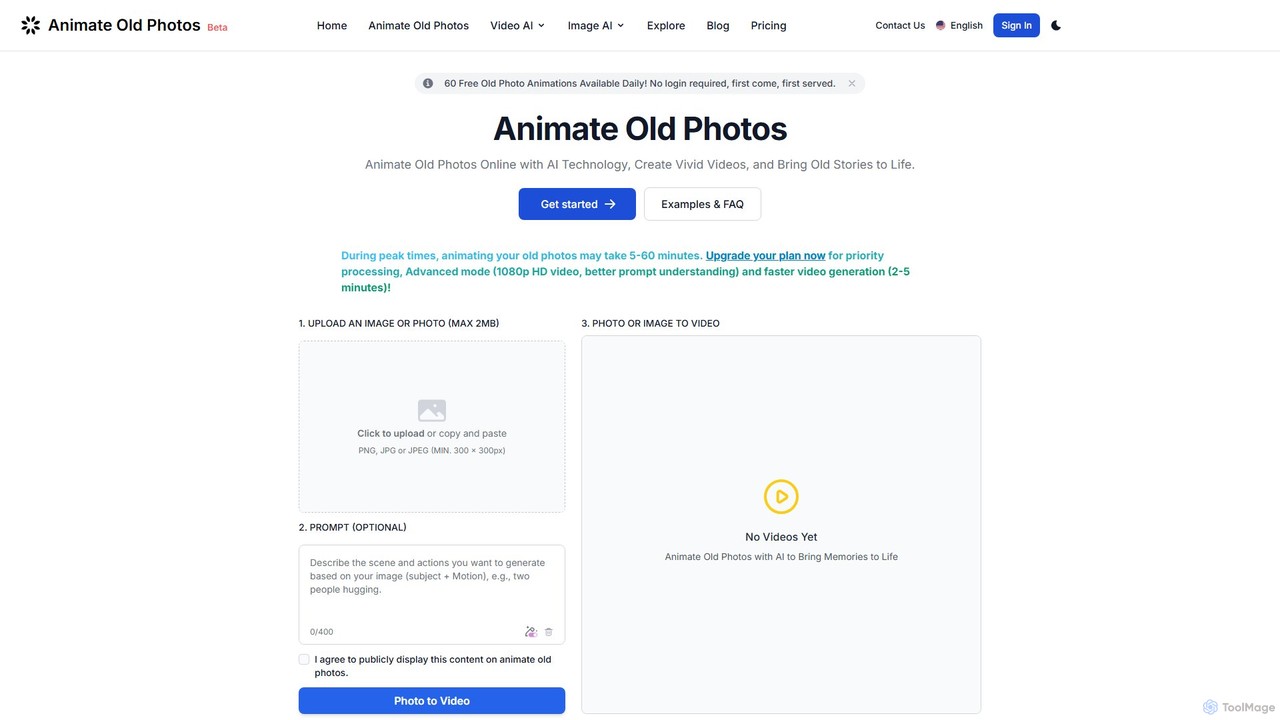
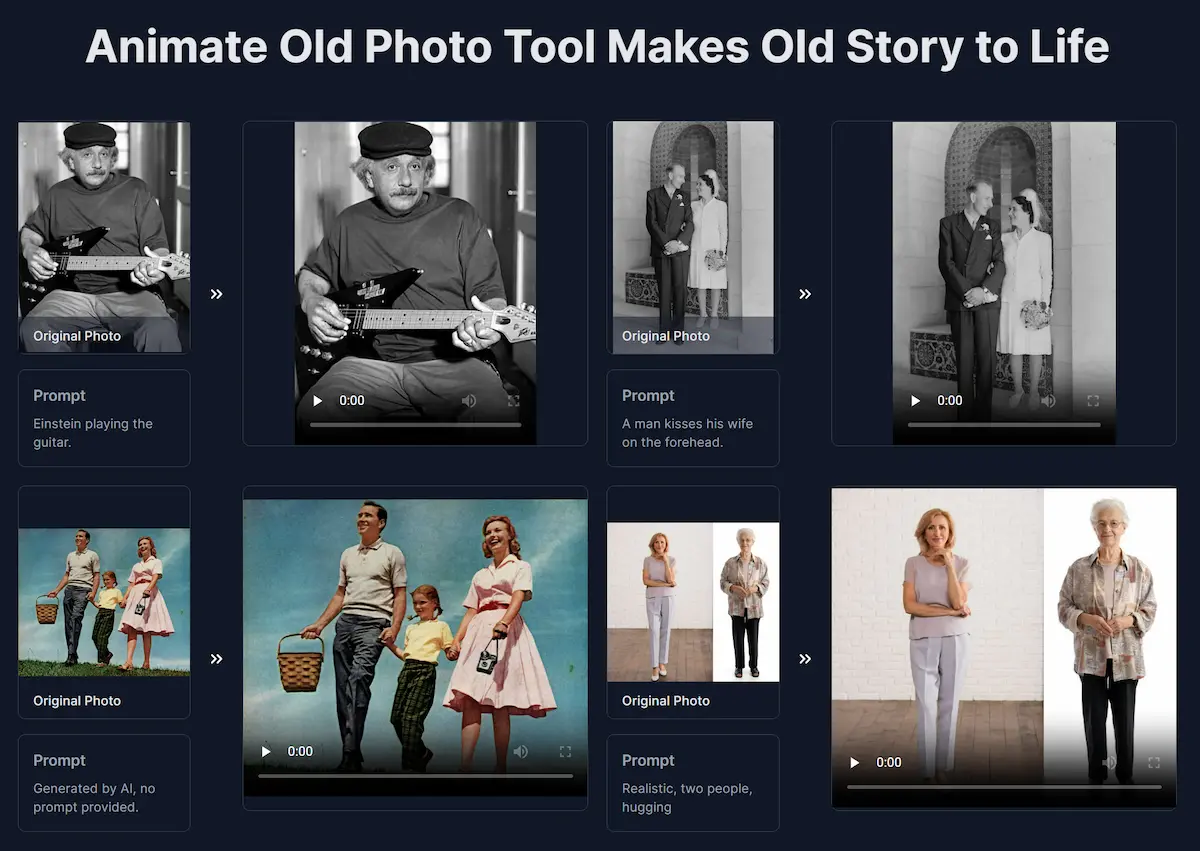
An AI-powered tool that brings old photos to life by transforming them into dynamic, short videos. It also features AI-driven photo restoration and colorization to repair and enhance cherished memories, making them vivid and shareable.

Nostalgia
Visits 93.8KFavorites 139Likes 138
wedetect
Free

wedetect

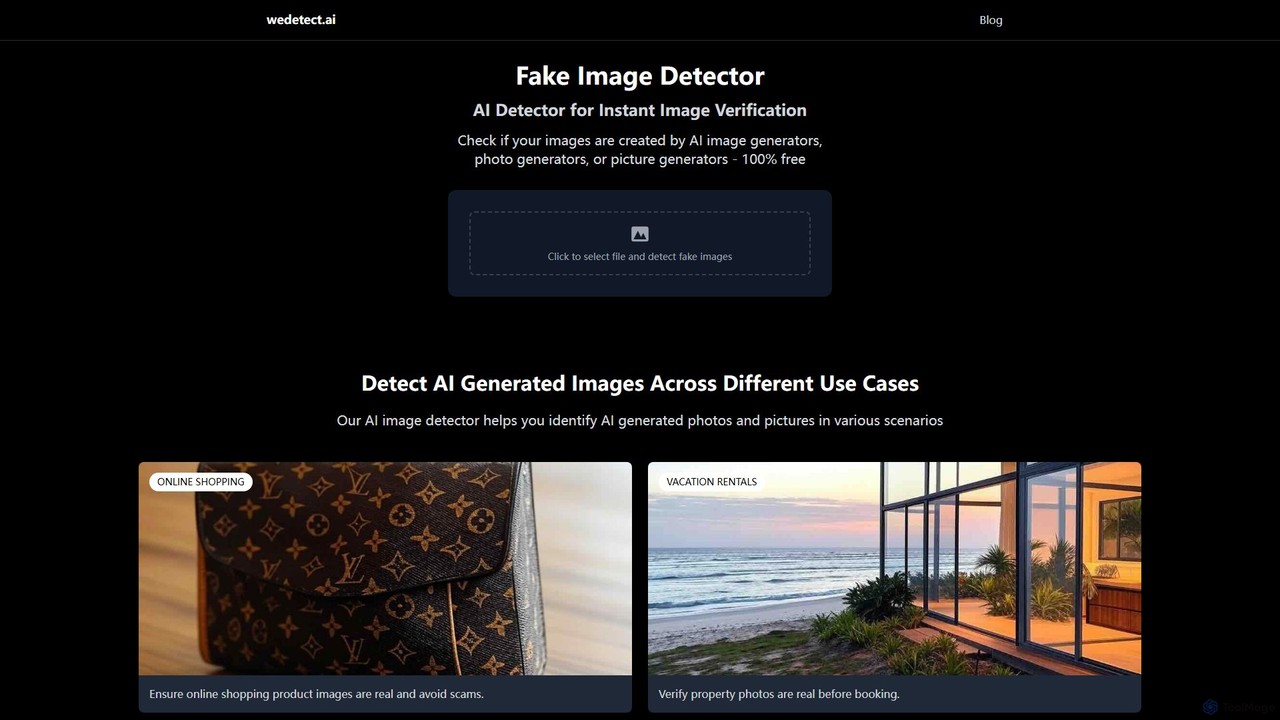
wedetect is a powerful and free AI image detector designed to instantly verify the authenticity of images. By uploading a photo, users can quickly determine if it was generated by an AI model. This tool is crucial for combating misinformation, detecting fake profiles, verifying product images in e-commerce, and ensuring the integrity of visual content across various platforms. It serves as a first line of defense against synthetic media for individuals, journalists, and businesses.

Image Analysis
Visits 8.3KFavorites 111Likes 102
Glam Up
Freemium

Glam Up

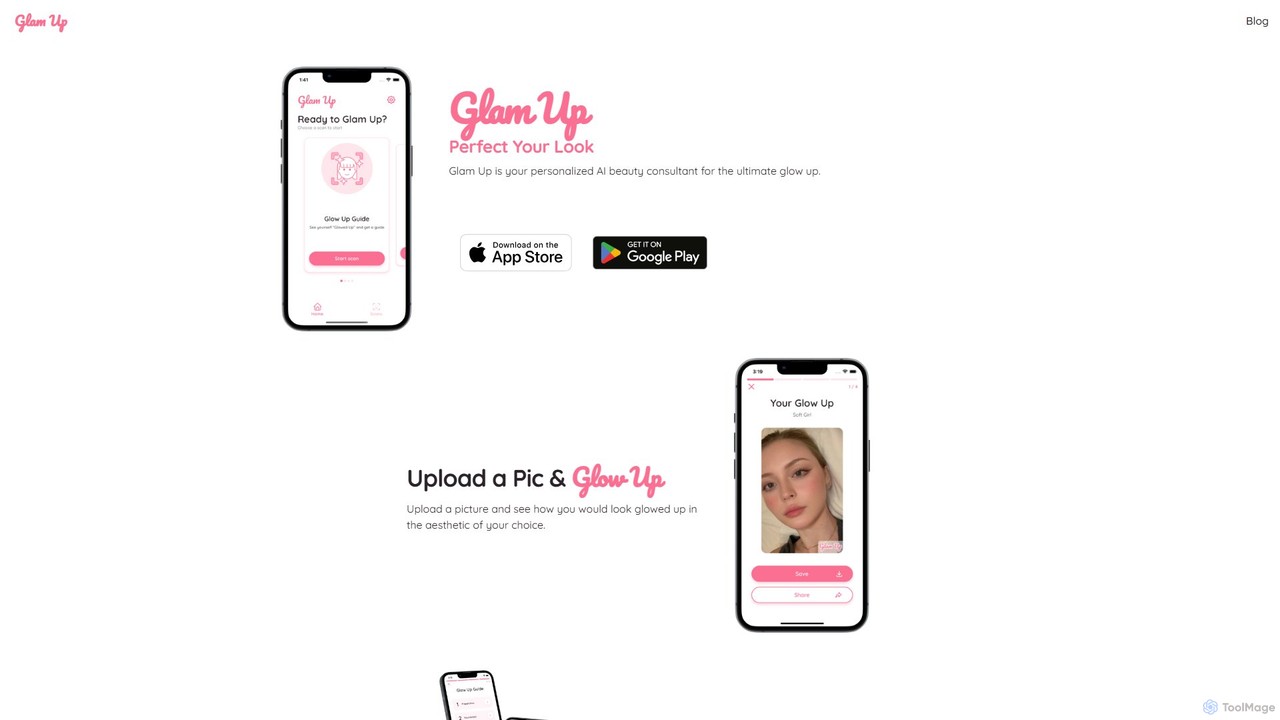
Glam Up is a personal AI beauty consultant that analyzes your facial features and color season to provide personalized makeup, hair, and style recommendations. Upload a photo to visualize a new look and receive a complete 'Glow Up Guide' to achieve it.

Beauty
Visits 25KFavorites 121Likes 128
looksmaxxreport
Freemium

looksmaxxreport

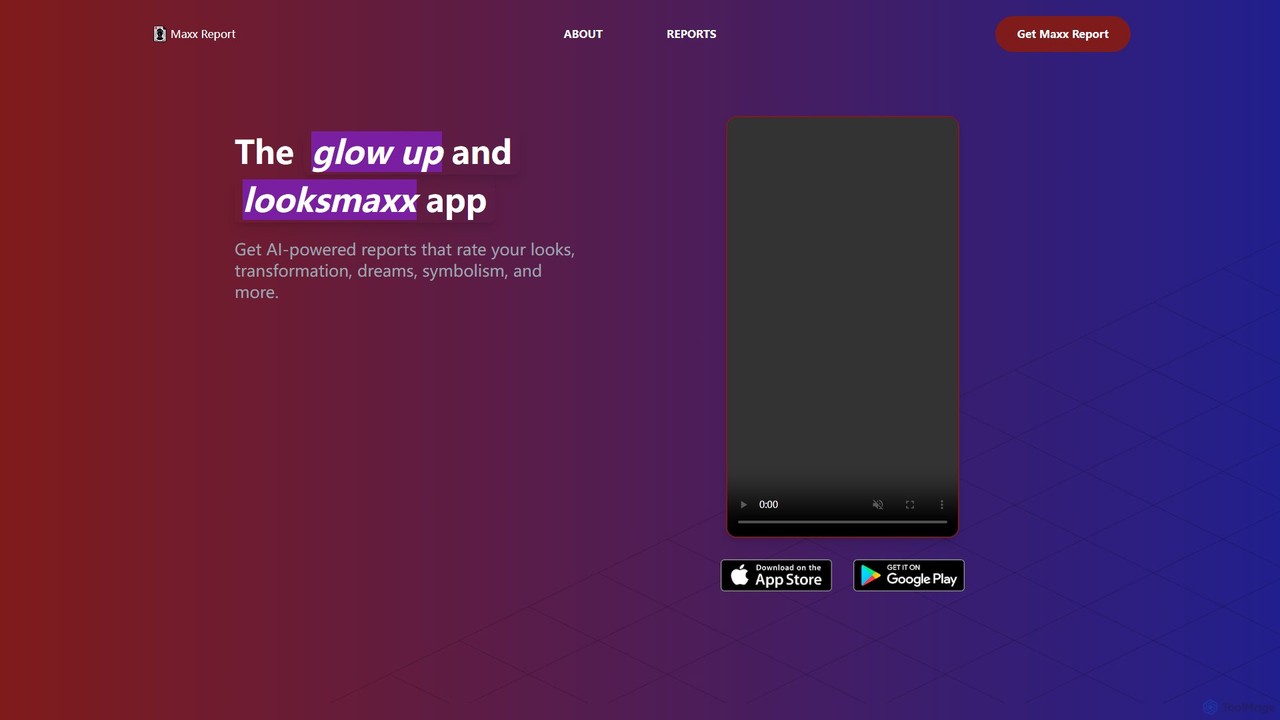
An AI-powered app that provides detailed analysis and personalized recommendations for your appearance. Get reports on facial features, style, grooming, and more to guide your self-improvement journey and achieve your ultimate glow up.

Personal Development
Visits 7.2KFavorites 131Likes 144
Resume Revival
Freemium

Resume Revival

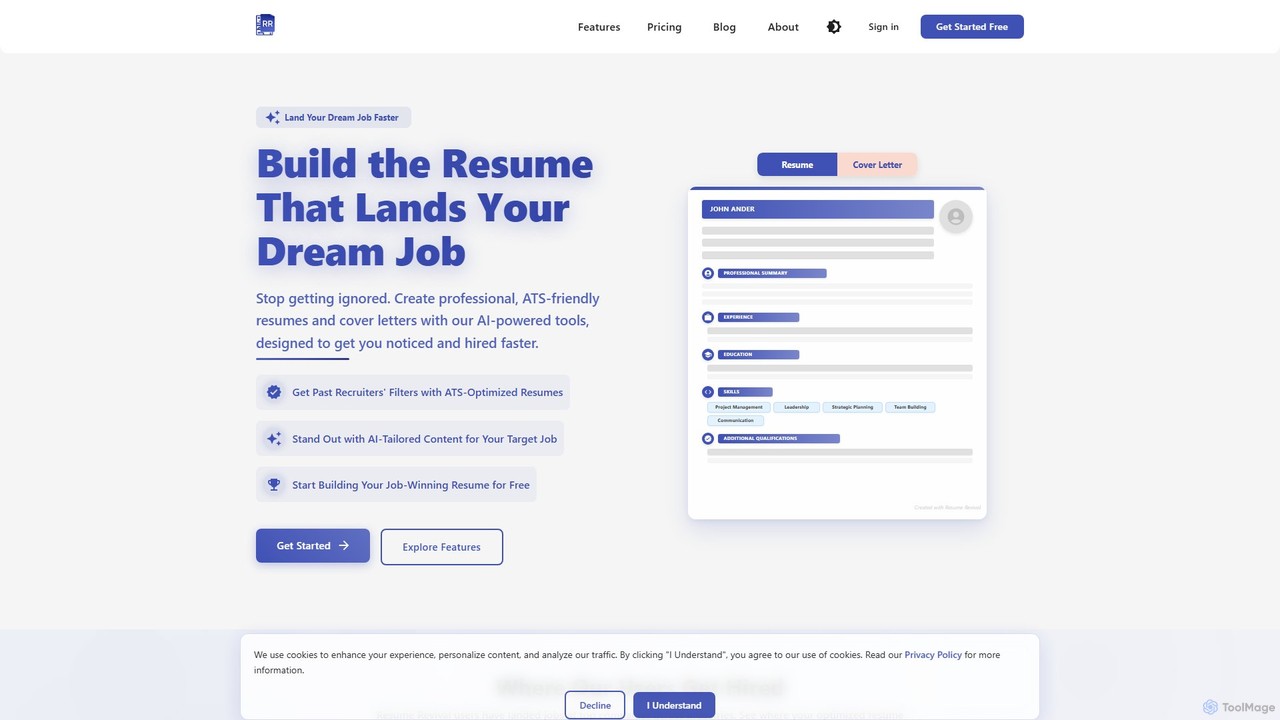
Resume Revival is an AI-powered platform designed to help job seekers create professional, ATS-optimized resumes and cover letters. It offers a comprehensive toolkit including an AI headshot generator, LinkedIn profile optimization, interview coaching, and application tracking to accelerate your job search and land your dream job faster.

Resume Builder
Visits 5.4KFavorites 137Likes 140
TinyFrom
Freemium

TinyFrom

TinyFrom offers an all-in-one suite of AI-powered productivity and utility tools. It provides solutions for data recovery, PDF editing, image enhancement, file management, and data transfer, designed to make digital life smarter and more efficient for users on Windows, Mac, and online.

Image Editing
Visits 15.8KFavorites 165Likes 142
MyHeritage
Freemium

MyHeritage

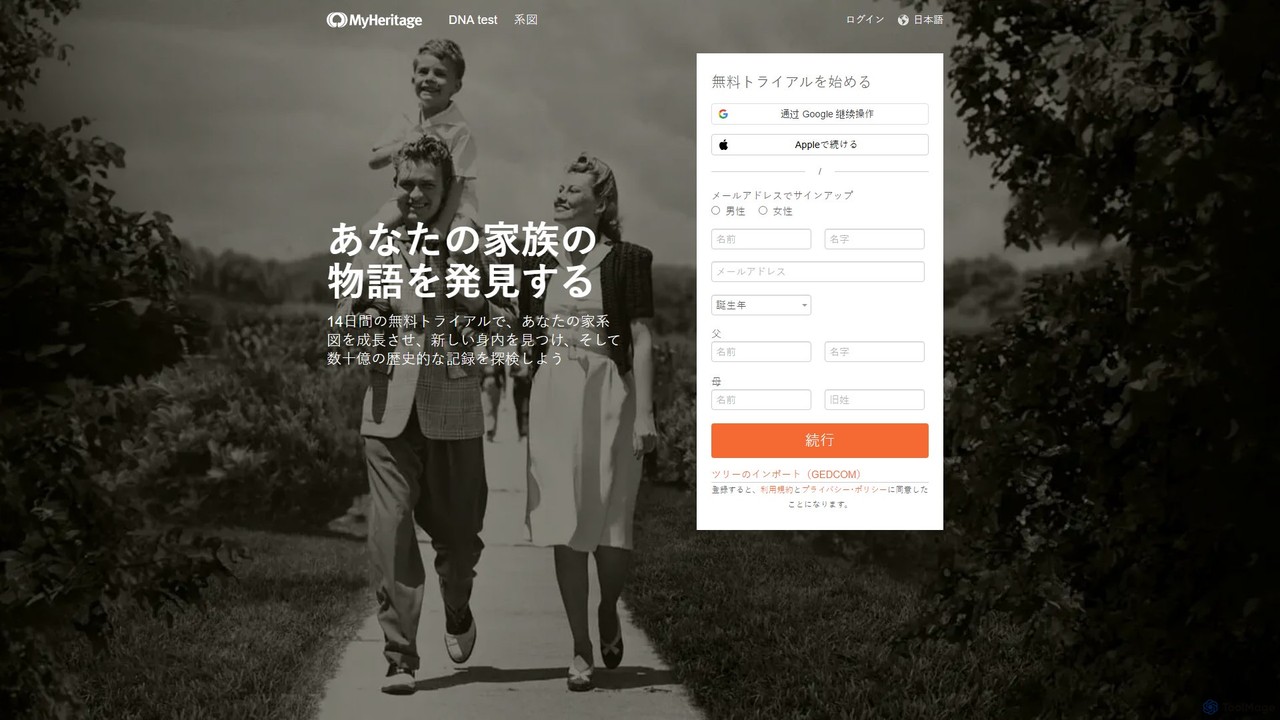
MyHeritage is a global genealogy platform that allows users to discover their family history. It combines family tree building, a vast database of historical records, DNA testing for ethnicity and relative matching, and advanced AI-powered photo enhancement tools like Deep Nostalgia™ to bring your family story to life.

History
Visits 23.5KFavorites 130Likes 124
AI Renamer
Freemium

AI Renamer

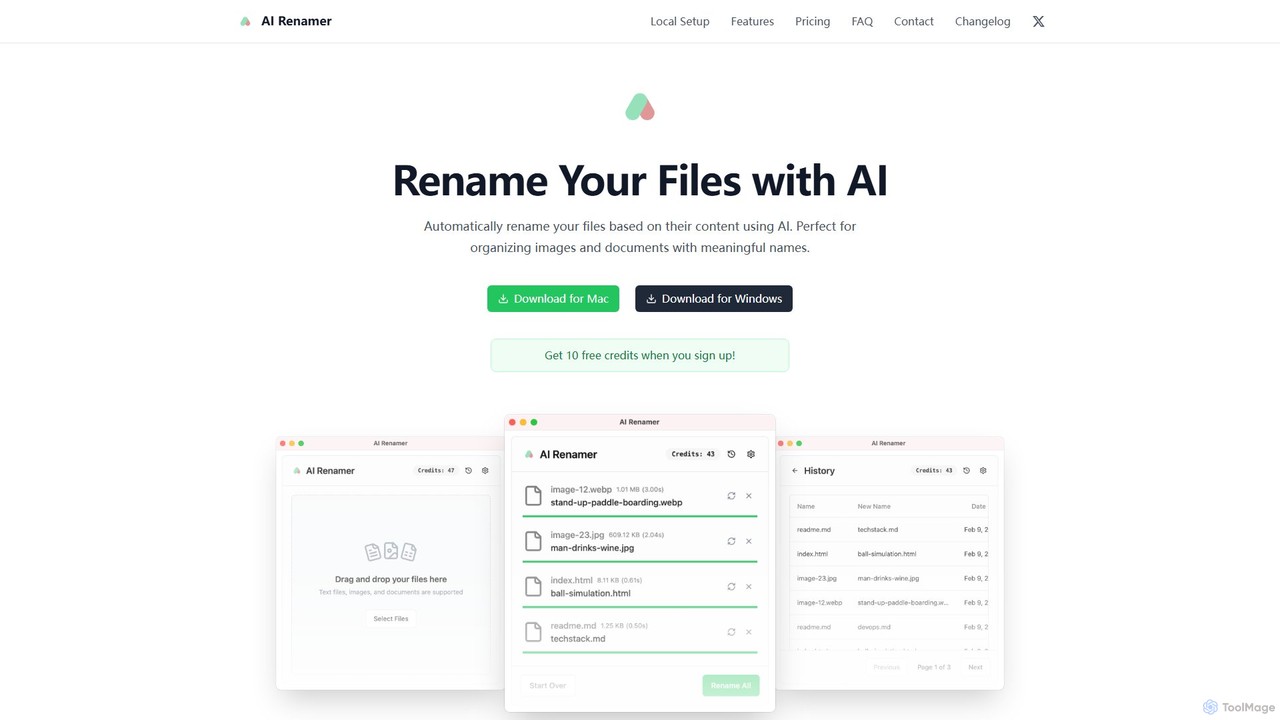
AI Renamer is a smart desktop application for Mac and Windows that automatically renames files based on their content. It analyzes images and documents to generate descriptive, meaningful names, helping you organize your digital life effortlessly. It supports batch processing, custom naming rules, and offers both a private, offline Local Mode and a convenient Cloud Mode.

Document Management
Visits 7.9KFavorites 119Likes 98
AI Hug
Freemium

AI Hug

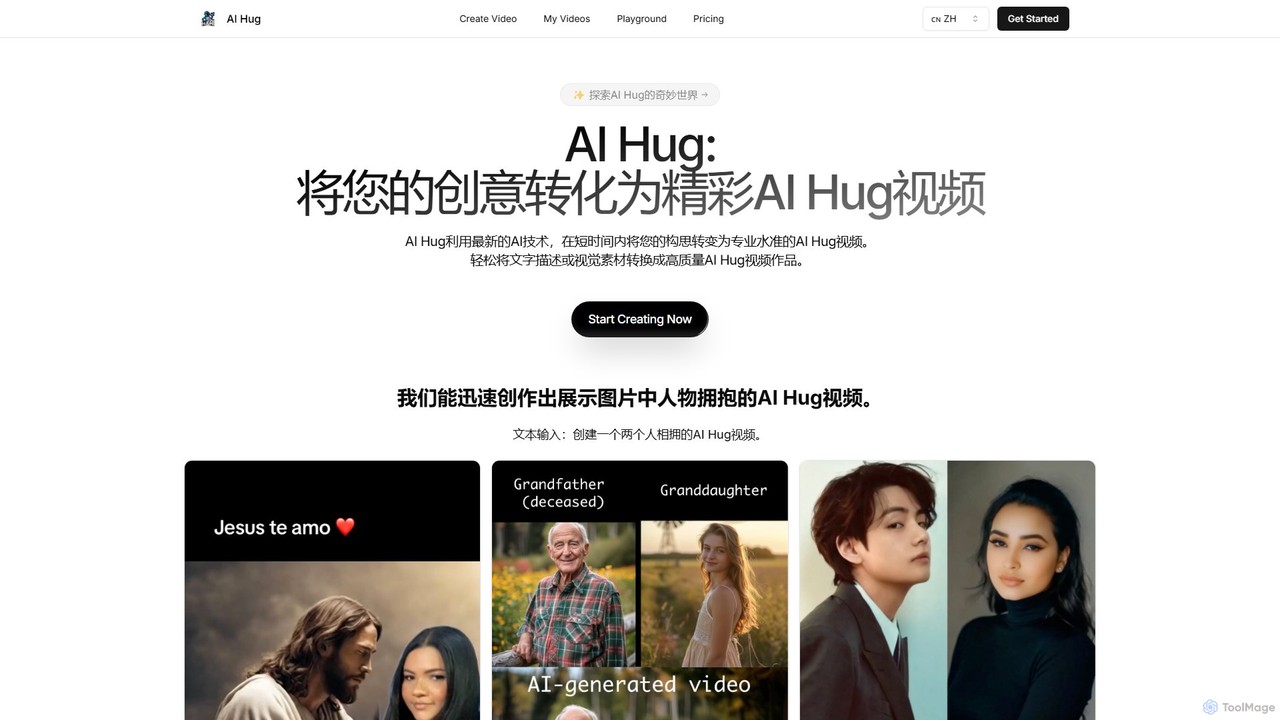
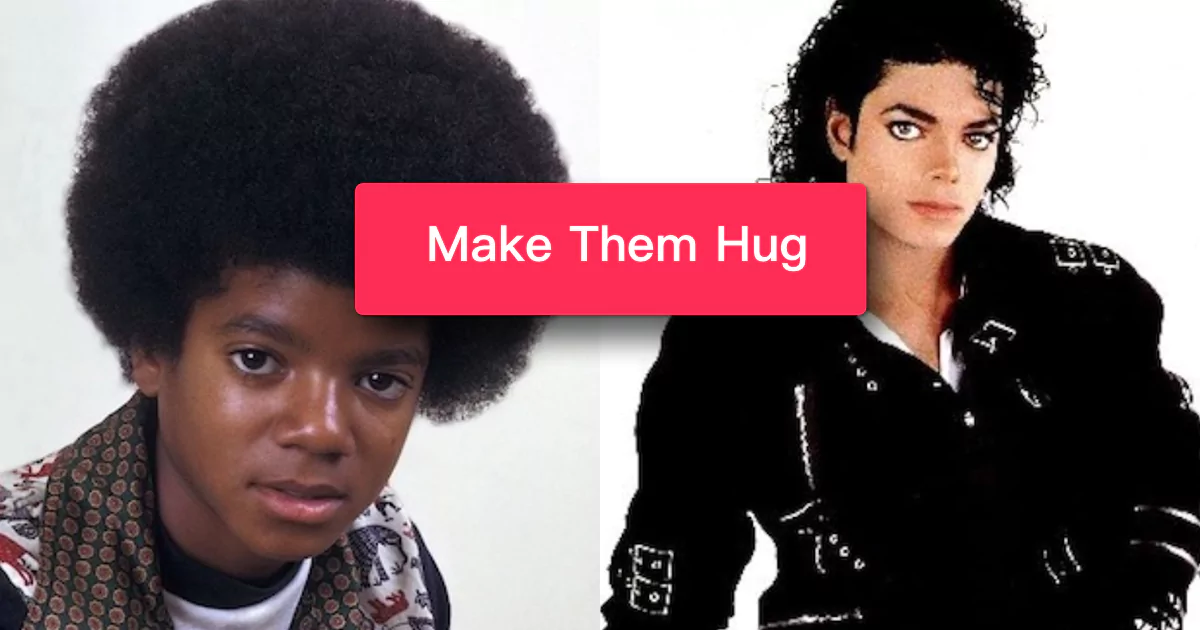
AI Hug is a unique AI video generator that transforms your photos and text descriptions into heartwarming videos of people hugging. It's designed to create emotionally resonant content, allowing users to animate old photos, visualize connections with loved ones, or create engaging social media videos. With a simple interface and powerful AI, anyone can produce high-quality, realistic animated videos in minutes, without any technical skills.

Social Media
Visits 5.2KFavorites 158Likes 139
Lunroo
Freemium

Lunroo

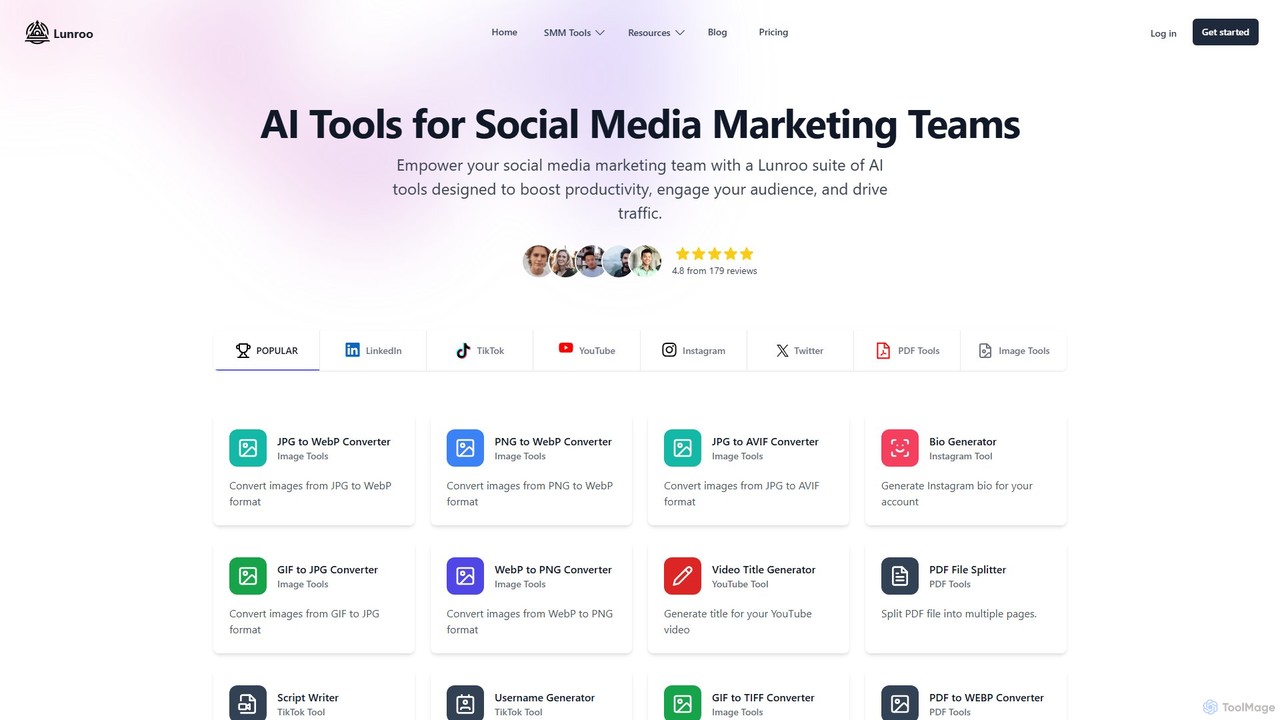
Lunroo is an AI-powered suite for social media marketing, offering tools for content generation (hashtags, bios, descriptions), image editing (background removal, alt text), and file conversion. It's designed to boost productivity, engagement, and traffic for individuals and teams.

Social Media Marketing
Visits 5.3KFavorites 136Likes 132
Cinemashle
Free

Cinemashle

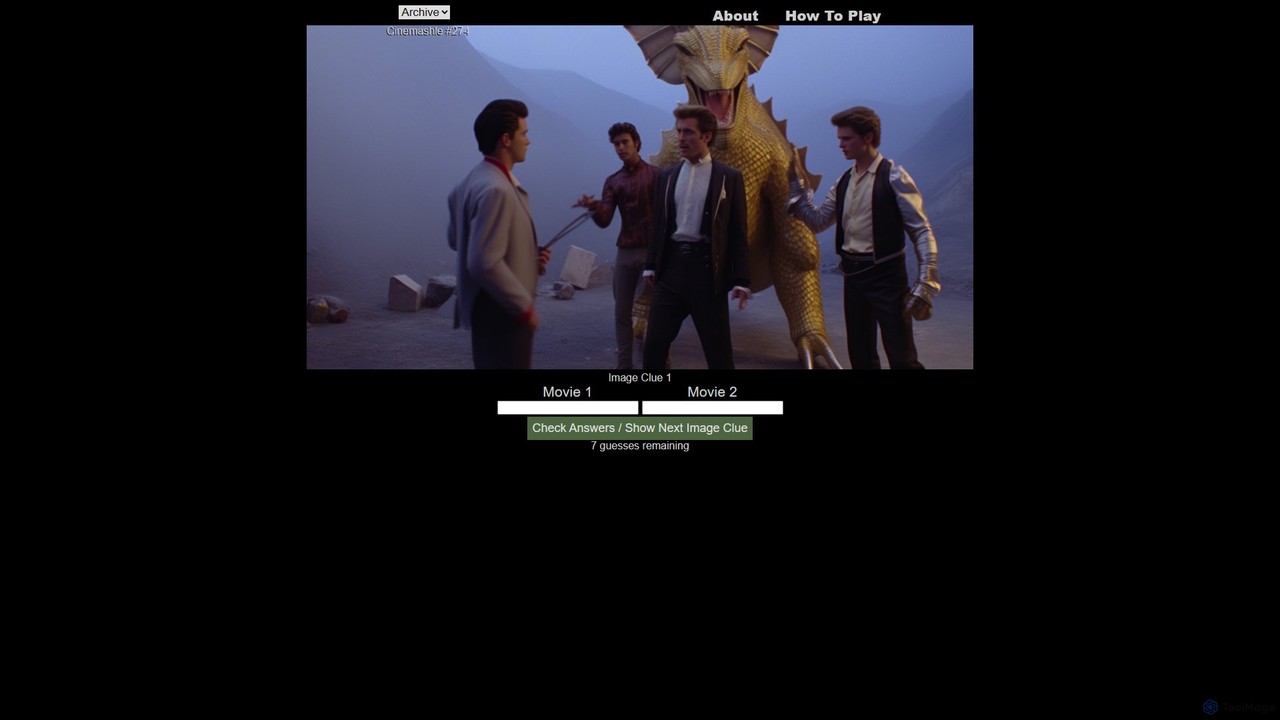
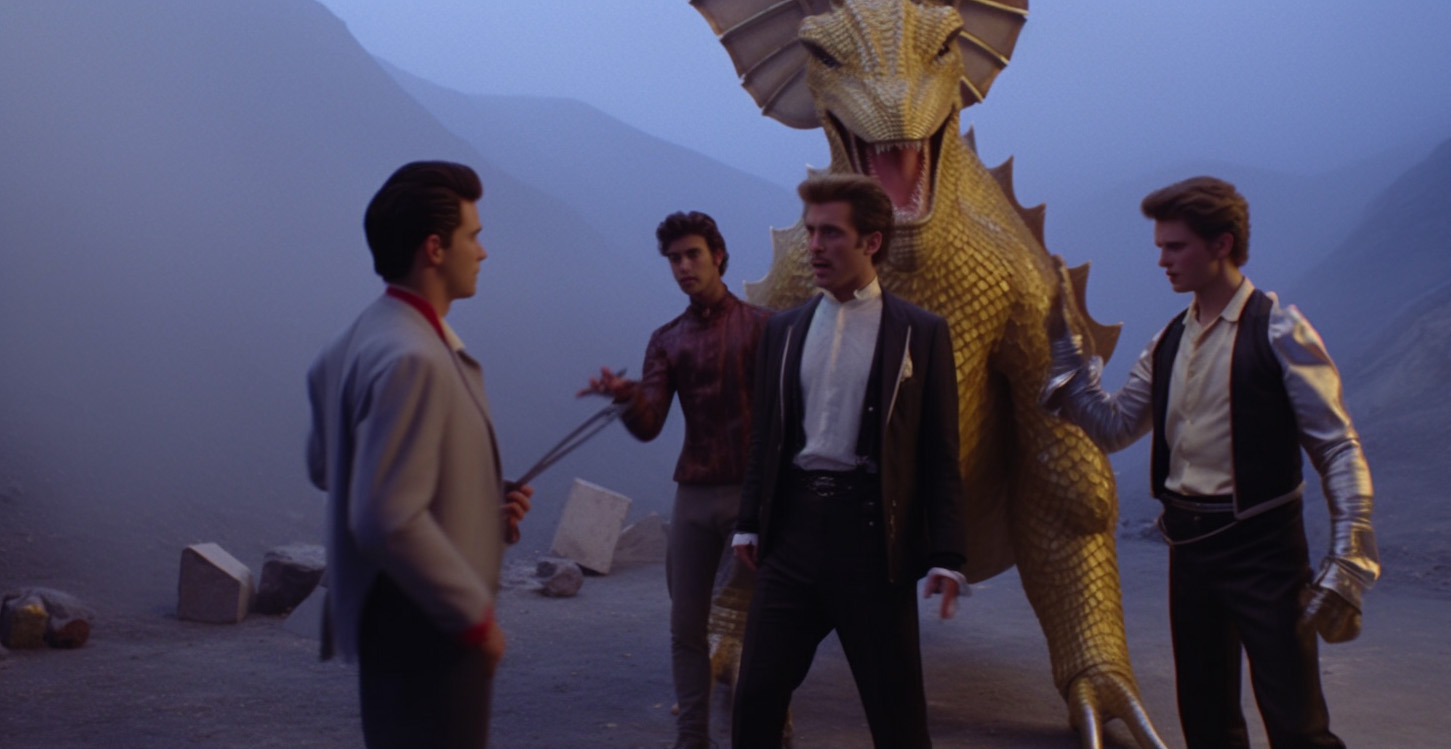
Cinemashle is a daily movie guessing game powered by generative AI. It challenges film enthusiasts to identify two movies that have been artistically 'mashed up' into a single, unique image. With seven guesses and progressively revealed clues, it offers a fun and engaging daily puzzle for cinema lovers.

Trivia
Visits 6.1KFavorites 119Likes 117
Renamify
Freemium

Renamify

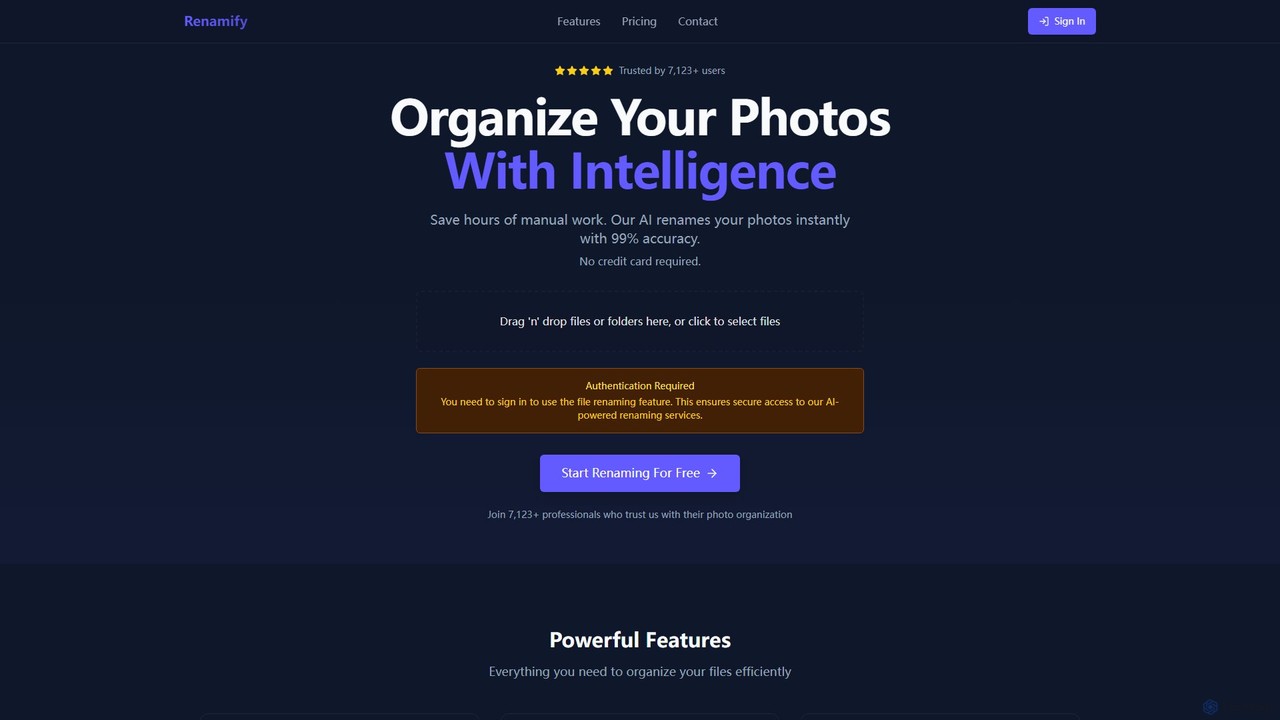
Renamify is an AI-powered tool that simplifies bulk file renaming. It intelligently analyzes the content of your files, especially photos, to suggest meaningful and descriptive names, saving hours of manual work. It also focuses on enhancing web accessibility for visually impaired users.

Screen Reader Tools
Visits 15.5KFavorites 150Likes 145

About Photo & Image

AI Photo & Image tools are a class of software that leverage artificial intelligence to create, edit, enhance, and analyze digital images. These tools utilize deep learning models, such as diffusion models and Generative Adversarial Networks (GANs), to perform complex tasks like generating visuals from text, seamlessly removing objects, restoring old photos, and upscaling low-resolution pictures. They empower creators, marketers, and businesses to produce high-quality visual content with remarkable efficiency, often reducing the need for extensive manual editing or specialized technical skills. This technology streamlines creative workflows and opens up new possibilities for personalized content creation.

Core Features

  • Image Generation: Creates entirely new images from text descriptions (text-to-image) or by modifying existing images.
  • AI Editing & Retouching: Intelligently removes unwanted objects, replaces backgrounds, or adjusts elements within a photo with contextual awareness.
  • Enhancement & Upscaling: Increases image resolution and sharpens details without introducing significant artifacts, improving the quality of low-resolution files.
  • Photo Restoration: Automatically repairs scratches, removes noise, and colorizes old or damaged black-and-white photographs.
  • Image Analysis & Tagging: Identifies objects, faces, and scenes within images to automatically generate descriptive tags for easy organization and search.

Use Cases

These tools are widely used across various industries. In marketing and advertising, they are used to rapidly create unique ad creatives and social media content. E-commerce businesses leverage them for batch processing product photos, such as removing backgrounds. Content creators and designers use them to generate illustrations, concept art, and visual assets, significantly accelerating their creative process.

How to Choose

When selecting an AI Photo & Image tool, first identify your primary need: generation, editing, or enhancement. Evaluate the tool's output quality and whether its artistic style aligns with your brand. Consider the user interface's ease of use based on your technical skill level. Finally, assess the pricing model (e.g., subscription vs. credit-based) and check for available integrations like APIs or plugins for your existing software.

Featured tool rankings

Photo & Image use cases

1

Generate Marketing Visuals from Text Prompts

A marketing manager needs unique images for a new social media campaign under a tight deadline. Instead of searching through stock photo libraries, they use an AI image generator. By inputting descriptive prompts like 'a minimalist workspace with a laptop and a steaming coffee mug, soft morning light, photorealistic style,' the tool produces dozens of high-quality, royalty-free image variations in minutes. This process allows for rapid A/B testing of different visual concepts and ensures the campaign has a consistent, custom aesthetic, bypassing stock photo costs and lengthy design cycles.

2

Batch Edit E-commerce Product Photos

An e-commerce store owner has hundreds of new product photos with inconsistent backgrounds. Manually editing each one in Photoshop would take days. By using an AI-powered background removal tool, they can upload all the images at once. The AI accurately detects the product in each photo and removes the background, replacing it with a clean white or transparent one. This batch processing capability ensures a professional, uniform look across the entire product catalog and reduces the editing time by over 90%, allowing for faster product launches.

3

Restore and Colorize Old Family Photographs

An individual working on their family genealogy has a collection of scanned, faded, and scratched black-and-white photos. Using an AI photo restoration tool, they upload these damaged images. The AI automatically performs several tasks: it repairs cracks and scratches, reduces film grain and noise, sharpens blurry faces, and intelligently applies realistic colors based on contextual clues. The result is a collection of vibrant, clear, and detailed colorized photos that bring cherished memories back to life, preserving family history for future generations in a visually compelling way.

4

Create Concept Art for Games and Films

A concept artist or indie game developer needs to quickly visualize characters, environments, and props during pre-production. Using an AI image generator, they can input detailed descriptions like 'a female cyborg knight in ornate futuristic armor, standing in a neon-lit rainy city, cinematic lighting, digital art style.' The tool generates multiple artistic interpretations, allowing the artist to rapidly explore different visual directions. They can then refine these generated images or use them as a strong foundation for their final designs, significantly accelerating the creative ideation process.

5

Upscale Low-Resolution Images for Printing

A graphic designer receives a low-resolution logo from a client for a large-format banner. Traditional resizing would result in a blurry, pixelated mess. Instead, the designer uses an AI image upscaler. This tool analyzes the image and intelligently adds new pixels that match the context, effectively increasing the resolution by 4x or more while preserving sharpness and detail. The AI can recreate textures and clean lines that would be lost with standard methods. The result is a crisp, high-resolution image suitable for printing, saving the project from being compromised by poor-quality source files.

6

Automate Image Tagging for Asset Management

A large corporation's marketing team manages a digital asset library with thousands of untagged images, making searches inefficient. They integrate an AI image analysis tool into their system. The AI scans the entire library, automatically identifying and applying relevant tags for objects (e.g., 'laptop', 'desk'), concepts ('teamwork', 'innovation'), and even text within the images. This creates a fully searchable and organized database. Now, a team member can simply search for 'people collaborating in an office' and instantly find all relevant photos, saving hours of manual searching and improving workflow efficiency.

Photo & Image FAQ

What are AI Photo & Image tools?

AI Photo & Image tools are software applications that use artificial intelligence algorithms to perform a wide range of tasks on digital images. Unlike traditional editors that require manual manipulation, these tools automate complex processes. Their core capabilities include:

  • Creation: Generating new images from text or other images (text-to-image).
  • Editing: Intelligently removing objects, changing backgrounds, or altering specific parts of a photo.
  • Enhancement: Upscaling low-resolution images, sharpening details, and reducing noise.
  • Restoration: Repairing and colorizing old, damaged photographs.

These tools are used by marketers, designers, photographers, and hobbyists to streamline workflows and create high-quality visuals efficiently.

How to choose the right AI image tool?

Choosing the right AI image tool depends on your specific needs. Consider these key factors:

  • Primary Function: Determine your main goal. Do you need to generate images from scratch (a generator), edit existing photos (an editor/enhancer), or remove backgrounds? Some tools specialize in one area, while others offer a suite of features.
  • Output Quality and Style: Review examples of the tool's output. Does it produce photorealistic images, artistic styles, or something else? Ensure its aesthetic matches your requirements.
  • Ease of Use: Assess the user interface. Is it a simple, one-click tool for beginners, or does it offer advanced controls and parameters for professionals?
  • Pricing Model: Compare pricing structures. Some tools use a monthly subscription, while others operate on a credit-based system where you pay per image generated or edited. Look for free trials to test the service.
  • Integrations: Check if the tool offers an API or plugins for software you already use, such as Photoshop, Figma, or Shopify. This can significantly improve your workflow.

What is the difference between AI Image Generators and traditional photo editors?

The primary difference lies in their core function: creation versus manipulation. An AI Image Generator creates entirely new images from text prompts or by combining existing images in novel ways. It generates pixels that did not exist before. A traditional photo editor, like Adobe Photoshop, is designed to manipulate existing pixels. Its tools are used for tasks like adjusting brightness, cropping, cloning parts of an image, or applying filters.

However, the line is blurring. Many traditional editors now incorporate AI features (e.g., AI-powered object selection or background removal) to automate tasks that were once manual. Conversely, some AI generators are adding editing capabilities. The key distinction remains: generators are primarily for creating new content, while editors are for modifying existing content.

Can AI-generated images be used commercially?

The commercial use of AI-generated images depends entirely on the terms of service of the specific tool you use. Many popular AI image generators grant users full ownership and commercial rights to the images they create, allowing them to be used in marketing, products, and publications. However, some services may have restrictions, especially on free or trial plans.

It is crucial to always read the licensing agreement for each tool. The legal landscape regarding copyright for AI-generated art is still evolving globally. While you can often use the images commercially, claiming copyright ownership over an image created purely by AI can be complex and varies by jurisdiction. For critical commercial projects, consulting the tool's policy is a necessary step.

Who are AI Photo & Image tools for?

AI Photo & Image tools serve a diverse range of users, from professionals to casual creators. Key user groups include:

  • Marketers and Social Media Managers: To quickly generate unique visuals for campaigns, ads, and posts without relying on stock photography.
  • Graphic Designers and Artists: For brainstorming concepts, creating base layers for digital paintings, and accelerating their creative workflow.
  • E-commerce Owners: To efficiently edit product photos in bulk, such as removing backgrounds and enhancing image quality for online stores.
  • Content Creators and Bloggers: To produce custom illustrations, thumbnails, and feature images for their articles and videos.
  • Photographers: For advanced retouching, restoring old photos, and upscaling images for high-quality prints.
  • Hobbyists and Individuals: For creating personal art, editing family photos, and exploring creative possibilities without needing extensive technical skills.