Document Management Best in category 4 results Pdf Tools AI Tool

Popular AI tools in the Pdf Tools field of Document Management include Rune、Sciscoper、DocPDFHub、Fyller, etc., helping you quickly improve efficiency.

Fyller

Fyller

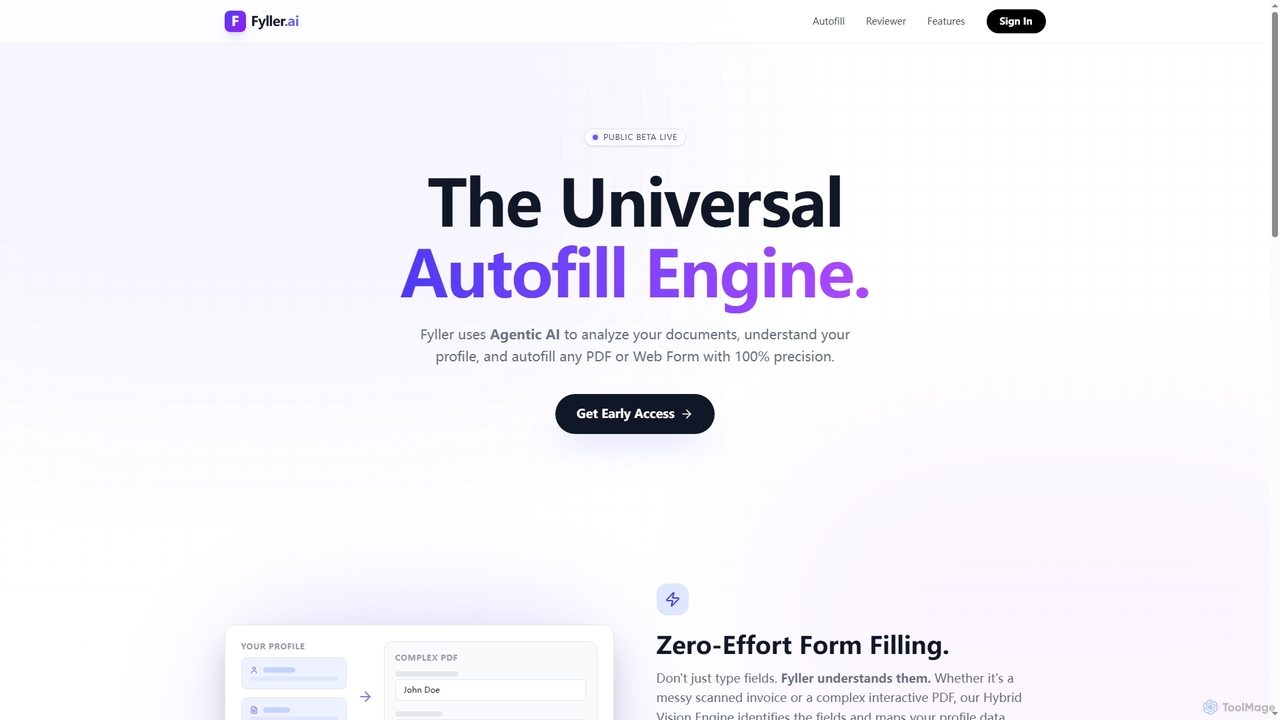
Fyller is an AI-powered universal autofill engine that uses agentic AI to analyze documents, understand user profiles, and …

2.4K
Sciscoper

Sciscoper

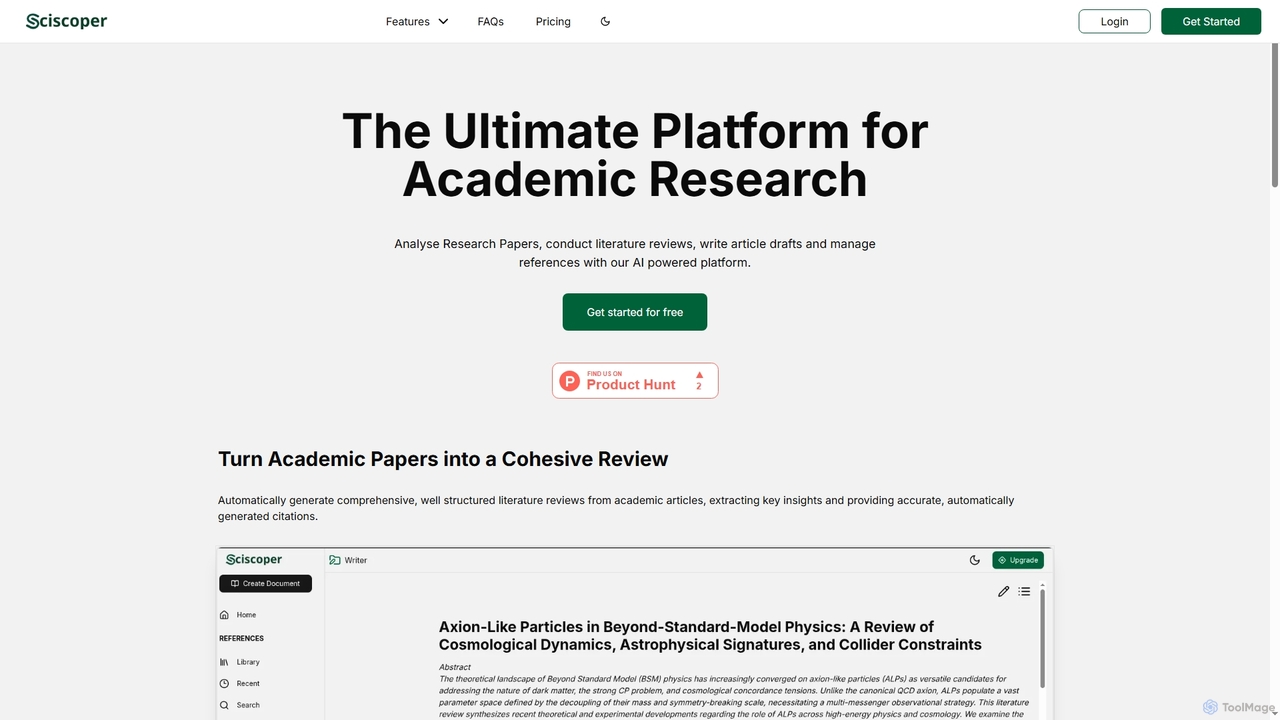
Sciscoper is an AI-powered platform designed to streamline academic research. It helps students and researchers analyze papers, conduct …

4.4K
Free
DocPDFHub

DocPDFHub

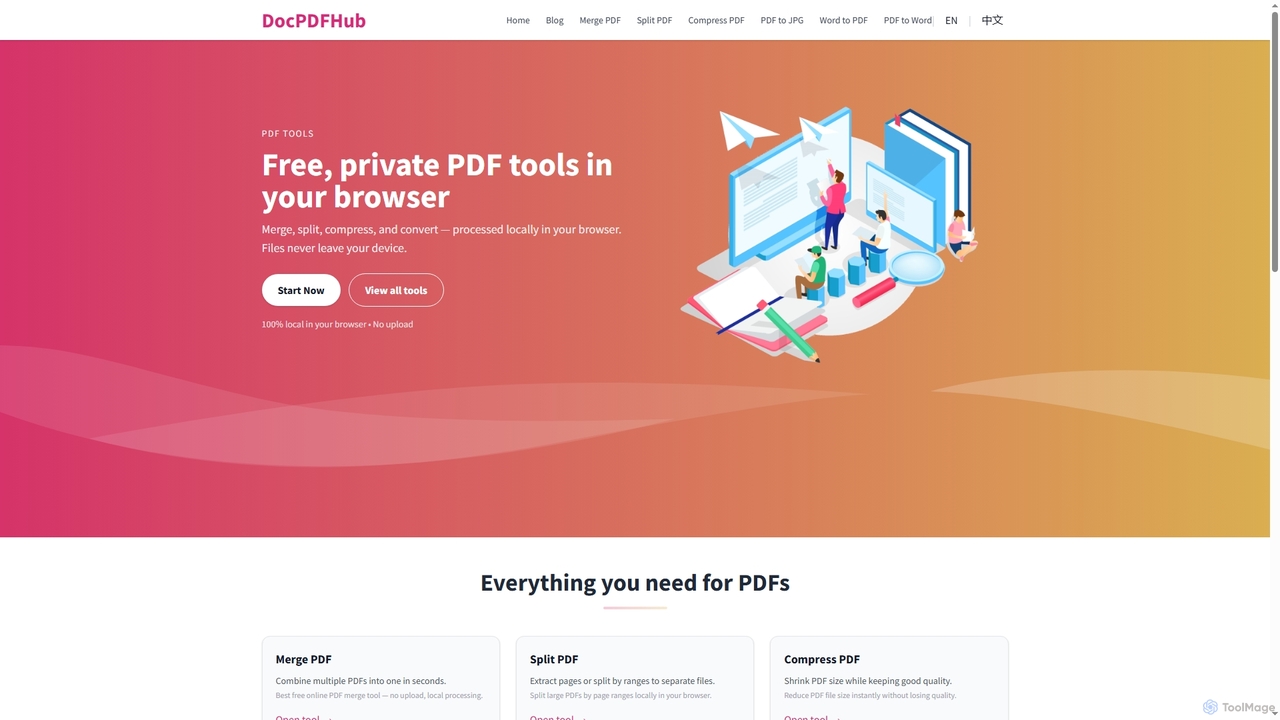
DocPDFHub is a suite of free, privacy-focused online PDF and Word tools that process documents entirely within your …

2.4K
Rune

Rune

Rune is a comprehensive online toolkit offering over 80 AI-powered tools for productivity, learning, and daily tasks. It …

10.8K

About Pdf Tools

Pdf Tools are AI-powered applications designed to intelligently process, manage, and transform PDF documents. Leveraging advanced machine learning and natural language processing, these tools automate complex tasks like data extraction, conversion, and summarization, significantly enhancing efficiency in document management workflows. They offer capabilities far beyond traditional PDF editors, making them an indispensable part of modern digital document handling.

Core Features

  • Intelligent Data Extraction: Automatically identifies and extracts specific information (e.g., names, dates, amounts) from structured and unstructured PDFs with high accuracy.
  • AI-Powered Summarization: Generates concise summaries of lengthy PDF documents, highlighting key points and main ideas without manual reading.
  • Advanced Document Conversion: Converts PDFs to various editable formats (Word, Excel, PowerPoint) and vice versa, preserving layout and formatting using AI.
  • Smart OCR (Optical Character Recognition): Accurately converts scanned PDFs and images into searchable and editable text, even from low-quality scans.
  • Automated Redaction & Security: Intelligently identifies and redacts sensitive information within PDFs to ensure compliance and data privacy.

Applicable Scenarios

AI Pdf Tools are widely adopted across various sectors for streamlining document-centric operations. Legal professionals use them for rapid contract analysis and e-discovery, while financial analysts leverage them for extracting data from reports and invoices. Researchers benefit from quick summarization of academic papers, and administrative staff automate form processing and data entry from scanned documents.

How to Choose

When selecting an AI Pdf Tool, consider its core functionalities such as data extraction accuracy, summarization quality, and OCR capabilities for your specific document types. Evaluate its integration potential with existing document management systems and workflows. Security features, especially for sensitive data, are paramount. Finally, assess the pricing model, user-friendliness, and customer support to ensure it aligns with your budget and technical proficiency.

Pdf ToolsUse Cases

1

Automate Invoice Data Extraction for Finance Teams

Finance and accounting teams frequently deal with large volumes of invoices in PDF format. AI Pdf Tools enable them to automatically extract critical information such as vendor names, invoice numbers, amounts, and dates. This significantly reduces manual data entry, minimizes errors, and accelerates the reconciliation process, allowing staff to focus on higher-value tasks and improving overall financial reporting accuracy.

2

Summarize Legal Contracts and Research Papers

Legal professionals and academic researchers often need to quickly grasp the essence of lengthy PDF documents. AI Pdf Tools can generate concise summaries of contracts, case files, or research papers, highlighting key clauses, arguments, or findings. This saves hours of reading time, enables faster decision-making, and helps in efficient literature reviews or legal due diligence processes.

3

Convert Scanned Documents to Editable Formats

Many businesses still rely on paper documents or receive scanned PDFs that are not searchable or editable. AI Pdf Tools with advanced OCR capabilities can accurately convert these scanned images into fully editable Word, Excel, or text files. This allows for easy content modification, data extraction, and integration into digital workflows, eliminating the need for manual retyping and improving data accessibility.

4

Automate Form Processing and Data Entry

Organizations often handle numerous forms in PDF format, such as application forms, surveys, or registration documents. AI Pdf Tools can automate the extraction of data from these forms, regardless of their layout, and populate databases or CRM systems. This drastically reduces the time and effort spent on manual data entry, improves data accuracy, and accelerates processing times for various administrative tasks.

5

Enhance Accessibility and Searchability of Archives

Many companies have vast archives of legacy documents stored as non-searchable PDFs or image files. AI Pdf Tools can process these archives using advanced OCR to convert them into fully searchable and accessible digital documents. This not only makes historical data readily available for analysis and retrieval but also improves compliance with accessibility standards, transforming static archives into dynamic knowledge bases.

6

Securely Redact Sensitive Information in Documents

For industries dealing with confidential data, such as healthcare, legal, or government, ensuring data privacy is critical. AI Pdf Tools can intelligently identify and redact sensitive information (e.g., personal identifiable information, financial data) from PDF documents before sharing or archiving. This automated redaction process is more accurate and efficient than manual methods, helping organizations comply with regulations like GDPR or HIPAA.

Pdf ToolsFrequently Asked Questions