

Export Reader Overview
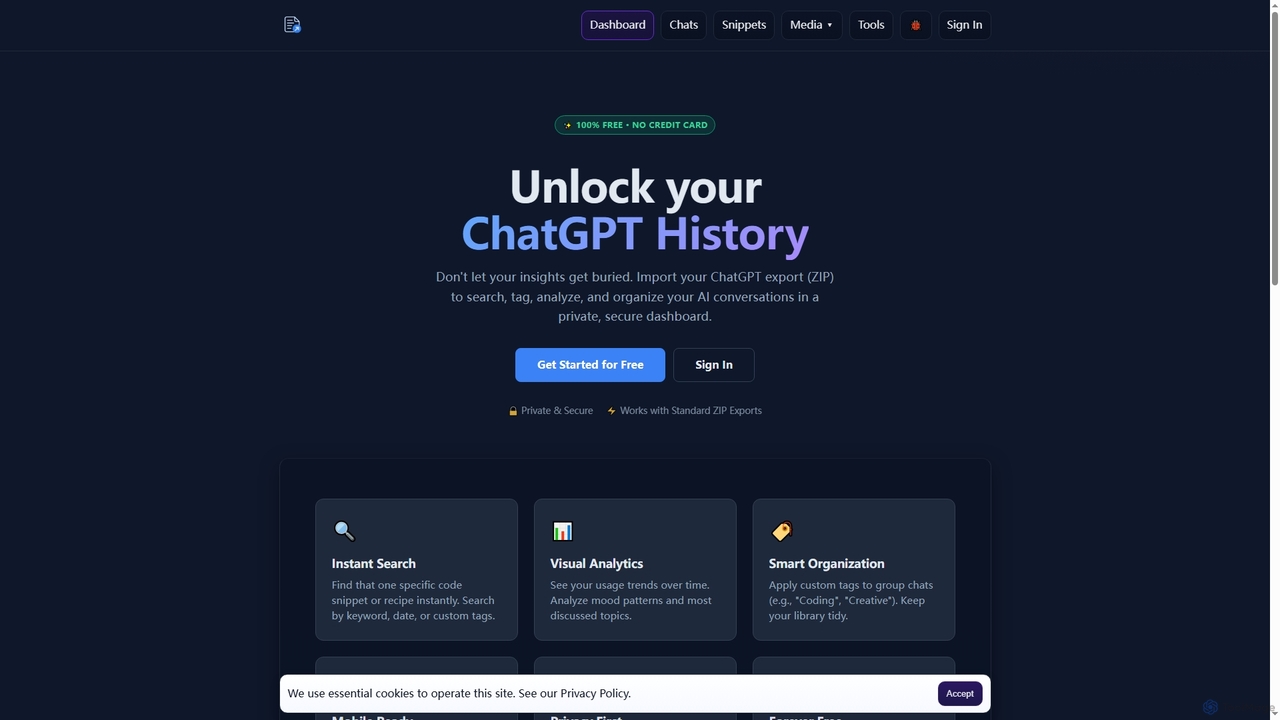
Export Reader is an innovative and completely free tool that empowers users to take full control of their ChatGPT conversation history. By allowing you to import your official ChatGPT data export (a standard ZIP file), Export Reader transforms your raw AI interactions into an organized, searchable, and analyzable personal knowledge base. It's built with a strong emphasis on privacy and security, ensuring your valuable insights remain yours alone, never shared or used for model training.
How to use Export Reader
Using Export Reader is a straightforward three-step process:
- Export Data: In your ChatGPT settings, navigate to "Data Controls" and request your data export. OpenAI will send you an email with a download link for a ZIP file.
- Upload ZIP: Create a free account on Export Reader and simply drag and drop the ZIP file you received from OpenAI into the platform.
- Explore: Instantly browse, search, and analyze your entire ChatGPT chat history through a user-friendly and responsive dashboard.
Core Features of Export Reader
- Instant Search: Quickly find specific information, code snippets, or recipes by searching keywords, dates, or custom tags.
- Visual Analytics: Gain insights into your usage trends over time, analyze mood patterns, and identify most discussed topics through intuitive visualizations.
- Smart Organization: Apply custom tags (e.g., "Coding," "Creative," "Research") to group and categorize your chats, keeping your library tidy and accessible.
- Mobile Ready: Access your archived AI wisdom seamlessly from any device, including phones and tablets, thanks to its responsive design.
- Privacy First: Your data is processed securely using industry-standard encryption, never shared, sold, or used to train models.
- Chat Management: Hide unwanted chats (soft delete with restore option) or permanently delete individual conversations or your entire account via settings.
- AI-Powered Enhancements: Benefit from features like AI Arranger Swarm for faster organization, Mood Tracking with sentiment analysis, and Topic-Based Emojis for better context.
- Instant Indexing: Optimized upload flow ensures your data is indexed and ready for exploration immediately after upload.
Use Cases for Export Reader
Export Reader is ideal for anyone who frequently uses ChatGPT and wants to leverage their past conversations more effectively. This includes:
- Researchers & Students: Organize and quickly retrieve information from extensive research conversations.
- Content Creators & Writers: Keep track of brainstorming sessions, article drafts, and creative ideas generated with AI.
- Software Developers: Easily locate specific code snippets, debugging advice, or technical explanations from past AI interactions.
- Project Managers & Consultants: Archive project-related discussions, meeting summaries, and strategic insights for future reference.
- Personal Knowledge Management: Build a searchable personal archive of all your AI-generated knowledge and insights.
Advantages of Export Reader
- Completely Free: Core functionalities are 100% free, with no hidden fees or credit card required for signup.
- Enhanced Productivity: Save time by quickly finding past information, eliminating the need to scroll through endless chat logs.
- Data Ownership & Security: Your data remains private and secure, processed only for your viewing, giving you full control.
- Improved Organization: Custom tagging and powerful search capabilities transform chaotic chat histories into an organized, manageable resource.
- Insightful Analytics: Understand your AI usage patterns and conversation trends, helping you optimize your interactions.
- Independent Tool: Developed as an independent solution, it focuses solely on user data management without affiliation to OpenAI, ensuring user-centric design.
Pricing and Plans
Export Reader is currently 100% free. Its core features are available without any hidden fees or credit card requirements. While premium features may be added in the future, the core functionality will always remain free.
Export Reader FAQ
Export Reader Alternatives
Perfect Memory AI
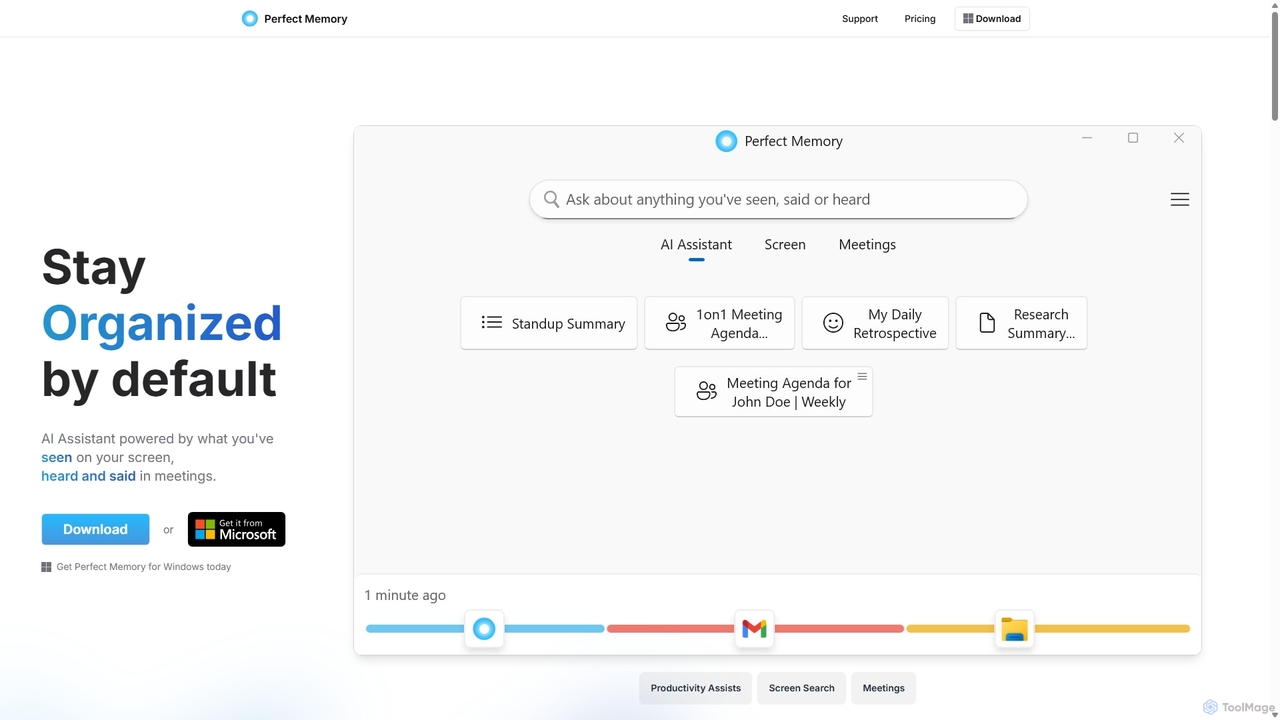
Perfect Memory AI is a privacy-focused productivity assistant that acts as your second brain. It records your screen activity and meetings, making everything you've seen or heard fully searchable. With a powerful AI assistant, it helps you recall information, summarize research, and prepare for meetings, all while keeping your data securely on your local device.
Local Processing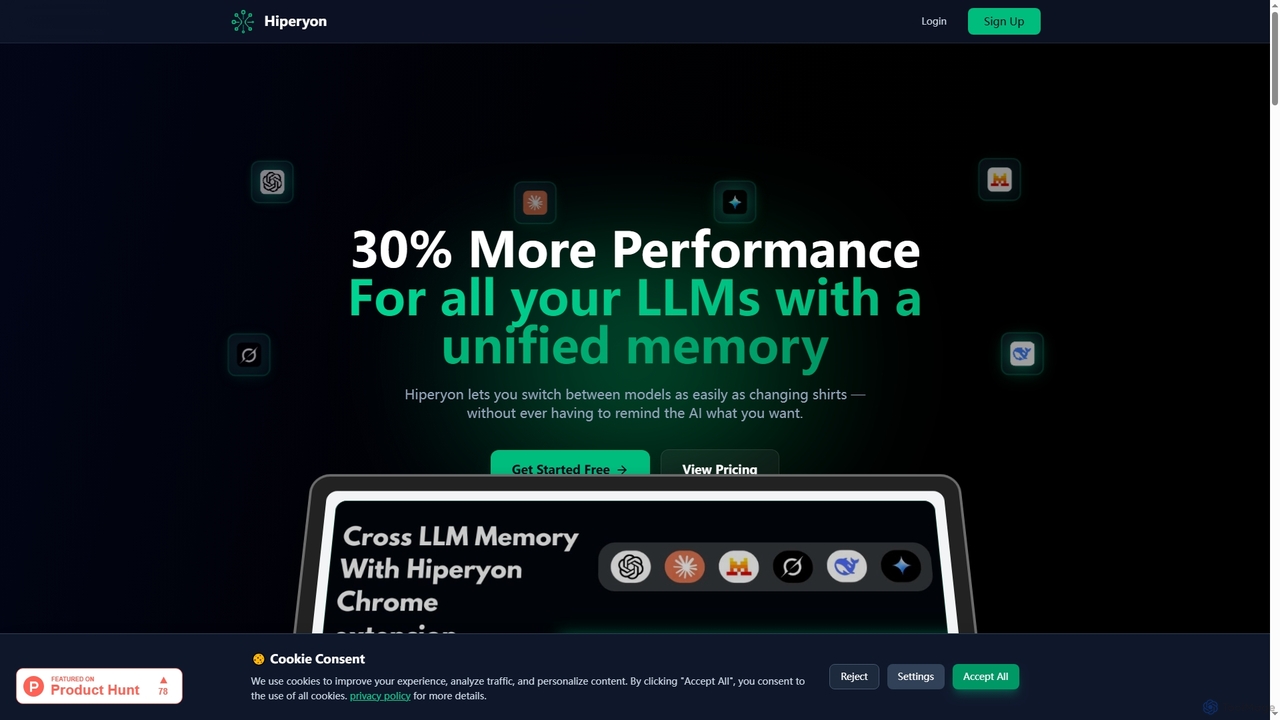
Hiperyon
Hiperyon is an AI tool that provides a unified contextual memory layer for multiple Large Language Models (LLMs) like ChatGPT, Claude, and Gemini. It enhances productivity by allowing users to switch between different AI models without losing context or repeating information, ensuring consistent and efficient interactions.
Context Management
Yack
Yack is a lightweight, fast, and private open-source native macOS application that provides instant access to ChatGPT directly from your menu bar. Built with Rust, it's designed for efficiency with a keyboard-first approach, ensuring you can interact with AI without disrupting your workflow.
Api Client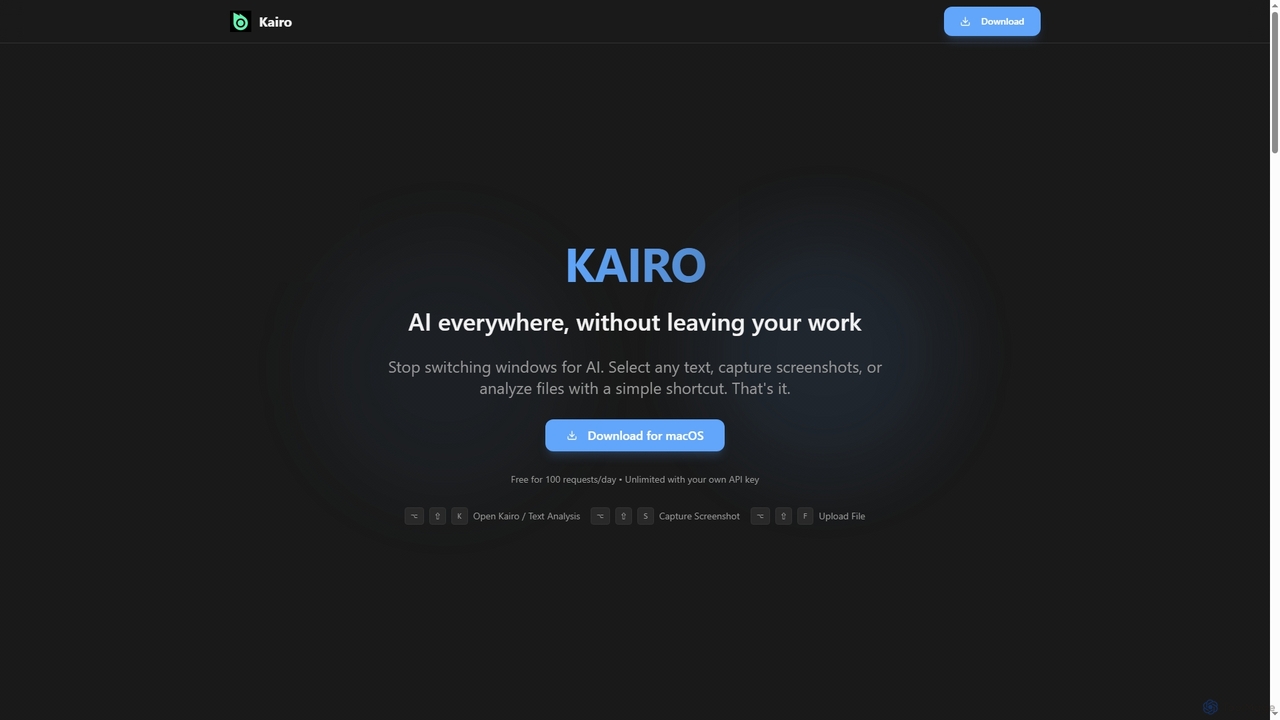
Kairo
Kairo is an AI-powered desktop assistant for macOS that integrates seamlessly into your workflow, eliminating the need to switch applications for AI tasks. It offers smart text transformation, visual analysis of screenshots, and deep analysis of files directly from any app using simple keyboard shortcuts.
Document Analysis
Sideindexer
Sideindexer is a powerful Chrome extension designed to revolutionize how you navigate and manage your AI conversations on platforms like ChatGPT, Gemini, and Claude. It provides instant indexing, persistent highlights, and advanced search capabilities, transforming lengthy AI chats into easily navigable knowledge bases.
Ai ToolsExport Reader Categories
Export Reader Jobs
Export Reader Embed Widget
Copy this embed code to place the badge on your blog, article, or product site and send readers directly to this ToolMage detail page.

Related AI tools
Perfect Memory AI
Perfect Memory AI is a privacy-focused productivity assistant that acts as your second brain. It records your screen activity and meetings, making everything you've seen or heard fully searchable. With a powerful AI assistant, it helps you recall information, summarize research, and prepare for meetings, all while keeping your data securely on your local device.
Local ProcessingHiperyon
Hiperyon is an AI tool that provides a unified contextual memory layer for multiple Large Language Models (LLMs) like ChatGPT, Claude, and Gemini. It enhances productivity by allowing users to switch between different AI models without losing context or repeating information, ensuring consistent and efficient interactions.
Context ManagementSideindexer
Sideindexer is a powerful Chrome extension designed to revolutionize how you navigate and manage your AI conversations on platforms like ChatGPT, Gemini, and Claude. It provides instant indexing, persistent highlights, and advanced search capabilities, transforming lengthy AI chats into easily navigable knowledge bases.
Ai Tools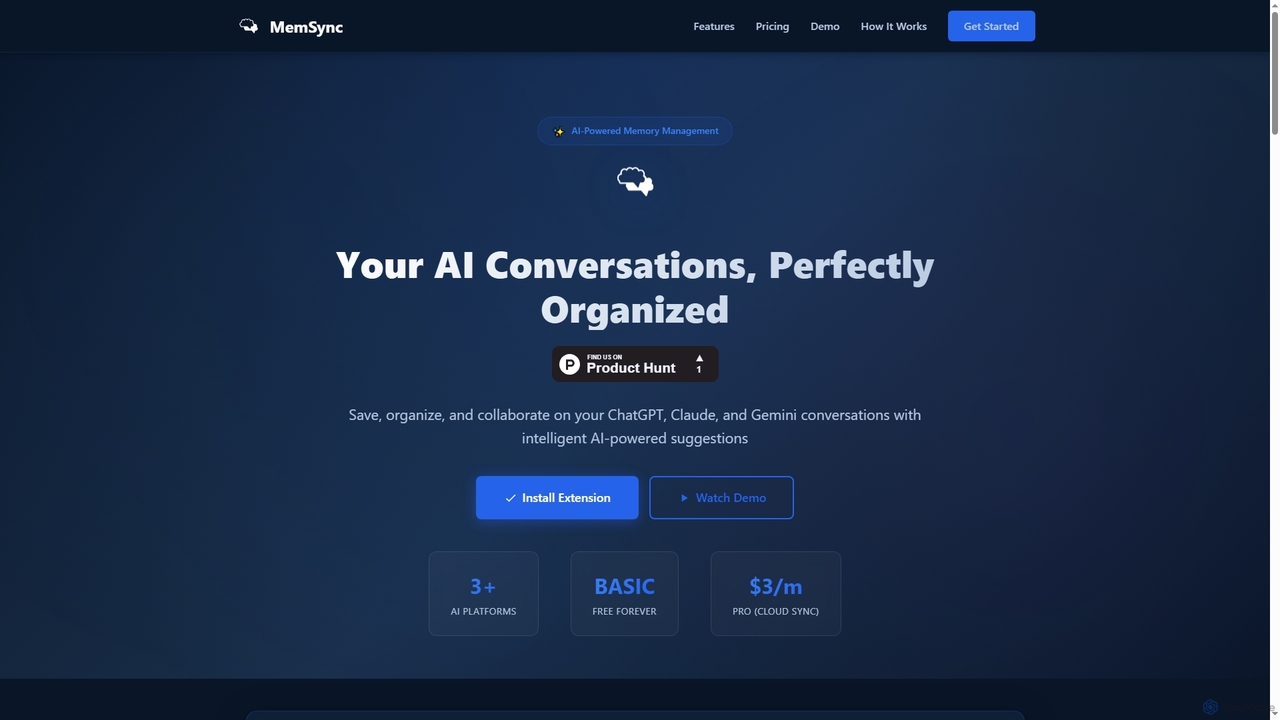
MemSync
MemSync is an AI-powered browser extension designed to effortlessly save, organize, and collaborate on your AI conversations from platforms like ChatGPT, Claude, and Gemini. It offers smart memory saving, AI-driven organization suggestions, and seamless cloud synchronization.
Conversation ToolsYack
Yack is a lightweight, fast, and private open-source native macOS application that provides instant access to ChatGPT directly from your menu bar. Built with Rust, it's designed for efficiency with a keyboard-first approach, ensuring you can interact with AI without disrupting your workflow.
Api Client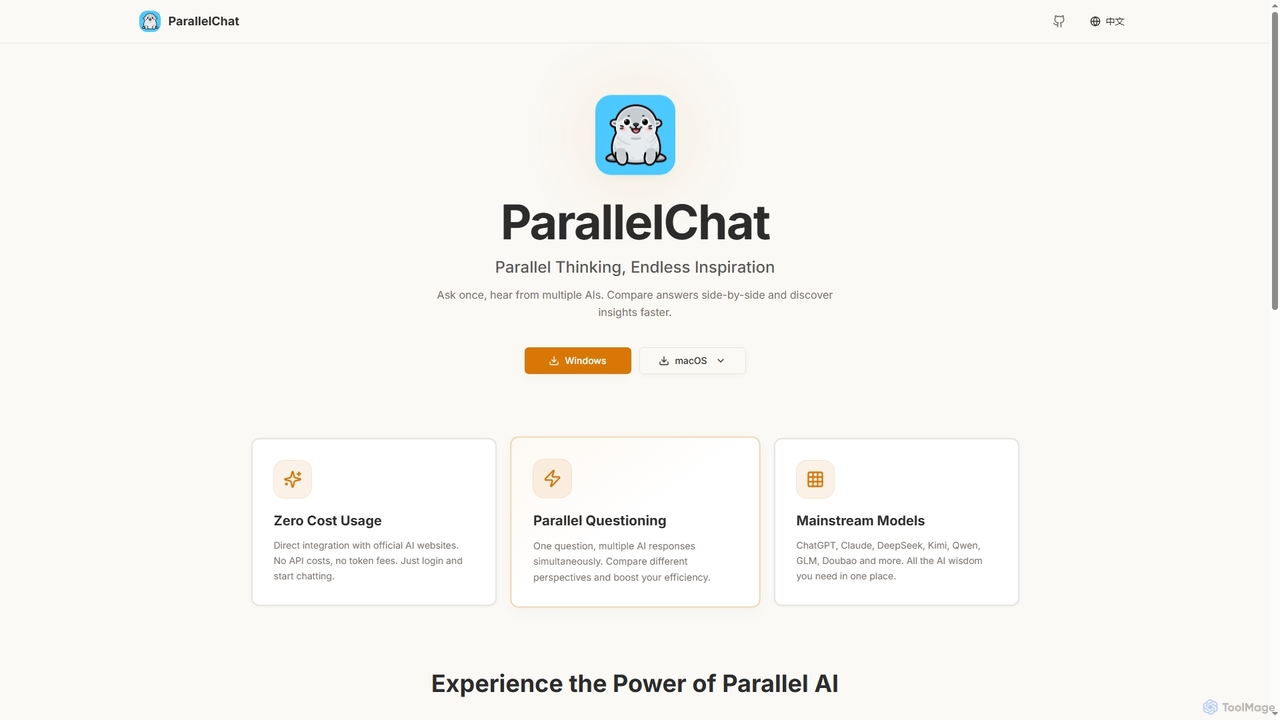
ParallelChat
ParallelChat is a desktop application for Windows and macOS that allows users to query multiple AI models simultaneously and compare their responses side-by-side. It integrates popular AIs like ChatGPT, Claude, and DeepSeek, offering diverse perspectives to boost efficiency and find better answers faster.
Writing Assistant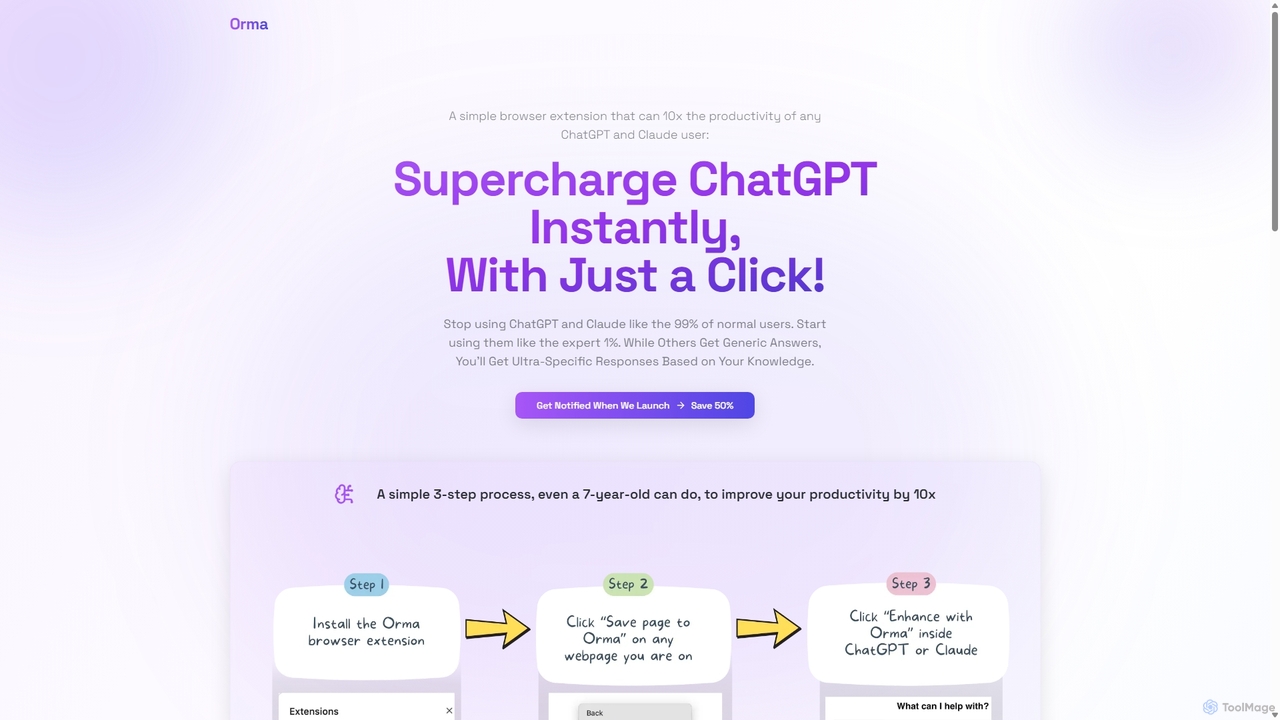
Orma
Orma is a browser extension that transforms your web browsing into a personal knowledge base, or 'digital memory layer'. It allows you to intelligently capture web content and seamlessly integrate it with AI models like ChatGPT and Claude. This turns generic AI responses into highly specific, personalized insights based on your own curated knowledge, boosting productivity by up to 10x.
Search ToolsKairo
Kairo is an AI-powered desktop assistant for macOS that integrates seamlessly into your workflow, eliminating the need to switch applications for AI tasks. It offers smart text transformation, visual analysis of screenshots, and deep analysis of files directly from any app using simple keyboard shortcuts.
Document Analysis
MultiLLM
MultiLLM is a web-based platform designed to provide users with a personal AI assistant experience. It offers a centralized hub to access and manage various AI models, potentially integrating plugins and knowledge bases for enhanced productivity and personalized interactions. Users can sign in via email or Google to leverage its capabilities.
Automation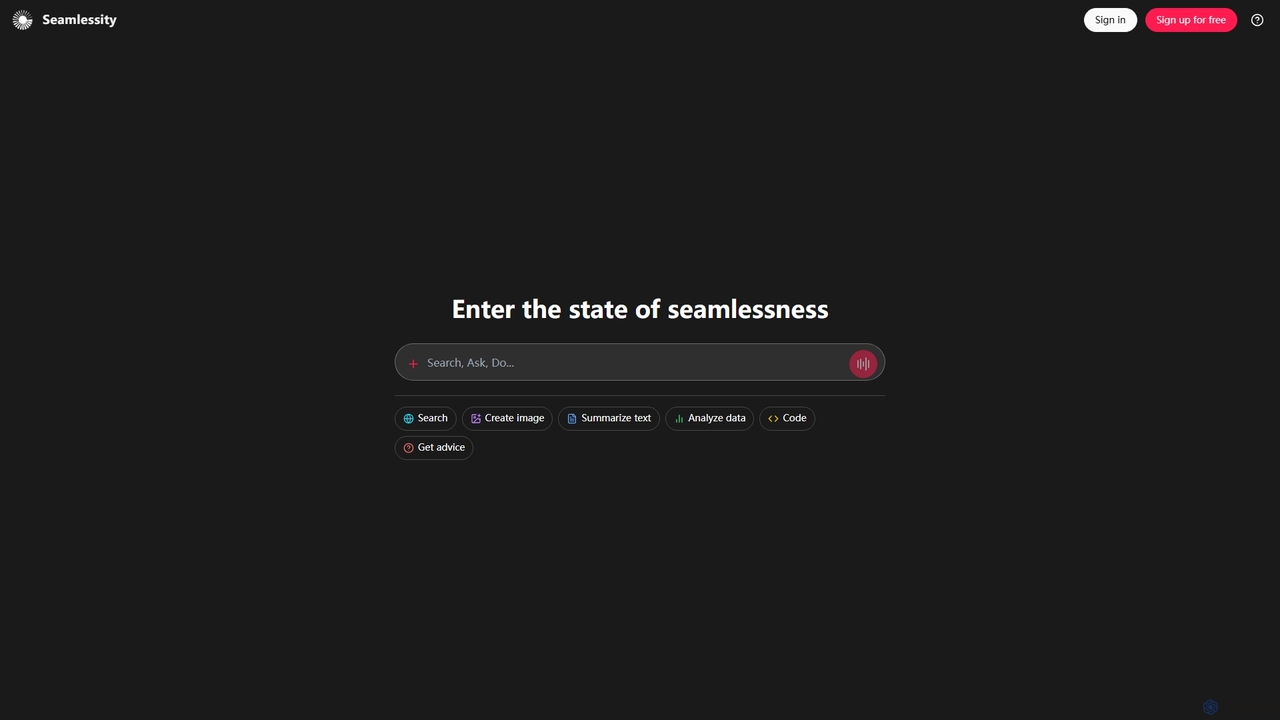
Seamlessity
Seamlessity is a versatile AI platform designed to streamline various tasks, offering functionalities such as image creation, text summarization, data analysis, code generation, and expert advice. It aims to provide a unified experience for users seeking efficiency across multiple domains, from creative content generation to complex data interpretation and development support.
Image Generation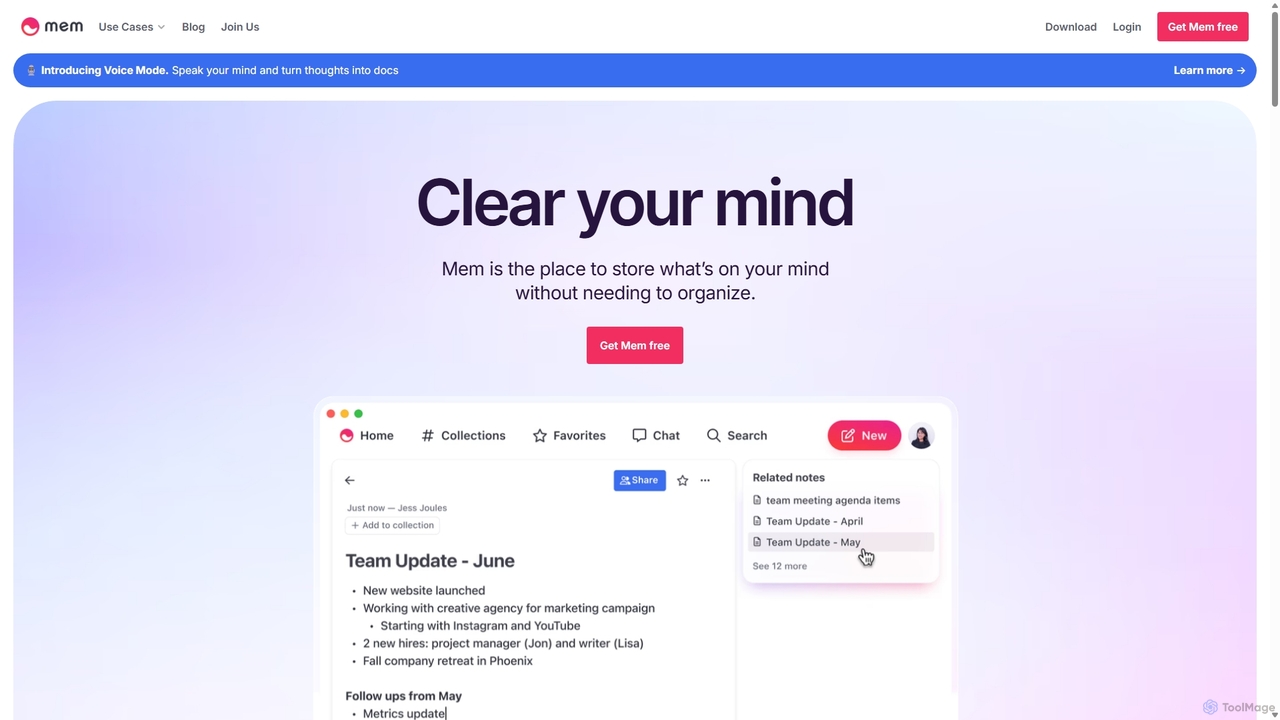
Mem
Mem is a self-organizing workspace powered by AI, designed to act as your personal second brain. It captures, connects, and resurfaces your notes automatically, eliminating the need for manual organization. With its integrated AI chat, you can search, summarize, and generate content from your own knowledge base.
Personal Assistant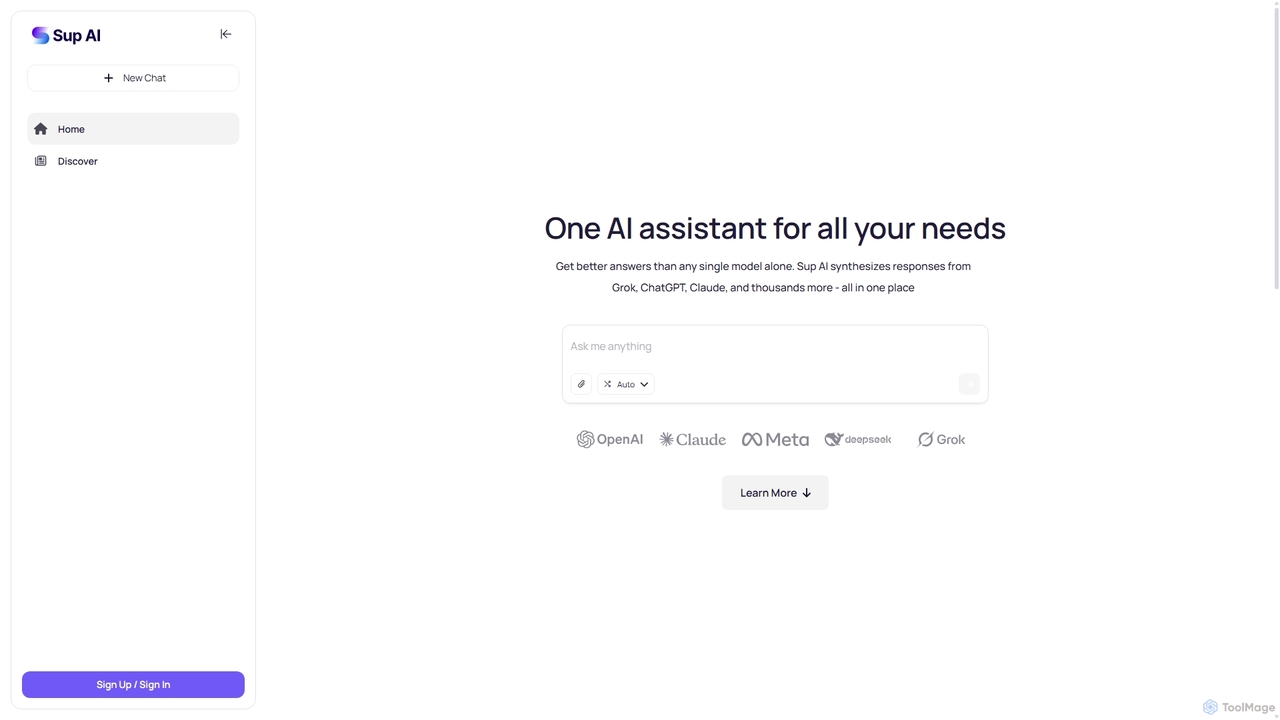
Sup AI
Sup AI is an advanced AI assistant that aggregates and synthesizes responses from multiple leading large language models like Grok, ChatGPT, and Claude. By intelligently routing queries to the best-suited models and combining their outputs, it delivers more accurate, comprehensive, and reliable answers than any single model can. It features a user-friendly interface for direct queries and a powerful API for developers, aiming to eliminate hallucinations and provide well-rounded, fact-checked insights for any need.
Api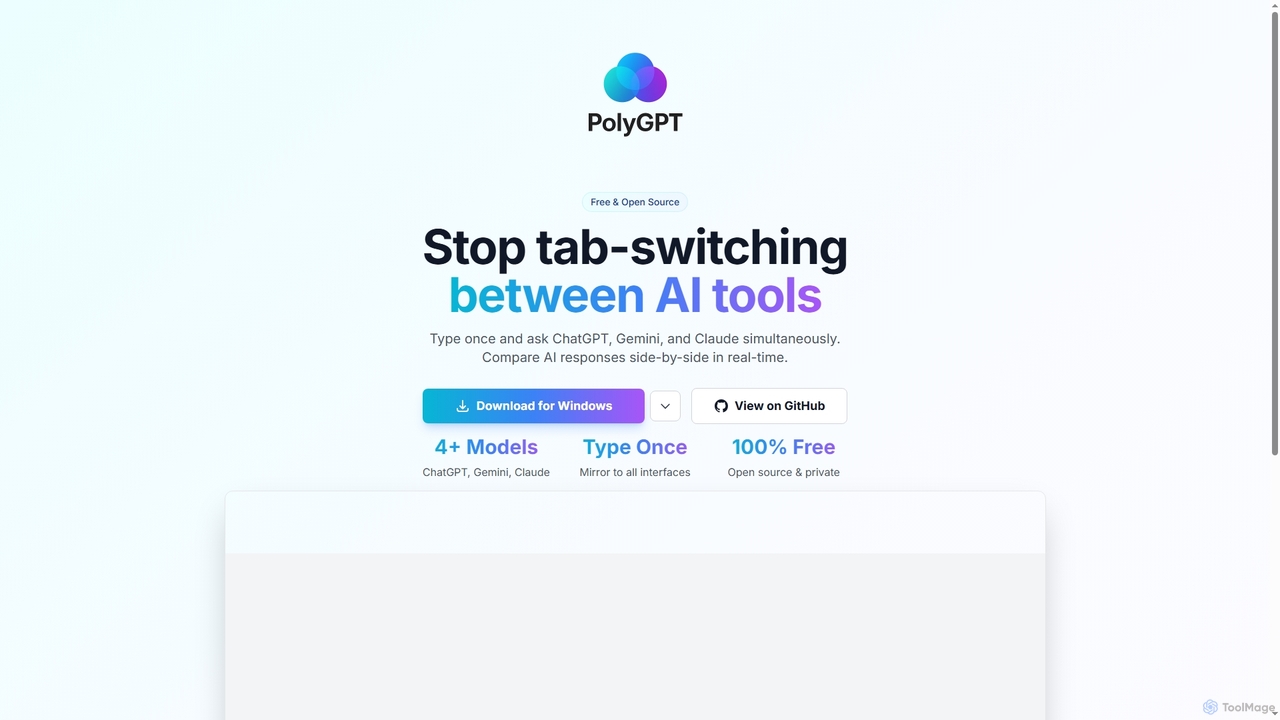
PolyGPT
PolyGPT is a free and open-source desktop application that allows users to chat with multiple AI models, including ChatGPT, Gemini, and Claude, simultaneously. It eliminates tab-switching by enabling users to type a prompt once and receive side-by-side, real-time responses from various AIs for easy comparison and enhanced productivity.
Open Source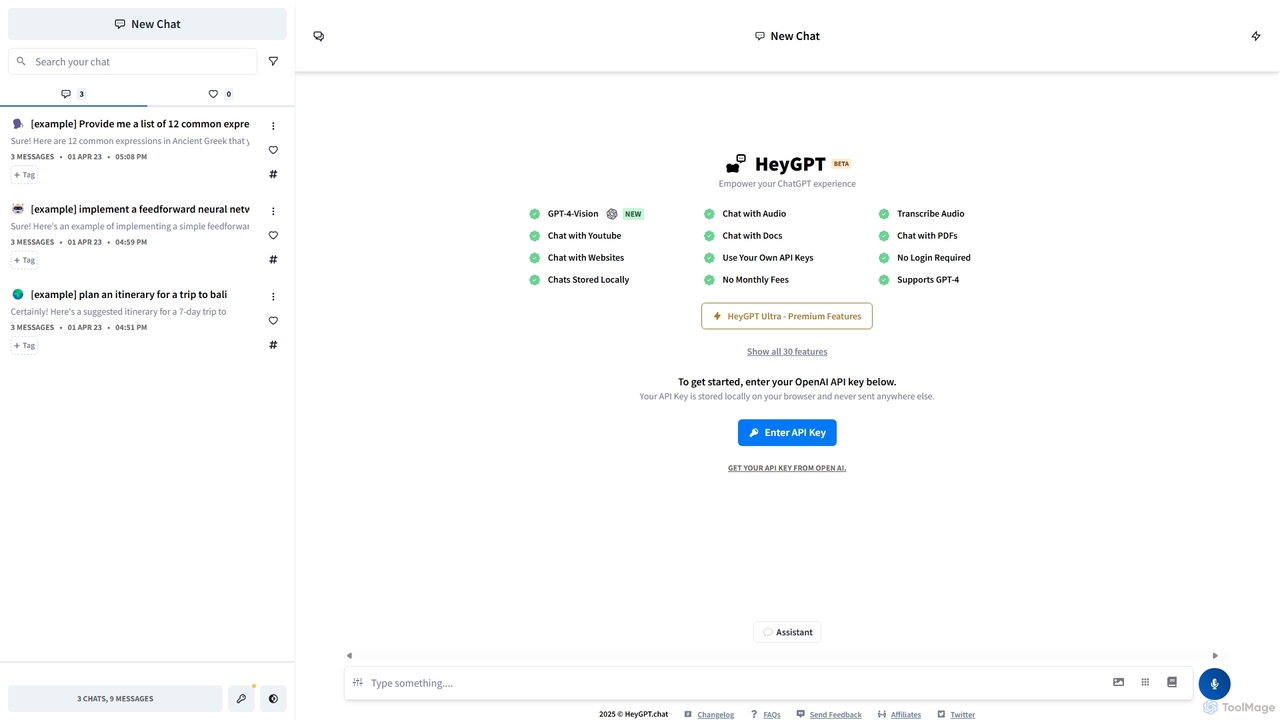
HeyGPT
HeyGPT is an advanced, privacy-focused web client for ChatGPT. It allows you to use your own OpenAI API key, keeping your conversations and data stored locally on your browser. It enhances the standard experience with features like chatting with PDFs, websites, YouTube videos, and audio files, all without requiring a login or a monthly subscription.
Api
ChatMod
ChatMod is a powerful browser extension designed to supercharge your AI chat experience across platforms like ChatGPT, Gemini, Perplexity, and more. It offers advanced features for chat organization, navigation, and productivity, all while keeping your data local and private.
Chat Management
Export Reader Comments (0)
Sign in to comment.
Sign inNo comments yet.