

ChatMod Overview
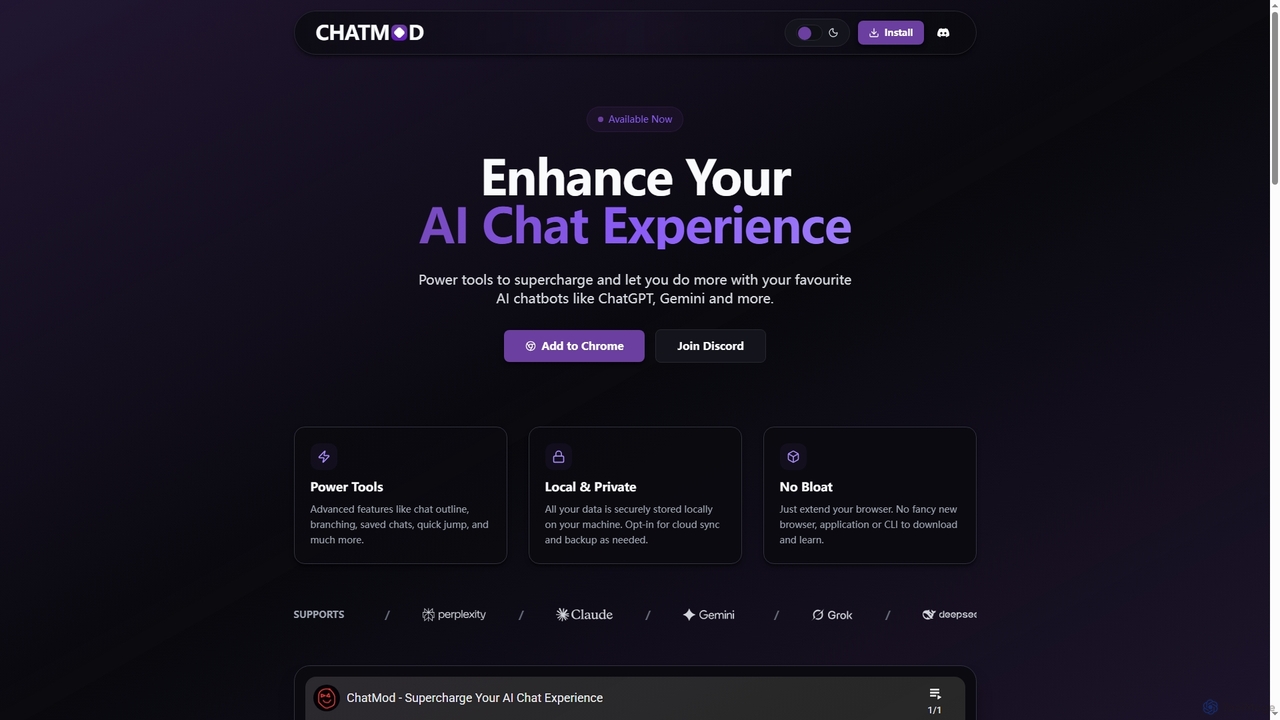
ChatMod transforms your interaction with leading AI chatbots by providing a suite of power tools directly within your browser. This extension aims to enhance productivity and organization, allowing users to do more with their favorite AI platforms such as ChatGPT, Gemini, Perplexity, Claude, DeepSeek, and Grok. By integrating seamlessly into your existing browser, ChatMod avoids bloat, offering advanced functionalities without requiring new applications or complex command-line interfaces.
How to use ChatMod
To use ChatMod, simply add the extension to your Chromium-based browser (like Chrome). Once installed, it will automatically integrate with supported AI chatbot platforms. You can then access its features, such as chat outlines and resource indexing, directly within your AI chat interface. The extension operates locally, ensuring your data remains on your machine, with an option for cloud sync and backup if desired.
Core Features of ChatMod
- Chat Outline: Easily view and navigate a generated outline of your chat's questions and answers for quick context switching.
- Multi-LLM Support: Currently supports major LLMs including ChatGPT, Gemini, Perplexity, Claude, DeepSeek, and Grok, with continuous updates to add more.
- Resource Indexing: Automatically indexes and helps you quickly find images, links, and references within your chat conversations.
- Light/Dark Mode: Switch between light and dark themes to suit your visual preferences.
- Panel Customization: Personalize the extension panel with different layouts and settings.
- Hotkey Navigation (WIP): First-class support for keyboard shortcuts to streamline your workflow.
- Save Chats (WIP): Quick access and local backup of all your chats across supported platforms.
- Chat Branching (Planned): Create and explore multiple conversation paths across different LLMs without losing context.
Use Cases for ChatMod
ChatMod is ideal for anyone who frequently interacts with AI chatbots and seeks to enhance their workflow. Researchers can use the chat outline and resource indexing to manage extensive research conversations and quickly locate key information. Content creators can leverage planned features like chat branching to explore different narrative ideas or content variations without losing track of previous drafts. Developers can organize complex technical discussions, code snippets, and documentation links generated by AI, making it easier to reference and revisit specific points. Essentially, any professional or enthusiast looking to bring structure, efficiency, and privacy to their AI interactions will find ChatMod invaluable.
Advantages of ChatMod
ChatMod offers several distinct advantages, primarily its focus on enhancing existing AI experiences rather than replacing them. Its local and private data storage ensures user privacy, as no personal chat data is collected. The extension is lightweight and avoids system bloat, integrating seamlessly into the browser. It provides powerful organizational and navigation tools that are currently lacking in many native AI interfaces, such as chat outlines and resource indexing. Furthermore, its broad support for multiple leading LLMs makes it a versatile tool for users who engage with various AI platforms.
Pricing and Plans
ChatMod is currently completely free to use. All features are available without any subscription or payment required. Please note that this is subject to change in the future as the functionality of the extension is extended.
ChatMod FAQ
ChatMod Alternatives

Hiperyon
Hiperyon is an AI tool that provides a unified contextual memory layer for multiple Large Language Models (LLMs) like ChatGPT, Claude, and Gemini. It enhances productivity by allowing users to switch between different AI models without losing context or repeating information, ensuring consistent and efficient interactions.
Context Management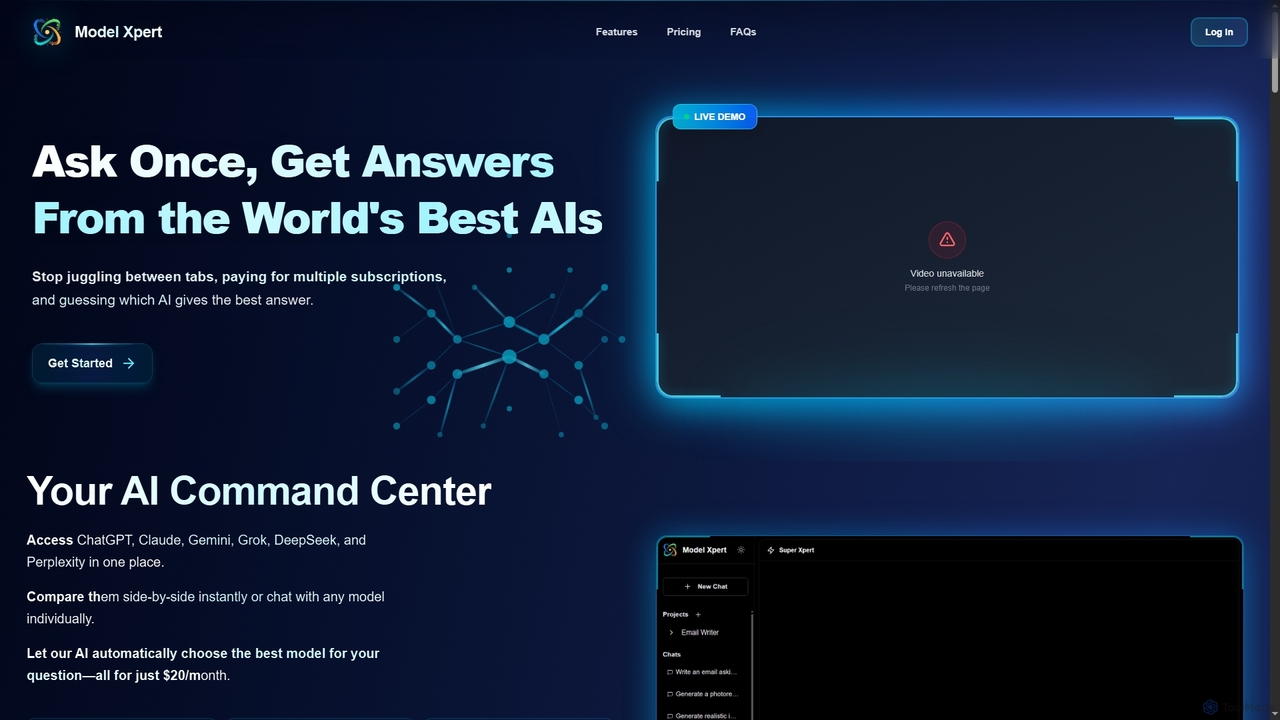
Model Xpert
Model Xpert provides unified access to the world's top AI models like ChatGPT, Claude, Gemini, Grok, DeepSeek, and Perplexity in one chat interface. It eliminates the need for multiple subscriptions and offers features like side-by-side comparison, intelligent auto-selection, prompt enhancement, and an AI image suite for maximum efficiency and cost savings.
Writing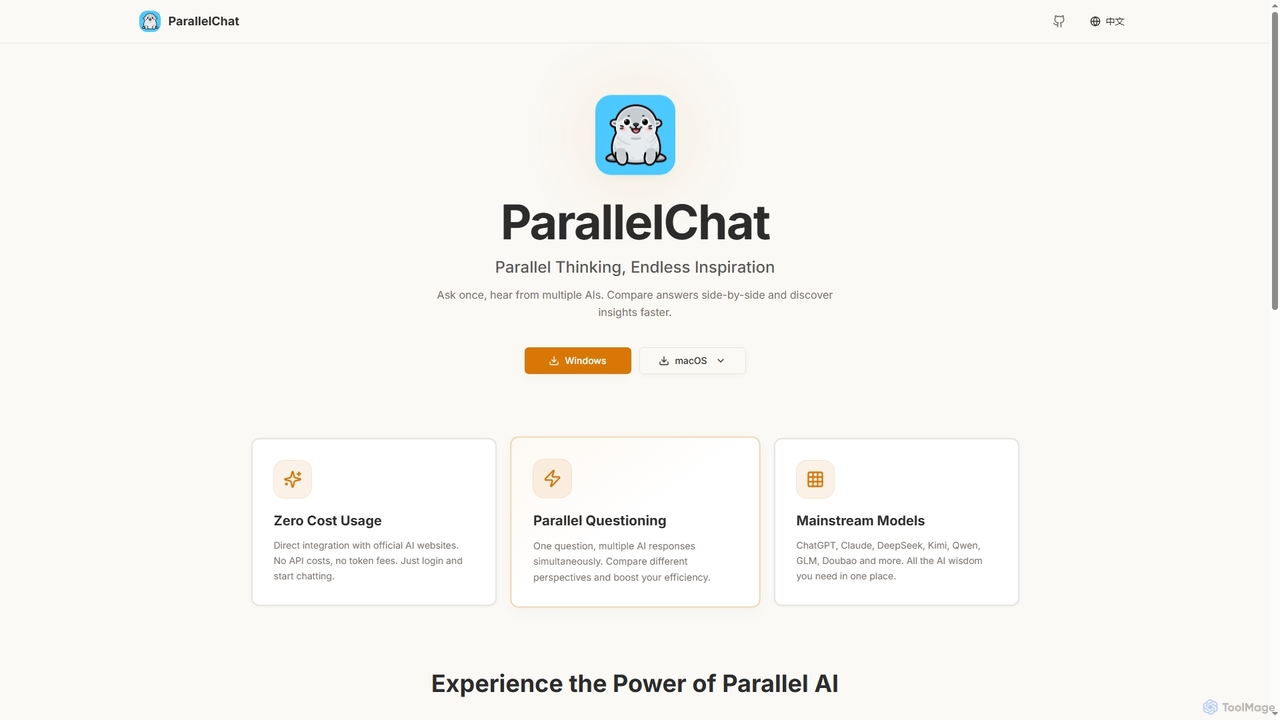
ParallelChat
ParallelChat is a desktop application for Windows and macOS that allows users to query multiple AI models simultaneously and compare their responses side-by-side. It integrates popular AIs like ChatGPT, Claude, and DeepSeek, offering diverse perspectives to boost efficiency and find better answers faster.
Writing Assistant
Sideindexer
Sideindexer is a powerful Chrome extension designed to revolutionize how you navigate and manage your AI conversations on platforms like ChatGPT, Gemini, and Claude. It provides instant indexing, persistent highlights, and advanced search capabilities, transforming lengthy AI chats into easily navigable knowledge bases.
Ai Tools
Cosmicup
Cosmicup is an all-in-one AI platform offering unlimited access to a wide array of advanced AI models like ChatGPT 5, Claude 4.5, Gemini 2.5, and Grok 4 through a single subscription. It streamlines workflows with features including multi-model interaction, code assistance, document analysis, real-time web search, deep research, and AI image generation, eliminating the need for multiple subscriptions.
Multimodal AiChatMod Categories
ChatMod Jobs
ChatMod Embed Widget
Copy this embed code to place the badge on your blog, article, or product site and send readers directly to this ToolMage detail page.

Related AI tools
Hiperyon
Hiperyon is an AI tool that provides a unified contextual memory layer for multiple Large Language Models (LLMs) like ChatGPT, Claude, and Gemini. It enhances productivity by allowing users to switch between different AI models without losing context or repeating information, ensuring consistent and efficient interactions.
Context ManagementSideindexer
Sideindexer is a powerful Chrome extension designed to revolutionize how you navigate and manage your AI conversations on platforms like ChatGPT, Gemini, and Claude. It provides instant indexing, persistent highlights, and advanced search capabilities, transforming lengthy AI chats into easily navigable knowledge bases.
Ai ToolsModel Xpert
Model Xpert provides unified access to the world's top AI models like ChatGPT, Claude, Gemini, Grok, DeepSeek, and Perplexity in one chat interface. It eliminates the need for multiple subscriptions and offers features like side-by-side comparison, intelligent auto-selection, prompt enhancement, and an AI image suite for maximum efficiency and cost savings.
WritingCosmicup
Cosmicup is an all-in-one AI platform offering unlimited access to a wide array of advanced AI models like ChatGPT 5, Claude 4.5, Gemini 2.5, and Grok 4 through a single subscription. It streamlines workflows with features including multi-model interaction, code assistance, document analysis, real-time web search, deep research, and AI image generation, eliminating the need for multiple subscriptions.
Multimodal AiParallelChat
ParallelChat is a desktop application for Windows and macOS that allows users to query multiple AI models simultaneously and compare their responses side-by-side. It integrates popular AIs like ChatGPT, Claude, and DeepSeek, offering diverse perspectives to boost efficiency and find better answers faster.
Writing Assistant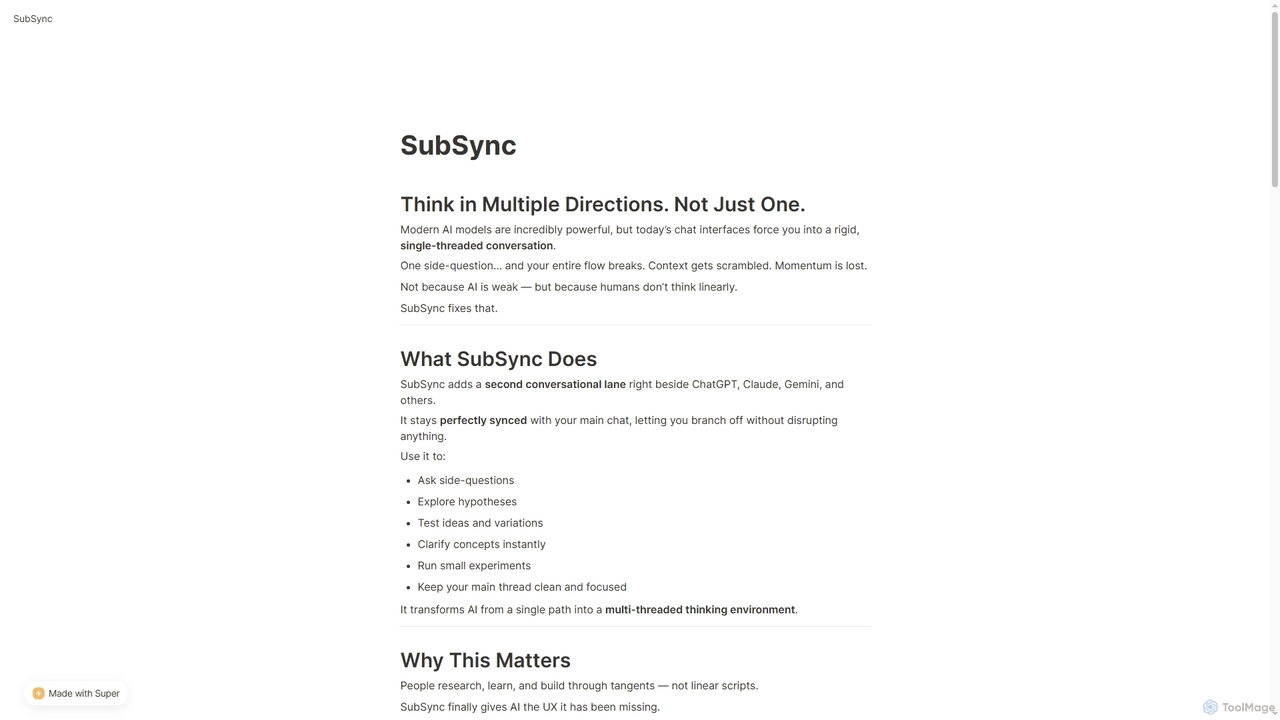
SubSync
SubSync is a Chrome sidebar extension that revolutionizes AI conversations by introducing a multi-threaded thinking environment. It allows users to branch off into parallel discussions with AI models like ChatGPT or Claude, while keeping the main chat context intact. This innovative approach supports non-linear thinking, enabling deeper exploration, rapid experimentation, and more effective AI utilization for professionals.
Ai Assistant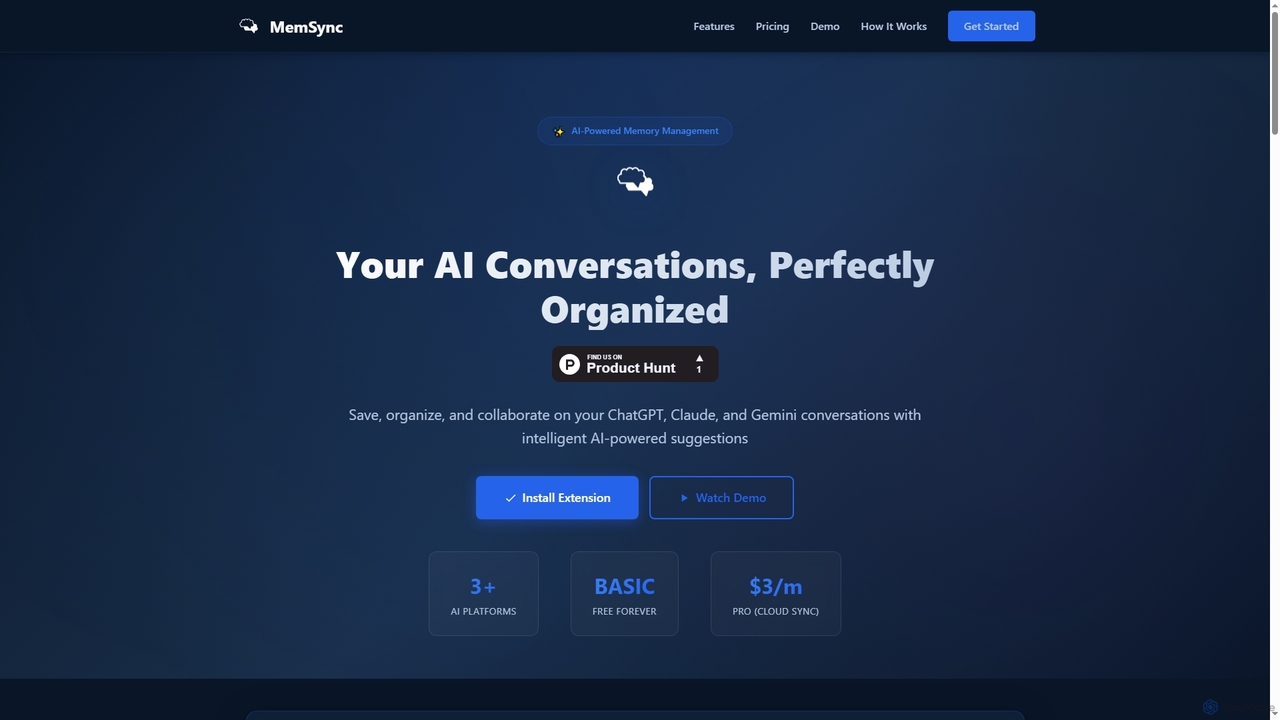
MemSync
MemSync is an AI-powered browser extension designed to effortlessly save, organize, and collaborate on your AI conversations from platforms like ChatGPT, Claude, and Gemini. It offers smart memory saving, AI-driven organization suggestions, and seamless cloud synchronization.
Conversation Tools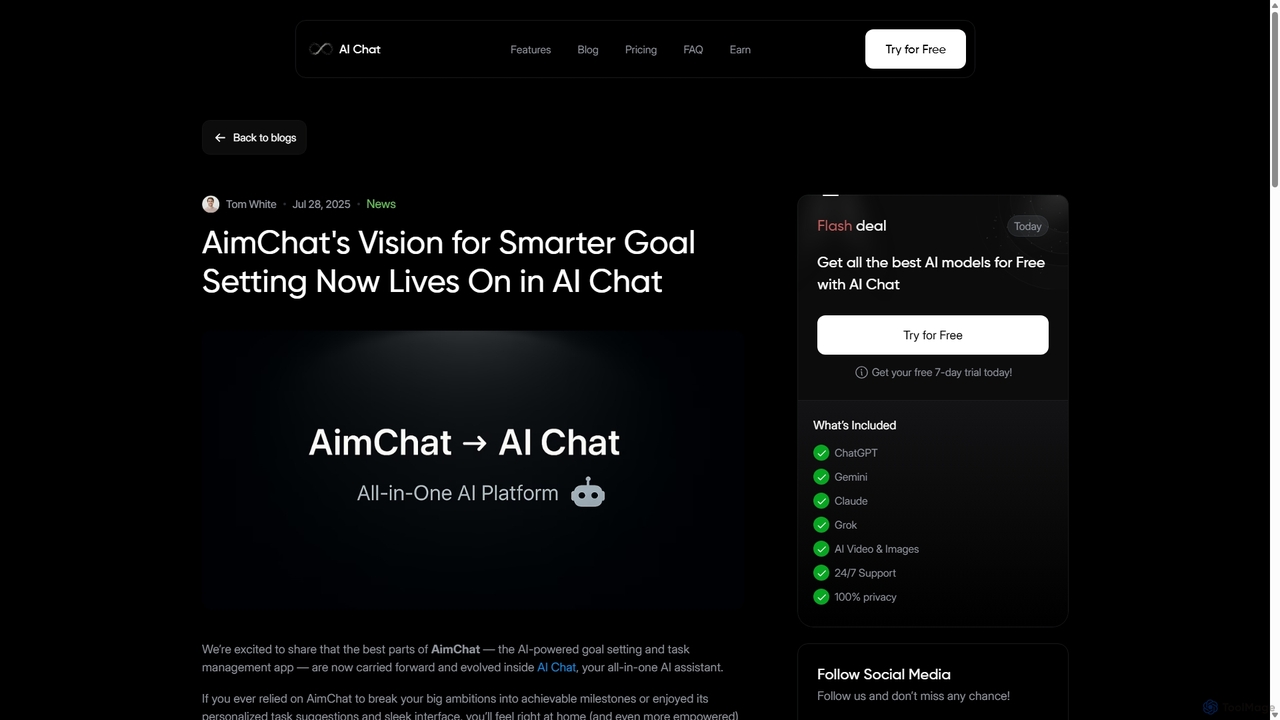
AI Chat
AI Chat is an all-in-one AI assistant that integrates top models like ChatGPT, Claude, and Gemini into a single platform. Evolving from the goal-setting app AimChat, it combines advanced conversational AI with powerful task management, research, and content creation tools to streamline your workflow and help you achieve your ambitions.
Assistant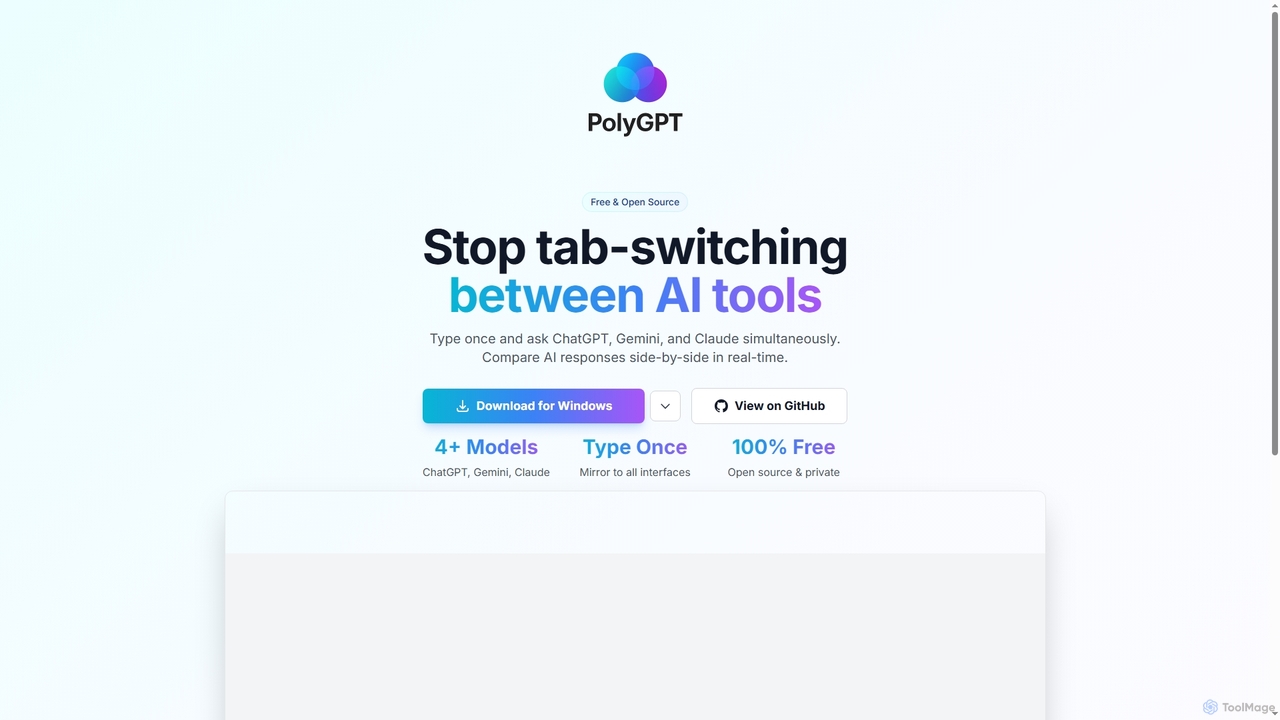
PolyGPT
PolyGPT is a free and open-source desktop application that allows users to chat with multiple AI models, including ChatGPT, Gemini, and Claude, simultaneously. It eliminates tab-switching by enabling users to type a prompt once and receive side-by-side, real-time responses from various AIs for easy comparison and enhanced productivity.
Open Source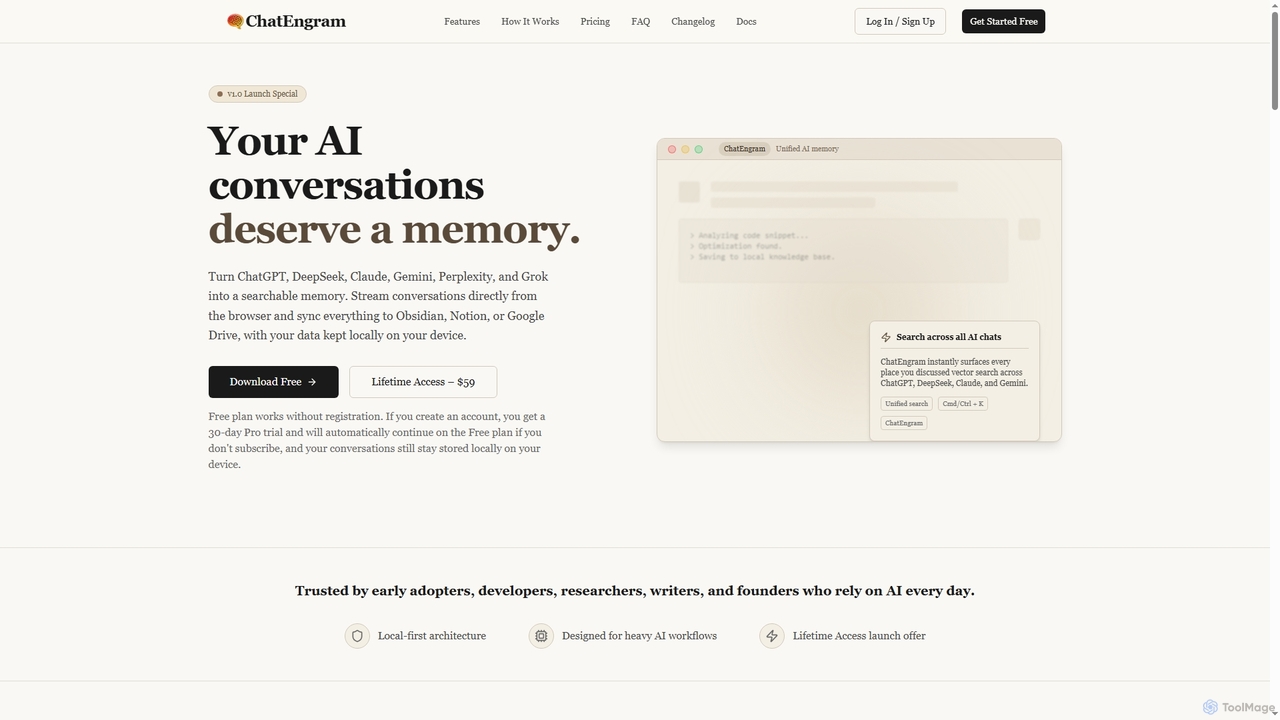
ChatEngram
ChatEngram is an AI second brain that captures, stores, and organizes your AI conversations from platforms like ChatGPT, DeepSeek, Claude, Gemini, Perplexity, and Grok. It creates a local, searchable, permanent knowledge base, ensuring you never lose valuable insights or code snippets.
Memory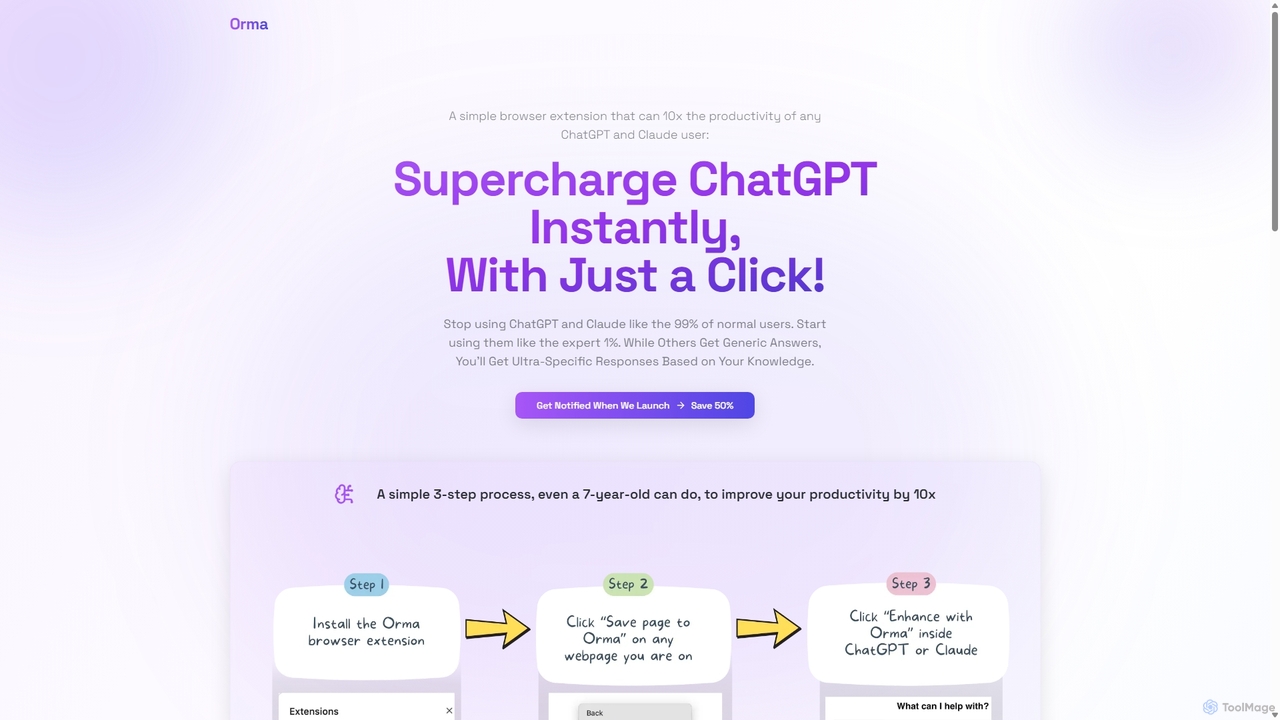
Orma
Orma is a browser extension that transforms your web browsing into a personal knowledge base, or 'digital memory layer'. It allows you to intelligently capture web content and seamlessly integrate it with AI models like ChatGPT and Claude. This turns generic AI responses into highly specific, personalized insights based on your own curated knowledge, boosting productivity by up to 10x.
Search Tools
ChatGPT Phantom
ChatGPT Phantom is a free, privacy-focused browser extension that integrates ChatGPT, Google Bard, and Bing Chat into a single powerful copilot. It enables users to generate real-time, data-driven content like news articles, YouTube scripts, and code, enhancing productivity for creators, writers, and developers.
Productivity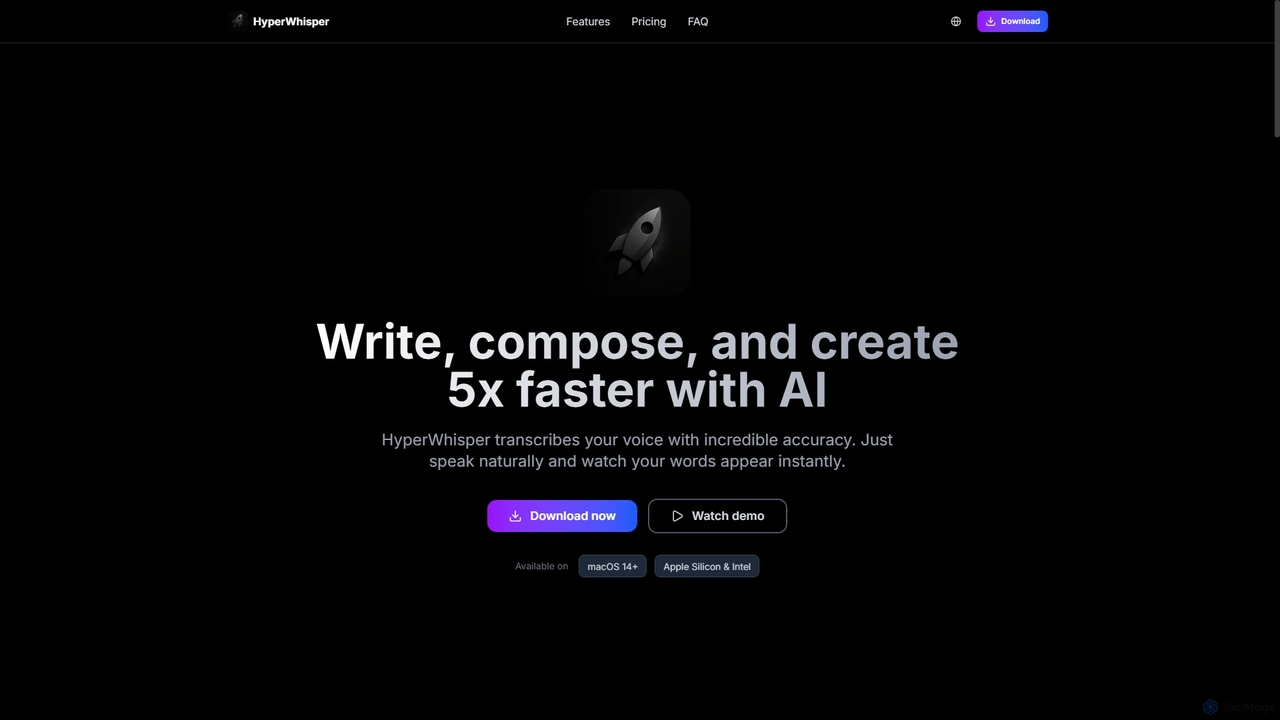
HyperWhisper
HyperWhisper is an AI-powered voice transcription application for macOS, designed to convert spoken words into text with exceptional accuracy and speed. It supports over 100 languages, offers robust offline capabilities, and prioritizes user privacy, making it ideal for professionals seeking efficient content creation and note-taking.
Coding Assistant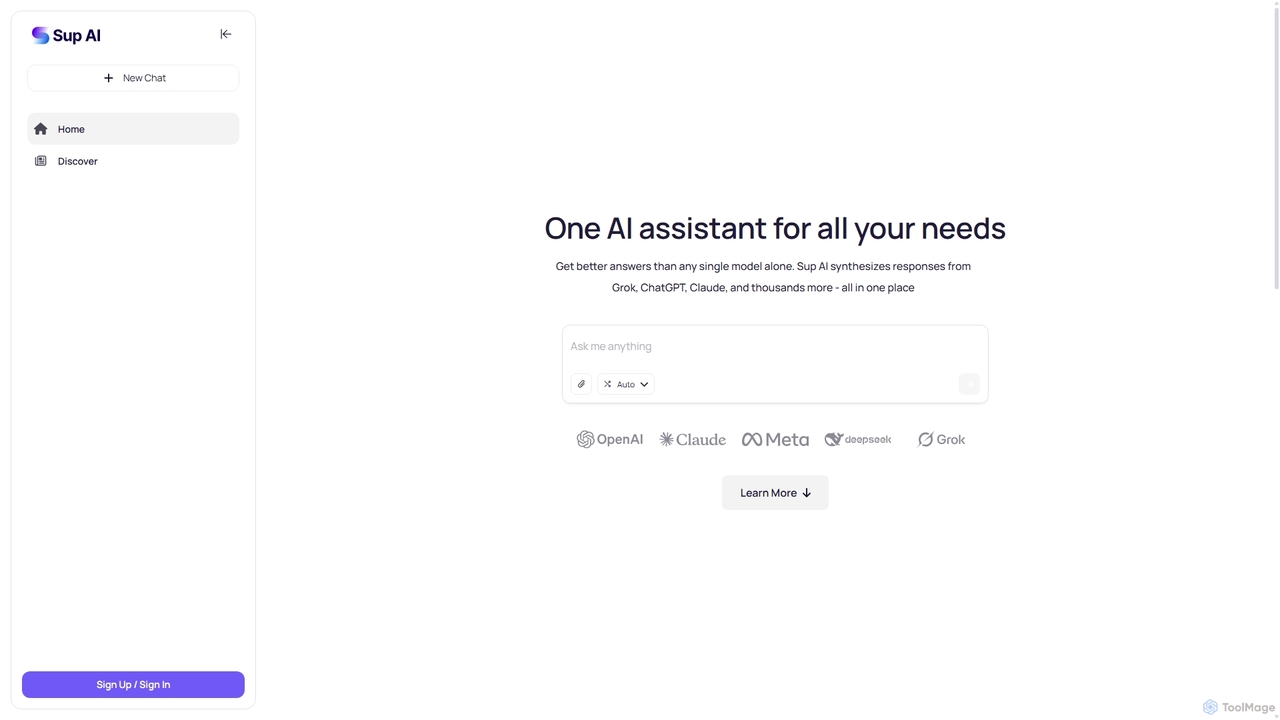
Sup AI
Sup AI is an advanced AI assistant that aggregates and synthesizes responses from multiple leading large language models like Grok, ChatGPT, and Claude. By intelligently routing queries to the best-suited models and combining their outputs, it delivers more accurate, comprehensive, and reliable answers than any single model can. It features a user-friendly interface for direct queries and a powerful API for developers, aiming to eliminate hallucinations and provide well-rounded, fact-checked insights for any need.
Api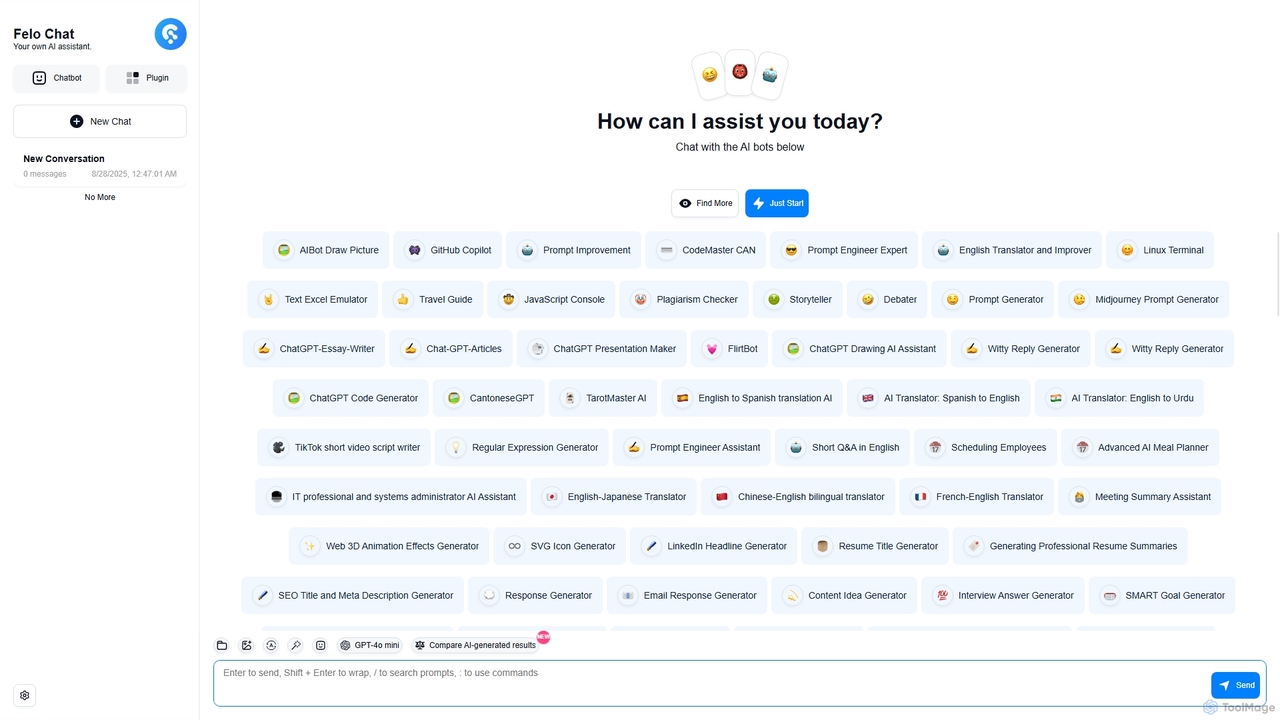
Felo Chat
Felo Chat is a versatile AI assistant platform providing free access to leading AI models like GPT-4o, Claude, and Gemini. It features an extensive library of specialized AI bots for various tasks, from coding and content creation to translation and data analysis. With support for text, file, and image uploads, Felo Chat serves as a comprehensive, all-in-one solution for professionals, students, and creatives.
Code Assistant
ChatMod Comments (0)
Sign in to comment.
Sign inNo comments yet.