LipSurf
A powerful Chrome extension that provides complete voice control for your browser. Dictate text, navigate websites, click links, …
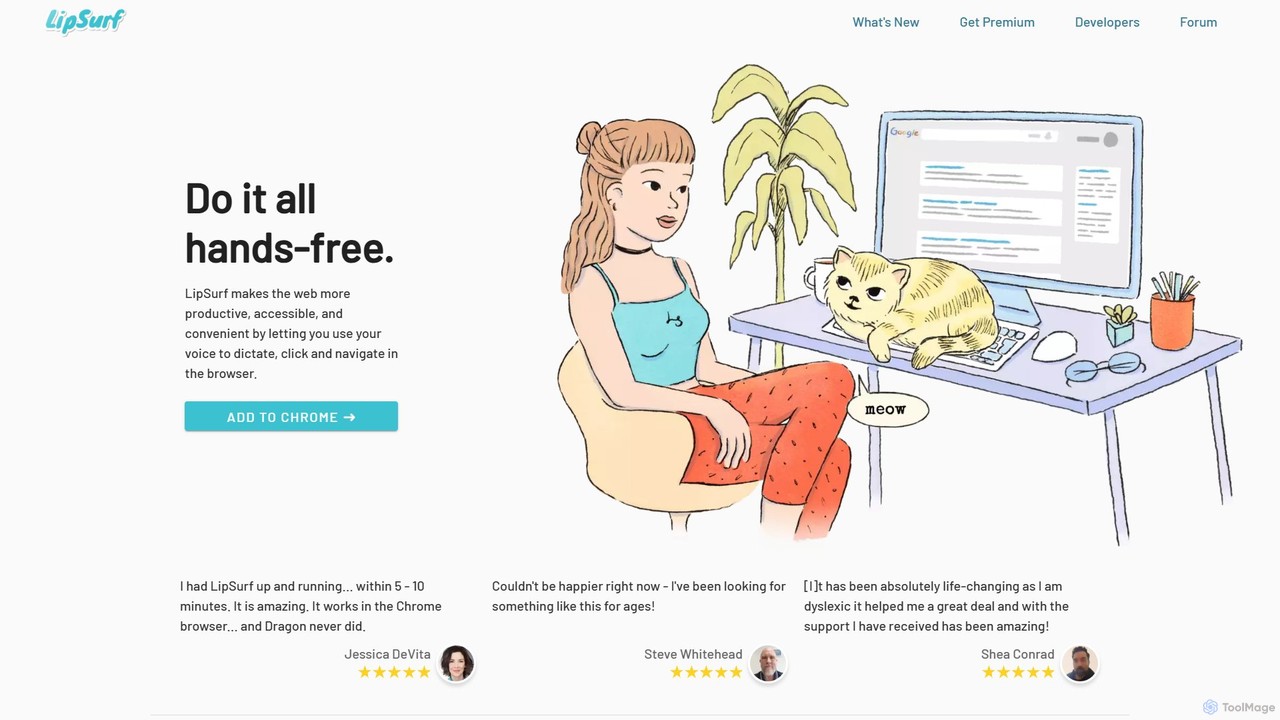
A powerful Chrome extension that provides complete voice control for your browser. Dictate text, navigate websites, click links, and create custom shortcuts hands-free. LipSurf enhances productivity and makes the web more accessible for users with motor disabilities, RSI, or dyslexia.
VoiceGPT
VoiceGPT is a voice-enabled AI assistant for Android, providing hands-free access to models like ChatGPT, GPT-4, and Bard. …
VoiceGPT is a voice-enabled AI assistant for Android, providing hands-free access to models like ChatGPT, GPT-4, and Bard. It enhances user interaction with features like multi-language voice input/output (67+ languages), OCR for text extraction from images, and hotword activation ("Hey, Chat"). Designed for accessibility and convenience, it also includes code execution, DALL-E 2 image generation, and seamless chat history sync, making it a powerful personal and professional tool.
About Voice Control
Voice Control tools are a class of software that translates spoken commands into direct actions on a computer or device, enabling hands-free operation. These tools utilize advanced speech recognition and natural language processing to understand user intent, from simple navigation to complex command sequences. Their primary value lies in providing crucial accessibility for users with motor impairments, while also offering a significant productivity boost for professionals in various fields. As a key component of accessibility technology, they transform voice from a simple input method into a powerful control interface.
Core Features
- Custom Command Creation: Define personalized voice commands to execute multi-step macros, launch applications, or insert boilerplate text.
- Hands-Free Navigation: Control your operating system, browse websites, and interact with software elements like buttons and menus using only your voice.
- Advanced Dictation: Transcribe speech to text with high accuracy for writing documents, emails, or code, often including formatting commands.
- Context-Aware Control: The software recognizes the active application and provides a relevant set of commands for that specific context.
- Voice Coding: Specialized functionality for developers to write, edit, and debug code using spoken commands tailored for programming syntax.
Applicable Scenarios
These tools are essential for individuals with physical disabilities, such as repetitive strain injury (RSI) or quadriplegia, who cannot use a traditional keyboard and mouse. They are also widely adopted by developers, writers, medical professionals, and data entry clerks to improve ergonomics, reduce physical strain, and accelerate workflows by keeping hands free for other tasks.
Selection Criteria
When choosing a Voice Control tool, evaluate its recognition accuracy and responsiveness with your accent. Assess the depth of its customization capabilities—can you create complex, multi-step macros? Verify its integration with your essential software (e.g., IDEs, browsers, office suites). Finally, consider whether it operates offline for enhanced privacy and performance or requires a constant internet connection.

Voice ControlUse Cases
Hands-Free Software Development
A software developer experiencing repetitive strain injury (RSI) uses a Voice Control tool to continue working productively without physical strain. By creating custom commands for their Integrated Development Environment (IDE), they can write code, navigate between files, execute build commands, and debug applications entirely by voice. For example, saying "declare constant router" automatically types `const router =` and positions the cursor. This not only alleviates pain but can also accelerate complex coding tasks by chaining commands into a single utterance.
Full Computer Accessibility for Motor Impairments
An individual with quadriplegia uses a Voice Control tool to gain independent access to their digital world. They can turn on their computer, open a web browser, and check emails using only spoken commands. By saying "show numbers," the tool overlays numbers on all clickable elements on the screen, allowing them to select any link or button by saying its corresponding number. This technology empowers them to communicate with friends, manage finances, and pursue education or employment opportunities without physical assistance.
Accelerating Medical and Legal Dictation
A radiologist or legal professional uses a Voice Control tool to streamline their documentation workflow. While examining a patient's X-ray or reviewing case files, they can dictate their findings and analyses directly into the reporting system. The tool's specialized vocabulary for medical or legal terms ensures high accuracy. Commands like "new paragraph" or "insert patient name" handle formatting on the fly, eliminating the need to switch between viewing materials and typing. This reduces report turnaround time significantly and allows for more detailed, contemporaneous notes.
Ergonomic Writing and Content Creation
A novelist, journalist, or content creator uses a Voice Control tool to draft long-form content in a more ergonomic way. They can dictate chapters, articles, or scripts while standing or walking around, capturing ideas more naturally without being tethered to a keyboard. Voice commands are used for editing and formatting, such as "select previous paragraph," "make that bold," or "find synonym for 'innovative'." This approach helps prevent writer's block and reduces the physical fatigue associated with long hours of typing.
High-Speed Data Entry and Form Filling
A data entry clerk or analyst responsible for processing large volumes of information uses a Voice Control tool to accelerate their work. They can read data from a physical document and speak it directly into a spreadsheet or database form. Simple commands like "next field," "press enter," or "cell B-seven" allow for rapid navigation without touching the keyboard or mouse. This hands-free method minimizes the time spent switching between source material and the screen, improving both speed and accuracy for repetitive data input tasks.
Accessible and Competitive PC Gaming
A gamer with limited hand mobility uses a Voice Control tool to play complex PC games. They map intricate keyboard combinations and sequences to simple, easy-to-remember voice commands. For instance, in a strategy game, saying "select group one, attack target" could execute multiple key presses instantly. This allows them to perform actions as quickly as players using a keyboard and mouse, leveling the playing field and enabling them to participate fully in competitive and cooperative online gaming communities.