

LipSurf Overview
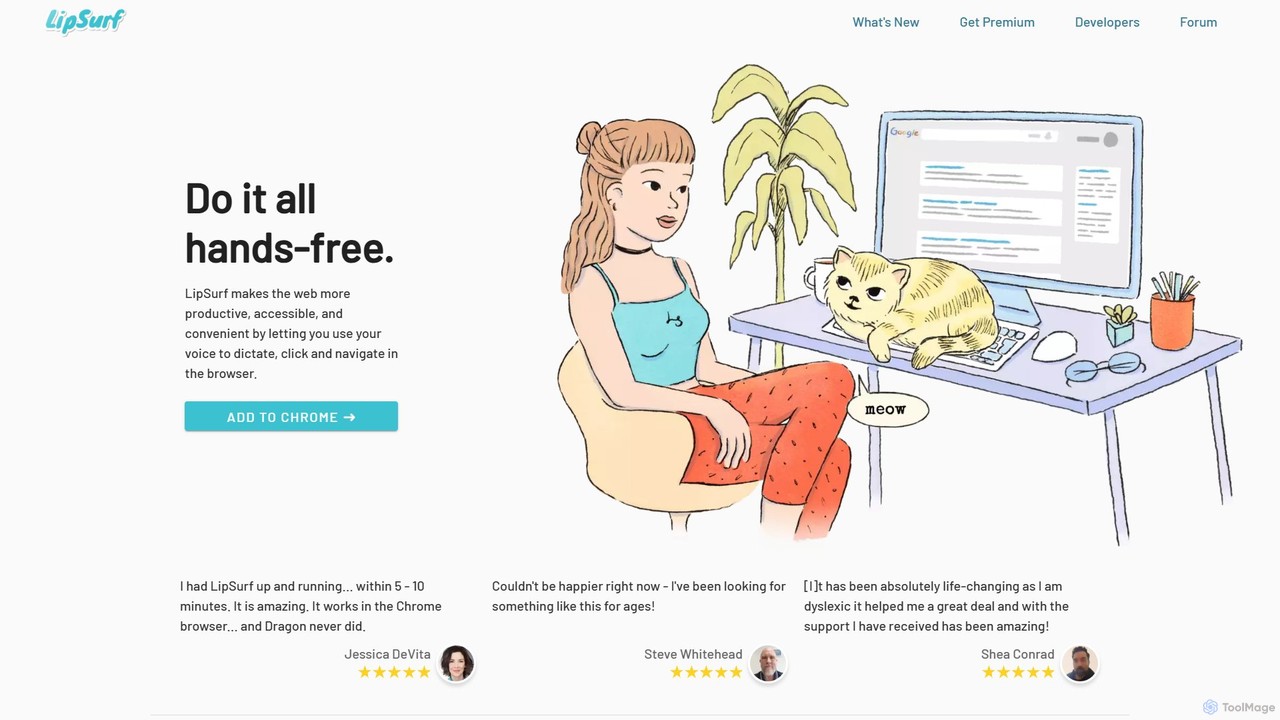
LipSurf is a revolutionary browser extension that brings the power of voice control to your web experience. By leveraging cutting-edge AI-powered speech-to-text technology, it allows you to dictate, navigate, and interact with any website entirely hands-free. This tool is designed to significantly boost productivity, enhance accessibility, and provide a more convenient way to browse the internet. It works seamlessly within the Google Chrome browser on Windows, Mac, Linux, and Chromebooks, requiring no special hardware beyond a standard microphone.
The core principle of LipSurf is to make web interaction more efficient and inclusive. Whether you're writing emails, filling out forms, or browsing social media, you can do it all with simple voice commands. The tool is built with a strong commitment to privacy, operating on a subscription model rather than selling user data. It's not just a simple voice assistant; it's a comprehensive productivity suite for the web.
How to use LipSurf
Getting started with LipSurf is incredibly straightforward and takes only a few minutes. First, add the LipSurf extension to your Google Chrome browser from the Chrome Web Store. Once installed, the extension is active immediately. You can start using voice commands right away. For example, say "scroll down" to move down a page, "click 'submit button'" to interact with elements, or simply start dictating in any text field. For a more personalized experience, you can create custom shortcuts in the settings, mapping specific phrases to actions like opening a frequently visited URL or inserting a pre-written text block.
Core Features of LipSurf
- AI-Powered Voice Dictation: Utilize Google's highly accurate speech-to-text engine to write emails, documents, and messages up to 3x faster than typing. It works in any editable text field on the web.
- Hands-Free Navigation: Control every aspect of your browsing with voice commands. Click links, scroll pages, play videos, switch tabs, and more, without ever touching your mouse or keyboard.
- Custom Shortcuts & Personalization: Map any word or phrase to a specific action. Create shortcuts to check sports scores, insert text templates, or navigate to your favorite sites, making the tool adapt to your unique workflow.
- Extensible with Plugins: LipSurf's functionality can be expanded with an open-source plugin system. These plugins provide deep integrations with popular websites and services like Gmail, Google Docs, Slack, Duolingo, Reddit, and more.
- Multi-Language Support: The tool offers enhanced support for languages including English, Spanish, French, Russian, and Japanese, with capabilities for over 100 languages in its enterprise version.
- Privacy-Focused: LipSurf is funded by user subscriptions, not by selling data. There is no tracking or advertising involved.
- Wake-Word Activation: The premium plan includes a "wake-word" feature, allowing you to activate LipSurf with a specific phrase for a truly hands-free experience.
Use Cases for LipSurf
LipSurf is beneficial for a wide range of users. Productivity Nerds can multitask and speed up their workflow significantly. Professionals like writers, project managers, and executives can draft communications and navigate complex web apps with ease. It's a life-changing tool for individuals with motor disabilities such as Parkinson's, Arthritis, or amputees, as well as those suffering from Repetitive Strain Injuries (RSI) or Carpal Tunnel Syndrome. Furthermore, it provides valuable support for neurodiverse individuals, including those with Dyslexia or ADHD, by offering an alternative to traditional typing. For businesses, the LipSurf.js platform allows for the integration of voice control directly into their own web applications and kiosks.
Advantages of LipSurf
The primary advantage of LipSurf is its ability to create a more ergonomic, efficient, and accessible web environment. It helps prevent and alleviate physical strain from constant keyboard and mouse use. By enabling hands-free multitasking, users can perform other activities while staying productive. Its seamless integration into the Chrome browser makes it instantly compatible with the websites people use daily. The customization and plugin system ensure that LipSurf can be tailored to almost any need, while its privacy-first approach gives users peace of mind.
Pricing and Plans
LipSurf offers a flexible pricing structure to suit different needs:
- Free Plan: Includes over 100 built-in commands and access to community-developed plugins.
- Plus Plan ($3/month): Contains all Free features, plus specialized plugins for platforms like WaniKani and Duolingo, and provides email and phone support.
- Premium Plan ($6/month): Includes all features from the Plus plan, and adds core functionalities like full text dictation, the ability to go to custom URLs with voice commands, and wake-word activation.
- Enterprise Plan: Custom pricing for businesses looking to integrate LipSurf.js for voice control in their web applications.
Traffic
Latest traffic
Status
Monthly traffic trend
- 2025-9: 6.6K
- 2026-1: 6.1K
- 2026-2: 6.6K
- 2026-3: 4.5K
- 2026-4: 4.8K
- 2026-5: 3.7K
Geography
Top 5 countries / regions
- 🇺🇸United States75.5%
- 🇮🇳India24.5%
Top keywords
| Keyword | Cost per click |
|---|---|
| lip-surf | $0.00 |
| lipsurf | $2.67 |
| lipsurf chrome extension | $0.00 |
| voice control websites | $0.00 |
| what extension to use for browser voice control | $0.00 |
LipSurf Alternatives

VoiceGPT
VoiceGPT is a voice-enabled AI assistant for Android, providing hands-free access to models like ChatGPT, GPT-4, and Bard. It enhances user interaction with features like multi-language voice input/output (67+ languages), OCR for text extraction from images, and hotword activation ("Hey, Chat"). Designed for accessibility and convenience, it also includes code execution, DALL-E 2 image generation, and seamless chat history sync, making it a powerful personal and professional tool.
Voice Control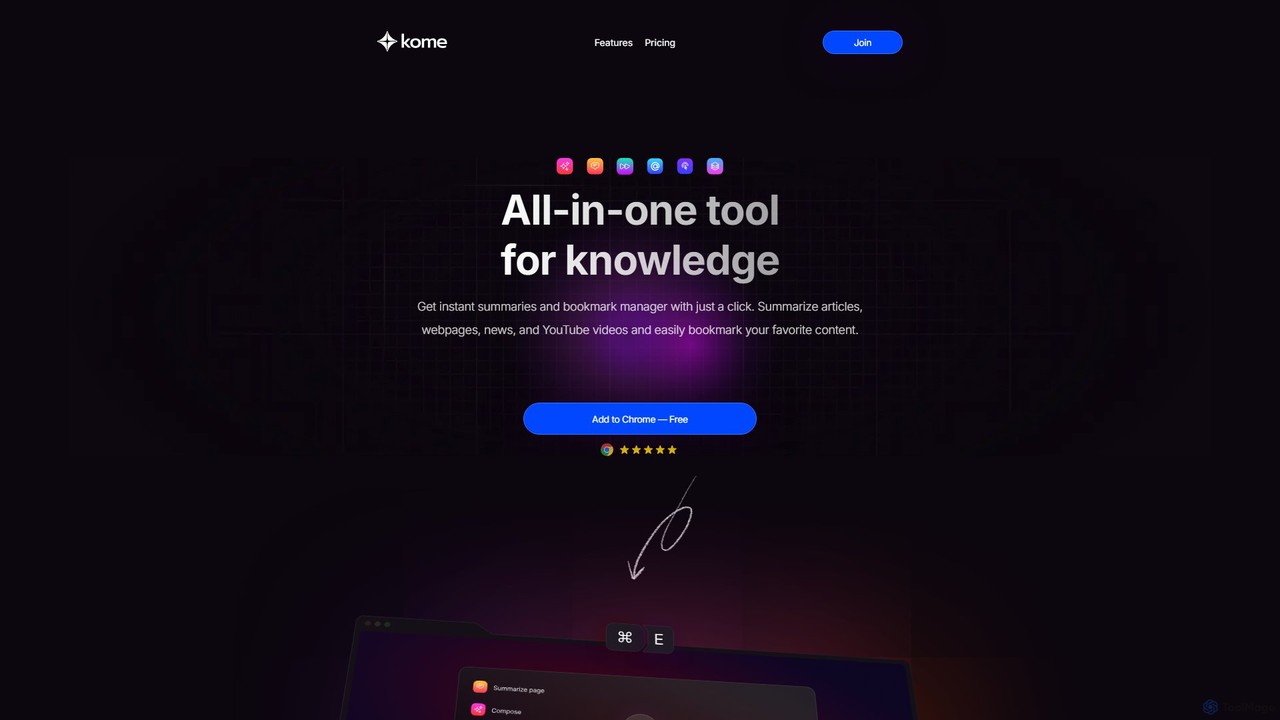
Kome
Kome is an all-in-one AI browser extension that supercharges your productivity. It offers instant summarization for articles, YouTube videos, and PDFs, a smart bookmark manager that organizes content automatically, and a unique compose feature to turn your saved bookmarks into emails, tweets, or blog posts. It's your personal knowledge assistant, right in your browser.
Bookmarking
AIAI
AIAI is an all-in-one AI creative suite designed to transform ideas into stunning visuals and provide intelligent assistance. It offers powerful tools for generating images, videos, and text content, alongside specialized features like an AI Homework Helper and a productivity-boosting browser extension.
Homework Assistance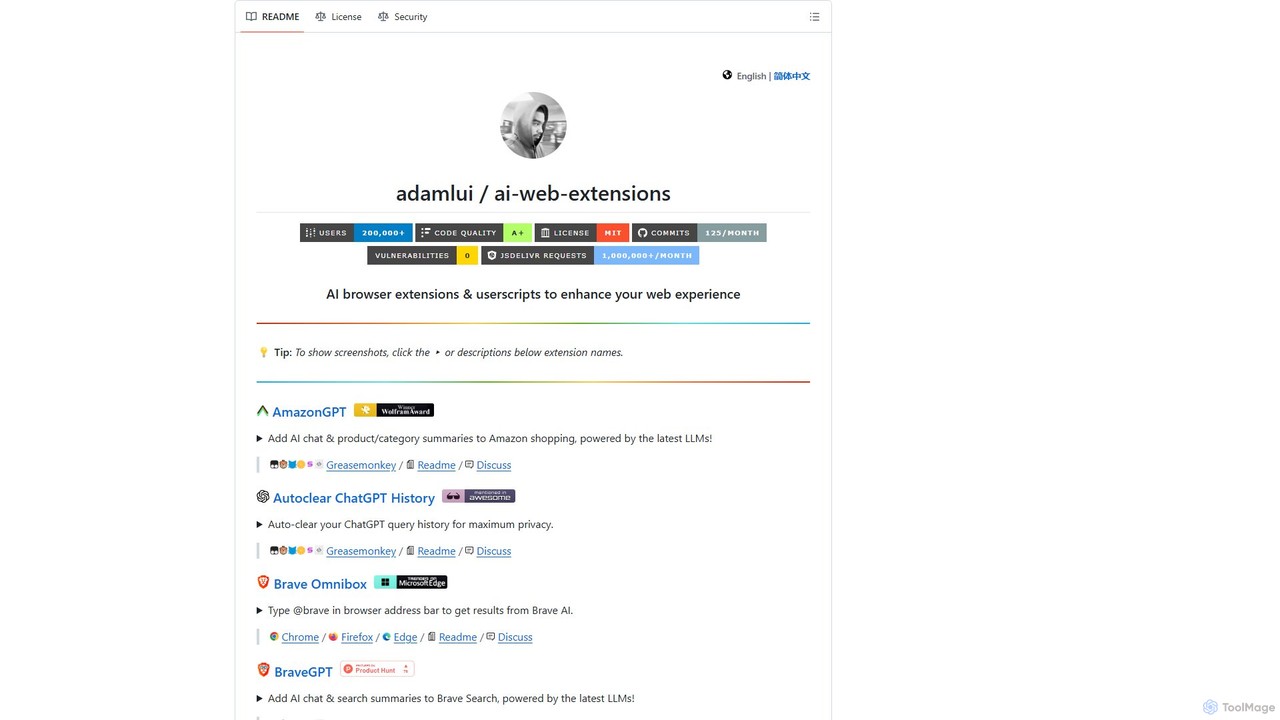
ChatGPT EVO
ChatGPT EVO is a powerful suite of open-source browser extensions and userscripts designed to augment your web experience. It seamlessly integrates AI functionalities from models like ChatGPT into your daily browsing, including search engines, e-commerce sites, and the browser's address bar, boosting productivity and providing instant information.
Code Assistant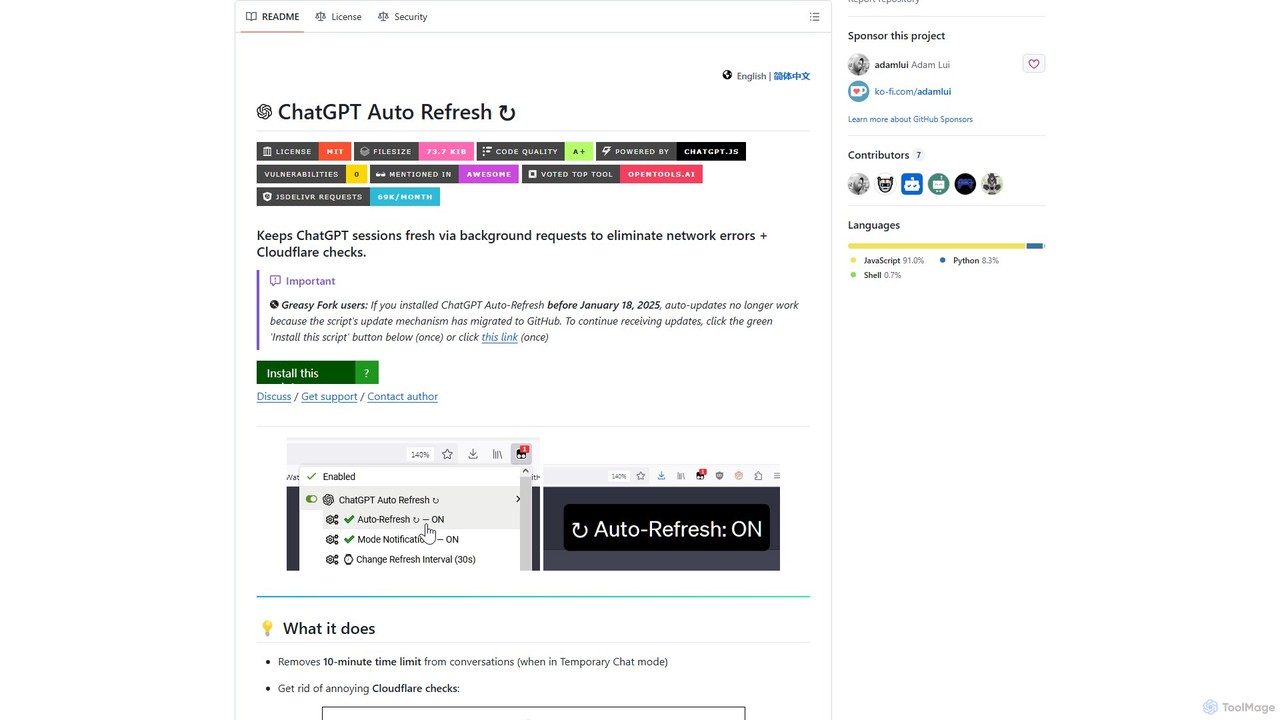
ChatGPT Auto Refresh
ChatGPT Auto Refresh is a free userscript that keeps your ChatGPT sessions active. It prevents timeouts, network errors, and annoying Cloudflare checks by automatically refreshing the session in the background, ensuring a smooth and uninterrupted chat experience.
Chat AssistantLipSurf Categories
LipSurf Embed Widget
Copy this embed code to place the badge on your blog, article, or product site and send readers directly to this ToolMage detail page.

Related AI tools
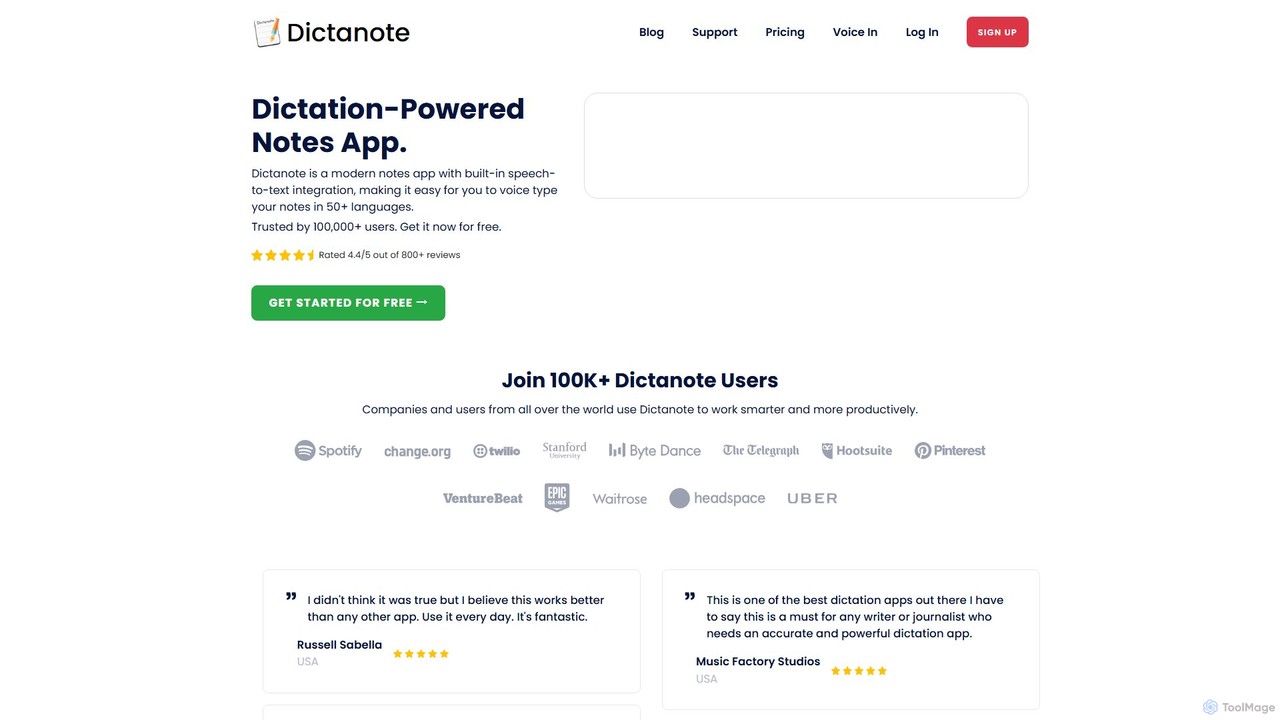
Dictanote
Dictanote is an AI-powered note-taking and transcription tool that converts your voice into text with high accuracy. It features a smart note editor, a Chrome extension for dictation on any site, and an AI assistant, AudioScribe, to summarize and rewrite your voice notes.
Speech To Text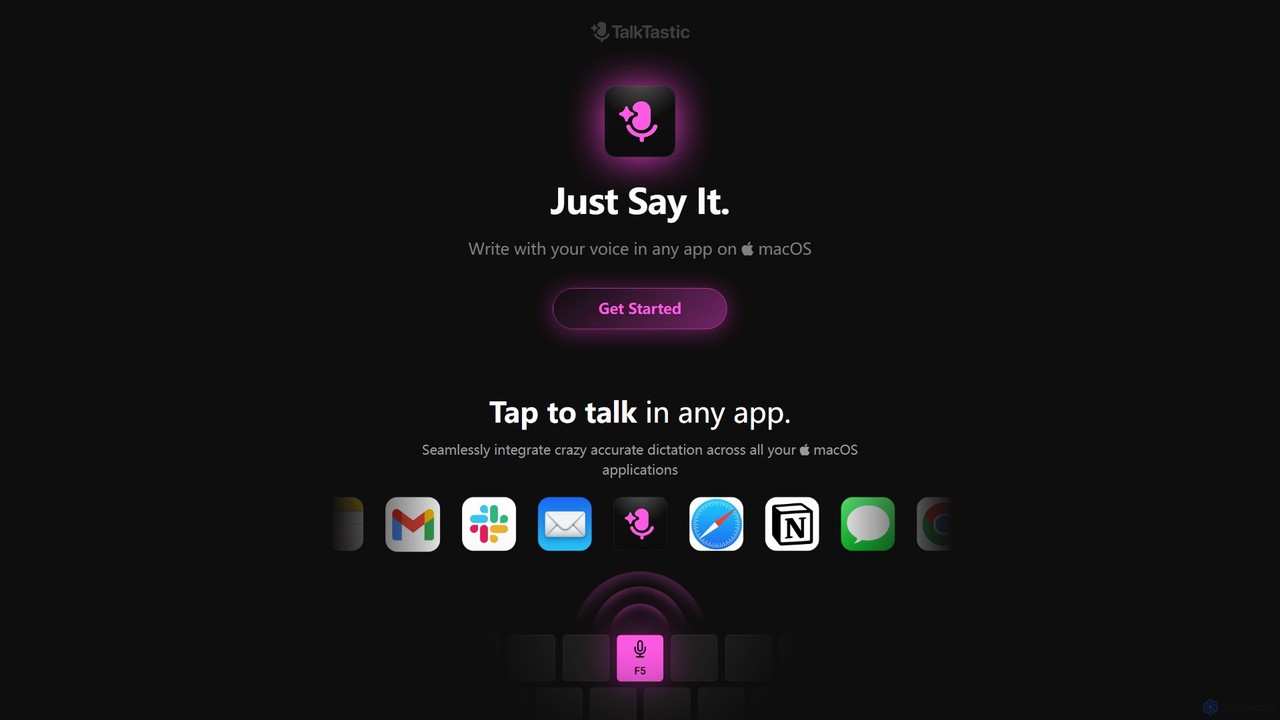
TalkTastic
TalkTastic is a revolutionary AI-powered dictation app for macOS that lets you write with your voice in any application. It goes beyond simple speech-to-text by using multimodal AI to understand on-screen context, ensuring highly accurate, context-aware transcriptions and smart rewrites in your personal style. Boost your productivity and stop typing.
Speech To TextVoiceGPT
VoiceGPT is a voice-enabled AI assistant for Android, providing hands-free access to models like ChatGPT, GPT-4, and Bard. It enhances user interaction with features like multi-language voice input/output (67+ languages), OCR for text extraction from images, and hotword activation ("Hey, Chat"). Designed for accessibility and convenience, it also includes code execution, DALL-E 2 image generation, and seamless chat history sync, making it a powerful personal and professional tool.
Voice Control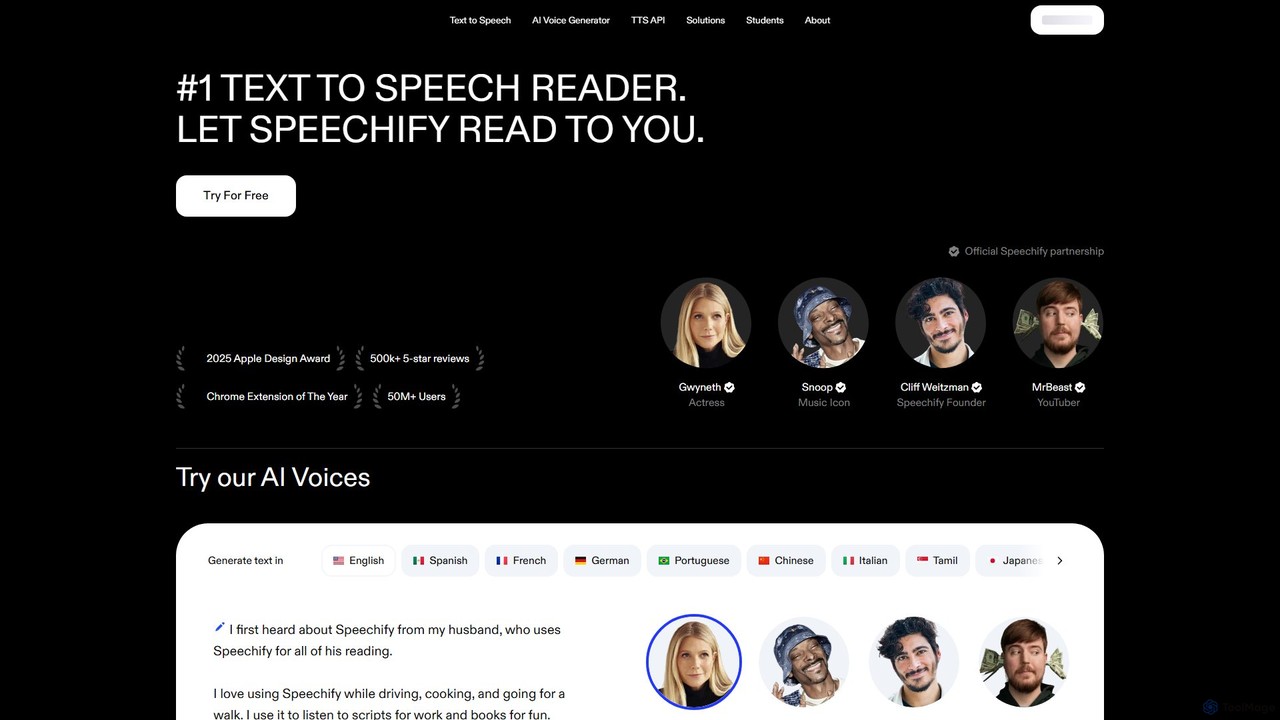
Speechify
Speechify is a leading AI-powered text-to-speech (TTS) reader that transforms any text into natural-sounding audio. It helps users listen to documents, articles, PDFs, and emails on any device, boosting productivity and making content more accessible. Ideal for students, professionals, and anyone with reading difficulties like dyslexia.
Text To Speech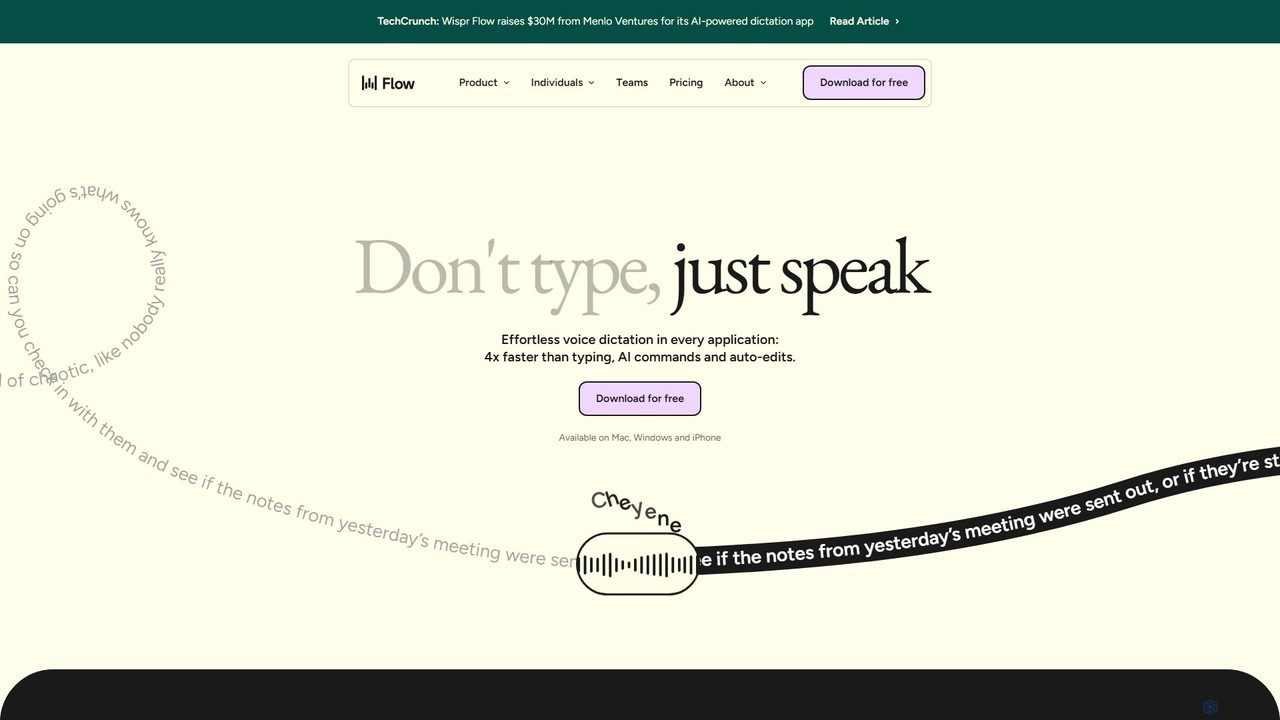
wisprflow
wisprflow is an AI-powered voice dictation application that transcribes speech into text 4x faster than typing. It works across Mac, Windows, and iPhone, featuring AI auto-edits, a personal dictionary, and support for over 100 languages. It's designed to boost productivity and provide accessibility for all users.
Assistive Technology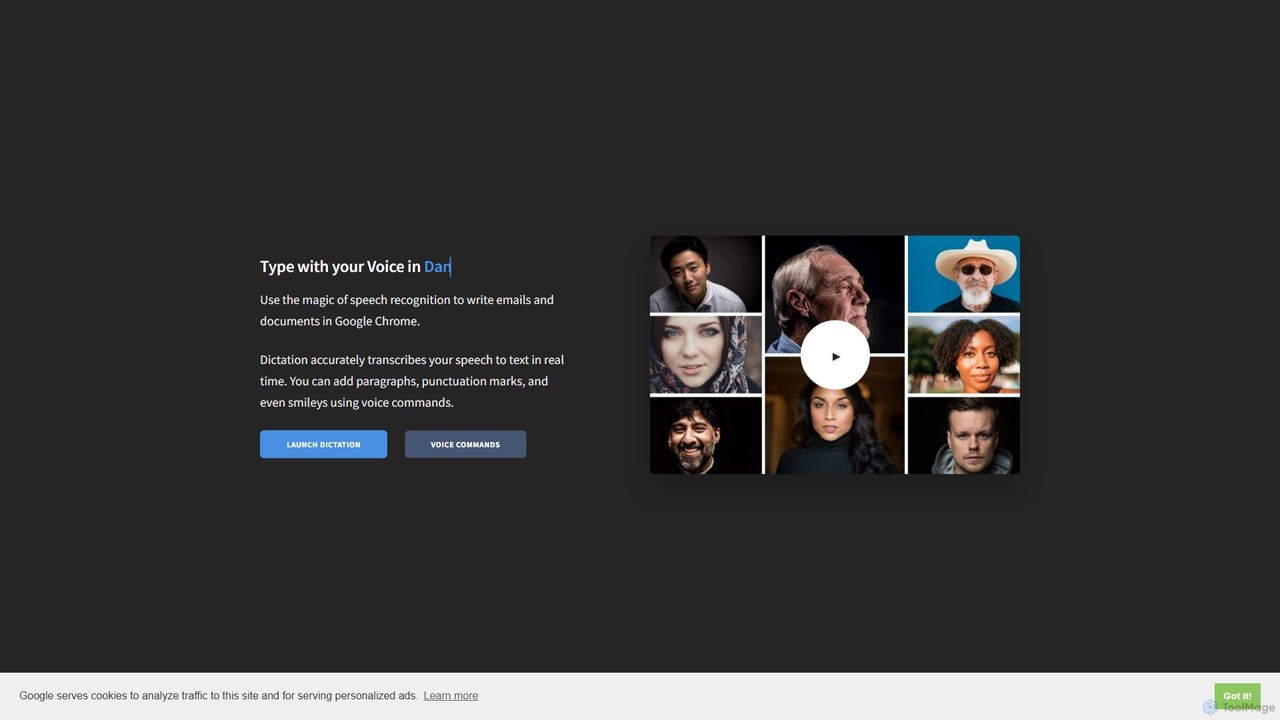
Dictation.io
Dictation.io is a free, web-based speech-to-text application that allows you to type with your voice in over 100 languages. It uses Google's speech recognition for fast, real-time transcription directly in your Chrome browser, with no data stored online, ensuring privacy.
Speech To Text
superwhisper
superwhisper is an AI-powered dictation and transcription tool for macOS and iOS. It offers high-accuracy speech-to-text conversion, intelligent formatting modes for different contexts (emails, notes), and supports over 100 languages. It prioritizes privacy with offline, on-device processing and works seamlessly in any application.
Speech To Text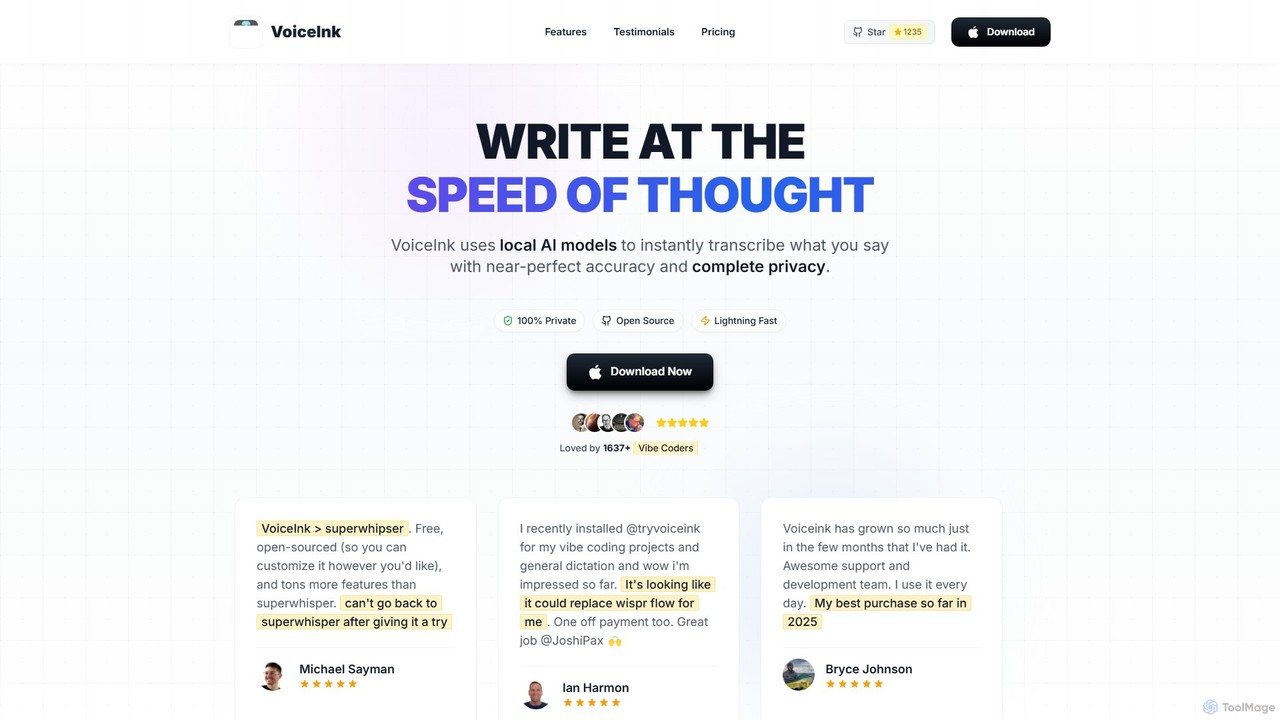
VoiceInk
VoiceInk is a privacy-first, open-source AI dictation app for Mac. It uses local AI models for instant, highly accurate voice-to-text transcription directly in any application. With a one-time payment, it offers system-wide integration, custom dictionaries, and smart modes to boost productivity for writers, coders, and professionals.
Mac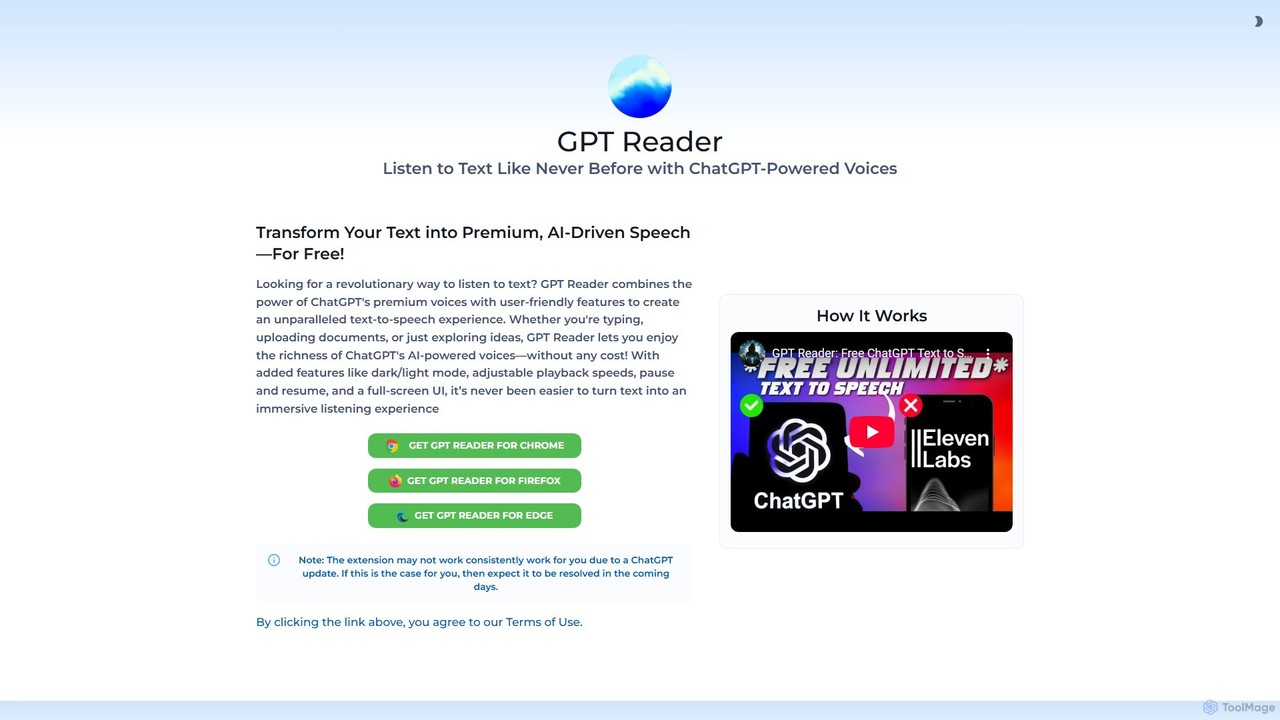
GPT Reader
A free text-to-speech browser extension that uses premium, natural-sounding voices from ChatGPT. Convert articles, documents, and any selected text into high-quality audio for enhanced productivity and accessibility.
Screen Reader
Lunabot
Lunabot is a versatile, all-in-one AI assistant that works across all your devices. It integrates leading AI models like GPT-4o, Gemini, and Claude into a seamless experience on your browser, desktop, and mobile. Boost your productivity with features like document chat, AI image generation, voice interaction, and customizable shortcut commands, all from a single, budget-friendly platform.
Chat
voicewriter
An AI-powered voice writing tool that transcribes your speech into polished, grammatically correct text in real-time. It supports over 30 languages, learns your unique writing style, and works directly in your browser via a Chrome extension, boosting your writing speed for emails, blogs, and reports.
Note Taking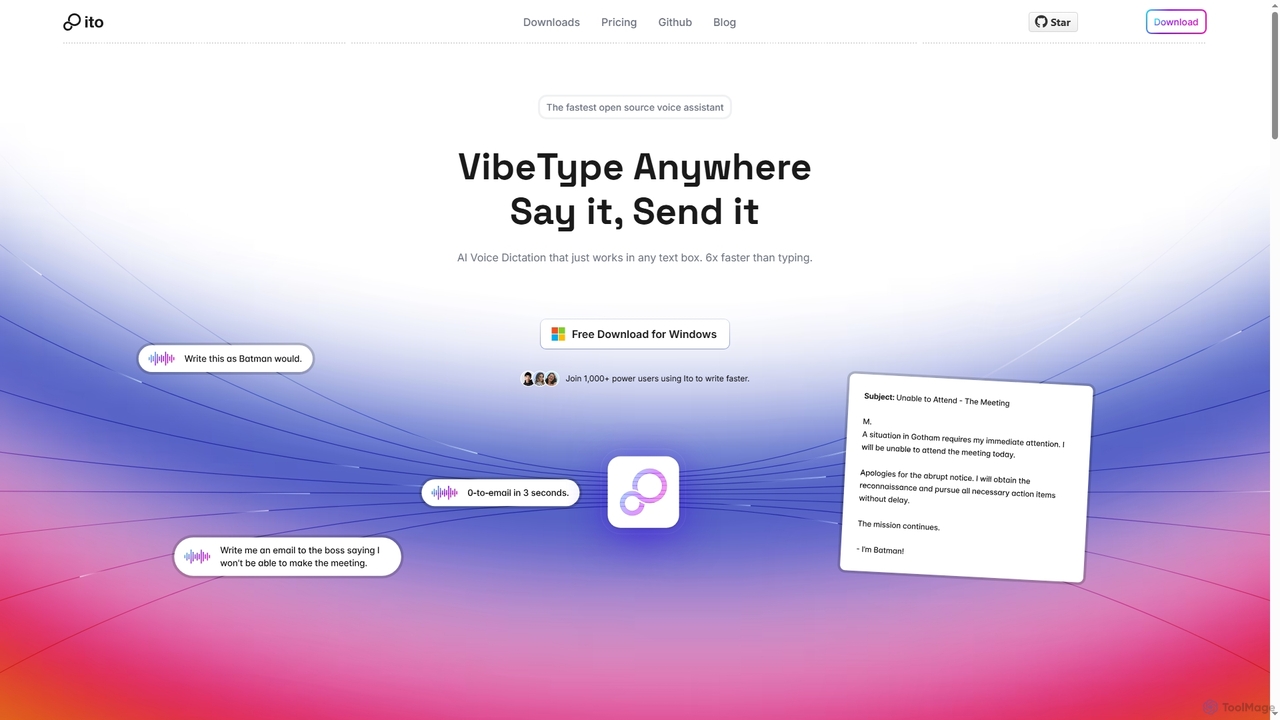
Ito
Ito is an open-source, voice-powered AI assistant for Mac and Windows that goes beyond simple dictation. Using "Vibe Typing," it understands your intent to generate polished text, smart responses, and even code, saving users significant time by allowing them to think, not type.
Email Assistant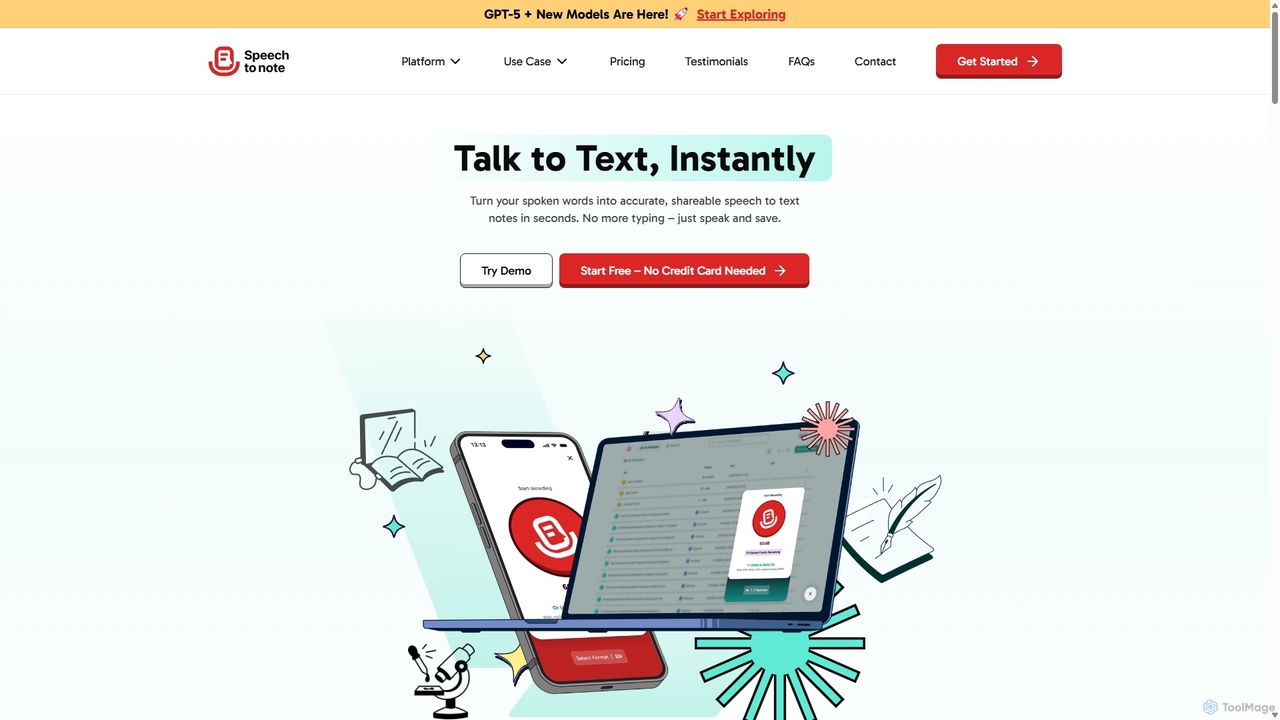
SpeechtoNote
SpeechtoNote is an AI-powered tool that instantly converts spoken words into accurate text notes. It supports over 40 languages and offers 30+ smart note formats, including summaries, emails, and to-do lists. Powered by advanced models like GPT-4o, it's designed for professionals, students, and creators to capture ideas, transcribe meetings, and streamline their workflow effortlessly.
Speech To Text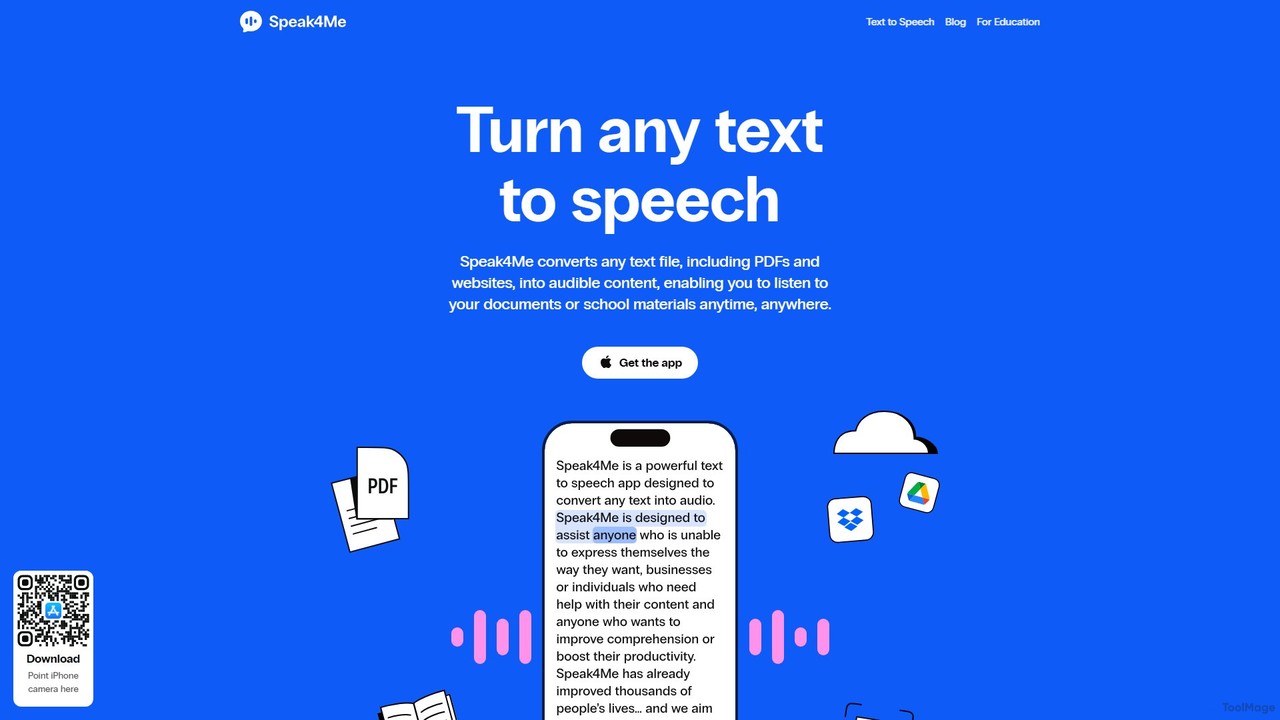
Speak4Me
Speak4Me is an advanced text-to-speech iOS app that converts any text from documents, websites, or scanned pages into natural-sounding audio. It features AI-powered chat for summarizing and querying documents, seamless cloud integration, and robust accessibility tools for users with dyslexia or ADHD. Listen to content on the go, increase productivity, and enhance your reading and learning experience.
Assistive Technology
audemic
Audemic is an AI-powered platform for researchers and PhD students that converts academic papers into high-quality audio. It uses neural text-to-speech voices to make research accessible anywhere. Features include multi-language translation, immersive reading with text highlighting, note-taking, and integration with reference managers like Zotero. It aims to save time, enhance comprehension, and support users with dyslexia, ADHD, or visual impairments.
Text To Speech
LipSurf Comments (0)
Sign in to comment.
Sign inNo comments yet.