LipSurf
A powerful Chrome extension that provides complete voice control for your browser. Dictate text, navigate websites, click links, …
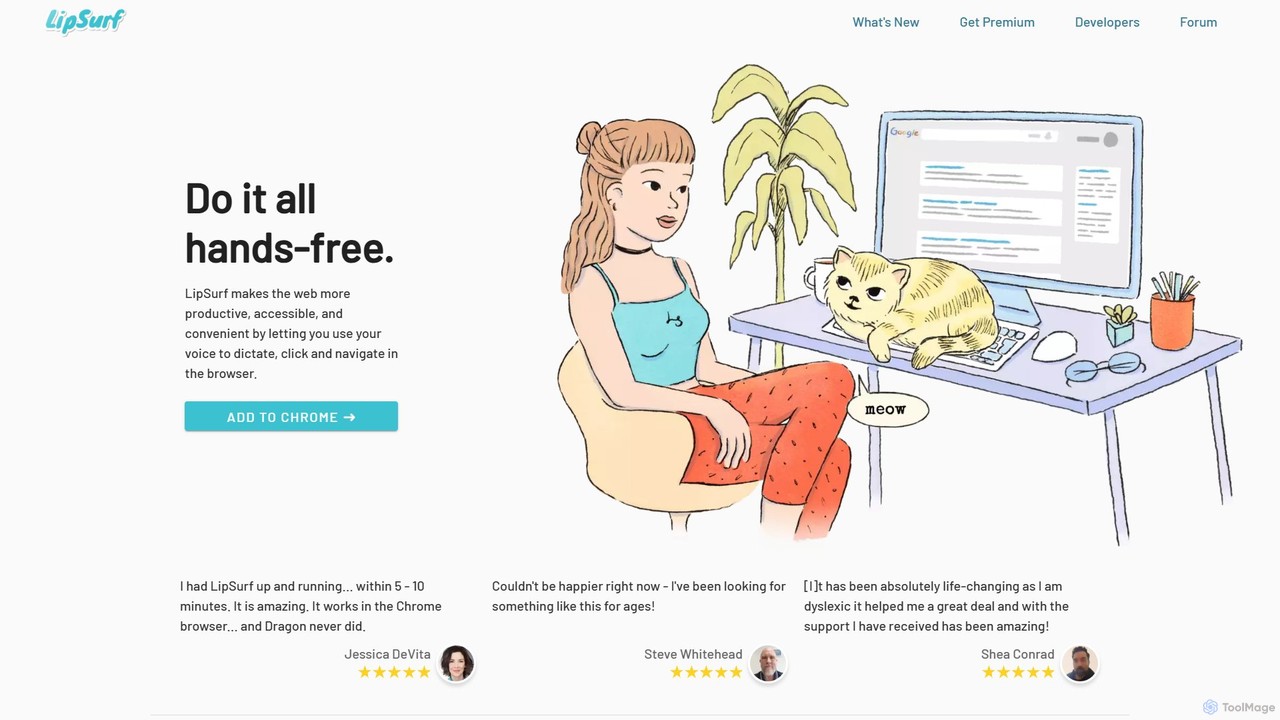
A powerful Chrome extension that provides complete voice control for your browser. Dictate text, navigate websites, click links, and create custom shortcuts hands-free. LipSurf enhances productivity and makes the web more accessible for users with motor disabilities, RSI, or dyslexia.
About Dictation
Dictation tools are AI-powered applications that convert spoken words into written text. Leveraging advanced speech recognition and natural language processing (NLP), these tools enable users to create documents, emails, and notes hands-free, significantly boosting productivity. They adapt to various accents and speaking styles, offering high accuracy and real-time transcription, making content creation and documentation more efficient.
Core Features
- Real-time Transcription: Instantly converts spoken language into text as you speak.
- Multi-language Support: Recognizes and transcribes speech in numerous languages and dialects.
- Custom Vocabulary: Allows users to add industry-specific terms, proper nouns, or unique phrases for improved accuracy.
- Punctuation & Formatting: Automatically inserts punctuation and applies basic formatting based on speech patterns.
- Speaker Identification: Differentiates and labels multiple speakers in a conversation or meeting transcript.
Use Cases
Dictation tools are invaluable for professionals across various fields, including legal, medical, and journalism, for drafting reports, patient notes, or interview transcripts. They also empower content creators to dictate articles, scripts, and social media posts, streamlining their workflow. Students find them useful for capturing lecture notes or brainstorming ideas quickly.
How to Choose
When selecting a dictation tool, prioritize accuracy, especially for your specific accent and vocabulary. Consider its language support, integration capabilities with your existing software (e.g., word processors, CRMs), and data privacy policies. Evaluate customization options like custom vocabulary and voice commands, along with its performance in real-time transcription versus batch processing.

DictationUse Cases
Drafting Legal Documents and Reports
Legal professionals, such as lawyers and paralegals, can dictate complex legal briefs, contracts, and case notes directly into their systems. This eliminates the need for manual typing, saving significant time and reducing the risk of transcription errors, allowing them to focus more on legal analysis and client work rather than administrative tasks.
Transcribing Medical Notes and Patient Records
Doctors and healthcare providers can use dictation tools to quickly record patient histories, examination findings, and treatment plans during or immediately after consultations. This ensures accurate and comprehensive medical records are created efficiently, reducing administrative burden and allowing more time for patient care, while maintaining compliance with privacy regulations.
Hands-Free Content Creation for Writers and Bloggers
Content creators, authors, and bloggers can dictate articles, book chapters, scripts, and social media posts, allowing their ideas to flow freely without the interruption of typing. This method is particularly beneficial for overcoming writer's block, capturing thoughts rapidly, and producing large volumes of text efficiently, transforming spoken ideas into polished written content.
Enhancing Accessibility for Individuals with Disabilities
Dictation tools provide a crucial accessibility solution for individuals with physical disabilities, such as limited hand mobility or visual impairments, enabling them to interact with computers and create written content using their voice. This fosters greater independence and inclusion in academic, professional, and personal environments, bridging the gap between spoken thought and digital text.
Rapid Note-Taking for Students and Researchers
Students can quickly capture lecture notes, research findings, and brainstorming sessions by speaking, rather than typing, allowing them to maintain focus on the content. Researchers can document observations, hypotheses, and experimental results efficiently, ensuring no critical details are missed and accelerating the documentation phase of their projects.
Streamlining Interview Transcription for Journalists
Journalists and researchers can utilize dictation tools to automatically transcribe interviews, press conferences, and field recordings. This significantly reduces the manual effort and time required for transcription, allowing them to quickly analyze spoken content, identify key quotes, and produce articles or reports more rapidly, enhancing their overall reporting efficiency.