

Translatium Overview
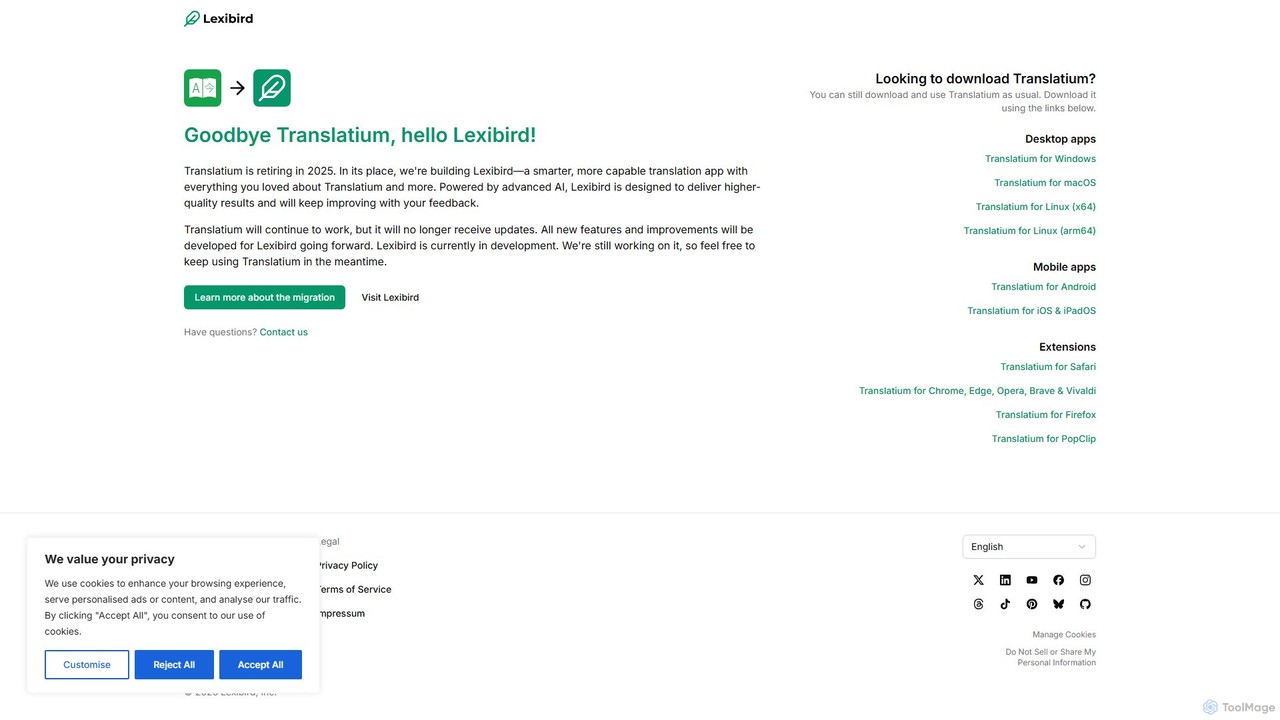
Translatium stands out as a comprehensive and elegant translation solution designed for desktop users. It integrates multiple translation features into a single, intuitive application, making it a versatile tool for anyone dealing with foreign languages. While the application has recently evolved and rebranded into its successor, Lexibird, the core functionalities that made Translatium popular remain at the heart of the experience. It supports over 100 languages and dialects, ensuring users can communicate and understand content from all over the world.
The application is more than just a simple text translator. It's an all-in-one language toolkit. Whether you need to quickly translate a snippet of text from your menu bar, understand a document using your camera, or learn the pronunciation of a foreign word, Translatium provides the necessary tools. Its clean interface and powerful backend make it a reliable companion for work, study, and travel.
How to use Translatium
Using Translatium is straightforward. First, download and install the application on your macOS, Windows, or Linux device. Upon launching, you are greeted with a clean interface with two text boxes for the source and target languages. Simply select your desired languages from the dropdown menus. You can then type, paste, or even drag-and-drop text into the source field. The translation appears instantly in the target field. For quick access, you can use the menu bar icon to translate text without opening the full application window. To use the camera translation, select the OCR option and point your camera at the text you wish to translate.
Core Features of Translatium
- 100+ Languages Support: Translate between over 100 languages and dialects, powered by leading translation engines.
- Text-to-Speech: Listen to translations in their native accent to improve pronunciation and comprehension.
- OCR (Optical Character Recognition): Use your device's camera to instantly translate text from signs, menus, documents, and more.
- Dictionary & Thesaurus: Get detailed definitions, synonyms, and examples for words and phrases to understand the full context.
- Phrasebook: Save your most-used or favorite translations for quick access, even offline. Create custom phrasebooks for different scenarios like travel or business.
- Dark Mode: A beautifully designed dark theme that is easy on the eyes, perfect for working in low-light environments.
- Cross-Platform Sync: Seamlessly sync your translation history and phrasebook across all your devices.
Use Cases for Translatium
Translatium is ideal for a wide range of users. Students can use it to learn new languages, understand academic papers, and get help with homework. Professionals can translate emails, documents, and presentations to communicate effectively with international clients and colleagues. Travelers can use the camera translation feature to read menus and signs, and the phrasebook to handle common interactions. Content creators and researchers can quickly understand source material in foreign languages, broadening their scope of information.
Advantages of Translatium
The main advantage of Translatium is its consolidation of multiple language tools into one polished application. Instead of using separate websites or apps for translation, dictionary lookups, and pronunciation, users get everything in one place. Its native desktop integration provides a faster and more seamless experience than web-based translators. The powerful OCR and comprehensive dictionary features add significant value, making it more than just a translation tool. The clean, ad-free interface (in the Pro version) allows for focused work without distractions.
Pricing and Plans
Translatium typically operates on a freemium model. The free version offers basic translation capabilities, suitable for casual use. For advanced users, a one-time purchase or subscription to the 'Pro' version unlocks the full potential of the application. Pro features often include unlimited translations, access to all themes, camera translation (OCR), and more detailed dictionary results. This model allows users to try the core functionality before committing to a purchase. (Note: As the product has evolved into Lexibird, specific pricing may have changed. Please visit the official website for the most current information).
Traffic
Latest traffic
Status
Monthly traffic trend
- 2026-1: 22.7K
- 2026-2: 9.3K
- 2026-3: 21.0K
- 2026-4: 12.7K
- 2026-5: 4.4K
Geography
Top 5 countries / regions
- 🇧🇷Brazil65.4%
- 🇹🇷Türkiye22.6%
- 🇯🇵Japan12.0%
Traffic sources
| Source type | Percentage |
|---|---|
Direct | 86.3% |
Referral | 11.2% |
Email | 2.5% |
Top keywords
| Keyword | Cost per click |
|---|---|
| lexibird translate: ai | $0.00 |
| lexibird translate: ai translator | $0.00 |
| lexibird translate ai translator download mirror | $0.00 |
| lexibrid | $0.00 |
| скачать lexibird | $0.00 |
Translatium Alternatives
Tencent Fanyi Jun
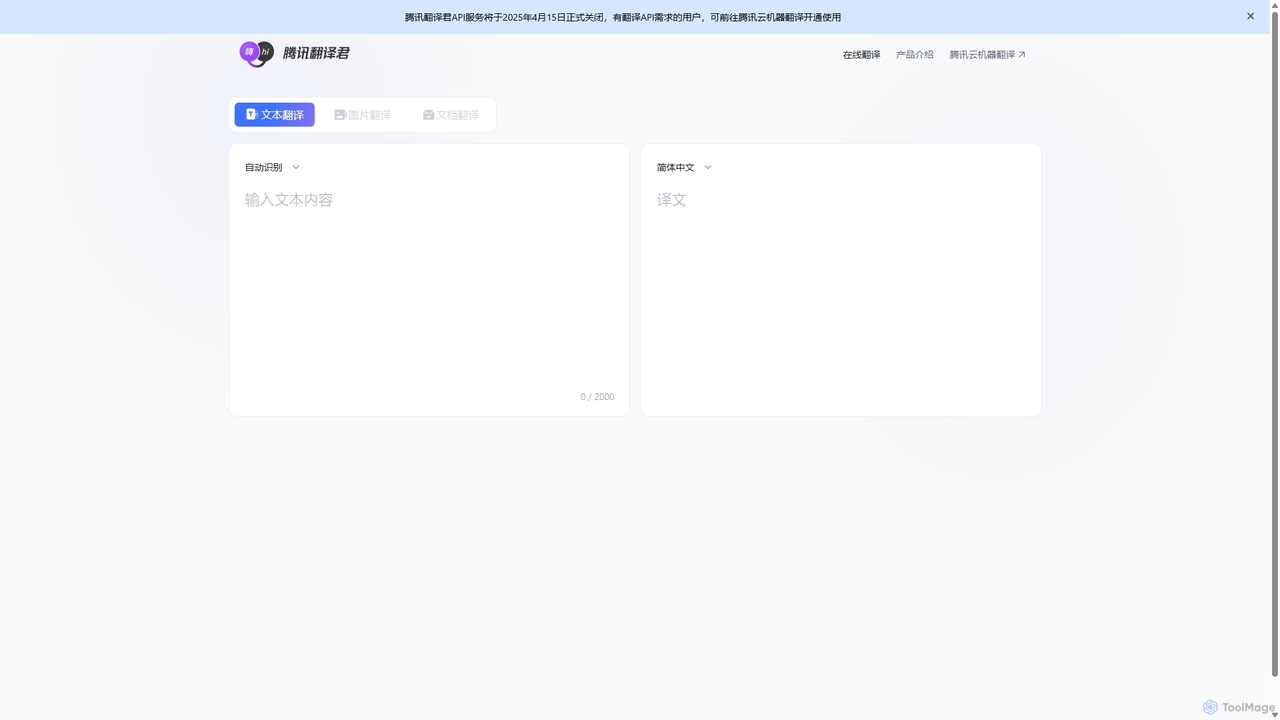
Tencent Fanyi Jun is a comprehensive AI-powered translation service developed by Tencent. It offers high-quality translation across multiple formats, including text, speech, images, and documents. Leveraging advanced neural machine translation technology, it supports numerous languages and is designed to break down communication barriers for individuals and businesses in various scenarios like travel, business, and education.
Communication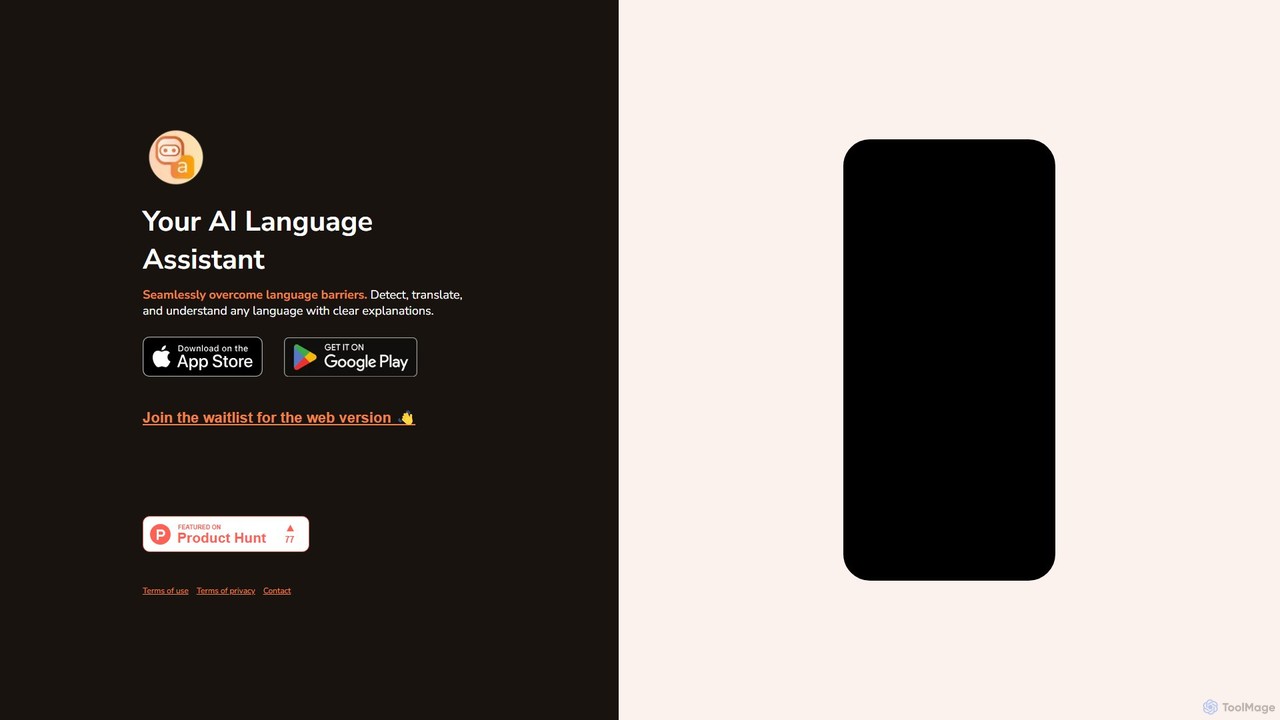
Langy
Langy is an AI-powered language assistant designed to break down communication barriers. It not only translates text but also provides in-depth explanations of grammar, context, and cultural nuances, turning every translation into a learning opportunity. Ideal for travelers, students, and professionals.
Language Learning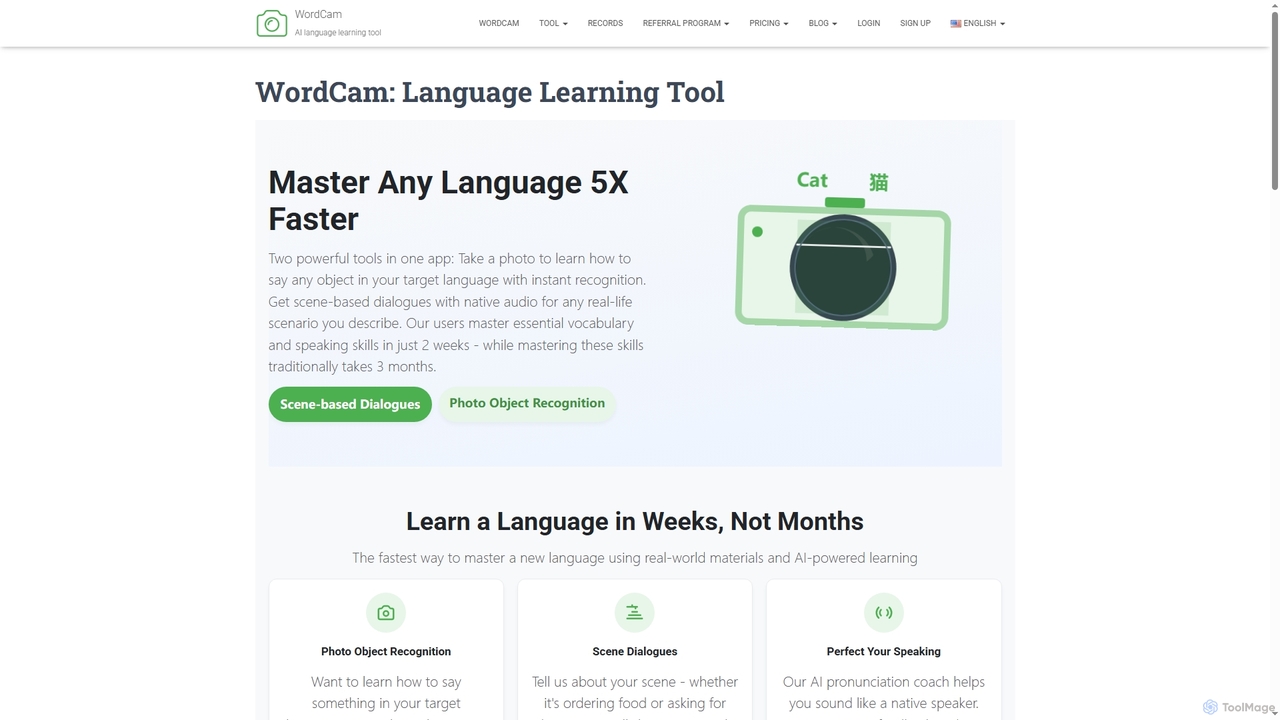
Wordcam
WordCam is an AI-powered language learning tool that accelerates fluency 5x faster. It uses two main features: photo object recognition to instantly identify and name objects in your target language, and a scene dialogue generator to create practical, real-life conversations with native audio.
Language Learning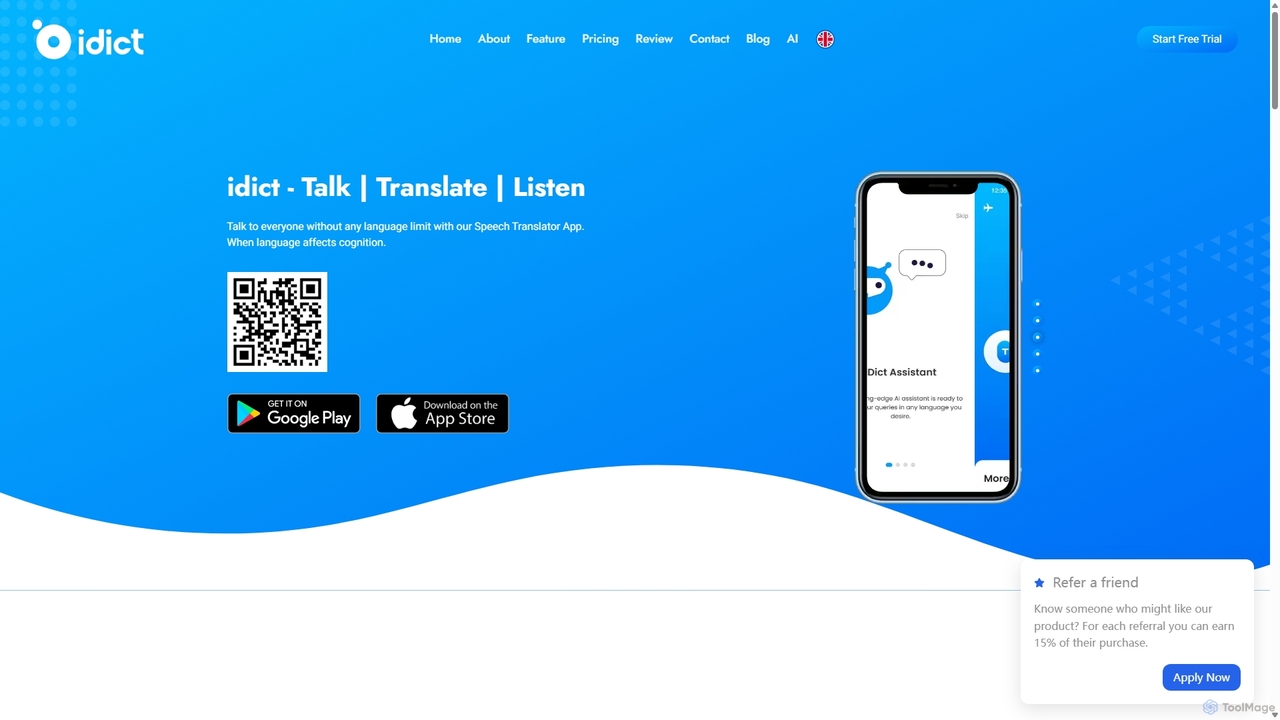
Idict
Idict is an AI-powered voice cloning translation app that allows you to speak in any language using your own voice. It offers real-time translation, an AI assistant, and a comprehensive phrase guide, making it perfect for travelers, professionals, and content creators to communicate naturally across language barriers.
Voice Tools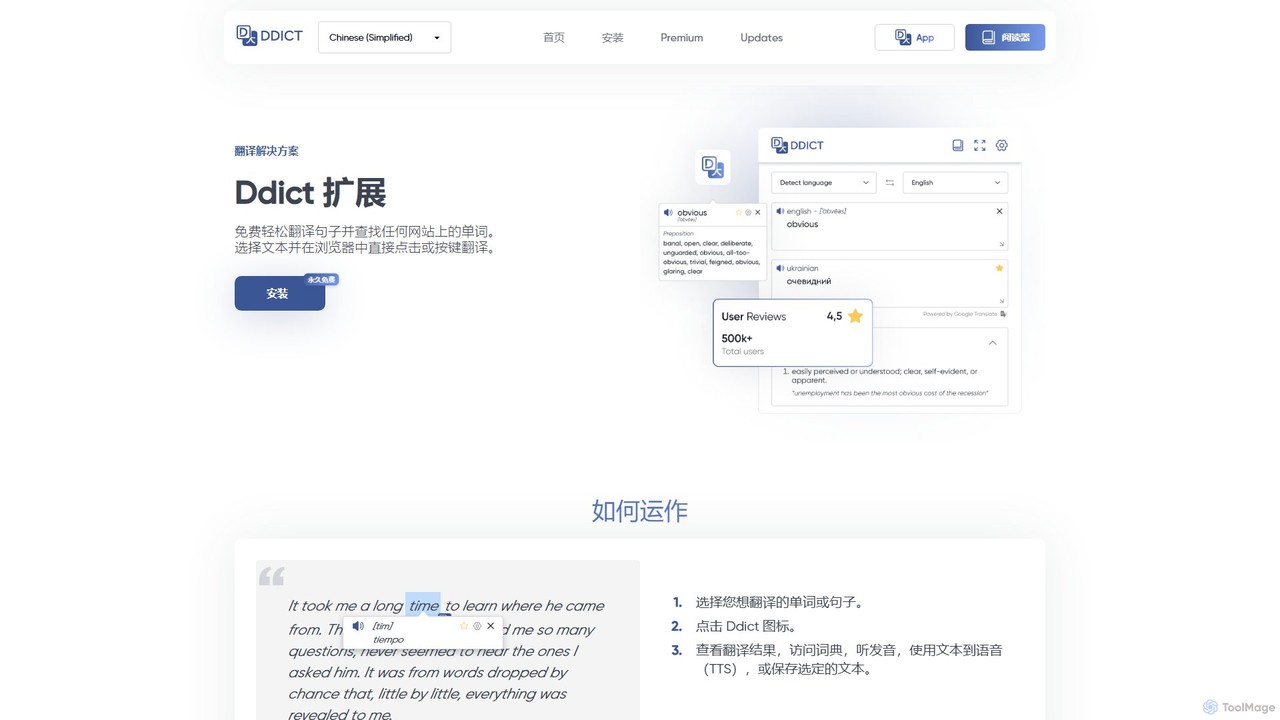
Ddict
Ddict is an AI-powered browser extension that provides instant translation, writing assistance, grammar checking, and text summarization. It helps users understand, learn, and write in any language directly on any website, breaking down language barriers with advanced AI.
AssistantsTranslatium Categories
Translatium Embed Widget
Copy this embed code to place the badge on your blog, article, or product site and send readers directly to this ToolMage detail page.

Related AI tools
Ddict
Ddict is an AI-powered browser extension that provides instant translation, writing assistance, grammar checking, and text summarization. It helps users understand, learn, and write in any language directly on any website, breaking down language barriers with advanced AI.
AssistantsTencent Fanyi Jun
Tencent Fanyi Jun is a comprehensive AI-powered translation service developed by Tencent. It offers high-quality translation across multiple formats, including text, speech, images, and documents. Leveraging advanced neural machine translation technology, it supports numerous languages and is designed to break down communication barriers for individuals and businesses in various scenarios like travel, business, and education.
CommunicationLangy
Langy is an AI-powered language assistant designed to break down communication barriers. It not only translates text but also provides in-depth explanations of grammar, context, and cultural nuances, turning every translation into a learning opportunity. Ideal for travelers, students, and professionals.
Language Learning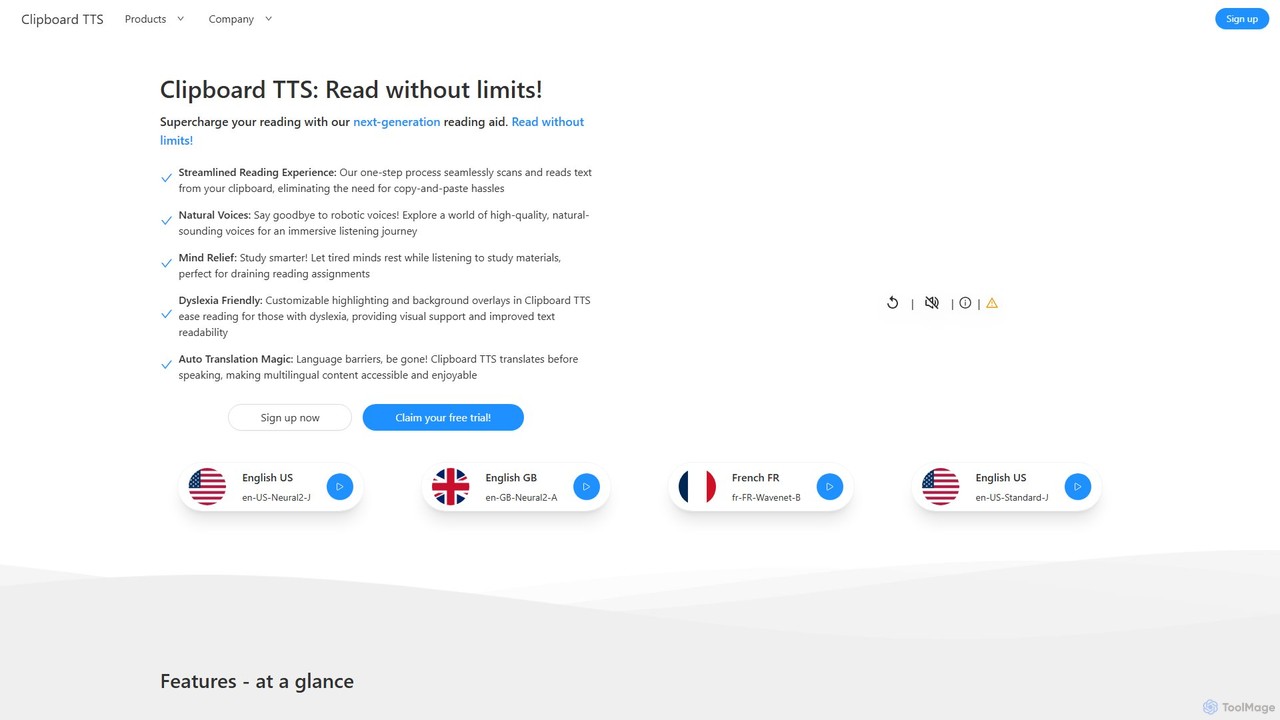
Clipboard TTS
An advanced text-to-speech application for Windows and Linux that automatically reads text from your clipboard. It features natural voices, auto-translation, OCR, and extensive accessibility tools, including dyslexia-friendly options, to create a seamless and powerful reading experience.
Reading Aid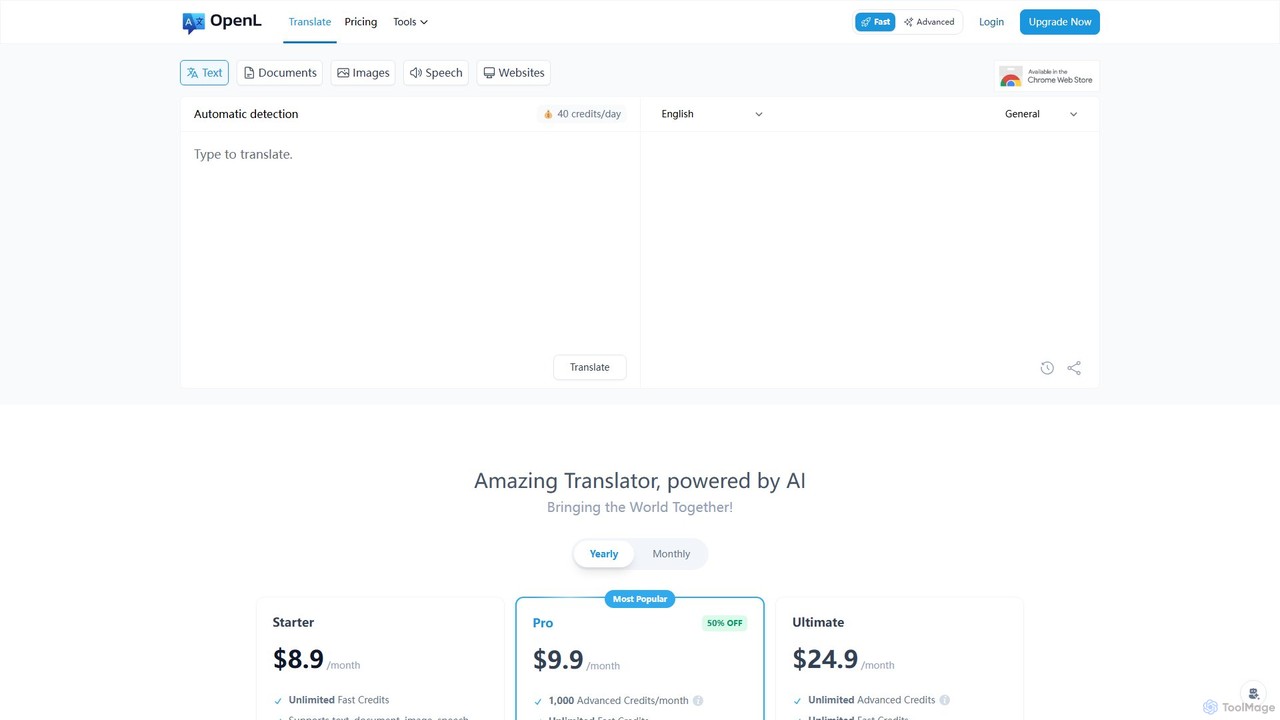
OpenL
OpenL is an advanced AI-powered translation platform that provides highly accurate, native-level translations for over 186 languages. It supports a wide range of formats, including text, documents (PDF, Word), images, and voice. Beyond translation, OpenL offers an AI language assistant for grammar checking, writing refinement, and language learning, making it a comprehensive tool for global communication and academic excellence.
Language Learning
Caiyun Translate
Caiyun Translate is a powerful AI-driven translation tool offering high-quality text, document, and webpage translation. It stands out with its unique side-by-side bilingual comparison view, making it ideal for professionals, students, and language learners. Available as a web service, browser extension, and mobile app, it supports various formats and features a personal glossary for customized translations.
Api
Volcano Translation
Volcano Translation is a comprehensive AI-powered translation platform by ByteDance. It offers a wide range of services including text, image, voice, and video translation for individuals and enterprises. It provides free online tools, browser extensions, and powerful APIs for seamless cross-language communication and content localization.
Api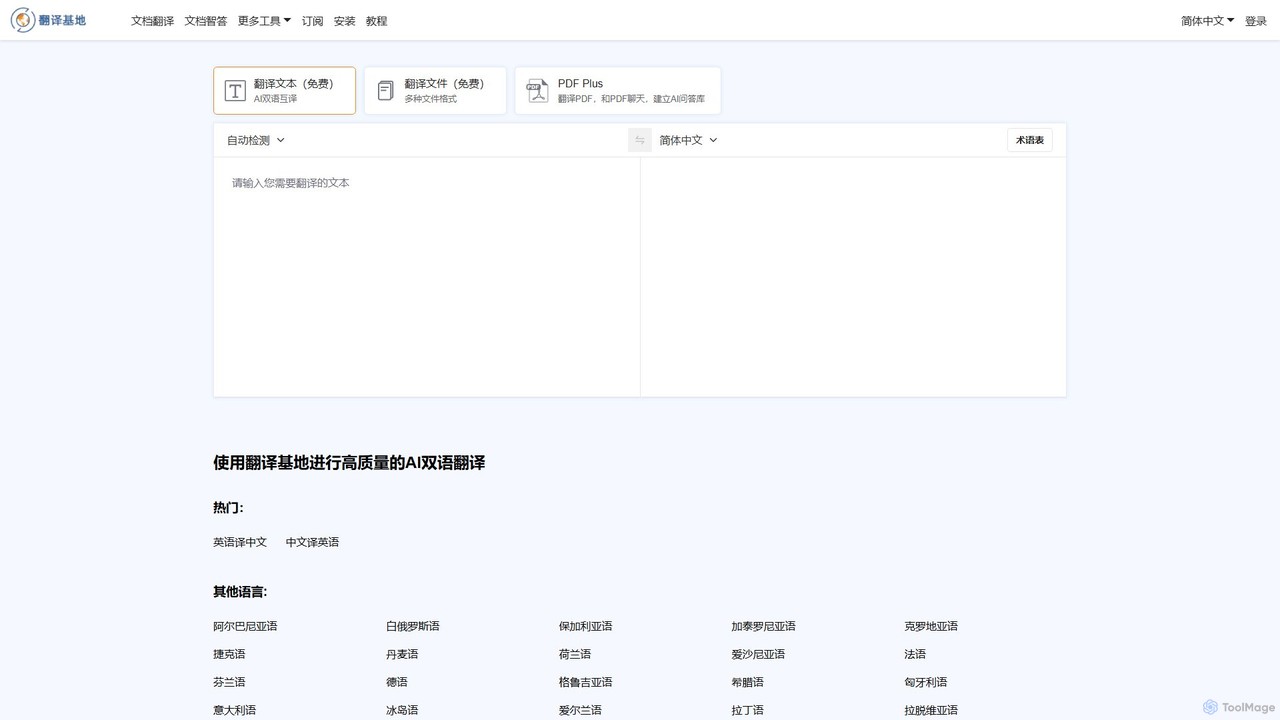
TranslateBase
TranslateBase is a comprehensive AI-powered translation platform supporting over 100 languages. It offers high-quality translation for text, documents (PDF, DOCX, etc.), images with OCR, and real-time video subtitles. Advanced features include layout preservation, bilingual document views, and an interactive 'Chat with PDF' function, making it an all-in-one solution for students, professionals, and language learners.
Document Management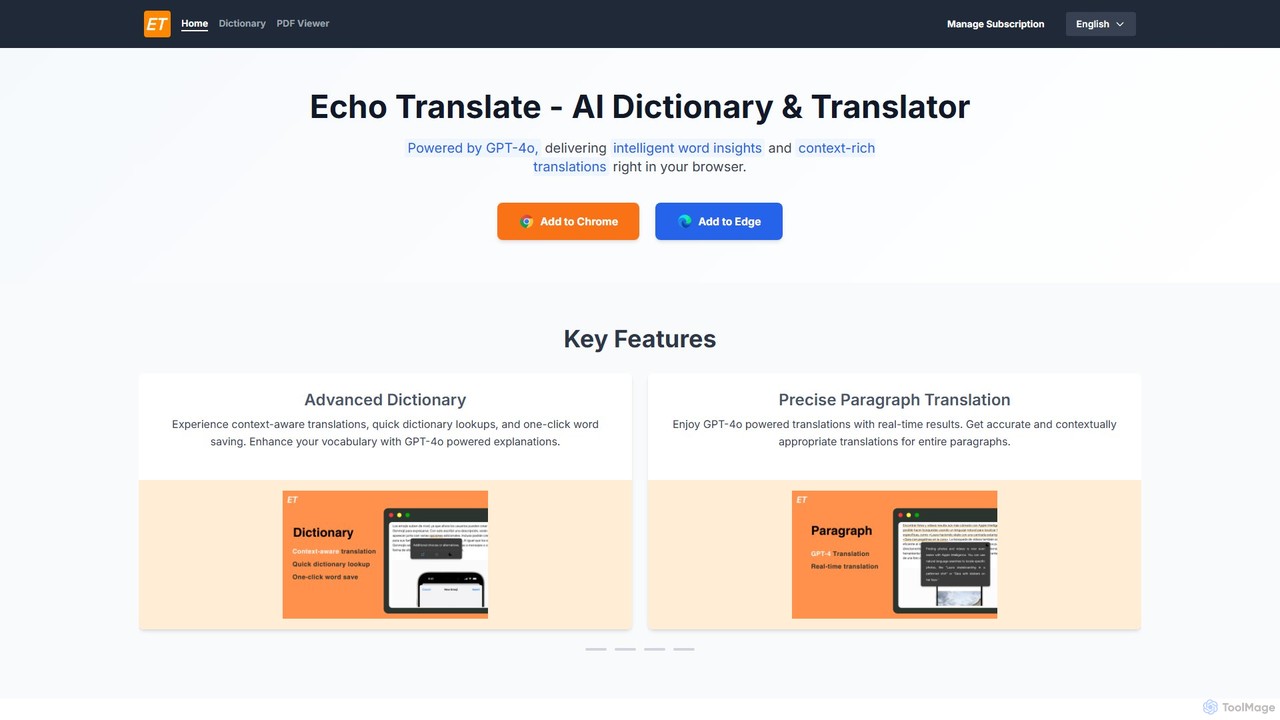
Echo Translate
Echo Translate is a GPT-4o powered AI dictionary and translator available as a browser extension. It offers intelligent, context-aware word insights, precise paragraph translations, and integrated vocabulary-building features. Ideal for language learners, students, and professionals, it supports numerous languages and includes a PDF translation function.
Utilities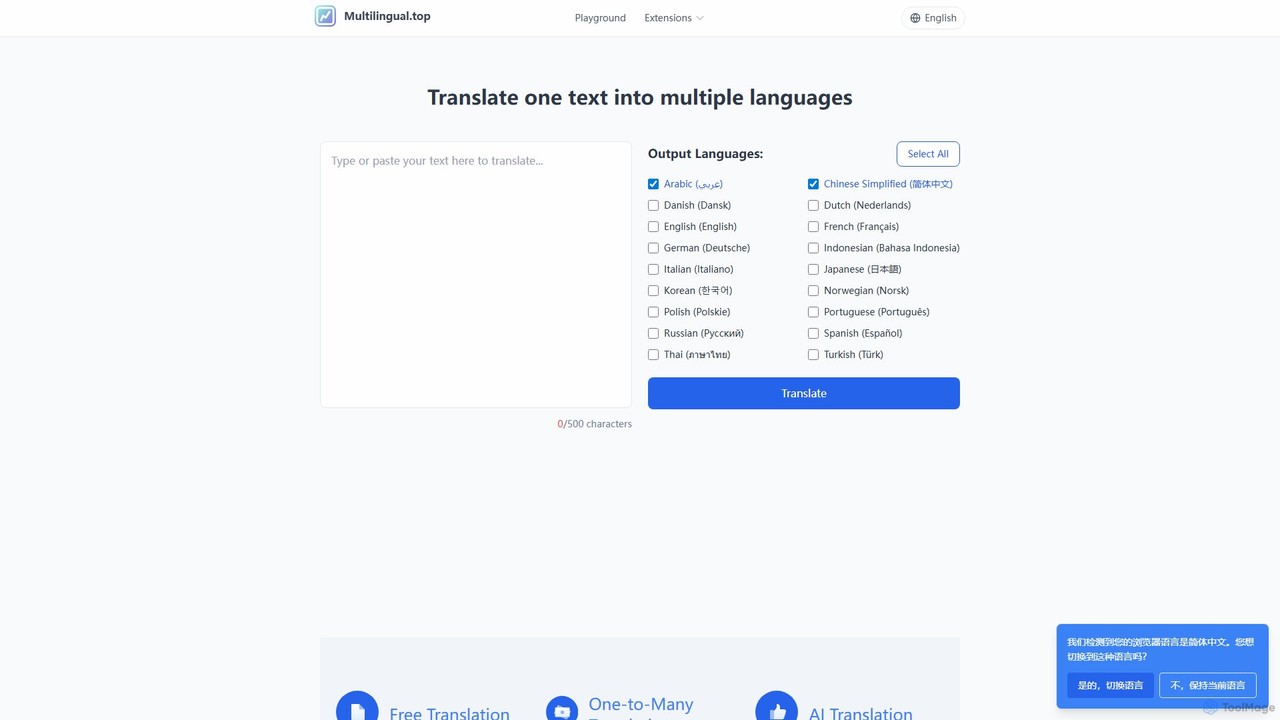
Multilingual.top
An AI-powered translation platform that translates text into multiple languages simultaneously. It offers a free web tool with file parsing and text-to-speech, and a browser extension for real-time translation within specific applications like Linear.app, enhancing global communication and productivity.
Localization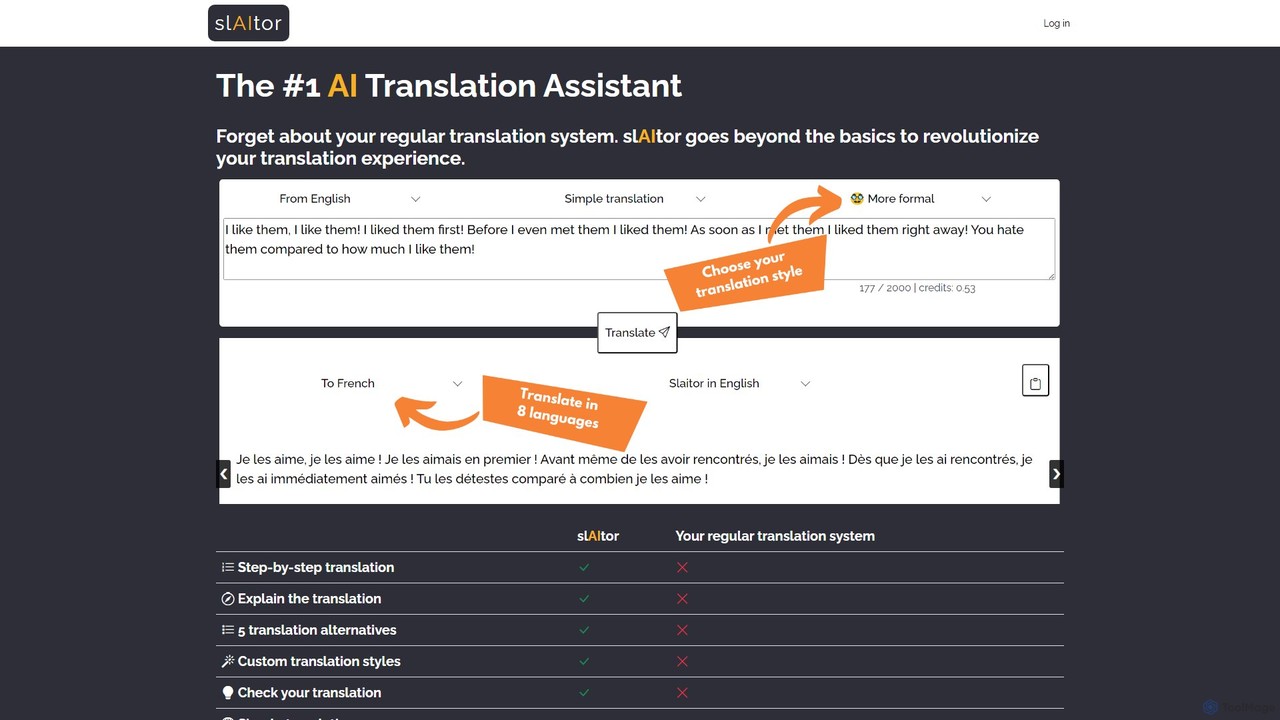
slaitor
slAItor is an advanced AI translation assistant powered by GPT. It goes beyond simple translation by providing step-by-step explanations, checking user-submitted translations for errors, and offering stylistic alternatives. It's a powerful tool for both accurate translation and language learning, supporting 28 language pairs.
Language Learning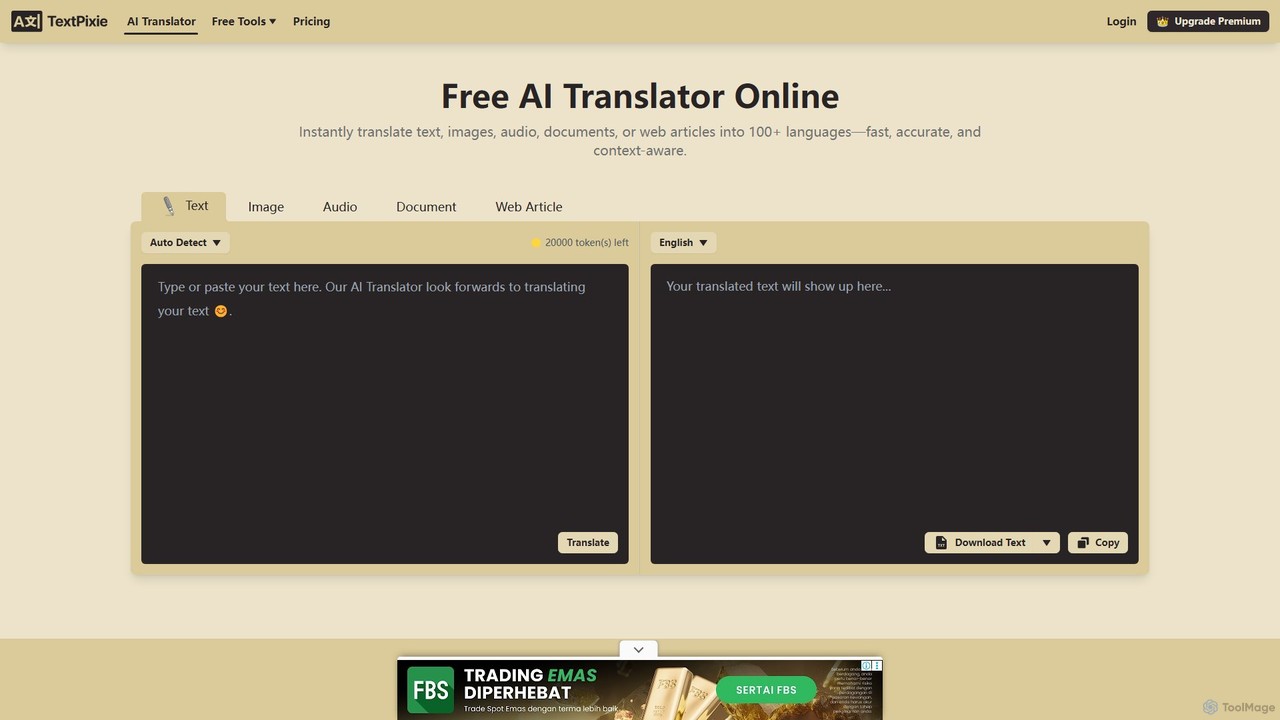
TextPixie
TextPixie is a versatile AI-powered online translator that handles text, images, audio, documents, and web articles. It supports over 100 languages, offering fast, accurate, and context-aware translations. Key features include a powerful OCR for image-to-text extraction and a generous free plan, making it an accessible tool for global communication.
Localization
gengo.app
gengo.app is a free, web-based reader with an integrated OCR dictionary, designed for Japanese language learners. It helps you read your favorite manga and light novels, turning entertainment into an effective and immersive learning experience based on the AJATT method.
Language Learning
neoformai
neoformai provides advanced AI models for African dialects, including Automatic Speech Recognition (ASR) and Text-to-Speech (TTS). It empowers developers and businesses to create inclusive applications, bridging language barriers and making digital experiences accessible to millions across Africa.
Api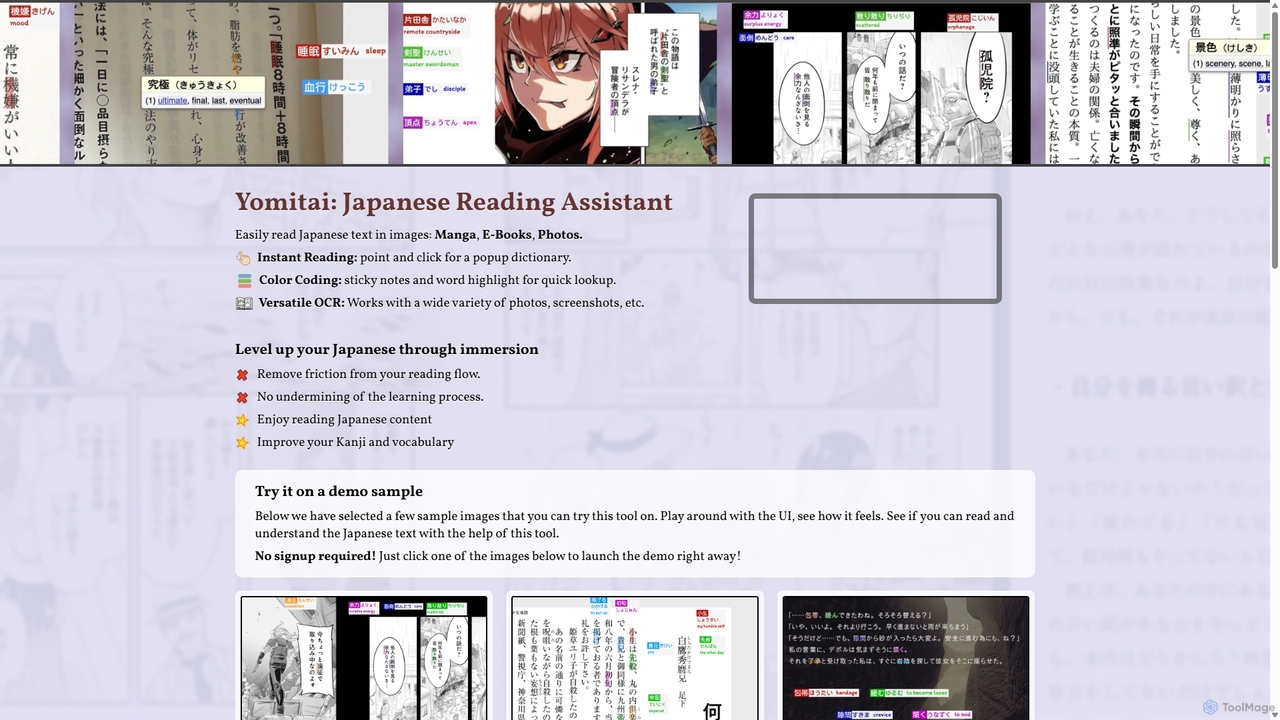
Yomitai
Yomitai is an AI-powered Japanese reading assistant for learners. It uses advanced OCR to instantly analyze text in images like manga, e-books, and games. Users can click on words for dictionary popups and use color-coded highlighting to track vocabulary. It focuses on immersive learning by reducing lookup friction without providing excessive aids, helping users improve their Kanji and vocabulary naturally.
Language Learning
Translatium Comments (0)
Sign in to comment.
Sign inNo comments yet.