

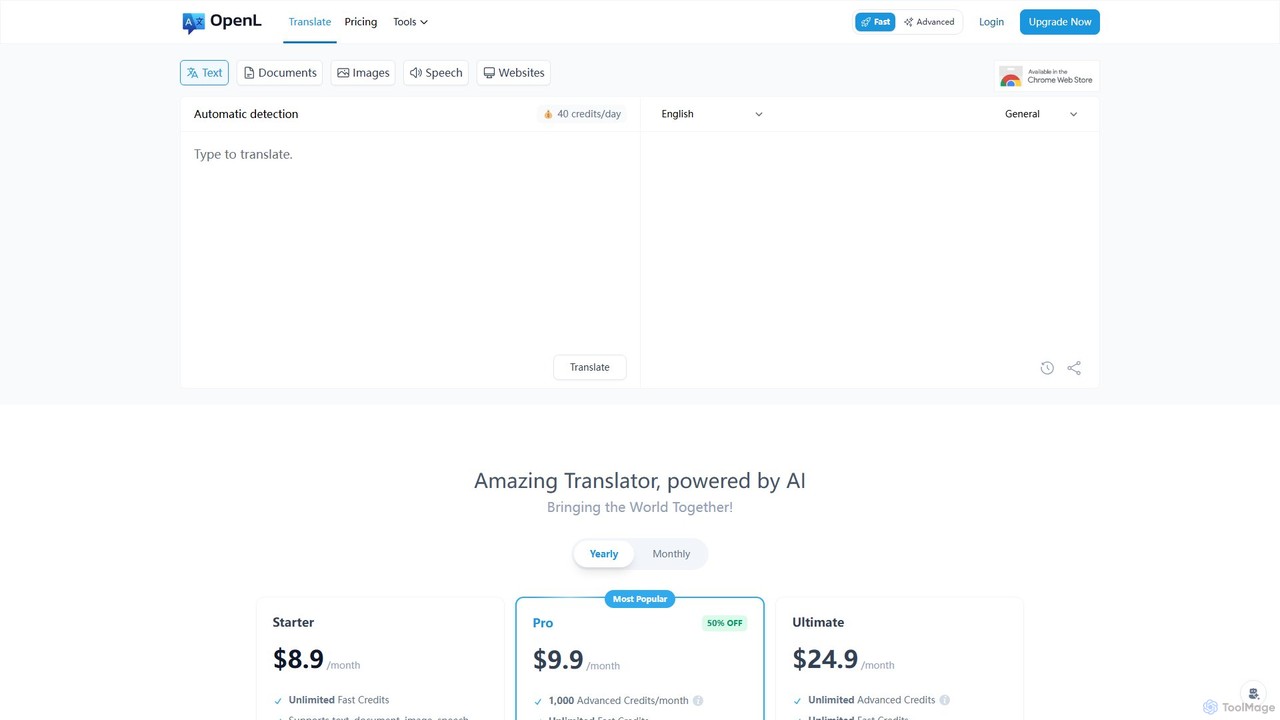
OpenL Overview
OpenL is a state-of-the-art AI translation tool designed to break down language barriers and foster seamless global communication. Powered by advanced neural machine translation technology, OpenL delivers translations with remarkable accuracy and a natural, human-like tone across more than 186 languages. It's a versatile platform that goes beyond simple text translation, offering a comprehensive suite of features for individuals, students, and professionals alike. Whether you need to translate a quick conversation, a complex technical document, an image with text, or a voice recording, OpenL handles it all with speed and efficiency.
The platform is built to be intuitive and accessible. Users can start with a generous free plan or upgrade to a professional subscription for unlimited access and advanced features. With its multi-format support, OpenL streamlines workflows, allowing users to directly upload and translate various file types like PDF (including scanned documents), Word, PNG, and MP3, eliminating the need for manual text extraction.
How to use OpenL
Using OpenL is a straightforward process designed for maximum efficiency:
- Select Input Method: Choose how you want to provide the content. You can type or paste text directly, upload a document (PDF, Word), an image (PNG), or a voice file (MP3).
- Upload or Enter Content: Follow the on-screen prompts to upload your file or paste your text into the input box.
- Choose Languages: Select the source language of your content and the target language you want to translate it into. OpenL supports over 186 languages for translation.
- Initiate Translation: Click the translate button to let the AI process your content. The translation is typically generated in seconds.
- Use the Chrome Extension: For ultimate convenience, add the OpenL Chrome extension to your browser. You can then simply select any text on a webpage for an instant translation or use the side panel to translate longer passages without leaving the site.
Core Features of OpenL
- High-Accuracy AI Translation: Utilizes sophisticated neural machine translation to provide context-aware, nuanced, and native-level translations in over 186 languages.
- Multi-Format Support: Translates a wide variety of formats, including plain text, documents (PDF, Word), scanned PDFs, images (PNG), and audio files (MP3).
- AI Language Assistant: Goes beyond translation with tools for writing enhancement. It includes a grammar checker, a writing refiner to improve style and clarity, and language learning aids.
- Text-to-Speech (TTS): Listen to the translated text in a natural-sounding voice, which is perfect for language learning and pronunciation practice.
- Chrome Browser Extension: Enables instant translation of selected text or entire web pages directly within your browser, creating a seamless browsing experience.
- AI Content Detection: An integrated tool to detect AI-generated text, useful for academic and professional integrity.
- Generous Character & File Limits: Pro plans offer high character limits (up to 150,000 at once) and large file uploads (up to 100 MB) to handle substantial projects.
Use Cases for OpenL
OpenL is a versatile tool suitable for a wide range of users:
- Students and Educators: Translate research papers, academic articles, and lecture notes. Use the AI writing assistant to proofread and refine essays. The 30% education discount makes it highly accessible.
- Business Professionals: Facilitate international business by translating contracts, reports, emails, and marketing materials to communicate effectively with global partners and clients.
- Content Creators and Marketers: Localize website content, blog posts, and social media captions to reach a global audience and expand market reach.
- Travelers: Overcome language barriers on the go by translating menus, signs, and conversations in real-time.
- Language Learners: Use the tool as a learning companion to understand foreign texts, check translations, and improve pronunciation with the Text-to-Speech feature.
Advantages of OpenL
OpenL stands out with several key advantages:
- Superior Accuracy: The AI-driven engine ensures translations are not just literal but also culturally and contextually appropriate.
- All-in-One Solution: It combines translation, writing assistance, grammar checking, and language learning into a single, integrated platform.
- Versatility and Convenience: Support for multiple file formats and a handy Chrome extension save time and streamline workflows.
- Accessibility: A robust free plan, affordable pro subscriptions, and a significant education discount make it available to a broad audience.
- User-Focused: Features like one-on-one customer service for pro users and a commitment to data security ensure a reliable and trustworthy experience.
Pricing and Plans
OpenL offers a flexible freemium model:
- Free Plan: Ideal for casual users, providing up to 30 free translations per day.
- Pro Plans (Monthly & Yearly): For professional and heavy users, OpenL offers several tiered subscriptions. All Pro plans include unlimited fast credits, support for all formats, unlimited Text-to-Speech, AI Detection, and Chrome extension support. Tiers differ by:
- Character Limits: Ranging from 30,000 to 150,000 characters per translation.
- Advanced Credits: Some plans include a monthly allowance of Advanced Credits for specialized tasks.
- File Upload Size: Up to 100 MB for larger documents.
- Education Discount: Students and educators with a valid .edu email address can receive a 30% discount on plans, renewable annually.
Traffic
Latest traffic
Status
Monthly traffic trend
- 2026-1: 1.2M
- 2026-2: 937.0K
- 2026-3: 1.1M
- 2026-4: 1.2M
- 2026-5: 1.4M
Geography
Top 5 countries / regions
- 🇺🇸United States35.7%
- 🇹🇭Thailand22.1%
- 🇺🇦Ukraine14.8%
- 🇻🇳Vietnam14.7%
- 🇹🇷Türkiye12.6%
Traffic sources
| Source type | Percentage |
|---|---|
Direct | 83.3% |
Referral | 15.1% |
Email | 1.6% |
Top keywords
| Keyword | Cost per click |
|---|---|
| çeviri | $0.06 |
| translate | $0.42 |
| переводчик по фото | $0.25 |
| ترجمة | $0.32 |
| مترجم | $0.24 |
OpenL Alternatives
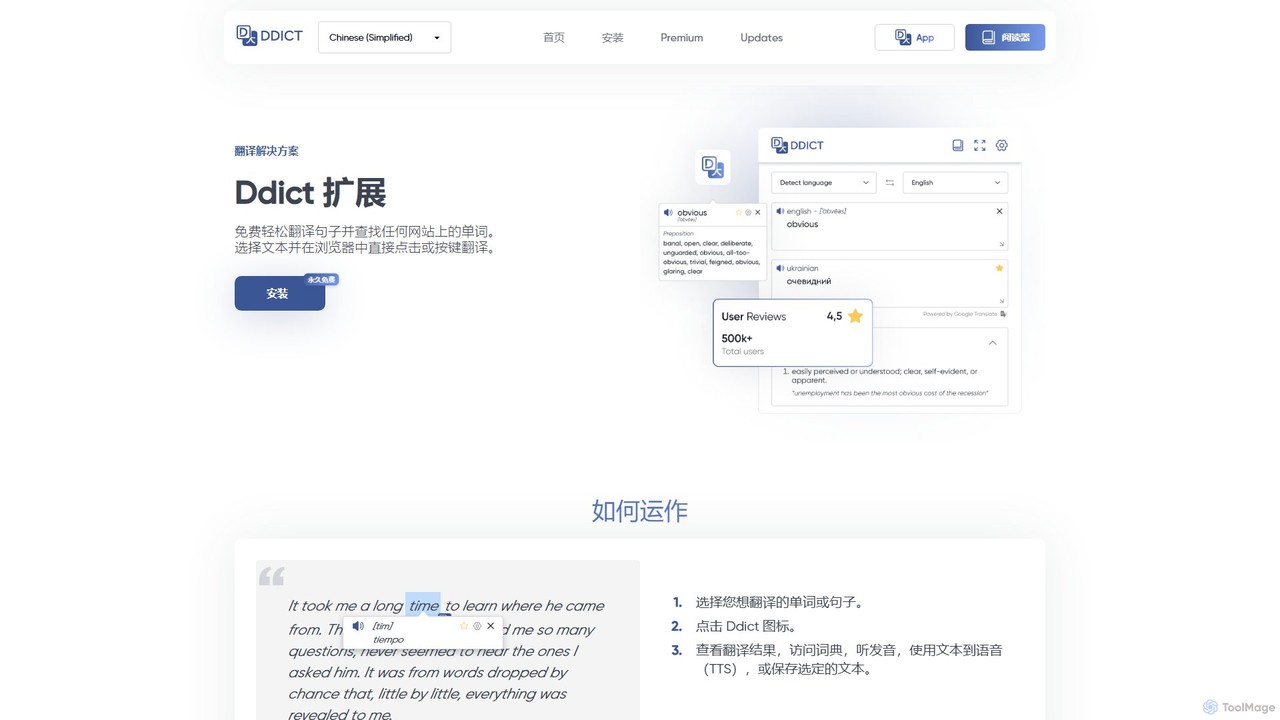
Ddict
Ddict is an AI-powered browser extension that provides instant translation, writing assistance, grammar checking, and text summarization. It helps users understand, learn, and write in any language directly on any website, breaking down language barriers with advanced AI.
Assistants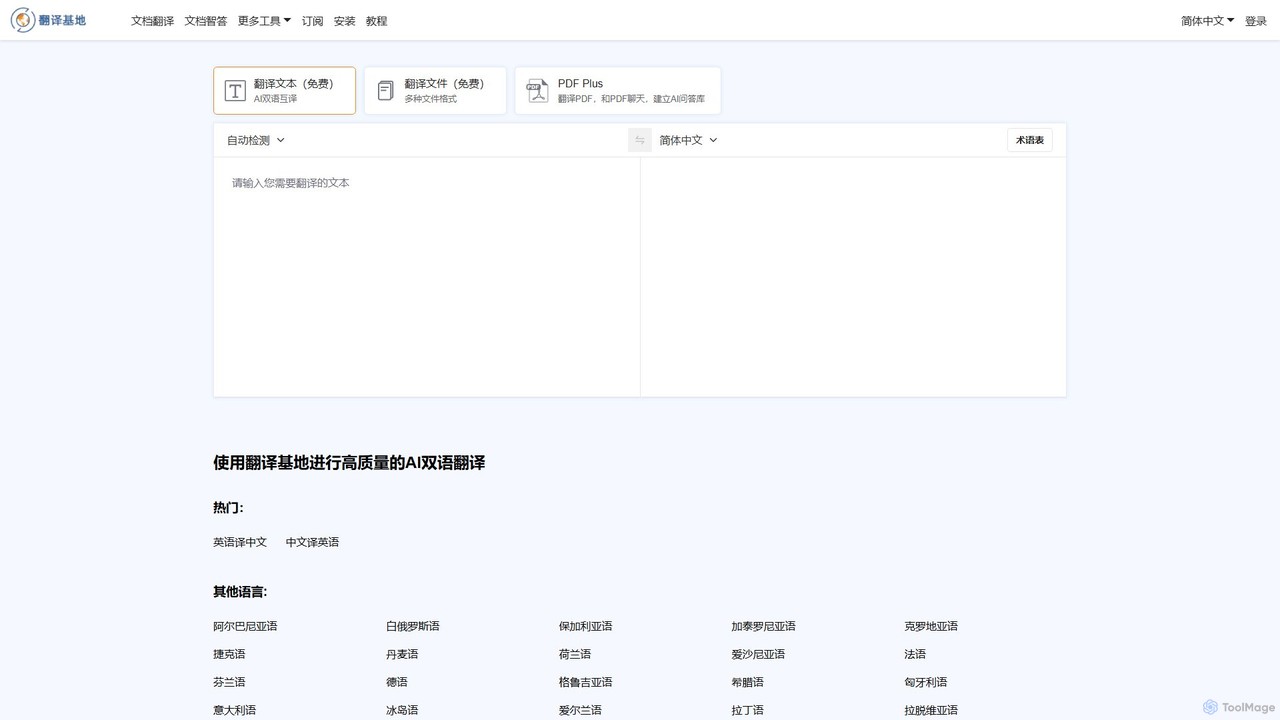
TranslateBase
TranslateBase is a comprehensive AI-powered translation platform supporting over 100 languages. It offers high-quality translation for text, documents (PDF, DOCX, etc.), images with OCR, and real-time video subtitles. Advanced features include layout preservation, bilingual document views, and an interactive 'Chat with PDF' function, making it an all-in-one solution for students, professionals, and language learners.
Document Management
Youdao Translate
Youdao Translate is a powerful AI-driven translation service offering high-quality, instant translations for text, documents, and webpages. It supports over 100 languages and leverages advanced neural machine translation technology to provide accurate, context-aware results for personal, academic, and professional use.
Document Management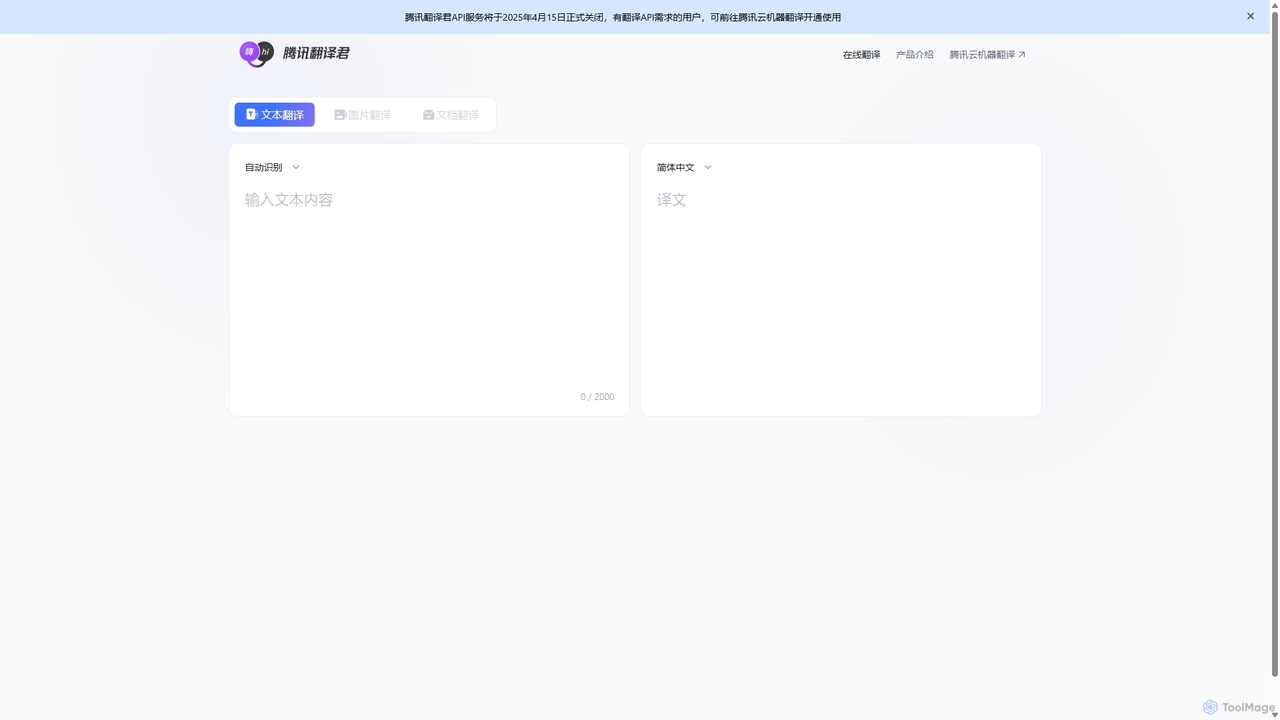
Tencent Fanyi Jun
Tencent Fanyi Jun is a comprehensive AI-powered translation service developed by Tencent. It offers high-quality translation across multiple formats, including text, speech, images, and documents. Leveraging advanced neural machine translation technology, it supports numerous languages and is designed to break down communication barriers for individuals and businesses in various scenarios like travel, business, and education.
Communication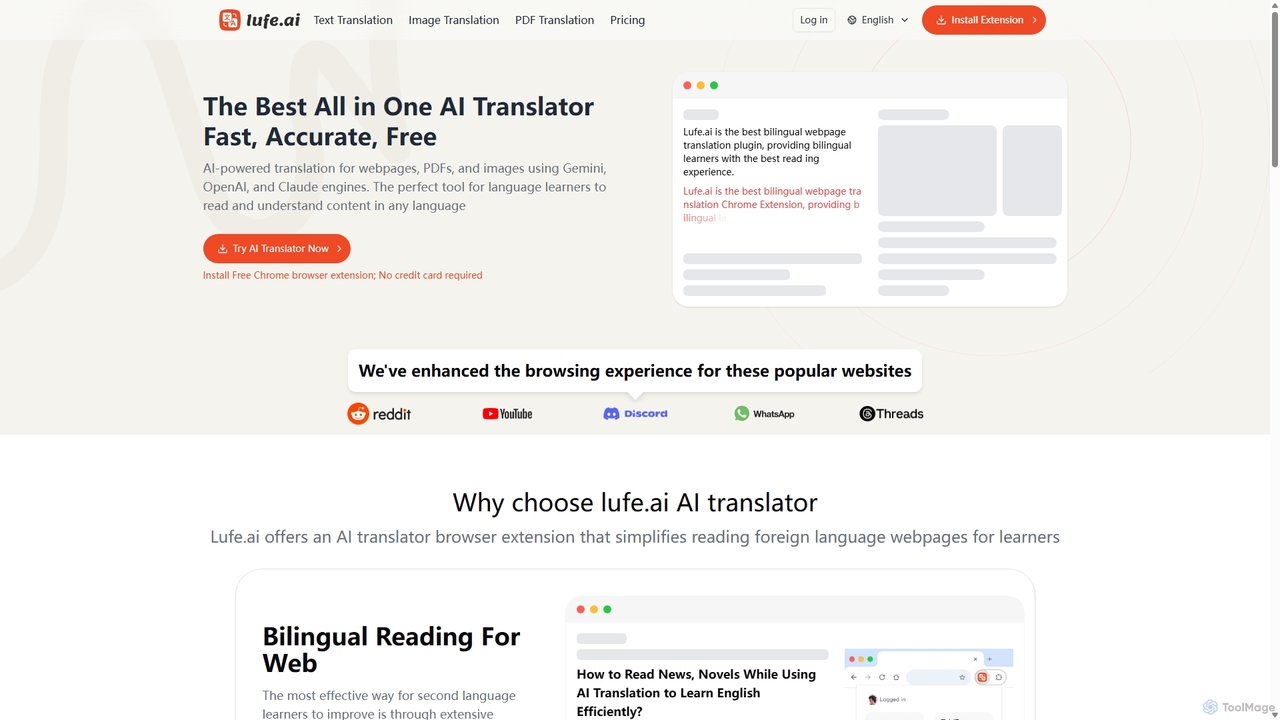
Lufe
Lufe is an all-in-one AI translator powered by Gemini, ChatGPT, and Claude. It offers fast, accurate translation for webpages, PDFs, and images as a Chrome extension and web tool. Its standout feature is the bilingual, side-by-side reading mode, making it an ideal tool for language learners and professionals to understand foreign content with ease and precision.
Chrome ExtensionsOpenL Categories
OpenL Embed Widget
Copy this embed code to place the badge on your blog, article, or product site and send readers directly to this ToolMage detail page.

Related AI tools
Ddict
Ddict is an AI-powered browser extension that provides instant translation, writing assistance, grammar checking, and text summarization. It helps users understand, learn, and write in any language directly on any website, breaking down language barriers with advanced AI.
AssistantsTranslateBase
TranslateBase is a comprehensive AI-powered translation platform supporting over 100 languages. It offers high-quality translation for text, documents (PDF, DOCX, etc.), images with OCR, and real-time video subtitles. Advanced features include layout preservation, bilingual document views, and an interactive 'Chat with PDF' function, making it an all-in-one solution for students, professionals, and language learners.
Document Management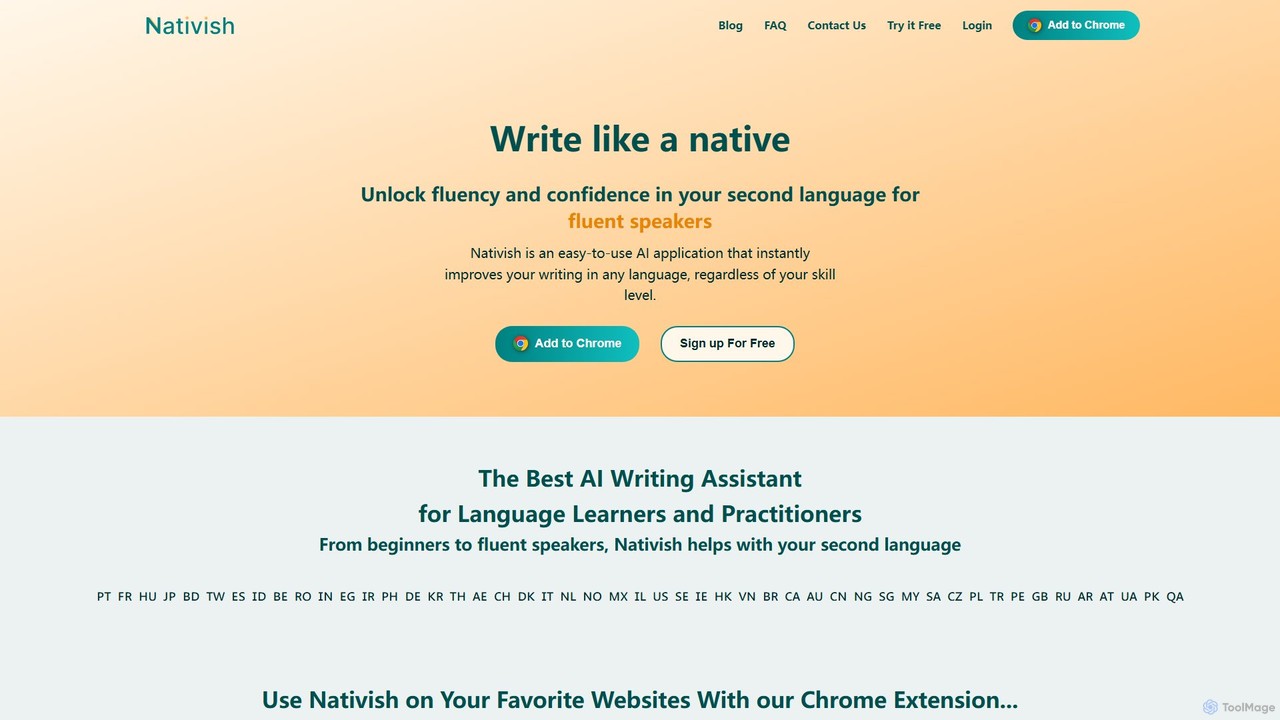
Nativish
Nativish is an AI-powered writing assistant designed to help users write like a native in any language. It's perfect for language learners, expats, and professionals who need to communicate fluently and confidently. Through its Chrome extension and web app, Nativish offers instant, context-aware corrections for grammar, spelling, and word choice, along with clear explanations to help users improve their skills. It adapts to various writing styles, from formal reports to casual social media posts, ensuring your text is always polished, clear, and professional.
Chrome ExtensionsYoudao Translate
Youdao Translate is a powerful AI-driven translation service offering high-quality, instant translations for text, documents, and webpages. It supports over 100 languages and leverages advanced neural machine translation technology to provide accurate, context-aware results for personal, academic, and professional use.
Document ManagementTencent Fanyi Jun
Tencent Fanyi Jun is a comprehensive AI-powered translation service developed by Tencent. It offers high-quality translation across multiple formats, including text, speech, images, and documents. Leveraging advanced neural machine translation technology, it supports numerous languages and is designed to break down communication barriers for individuals and businesses in various scenarios like travel, business, and education.
CommunicationLufe
Lufe is an all-in-one AI translator powered by Gemini, ChatGPT, and Claude. It offers fast, accurate translation for webpages, PDFs, and images as a Chrome extension and web tool. Its standout feature is the bilingual, side-by-side reading mode, making it an ideal tool for language learners and professionals to understand foreign content with ease and precision.
Chrome Extensions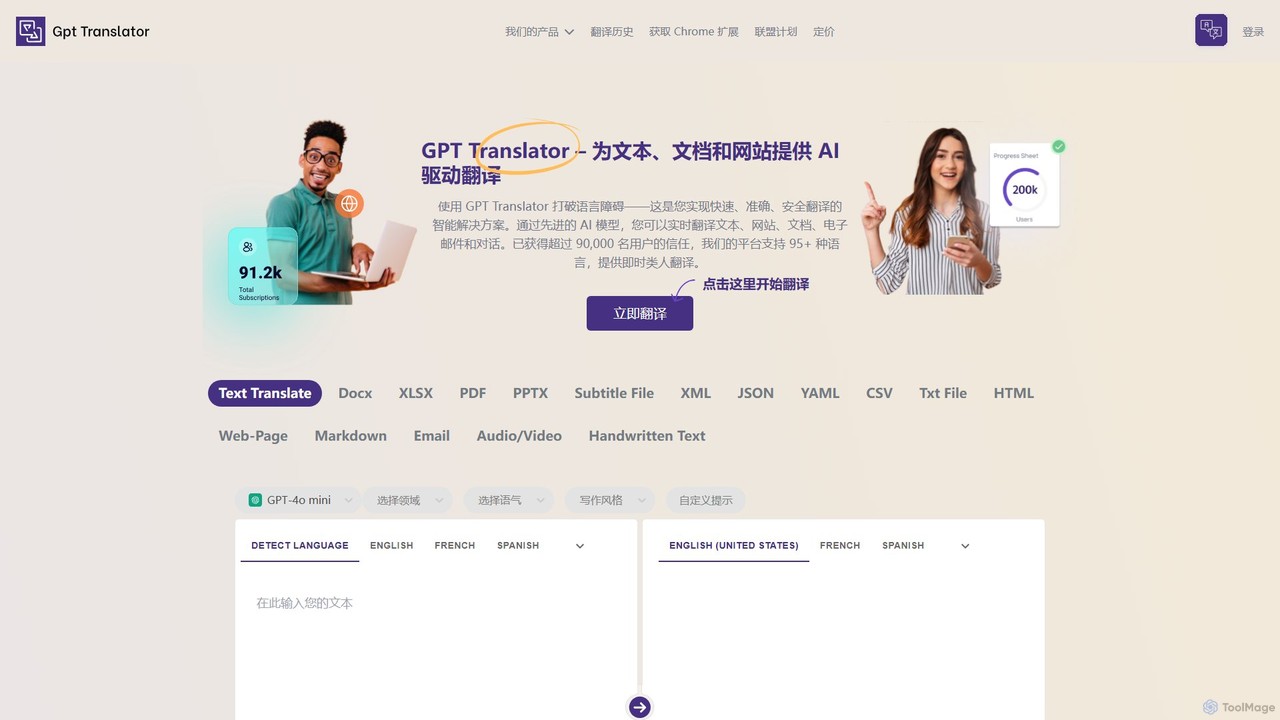
GPT Translator
GPT Translator is an advanced AI-powered translation tool that supports over 100 languages. It handles various formats including text, documents (DOCX, PDF, PPTX), websites, audio/video, and even handwritten text. Powered by multiple AI engines like GPT-4o and Gemini, it provides fast, context-aware, and format-preserving translations, making it ideal for businesses, students, and developers.
Api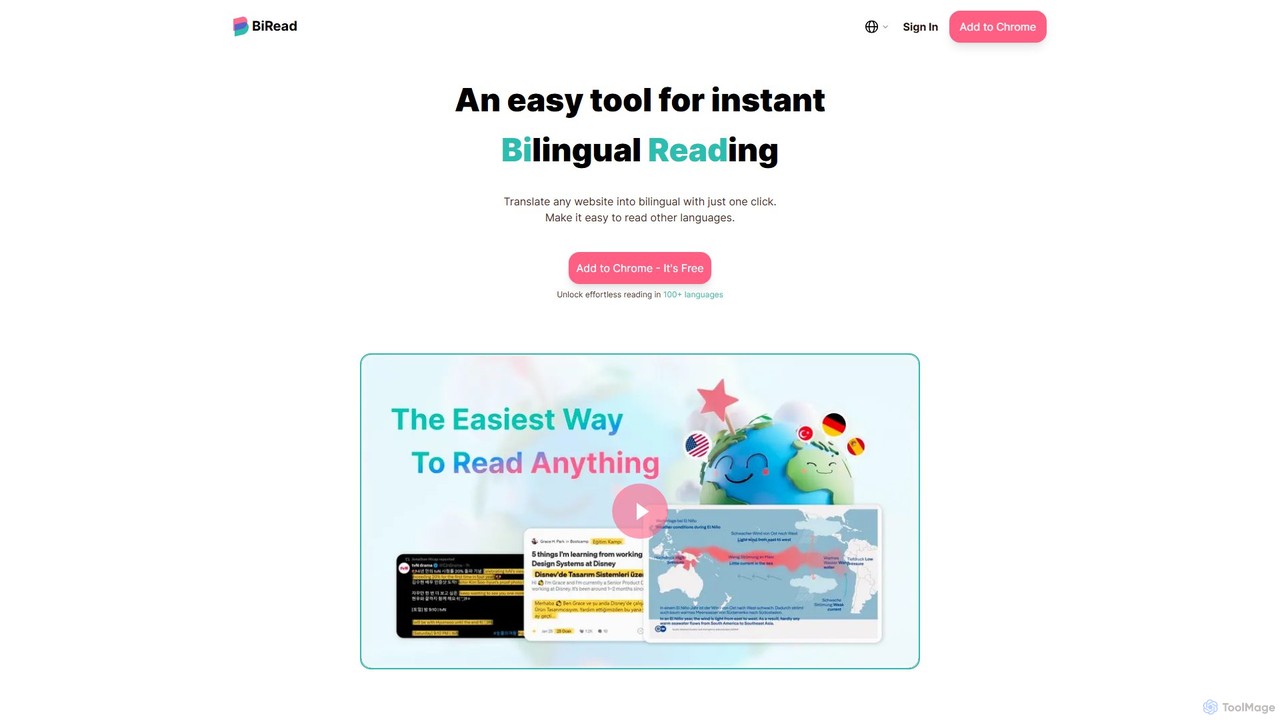
BiRead
BiRead is an AI-powered Chrome extension that instantly translates any webpage into a bilingual format. With one click, it provides a side-by-side reading experience, using advanced AI for accurate, context-aware translations in over 100 languages. It's an ideal tool for language learners, researchers, and anyone looking to read foreign content effortlessly.
Chrome Extensions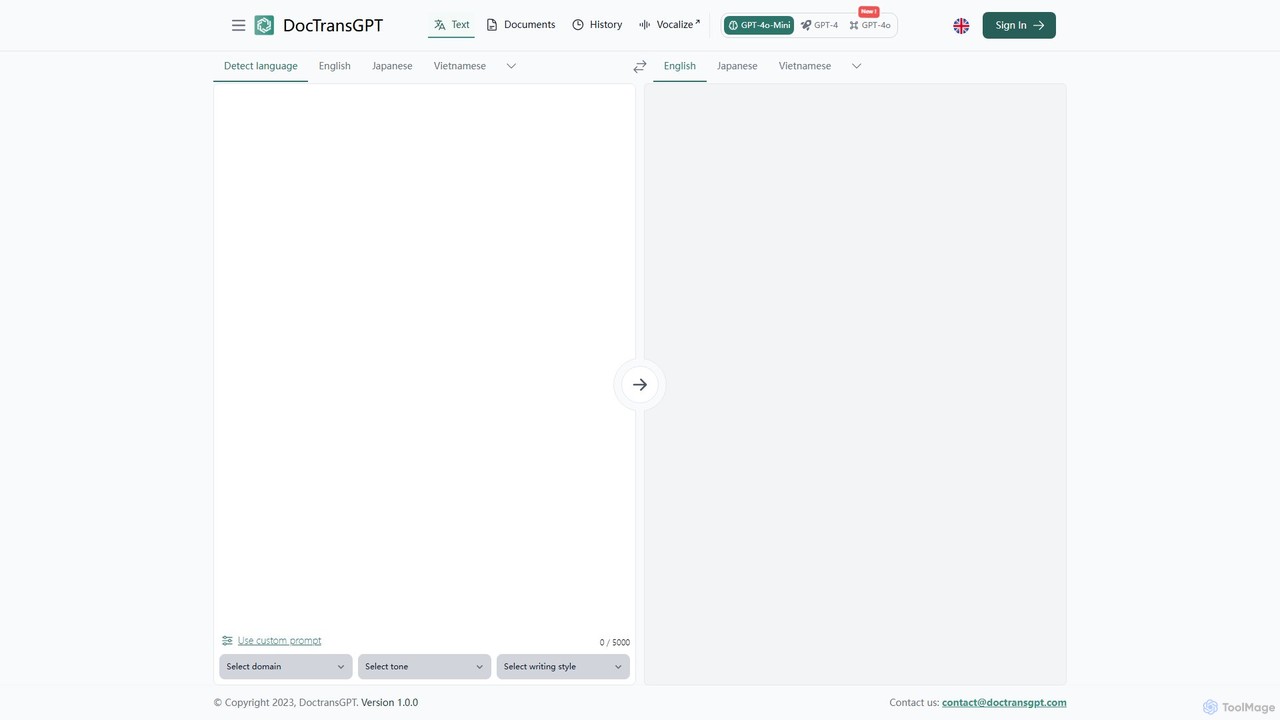
DocTransGPT
DocTransGPT is an advanced AI-powered translation tool that leverages models like GPT-4 and GPT-4o for highly accurate and nuanced translations. It goes beyond standard translators by offering interactive refinement and extensive customization of tone, style, and domain-specific language. Ideal for professional, business, and technical document translation where context and precision are paramount.
Communication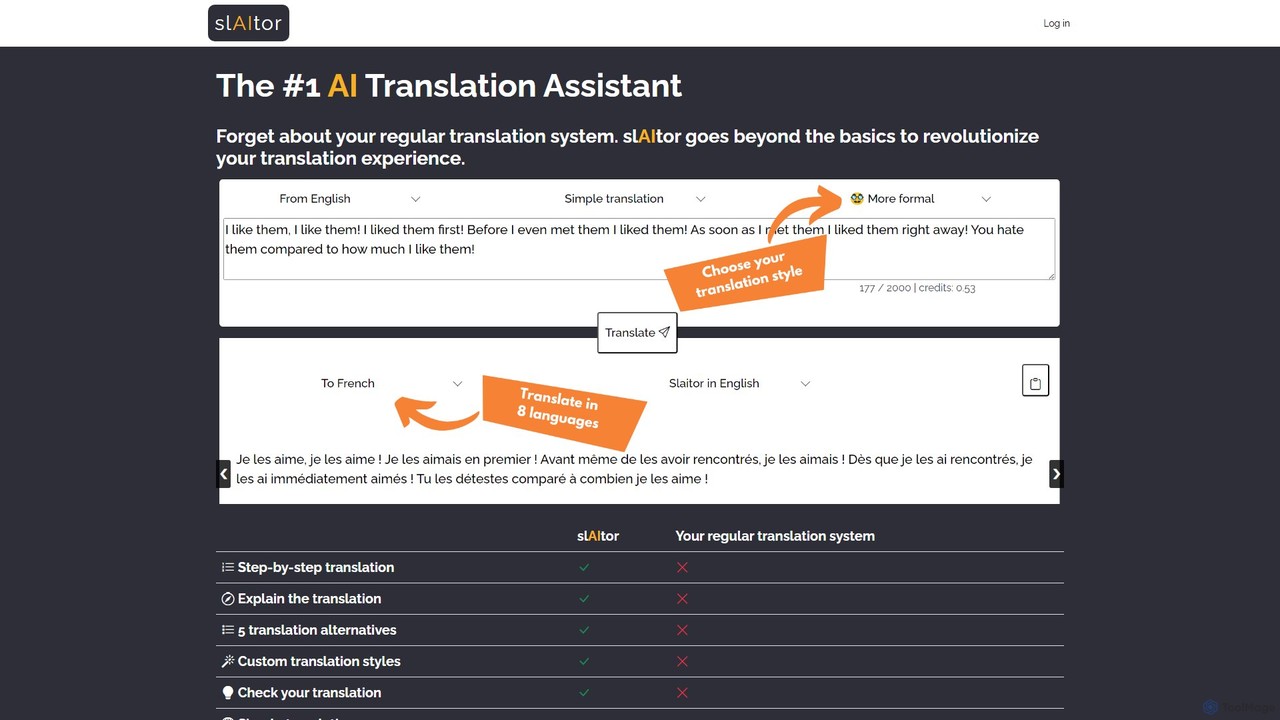
slaitor
slAItor is an advanced AI translation assistant powered by GPT. It goes beyond simple translation by providing step-by-step explanations, checking user-submitted translations for errors, and offering stylistic alternatives. It's a powerful tool for both accurate translation and language learning, supporting 28 language pairs.
Language Learning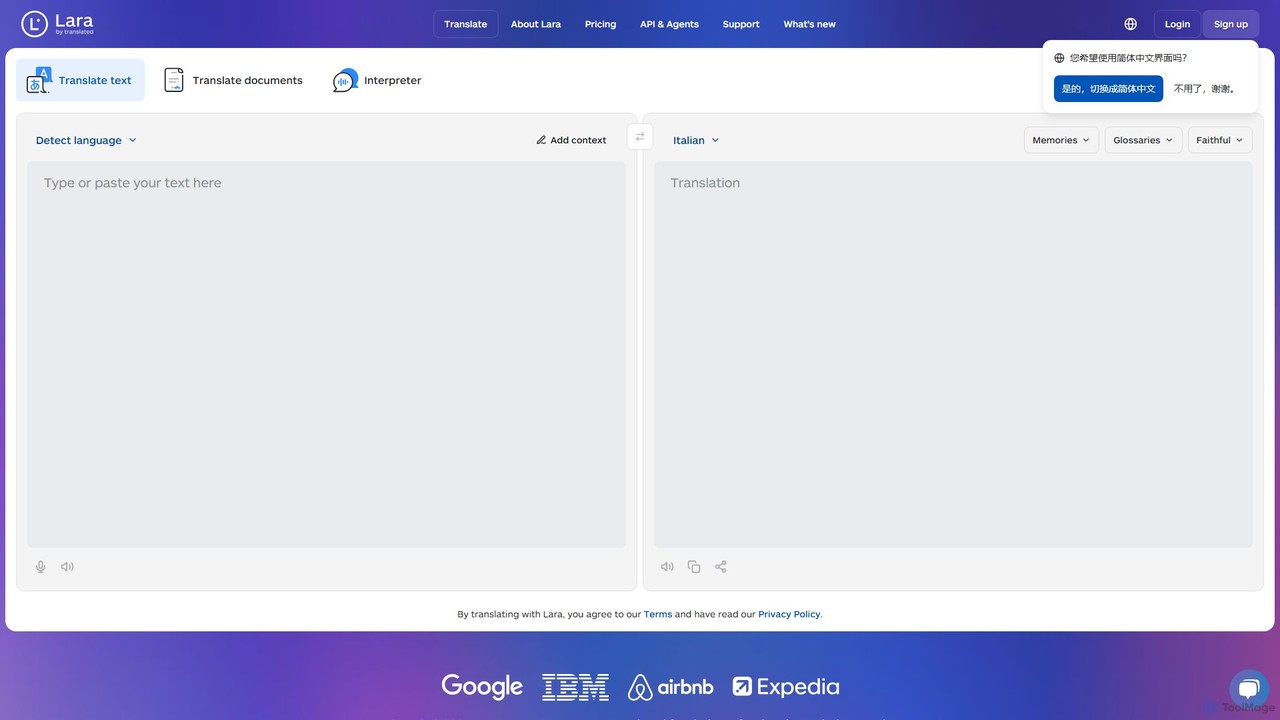
Lara Translate
Lara Translate is an advanced AI translation tool offering superior accuracy and reliability. It understands full document context, explains its translation choices, and provides multiple styles (Faithful, Fluid, Creative). Outperforming leading MT systems, it's designed for individuals, teams, and enterprises seeking human-quality translation with the option to access professional linguists.
Localization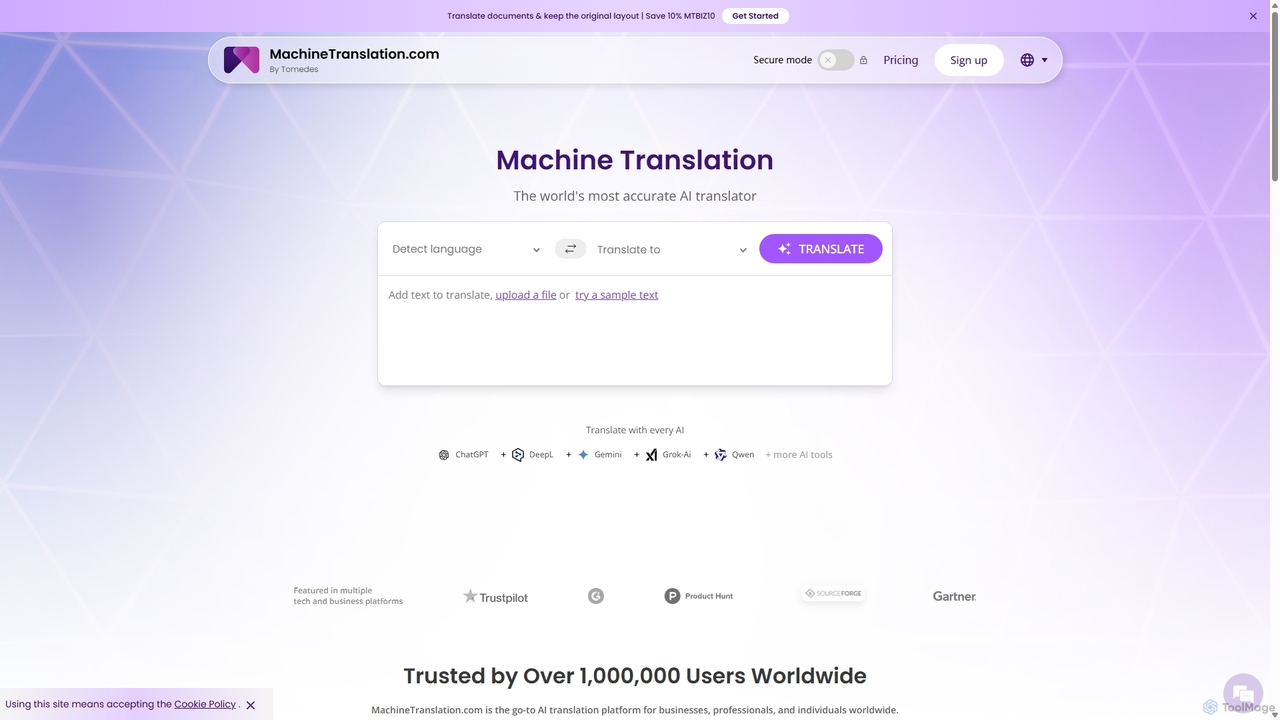
Machine Translation
An advanced AI translation platform that aggregates multiple top-tier engines like ChatGPT, DeepL, and Gemini. It provides side-by-side comparisons, quality scores, and customization options to deliver the most accurate and context-aware translations for businesses, professionals, and individuals. Supports over 270 languages and various file formats.
Localization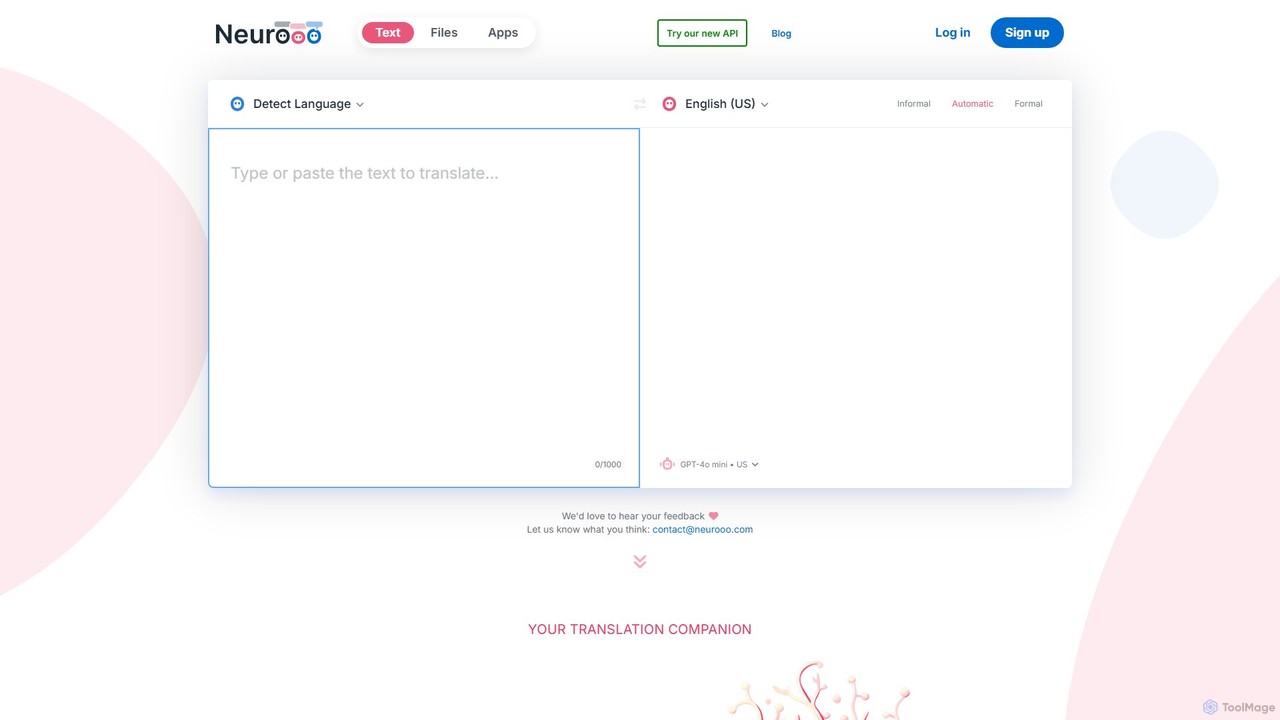
neurooo
Neurooo is an advanced AI translation companion powered by generalist models like GPT-4o mini. It delivers high-quality, context-aware translations in over 100 languages, excelling at understanding idioms, correcting errors, and allowing users to adjust the tone. It also features a proofreading tool and an API for developers.
Api
ZipZap.AI
ZipZap.AI is an AI-powered browser extension that offers immersive, real-time translation. By simply hovering over text on any webpage, users can get high-quality translations, breaking down language barriers. It's ideal for browsing social media like Twitter, chatting on Discord, and reading foreign articles, providing a seamless multilingual web experience.
Translation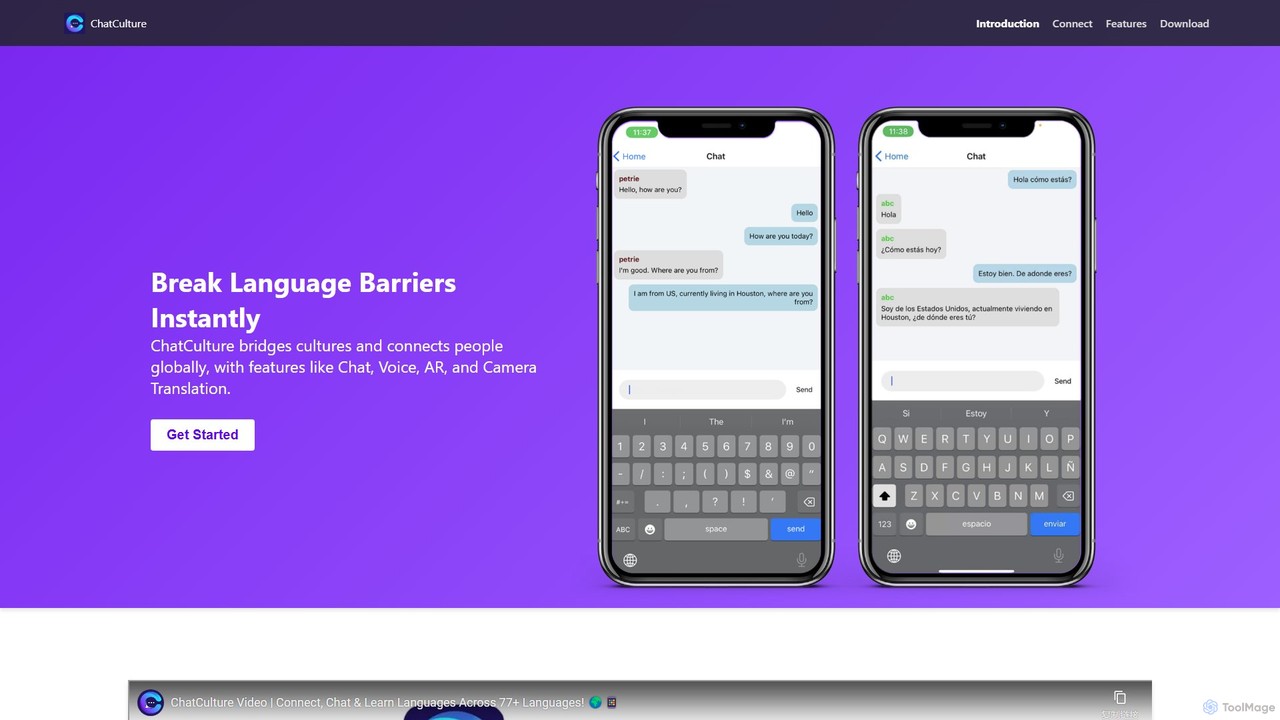
ChatCulture
ChatCulture is an AI-powered communication app that breaks down language barriers. It offers real-time translation for chats, advanced tools like camera and AR translation, and an interactive AI Language Pal for practicing new languages. Connect globally, learn effectively, and communicate seamlessly with anyone, anywhere.
Translation
OpenL Comments (0)
Sign in to comment.
Sign inNo comments yet.