

Wordcam Overview
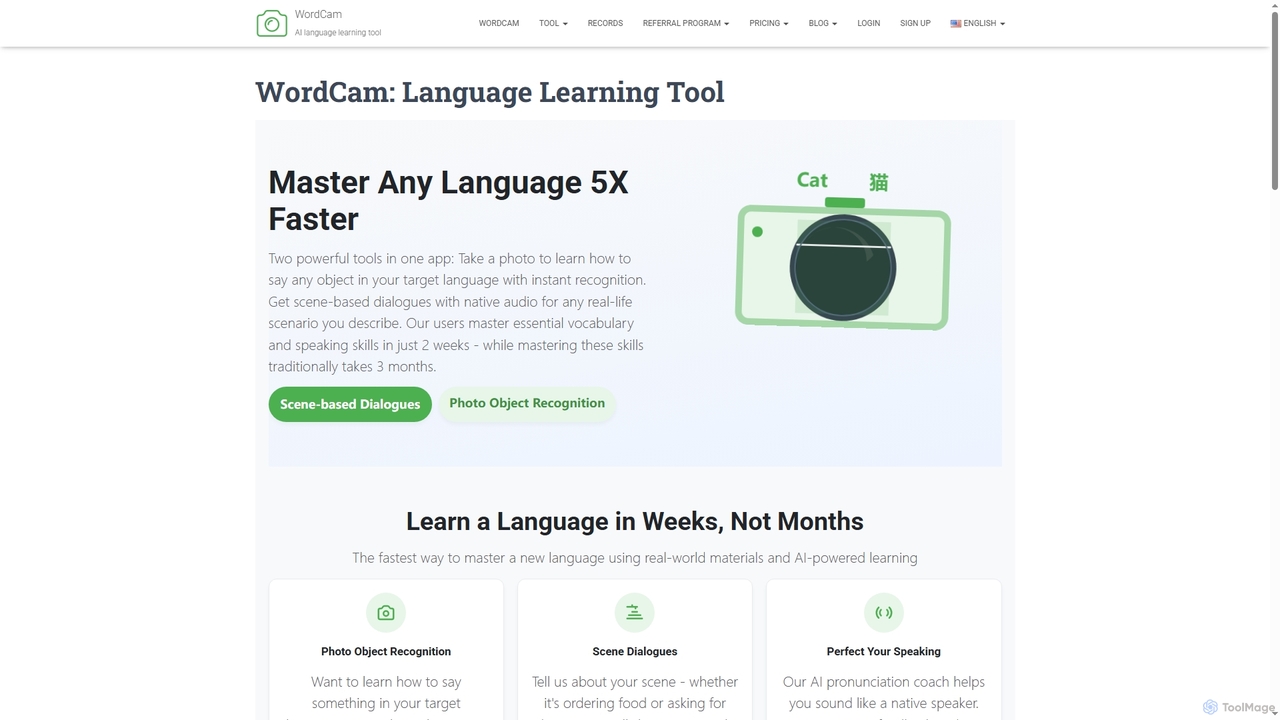
WordCam is an innovative AI language learning application designed to help users master a new language five times faster than traditional methods. By integrating real-world context into the learning process, WordCam offers two powerful tools in one: Photo Object Recognition and Scene-based Dialogues. Simply take a photo of any object, and the tool instantly provides its name, example sentences, and native pronunciation in your target language. Additionally, you can describe any real-life scenario, and WordCam will generate a complete, natural-sounding dialogue with audio, preparing you for practical conversations. The platform also includes an AI pronunciation coach to provide instant feedback and help you achieve a clear, natural accent.
How to use Wordcam
Using WordCam is straightforward and intuitive. For vocabulary building, select your target language, point your device's camera at an object, and take a photo. The AI will recognize it and display the translation. For conversation practice, navigate to the Scene Dialogue Generator, describe a situation (e.g., "ordering coffee" or "asking for directions"), choose your target language, and the tool will generate a relevant conversation script with native audio for you to practice.
Core Features of Wordcam
- Photo Object Recognition: Instantly identifies objects from photos and provides their names, example sentences, and native pronunciation in over 30 languages.
- Scene Dialogue Generator: Creates realistic, context-based conversations for any scenario you describe, complete with native audio.
- AI Pronunciation Coach: Offers instant feedback and corrections to help you perfect your accent and sound like a native speaker.
- Conversation Practice Assistant: Engage in real-time conversations with an AI assistant on any topic to improve fluency.
- Personal Learning History: Automatically saves all recognized words and generated dialogues for easy review.
- Spaced Repetition System: Reminds you to review vocabulary at optimal intervals to enhance memory retention.
- Offline Access: Saved words and dialogues, including audio, are available offline once downloaded.
Use Cases for Wordcam
WordCam is ideal for a wide range of users. Travelers can use it to quickly learn the names of local foods, read signs, and navigate conversations in foreign countries. Language students and expats can build practical, everyday vocabulary by identifying household items and practicing common social interactions. Professionals can prepare for international business meetings or job interviews by generating specific dialogues. Language instructors can also use it as an interactive classroom tool to engage students with visual learning.
Advantages of Wordcam
The primary advantage of WordCam is its ability to accelerate language acquisition up to 5x faster than conventional methods. It focuses on practical, context-based learning, ensuring users learn what they need for real-world situations. The combination of visual recognition and situational dialogues makes learning more engaging and memorable. With a 98% recognition accuracy and translations verified by native speakers, users can trust the quality of the content. The tool helps users go from basics to confident conversations in just a few weeks.
Pricing and Plans
WordCam offers a "Starter Program" priced at $4.99. The platform also indicates that some conversation features are limited for free users, suggesting a freemium model where users can upgrade for full access and quicker responses.
Wordcam FAQ
Traffic
Latest traffic
Status
Monthly traffic trend
- 2026-1: 2.0K
- 2026-2: 4.2K
- 2026-3: 7.1K
- 2026-4: 6.4K
- 2026-5: 3.6K
Geography
Top 5 countries / regions
- 🇫🇷France68.4%
- 🇨🇭Switzerland31.6%
Top keywords
| Keyword | Cost per click |
|---|---|
| word cam | $0.00 |
| wordcam price | $0.00 |
| wrdcam | $0.00 |
Wordcam Alternatives
Tencent Fanyi Jun
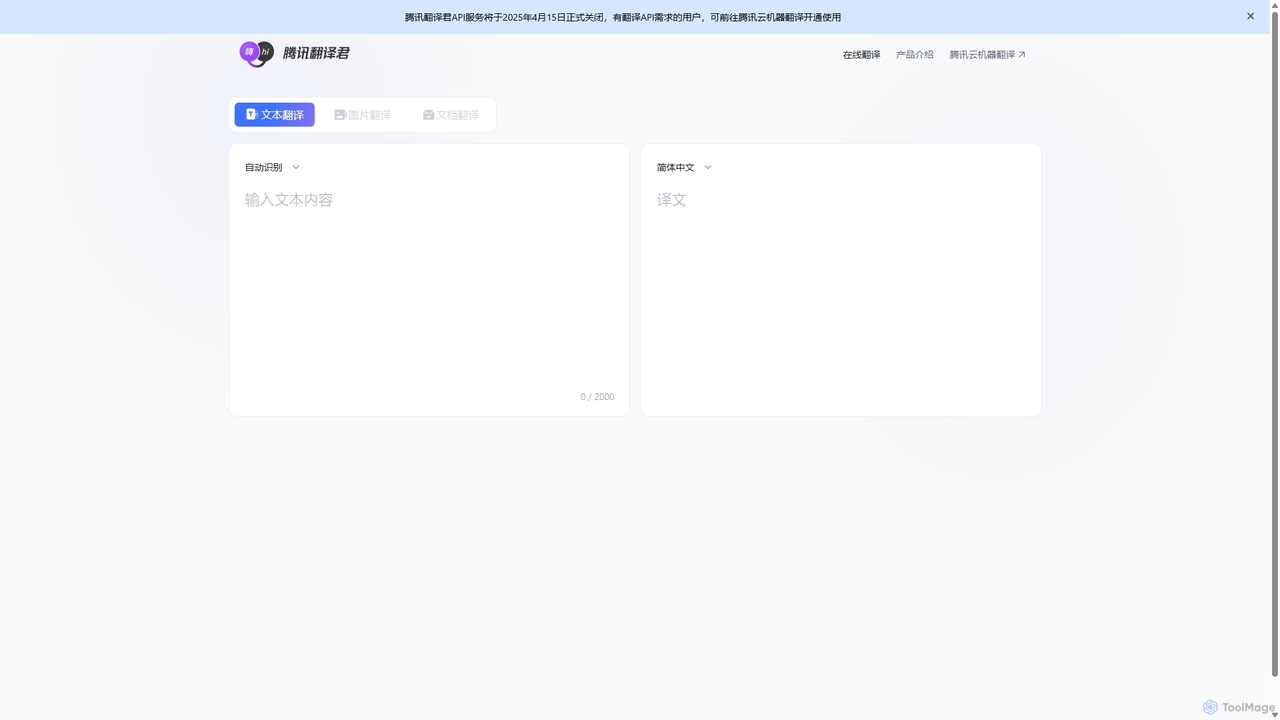
Tencent Fanyi Jun is a comprehensive AI-powered translation service developed by Tencent. It offers high-quality translation across multiple formats, including text, speech, images, and documents. Leveraging advanced neural machine translation technology, it supports numerous languages and is designed to break down communication barriers for individuals and businesses in various scenarios like travel, business, and education.
Communication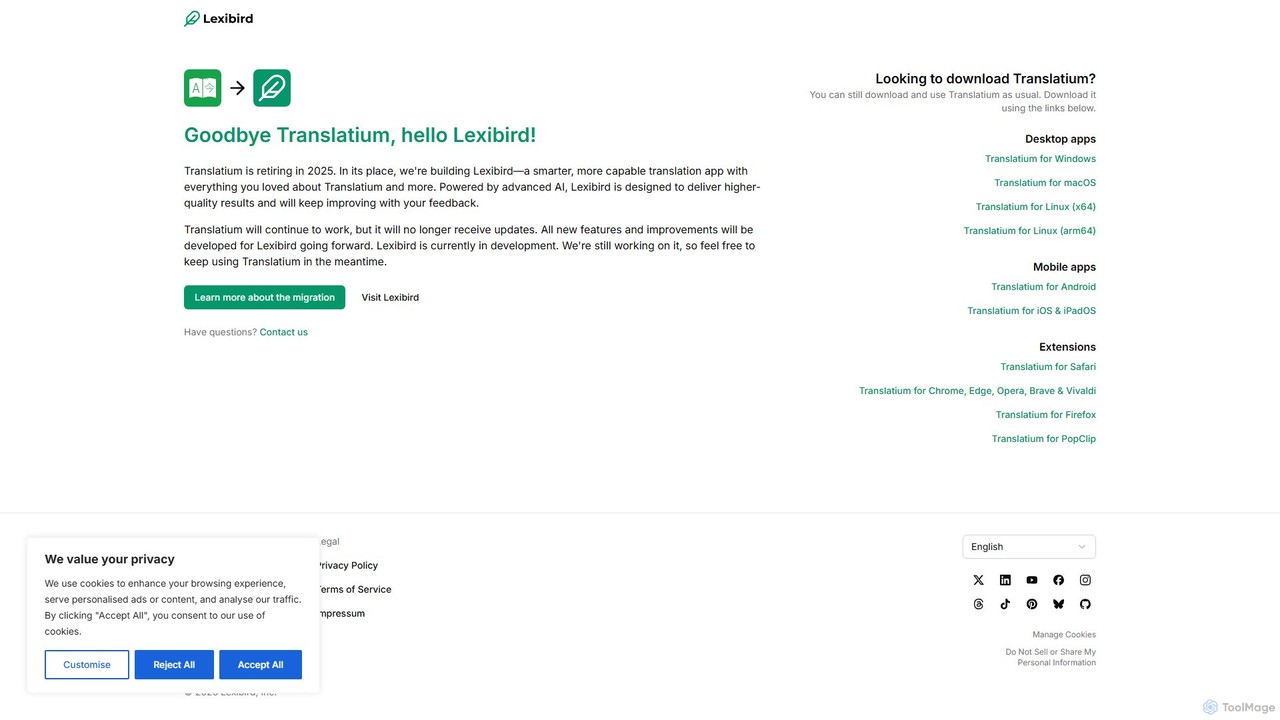
Translatium
Translatium is a powerful, feature-rich desktop translation application for macOS, Windows, and Linux. It supports over 100 languages, offering text translation, text-to-speech, OCR camera translation, and a built-in dictionary. Designed for students, professionals, and travelers, it provides a seamless and intuitive translation experience.
Localization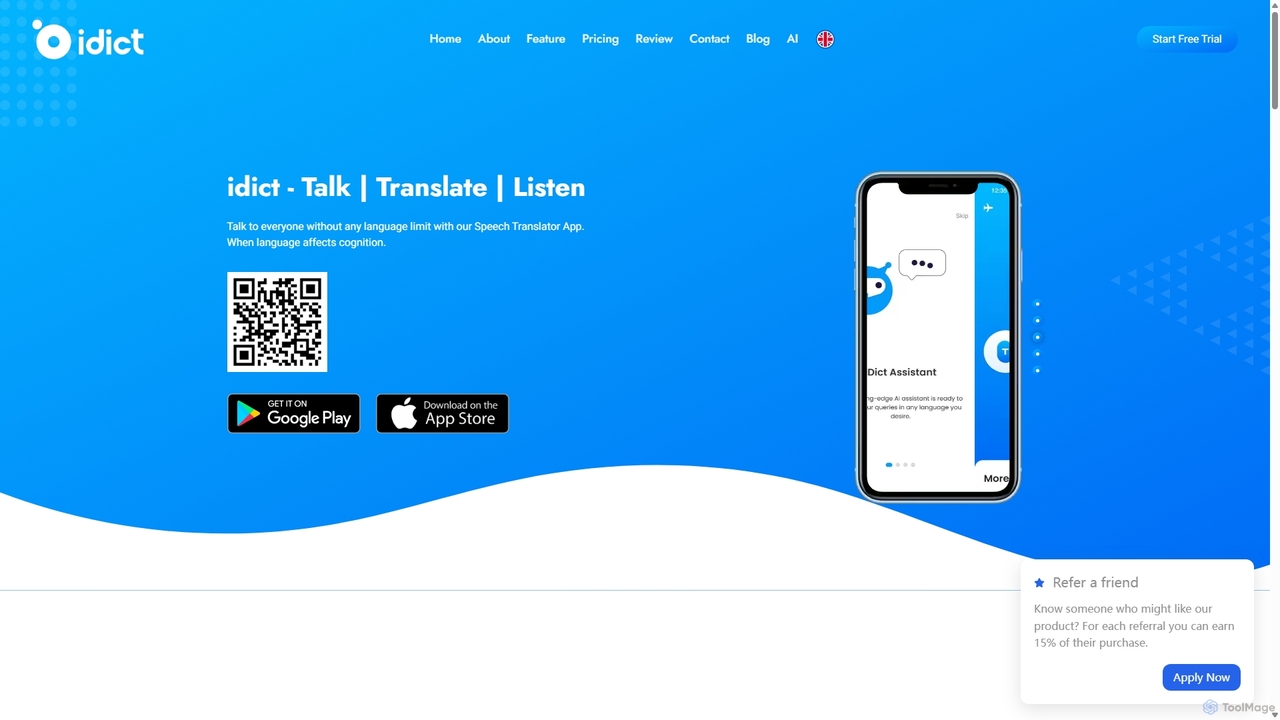
Idict
Idict is an AI-powered voice cloning translation app that allows you to speak in any language using your own voice. It offers real-time translation, an AI assistant, and a comprehensive phrase guide, making it perfect for travelers, professionals, and content creators to communicate naturally across language barriers.
Voice Tools
Langy
Langy is an AI-powered language assistant designed to break down communication barriers. It not only translates text but also provides in-depth explanations of grammar, context, and cultural nuances, turning every translation into a learning opportunity. Ideal for travelers, students, and professionals.
Language Learning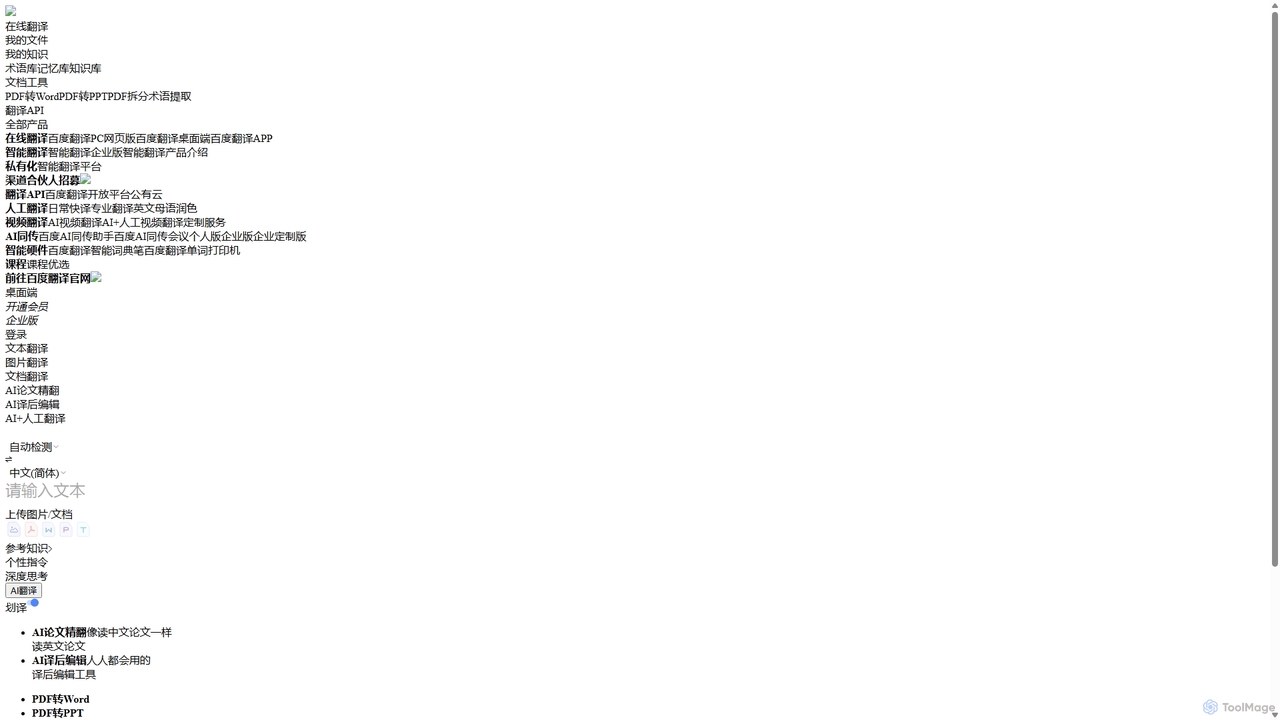
Baidu Translate
Baidu Translate is a comprehensive AI-powered translation platform offering multi-modal services including text, document, image, and video translation. Leveraging Baidu's leading neural machine translation technology, it provides high-quality, context-aware translations for individuals, students, professionals, and enterprises.
Document ManagementWordcam Categories
Wordcam Jobs
Wordcam Embed Widget
Copy this embed code to place the badge on your blog, article, or product site and send readers directly to this ToolMage detail page.

Related AI tools
Lingostar
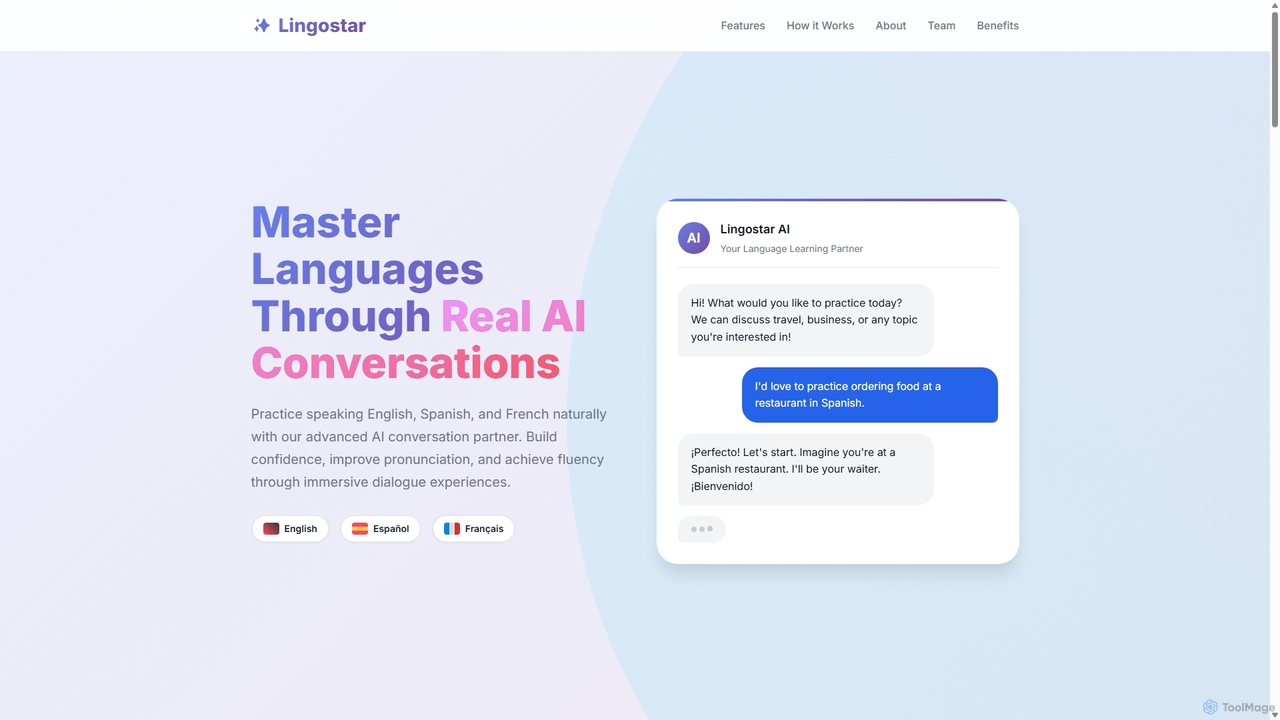
Lingostar is an AI-powered language learning platform designed to help users achieve fluency through realistic conversation practice. It offers personalized, real-time feedback on pronunciation, grammar, and vocabulary. With features like role-playing scenarios, adaptive learning paths, and intelligent vocabulary building, Lingostar provides an immersive and effective way to master a new language for travel, work, or personal growth.
Ai Tutor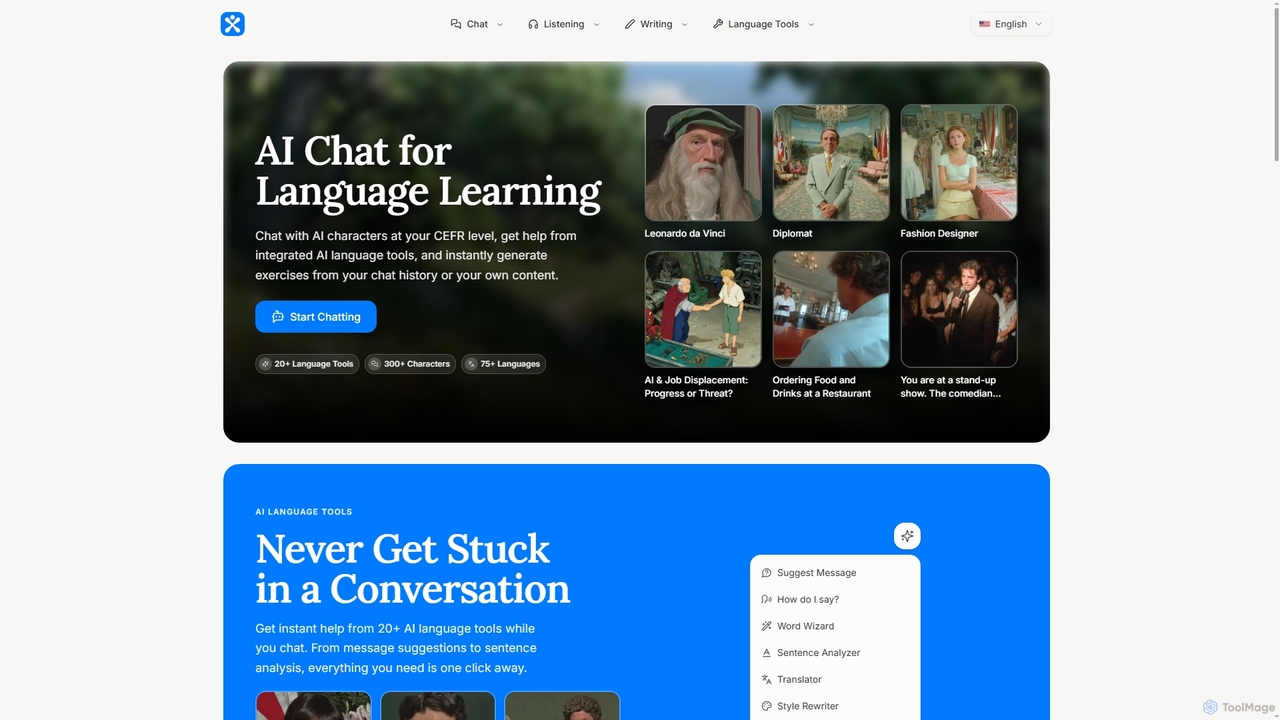
Phrasium
Phrasium is an AI-powered language learning platform that enables users to practice conversations by chatting with over 300 AI characters. It offers integrated language tools for real-time assistance, an exercise generator to create personalized learning materials, and specialized preparation for over 75 languages and various proficiency exams like IELTS and TOEFL.
Language LearningTencent Fanyi Jun
Tencent Fanyi Jun is a comprehensive AI-powered translation service developed by Tencent. It offers high-quality translation across multiple formats, including text, speech, images, and documents. Leveraging advanced neural machine translation technology, it supports numerous languages and is designed to break down communication barriers for individuals and businesses in various scenarios like travel, business, and education.
Communication
Atomic Learning
Atomic Learning is an AI-powered language learning platform that helps you master new languages through daily, bite-sized listening challenges. It uses a micro-learning approach to make language acquisition easy, engaging, and effective, fitting perfectly into any busy schedule.
Listening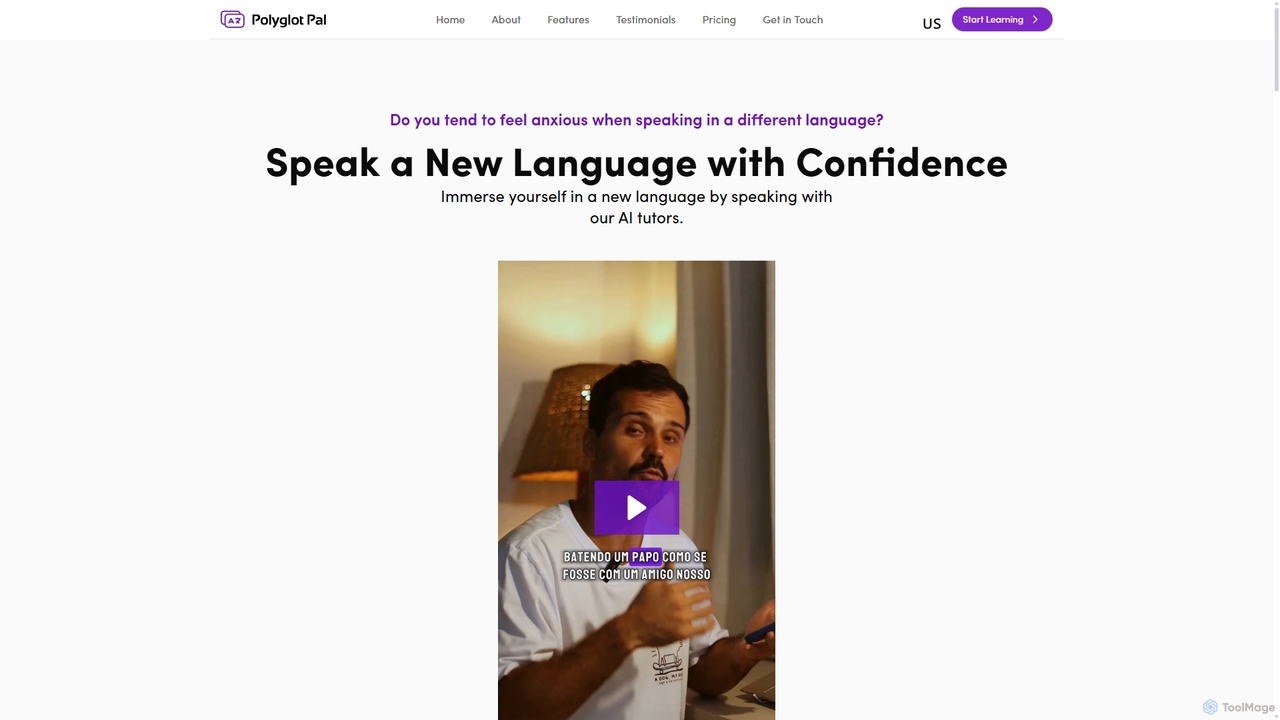
Polyglot Pal
Polyglot Pal is an AI-powered language learning chatbot designed for intermediate learners. It helps you gain speaking confidence by engaging in conversations with AI tutors, receiving real-time feedback, and practicing in diverse real-world scenarios. It focuses on practical application rather than structured lessons.
Virtual Assistant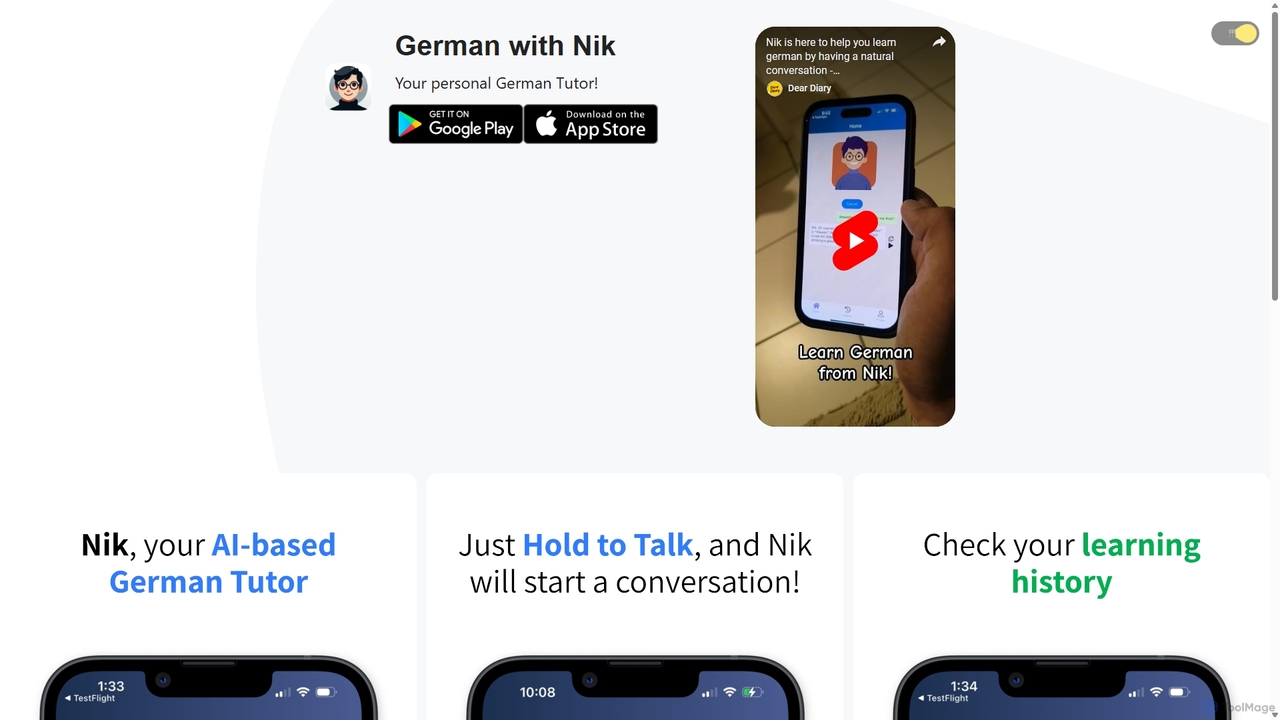
German with Nik
German with Nik is an AI-powered language learning tool designed for practicing conversational German. Engage in realistic dialogues with an AI tutor named Nik, receive instant feedback and corrections, and build fluency in a stress-free, interactive environment. Perfect for learners of all levels.
Tutor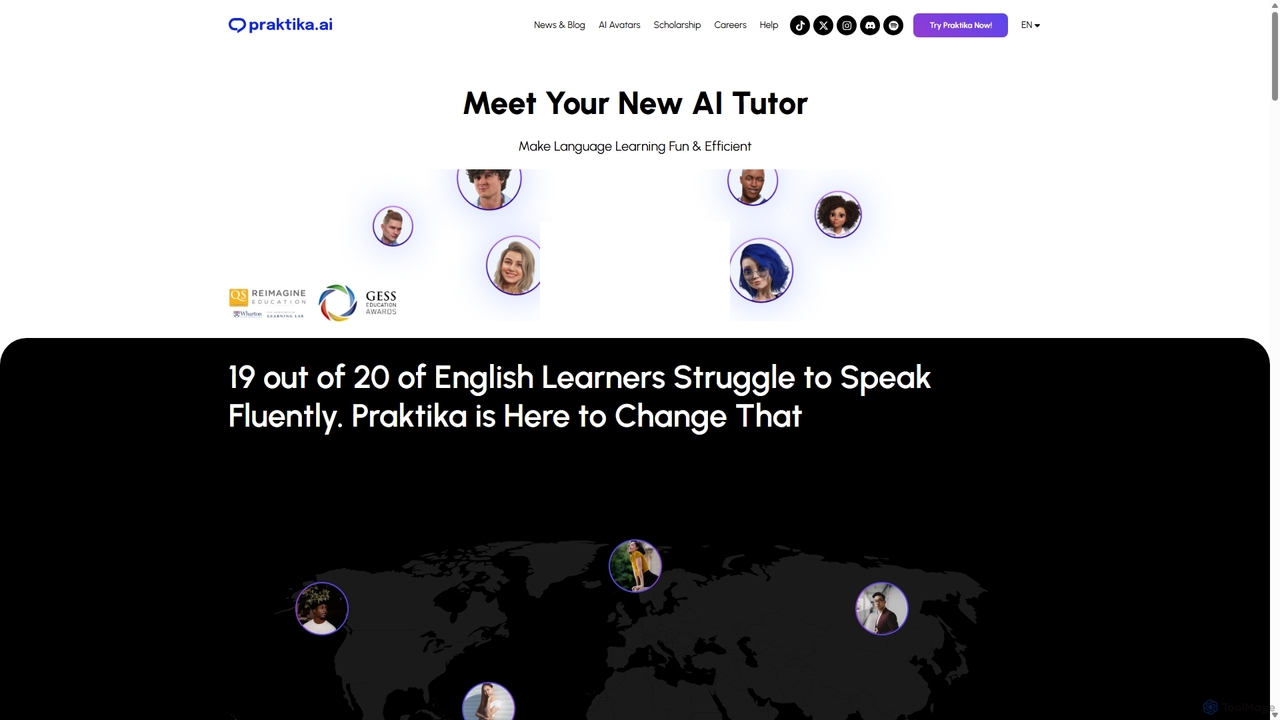
Praktika
Praktika is an AI-powered language learning app that helps you master English and other languages through conversation with ultra-realistic AI avatars. It offers personalized lessons, real-time feedback, and a pressure-free environment to improve fluency, pronunciation, and confidence 24/7.
Language Learning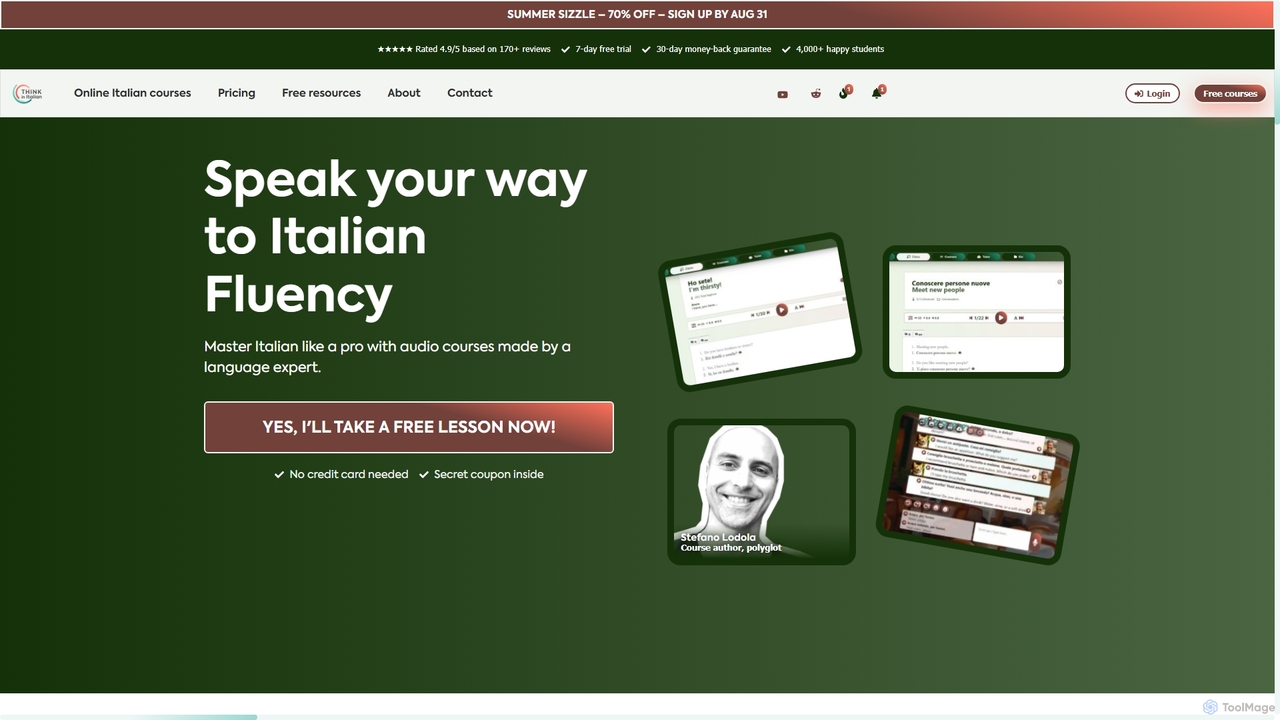
Thinkinitalian
Thinkinitalian is an AI-powered language learning platform designed to help you achieve fluency by thinking directly in Italian. Created by a polyglot, it combines structured audio lessons, bilingual readings, and a personalized AI tutor for immersive, speech-based learning and stress-free conversation practice.
Language Learning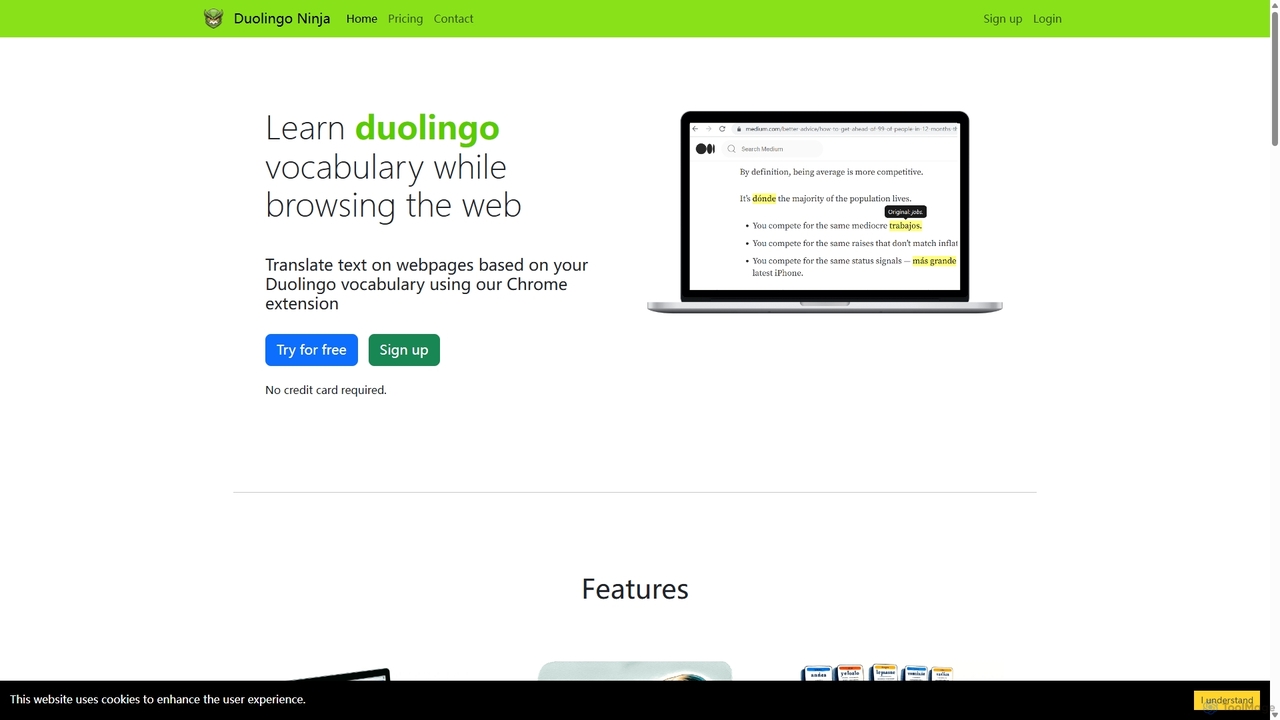
Duolingo Ninja
Duolingo Ninja is a Chrome extension designed for immersive language learning. It enhances your Duolingo experience by translating words and sentences on any webpage you browse, based on the vocabulary you've already learned. This allows you to encounter and learn words in real-world contexts, supplemented by features like spaced repetition flashcards with AI-generated sample sentences and customizable learning settings.
Language Learning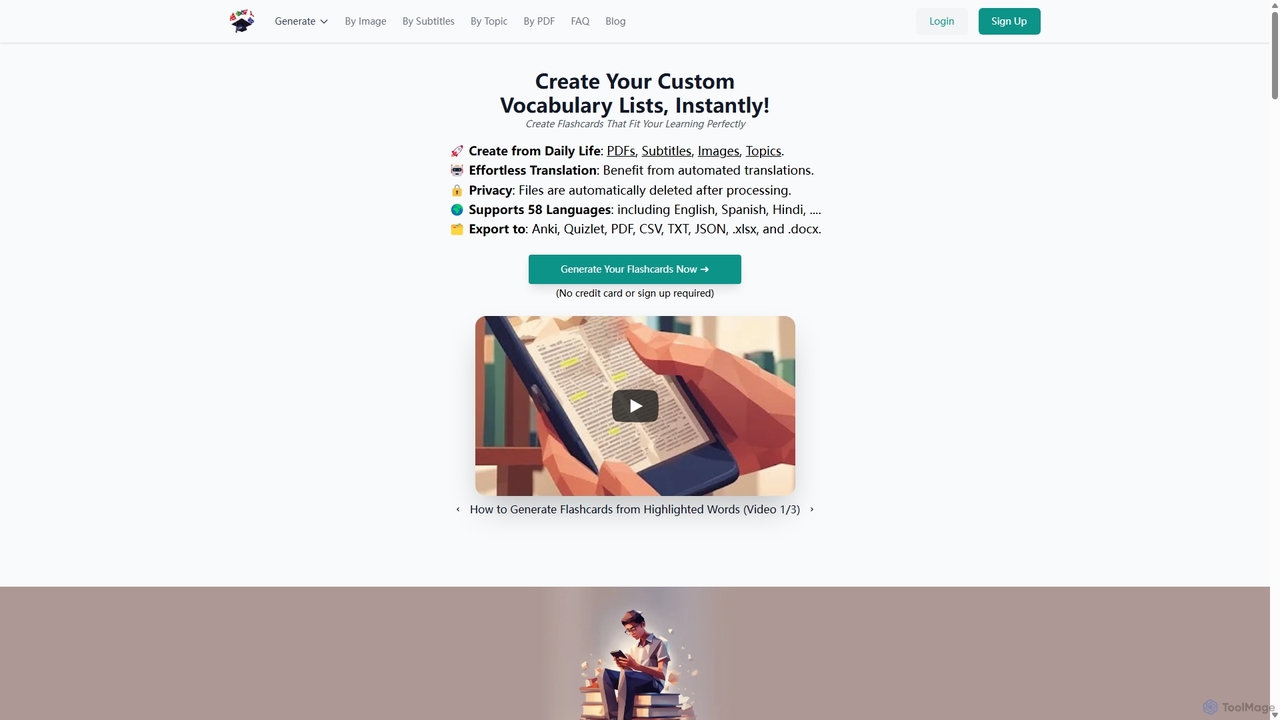
VocabGenerator
VocabGenerator is a powerful AI tool that instantly creates custom vocabulary flashcards. Generate translated flashcards from PDFs, images with highlighted text, subtitle screenshots, or any topic you choose. It supports a vast range of languages and allows for easy export to Anki or printable PDFs, making it an essential resource for language learners, students, and professionals.
Language Learning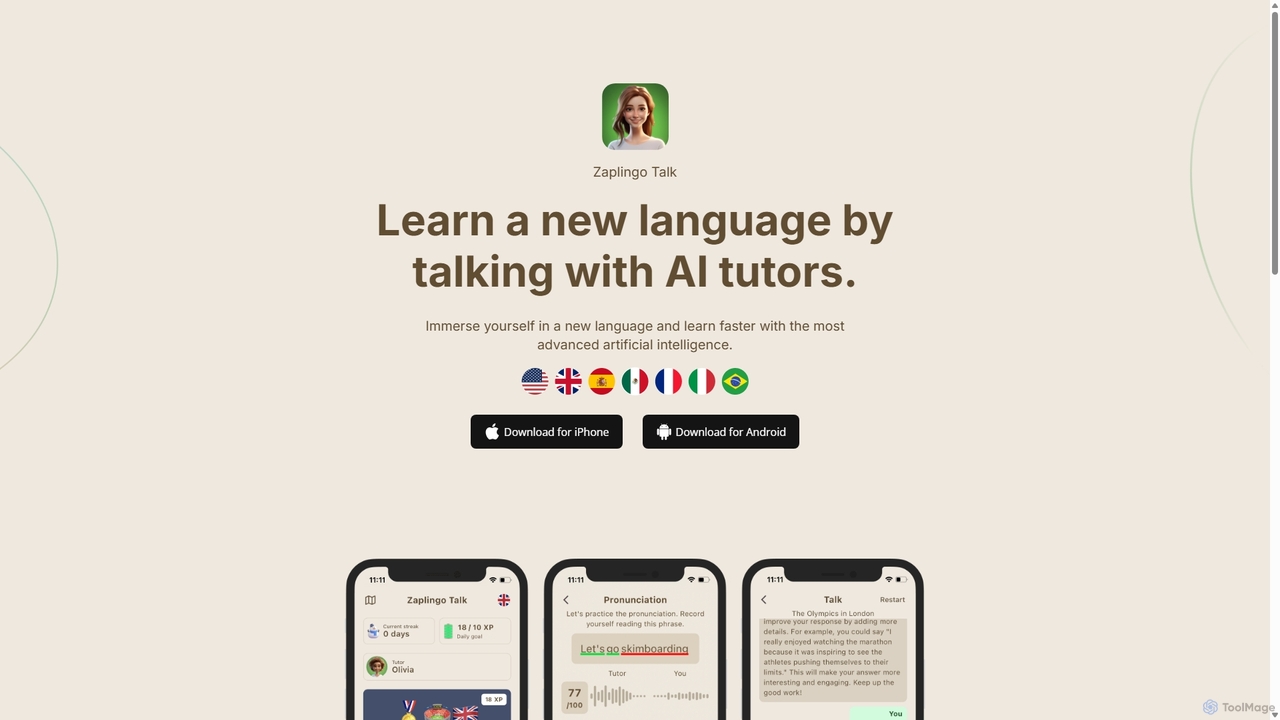
Zaplingo
Zaplingo is an AI-powered language tutor available on WhatsApp and Telegram. It helps you practice speaking and improve fluency through realistic conversations with AI tutors. Get instant feedback on pronunciation and grammar in a stress-free environment, supporting languages like English, Spanish, French, and Italian.
Ai Assistants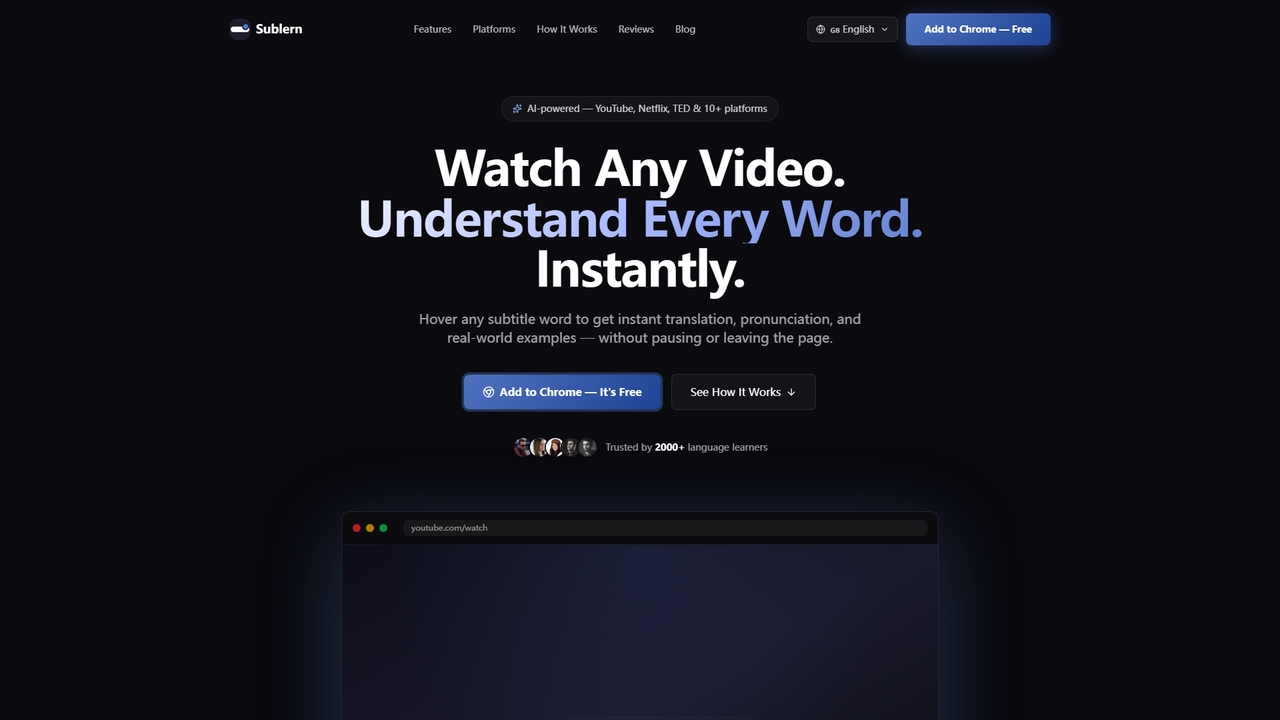
Sublern
A free Chrome extension that provides instant word translation, pronunciation, and examples by hovering over any subtitle word while watching videos on platforms like YouTube and Netflix.
Language Learning
NewWord
NewWord is an AI-powered multilingual vocabulary notebook for iOS, designed for language learners. It supports over 40 languages, allowing users to build personal dictionaries effortlessly. Key features include AI-driven definitions, native speaker pronunciation, multiple simultaneous translations, and various import methods like photo scanning and text sharing. It's an ideal tool for students, professionals, and anyone looking to efficiently expand their vocabulary and master new languages.
Language Learning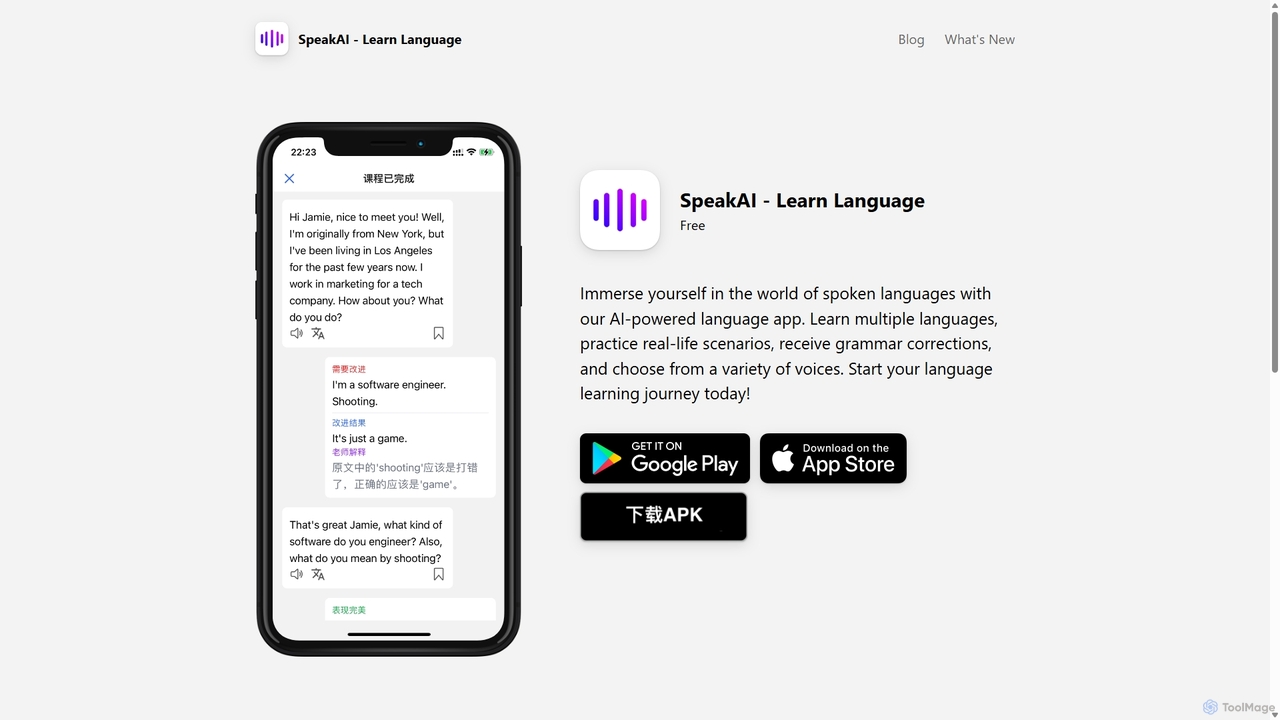
SpeakAI
SpeakAI is an AI-powered language learning app designed to improve your conversational skills. Powered by OpenAI, it offers an immersive experience with an AI tutor, real-life scenario courses, and real-time dialogue practice. Receive instant grammar corrections, choose from over 100 voices, and learn languages like Spanish, French, Chinese, and more. It's a personalized, interactive way to achieve fluency anytime, anywhere.
Language Learning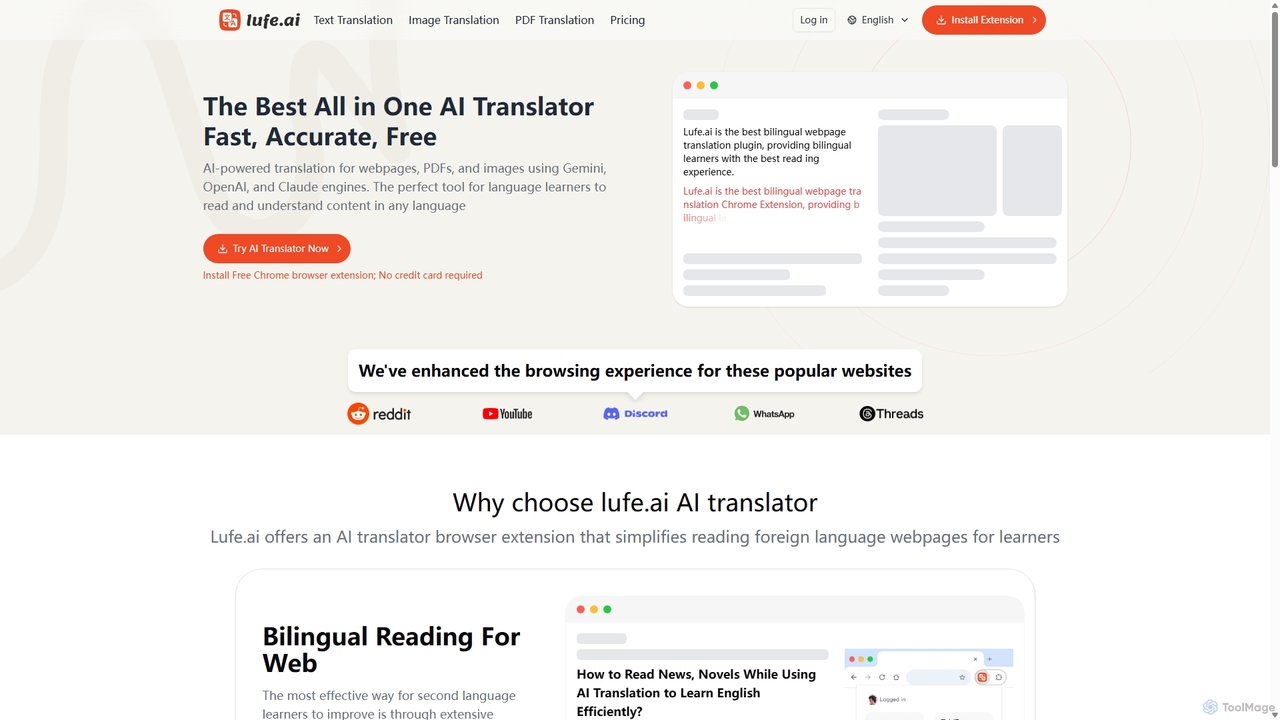
Lufe
Lufe is an all-in-one AI translator powered by Gemini, ChatGPT, and Claude. It offers fast, accurate translation for webpages, PDFs, and images as a Chrome extension and web tool. Its standout feature is the bilingual, side-by-side reading mode, making it an ideal tool for language learners and professionals to understand foreign content with ease and precision.
Chrome Extensions
Wordcam Comments (0)
Sign in to comment.
Sign inNo comments yet.