


NewWord Overview
NewWord is an innovative iOS application that redefines vocabulary learning by transforming your device into a smart, multilingual notebook powered by advanced AI. Designed for language enthusiasts, students, and professionals, NewWord helps you build, manage, and master vocabulary across more than 40 languages. It's not just a digital flashcard app; it's an interactive learning partner that streamlines the process of language acquisition, making it more efficient and engaging.
How to use NewWord
Getting started with NewWord is simple and intuitive. Follow these steps to begin your enhanced language learning journey:
- Download the App: Find and install NewWord from the Apple App Store on your iOS device.
- Add Words Effortlessly: NewWord offers multiple convenient methods to add new vocabulary to your personal dictionary.
- iOS Share: While browsing or reading on your device, simply highlight any text and use the built-in iOS Share feature to send it directly to NewWord.
- Photo Import (OCR): Take a picture of a textbook, a sign, or a menu. NewWord's powerful OCR technology will detect and recognize the words, allowing you to add them with a single tap.
- Manual Entry: For ultimate flexibility, you can always add words by copying and pasting or typing them in manually.
- Leverage AI Enhancements: Once a word is added, NewWord's AI gets to work. It automatically detects the word's language, provides a clear and concise definition, offers relevant example sentences for context, and provides native speaker pronunciation to perfect your accent.
- Use Multi-Language Translation: If you're learning more than one language, you can configure secondary languages to see translations simultaneously, doubling your learning efficiency.
- Review and Master: Regularly use the app to review your personalized vocabulary lists. Practice with the provided tools to solidify your knowledge and track your progress.
- Synchronize Your Data: With a Pro subscription, your vocabulary notebook is securely backed up and synchronized across all your Apple devices via the cloud, ensuring you can learn anytime, anywhere.
Core Features of NewWord
- AI-Powered Definitions: Go beyond simple translations with context-rich definitions, insightful example sentences, and phonetic transcriptions generated by AI.
- Extensive Multilingual Support: Add, define, and manage words in over 40 different languages, with more being continuously added.
- Automatic Language Detection: The app intelligently identifies the language of any word you add, saving you time and effort.
- Simultaneous Translations: Translate a new word into multiple target languages at once, perfect for polyglots and advanced learners.
- Native Speaker Pronunciation: Listen to crystal-clear audio from native speakers to master correct pronunciation and improve your listening skills.
- Versatile Import Options: Seamlessly import words using the iOS share function, photo and image recognition (OCR), or traditional copy-paste.
- Cloud Synchronization: Keep your vocabulary notebook updated and accessible across your iPhone, iPad, and other Apple devices (Pro feature).
- Customization: Personalize your learning environment with a variety of app icons and themes to suit your style (Pro feature).
Use Cases for NewWord
NewWord is a versatile tool suitable for a wide range of users:
- Students: Language students can quickly build comprehensive vocabulary lists from textbooks, online articles, and lecture notes to prepare for exams.
- Travelers: While abroad, travelers can use the photo import feature to instantly capture and understand new words from signs, menus, and local documents.
- Professionals and Freelancers: Individuals working in international environments can learn industry-specific terminology to enhance communication and career opportunities.
- Language Teachers: Educators can recommend NewWord to their students as an engaging and effective supplementary tool for vocabulary building.
- Polyglots and Hobbyists: Language enthusiasts learning multiple languages can manage all their vocabularies in one centralized, efficient, and powerful application.
Advantages of NewWord
NewWord stands out with its powerful combination of technology and user-centric design:
- Efficiency: AI-driven features and multiple import methods drastically reduce the time and effort required for vocabulary acquisition compared to traditional methods.
- Effectiveness: The multi-faceted learning approach—combining definitions, examples, and audio pronunciation—creates a more holistic and memorable learning experience.
- Accessibility: The ability to capture words from any source, whether digital text or physical print, makes learning incredibly convenient and accessible.
- Flexibility: With support for a vast number of languages, the app caters to a diverse, global user base with varying learning goals.
- User-Friendly Interface: A clean, simple, and intuitive design ensures that users can focus on learning without any distractions.
Pricing and Plans
NewWord offers a simple and transparent pricing structure with a free version to get started.
- Free Version: Basic features with certain limitations, ideal for casual users.
- Pro Monthly: $2.99/month. This plan includes a 3-day free trial and can be canceled anytime.
- Pro Lifetime: $24.99 for a one-time purchase, granting permanent access to all Pro features.
All Pro plans unlock: Cloud data synchronization, unlimited AI word definitions, unlimited word imports, customizable icons and themes, and access to all upcoming features and updates.
NewWord Alternatives
Duolingo Ninja
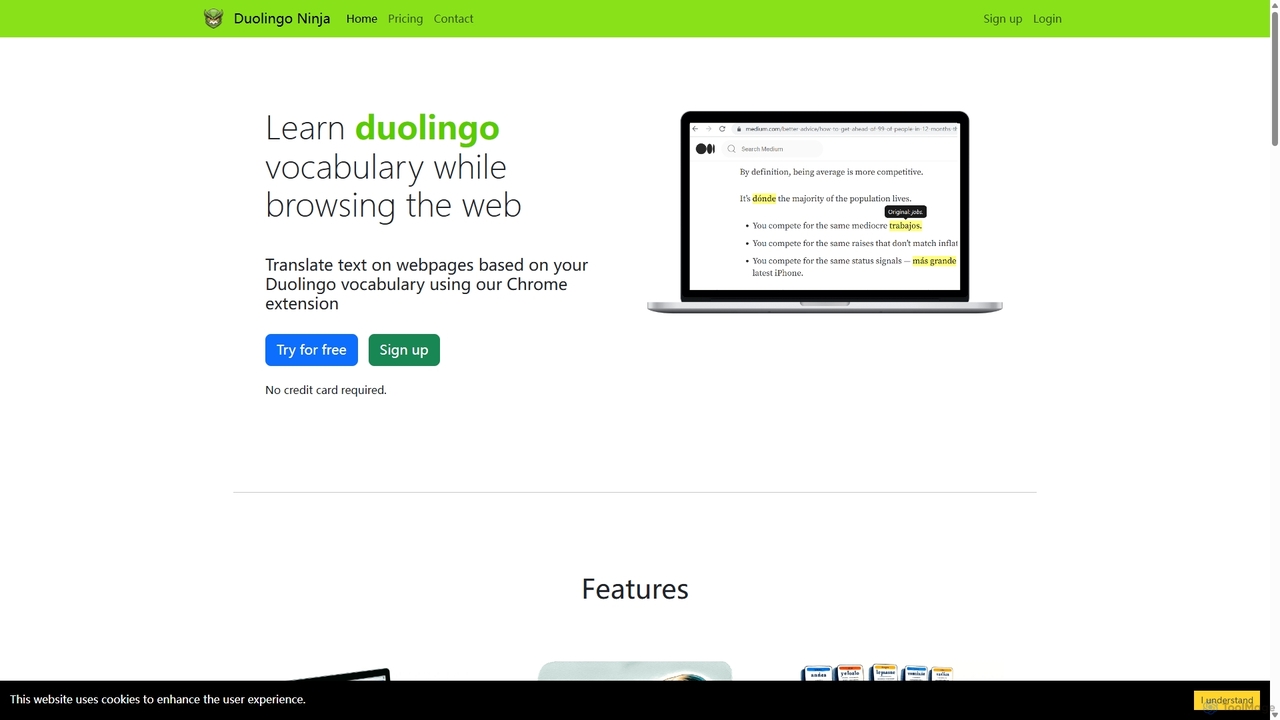
Duolingo Ninja is a Chrome extension designed for immersive language learning. It enhances your Duolingo experience by translating words and sentences on any webpage you browse, based on the vocabulary you've already learned. This allows you to encounter and learn words in real-world contexts, supplemented by features like spaced repetition flashcards with AI-generated sample sentences and customizable learning settings.
Language Learning
Youdao Translate
Youdao Translate is a powerful AI-driven translation service offering high-quality, instant translations for text, documents, and webpages. It supports over 100 languages and leverages advanced neural machine translation technology to provide accurate, context-aware results for personal, academic, and professional use.
Document Management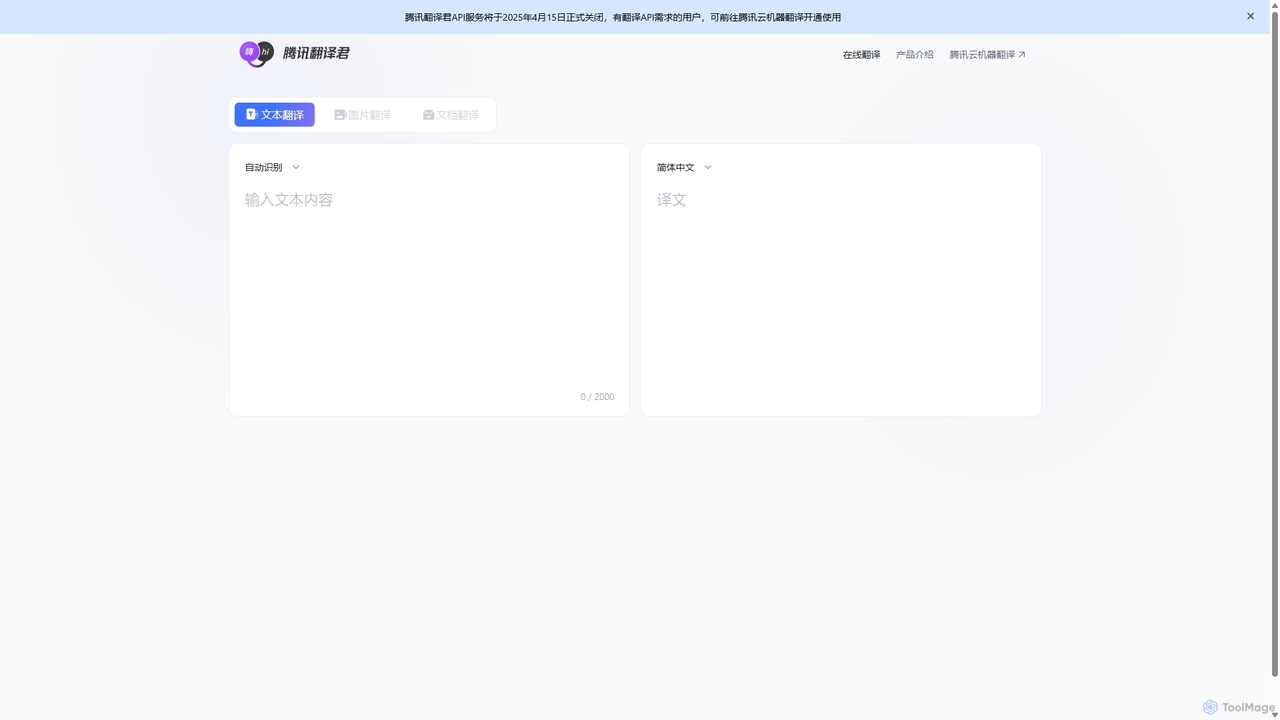
Tencent Fanyi Jun
Tencent Fanyi Jun is a comprehensive AI-powered translation service developed by Tencent. It offers high-quality translation across multiple formats, including text, speech, images, and documents. Leveraging advanced neural machine translation technology, it supports numerous languages and is designed to break down communication barriers for individuals and businesses in various scenarios like travel, business, and education.
Communication
VocabGenerator
VocabGenerator is a powerful AI tool that instantly creates custom vocabulary flashcards. Generate translated flashcards from PDFs, images with highlighted text, subtitle screenshots, or any topic you choose. It supports a vast range of languages and allows for easy export to Anki or printable PDFs, making it an essential resource for language learners, students, and professionals.
Language Learning
Atomic Learning
Atomic Learning is an AI-powered language learning platform that helps you master new languages through daily, bite-sized listening challenges. It uses a micro-learning approach to make language acquisition easy, engaging, and effective, fitting perfectly into any busy schedule.
ListeningNewWord Categories
NewWord Jobs
NewWord Embed Widget
Copy this embed code to place the badge on your blog, article, or product site and send readers directly to this ToolMage detail page.

Related AI tools
Duolingo Ninja
Duolingo Ninja is a Chrome extension designed for immersive language learning. It enhances your Duolingo experience by translating words and sentences on any webpage you browse, based on the vocabulary you've already learned. This allows you to encounter and learn words in real-world contexts, supplemented by features like spaced repetition flashcards with AI-generated sample sentences and customizable learning settings.
Language Learning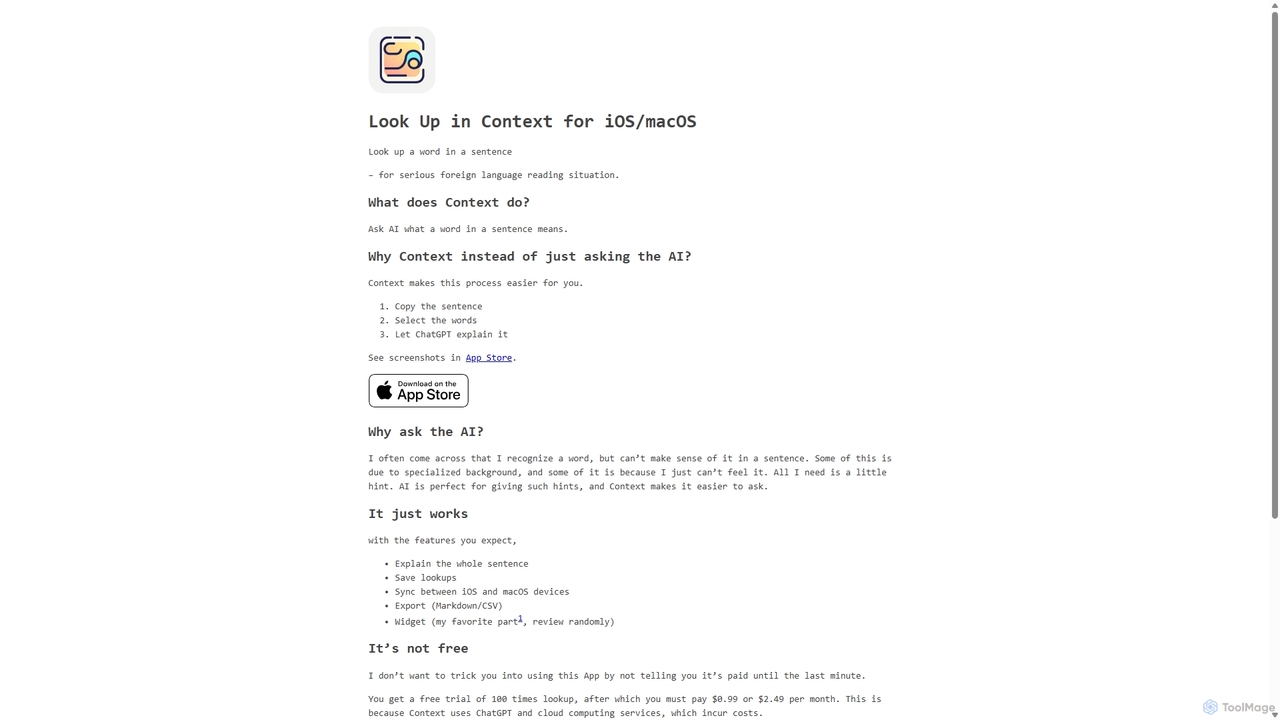
Context
Context is an AI-powered app for iOS and macOS designed for serious language learners. It goes beyond traditional dictionaries by explaining what a word means within a specific sentence, helping you grasp nuances, idioms, and specialized terminology for deeper reading comprehension.
Language LearningYoudao Translate
Youdao Translate is a powerful AI-driven translation service offering high-quality, instant translations for text, documents, and webpages. It supports over 100 languages and leverages advanced neural machine translation technology to provide accurate, context-aware results for personal, academic, and professional use.
Document ManagementTencent Fanyi Jun
Tencent Fanyi Jun is a comprehensive AI-powered translation service developed by Tencent. It offers high-quality translation across multiple formats, including text, speech, images, and documents. Leveraging advanced neural machine translation technology, it supports numerous languages and is designed to break down communication barriers for individuals and businesses in various scenarios like travel, business, and education.
CommunicationVocabGenerator
VocabGenerator is a powerful AI tool that instantly creates custom vocabulary flashcards. Generate translated flashcards from PDFs, images with highlighted text, subtitle screenshots, or any topic you choose. It supports a vast range of languages and allows for easy export to Anki or printable PDFs, making it an essential resource for language learners, students, and professionals.
Language LearningAtomic Learning
Atomic Learning is an AI-powered language learning platform that helps you master new languages through daily, bite-sized listening challenges. It uses a micro-learning approach to make language acquisition easy, engaging, and effective, fitting perfectly into any busy schedule.
Listening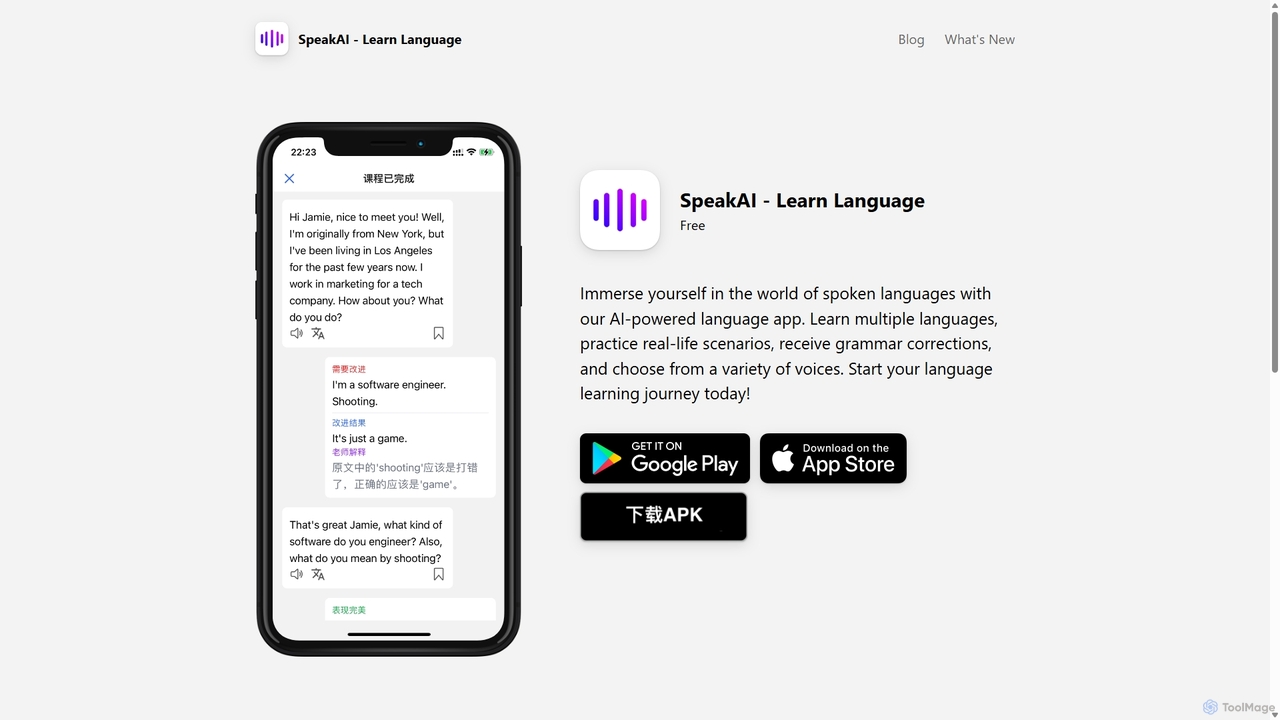
SpeakAI
SpeakAI is an AI-powered language learning app designed to improve your conversational skills. Powered by OpenAI, it offers an immersive experience with an AI tutor, real-life scenario courses, and real-time dialogue practice. Receive instant grammar corrections, choose from over 100 voices, and learn languages like Spanish, French, Chinese, and more. It's a personalized, interactive way to achieve fluency anytime, anywhere.
Language Learning
Baidu Translate
Baidu Translate is a comprehensive AI-powered translation platform offering multi-modal services including text, document, image, and video translation. Leveraging Baidu's leading neural machine translation technology, it provides high-quality, context-aware translations for individuals, students, professionals, and enterprises.
Document Management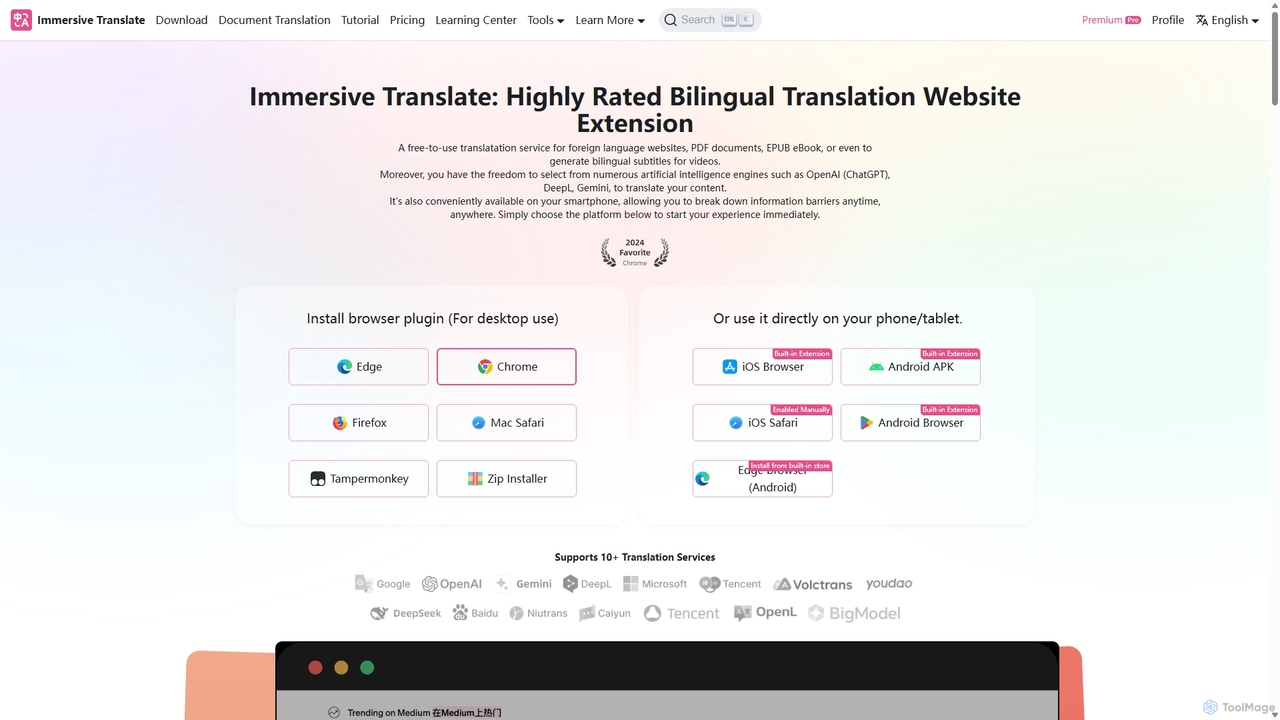
Immersive Translate
A powerful browser extension for immersive, bilingual translation of webpages, PDFs, videos, and more. It supports over 10 AI engines like DeepL and OpenAI, offering a side-by-side reading experience to break down language barriers for learning, work, and entertainment.
Utilities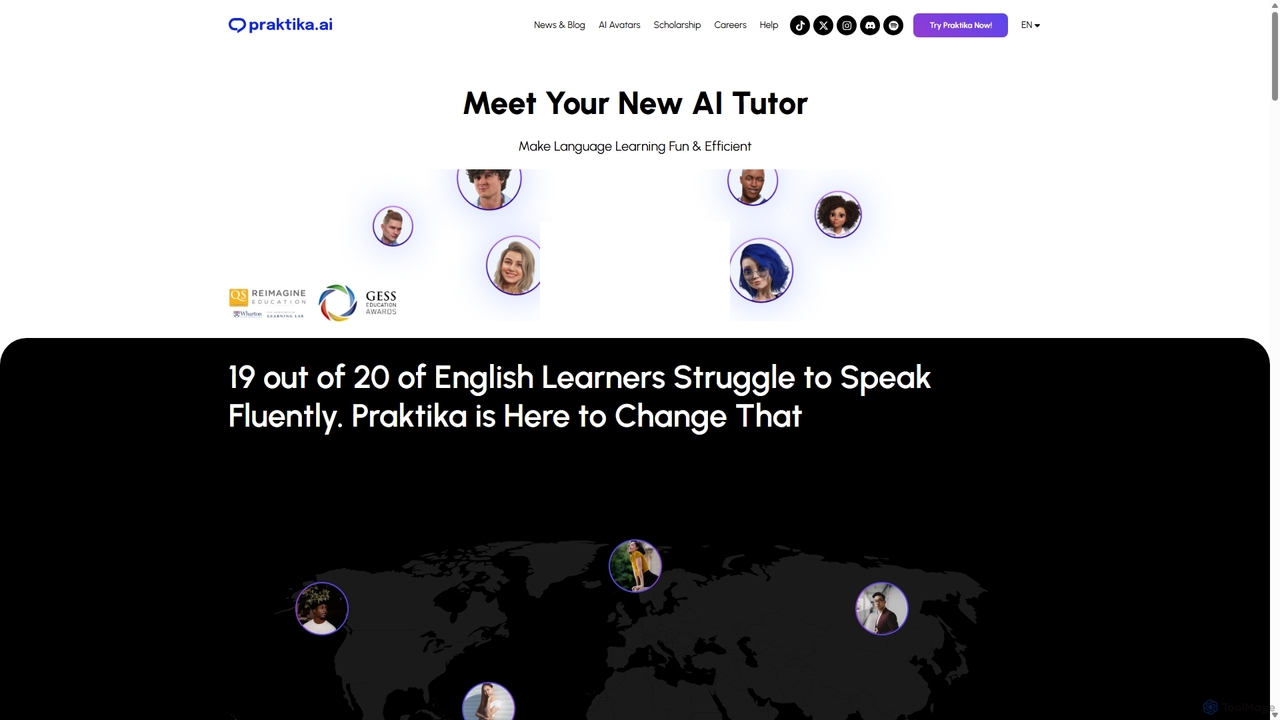
Praktika
Praktika is an AI-powered language learning app that helps you master English and other languages through conversation with ultra-realistic AI avatars. It offers personalized lessons, real-time feedback, and a pressure-free environment to improve fluency, pronunciation, and confidence 24/7.
Language Learning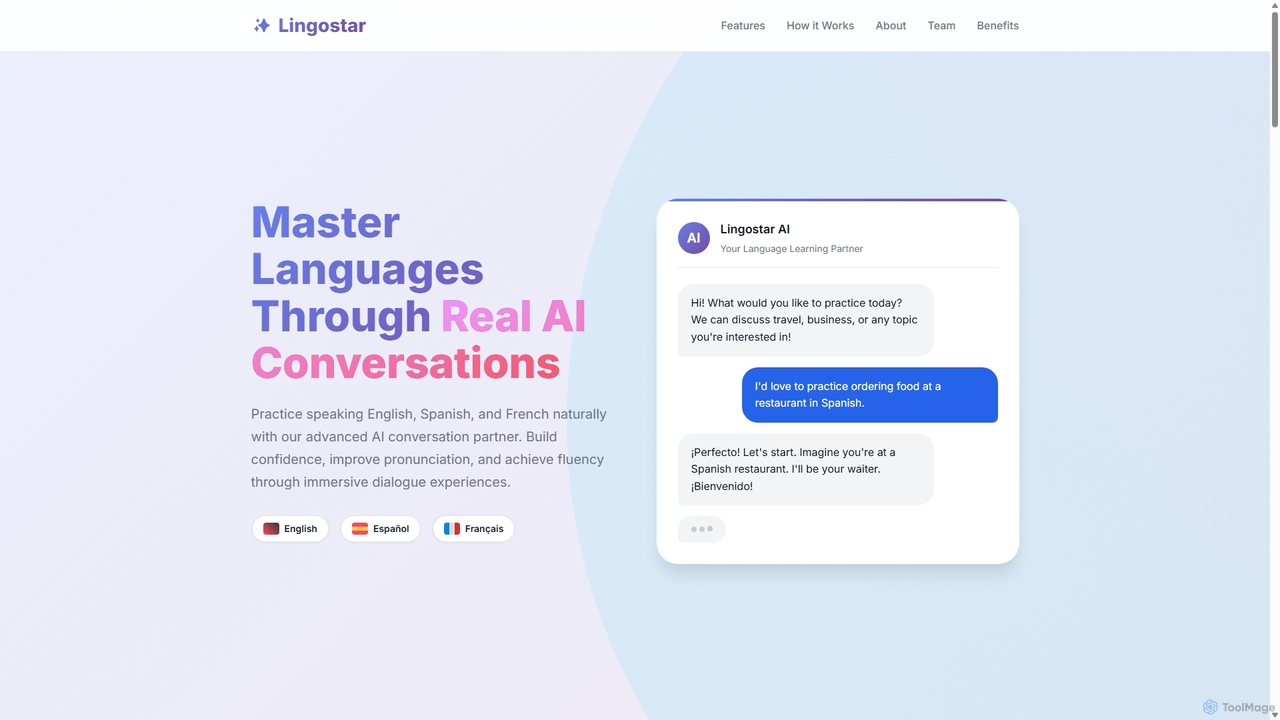
Lingostar
Lingostar is an AI-powered language learning platform designed to help users achieve fluency through realistic conversation practice. It offers personalized, real-time feedback on pronunciation, grammar, and vocabulary. With features like role-playing scenarios, adaptive learning paths, and intelligent vocabulary building, Lingostar provides an immersive and effective way to master a new language for travel, work, or personal growth.
Ai Tutor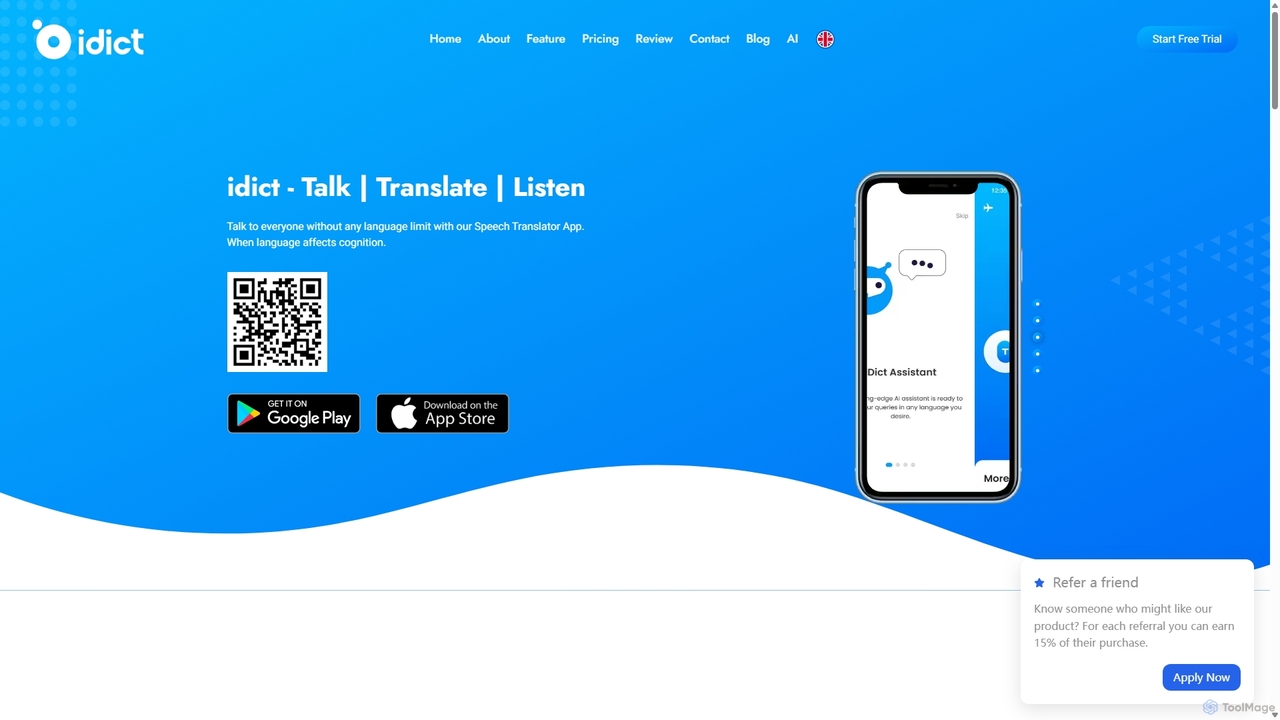
Idict
Idict is an AI-powered voice cloning translation app that allows you to speak in any language using your own voice. It offers real-time translation, an AI assistant, and a comprehensive phrase guide, making it perfect for travelers, professionals, and content creators to communicate naturally across language barriers.
Voice Tools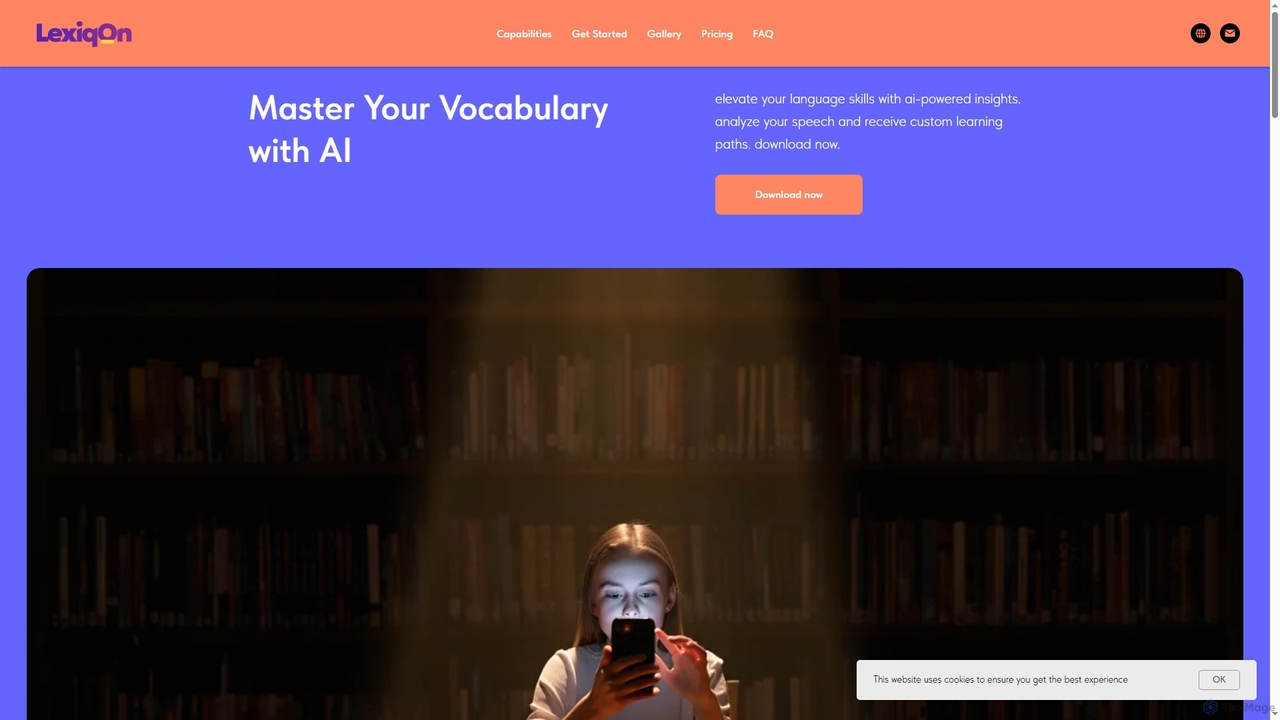
Lexiqon
Lexiqon is an AI-powered vocabulary app for iPhone designed to enhance your language skills. It offers real-time speech analysis, scientifically accurate vocabulary assessment, and personalized learning paths with gamified progress tracking to make learning effective and engaging.
Language Learning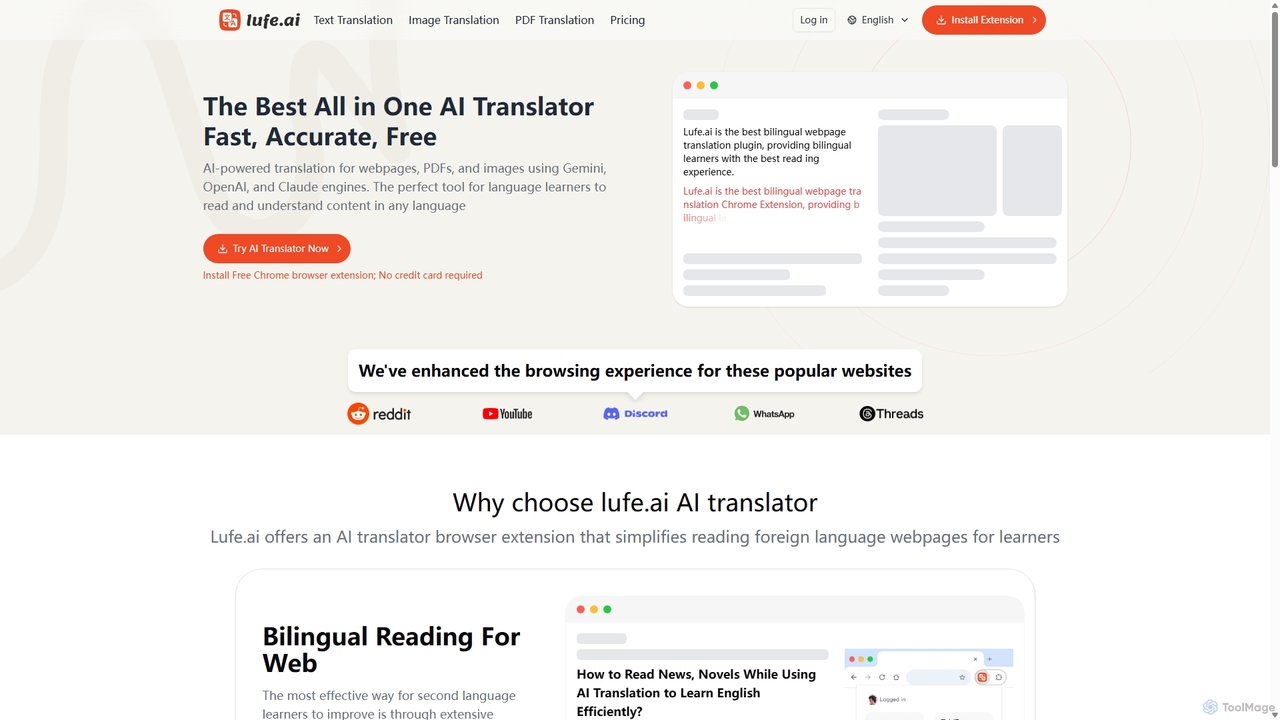
Lufe
Lufe is an all-in-one AI translator powered by Gemini, ChatGPT, and Claude. It offers fast, accurate translation for webpages, PDFs, and images as a Chrome extension and web tool. Its standout feature is the bilingual, side-by-side reading mode, making it an ideal tool for language learners and professionals to understand foreign content with ease and precision.
Chrome Extensions
Volcano Translation
Volcano Translation is a comprehensive AI-powered translation platform by ByteDance. It offers a wide range of services including text, image, voice, and video translation for individuals and enterprises. It provides free online tools, browser extensions, and powerful APIs for seamless cross-language communication and content localization.
Api
NewWord Comments (0)
Sign in to comment.
Sign inNo comments yet.