

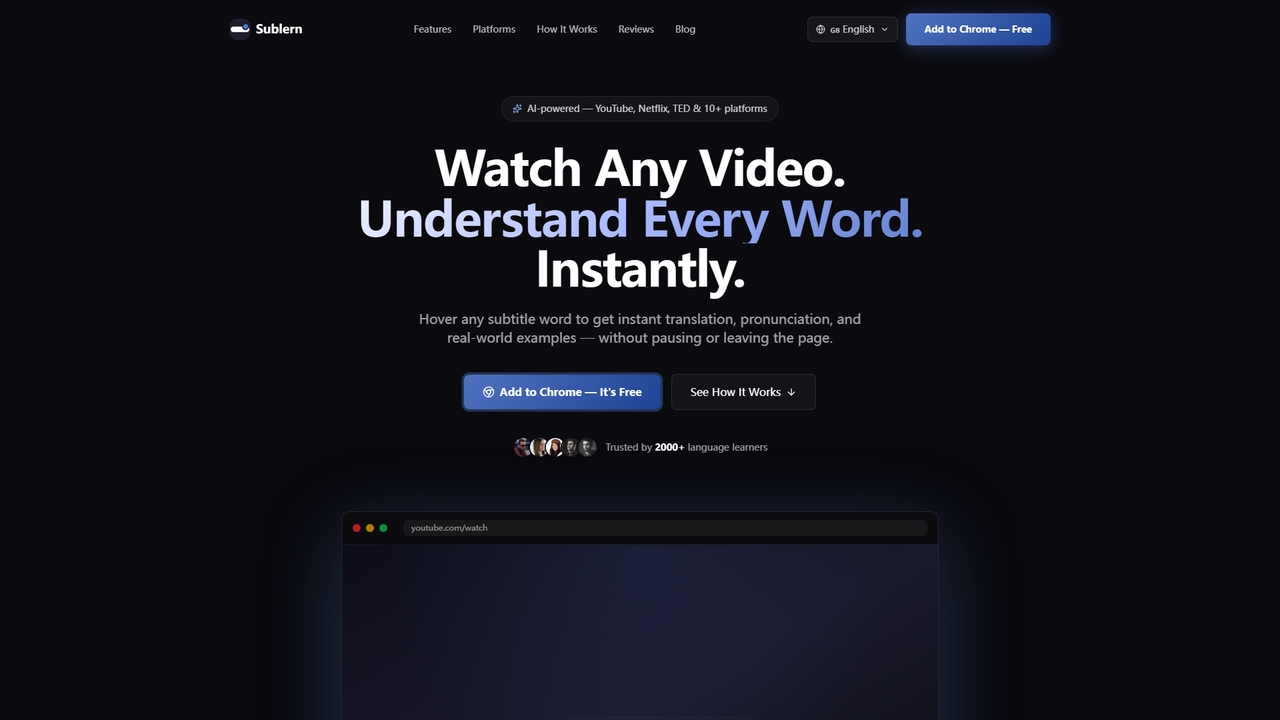
Sublern Overview
Sublern is an AI-powered language learning Chrome extension designed to transform passive video watching into an active learning experience. It seamlessly overlays onto video players from platforms including YouTube, Netflix, TED, and others, allowing users to instantly translate any word in the subtitles without pausing or leaving the page. By simply hovering over a word, learners receive its precise meaning, native pronunciation with text-to-speech, and multiple real-world example sentences, all displayed directly on the video. This tool is trusted by over 2000 users and aims to build fluency through contextual, immersive practice.
How to use Sublern
Using Sublern is a straightforward three-step process. First, install the extension from the Chrome Web Store with a single click; no account or complex setup is required. Second, open any video that has subtitles on a supported platform—the extension activates automatically. Third, hover your cursor over any subtitle word. Instantly, a tooltip appears with its translation, pronunciation, and examples. The video will auto-pause while you read and resume when you move the cursor away.
Core Features of Sublern
- Word-by-Word Translation: Hover any subtitle word to see its exact meaning in your target language.
- Real-World Examples: View 3 example sentences from native content demonstrating practical usage.
- TTS Pronunciation: Hear any word spoken aloud by a native voice with a single click.
- Auto-Pause on Hover: The video pauses automatically when you hover to read the translation and resumes when you move on.
- Full Customization: Adjust font size, tooltip position, colors, background opacity, and the number of examples displayed.
- Personal Dictionary: Save any word to your personal vocabulary list for later review.
- Keyboard Shortcuts: Control subtitles, synonyms, and other functions without using a mouse.
Use Cases for Sublern
Sublern is ideal for language learners at all levels who consume video content. It is perfect for students studying a new language, professionals improving business language skills through talks and lectures, and casual viewers who want to enjoy foreign media without constant interruptions to look up words. It turns any subtitled video into a dynamic vocabulary and comprehension lesson.
Advantages of Sublern
The primary advantage of Sublern is its zero-friction integration into a user's existing video-watching habits. It is completely free with no ads or premium tiers, requires no account, and respects user privacy by processing translations on demand without storing viewing history. The extension is highly customizable, supports over 30 translation languages and 20+ interface languages, and works reliably across numerous video platforms and players, including in fullscreen mode.
Sublern FAQ
Sublern Alternatives
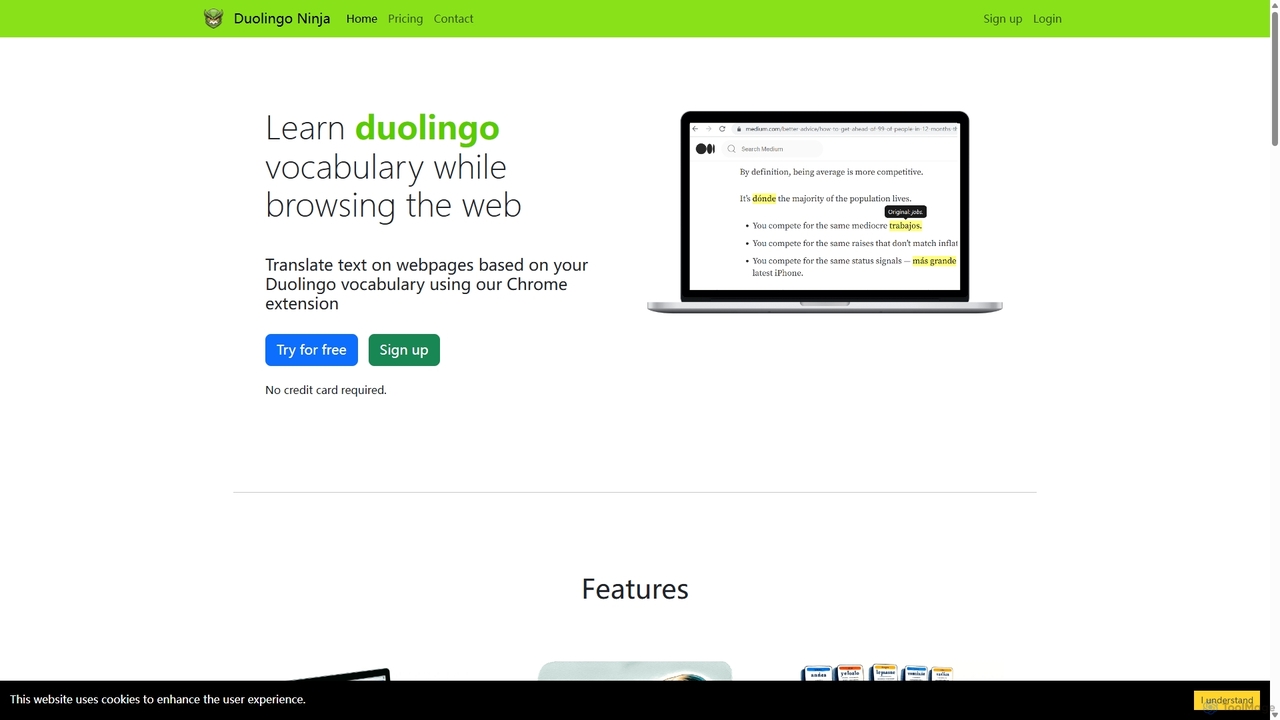
Duolingo Ninja
Duolingo Ninja is a Chrome extension designed for immersive language learning. It enhances your Duolingo experience by translating words and sentences on any webpage you browse, based on the vocabulary you've already learned. This allows you to encounter and learn words in real-world contexts, supplemented by features like spaced repetition flashcards with AI-generated sample sentences and customizable learning settings.
Language Learning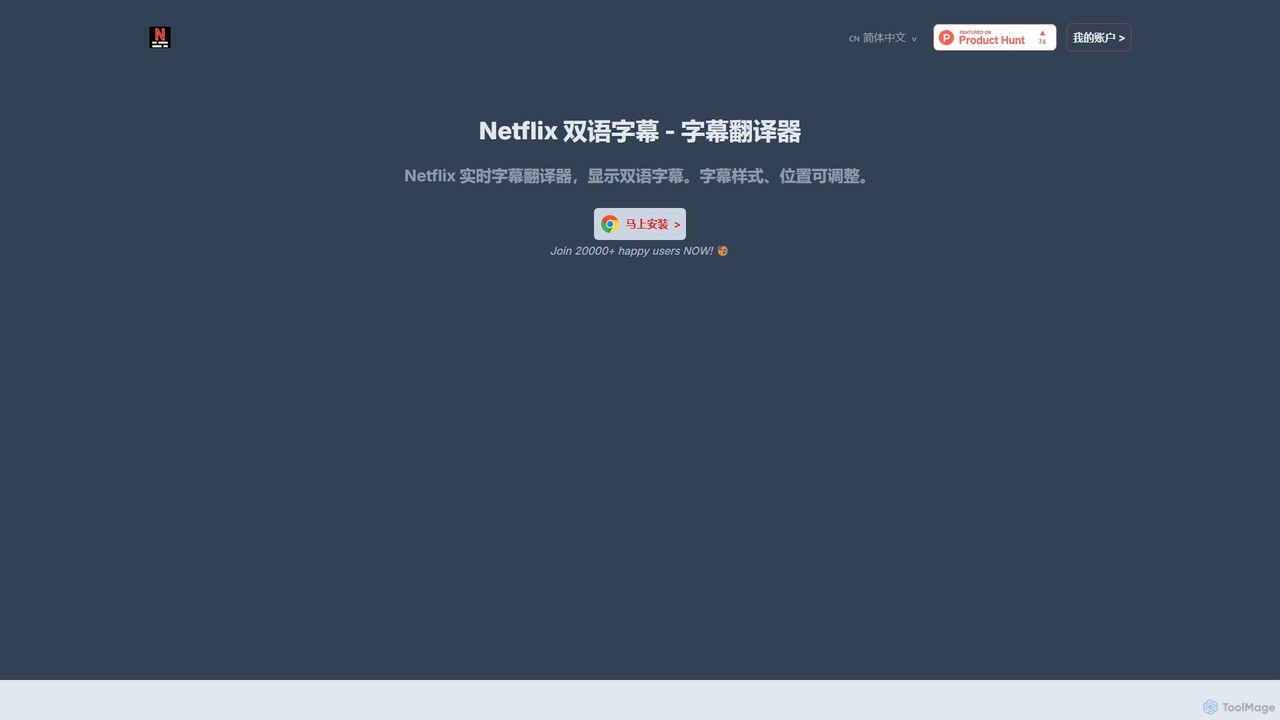
nfdualsubtitles
nfdualsubtitles is a browser extension that enhances your Netflix viewing experience by displaying bilingual subtitles simultaneously. It translates official Netflix subtitles into a wide range of languages, allowing users to learn new languages or better understand foreign films. The extension offers extensive customization for subtitle appearance and position, and allows for one-click subtitle downloads, making it a powerful tool for language learners and cinephiles.
Language Learning
Atomic Learning
Atomic Learning is an AI-powered language learning platform that helps you master new languages through daily, bite-sized listening challenges. It uses a micro-learning approach to make language acquisition easy, engaging, and effective, fitting perfectly into any busy schedule.
Listening
NewWord
NewWord is an AI-powered multilingual vocabulary notebook for iOS, designed for language learners. It supports over 40 languages, allowing users to build personal dictionaries effortlessly. Key features include AI-driven definitions, native speaker pronunciation, multiple simultaneous translations, and various import methods like photo scanning and text sharing. It's an ideal tool for students, professionals, and anyone looking to efficiently expand their vocabulary and master new languages.
Language Learning
Baidu Translate
Baidu Translate is a comprehensive AI-powered translation platform offering multi-modal services including text, document, image, and video translation. Leveraging Baidu's leading neural machine translation technology, it provides high-quality, context-aware translations for individuals, students, professionals, and enterprises.
Document ManagementSublern Categories
Sublern Jobs
Sublern Embed Widget
Copy this embed code to place the badge on your blog, article, or product site and send readers directly to this ToolMage detail page.

Related AI tools
Duolingo Ninja
Duolingo Ninja is a Chrome extension designed for immersive language learning. It enhances your Duolingo experience by translating words and sentences on any webpage you browse, based on the vocabulary you've already learned. This allows you to encounter and learn words in real-world contexts, supplemented by features like spaced repetition flashcards with AI-generated sample sentences and customizable learning settings.
Language LearningAtomic Learning
Atomic Learning is an AI-powered language learning platform that helps you master new languages through daily, bite-sized listening challenges. It uses a micro-learning approach to make language acquisition easy, engaging, and effective, fitting perfectly into any busy schedule.
ListeningNewWord
NewWord is an AI-powered multilingual vocabulary notebook for iOS, designed for language learners. It supports over 40 languages, allowing users to build personal dictionaries effortlessly. Key features include AI-driven definitions, native speaker pronunciation, multiple simultaneous translations, and various import methods like photo scanning and text sharing. It's an ideal tool for students, professionals, and anyone looking to efficiently expand their vocabulary and master new languages.
Language Learning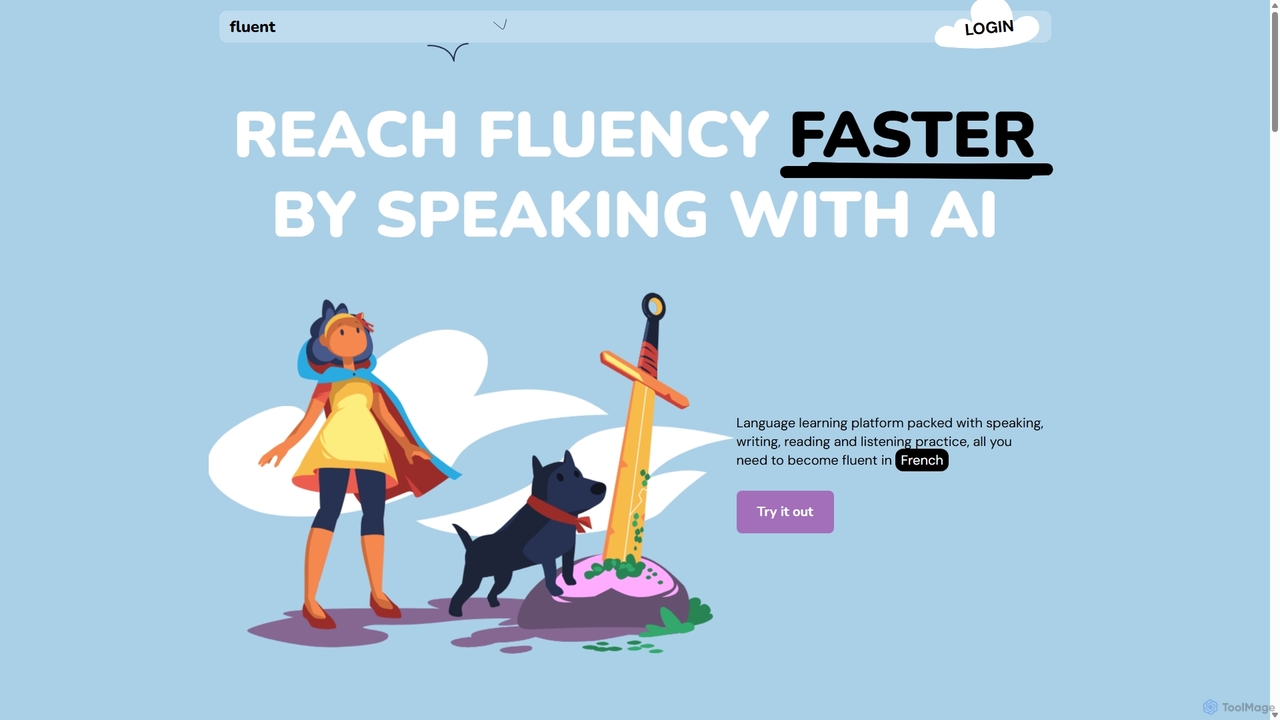
Fluent
Fluent is an AI-powered language learning platform designed to accelerate fluency through immersive practice. It offers interactive speaking exercises with AI tutors, real-time grammar correction, and a vast library of transcribed podcasts and readable content. Practice speaking, listening, reading, and writing in a judgment-free environment.
TutorBaidu Translate
Baidu Translate is a comprehensive AI-powered translation platform offering multi-modal services including text, document, image, and video translation. Leveraging Baidu's leading neural machine translation technology, it provides high-quality, context-aware translations for individuals, students, professionals, and enterprises.
Document Management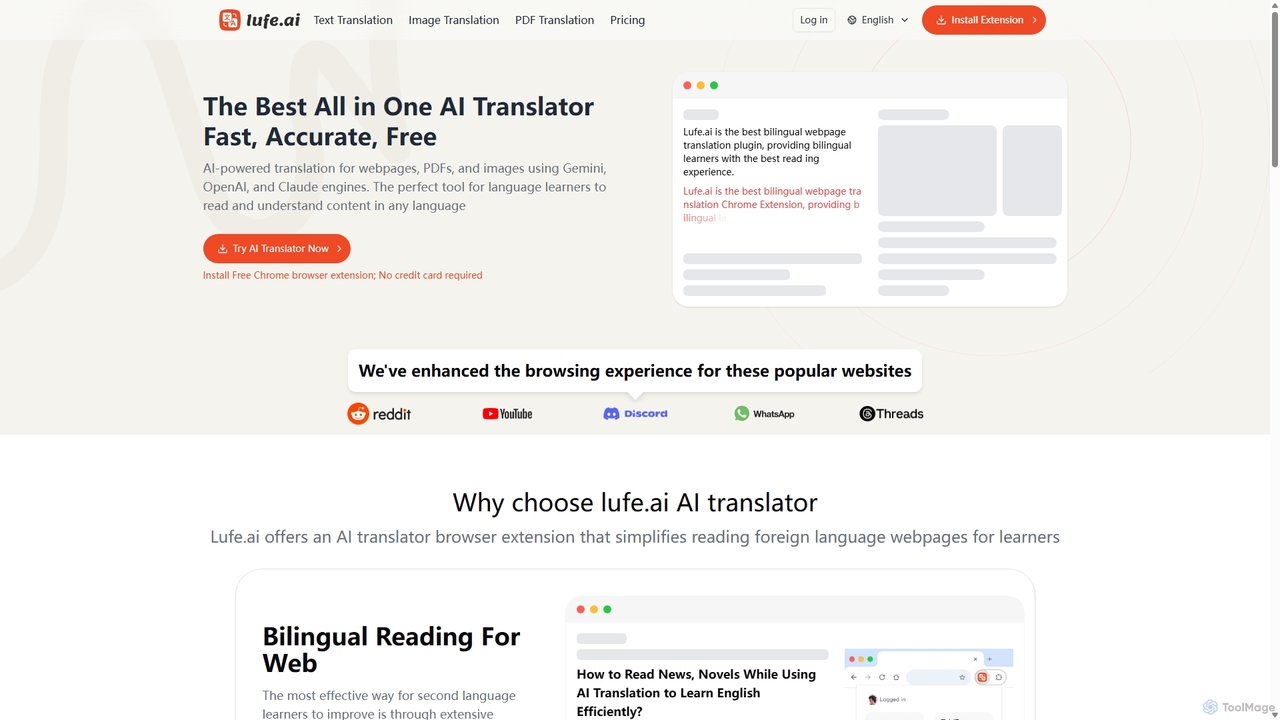
Lufe
Lufe is an all-in-one AI translator powered by Gemini, ChatGPT, and Claude. It offers fast, accurate translation for webpages, PDFs, and images as a Chrome extension and web tool. Its standout feature is the bilingual, side-by-side reading mode, making it an ideal tool for language learners and professionals to understand foreign content with ease and precision.
Chrome Extensions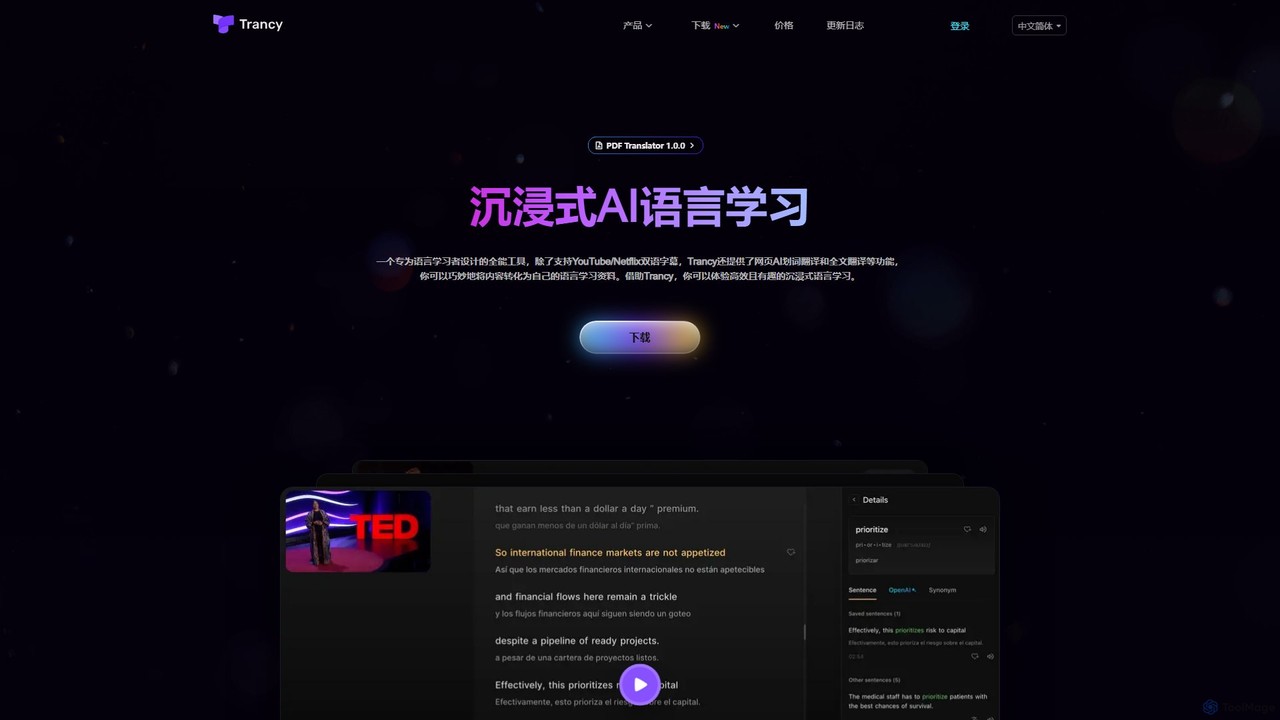
Trancy
Trancy is an AI-powered language learning assistant that turns your daily content consumption into an immersive study session. It provides AI bilingual subtitles for YouTube & Netflix, webpage translation, and advanced tools like AI grammar analysis and a personalized vocabulary builder, supporting over 10 languages.
Language Learning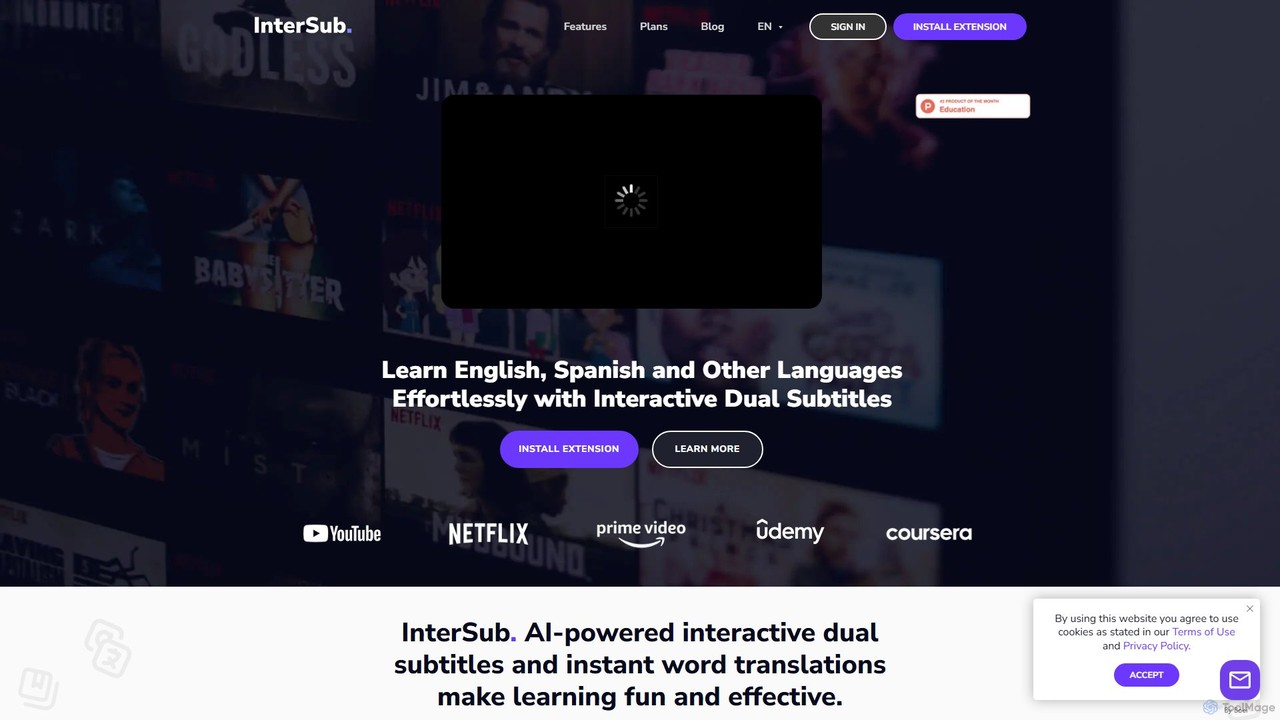
InterSub
InterSub is an AI-powered browser extension that enhances language learning by providing interactive dual subtitles on popular streaming and educational platforms. It offers instant word translations, a personal vocabulary builder, and supports over 30 languages, turning your video-watching time into an effective and immersive learning session.
Language Learning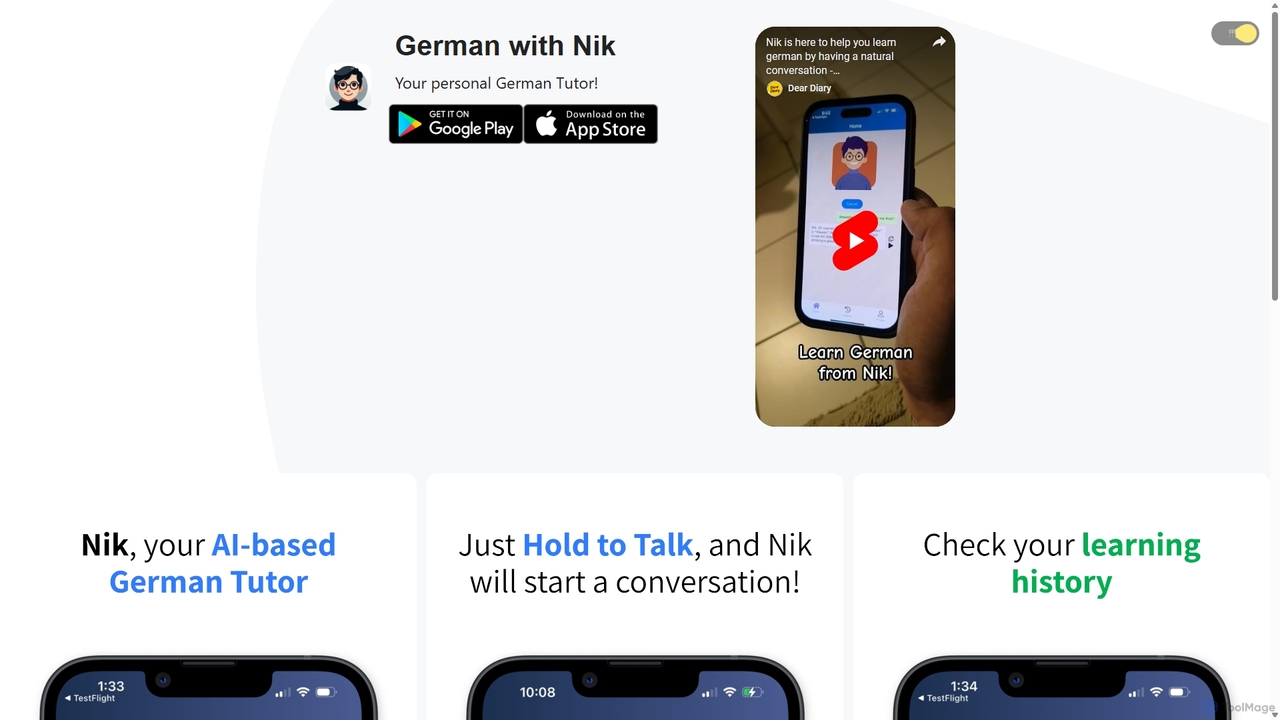
German with Nik
German with Nik is an AI-powered language learning tool designed for practicing conversational German. Engage in realistic dialogues with an AI tutor named Nik, receive instant feedback and corrections, and build fluency in a stress-free, interactive environment. Perfect for learners of all levels.
Tutor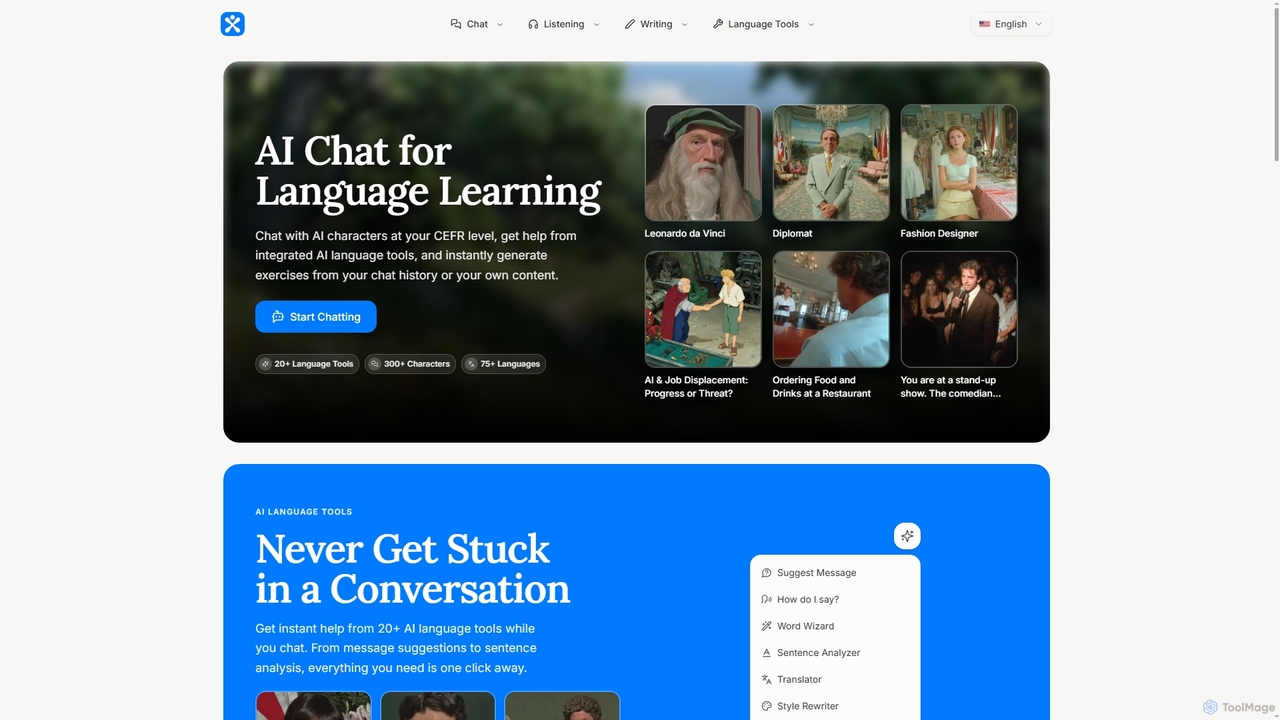
Phrasium
Phrasium is an AI-powered language learning platform that enables users to practice conversations by chatting with over 300 AI characters. It offers integrated language tools for real-time assistance, an exercise generator to create personalized learning materials, and specialized preparation for over 75 languages and various proficiency exams like IELTS and TOEFL.
Language Learning
Volcano Translation
Volcano Translation is a comprehensive AI-powered translation platform by ByteDance. It offers a wide range of services including text, image, voice, and video translation for individuals and enterprises. It provides free online tools, browser extensions, and powerful APIs for seamless cross-language communication and content localization.
Apinfdualsubtitles
nfdualsubtitles is a browser extension that enhances your Netflix viewing experience by displaying bilingual subtitles simultaneously. It translates official Netflix subtitles into a wide range of languages, allowing users to learn new languages or better understand foreign films. The extension offers extensive customization for subtitle appearance and position, and allows for one-click subtitle downloads, making it a powerful tool for language learners and cinephiles.
Language Learning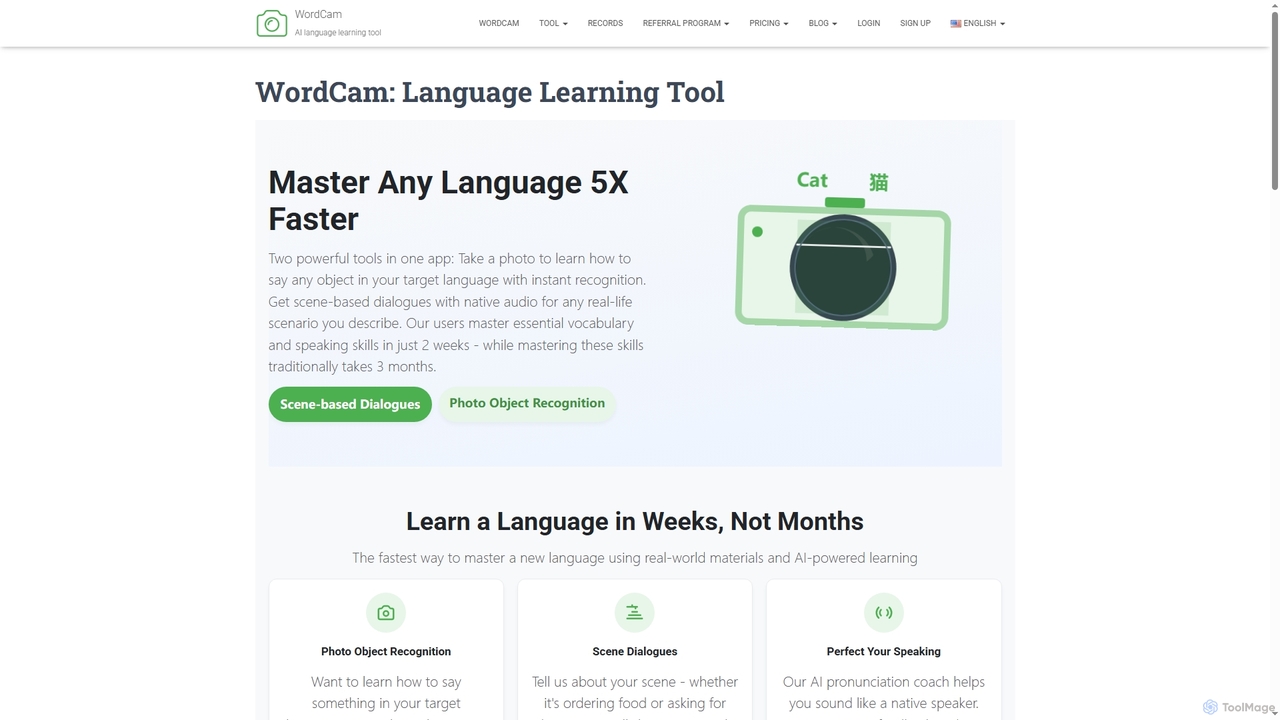
Wordcam
WordCam is an AI-powered language learning tool that accelerates fluency 5x faster. It uses two main features: photo object recognition to instantly identify and name objects in your target language, and a scene dialogue generator to create practical, real-life conversations with native audio.
Language Learning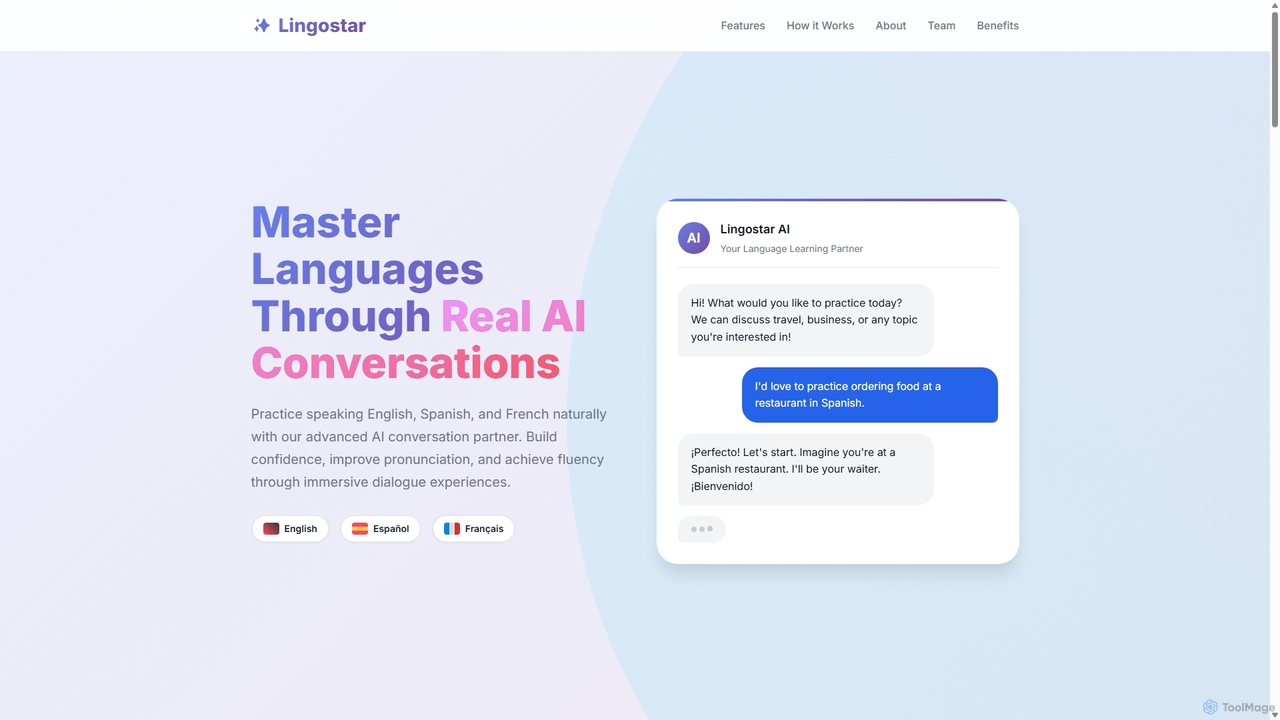
Lingostar
Lingostar is an AI-powered language learning platform designed to help users achieve fluency through realistic conversation practice. It offers personalized, real-time feedback on pronunciation, grammar, and vocabulary. With features like role-playing scenarios, adaptive learning paths, and intelligent vocabulary building, Lingostar provides an immersive and effective way to master a new language for travel, work, or personal growth.
Ai Tutor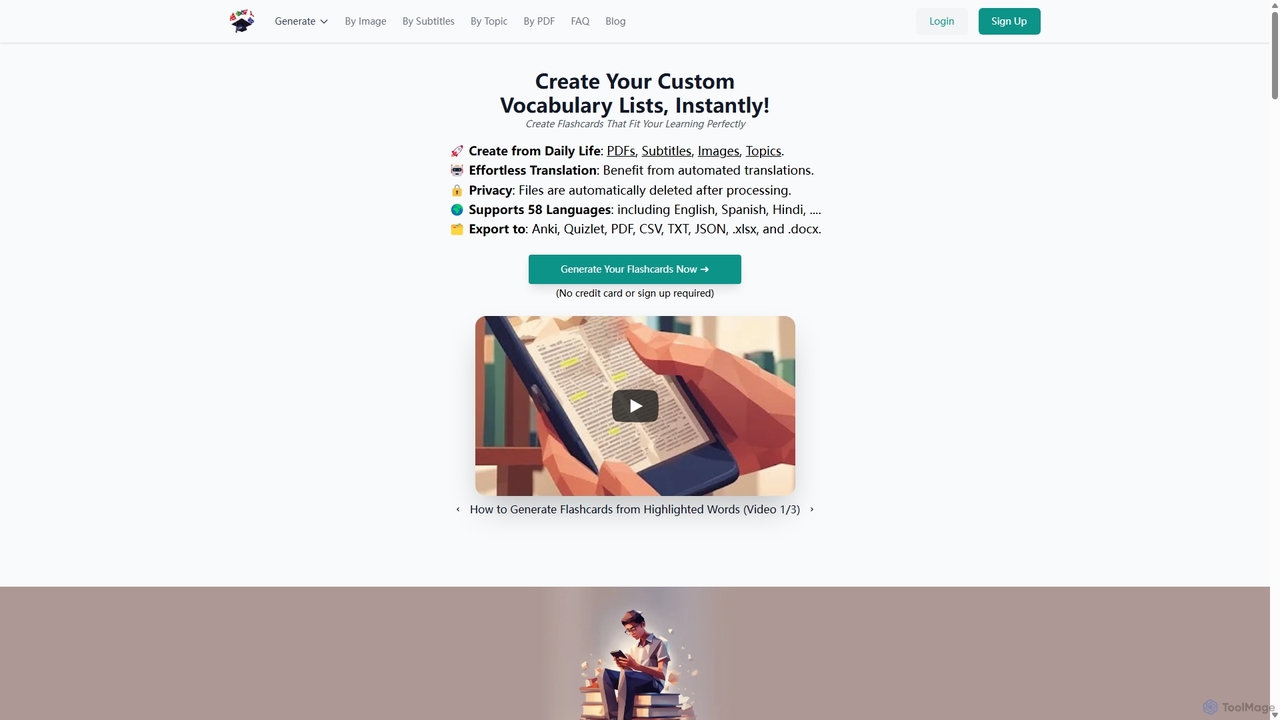
VocabGenerator
VocabGenerator is a powerful AI tool that instantly creates custom vocabulary flashcards. Generate translated flashcards from PDFs, images with highlighted text, subtitle screenshots, or any topic you choose. It supports a vast range of languages and allows for easy export to Anki or printable PDFs, making it an essential resource for language learners, students, and professionals.
Language Learning
Sublern Comments (0)
Sign in to comment.
Sign inNo comments yet.